



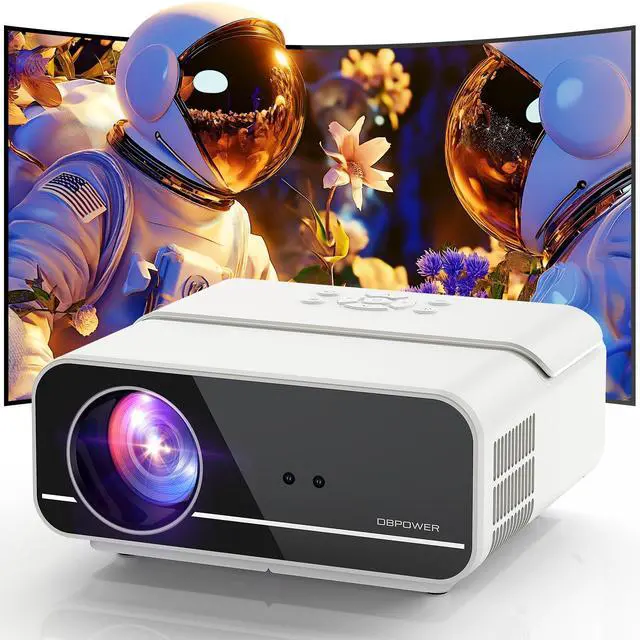


DBPOWER C16 PROJECTOR
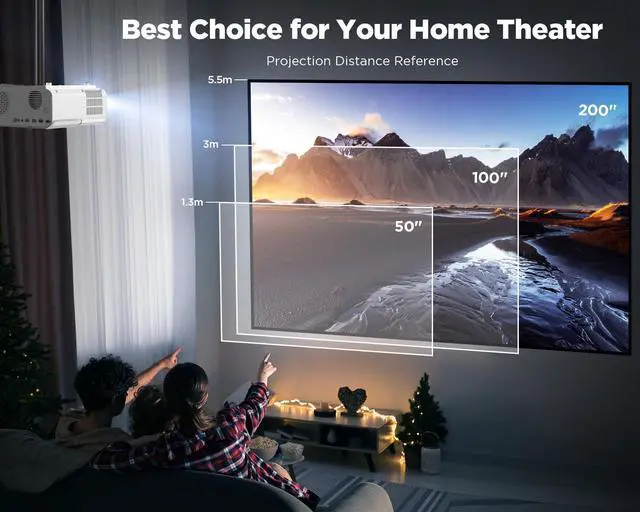
Best Choice for Your Home Theater!
DBPOWER - The Power of Innovation
We make next-level electronic products and devices that have real-world uses for the betterment and enjoyment of consumers all over the world.
Our mission is to improve everyday living for everyone experiencing one of our products. That mission starts in our design process. Our team works tirelessly to ensure that each product not only looks great but functions even better.
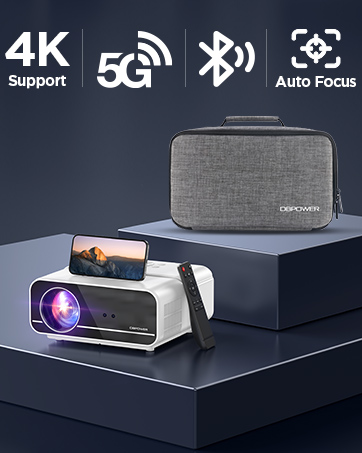
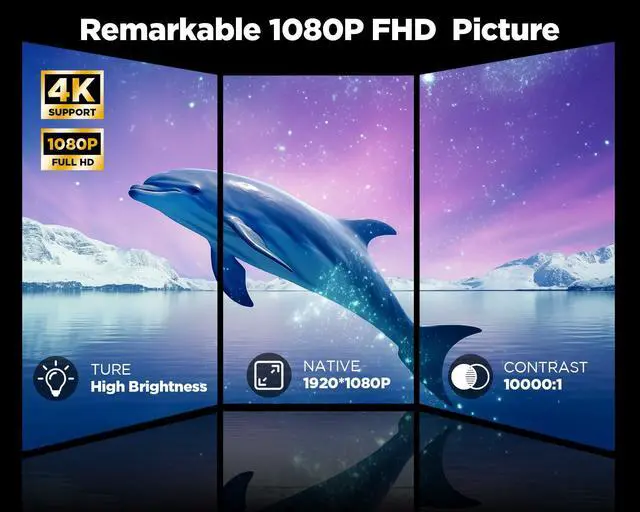
C16 FHD Native 1080P Projector
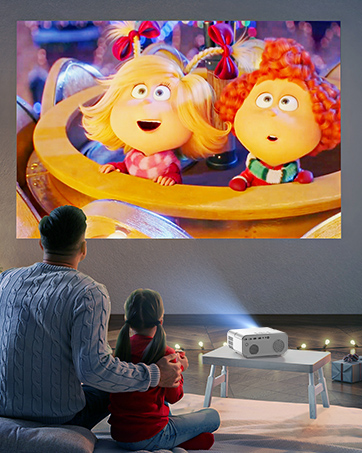
Plesaure Time with Family
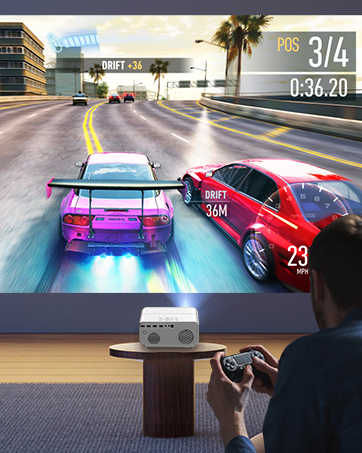
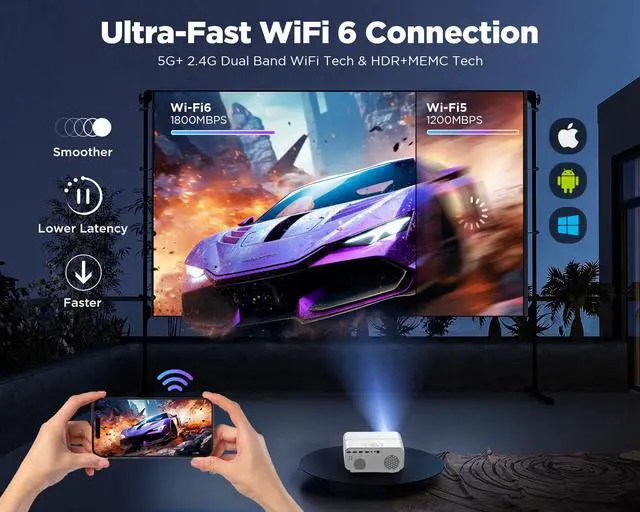
Ultra-fast Gaming Experience
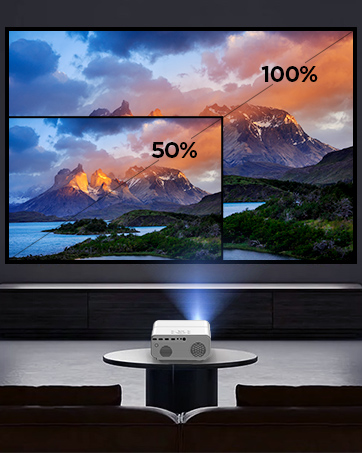
Digital Zoom 50%-100%
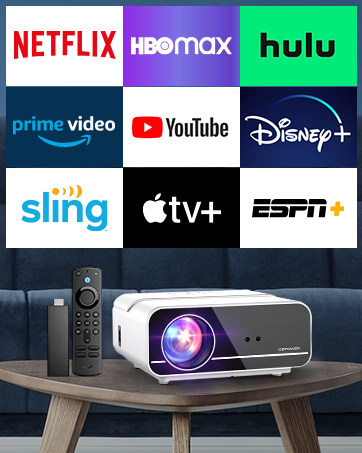
Unlimited Options via TV Stick
TV Stick is Not Included
What makes our products unique?
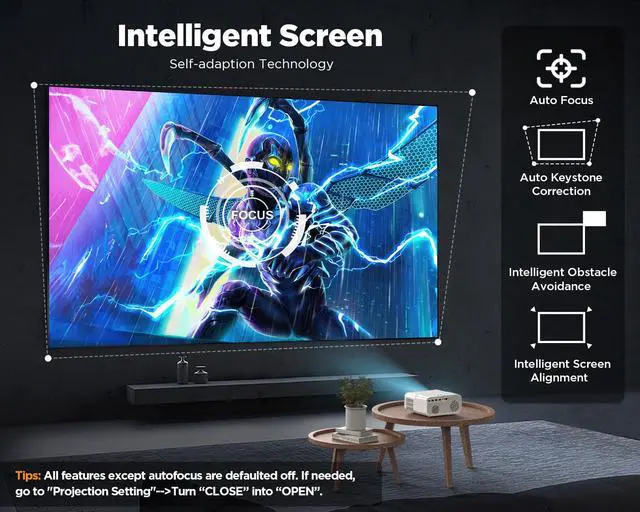
#New Intelligent Screen Self-adaption Technology
1. Auto Focus
Auto Focus keeps your display clear and your viewing experience uninterrupted. This system ensures that whether you are projecting at an oblique angle or bumping the projector accidentally.
2. Auto Keystone Correction
Position the C16 projector directly in front of the wall/screen or at vertical/horizontal +/-40° angles and watch as it automatically adjusts its projected display to the ideal square image.
3. Intelligent Obstacle Avoidance
Automatically scales its display around sockets, picture frames, and plants. (Default off, if needed, go to "Projection Setting"-->Open "Obstacle Avoidance".)
4. Intelligent Screen Alignment
Setup is fast and easy. C16 projector automatically matches its image with your screen in seconds.
Why choose this?
Do you want to get a clear rectangular image within 3 seconds of turning on?
Do you want to play X-box, PS4/5, Switch without lag, and super smooth?
Do you want cinema-like picture ultraquality and an immersive movie-watching experience?
Want a home projector that delivers a cinematic viewing experience?

200” Giant Screen, Native 1080p Projector 4K Support for Home Theater Experience!


Does this 1080p WiFi outdoor projector support 4k?
Yes, it supports Ultra HD 4K Video decoding, only supports H.265 30hz/MP4 format not H.264 format, eliminates the anxiety of video stagnation, and brings you a true visual feast.
Does this home cinema 1080p projector support screen mirroring to ANY smartphone?
It can only support the Mira-cast screen mirror protocol. If you are using a phone (Google Pixel/MOTO/) that supports other protocols (Like Chrome-cast), it will occur in no picture-only audio works situation.
How can play Netflix or videos with this home movie projector?
You can connect this video projector 4k with an TV stick, Chrome cast, and Roku to play Netflix, Prime, and Hulu. (These are not included in our package.)
Why does the auto focus function of the smart projector not work?
1. Make sure and go to "Projection Setting"-> Open "Auto Focus".
2. Check that the lens is not obstructed by foreign objects.
3. Whether there is strong light interference around this.
It can mirroring fine, but when I try to play videos from Prime Video, Disney+, Hulu, etc., they stuck or not play. Why?
Like most projector on the market, Due to copyright issue, some video can't be mirrored from mobile phone. You can use HDMI port to connect computer/laptop to display, or connect with Fire Stick/Roku Stick/Chrome Cast.
Want a home projector that delivers a cinematic viewing experience?

200” Giant Screen, Native 1080p Projector 4K Support for Home Theater Experience!


Say Goodbye to Manual Adjustment, Auto Adjust Image within 3 Seconds, Ultra-fast Setup!

Auto Focus
- Get a clear picture within 3 seconds after starting up! In addition, when the projector detects shaking/rapid movement, it automatically refocuses.
- Of course, you can use the “F+” and “F-” buttons on the remote control to fine-tune the focus for optimal image quality.
Warm Tips: Please note that the maximum projection distance is 18 feet. Focusing will not be possible beyond the projection distance range.
Auto Keystone Correction
- Get a perfect rectangular picture within 3 seconds after starting up! In addition, when the projector detects shaking or rapid movement, it triggers auto 6D keystone correction to ensure that the image is always perfect.
- Default off, if needed, go to "Projection Setting"-->Open "Automatic Trapezoid".
- You can also utilize the 4-point keystone correction to manually correct the image shape.
Warm Tips: The maximum vertical and horizontal tilt angle supported by this product is ±35° .
Intelligent Obstacle Avoidance
- Automatically scales its display around sockets, picture frames, and plants.
- Default off, if needed, go to "Projection Setting"-->Open "Obstacle Avoidance".
Warm Tips: Please note that this feature may not recognize white or clear tape as an obstacle. And it doesn't recognize people who pass by briefly.
Intelligent Screen Alignment
- Setup is fast and easy. C16 projector automatically matches its image with your screen in seconds.
- Default off, if needed, go to "Projection Setting"-->Open "Automatic Entry".
Warm Tips: When activating the intelligent screen alignment, use a 16:9 aspect ratio screen with black borders for optimal results.
50%-100% Digital Zoom
- Projection Setting-->Close "Automatic Trapezoid"-->Find “Digital Zoom”.
- You can choose 50%-100% to adjust the projection size. It can shrink the image size using the remote without moving the projector.


DBPOWER C16 Outdoor Movie Projector, Your Best Home Cinema Choice!
Friends' game night


Perfect for party time! Play X-box, PS3/4/5, switch without lag, and super smooth.
Does this 1080p WiFi outdoor projector support 4k?
Yes, it supports Ultra HD 4K Video decoding, only supports H.265 30hz/MP4 format not H.264 format, eliminates the anxiety of video stagnation, and brings you a true visual feast.
Does this home cinema 1080p projector support screen mirroring to ANY smartphone?
It can only support the Mira-cast screen mirror protocol. If you are using a phone (Google Pixel/MOTO/) that supports other protocols (Like Chrome-cast), it will occur in no picture-only audio works situation.
How can play Netflix or videos with this home movie projector?
You can connect this video projector 4k with an TV stick, Chrome cast, and Roku to play Netflix, Prime, and Hulu. (These are not included in our package.)
Why does the auto focus function of the smart projector not work?
1. Make sure and go to "Projection Setting"-> Open "Auto Focus".
2. Check that the lens is not obstructed by foreign objects.
3. Whether there is strong light interference around this.
It can mirroring fine, but when I try to play videos from Prime Video, Disney+, Hulu, etc., they stuck or not play. Why?
Like most projector on the market, Due to copyright issue, some video can't be mirrored from mobile phone. You can use HDMI port to connect computer/laptop to display, or connect with Fire Stick/Roku Stick/Chrome Cast.
DBPOWER C16 PROJECTOR
Best Choice for Your Home Theater!
DBPOWER - The Power of Innovation
We make next-level electronic products and devices that have real-world uses for the betterment and enjoyment of consumers all over the world.
Our mission is to improve everyday living for everyone experiencing one of our products. That mission starts in our design process. Our team works tirelessly to ensure that each product not only looks great but functions even better.
C16 FHD Native 1080P Projector
Plesaure Time with Family
Ultra-fast Gaming Experience
Digital Zoom 50%-100%
Unlimited Options via TV Stick
TV Stick is Not Included
What makes our products unique?
#New Intelligent Screen Self-adaption Technology
1. Auto Focus
Auto Focus keeps your display clear and your viewing experience uninterrupted. This system ensures that whether you are projecting at an oblique angle or bumping the projector accidentally.
2. Auto Keystone Correction
Position the C16 projector directly in front of the wall/screen or at vertical/horizontal +/-40° angles and watch as it automatically adjusts its projected display to the ideal square image.
3. Intelligent Obstacle Avoidance
Automatically scales its display around sockets, picture frames, and plants. (Default off, if needed, go to "Projection Setting"-->Open "Obstacle Avoidance".)
4. Intelligent Screen Alignment
Setup is fast and easy. C16 projector automatically matches its image with your screen in seconds.
Why choose this?
Do you want to get a clear rectangular image within 3 seconds of turning on?
Do you want to play X-box, PS4/5, Switch without lag, and super smooth?
Do you want cinema-like picture ultraquality and an immersive movie-watching experience?