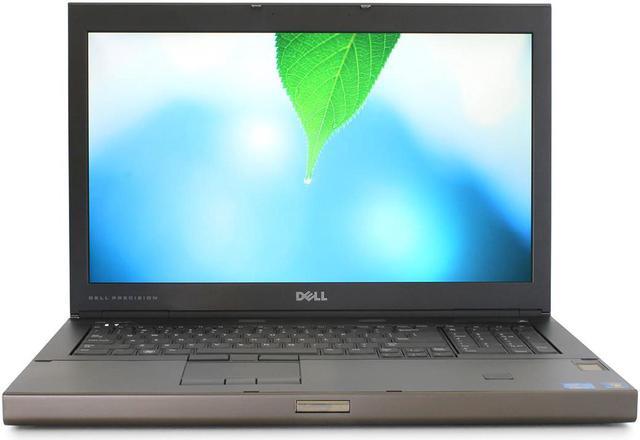
Features a 17.3" HD LED LCD screen for your viewing pleasure! 8GB DDR3 Memory Installed! With 8GB of DDR3 RAM pre-installed, you can free your system of those slow loading times when opening applications. Having an ample amount of RAM is crucial for productivity and high demand multitasking.
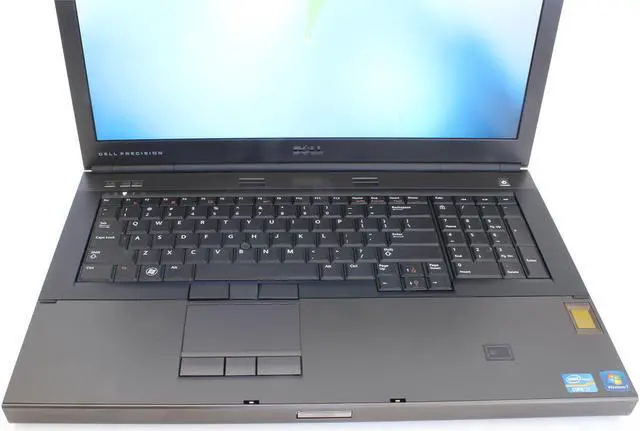
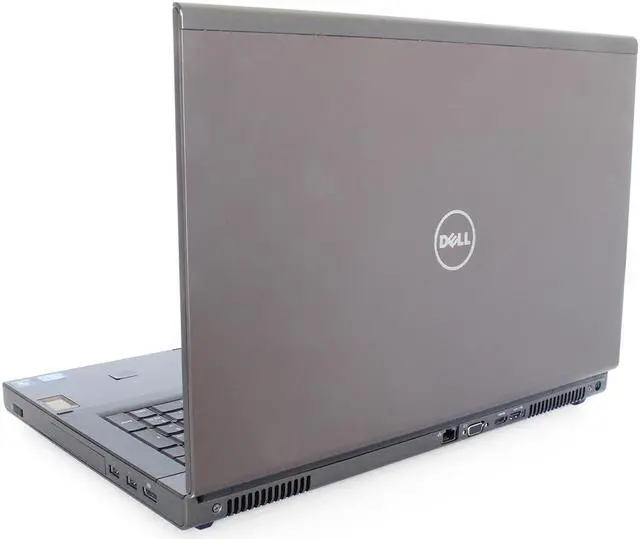
With the speed of the Intel Core i7, a beautiful HD LED backlit screen, dedicated graphics, and a full sized keyboard, it is no wonder why the Dell Precision makes an excellent desktop replacement!
Specifications:- Operating System: Windows 7 Professional, 64 Bit
- CPU: Intel® Core i7, 2620M 2.7G hz
- Memory: 8GB DDR3
- Hard Drive: Single 500GB SATA
- Graphics Card: nVidia Quadro 3000M
- Screen: 17.3" LED LCD
- Resolution: 1920 x 1080 pixels
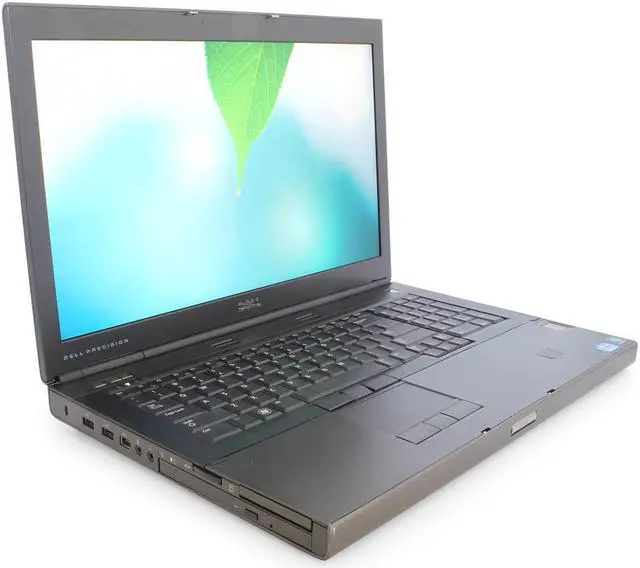
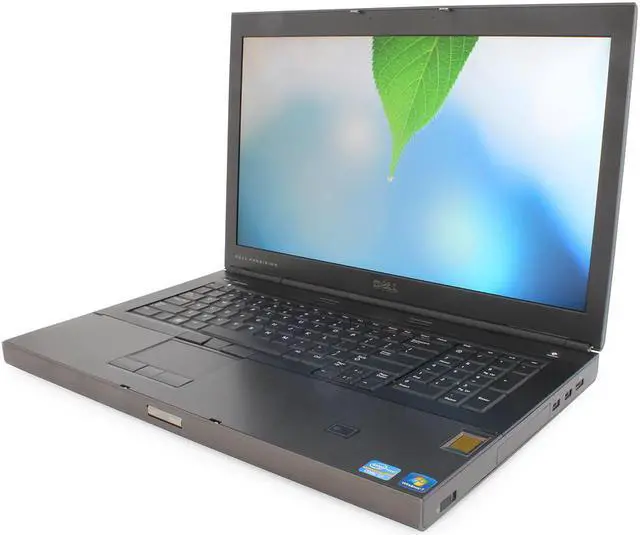
- USB Ports: 2x USB 3.0, 2x USB 2.0
- Video Outputs: VGA, Display Port, & HDMI
- Webcam: No
Includes: Laptop Computer with restore partition and AC adapter
Condition:
Refurbished,
Previously Used,
Grade A Through our refurbishment process, we test the entire computer for functionality including memory, hard drive, and keyboard tests. Computer may show minor signs of wear and the overall condition is considered grade A. We replace various parts that have excessive wear such as mouse, keyboard, palm rest, lid, or base. We also inspect the LCD for signs of scratches or dead pixels and replace screens that have defects.
Windows and Additional Software Our Microsoft Registered Refurbisher (MRR) tech team completely wipes each machine of all traces of previous data then loads a fresh activated and updated copy of Microsoft Windows. All computers come pre-installed with the following programs for your convenience. Firefox, VLC, Java, Microsoft Security Essentials, Libre Office, Acrobat Reader, Flash and 7-Zip.
Recovery Information Through the Microsoft refurbishment process, we install a recovery partition on the hard disk in lieu of shipping a recovery disc. This benefits you as there is no extra media for you to keep track of and possibly misplace. If at any time you need to reinstall your very own copy of windows, simply boot to the recovery partition and follow the instructions on screen. The new install takes out all the guess work as it installs all necessary drivers and programs exclusive to your make and model.


 Holiday Shipping Details & Extended Holiday Returns



