







What are parental controls on this mp3 player?
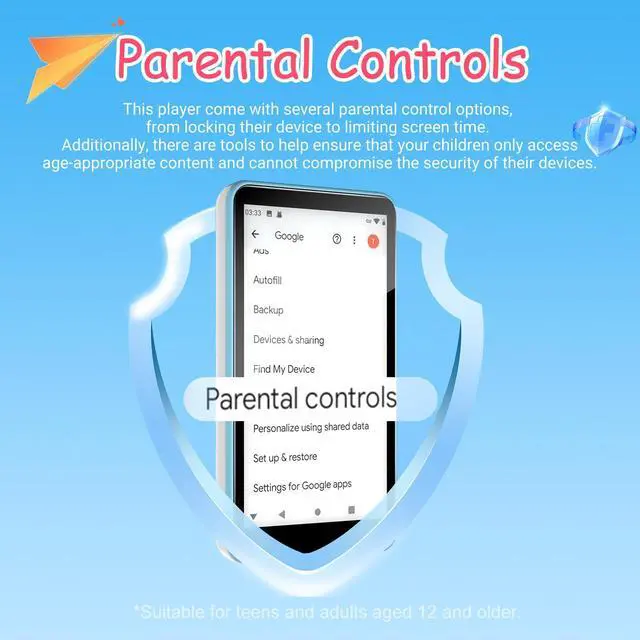
This player have several parental control options,from locking their device to limiting screen time. Besides, there are tools to help ensure that your children only access age-appropriate content and cannot compromise the security of their devices.
How do I connect devices to a Mac computer?
1.Download a tool: Please install the third-party application "MacDroid" on your Mac.
2.Connect and launch: Use the original USB cable to connect your MP3 player to your Mac, then open the MacDroid app to establish the connection.
How to upgrade the operating system, and when is it needed?
1.To upgrade, please contact our after-sales support email to obtain the system update file and detailed guidance.
2.Upgrade if you have issues like screen flickering, app disappearing, app data loss, or unstable performance.
Why does the device turn off by itself or fail to charge?
• Auto power-off: battery saver—device shuts down after 30 minutes of inactivity. You can adjust this in system settings.
• Charging failure: doesn't support fast charging. Please use the original cable and a standard (non-fast) charger.
What system does it run and what are the advantages?
Runs original Android 9. Key advantages:
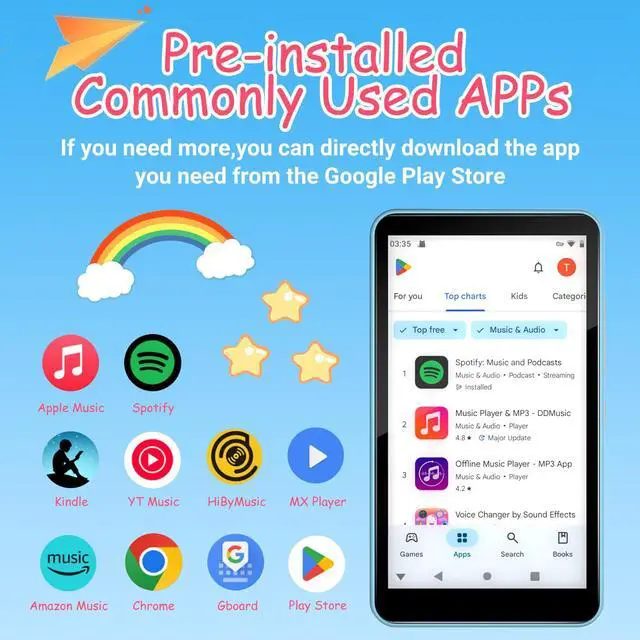
1. Access Google apps/services, and trusted apps via Google Play. (Tip: Avoid installing too many apps to maintain optimal performance)
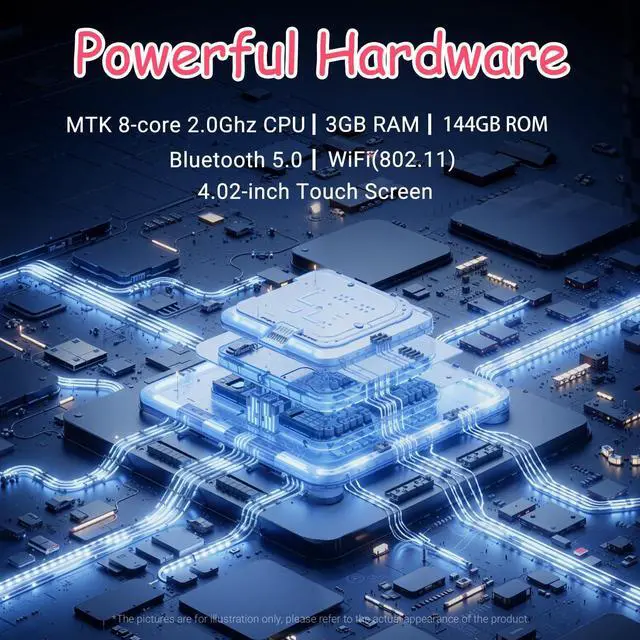
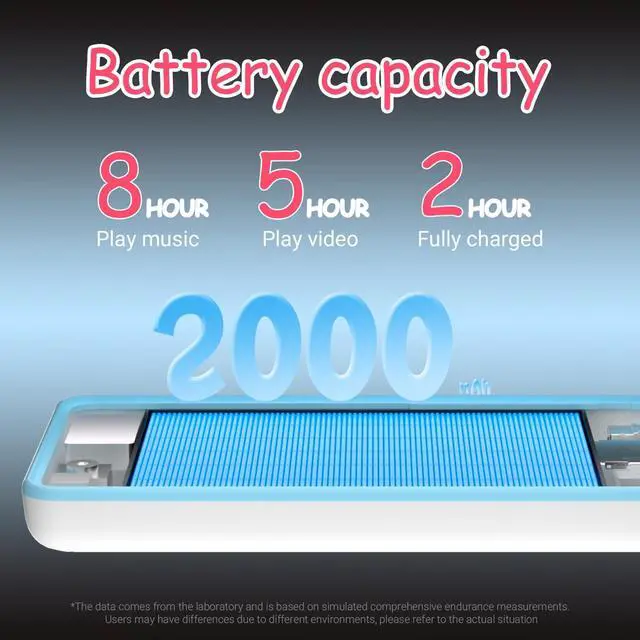
2.Includes 2000mAh battery, 16GB internal memory, and a 128GB TF card.


What are parental controls on this mp3 player?
This player have several parental control options,from locking their device to limiting screen time. Besides, there are tools to help ensure that your children only access age-appropriate content and cannot compromise the security of their devices.
How do I connect devices to a Mac computer?
1.Download a tool: Please install the third-party application "MacDroid" on your Mac.
2.Connect and launch: Use the original USB cable to connect your MP3 player to your Mac, then open the MacDroid app to establish the connection.
How to upgrade the operating system, and when is it needed?
1.To upgrade, please contact our after-sales support email to obtain the system update file and detailed guidance.
2.Upgrade if you have issues like screen flickering, app disappearing, app data loss, or unstable performance.
Why does the device turn off by itself or fail to charge?
• Auto power-off: battery saver—device shuts down after 30 minutes of inactivity. You can adjust this in system settings.
• Charging failure: doesn't support fast charging. Please use the original cable and a standard (non-fast) charger.
What system does it run and what are the advantages?
Runs original Android 9. Key advantages:
1. Access Google apps/services, and trusted apps via Google Play. (Tip: Avoid installing too many apps to maintain optimal performance)
2.Includes 2000mAh battery, 16GB internal memory, and a 128GB TF card.