
Your Browsing History




Any questions? Our AI beta will help you find out quickly.
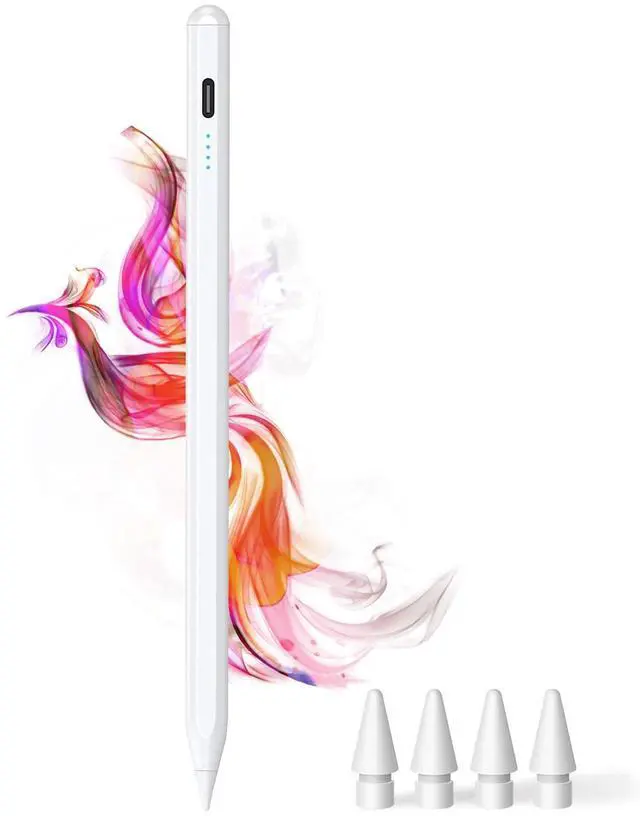
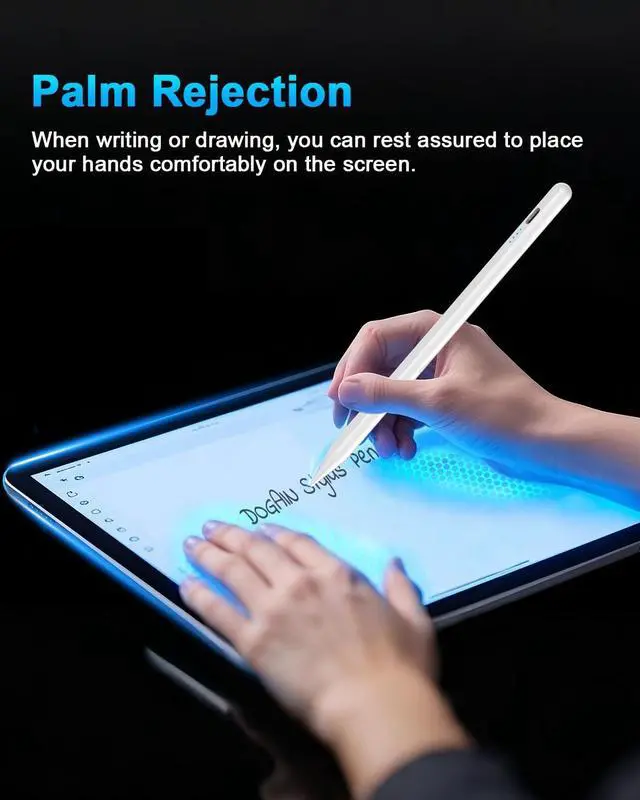
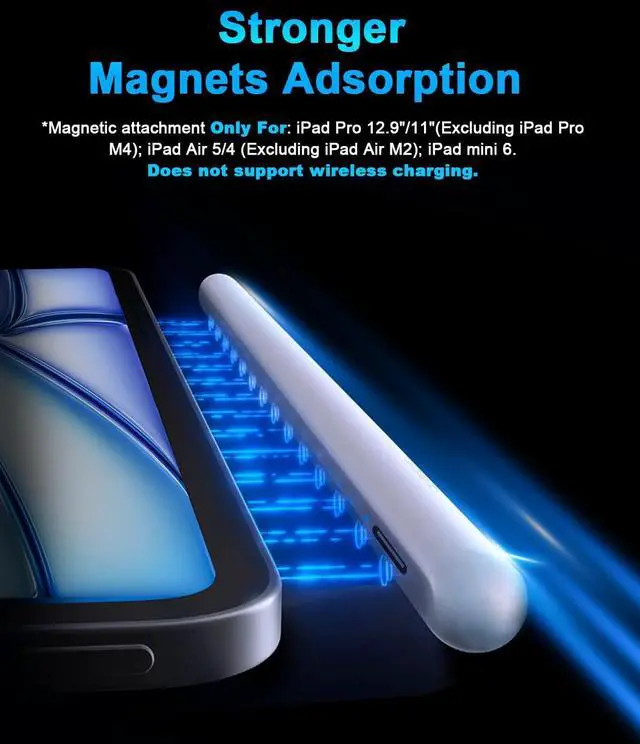
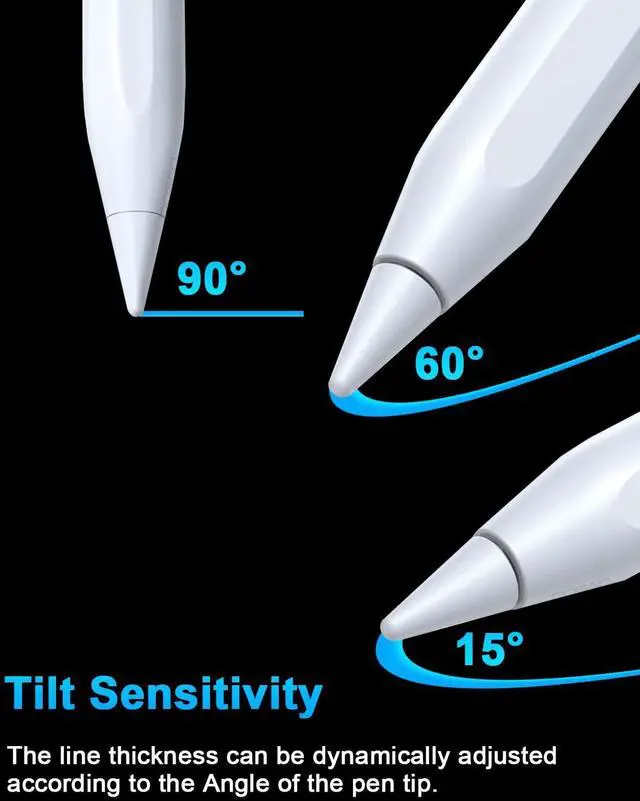
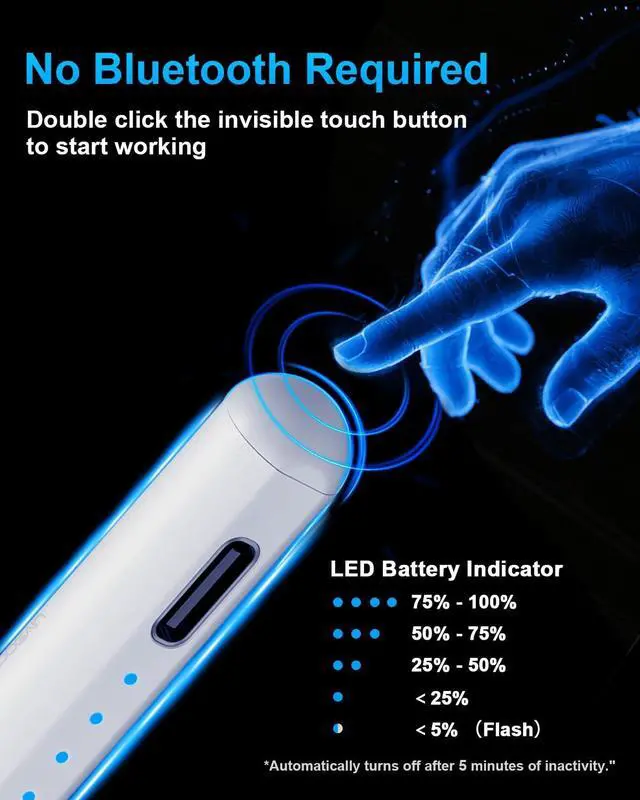
The DOGAIN A8 Pencil for iPad is a replacement stylus specifically designed for iPad tablets.
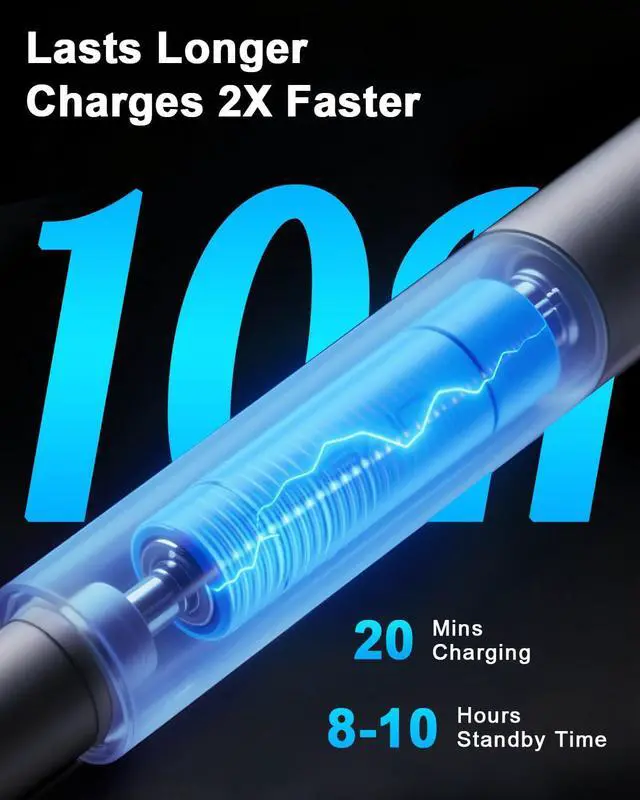
Please charge the stylus for 30 minutes when using it for the first time
1.If the stylus doesn't work after turning on, please follow these steps below, please turn off Bluetooth on the iPad: Settings > Bluetooth > Turn off Bluetooth or disconnect the Bluetooth connection between your iPad and Apple Pencil: Settings> Bluetooth> Apple Pencil> tap i> Forget this device.
2.If your stylus lags or jumpers, please check whether the nib is tightened enough or reinstall a new nib
How to Check Your iPad Model
1: Setting > General > About > Model Name
2: Check the model number starting with "A" on the back of your iPad
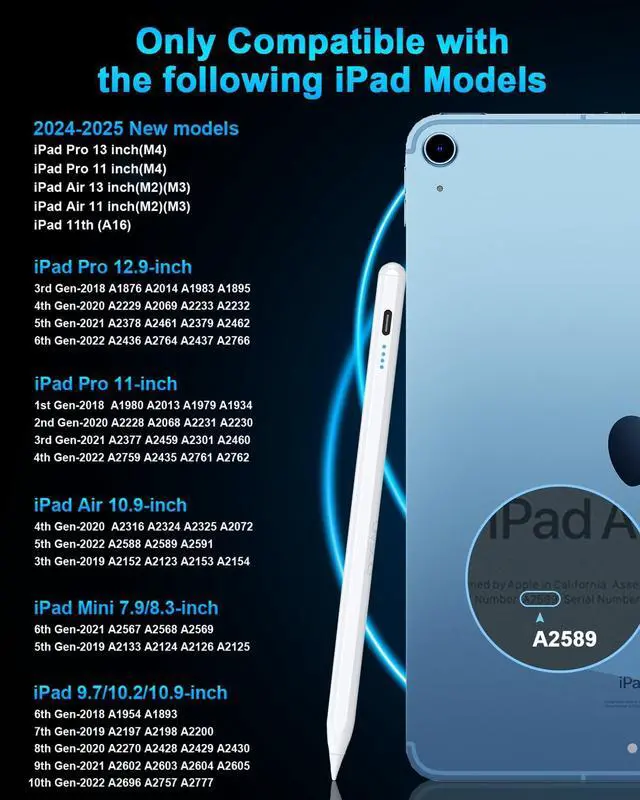
This stylus compatible with the iPad series released from 2018 or later.
iPad (A16) 11th Gen 2025 (Model: A3354, A3355, A3356)
iPad 10th Gen 2022 (Model: A2696, A2757, A2777, A3162)
iPad 9th Gen 2021 (Model: A2602, A2603, A2604, A2605)
iPad 8th Gen 2020 (Model: A2270,A2428, A2429, A2430)
iPad 7th Gen 2019 (Model: A2197, A2198, A2200)
iPad 6th Gen 2018 (Model: A1893, A1954)
iPad Pro 13-inch M5
iPad Pro 13-inch M4 (Model: A2925, A2926, A3007)
iPad Pro 12.9-inch 6th gen (Model: A2436, A2437, A2764, A2766)
iPad Pro 12.9" 5th gen (Model: A2378, A2379, A2461, A2462)
iPad Pro 12.9" 4th gen (Model: A2069, A2229, A2232, A2233)
iPad Pro 12.9" 3rd gen (Model: A1876, A1895, A1983, A2014)
iPad Pro 11-inch M5
iPad Pro 11-inch M4 (Model: A2836, A2837, A3006)
iPad Pro 11" 4th gen (Model: A2435, A2759, A2761, A2762)
iPad Pro 11" 3rd gen (Model: A2301, A2377, A2459, A2460)
iPad Pro 11" 2nd gen (Model: A2068, A2228, A2230, A2231)
iPad Pro 11" 1st gen (Model: A1934, A1979, A1980, A2013)
iPad Air 13" M3 (Model: A3268, A3269, A3271)
iPad Air 11" M3 (Model: A3266, A3267, A3270)
iPad Air 13" M2 (Model