




 here!
I’m your shopping assistant for PC builds, upgrades, and everything tech.
Got questions? Ask away!
Start a conversation
here!
I’m your shopping assistant for PC builds, upgrades, and everything tech.
Got questions? Ask away!
Start a conversation Top Rated Top Rated
 Hot Seller

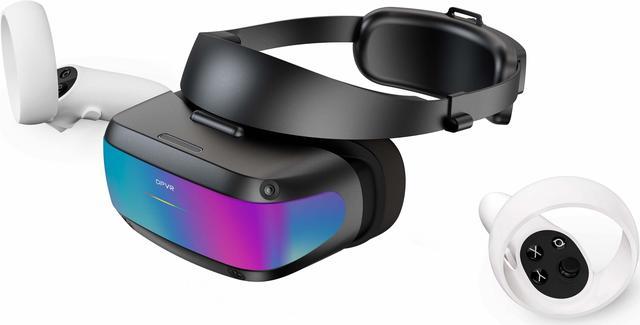
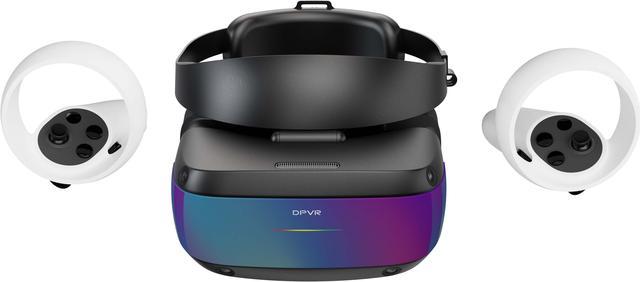
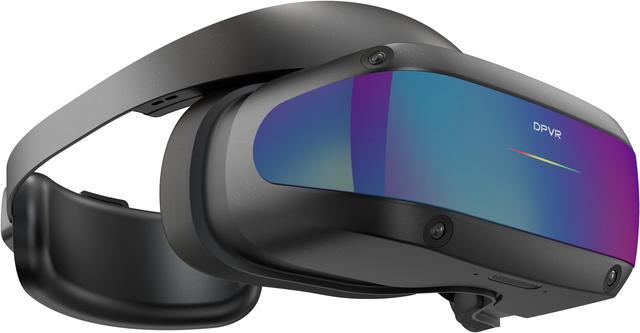
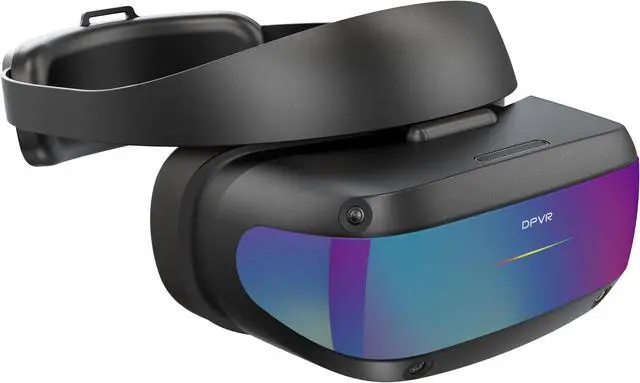



Any questions? Ask CelesteSM will help you find out quickly.


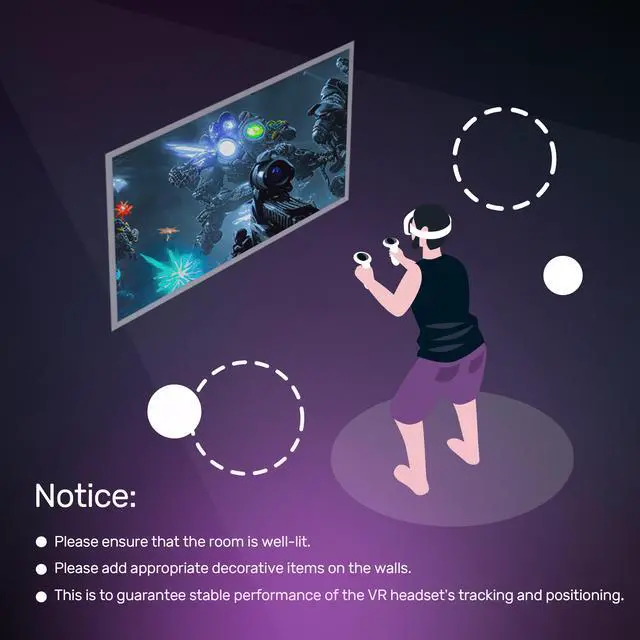
VSLAM visual positioning, providing easier setup without VR base stations.


Suitable for both adults and children
The E4 design caters to a broad audience, accommodating both adults' and children's head sizes, ensuring a comfortable fit for a diverse range of users.

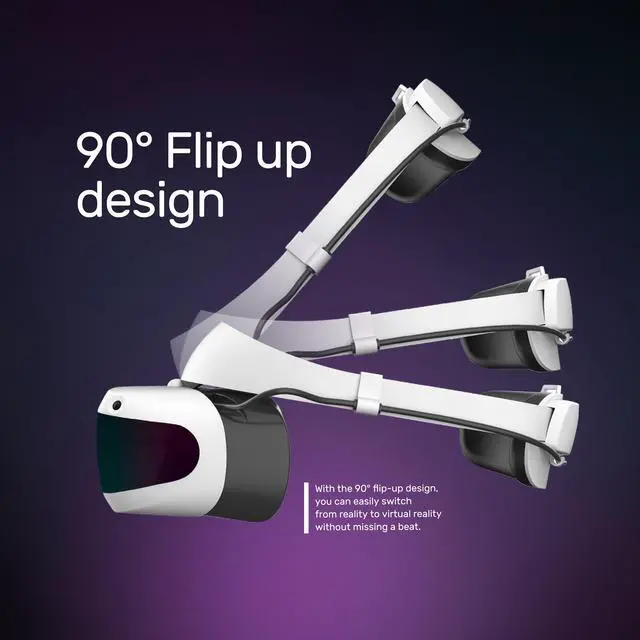
Seamless Shift Between Reality and Virtuality


Suitable for multiple scenarios as a flight or racing simulator, offering a more immersive experience than triple-screen setups.


|

|
||
Display |
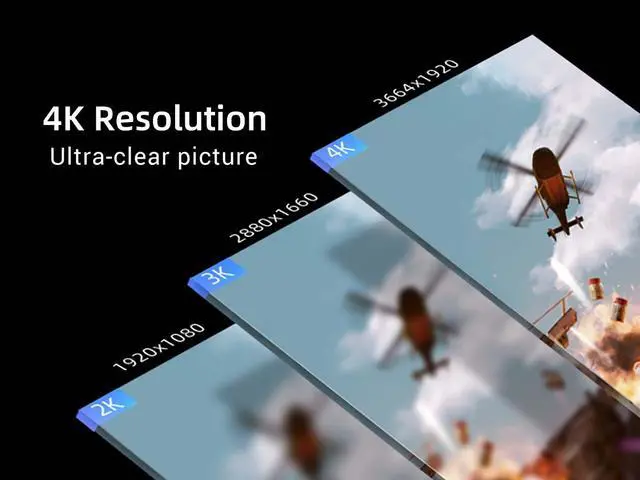
Resolution | 3664 x 1920 | 3664 x 1920 |
| Refresh Rate | 120 Hz | 120 Hz | |
Optics |
FOV | 116° | 116° |
| Lens | Fresnel | Fresnel | |
| IPD adjustment | ✓ | ✓ | |
Cameras |
Seethrough | ✓ | ✓ |
| Tracking | 6 DOF Inside-out | 6 DOF Inside-out | |
Design |
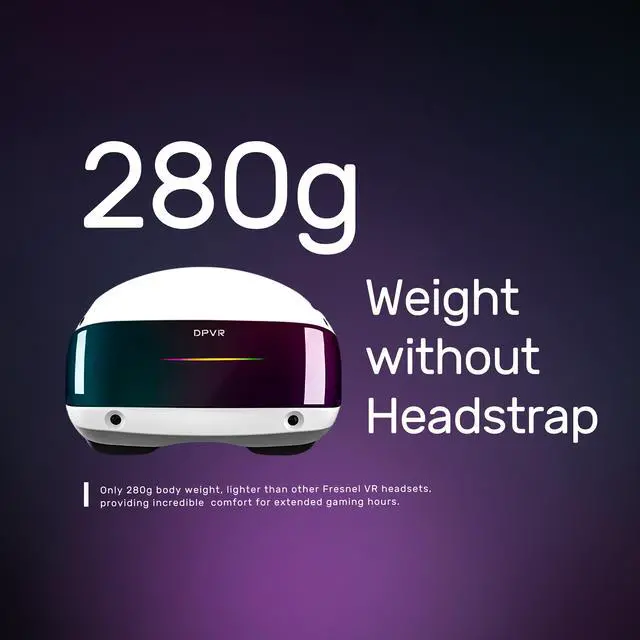
Weight | 285g without headstrap | 285g without headstrap |
| Dimension (W*D*H) | 192 x 281 x 124.5mm | 192 x 281 x 124.5mm | |
| Color | White (Rubber Hand Paint) | Black (Ultraviolet Curing Paint) | |
Accessories |
Cooling System | Regular Cooling Solution | Turbo Cooling Solution |
| Controllers | ✓ | ✓ | |
| Replaceable Face Liner | Cloth Face Liner | PU Face Liner | |
| Cable | 5m | 6m |


We want to ensure your holiday shopping this year is hassle-free. That’s why we’re automatically extending our return policies on almost every product! For purchases placed between November 1st, 2026 and December 31, 2026 you will have until January 31, 2027 to return your product.
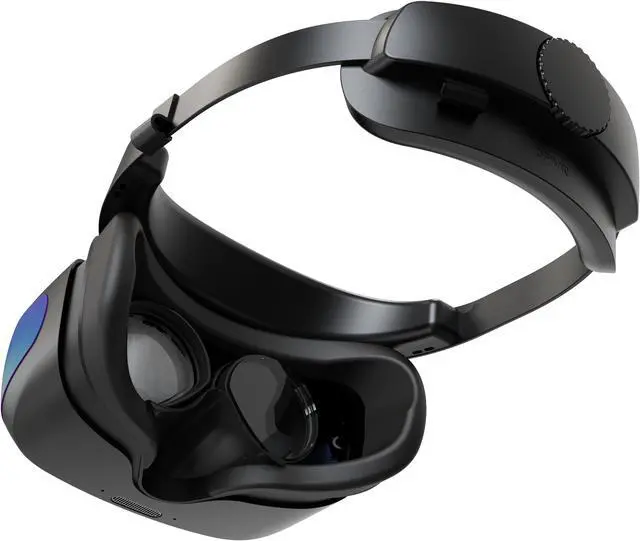
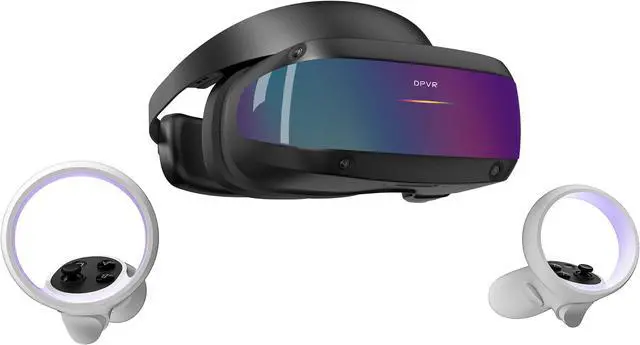
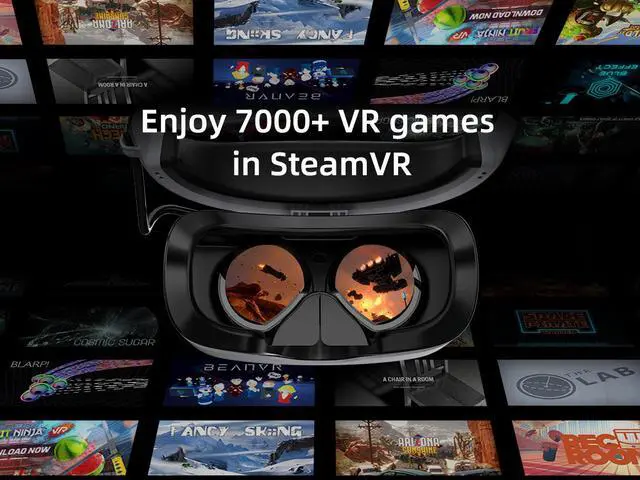
The DPVR E4 is a SteamVR-compatible PCVR headset for PC gamers who want 6DoF inside-out tracking, a wide 116° field of view, and refresh rates up to 120 Hz. It connects to a compatible Windows PC through DisplayPort 1.4 and USB.
| Attribute | Value |
|---|---|
| Best For | PCVR gaming with a PC that meets the listed minimum system requirements |
| Display And Tracking | 3664 × 1920 display with 72, 90, or 120 Hz refresh rates and a 116° field of view; inside-out tracking uses four camera sensors |
| PC Compatibility And Requirements | Requires Windows 10 or higher, an Intel Core i5/i7 or Xeon E3-1240 V5, AMD Ryzen 5 equivalent or greater, NVIDIA GeForce GTX 1060 equivalent or greater, at least 8 GB RAM, and DisplayPort 1.4 |
| Connectivity | One DisplayPort 1.4 connection and one USB 3.2 connection |
| Controller And Power | Wireless controllers communicate over 2.4 GHz ISM and use disposable 1.5 V, 1500 mAh alkaline batteries for a stated 5–6 hours of battery life; listed functions include vibration and non-tactile function; each controller measures 123 × 111 × 42 mm |
| Physical Specifications | 192 × 281 × 124.5 mm; 285 g without the headstrap |
| Model Identifiers | DPVR E4 (Black), series E4; part number 07-000285 (Black) |
Q: DPVR E4 or Meta Quest 3 for PCVR?
A: Choose the DPVR E4 if you mainly play PCVR and want a wired DisplayPort connection; it is a PC-dependent headset with up to 120 Hz refresh rate. Choose the Meta Quest 3 if you also want standalone games and wireless PCVR options. The E4 uses software IPD adjustment, while reviewers identify its PCVR performance and lightweight design as strengths and note technical issues; check whether its fit and setup suit you before buying.
Q: Should I get the DPVR E4 or Quest 3S for PCVR?
A: Choose the DPVR E4 if you want a dedicated, wired PCVR headset that connects through DisplayPort. Choose the Quest 3S if you want a standalone headset that can also connect to a PC for VR. The trade-off is a PC-focused, direct-cable setup with the E4 versus the Quest 3S’s standalone and wireless options.
Q: Is the DPVR E4 a better fit than a standalone headset if I only play PCVR?
A: The DPVR E4 may suit you better if you have a compatible Windows PC and prefer a wired DisplayPort connection for PCVR. A standalone headset is more flexible if you want to play without a PC, use wireless PCVR, or take the headset with you for untethered use. The E4 is not a standalone headset and requires a DisplayPort 1.4 connection and a compatible PC.
Q: What PC do I need to use the DPVR E4?
A: The DPVR E4 is a PCVR headset, not a standalone headset. It requires Windows 10 or later, at least an Intel Core i5/i7 or equivalent AMD Ryzen 5, an NVIDIA GeForce GTX 1060 or equivalent, 8 GB of RAM, and a DisplayPort 1.4 output. Check that your PC has the required ports and meets these minimum specifications before buying.
Q: Does the DPVR E4 work with SteamVR games?
A: The DPVR E4 is listed as SteamVR compatible. Compatibility can still vary by game, so check that a specific title supports the headset and that your PC meets the title’s requirements.
Q: Do I need external sensors to set up the DPVR E4?
A: The DPVR E4 uses inside-out tracking with four camera sensors, so external room-mounted tracking stations are not listed as part of its setup requirements.
Q: Is the DPVR E4 suitable for travel or use away from a desk?
A: It may be moved between locations, but it is not a standalone travel headset: it needs a compatible Windows PC and DisplayPort 1.4 and USB 3.2 connections. Its listed weight is 285 g without the headstrap; the full worn weight is not specified here.
Q: Is the DPVR E4 worth considering instead of a Quest 3 for PCVR?
A: Consider the E4 if you want a dedicated, wired PCVR headset with a DisplayPort connection and SteamVR compatibility. It is less suitable if standalone play or wireless convenience is a priority. Reddit discussions compare its PCVR-focused design with the Quest’s convenience, but do not establish one as best for everyone.
Q: What are the main trade-offs to consider before buying the DPVR E4?
A: The E4 is a PC-tethered headset, and its IPD adjustment is software-based rather than a physical lens adjustment. Reddit discussions also raise concerns about fan noise and audio, so comfort and sound preferences may affect whether it is a good fit.
Q: Is the DPVR E4 a suitable replacement for a Rift S?
A: It may suit someone seeking a wired PCVR headset: Reddit users discuss it as a possible Rift S replacement and mention clarity and comfort as potential advantages. Experiences are mixed, so check the E4’s physical fit and your PC’s DisplayPort and minimum-spec compatibility before buying.
Q: Is the DPVR E4’s inside-out tracking suitable for active VR games?
A: The E4 uses four inside-out tracking cameras, but Reddit discussions include concerns about controller tracking and game-specific performance. If reliable tracking is essential for your preferred titles, check reports from users playing those games rather than assuming the headset will perform identically across them.


