






DREAMFAIR
Since its inception in 2006, DreamFair has journeyed through 19 years. We have remained steadfast in exploring the boundaries of imagery and vision, interpreting a new definition of light and shadow with passion.
Quality is a commitment we have never compromised. Every DreamFair projector is meticulously crafted, striving to capture the boundless wonders of the world within a single frame—making each image a poetic composition of light and shadow
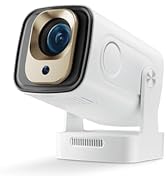
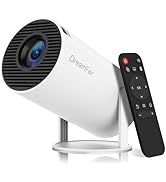
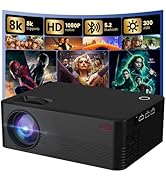
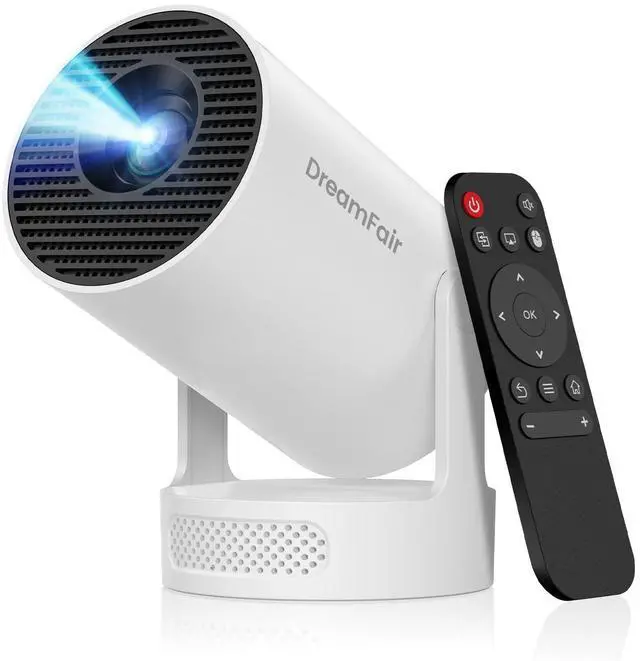
DreamFair Mini Projector
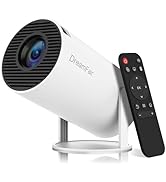
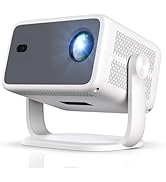
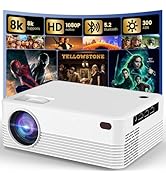
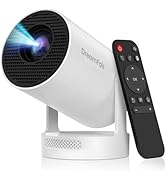
DreamFair Mini Projector
Why do we choose projectors?
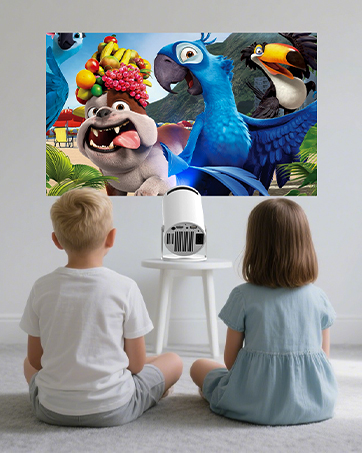
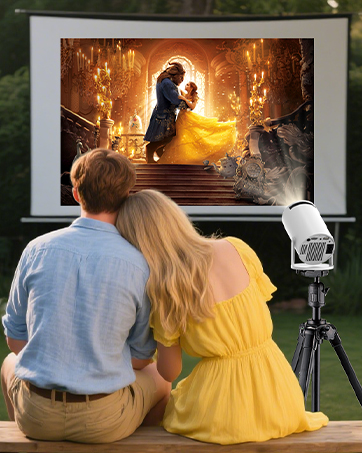
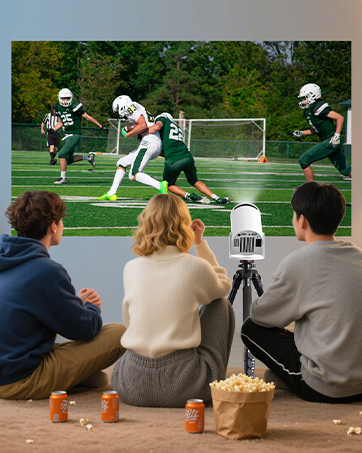
DreamFair wants everyone to have a stunning visual experience, both indoors and outdoors.
What makes our products unique?
At DreamFair, in addition to state-of-the-art technology, every engineer puts their whole heart and soul into the passion and anticipation of our products.
Why do we love what we do?
Our Dedicated Team of Dreamers and Craftsmen Work Tirelessly to Provide Quality Service.


How to Connect to an iOS/Android Device?
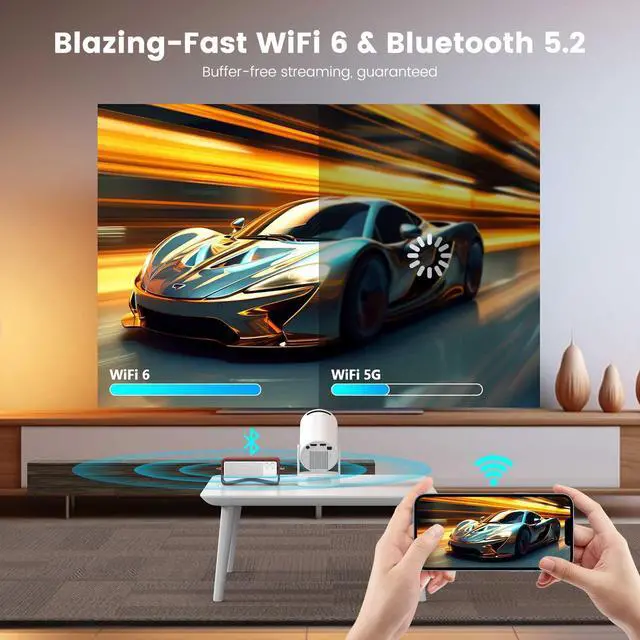
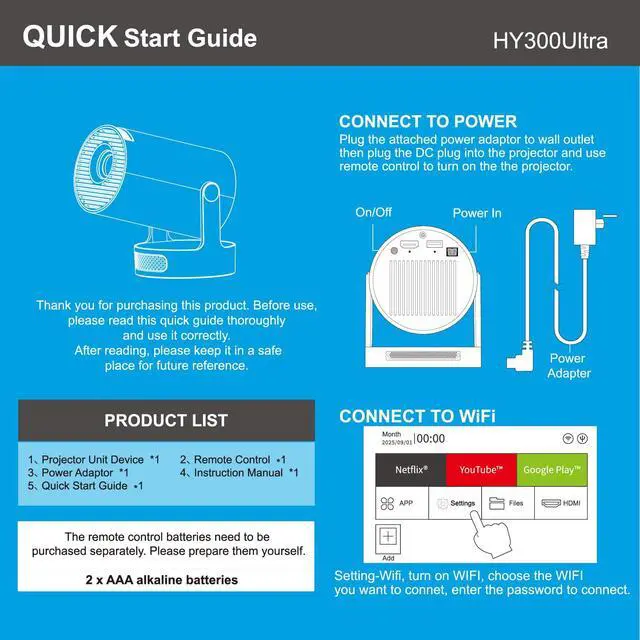
To connect an iOS or Android device, you can use the Screencast feature. Ensure both your mobile device and the projector are connected to the same Wi-Fi network during screen mirroring.
How to Watch Videos from Netflix, Prime, YouTube, etc?
1. Update Your System: Ensure your device has the latest software update.
2. Download Apps: Install the respective apps from the official App Store.
3. Use a TV stick for wireless streaming (note: TV sticks are not included).
The remote control becomes unresponsive when using certain applications.
1. Locate and press the mouse button on your remote control.
2. Switch to mouse mode to navigate these applications properly.
What should I do if I'm not satisfied with my DREAMFAIR projector?
DREAMFAIR is a professional projector manufacturer with a complete after-sales service system. Our dedicated team has successfully resolved issues for numerous customers. You can rest assured!
Difference
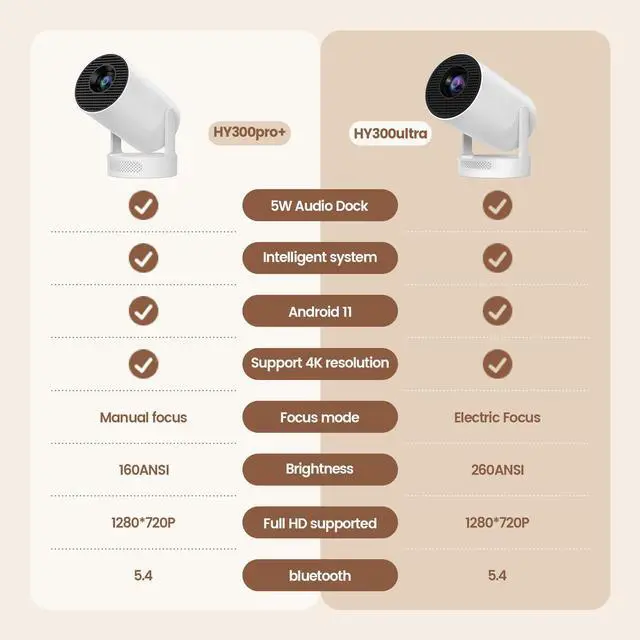
 HY300Ultra |  HY300Pro |  F10 |  HY300Plus |  HY260Pro |  L018 |  H5-W | |
|---|---|---|---|---|---|---|---|
Customer Reviews | — | — | — | — | — | — | — |
Price | — | — | — | — | — | — | — |
Resolution Ratio | 1280*720P | 1280*720P | 1920*1080P | 1280*720P | 1920*1080P | 1920*1080P | 1920*1080P |
Brightness | 170ANSI | 200ANSI | 350ANSI | 210ANSI | 200ANSI | 350ANSI | 240ANSI |
Auto Focus | ? | ? | ? | ? | ? | ? | ? |
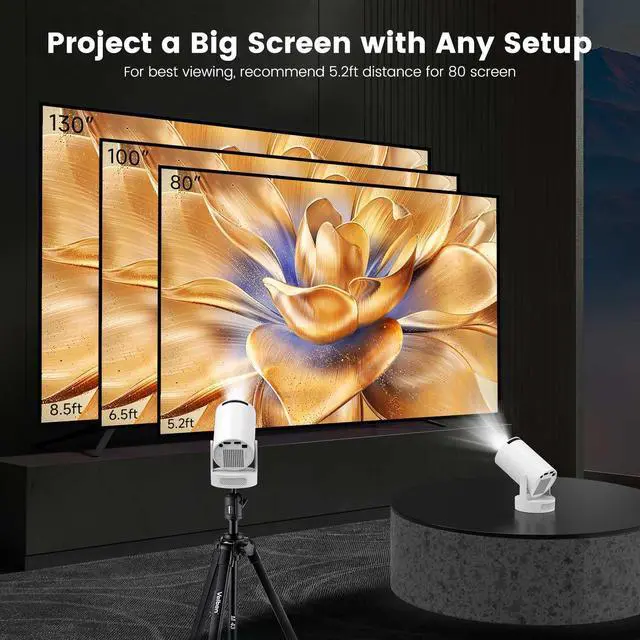
Projection Area | 25-110in | 40-130in | 40-120in | 35-130in | 40-130in | 40-120in | 40-200in |
Projection Distance | 0.6-2.5m | 0.8-3m | 1.2-4m | 0.6-2.5m | 0.6-2.5m | 1.2-4m | 1.2-3m |


How to Connect to an iOS/Android Device?
To connect an iOS or Android device, you can use the Screencast feature. Ensure both your mobile device and the projector are connected to the same Wi-Fi network during screen mirroring.
How to Watch Videos from Netflix, Prime, YouTube, etc?
1. Update Your System: Ensure your device has the latest software update.
2. Download Apps: Install the respective apps from the official App Store.
3. Use a TV stick for wireless streaming (note: TV sticks are not included).
The remote control becomes unresponsive when using certain applications.
1. Locate and press the mouse button on your remote control.
2. Switch to mouse mode to navigate these applications properly.
What should I do if I'm not satisfied with my DREAMFAIR projector?
DREAMFAIR is a professional projector manufacturer with a complete after-sales service system. Our dedicated team has successfully resolved issues for numerous customers. You can rest assured!
Difference
HY300Ultra | HY300Pro | F10 | HY300Plus | HY260Pro | L018 | H5-W |
|---|---|---|---|---|---|---|
| Customer Reviews | ||||||
| — | — | — | — | — | — | — |
| Price | ||||||
| — | — | — | — | — | — | — |
| Resolution Ratio | ||||||
| 1280*720P | 1280*720P | 1920*1080P | 1280*720P | 1920*1080P | 1920*1080P | 1920*1080P |
| Brightness | ||||||
| 170ANSI | 200ANSI | 350ANSI | 210ANSI | 200ANSI | 350ANSI | 240ANSI |
| Auto Focus | ||||||
| ? | ? | ? | ? | ? | ? | ? |
| Projection Area | ||||||
| 25-110in | 40-130in | 40-120in | 35-130in | 40-130in | 40-120in | 40-200in |
| Projection Distance | ||||||
| 0.6-2.5m | 0.8-3m | 1.2-4m | 0.6-2.5m | 0.6-2.5m | 1.2-4m | 1.2-3m |
DREAMFAIR
Since its inception in 2006, DreamFair has journeyed through 19 years. We have remained steadfast in exploring the boundaries of imagery and vision, interpreting a new definition of light and shadow with passion.
Quality is a commitment we have never compromised. Every DreamFair projector is meticulously crafted, striving to capture the boundless wonders of the world within a single frame—making each image a poetic composition of light and shadow
DreamFair Mini Projector
DreamFair Mini Projector
Why do we choose projectors?
DreamFair wants everyone to have a stunning visual experience, both indoors and outdoors.
What makes our products unique?
At DreamFair, in addition to state-of-the-art technology, every engineer puts their whole heart and soul into the passion and anticipation of our products.
Why do we love what we do?
Our Dedicated Team of Dreamers and Craftsmen Work Tirelessly to Provide Quality Service.