




 here!
here!
I’m your shopping assistant for PC builds, upgrades, and everything tech.
Got questions? Ask away!
Start a conversation
here!
I’m your shopping assistant for PC builds, upgrades, and everything tech.
Got questions? Ask away!
Start a conversation
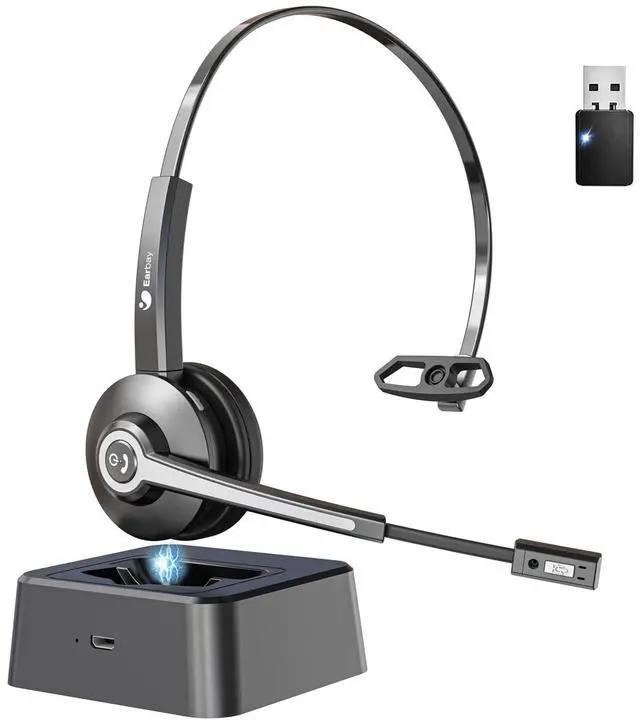




Any questions? Ask CelesteSM will help you find out quickly.
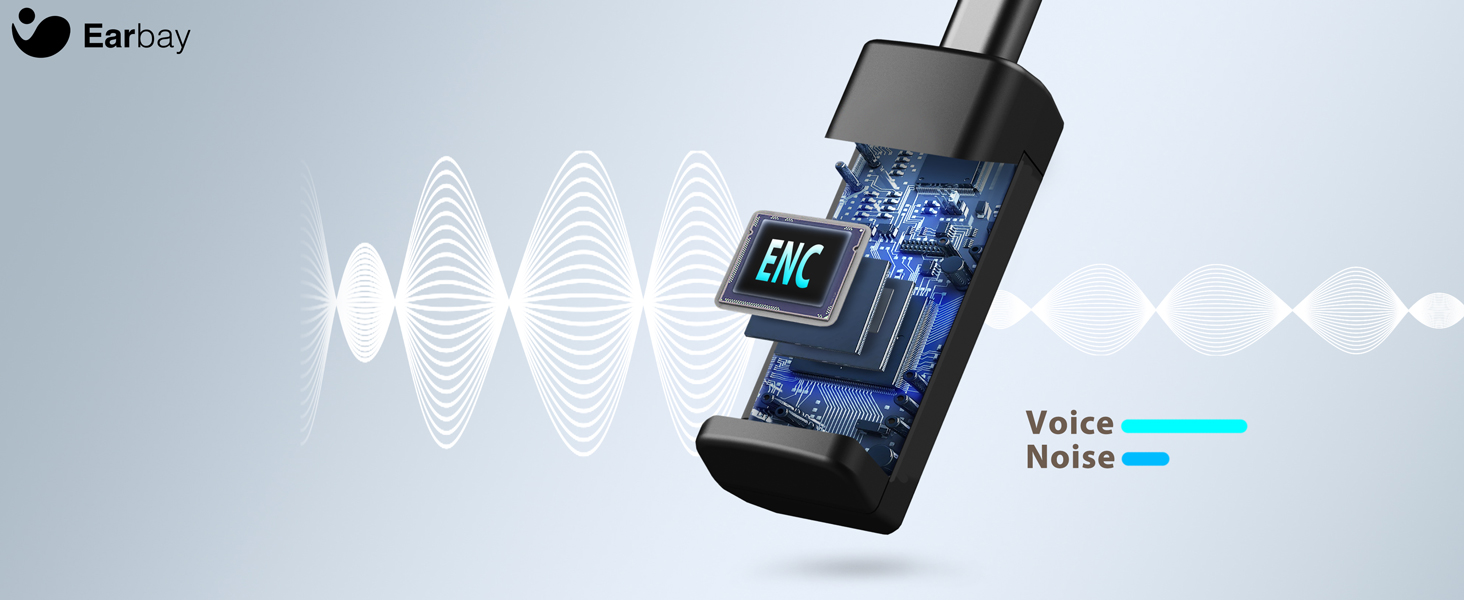
Eliminate 99.6% Noise
Features with ENC Microphone pick up and isolate your voice while canceling the noise around you

Stay Agile
The 270°rotatable mic of the wireless headphones is suitable for alternating left/right earwear

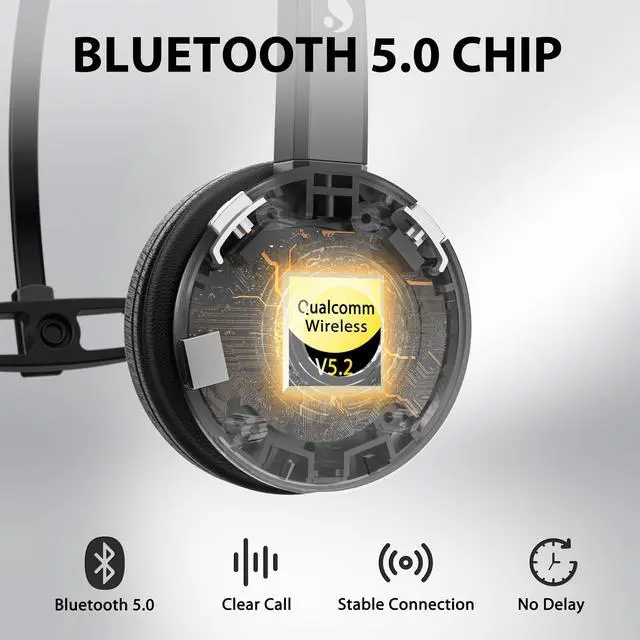
Bluetooth V5.2
The Bluetooth of the wireless headset reduces signal delay for faster and more stable transmission
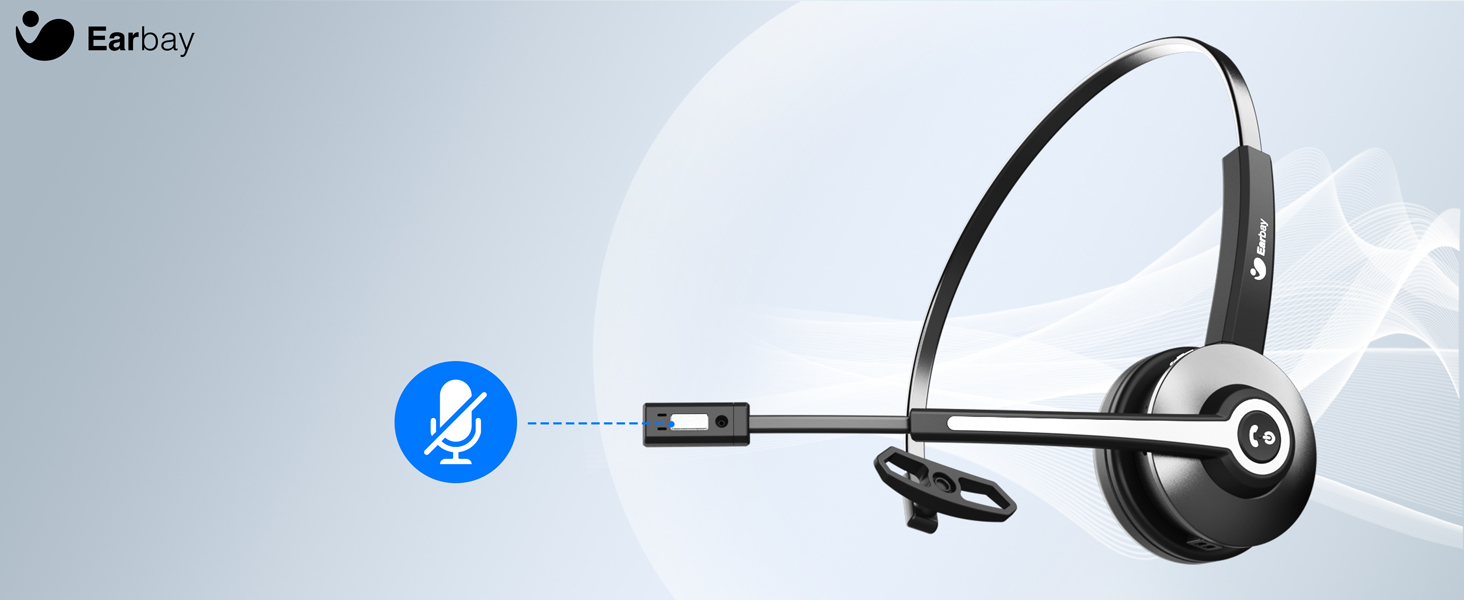
Increase Focus
Quickly mute your voice during calls by pressing mute button of the computer headset with microphone
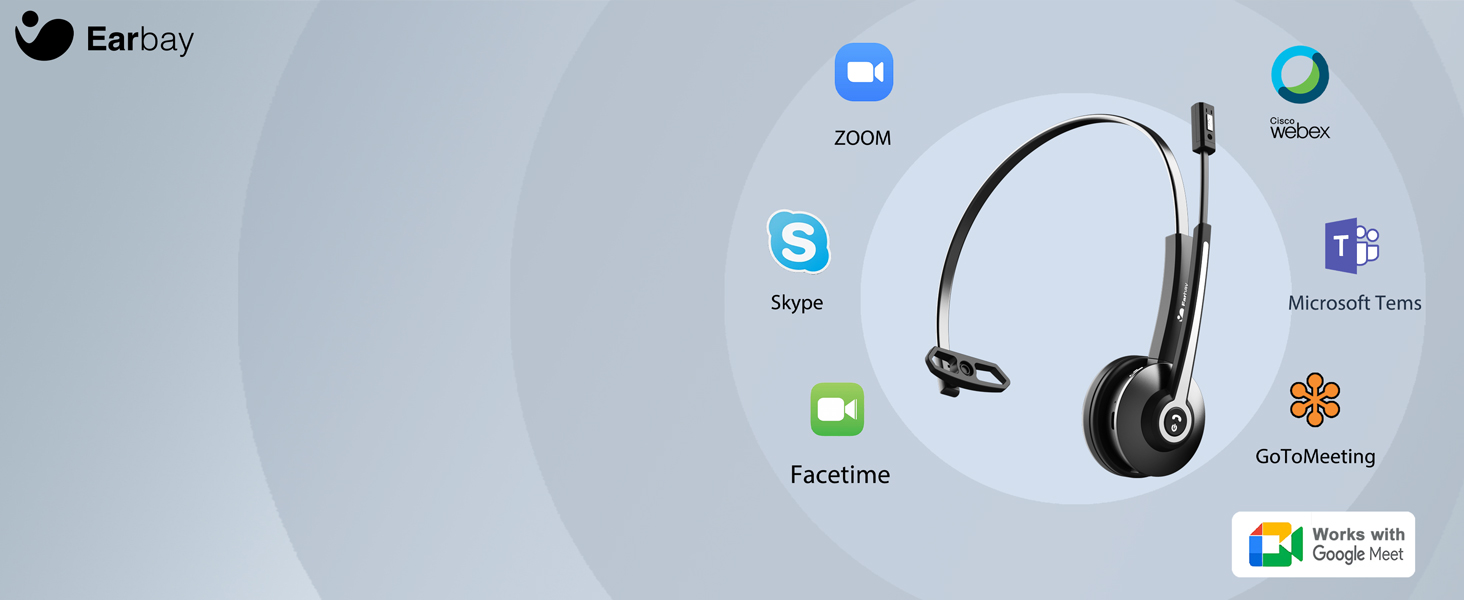
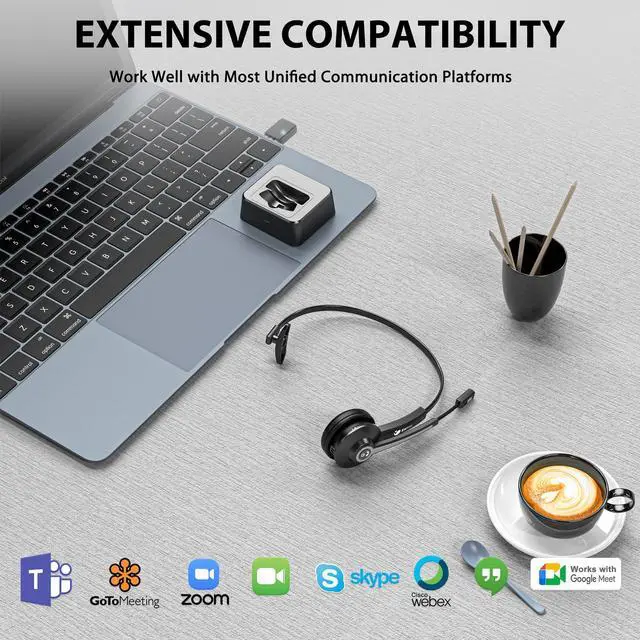
Unified Communications
The wireless usb headset is highly compatible with most leading conferencing platforms

No Pressure & Fatigue
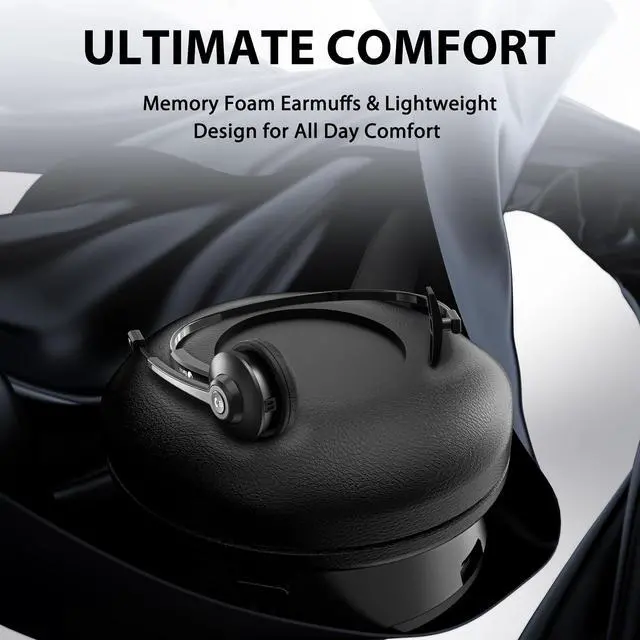
The soft protein leather of this wireless headphones with microphone ensures your all-day comfort
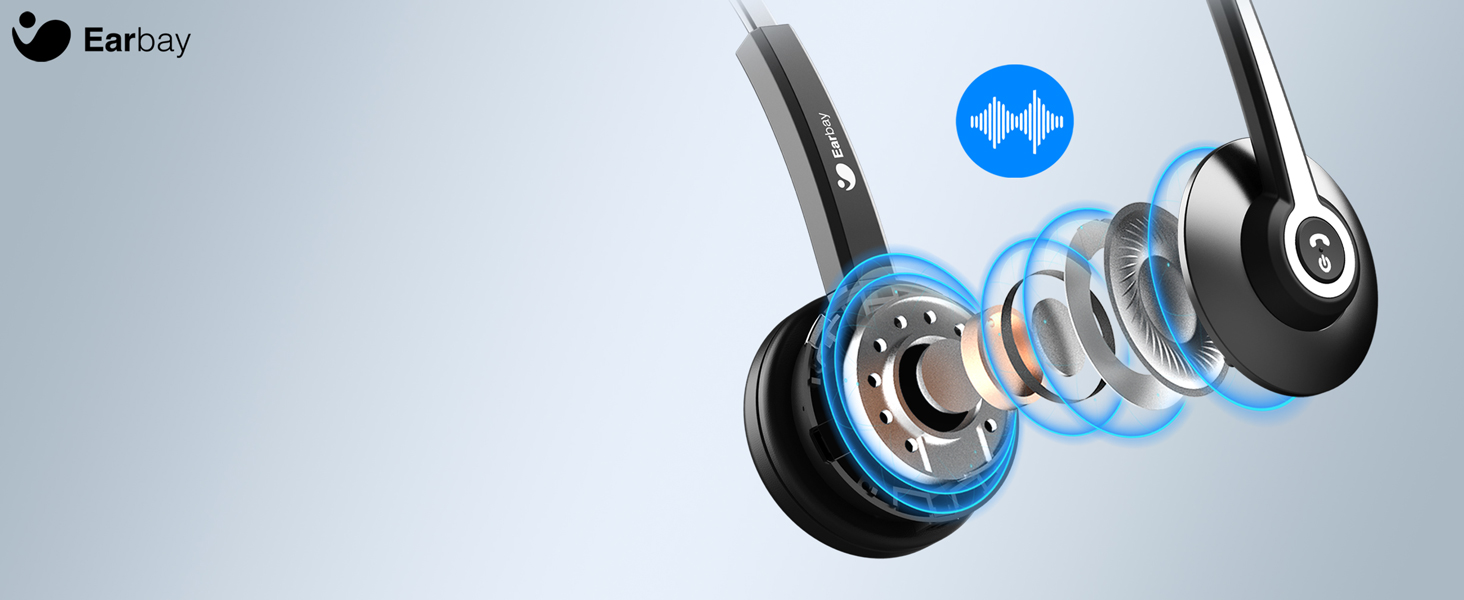
Be Heard Clearly
The bluetooth headset with microphone adopt leading sound technology and deliver crystal-clear sound
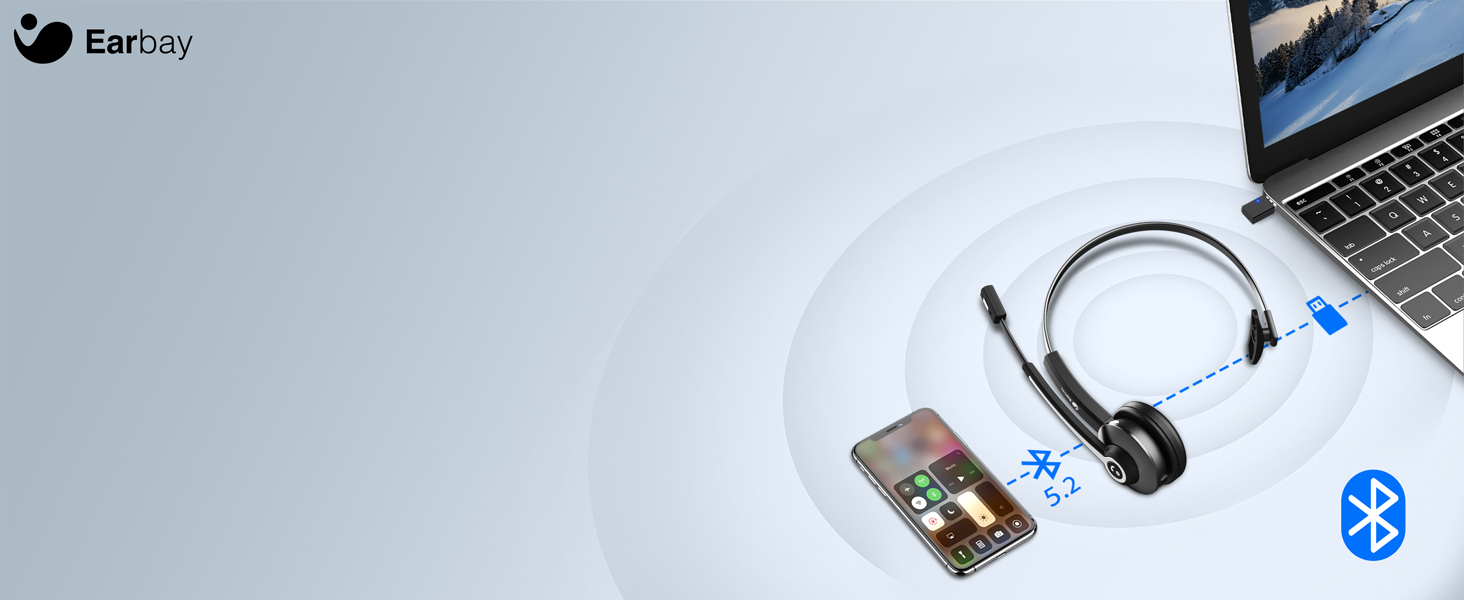
More Freedom
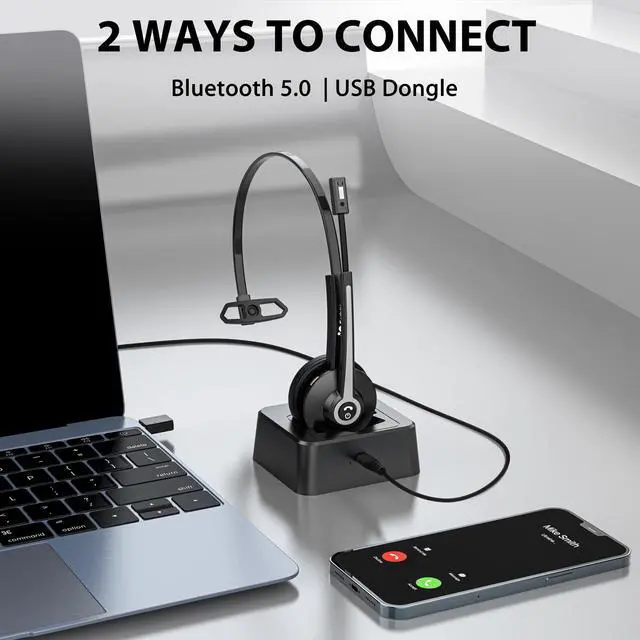
The headset can connect with 2 devices simultaneously, and USB Dongle for wireless connection to PC

Without Power Anxiety
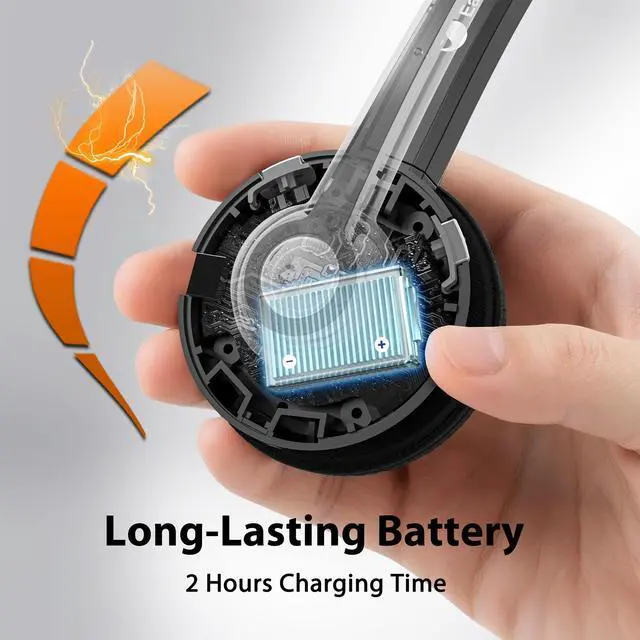
The wireless headset with microphone support up to 28 hours of talk time on a single charge


How to connect with Bluetooth devices?
1. Long press the multifunction button for 5-7 Secs to enter pairing mode with LED Blue & Red flash alternately. 2. Search and click to connect 'BT-68' on devices. 3. LED change to Blue slow flash once connected, easy and stable.
Can this Bluetooth headset connect with 2 devices at the same time?
1.Please turn off the Bluetooth function of first paired Phone/PC. 2. Connect‘BT-68’ on the second device. LED change to Blue slow flash after connected. 3. Turn on Bluetooth function of the first Phone/PC, and reconnect ‘BT-68’ on Bluetooth lists.
When I use the headphones with dongle, is it need to download the driver to use it?
Just Plug and play, no need to download any drivers.
After a period of using time, the office headset emits a beep sound?
Please charge the wireless headset for a period of time to confirm whether it is caused by low power, or check whether the mute function is on.
Does the Bluetooth headset have mute function?
Yes, This mic mute function can only be used for computer or cell phone during making calls.


Earbay designs professional office headsets—both wired and wireless—to deliver exceptional audio clarity for calls and online meetings. We are committed to creating an immersive sound experience that makes every virtual conversation feel natural and focused.
Our headsets are engineered for the modern remote workforce, offering smart, convenient communication that bridges distances and brings people together, as if everyone were in the same room.
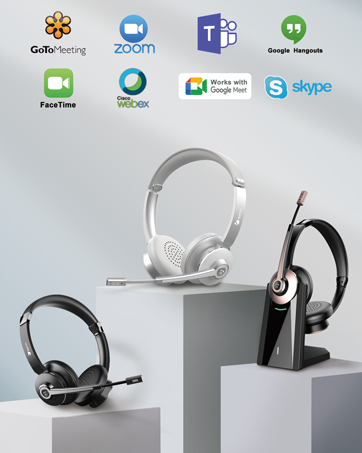

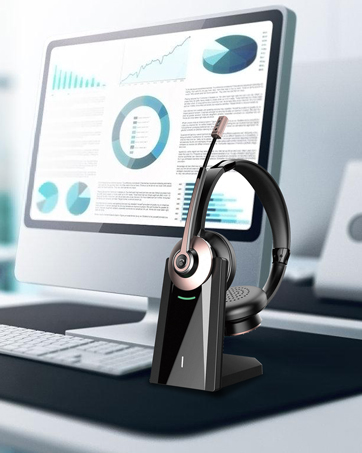
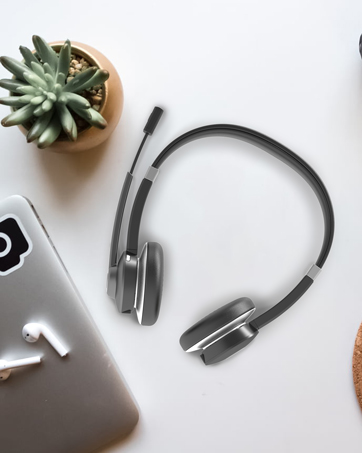



Features with ENC Microphone pick up and isolate your voice while canceling the noise around you
The 270°rotatable mic of the wireless headphones is suitable for alternating left/right earwear
The Bluetooth of the wireless headset reduces signal delay for faster and more stable transmission
Quickly mute your voice during calls by pressing mute button of the computer headset with microphone
The wireless usb headset is highly compatible with most leading conferencing platforms


The soft protein leather of this wireless headphones with microphone ensures your all-day comfort
The bluetooth headset with microphone adopt leading sound technology and deliver crystal-clear sound
The headset can connect with 2 devices simultaneously, and USB Dongle for wireless connection to PC
The wireless headset with microphone support up to 28 hours of talk time on a single charge


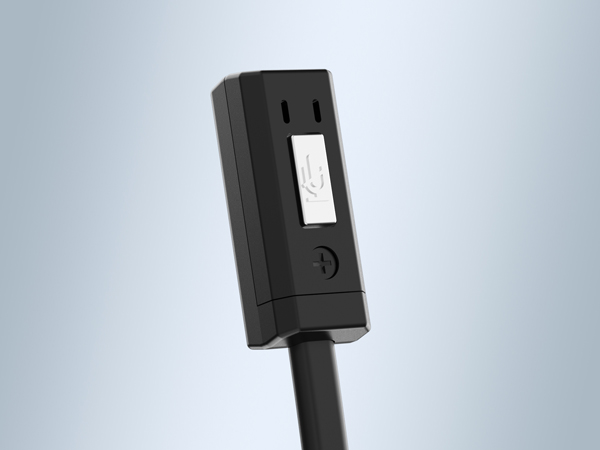
The wireless headset with microphone for pc support one-button mute (when making phone calls)
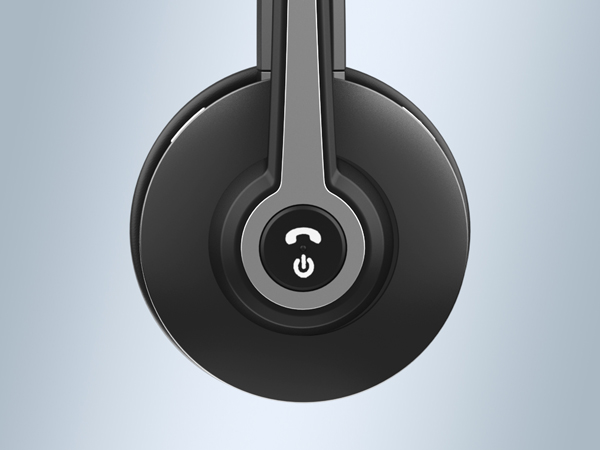
Take full control of the office headset by using the MFB to Power ON/OFF Pairing/Siri
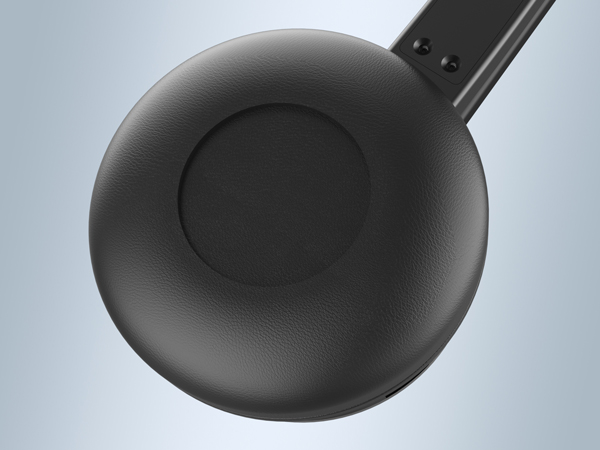
The telephone headset uses soft leatherette earpad to offer you all-day comfort.
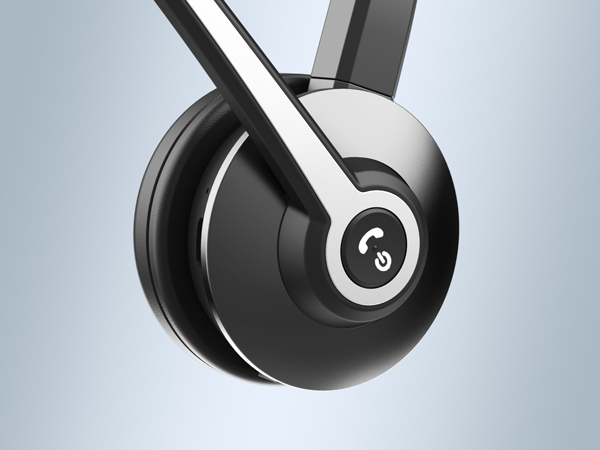
The usb wireless headset has 270° Rotatable Microphone for improving your flexibility.
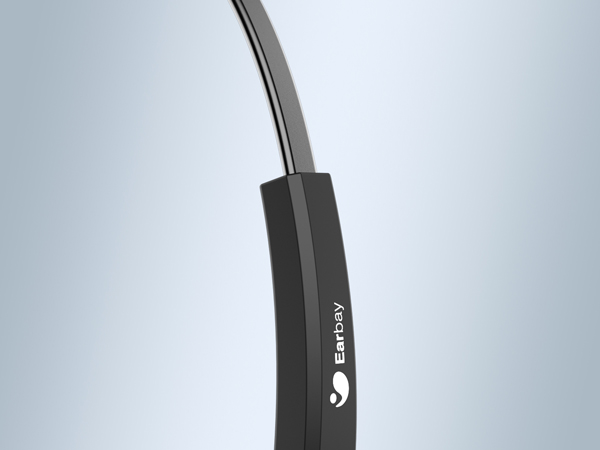
The wireless usb headset with microphone is engineered with adjustable headband to fit any head size effortlessly.

How to connect with Bluetooth devices?
1. Long press the multifunction button for 5-7 Secs to enter pairing mode with LED Blue & Red flash alternately. 2. Search and click to connect 'BT-68' on devices. 3. LED change to Blue slow flash once connected, easy and stable.
Can this Bluetooth headset connect with 2 devices at the same time?
1.Please turn off the Bluetooth function of first paired Phone/PC. 2. Connect‘BT-68’ on the second device. LED change to Blue slow flash after connected. 3. Turn on Bluetooth function of the first Phone/PC, and reconnect ‘BT-68’ on Bluetooth lists.
When I use the headphones with dongle, is it need to download the driver to use it?
Just Plug and play, no need to download any drivers.
After a period of using time, the office headset emits a beep sound?
Please charge the wireless headset for a period of time to confirm whether it is caused by low power, or check whether the mute function is on.
Does the Bluetooth headset have mute function?
Yes, This mic mute function can only be used for computer or cell phone during making calls.
Earbay designs professional office headsets—both wired and wireless—to deliver exceptional audio clarity for calls and online meetings. We are committed to creating an immersive sound experience that makes every virtual conversation feel natural and focused.
Our headsets are engineered for the modern remote workforce, offering smart, convenient communication that bridges distances and brings people together, as if everyone were in the same room.


