






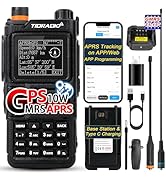
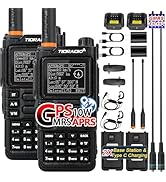
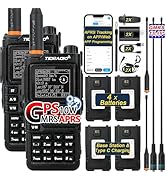
TIDRADIOTD-H9 GPS/APRS/Compass
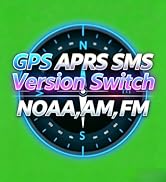
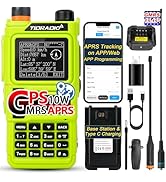
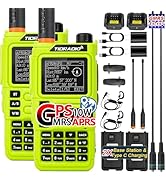
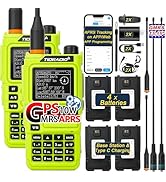
TIDRADIOTD-H9 GPS/APRS/Compass
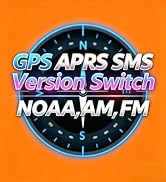
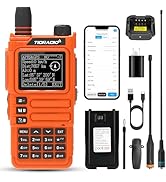
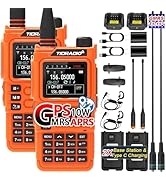
TIDRADIOTD-H9 GPS/APRS/Compass
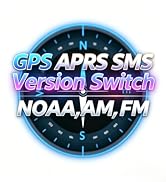
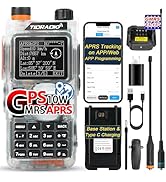
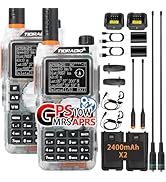
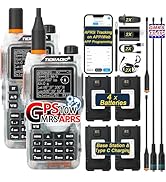
TIDRADIOTD-H9 GPS/APRS/Compass
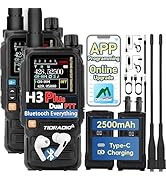
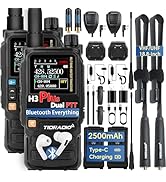
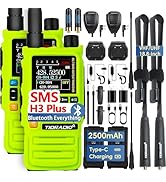
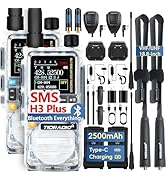
Newest H3 Plus Ham Radio
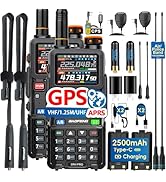
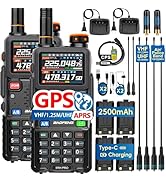
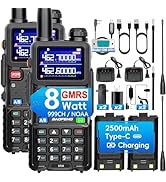
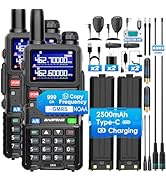
BAOFENG GPS Ham/GMRS Radio
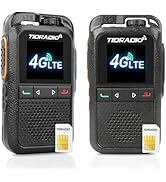
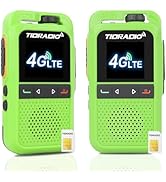
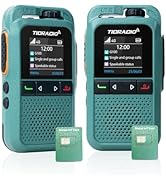
Long range & Licenses-free
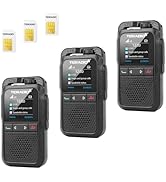
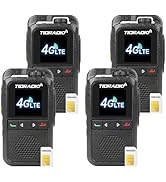
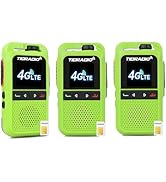
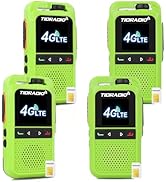
Long range & Licenses-free
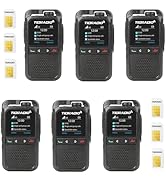
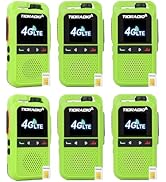
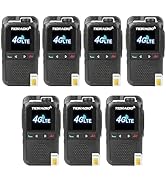
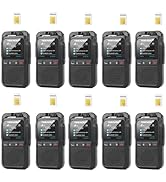
Long range & Licenses-free
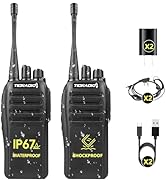
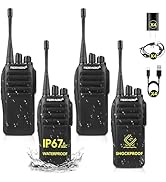
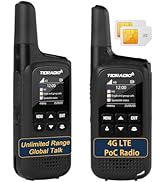
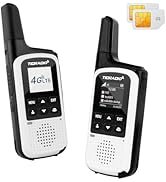
Long range & Licenses-free
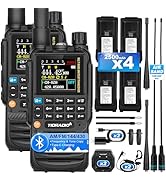
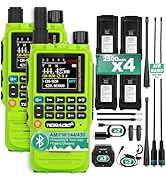
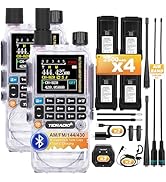
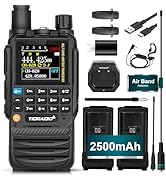
H3 GMRS all you need in Here!!
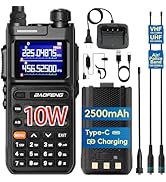
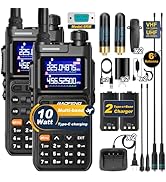
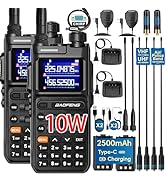
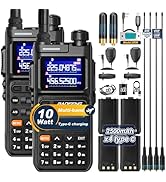
2025 10W Hot Radio
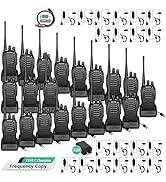
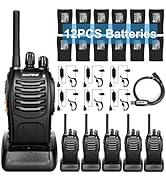
FRS-Hot Radio
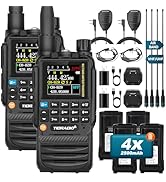
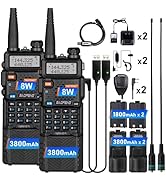
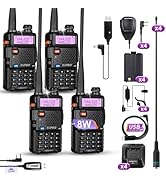
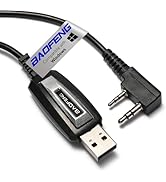
Rapid Ham Radio
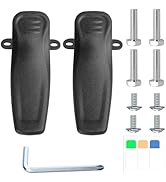
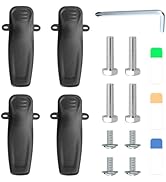
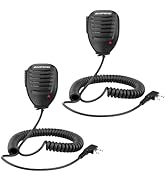
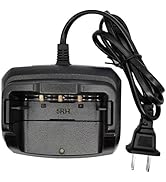
BAOFENG Accessories
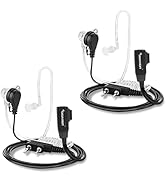
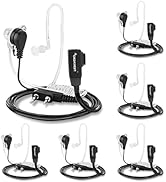
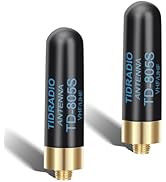
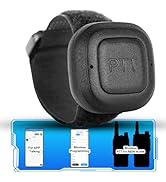
TIDRADIO Accessories
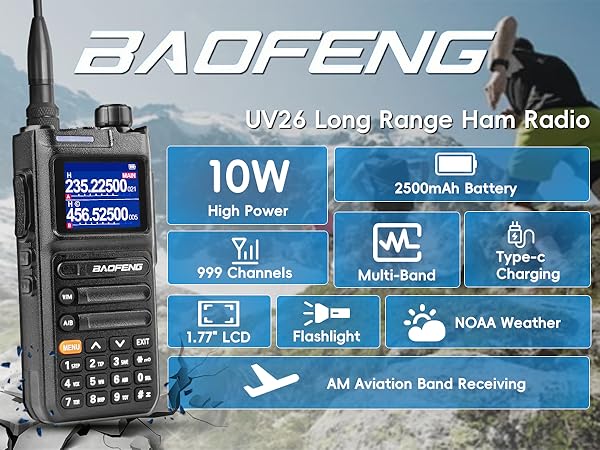
BAOFENG Multi Band---New 10W HAM RADIO!
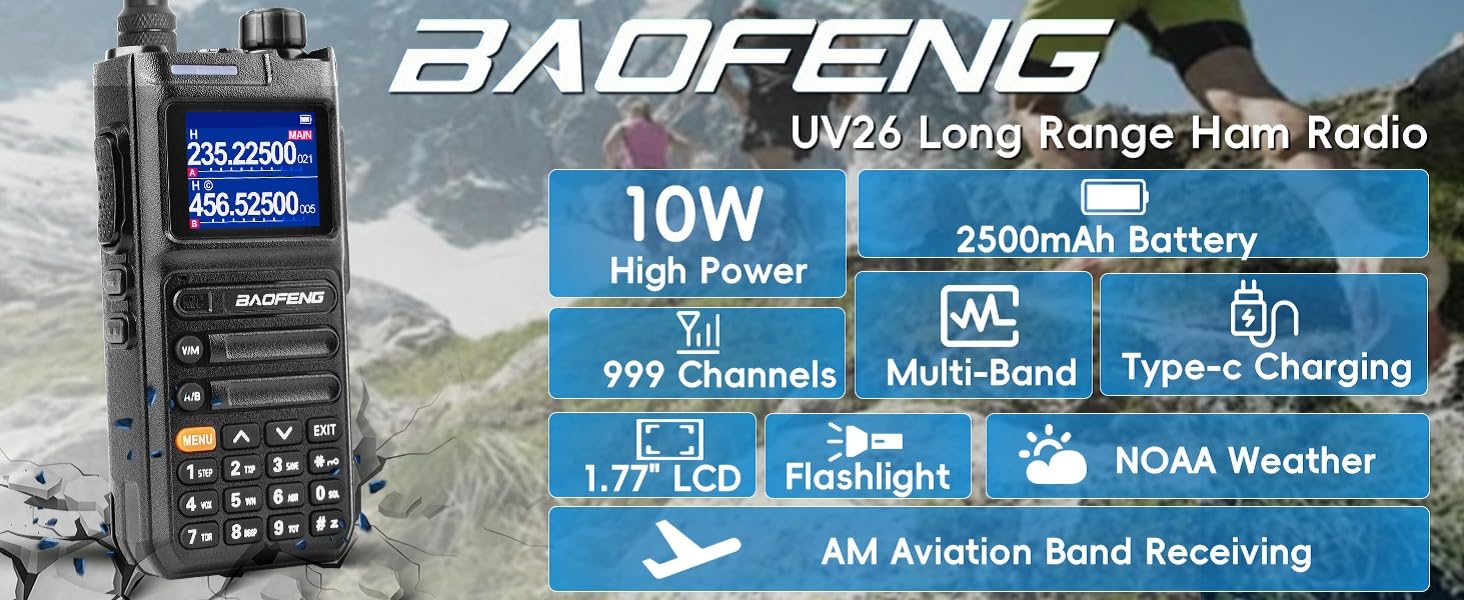
Baofeng Multi-band Ham Radios
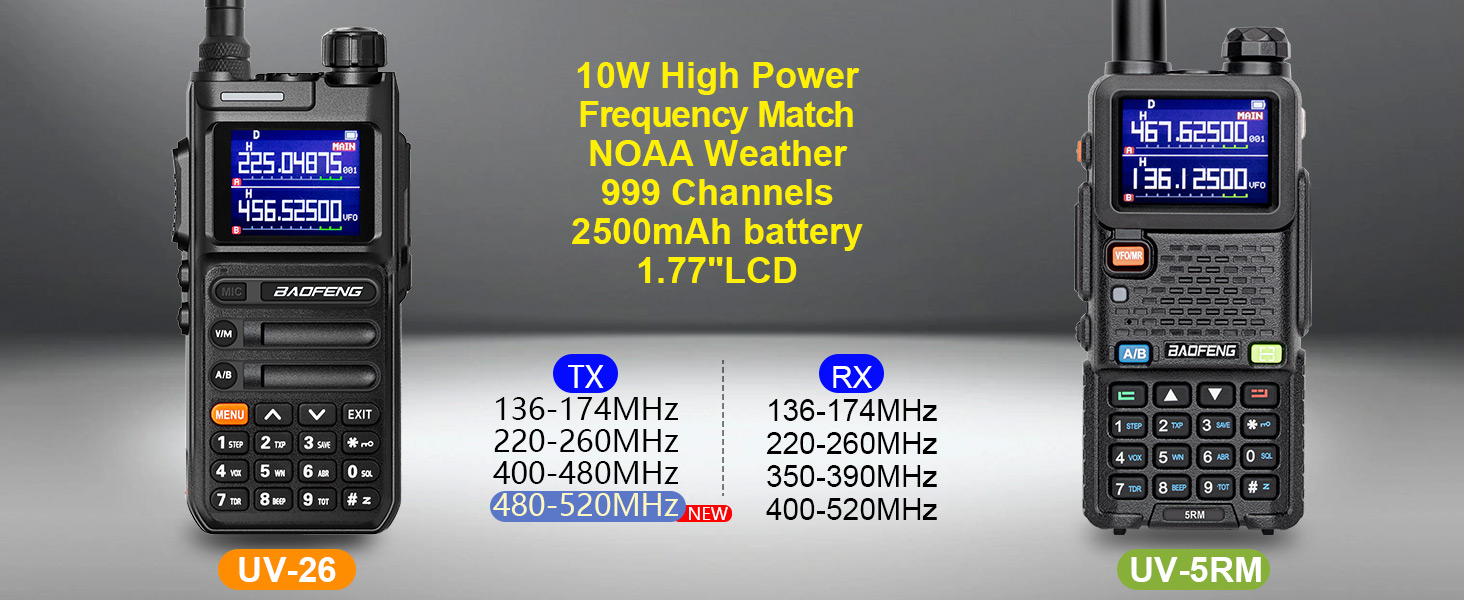
Different from the BF-UV5RM, the BF-UV26 uses a more rigid and drop-resistant shell material, making it extremely sturdy and resistant to drops!
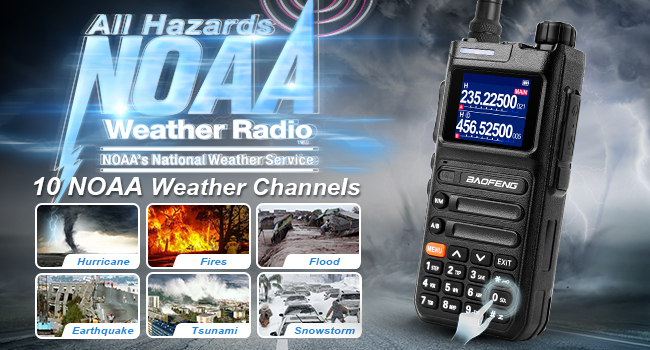
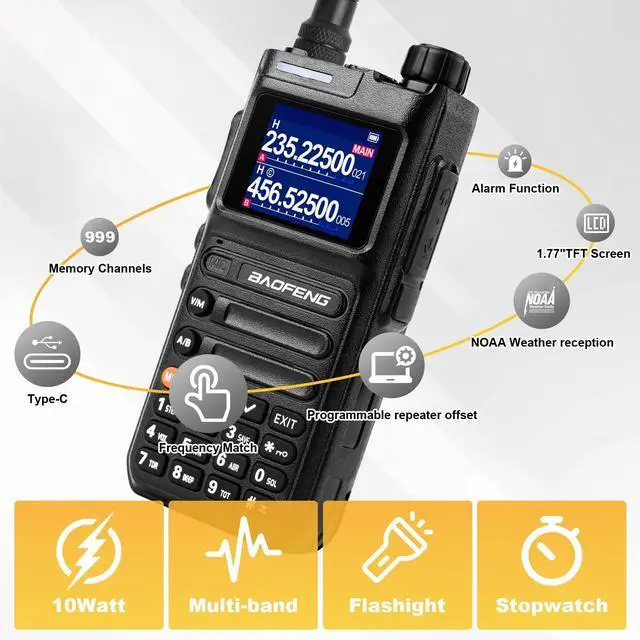
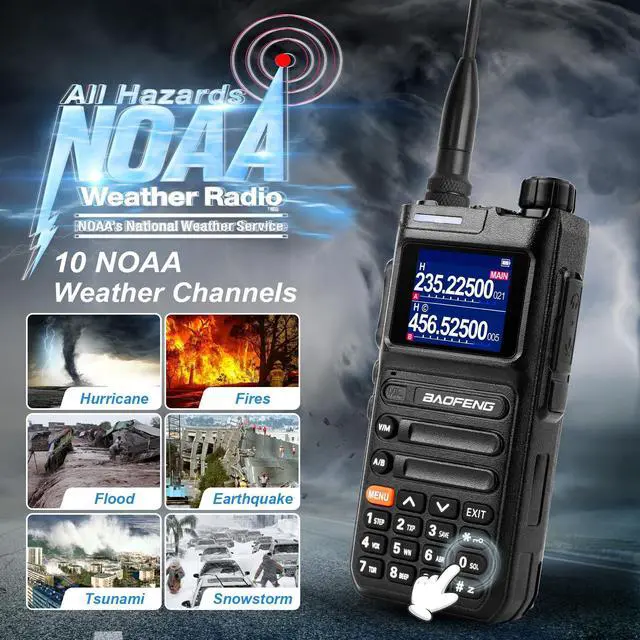
NOAA Scan and Reception Feature
Press and hold the [0 SQL] key to activate the NoAA weather forecast reception function
NOAA Scan & Receiver allows you to foresee severe weather ahead, equipping you to be thoroughly prepared.
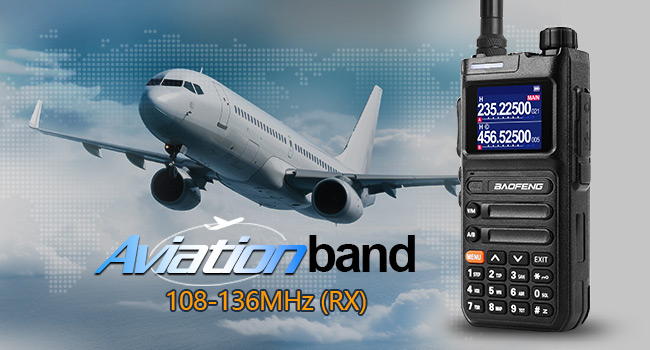
Aviation Band Reception
BAOFENG UV26 Ham Radio has AM reception in the 108 - 136 MHz aviation range. With 8.33 kHz channel spacing, it delivers clear audio. Compact and user - friendly, it's a must - have for tracking flights. Fly high with UV26!
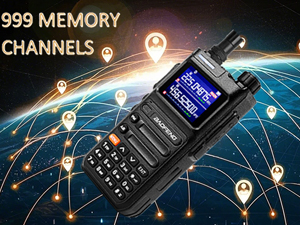
Baofeng Radios with 999CH
Unleash Your Radio Horizons with BF-UV26 Ham Radio's 999 Channels!
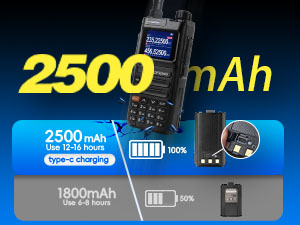
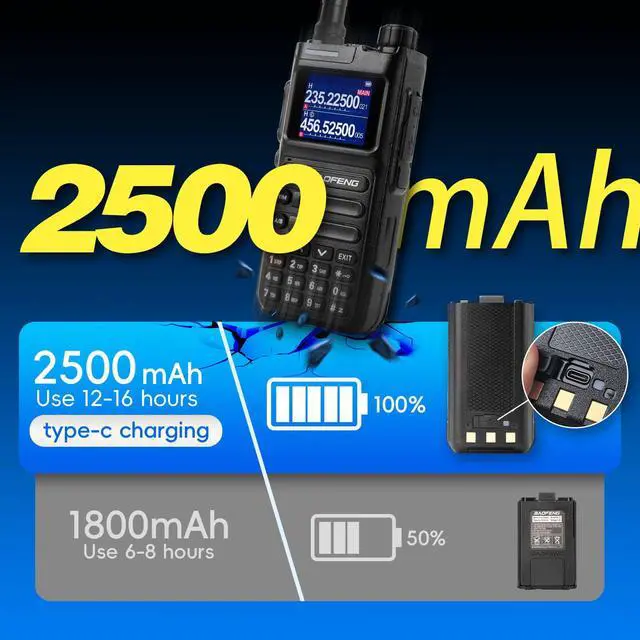
BAOFENG Original Battery
The newly upgraded 2500mAh high - capacity battery is here!
?Compared with the old 1800mAh battery, increased the power reserve and battery life.
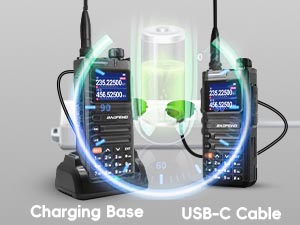
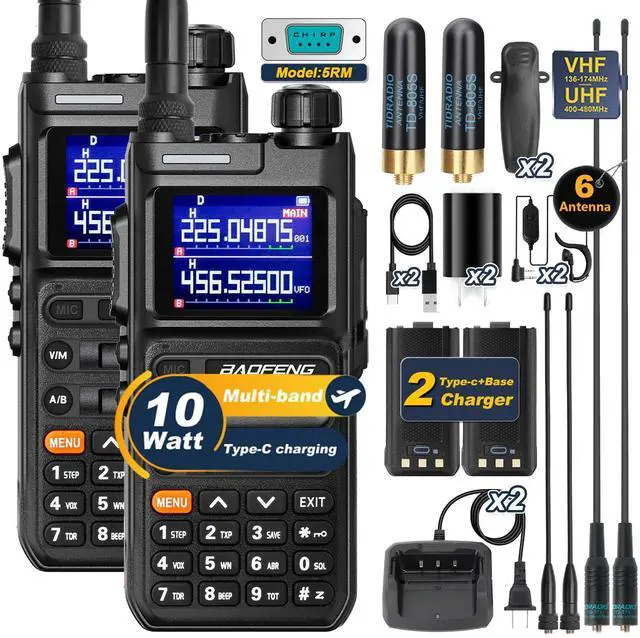
Two Type-C + Base Charging
USB-C+Baofeng Base Charger:With USB Cable,Quick to charge, Easy to carry!
?Can be charged Ham GMRS Radio Walkie Talkies at any place with USB-C power!
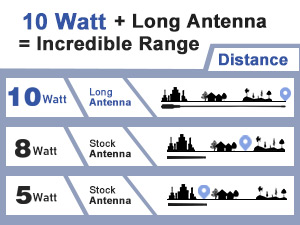
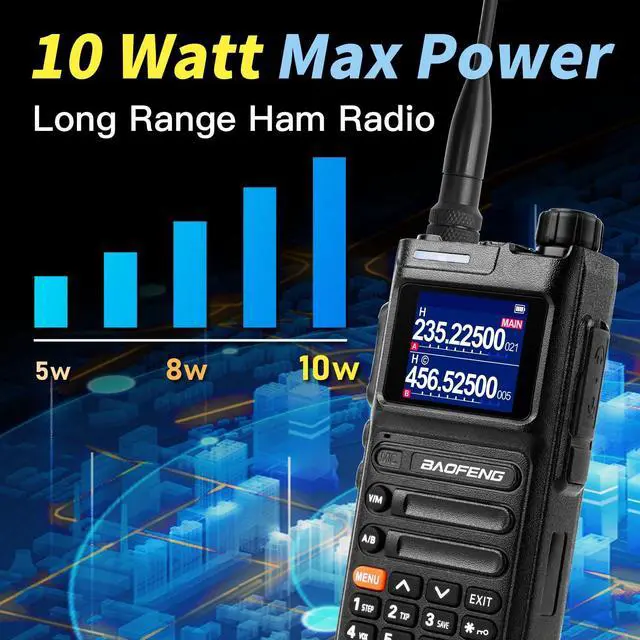
BAOFENG UV26 10W Output Power
10W>8W>5W: BF-UV26 ham radio Double output power
? High output up to10 watts, expanding signal transmission distance and enhancing signal reception.
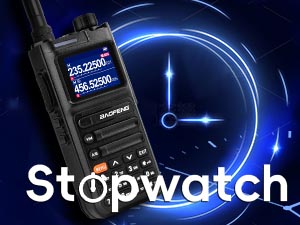
Built-in Stopwatch Mode
No need to rely on additional timing devices. The UV26 meets your communication needs and comes with an operation time measurement function
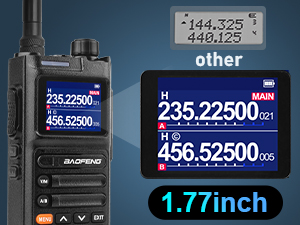
1.77''LCD Screen
1.77" LCD screen has vivid colors for a great visual experience. It's easy to use, with clear fonts for fast info.

Newly upgraded flashlight
When you urgently need light in a dark environment, simply press the [SK2]button, and the flashlight function will turn on immediately.
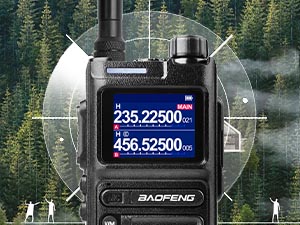
Three Ways Scanning modes
Scanning modes: TO. CO. SE.In Emergencies,it can rapidly identify available frequencies.Once a signal is in the vicinity,it can detected and monitored
Shortcuts---One - click to quickly enter the usage mode!
- Long press "0" to Enter NOAA channels.
- Long press "#" to SCAN or stop it, press up or down to select the scanning direction.
- Long press side key 1: Switch light. /Press it to enter FM radio.
- Long press side key2: Enter Monitor mode.
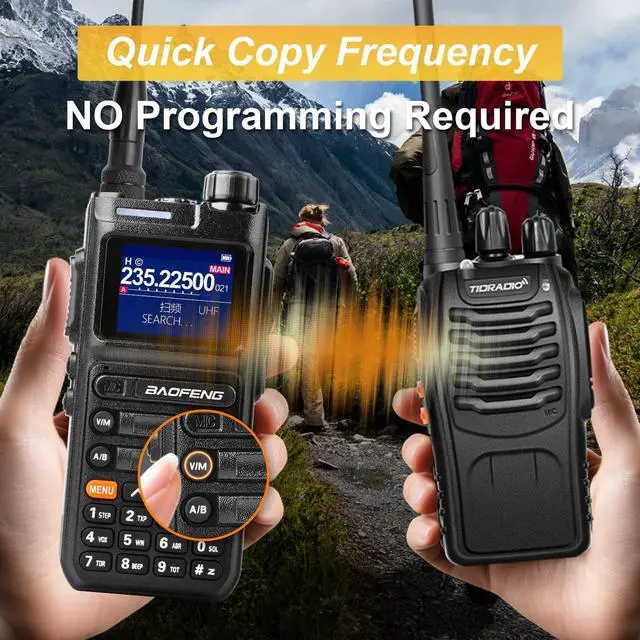
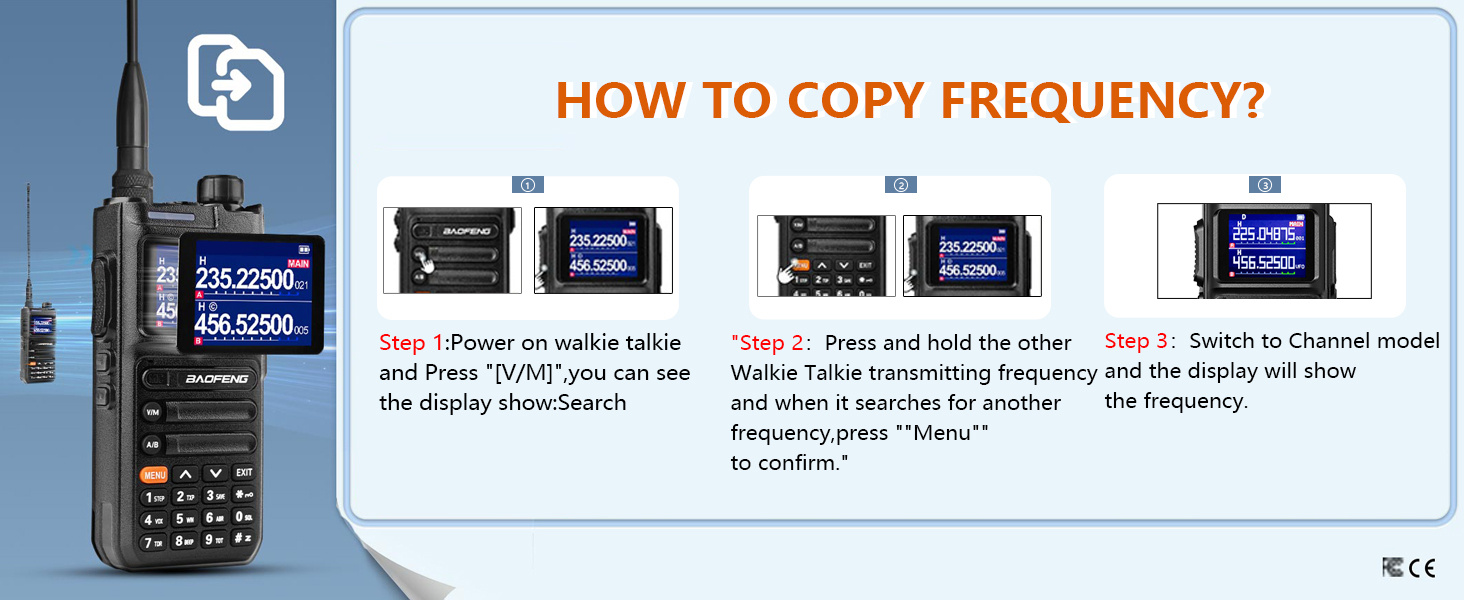
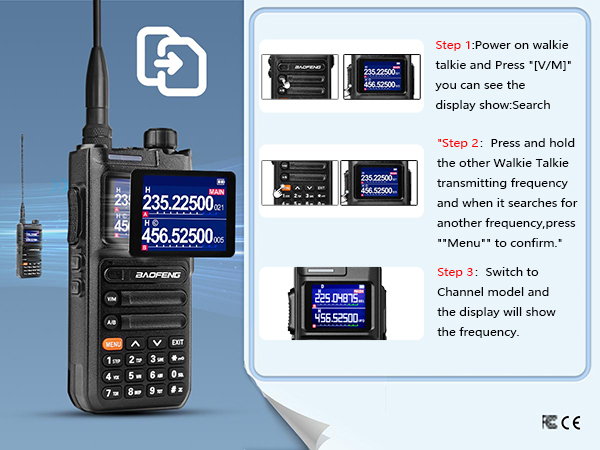
- 1-Hold down '[V/M]' to activate Frequency Match mode. 2-press A ‘#’ to choose a band. 3.-press Menu to save the channel details
There are many more wonderful features waiting for you to explore with us!
BAOFENG Multi Band---New 10W HAM RADIO!
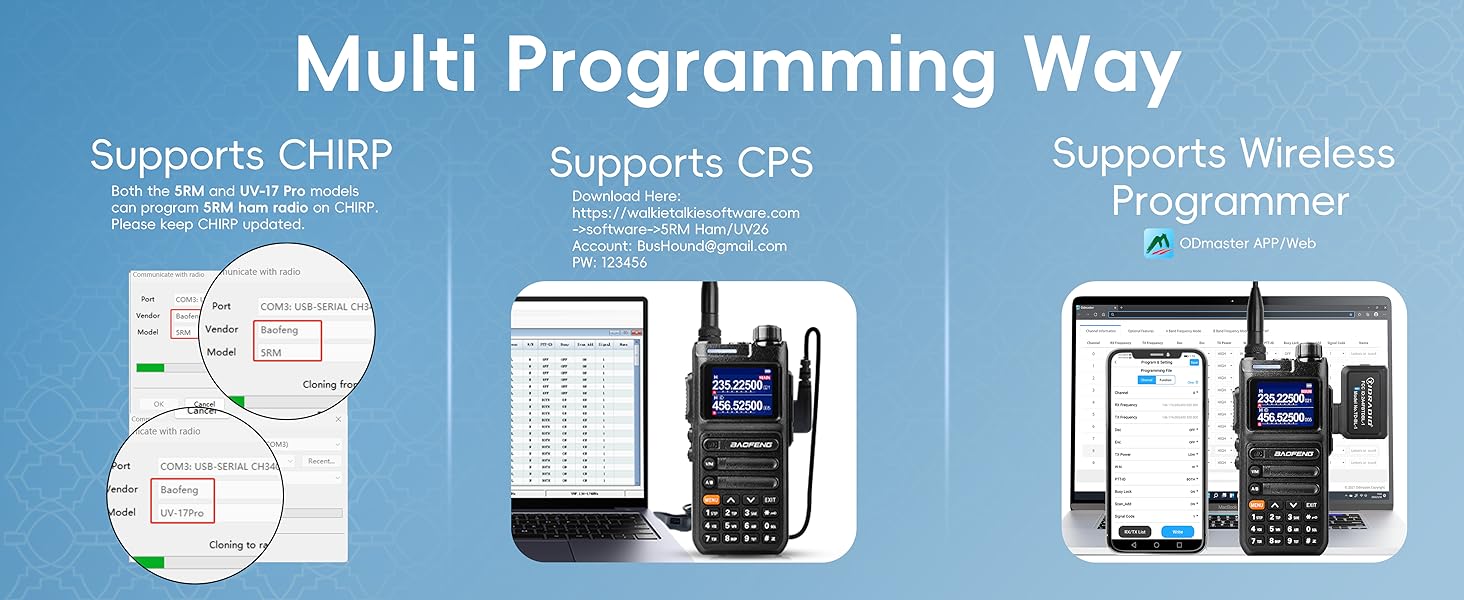
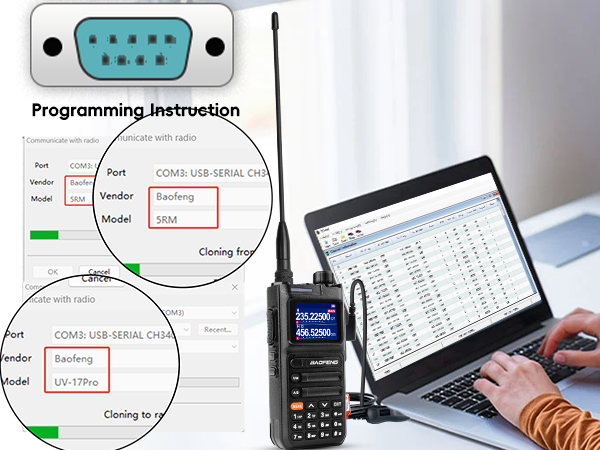
Chirp Model: 5RM/UV-17 Pro
- Vendor:Baofeng Model:5RM
- Vendor:Baofeng Model:UV-17 Pro
Long press the [V/M] key to achieve one key frequency match!
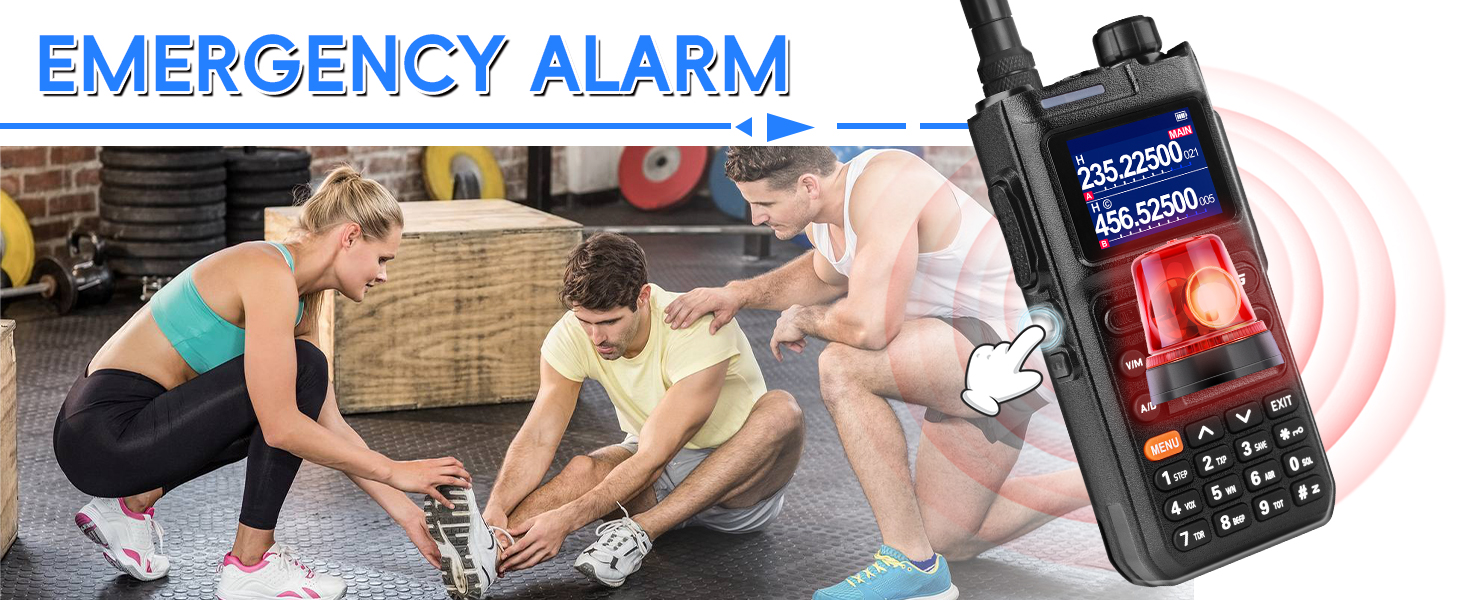
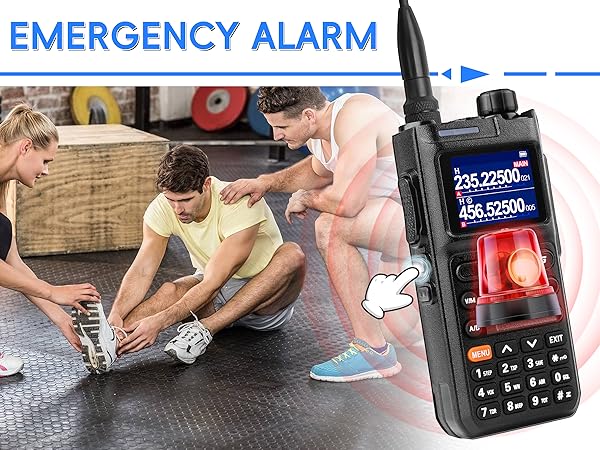
Press and hold the [SK1] key to activate the alarm. Press [SK1] briefly to turn it off.
Baofeng Multi-band Ham Radios
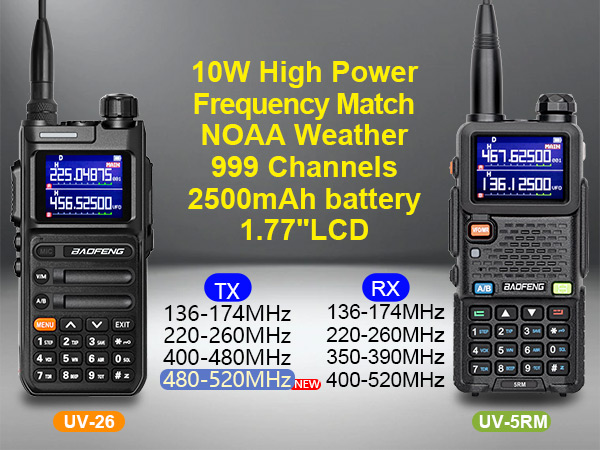
Different from the BF-UV5RM, the BF-UV26 uses a more rigid and drop-resistant shell material, making it extremely sturdy and resistant to drops!
NOAA Scan and Reception Feature
Press and hold the [0 SQL] key to activate the NoAA weather forecast reception function
NOAA Scan & Receiver allows you to foresee severe weather ahead, equipping you to be thoroughly prepared.
Aviation Band Reception
BAOFENG UV26 Ham Radio has AM reception in the 108 - 136 MHz aviation range. With 8.33 kHz channel spacing, it delivers clear audio. Compact and user - friendly, it's a must - have for tracking flights. Fly high with UV26!
Baofeng Radios with 999CH
Unleash Your Radio Horizons with BF-UV26 Ham Radio's 999 Channels!
BAOFENG Original Battery
The newly upgraded 2500mAh high - capacity battery is here!
?Compared with the old 1800mAh battery, increased the power reserve and battery life.
Two Type-C + Base Charging
USB-C+Baofeng Base Charger:With USB Cable,Quick to charge, Easy to carry!
?Can be charged Ham GMRS Radio Walkie Talkies at any place with USB-C power!
BAOFENG UV26 10W Output Power
10W>8W>5W: BF-UV26 ham radio Double output power
? High output up to10 watts, expanding signal transmission distance and enhancing signal reception.
Built-in Stopwatch Mode
No need to rely on additional timing devices. The UV26 meets your communication needs and comes with an operation time measurement function
1.77''LCD Screen
1.77" LCD screen has vivid colors for a great visual experience. It's easy to use, with clear fonts for fast info.
Newly upgraded flashlight
When you urgently need light in a dark environment, simply press the [SK2]button, and the flashlight function will turn on immediately.
Three Ways Scanning modes
Scanning modes: TO. CO. SE.In Emergencies,it can rapidly identify available frequencies.Once a signal is in the vicinity,it can detected and monitored
Shortcuts---One - click to quickly enter the usage mode!
- Long press "0" to Enter NOAA channels.
- Long press "#" to SCAN or stop it, press up or down to select the scanning direction.
- Long press side key 1: Switch light. /Press it to enter FM radio.
- Long press side key2: Enter Monitor mode.
- 1-Hold down '[V/M]' to activate Frequency Match mode. 2-press A ‘#’ to choose a band. 3.-press Menu to save the channel details
There are many more wonderful features waiting for you to explore with us!
TIDRADIOTD-H9 GPS/APRS/Compass
TIDRADIOTD-H9 GPS/APRS/Compass
TIDRADIOTD-H9 GPS/APRS/Compass
TIDRADIOTD-H9 GPS/APRS/Compass
Newest H3 Plus Ham Radio
BAOFENG GPS Ham/GMRS Radio
Long range & Licenses-free
Long range & Licenses-free
Long range & Licenses-free
Long range & Licenses-free
H3 GMRS all you need in Here!!
2025 10W Hot Radio
FRS-Hot Radio
Rapid Ham Radio
BAOFENG Accessories
TIDRADIO Accessories