




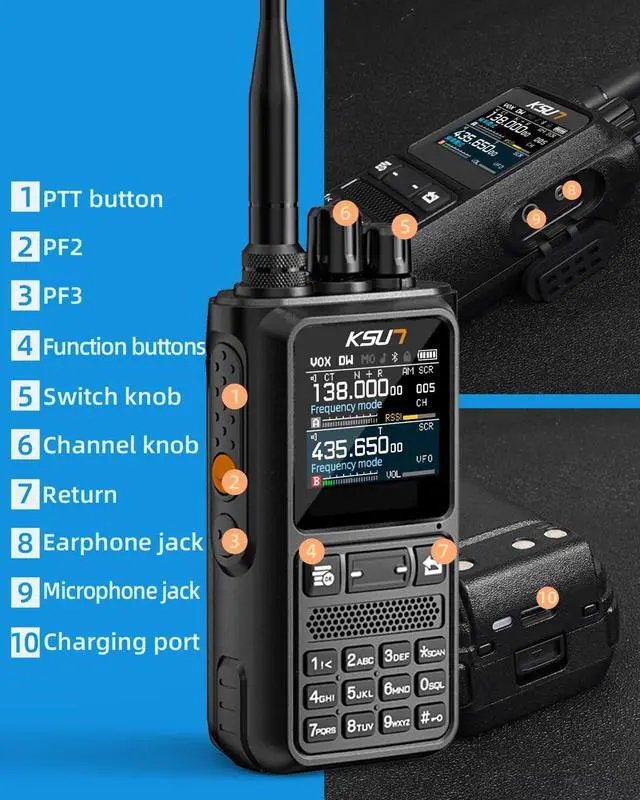


KSUN UV110D (APP Version) Full Band Receiving GMRS & Ham Radio

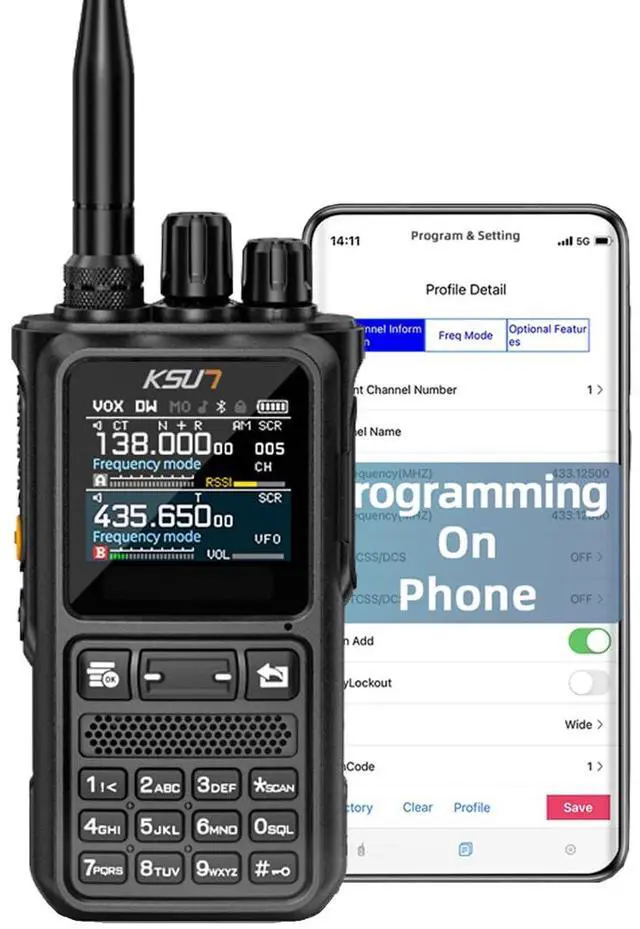
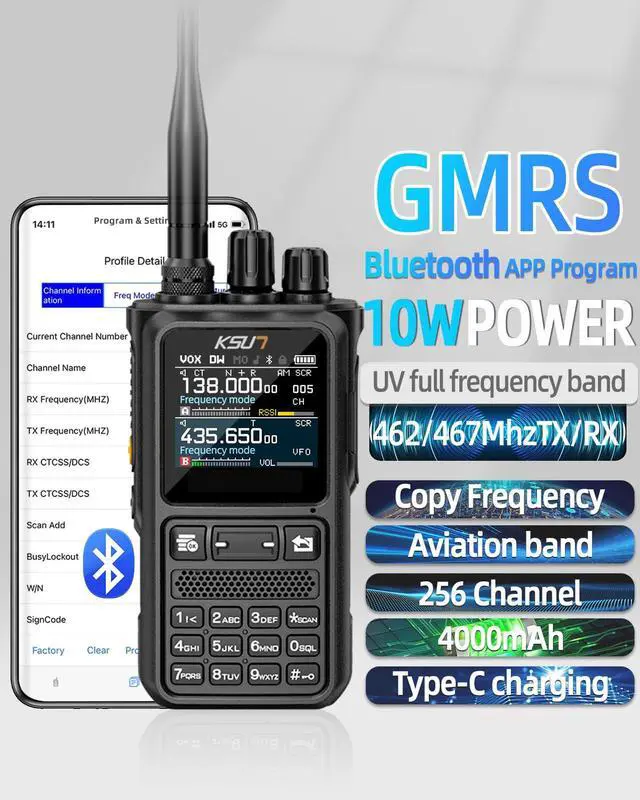
- The product we sell isAPP version, it has feature Bluetooth Function, and SUPPORT to program on phone.
- We can provide the CPS software if you need. Please use the regular 2-pin programming cable.
- The UV110D APP version does NOT have LED Flashlight Function.
Here is the operation guide for IOS system Programming with APP

1.Scan the code in the back of User's Manual to download and install the APP programmer.
2.Please turn on the Bluetooth function of the radio.
3.Set the correct intercom information on the programmer and click the "Connect" to connect.
4."Read" the walkie-talkie and start to program your radio.
Call Noise Reduction

- We can provide the CPS software if you need. Please use the regular 2-pin programming cable.
- The UV110D APP version does NOT have LED Flashlight Function.
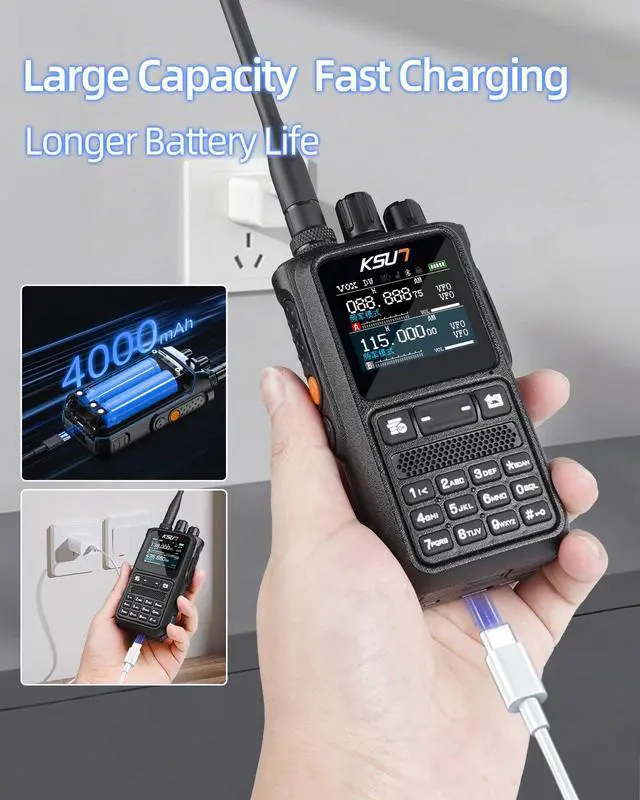
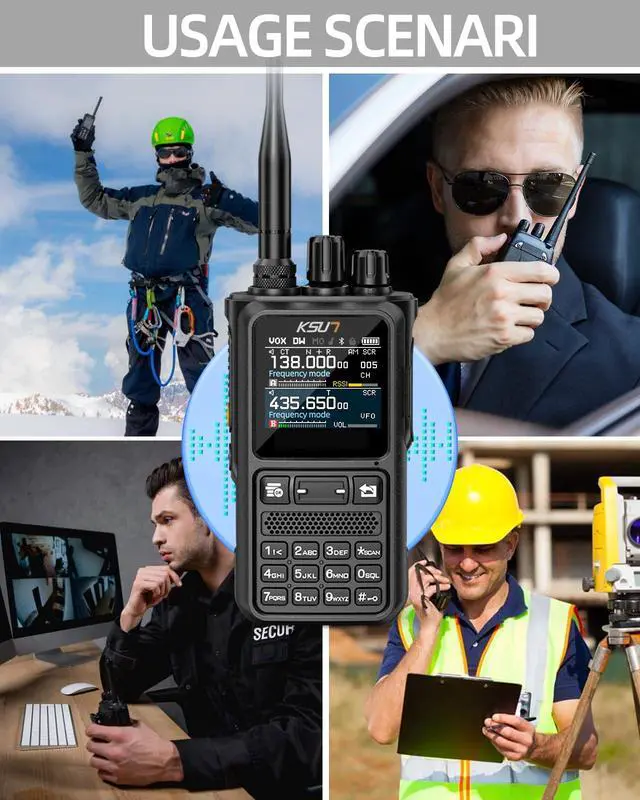
Type-c charging Usage scenarios


Where can I download the CPS or APP?
You can download the CPS from official KSUN site: qzksun.com
For the mobile APP, simply search “Walkie Talkie Tool” in the App Store or Google Play Store and download it directly.
Can I use CHIRP to program the UV 110D?
Sure, select the model "UV 110D " and then you can setup your UV 110D on CHIRP.
How to connect the radio with the APP for programming?
1.Scan the code in the back of User's Manual to download and install the APP programmer.
2.Please turn on the Bluetooth function of the radio.
3.Set the correct intercom information on the programmer and click the "Connect".
How can I contact you?
If you still experience setup or using issues, feel free to get to us through official KSUN site or via "Ask A Ques tion" on our Store "Sharkoo"

KSUN Radio
Designed for every team scenario
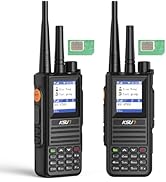
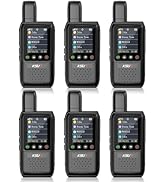
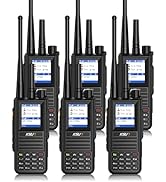
4G Poc Raido
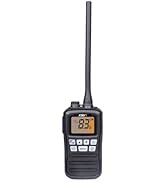
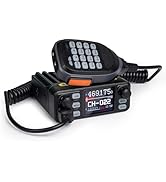
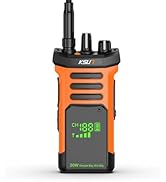
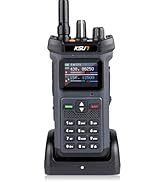
Walkie Talkies for Adults
About KSUN
For more than 50 years, KSUN has been creating innovative technologies that help you stay in touch and stay safe. we make products that make it simple to stay connected.
Our Promise
KSUN builds connections.
We enable:
Efficiency for urban teams
Safety for adventurers
Bonding for families
Wherever you are, KSUN keeps you connected. keeps you connected.
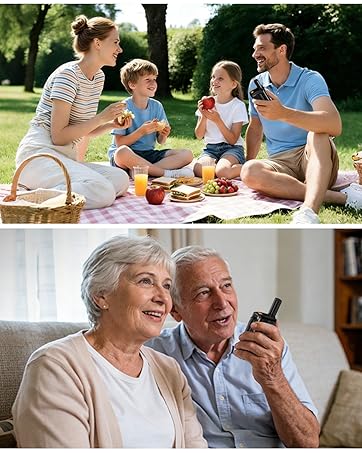
Our Mission
KSUN ensures every call gets an answer.
We deliver simple, reliable communication for all.
No Fees: Lifetime Free Service - one payment
KSUN UV110D (APP Version) Full Band Receiving GMRS & Ham Radio

- The product we sell isAPP version, it has feature Bluetooth Function, and SUPPORT to program on phone.
- We can provide the CPS software if you need. Please use the regular 2-pin programming cable.
- The UV110D APP version does NOT have LED Flashlight Function.
Here is the operation guide for IOS system Programming with APP

1.Scan the code in the back of User's Manual to download and install the APP programmer.
2.Please turn on the Bluetooth function of the radio.
3.Set the correct intercom information on the programmer and click the "Connect" to connect.
4."Read" the walkie-talkie and start to program your radio.
Call Noise Reduction

- We can provide the CPS software if you need. Please use the regular 2-pin programming cable.
- The UV110D APP version does NOT have LED Flashlight Function.
Type-c charging Usage scenarios


Where can I download the CPS or APP?
You can download the CPS from official KSUN site: qzksun.com
For the mobile APP, simply search “Walkie Talkie Tool” in the App Store or Google Play Store and download it directly.
Can I use CHIRP to program the UV 110D?
Sure, select the model "UV 110D " and then you can setup your UV 110D on CHIRP.
How to connect the radio with the APP for programming?
1.Scan the code in the back of User's Manual to download and install the APP programmer.
2.Please turn on the Bluetooth function of the radio.
3.Set the correct intercom information on the programmer and click the "Connect".
How can I contact you?
If you still experience setup or using issues, feel free to get to us through official KSUN site or via "Ask A Ques tion" on our Store "Sharkoo"
KSUN Radio
Designed for every team scenario
4G Poc Raido
Walkie Talkies for Adults
About KSUN
For more than 50 years, KSUN has been creating innovative technologies that help you stay in touch and stay safe. we make products that make it simple to stay connected.
Our Promise
KSUN builds connections.
We enable:
Efficiency for urban teams
Safety for adventurers
Bonding for families
Wherever you are, KSUN keeps you connected. keeps you connected.
Our Mission
KSUN ensures every call gets an answer.
We deliver simple, reliable communication for all.
No Fees: Lifetime Free Service - one payment