


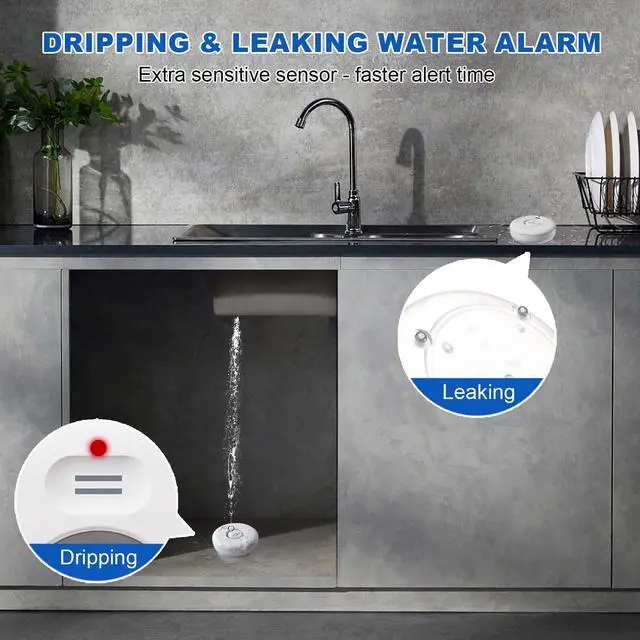
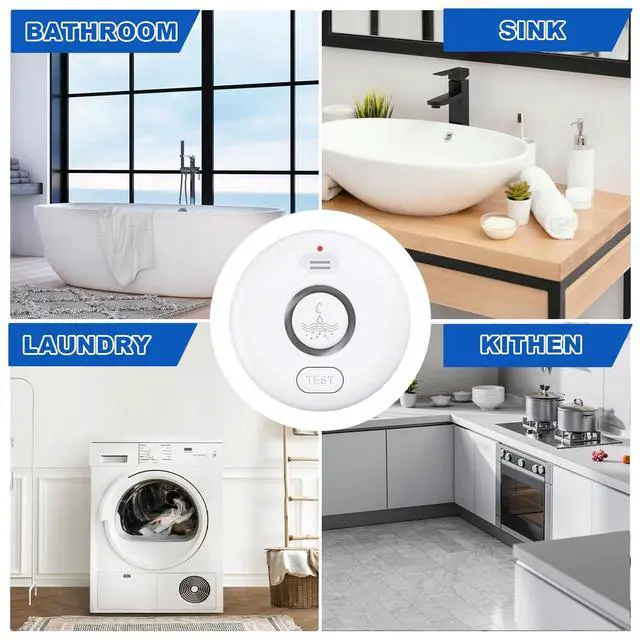



Founded in 2007, we have long been committed to R&D and sales integration, focusing on innovative water safety solutions. We specialize in designing and manufacturing premium water leak alarms. Equipped with advanced sensing technology, our alarms ensure prompt leak detection and timely alert, effectively preventing water damage. Trusted by homeowners and businesses globally, we bring reliable protection to your spaces.
Wireless WiFi Smart Water Leak Detector


How to connect W13 Gateway to 2.4GHz WiFi?
Bluetooth & WiFi Connection(Recommend)
Step 1: Ensure Bluetooth and 2.4Ghz Wi-Fi are enabled on your phone. (If you you can't find the 2.4GHz network, please contact your Internet provider for assistance if needed.Or search answer from Internet "How to create 2.4Ghz WiFi".)
Step 2: Open the Tuya Smart app and tap the "+" icon in the top-right corner to start adding a device. Then tap "Continue" and grant the necessary permissions.
Step 3: Powering On the W13 Gateway:
Plug the Gateway into a power outlet with USB power port. Press and hold the volume button for 2 seconds until the white indicator light flashes, indicating it has entered pairing mode
Step 4: The tuya smart app will detect the Gateway. Select it, choose your 2.4GHz Wi-Fi network, and enter the password to connect. (Notice: Most of 5GHz routers can also be set to 2.4GHz band or dual band.)
Step 5: Connection Successful!
Step 6: Go to [Accessories]>[water leak] to view all connected water sensors. You can rename them as needed.
Tuya APP Current Version: 6.11.5 (20251102163155)
Note: Bluetooth is only used to assist in the initial setup process between your phone and the Hub. It does not connect to the water sensors. All primary communication is via 2.4GHz Wi-Fi.
water sensor detector
Merchant Video
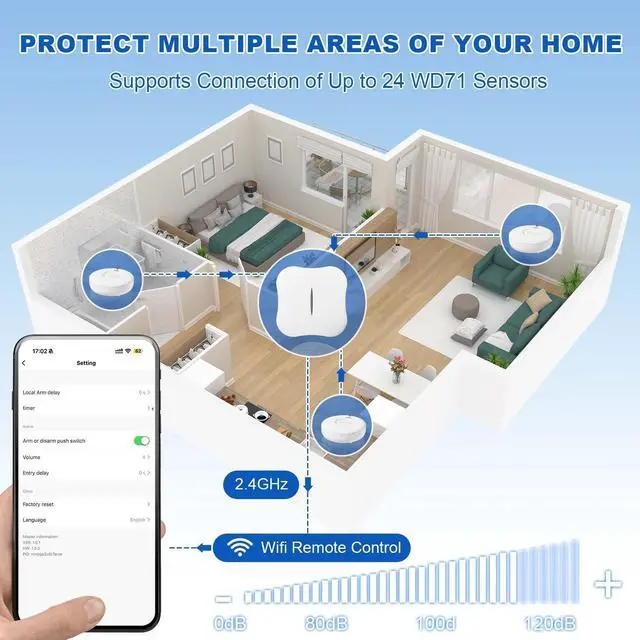
Up to 24 Sensors Support
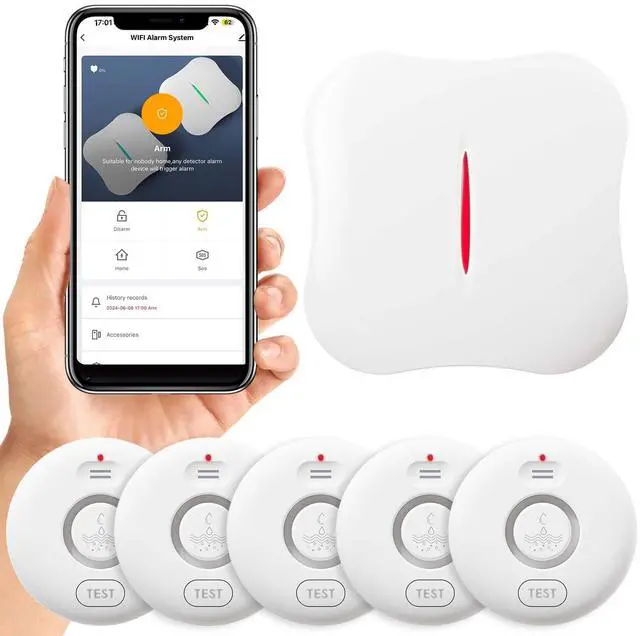
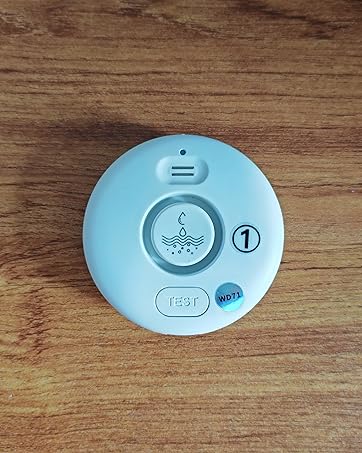
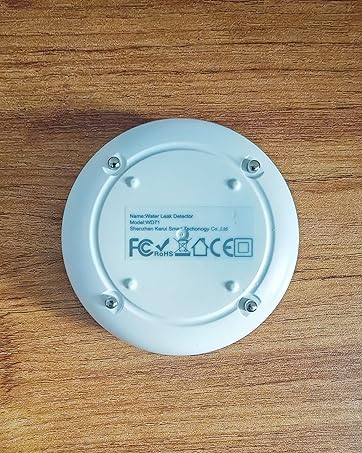
The system is equipped with 5 WD71 water sensors, with a maximum support capacity of 24 sensors. Enable you to rename each detector and the gateway.

120dB Scalable & Volume Alarm
The water detector offers 4 levels of adjustable volume. Users can adjust the set volume either through the Tuya app or directly on the detector.

Smart Application Control
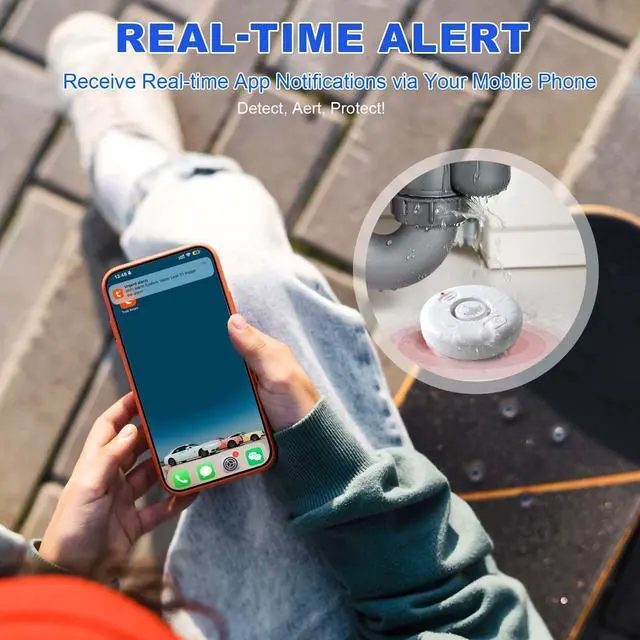
In the app, name sensors for easy identification, set timed alarms, and choose distinct ringtones for each.

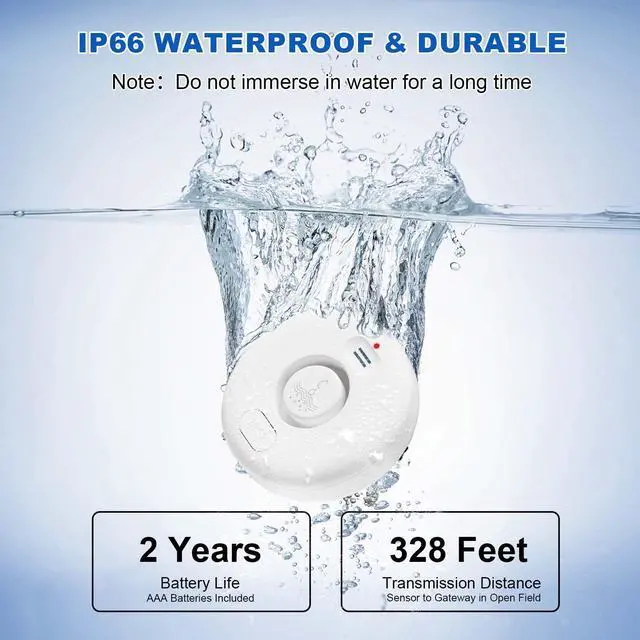
Long-Lasting & Waterproof
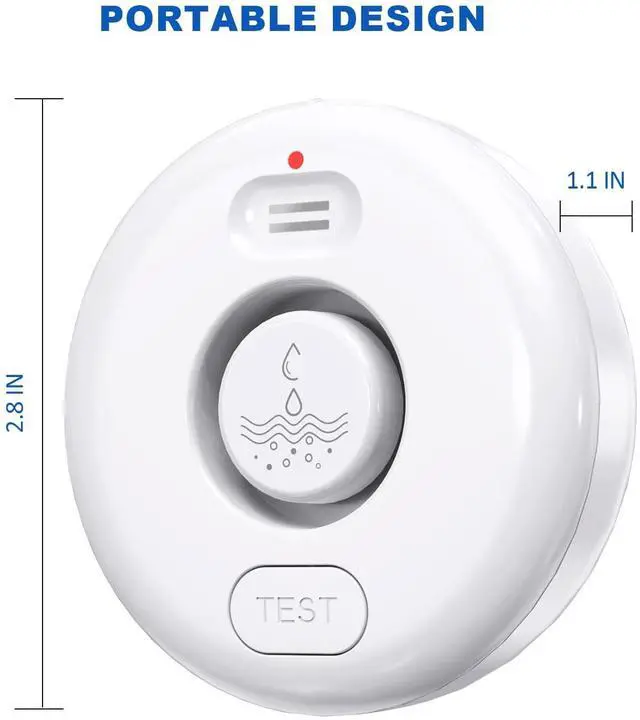
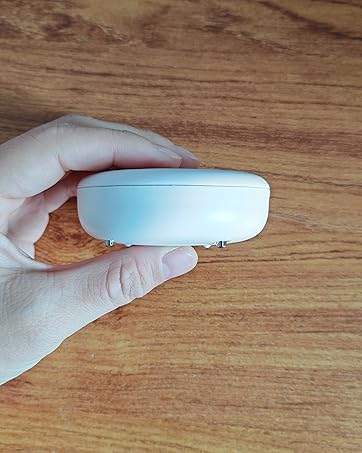
The surface is crafted from IP66 waterproof material. Package contains 10 AAA batteries and comes with a low - battery indicator and a test button.
Founded in 2007, we have long been committed to R&D and sales integration, focusing on innovative water safety solutions. We specialize in designing and manufacturing premium water leak alarms. Equipped with advanced sensing technology, our alarms ensure prompt leak detection and timely alert, effectively preventing water damage. Trusted by homeowners and businesses globally, we bring reliable protection to your spaces.
Wireless WiFi Smart Water Leak Detector


Tuya App: Share, Control & Third - Party Voice


How to connect W13 Gateway to 2.4GHz WiFi?
Bluetooth & WiFi Connection(Recommend)
Step 1: Ensure Bluetooth and 2.4Ghz Wi-Fi are enabled on your phone. (If you you can't find the 2.4GHz network, please contact your Internet provider for assistance if needed.Or search answer from Internet "How to create 2.4Ghz WiFi".)
Step 2: Open the Tuya Smart app and tap the "+" icon in the top-right corner to start adding a device. Then tap "Continue" and grant the necessary permissions.
Step 3: Powering On the W13 Gateway:
Plug the Gateway into a power outlet with USB power port. Press and hold the volume button for 2 seconds until the white indicator light flashes, indicating it has entered pairing mode
Step 4: The tuya smart app will detect the Gateway. Select it, choose your 2.4GHz Wi-Fi network, and enter the password to connect. (Notice: Most of 5GHz routers can also be set to 2.4GHz band or dual band.)
Step 5: Connection Successful!
Step 6: Go to [Accessories]>[water leak] to view all connected water sensors. You can rename them as needed.
Tuya APP Current Version: 6.11.5 (20251102163155)
Note: Bluetooth is only used to assist in the initial setup process between your phone and the Hub. It does not connect to the water sensors. All primary communication is via 2.4GHz Wi-Fi.
water sensor detector
Merchant VideoUp to 24 Sensors Support
The system is equipped with 5 WD71 water sensors, with a maximum support capacity of 24 sensors. Enable you to rename each detector and the gateway.
120dB Scalable & Volume Alarm
The water detector offers 4 levels of adjustable volume. Users can adjust the set volume either through the Tuya app or directly on the detector.
Smart Application Control
In the app, name sensors for easy identification, set timed alarms, and choose distinct ringtones for each.
Long-Lasting & Waterproof
The surface is crafted from IP66 waterproof material. Package contains 10 AAA batteries and comes with a low - battery indicator and a test button.