







Winees comes from "witness", we want to help our customers have less trouble and more enjoyment. We provide professional cameras guard consumers' lives, becoming another eye to help with less hassle.
Focus on better security we offer professional outdoor lighting integrated with smarter security intelligence. Based on high quality design and advantage Technology, Winees provide consumers with the ability to guards their homes and families.
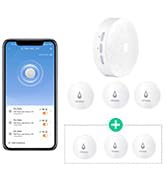
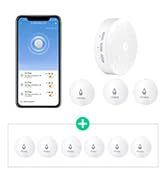
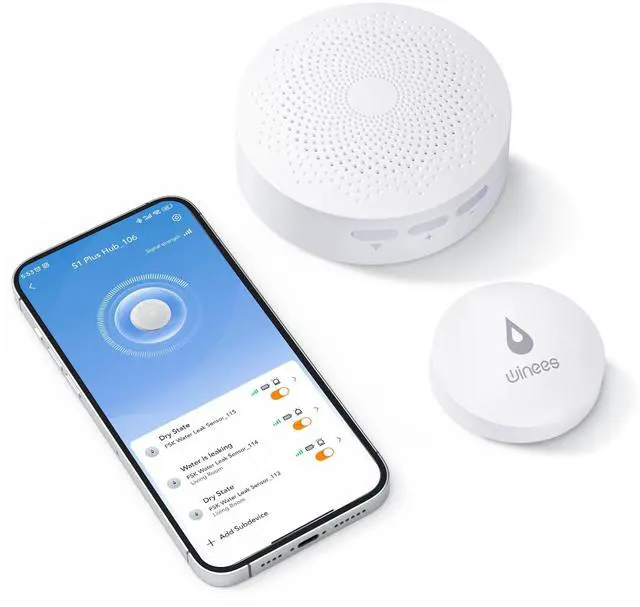
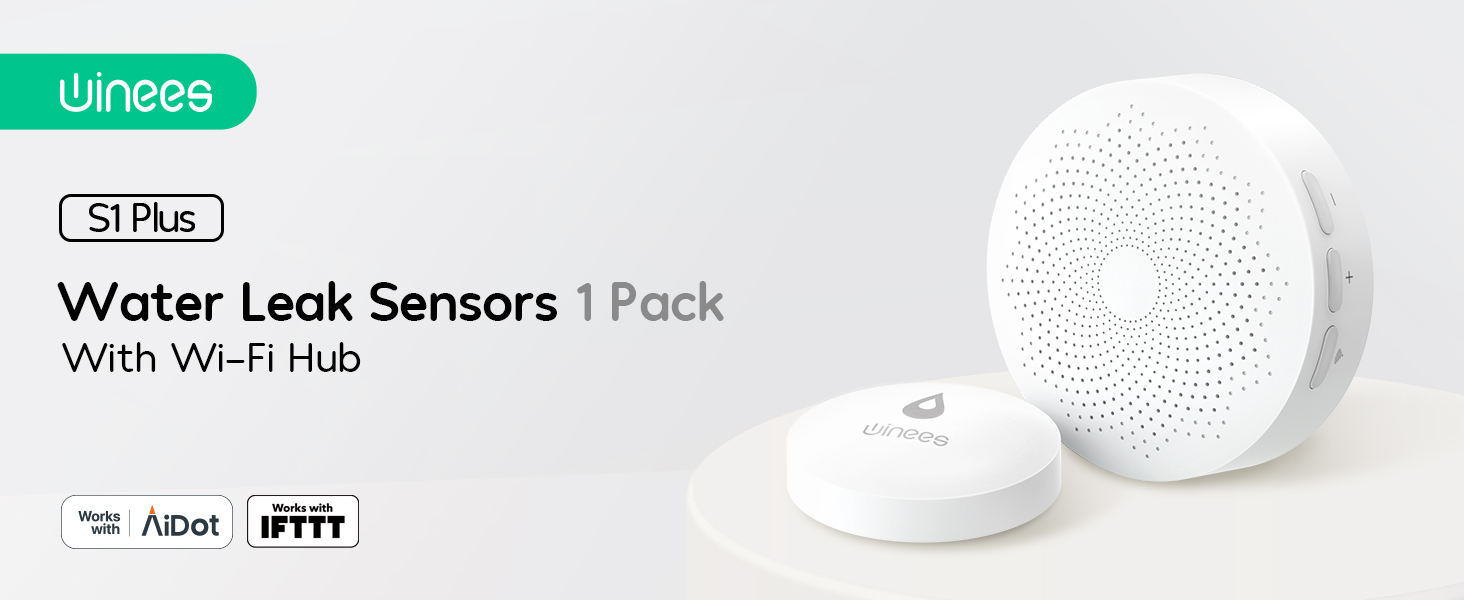
water leak detector



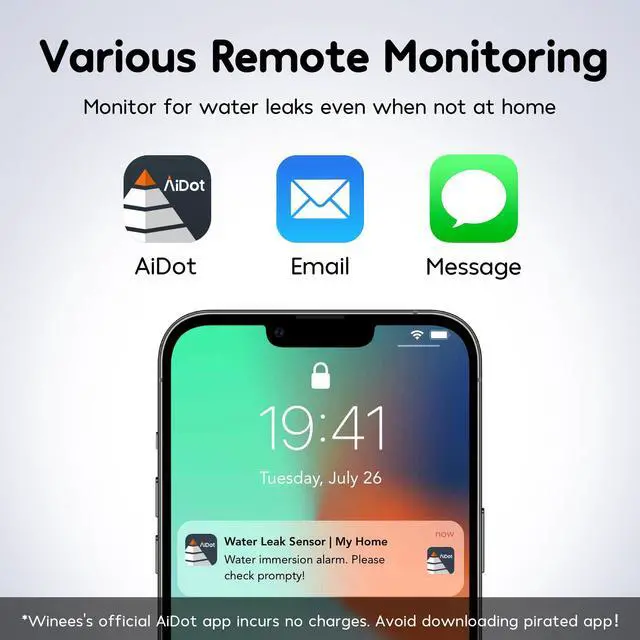
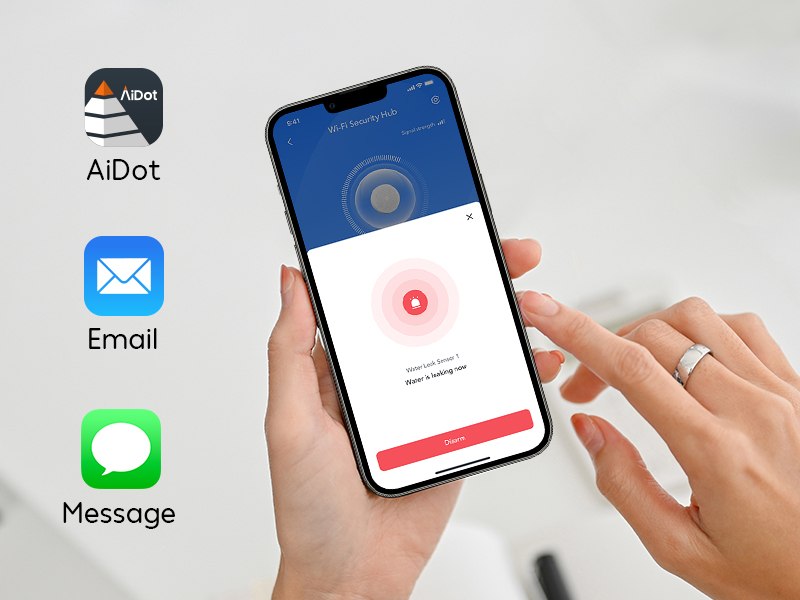
APP & SMS & Email Notification
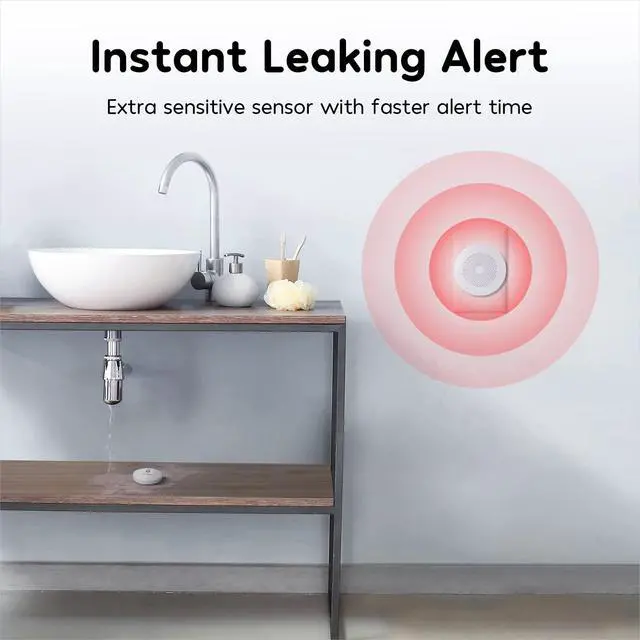
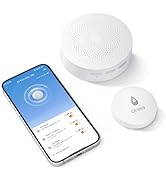
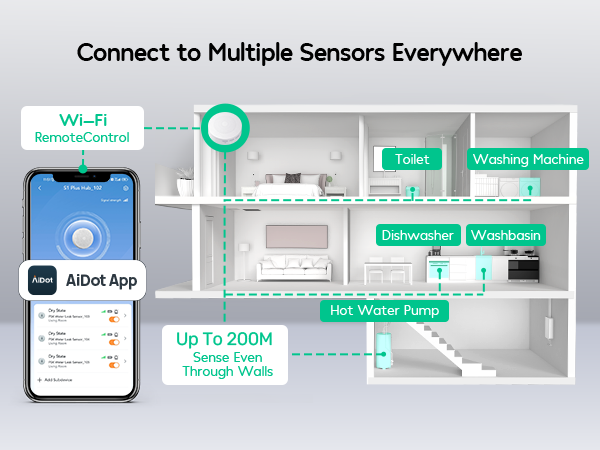
Once any water leak is detected, the APP will notify you immediately. We have added email and SMS notification services to double-protect your home
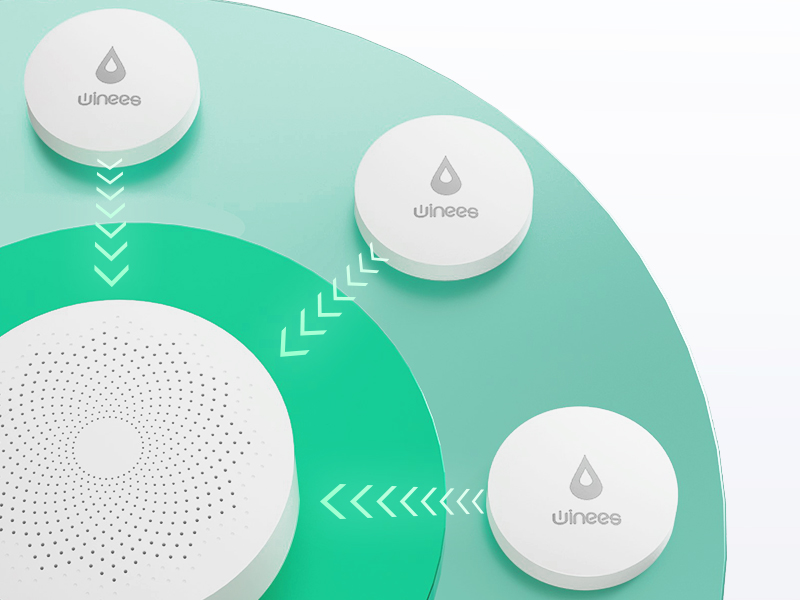
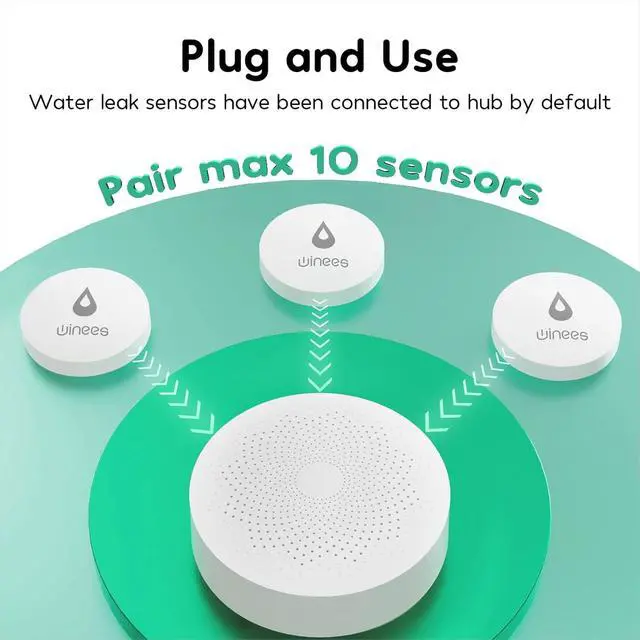
Direct Pre-paired between Hub and Sensor
When the hub successfully connects to WiFi for the first time, the water leak sensor has been connected to the hub by default.

Kitchen Dishwasher
The sight of water constantly leaking from your kitchen sink drain raises an instant alarm. The longer you wait, the greater chance you’ll meet an unexpected flood in your kitchen.

Laundry Room Washing Machine
The bottom of the washing machine is prone to water seepage; the perimeter is usually cabinets for storing household items, which can cause significant damage to items.
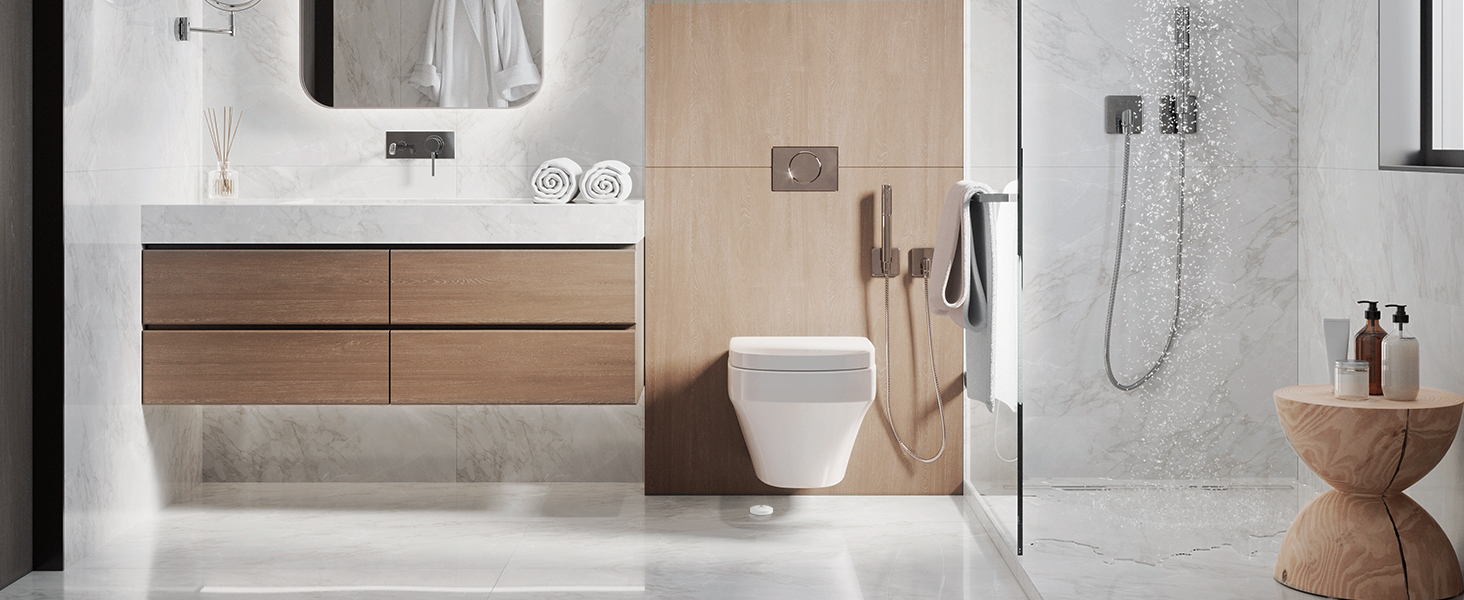
Bathroom Toilet
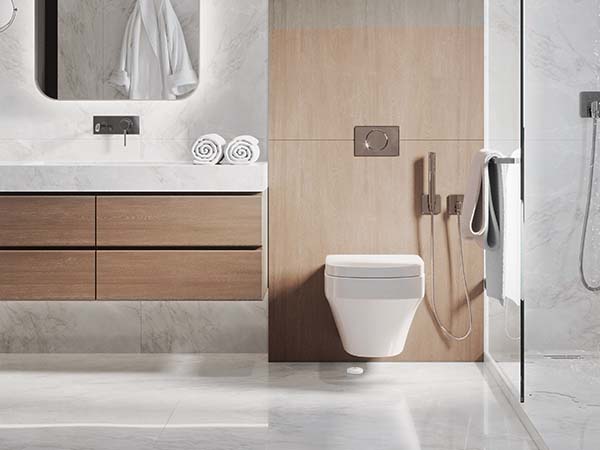
Toilets are also high-frequency areas for falls. Put the sensor on the lower end of the toilet to detect water leakage in time.

Bathroom Sink
The elderly and children are most likely to fall in the bathroom, so we must always keep the bathroom dry, winees sensor will protect your family safety.
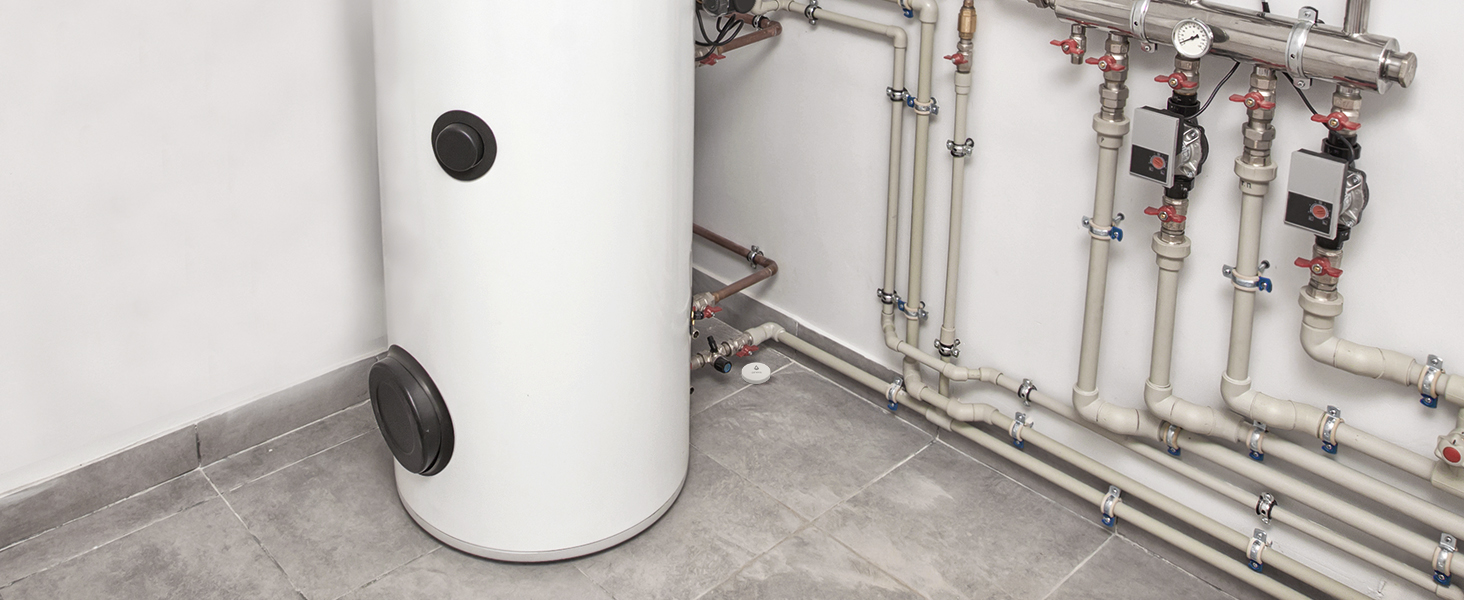
Basement
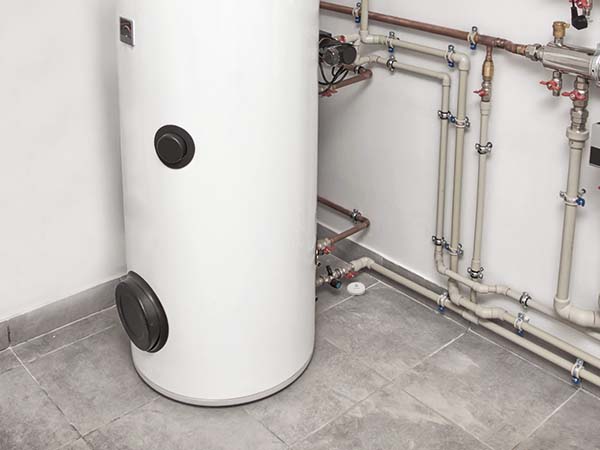
Put our sensor in the basement, which is easy to be ignored but is most likely to be soaked when water leaks, and is often used to store valuables. It will protect your home in time instead of you.
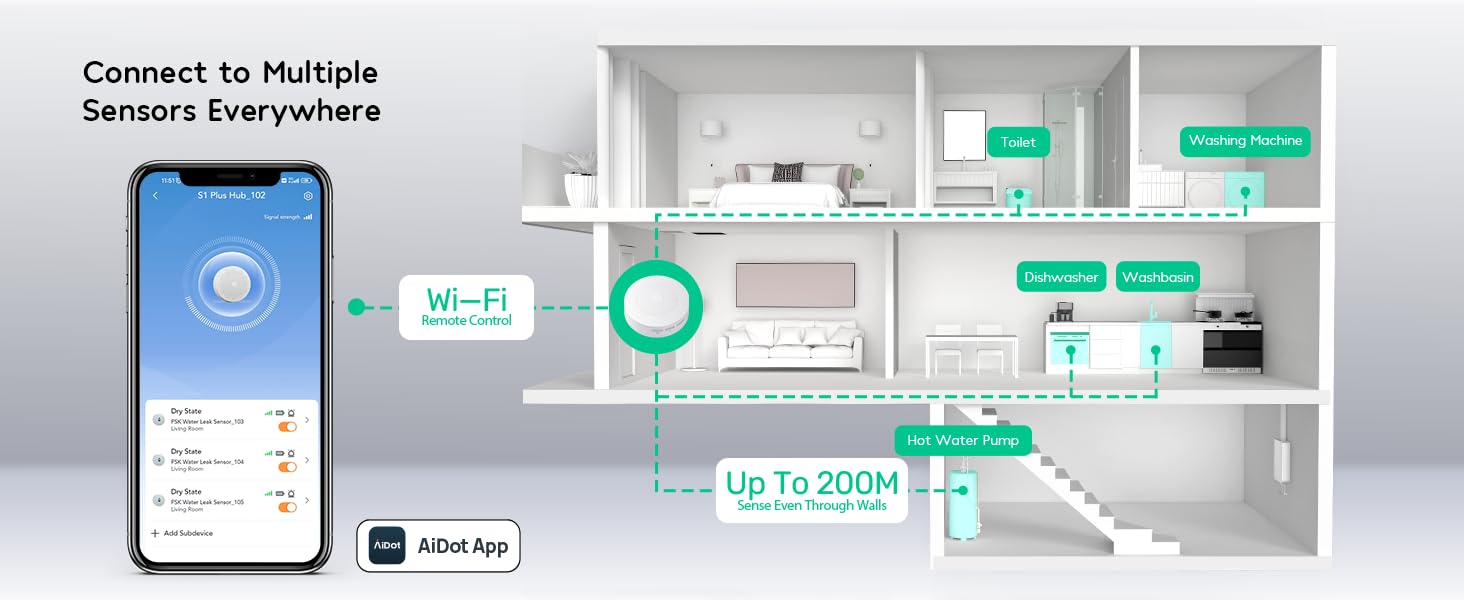

Three Adjustable Volume
The detector provides 3 levels of adjustable volume: high/medium/low, adjust the suit volume by yourself on the app or hub.
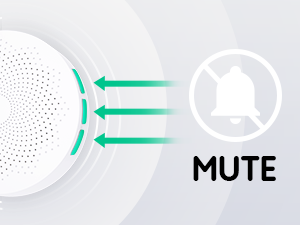
One Key to Turn Off the Alarm
Quickly cancel the alarm through three buttons on the hub or APP.

Pair Up to 10 Water Sensors
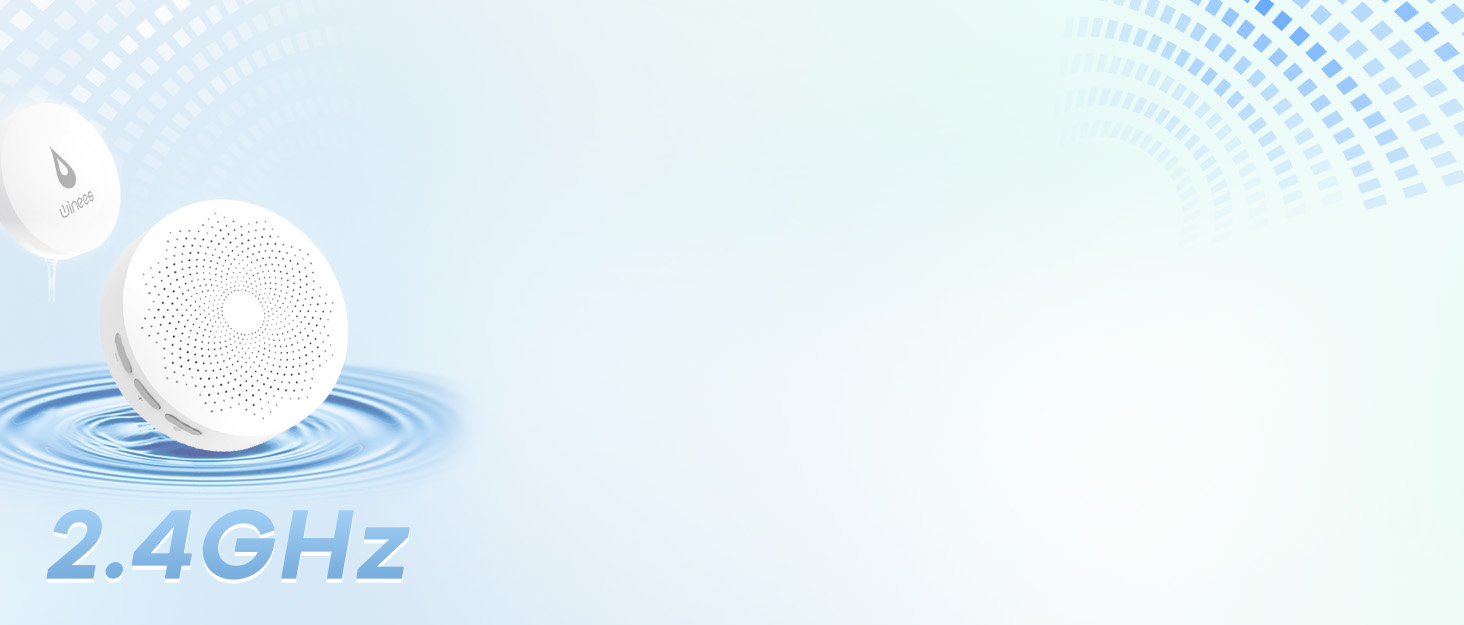
A quick way to add new water sensors, press and hold the 915MHz pairing button on the hub for 3s, and then press and hold the sensor for 5s.
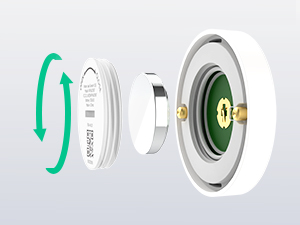
Easy to replace battery
Gently turn the shell behind the sensor with the knob to remove and replace the battery
How does a Water Leak Sensor work?
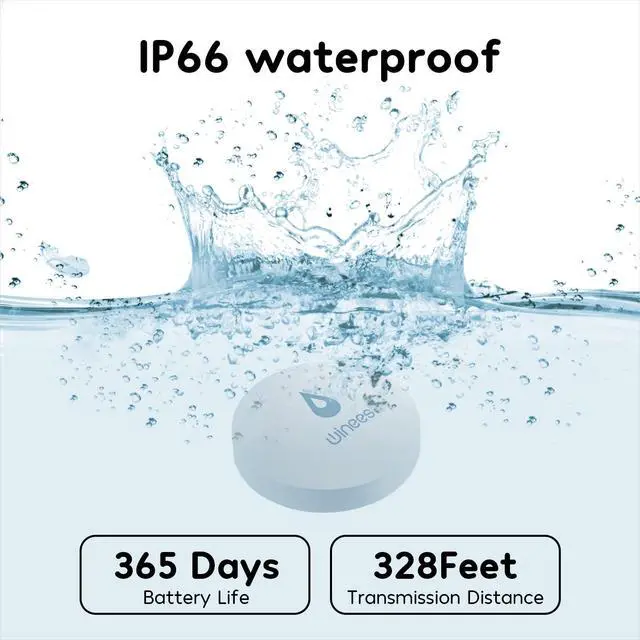
The Water Leak Sensor utilizes the conductivity of water. When two probes touch the water simultaneously, a current loop is formed. At this time, the sensor reports the water immersion/water leakage status to the hub, triggering an alarm.
Why does the hub have no alarm sound after detecting water immersion?
Please check whether the alarm switch of the subdevice is turned on in the subdevice list of the app. When not enabled, only message push and logging are available.
Why is the Water Leak Sensor often offline?
1. The device is far away from the hub. Please install the sensor close to the hub. 2. The battery is low, or the battery is dead. Please replace it with a new battery. 3. 915MHz is installed on a metal surface, and the signal is disturbed.
What is the reason for the failure to connect the Water Leak Sensor? How should I reconnect?
1. If the operation is wrong, please re-add the device according to the device adding method.
2. If the distance to the hub is too far, move the device closer to the hub and add the device again.
3. The hub's sub-device is overloaded.
What is the water level to trigger the alarm?
When the detected water level reaches a height of 2mm, an alarm can be triggered.

Winees comes from "witness", we want to help our customers have less trouble and more enjoyment. We provide professional cameras guard consumers' lives, becoming another eye to help with less hassle.
Focus on better security we offer professional outdoor lighting integrated with smarter security intelligence. Based on high quality design and advantage Technology, Winees provide consumers with the ability to guards their homes and families.
water leak detector
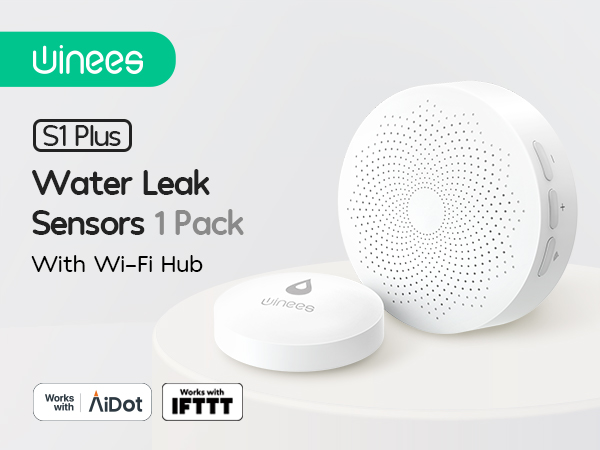
APP & SMS & Email Notification
Once any water leak is detected, the APP will notify you immediately. We have added email and SMS notification services to double-protect your home
Direct Pre-paired between Hub and Sensor
When the hub successfully connects to WiFi for the first time, the water leak sensor has been connected to the hub by default.
Kitchen Dishwasher
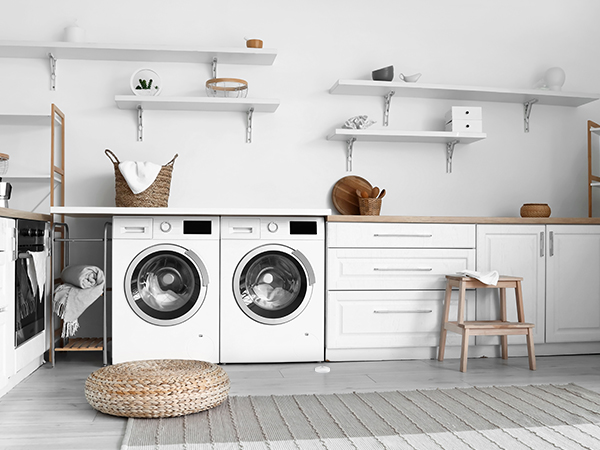
Laundry Room Washing Machine
Bathroom Toilet
Bathroom Sink
Basement


The sight of water constantly leaking from your kitchen sink drain raises an instant alarm. The longer you wait, the greater chance you’ll meet an unexpected flood in your kitchen.
The bottom of the washing machine is prone to water seepage; the perimeter is usually cabinets for storing household items, which can cause significant damage to items.
Toilets are also high-frequency areas for falls. Put the sensor on the lower end of the toilet to detect water leakage in time.
The elderly and children are most likely to fall in the bathroom, so we must always keep the bathroom dry, winees sensor will protect your family safety.
Put our sensor in the basement, which is easy to be ignored but is most likely to be soaked when water leaks, and is often used to store valuables. It will protect your home in time instead of you.
Three Adjustable Volume
The detector provides 3 levels of adjustable volume: high/medium/low, adjust the suit volume by yourself on the app or hub.
One Key to Turn Off the Alarm
Quickly cancel the alarm through three buttons on the hub or APP.
Pair Up to 10 Water Sensors
A quick way to add new water sensors, press and hold the 915MHz pairing button on the hub for 3s, and then press and hold the sensor for 5s.
Easy to replace battery
Gently turn the shell behind the sensor with the knob to remove and replace the battery
How does a Water Leak Sensor work?
The Water Leak Sensor utilizes the conductivity of water. When two probes touch the water simultaneously, a current loop is formed. At this time, the sensor reports the water immersion/water leakage status to the hub, triggering an alarm.
Why does the hub have no alarm sound after detecting water immersion?
Please check whether the alarm switch of the subdevice is turned on in the subdevice list of the app. When not enabled, only message push and logging are available.
Why is the Water Leak Sensor often offline?
1. The device is far away from the hub. Please install the sensor close to the hub. 2. The battery is low, or the battery is dead. Please replace it with a new battery. 3. 915MHz is installed on a metal surface, and the signal is disturbed.
What is the reason for the failure to connect the Water Leak Sensor? How should I reconnect?
1. If the operation is wrong, please re-add the device according to the device adding method.
2. If the distance to the hub is too far, move the device closer to the hub and add the device again.
3. The hub's sub-device is overloaded.
What is the water level to trigger the alarm?
When the detected water level reaches a height of 2mm, an alarm can be triggered.