






Any questions? Our AI mode will help you find out quickly.
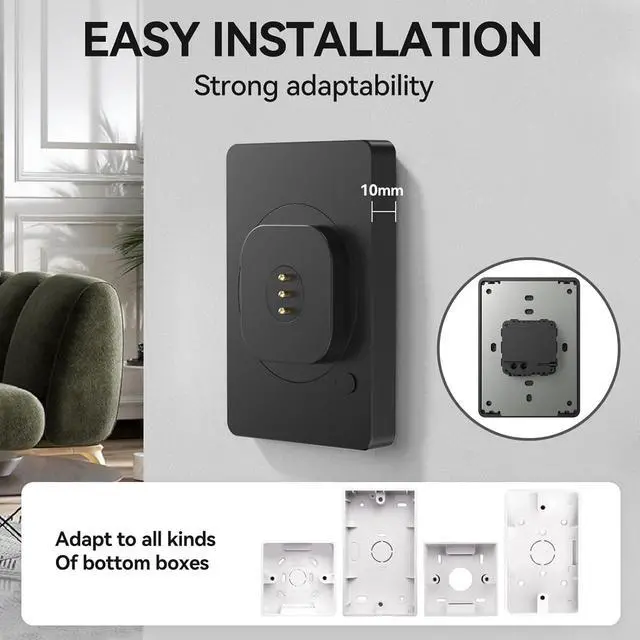
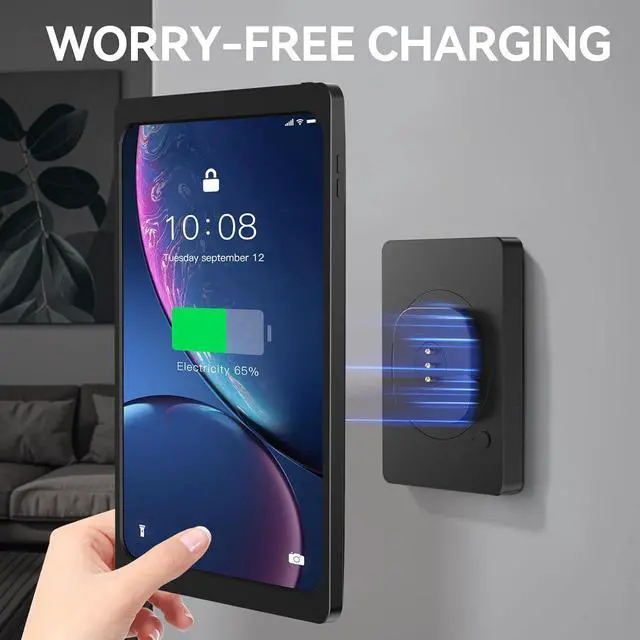
Sleek, Floating, and Always Powered The EMONITA AC Magnetic Wall Mount transforms your iPad Air or Pro 11" into a stunning, removable digital signage display or smart home control panel. Built with high-quality materials, the ultra-thin mounting plate sits just 10mm from the wall. Finished in a professional matte black, it virtually disappears when the iPad is mounted, creating a seamless "floating" aesthetic with zero visible cables.
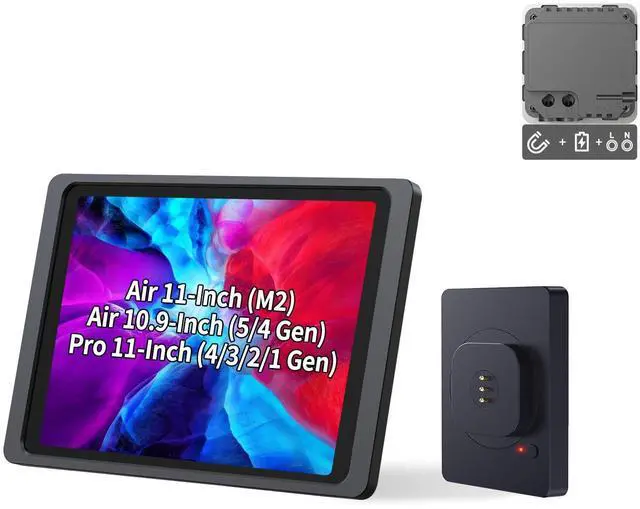
Engineered for iPad Air 11" & Pro 11" This specific kit includes a black magnetic charging case consisting of a creative back cover and an elegant front, precision-molded for the iPad Air 11-in. (M4 / M3 / M2) (2025 / 2024), iPad Air (5th / 4th generation), and iPad Pro 11-in. (4th / 3rd / 2nd / 1st generation). Once easily assembled, you retain full access to all device functions and cameras while gaining the ability to snap the tablet on and off the wall instantly.
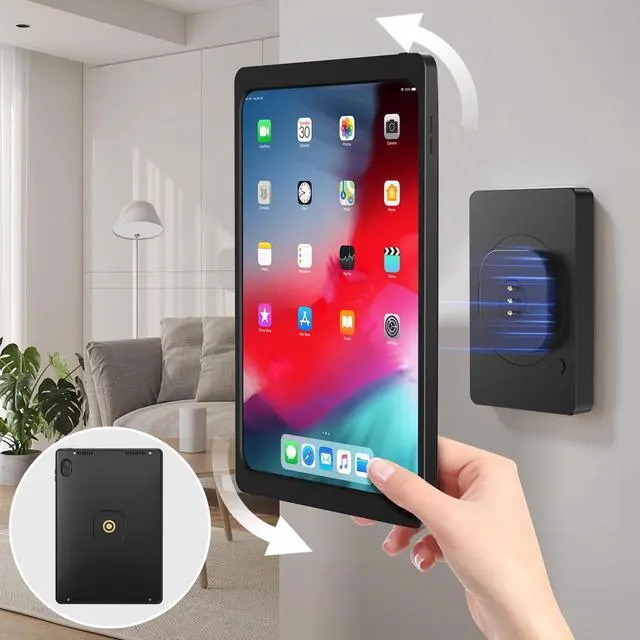
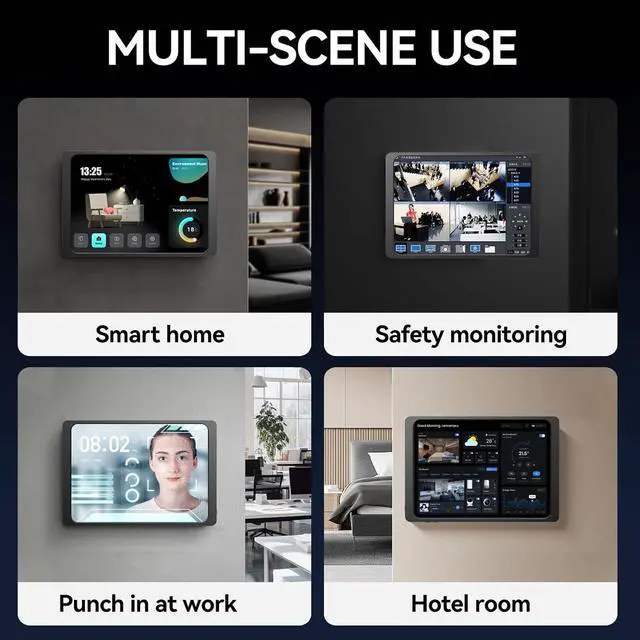
360° Rotation & Commercial Utility Embedded high-strength neodymium magnets keep your iPad floating sturdily without wobble while allowing for 360° rotation. Spin seamlessly between portrait and landscape modesmaking it an excellent solution for kiosks, POS systems, time clocks, trade shows, and conference rooms.
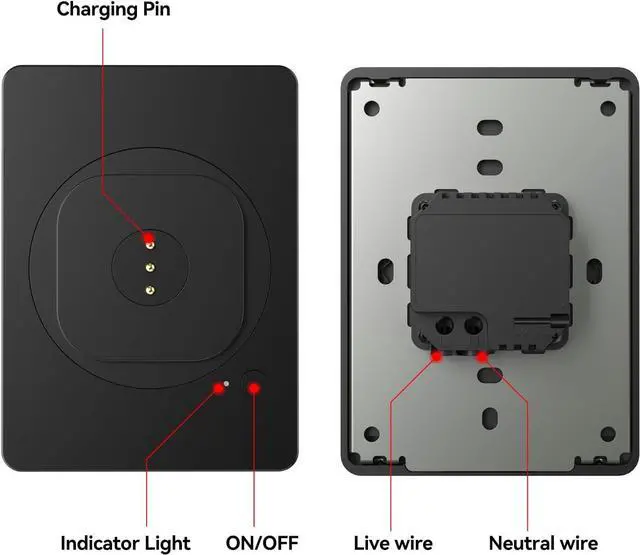
Integrated 18W Fast AC Charging & Smart Modes At the core of the mount is a built-in 18W fast-charging module (100-250V AC) that wires directly into the included junction box. Protect your tablet's battery lifespan for long-term wall-mounted installations using the smart charging modes, controlled by the built-in power button and LED indicators:
Red Light (Continuous Charging Mode): The iPad receives power continuously while the mount is switched on. Suitable when you want the iPad powered and ready at all times. White Light (4/20 Smart Charging Mode): The mount charges for approx. 4 hours, then stops charging for approx. 20 hours. The cycle automatically repeats to reduce unnecessary continuous charging. No Light (Charging OFF): The charging function is turned off.
How to switch modes: Press the power button once to turn the charging function on. Press and hold the power button for 6 seconds to switch between Continuous and 4/20 Smart Charging modes.