






eoqo is a Chinese company founded in 2006. Our team shares more than sixteen years experience in research and development of voice recorders.
We go one step further each time we create and develop new voice-recorders, making this technology affordable and easier to be integrated in the daily routine.
We decided to share our passion for sound and now, we prided to have more than 1 million happy customers worldwide!
What makes our products unique?
Unique by design, discreet and efficient, eoqo recorders are created to encompass the ideal balance between form and function.
Why do we love what we do?
We spend everyday hearing and listening, it is part of our lives. Sound is influentail, it can be informative, educational, conclusive, emotive, and many other things for us.
The problem is people remember only 30% of what they hear.
What problems are we solving!
So why not take the leap into the digital era? Stop wasting time and paper trying to keep track of all the information.
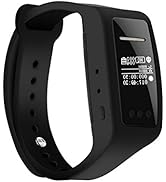
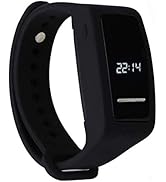
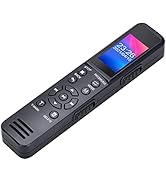
Voice Recorder with Display
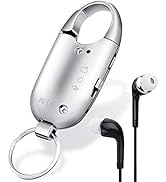
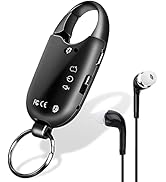
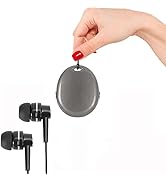
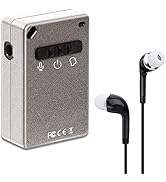
Mini Voice Recorder
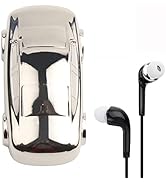
Voice Recorder

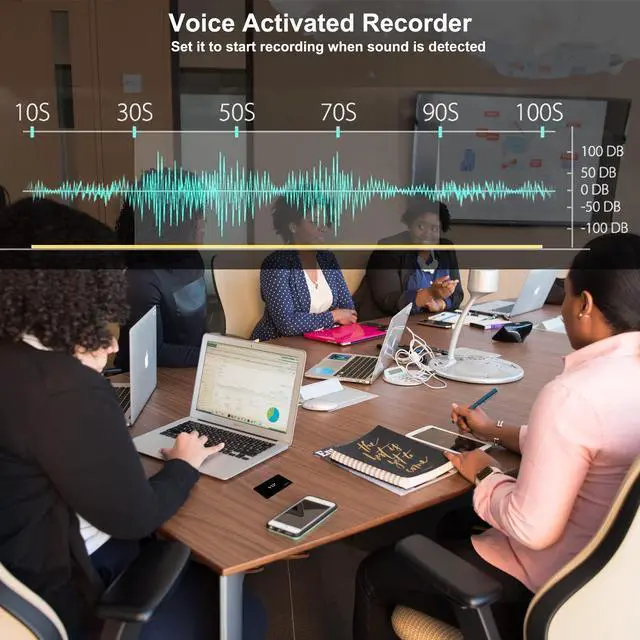
I like the product, it is discreet, the material does not look of the best quality but it fulfills its function in relation to the cost, the audio quality is good enough, in my case I used it with the voice-activated function.

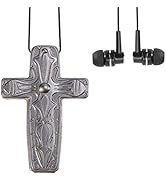
This little cross is great. I wear it all the time and turn it on when needed. I’ve only had it for a few days but so far so good! I love that I can listen to it right then instead of waiting to download to the computer!!
 VIPcard Voice Recorder |  Pen Voice Recorder |  One Key Voice Recorder |  Keyring Voice Recorder |  Cube Voice Recorder |  Smart Watch Recorder | |
|---|---|---|---|---|---|---|
| Customer Reviews | — | — | — | — | — | — |
| Price | — | — no data | — | — no data | — no data | — no data |
| Model | VIPCARDREC | PENREC | VR960 | VR12-Sliver | SQ80 | VR610 |
| Recording Bitrate | 192kbps | 192kbps | Max: 1536kpbs | 192kbps | 192kbps | Max: 1536kpbs |
| Frequency Response | 20Hz-20KHz | 20Hz-20KHz | 20Hz-20KHz | 20Hz-20KHz | 20Hz-20KHz | 20Hz-20KHz |
| Memory | 32GB | 8GB | 8+32GB | 32GB | 32GB | 16GB |
| Battery capacity | 400mAh | 160mAh | 350mAh | 160mAh | 160mAh | 250mAh |
| Recording Time | 40 Hours | 15 Hours | 40 Hours | 15 Hours | 15 Hours | 20 Hours |
| Rechargeable | ? | ? | ? | ? | ? | ? |


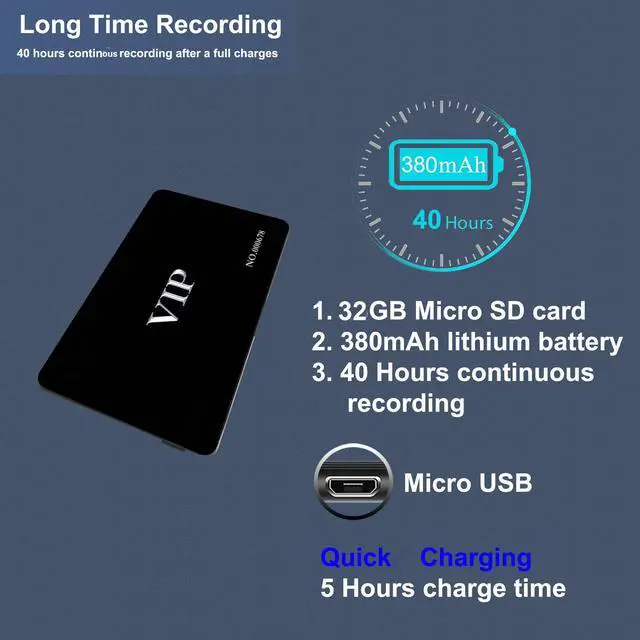
Large Capacity in Battery & Memory
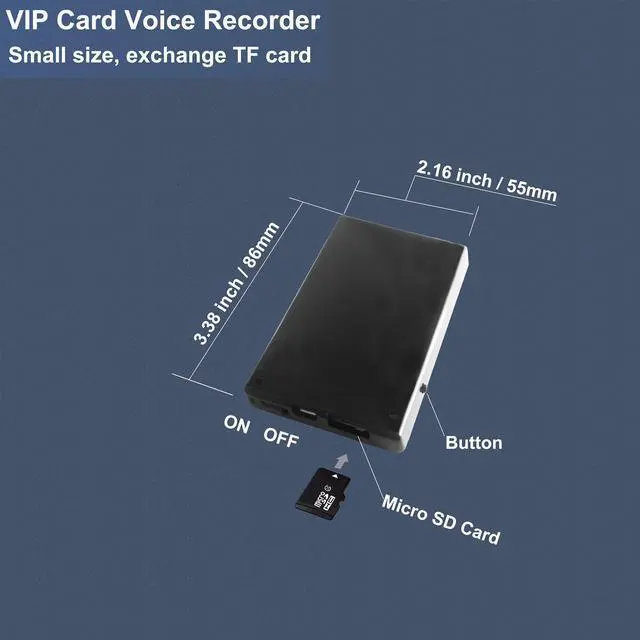
With built-in 160mAh rechargeable battery,this voice recorder is capable of 15 hours continuous recording.Along with 32GB memory,you can store mass recording or your favorite music to playback.There is a micro sd card slot in this voice recorder.You can extend its memory up to 32GB(Not included)

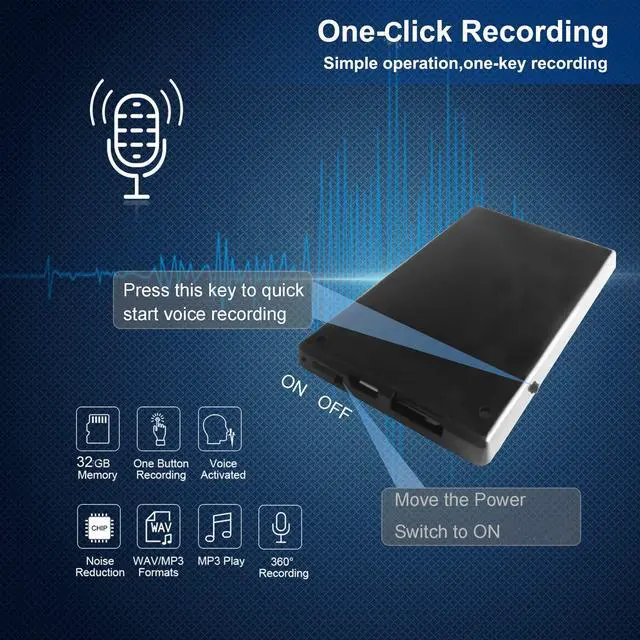
One Click Recording
Combined with only one key that can let you start recording and save recording quickly.Recording any important moment at any time any place with ease

Meeting Voice Recorder & Playback
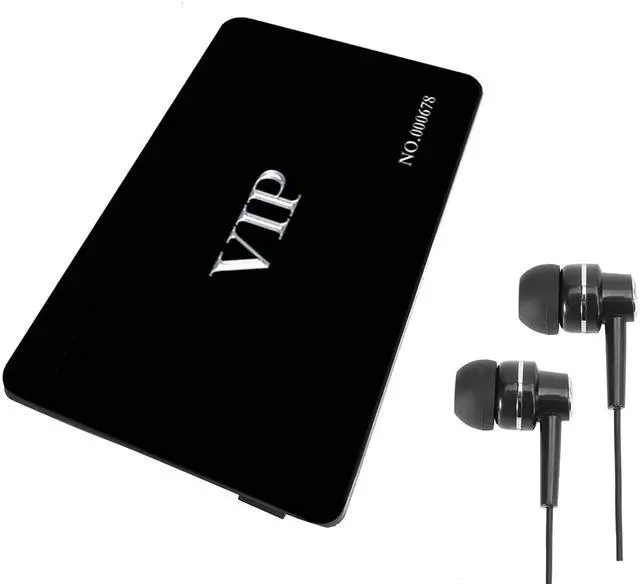
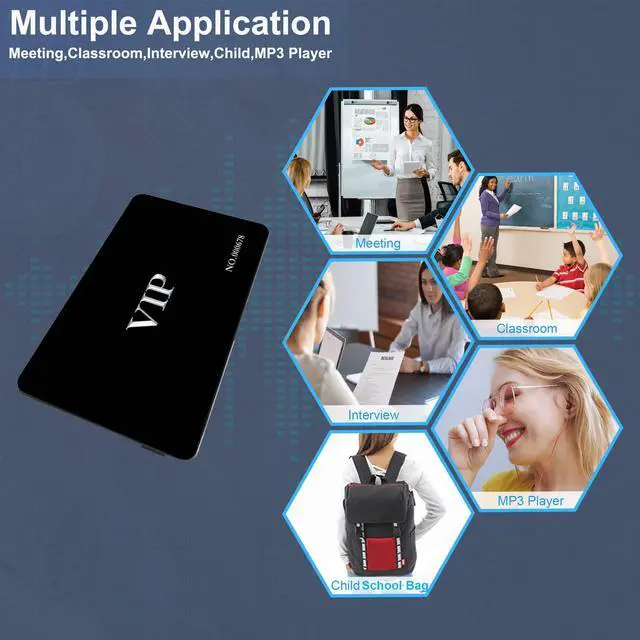
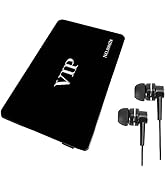
This VIP card design voice recorder can play the audio by plugging in a usb earphone.You can listen to the recording or music directly from this recorder

USB Rechargeable & File Transfer
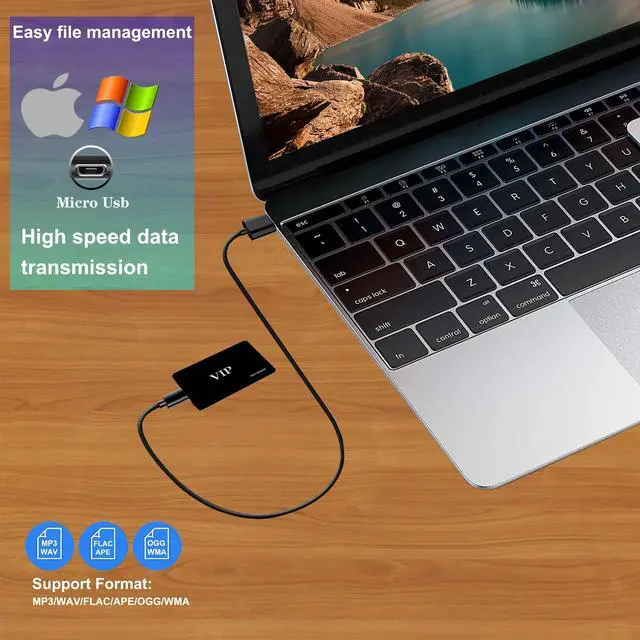
This audio recorder can be charged via usb cable and can also transfer files to the computer.Simple download & charge via USB Cable

Voice Recorder Troubleshooting
Q: I used it first time works great, but after few days I try to use it again, it can not working anymore.
A: The voice recorder is powered by lithium battery, the battery still has very slow discharge when you power off the device, normally after 7 days the battery may got low power, at this time, you can not use it directly, you need charge it before use.
Q: I tried this voice recorder, it is recording, but I can not playback on my computer.
A: For this issue, you need check voice recorder is low power or not? if lower power the device could not upload the driver to be recognized by computer, you may need charge it first. you also have to move the mode switch to middle position, let the device stop recording and save the files, then connect to computer for playback.
Note: please move the mode switch to voice recording or voice activated position to check if the blue or red LED light is flashes, if it works(means the device is works properly), then move it to middle position and connect to computer for playback, if not works proper you need charge it first, 98% problem of the device is not read by computer issue is the battery is low.
Q: I can not see the LED light during the recording.
A: the device will flashes the LED light 6 times then turn off. when low battery the red and blue LED light will flashes every seconds till the device power off.
Q: How can I playback by the earphone? I tred but not working.
A: you need plugged in the USB wired earphone into the earphone socket, and first move the mode switch to middle position then move it to top or down position, it will start playback the recorded sounds, you can only can listen the recorded sounds from the first to the last files.
VIPcard Voice Recorder | Pen Voice Recorder | One Key Voice Recorder | Keyring Voice Recorder | Cube Voice Recorder | Smart Watch Recorder | |
|---|---|---|---|---|---|---|
| Customer Reviews | — | — | — | — | — | — |
| Price | — | — no data | — | — no data | — no data | — no data |
| Model | VIPCARDREC | PENREC | VR960 | VR12-Sliver | SQ80 | VR610 |
| Recording Bitrate | 192kbps | 192kbps | Max: 1536kpbs | 192kbps | 192kbps | Max: 1536kpbs |
| Frequency Response | 20Hz-20KHz | 20Hz-20KHz | 20Hz-20KHz | 20Hz-20KHz | 20Hz-20KHz | 20Hz-20KHz |
| Memory | 32GB | 8GB | 8+32GB | 32GB | 32GB | 16GB |
| Battery capacity | 400mAh | 160mAh | 350mAh | 160mAh | 160mAh | 250mAh |
| Recording Time | 40 Hours | 15 Hours | 40 Hours | 15 Hours | 15 Hours | 20 Hours |
| Rechargeable | ? | ? | ? | ? | ? | ? |
Large Capacity in Battery & Memory
With built-in 160mAh rechargeable battery,this voice recorder is capable of 15 hours continuous recording.Along with 32GB memory,you can store mass recording or your favorite music to playback.There is a micro sd card slot in this voice recorder.You can extend its memory up to 32GB(Not included)
One Click Recording
Combined with only one key that can let you start recording and save recording quickly.Recording any important moment at any time any place with ease
Meeting Voice Recorder & Playback
This VIP card design voice recorder can play the audio by plugging in a usb earphone.You can listen to the recording or music directly from this recorder
USB Rechargeable & File Transfer
This audio recorder can be charged via usb cable and can also transfer files to the computer.Simple download & charge via USB Cable
Voice Recorder Troubleshooting
Q: I used it first time works great, but after few days I try to use it again, it can not working anymore.
A: The voice recorder is powered by lithium battery, the battery still has very slow discharge when you power off the device, normally after 7 days the battery may got low power, at this time, you can not use it directly, you need charge it before use.
Q: I tried this voice recorder, it is recording, but I can not playback on my computer.
A: For this issue, you need check voice recorder is low power or not? if lower power the device could not upload the driver to be recognized by computer, you may need charge it first. you also have to move the mode switch to middle position, let the device stop recording and save the files, then connect to computer for playback.
Note: please move the mode switch to voice recording or voice activated position to check if the blue or red LED light is flashes, if it works(means the device is works properly), then move it to middle position and connect to computer for playback, if not works proper you need charge it first, 98% problem of the device is not read by computer issue is the battery is low.
Q: I can not see the LED light during the recording.
A: the device will flashes the LED light 6 times then turn off. when low battery the red and blue LED light will flashes every seconds till the device power off.
Q: How can I playback by the earphone? I tred but not working.
A: you need plugged in the USB wired earphone into the earphone socket, and first move the mode switch to middle position then move it to top or down position, it will start playback the recorded sounds, you can only can listen the recorded sounds from the first to the last files.
eoqo is a Chinese company founded in 2006. Our team shares more than sixteen years experience in research and development of voice recorders.
We go one step further each time we create and develop new voice-recorders, making this technology affordable and easier to be integrated in the daily routine.
We decided to share our passion for sound and now, we prided to have more than 1 million happy customers worldwide!
What makes our products unique?
Unique by design, discreet and efficient, eoqo recorders are created to encompass the ideal balance between form and function.
Why do we love what we do?
We spend everyday hearing and listening, it is part of our lives. Sound is influentail, it can be informative, educational, conclusive, emotive, and many other things for us.
The problem is people remember only 30% of what they hear.
What problems are we solving!
So why not take the leap into the digital era? Stop wasting time and paper trying to keep track of all the information.
Voice Recorder with Display
Mini Voice Recorder
Voice Recorder
I like the product, it is discreet, the material does not look of the best quality but it fulfills its function in relation to the cost, the audio quality is good enough, in my case I used it with the voice-activated function.
This little cross is great. I wear it all the time and turn it on when needed. I’ve only had it for a few days but so far so good! I love that I can listen to it right then instead of waiting to download to the computer!!