






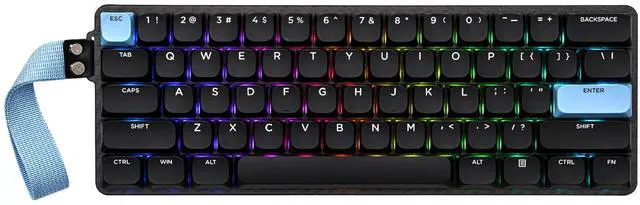
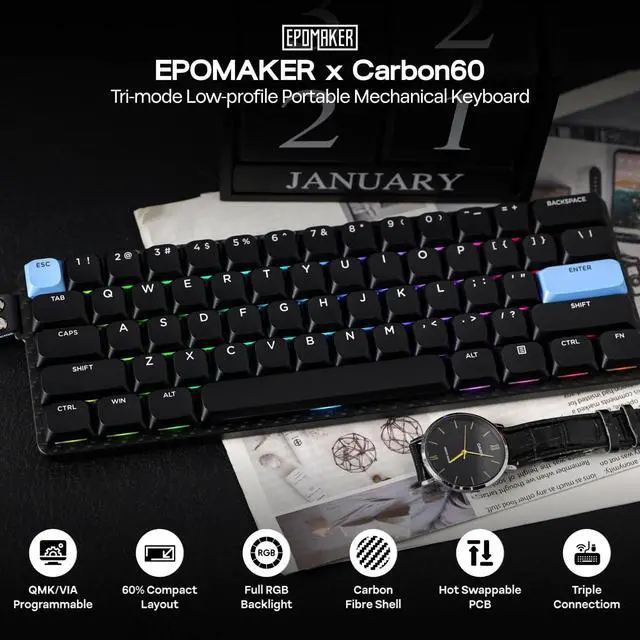
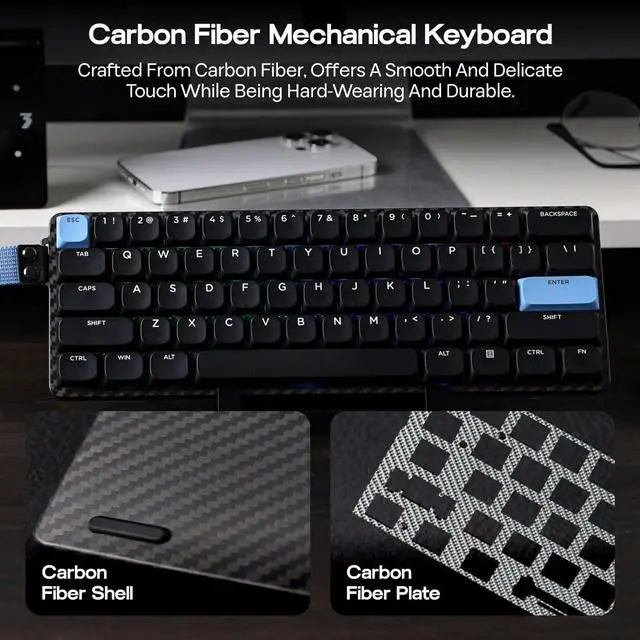
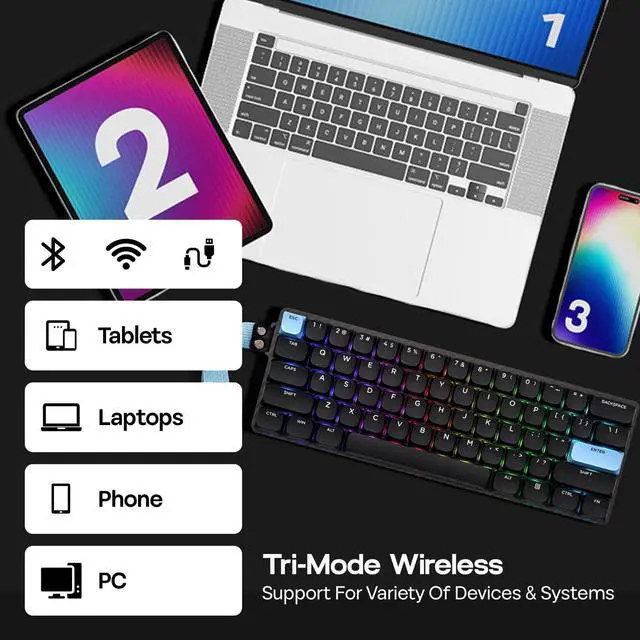


portable office keyboard
Merchant Video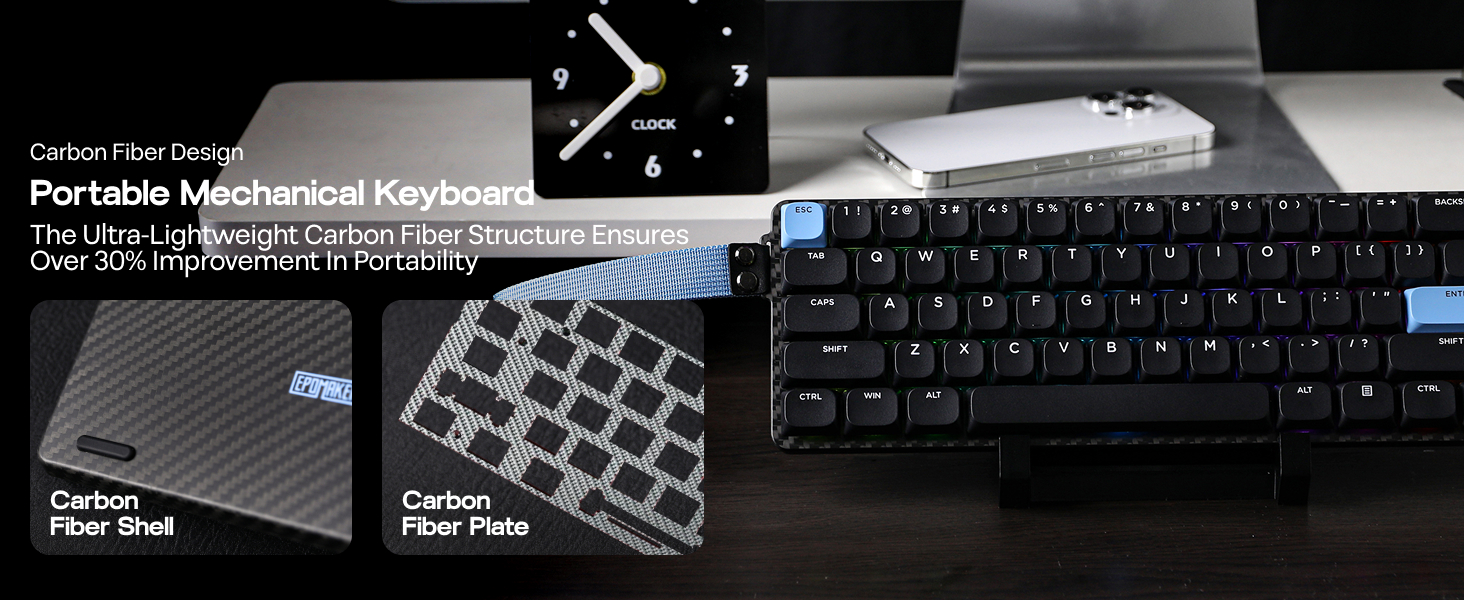
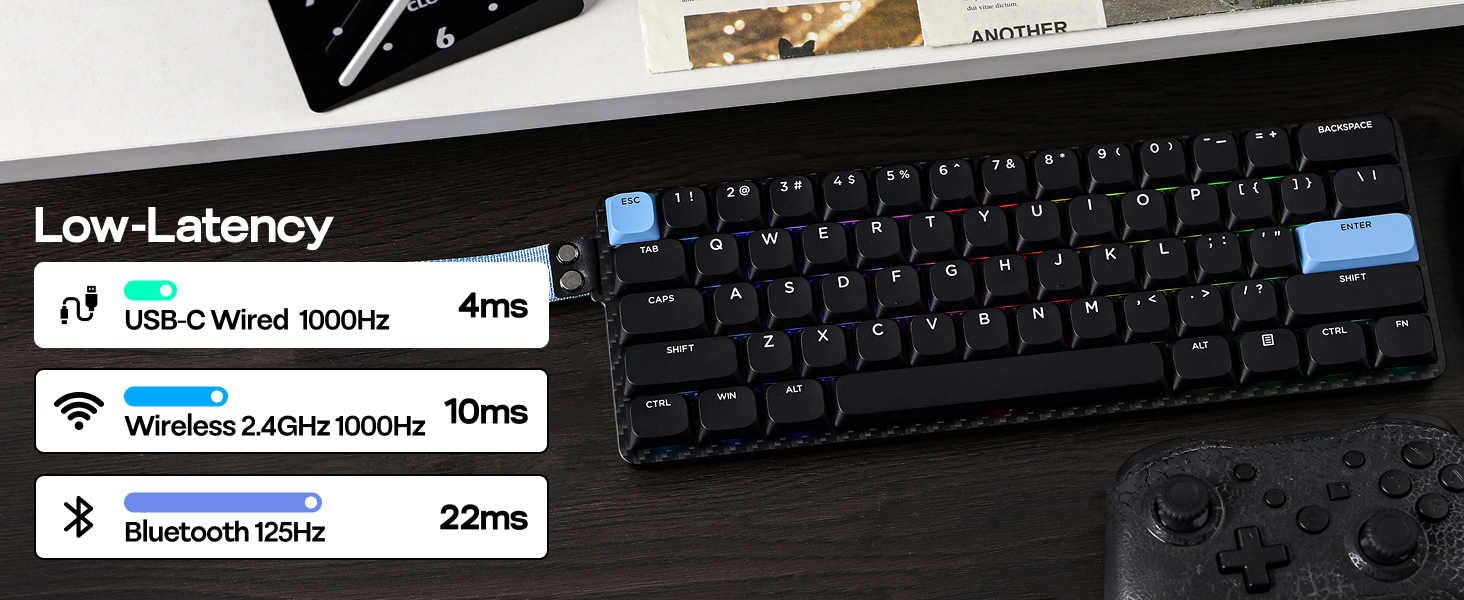
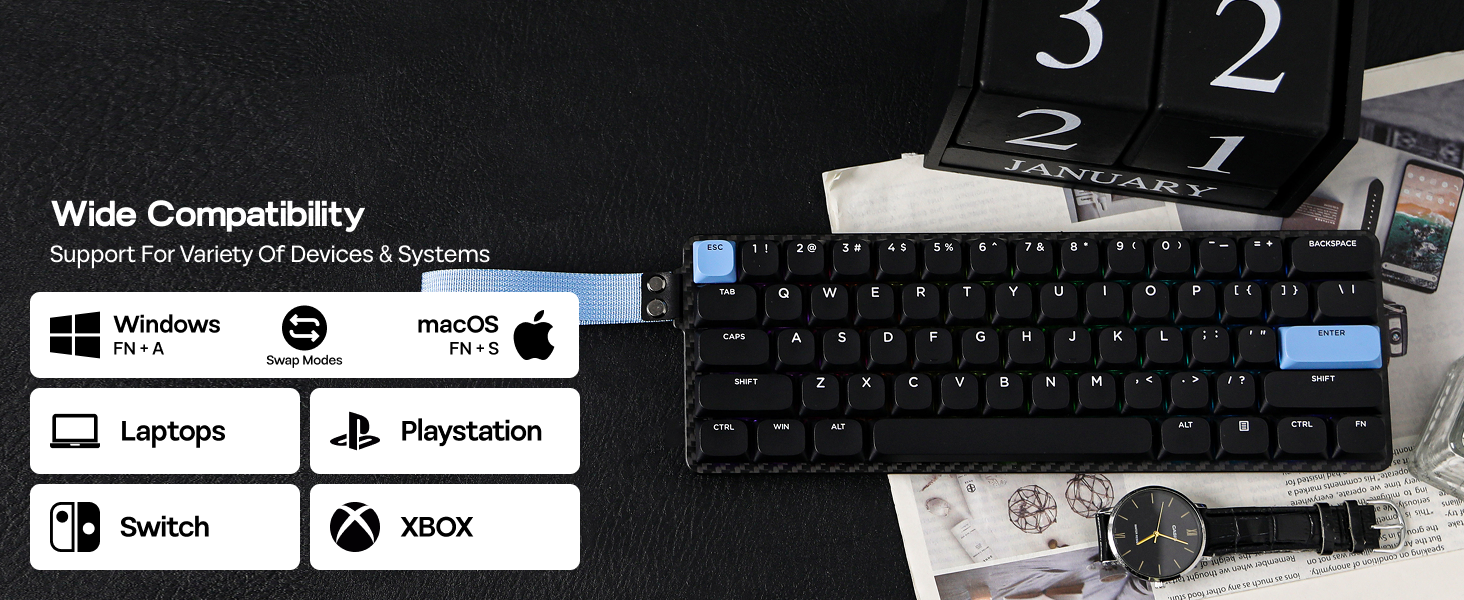
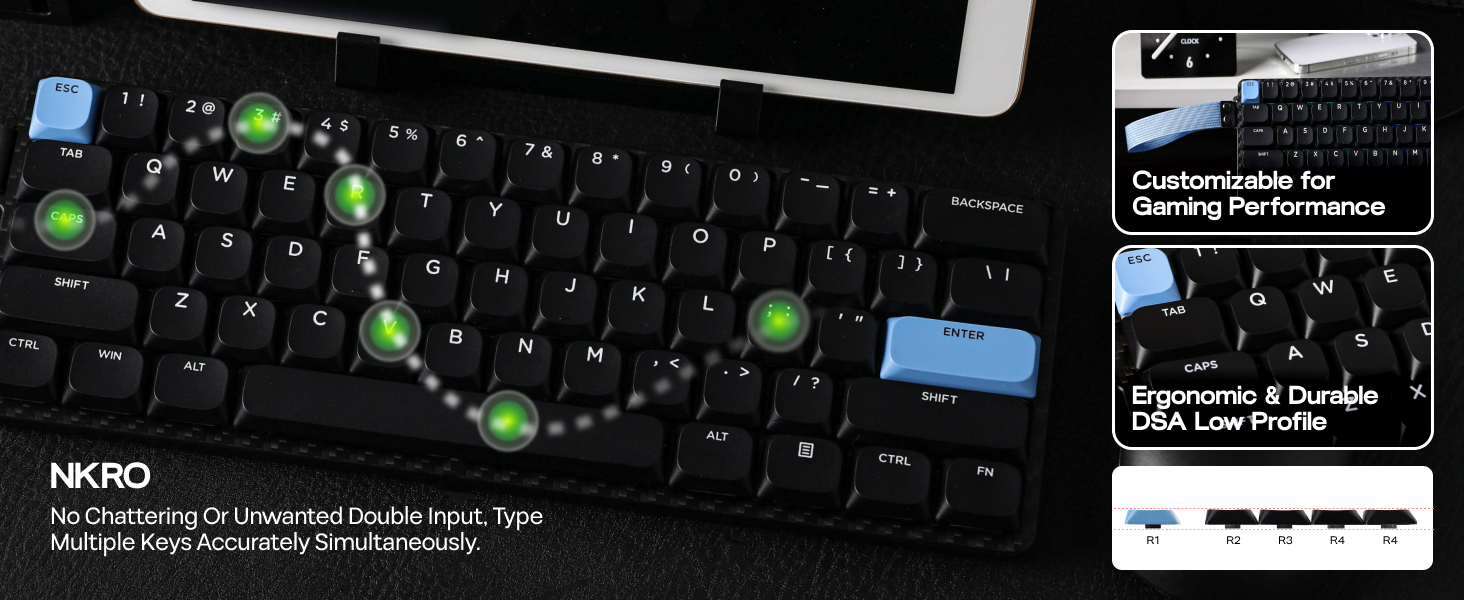
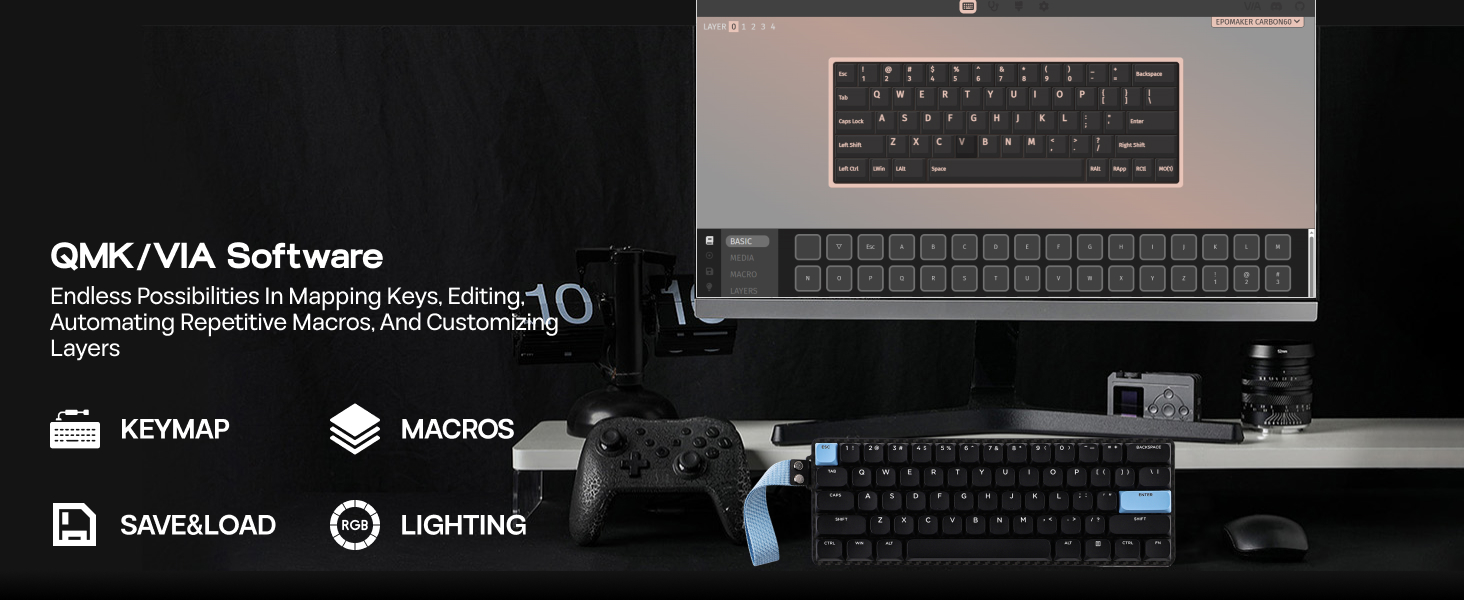
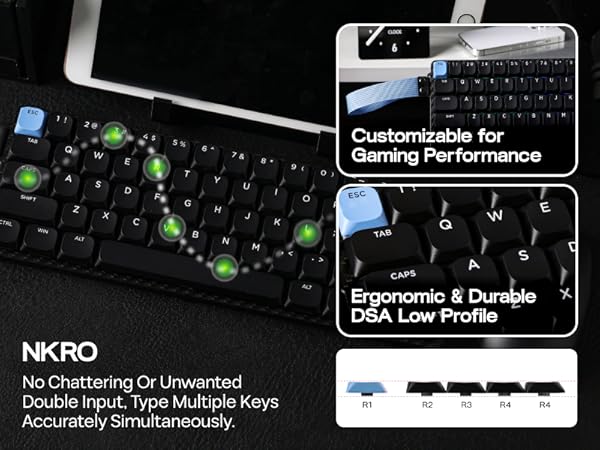
Does Carbon60 support NKRO? Is Carbon60 anti-ghosting?
Yes, the Carbon60 keyboard features anti-ghosting technology. In the Windows OS, it supports N-key rollover, while on macOS, it allows for 6-key rollover.
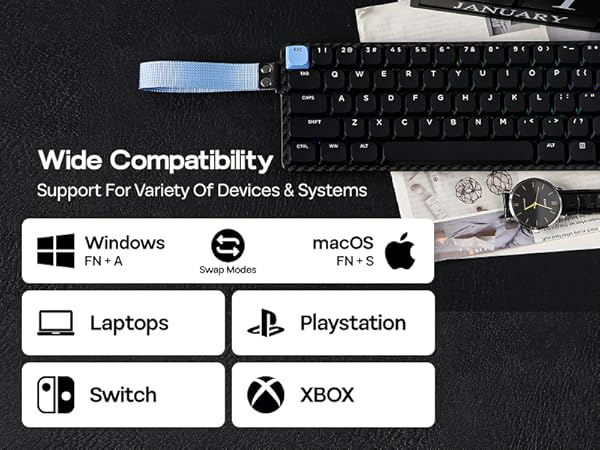
Why do the keys Win, Alt, and Function keys not work?
Please check if the device is in the correct system. When the FN key is pressed, the white light on the A/S key indicates the current keyboard operating system. Users can switch between Windows and Mac by the combination key "FN+A/S".
What are the advantages of a low profile keyboard compared to other mechanical keyboards?
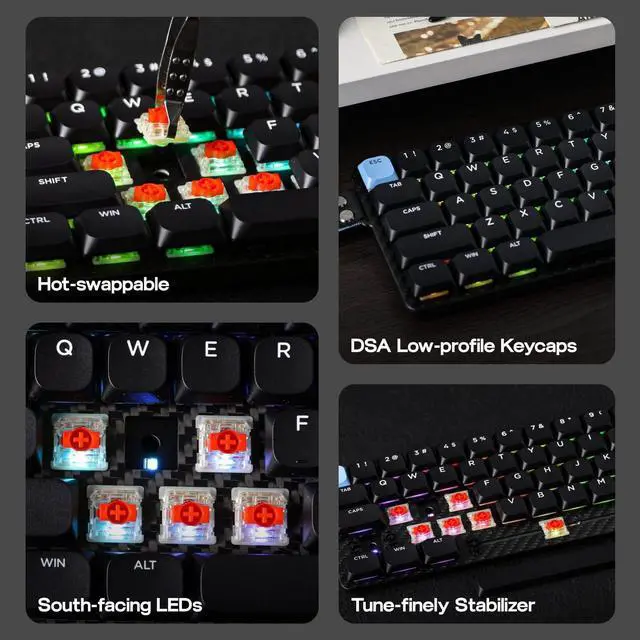
Slim and portable, low-profile keyboards are lighter and more compact than traditional ones, making them ideal for mobile users. It offers quick response, comfort for long typing sessions, and quieter operation in noise-sensitive environments.
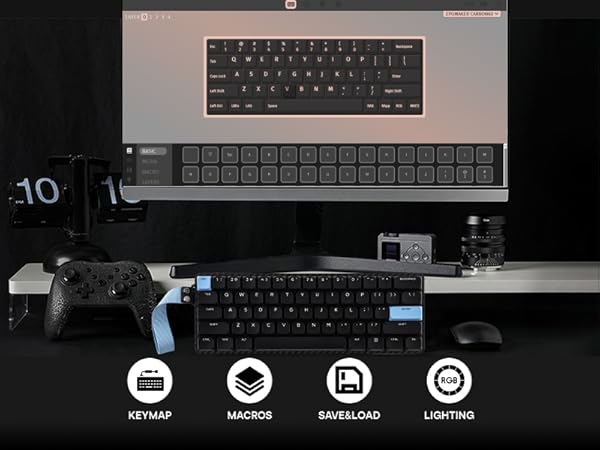
What is the advantage of QMK/VIA keyboard? Is Carbon60 programmable?
With the web-based VIA software, you can customize Carbon60's function without the need to download, across Win, Mac, and Linux devices. With macros and layout remap functions, automate repetitive tasks for productivity and streamline your workflow.
Why does the "FN" key on the keyboard suddenly start flashing a red light?
The "FN" key acts as a battery indicator. When the keyboard is low on power, it flashes red three times before resuming the current backlight effect. While charging, it stays lit red for 5 seconds before returning to the backlight setting.
Compact & Portable Office/Gaming Keyboard from EPOMAKER
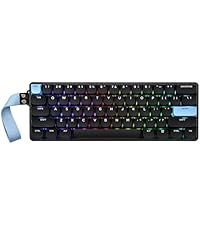 Carbon60 (Mechanical) | 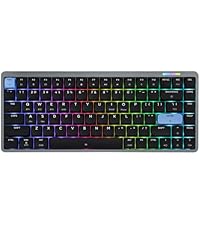 Luma84 (Mechanical) | 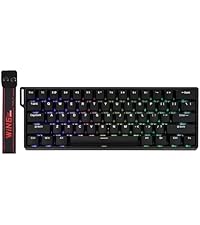 WIN60 HE (Magnetic) | 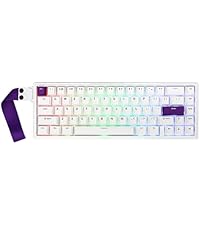 HE68 (Magnetic) |  Hero68 HE (Magnetic) | |
|---|---|---|---|---|---|
Customer Reviews | — | — | — | — | — |
Price | — | — | — | — | — |
Case Material | Carbon Fiber | Aluminum | Plastic | Plastic | Plastic |
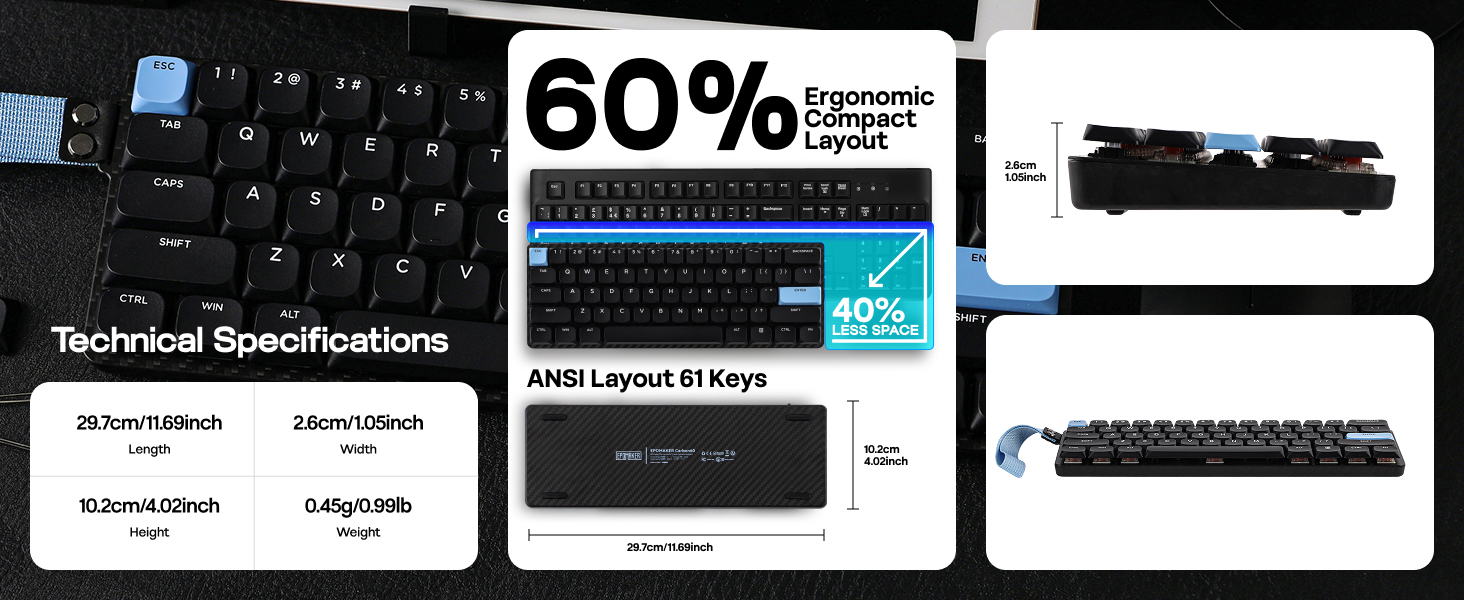
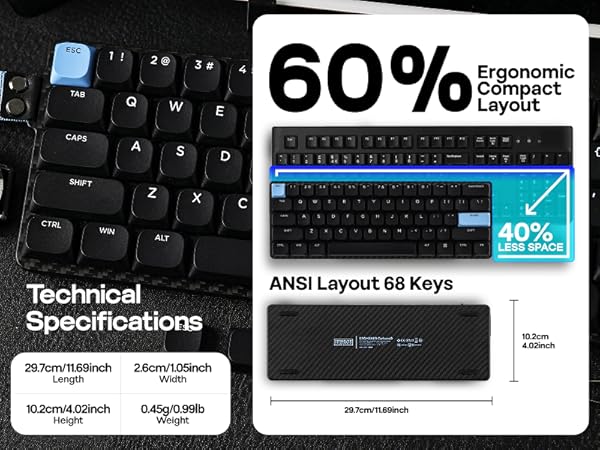
Layout & Keys | 60% QWERTY ANSI & 61 Keys | 75% QWERTY ANSI & 84 Keys | 60% QWERTY ANSI & 61 Keys | 65% QWERTY ANSI & 67 Keys | 65% QWERTY ANSI & 68 Keys |
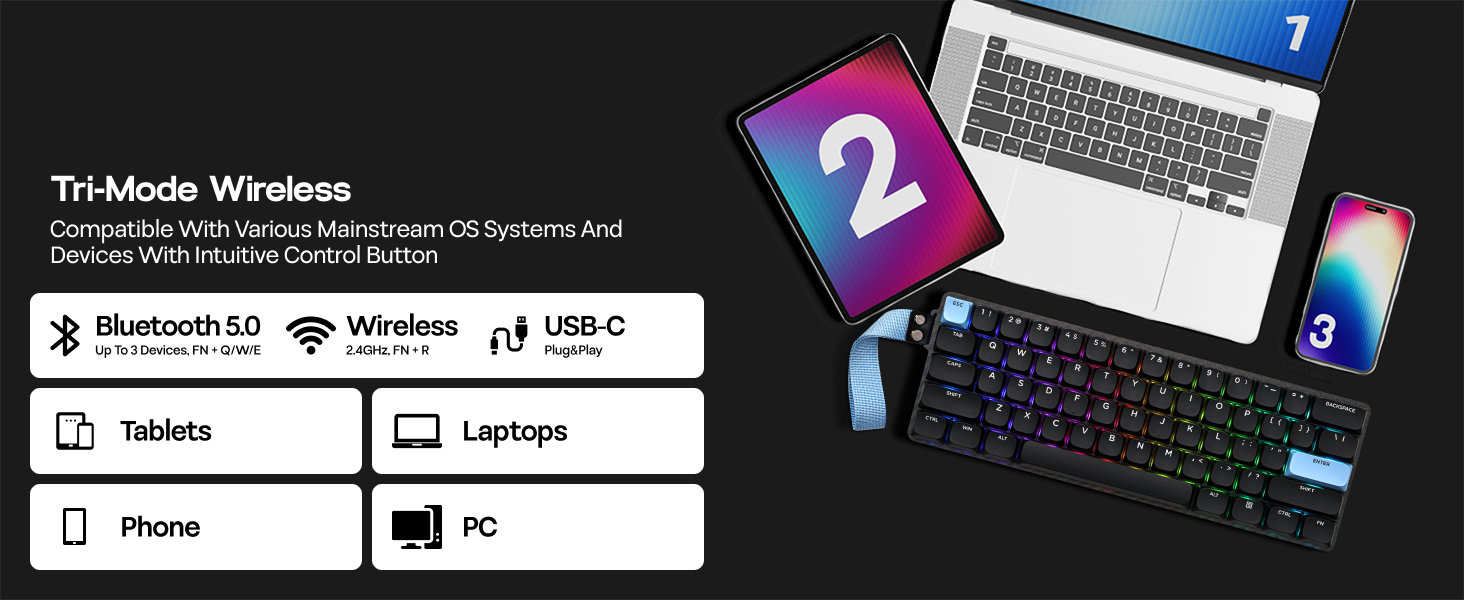
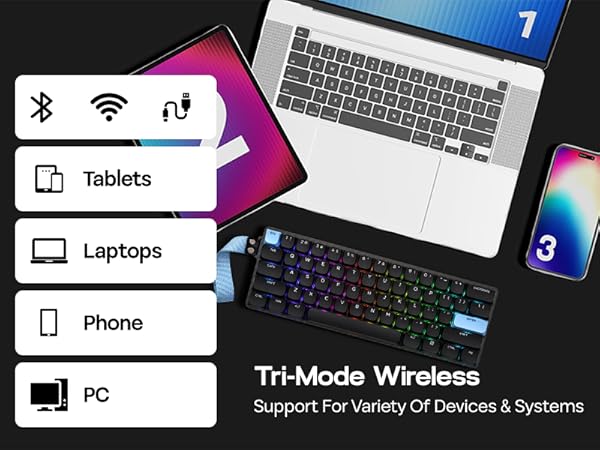
Connectivity | Bluetooth/2.4Ghz/USB-C | Bluetooth/2.4Ghz/USB-C | USB-C Wired | USB-C Wired | USB-C Wired |
Battery Capacity | 3000mAh | 3000mAh | / | / | / |
Keycap Material & Profile | ABS & DSA Low Profile | ABS & DSA Low Profile | ABS & OEM Profile | PBT & Cherry Profile | PBT & Cherry Profile |
Switch Option | Linear, Tactile | Linear, Tactile | Magnetic | Magnetic | Magnetic |
RGB Backlight | ? | ? | ? | ? | ? |
Hot Swappable | ? | ? | ? | ? | ? |
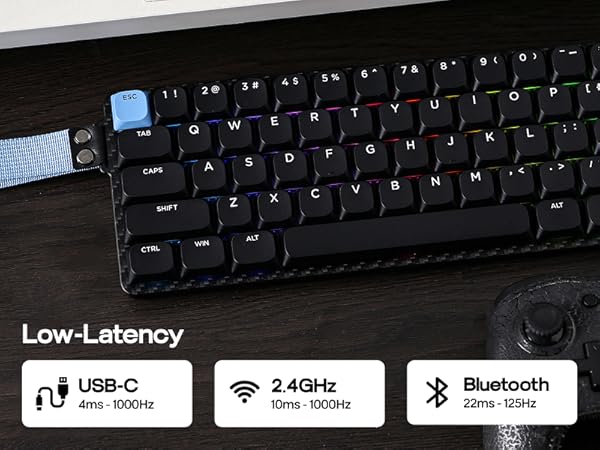
Polling Rate | 1000hz (USB/2.4G), 125hz(BT) | 1000hz (USB/2.4G), 125hz(BT) | 8000 Hz | 8000 Hz | 8000 Hz |
Programmable | QMK+VIA Software | QMK+VIA Software | AULA Web Driver (Chrome) | EPOMAKER Driver | AULA Web Driver (Chrome) |
Keyboard Size & Weight | 297*102*26mm & 0.45kg | 314*129*26mm & 0.6kg | 302.14*109.06*36.9mm & 0.63kg | 327*113*40mm & 0.6kg | 313.70*119.86*40.35mm & 0.8kg |
Special Features | Carbon Fiber Shell and Plate | Low-Profile QMK Keyboard | 8000Hz, 0.3ms | 8000Hz, 0.125ms | RGB Box & adjustable 125-8kHz |
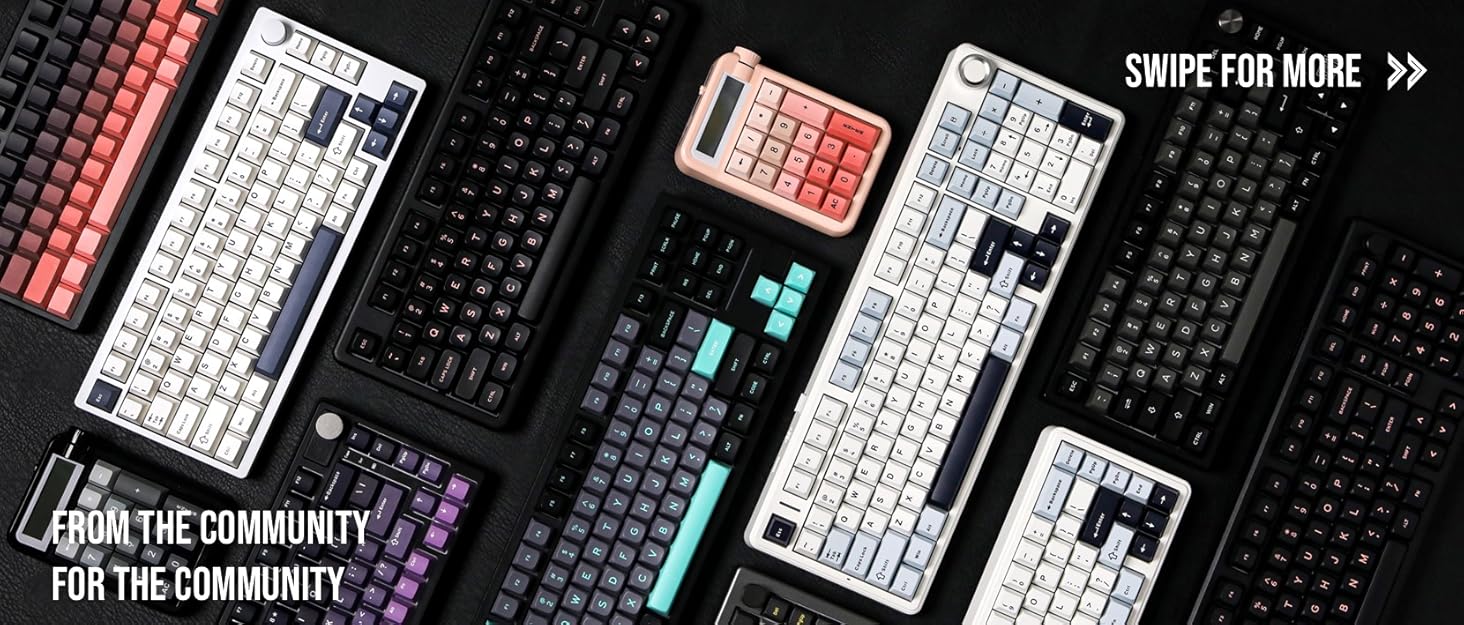
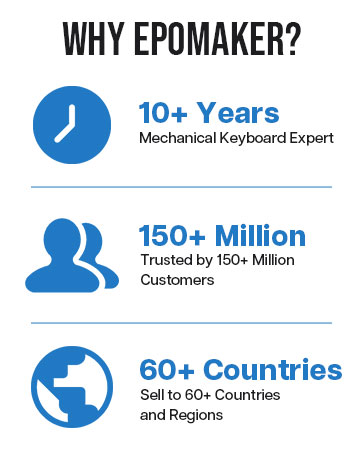
Composed of a team of young gamers, software engineers, and product designers who love tech gadgets, we set out to develop the best products that encapsulate personality, functionality, and affordability. Unsatisfied with the keyboards currently out there, we have created our ultimate sturdiness, wireless, and fully-customizable mechanical keyboard. Our promise is to deliver a keyboard that meets all of your workflow needs.
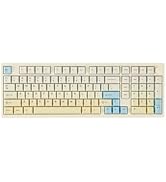
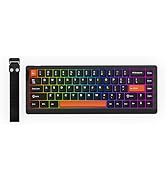
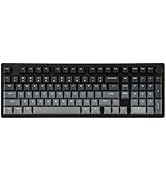
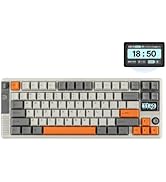
EPOMAKER New Release for 2025
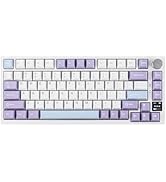
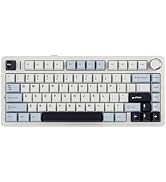
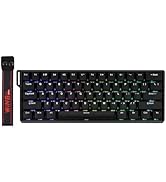
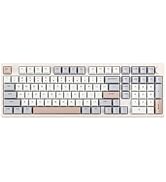
EPOMAKER Gaming Keyboard
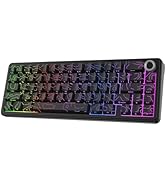
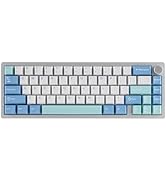
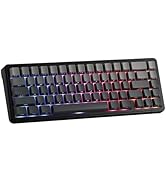
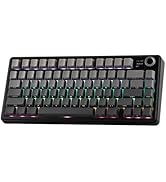
65% Layout Gaming Keyboard
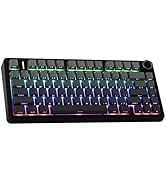
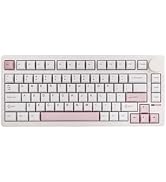
75% Layout Gaming Keyboard
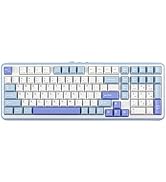
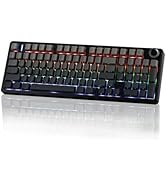
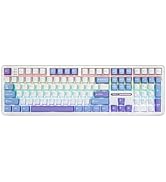
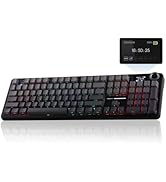
1800 Layout Gaming Keyboard
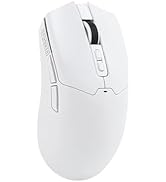
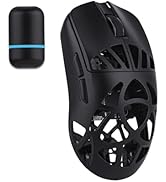
PC Gaming Mice
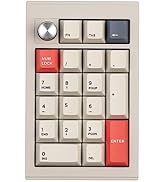
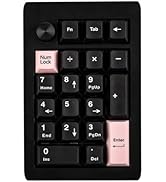
Numpad
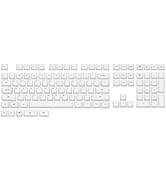
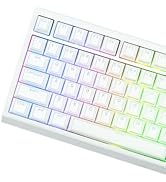
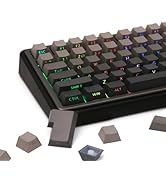
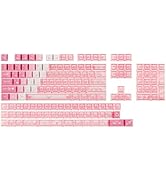
Premium PBT Keycap Set
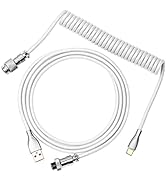
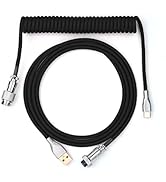
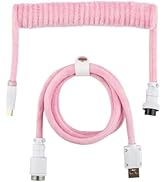
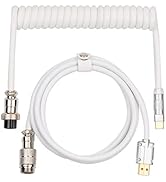
Keyboard Cable
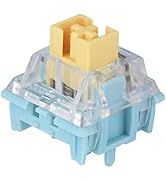
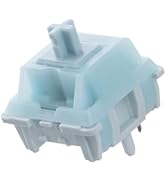
Keyboard Switches
portable office keyboard
Merchant Video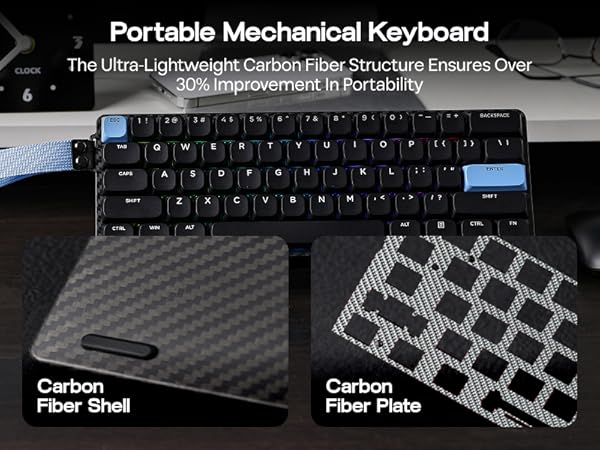
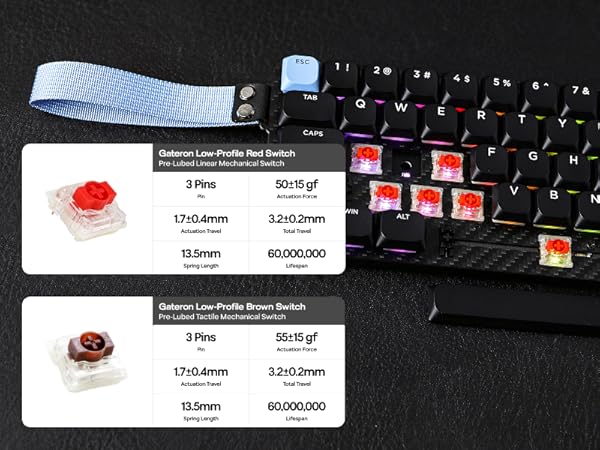
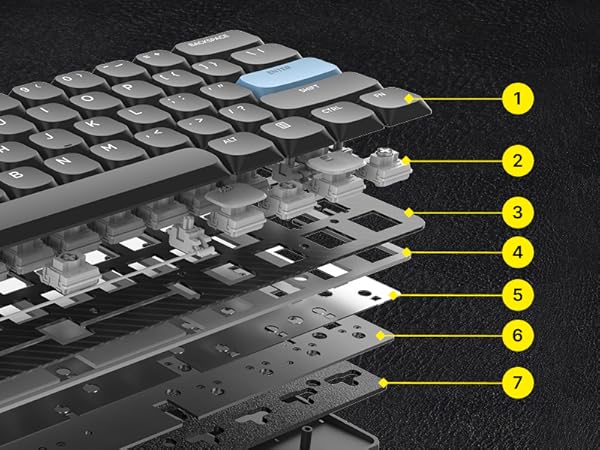
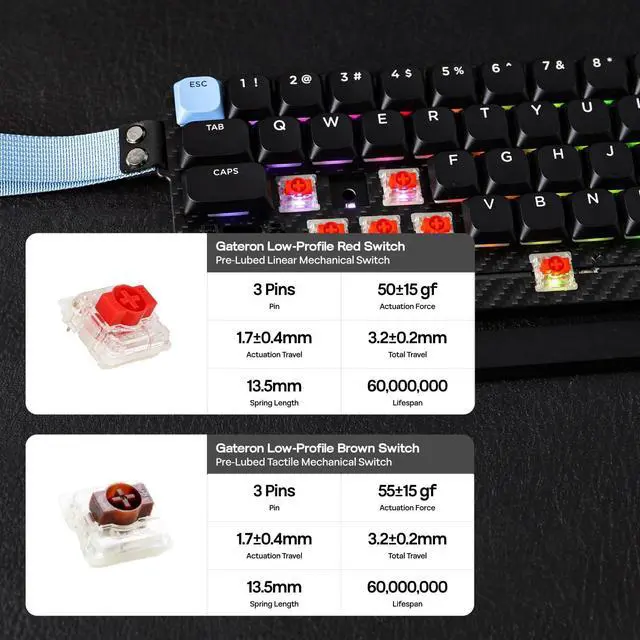
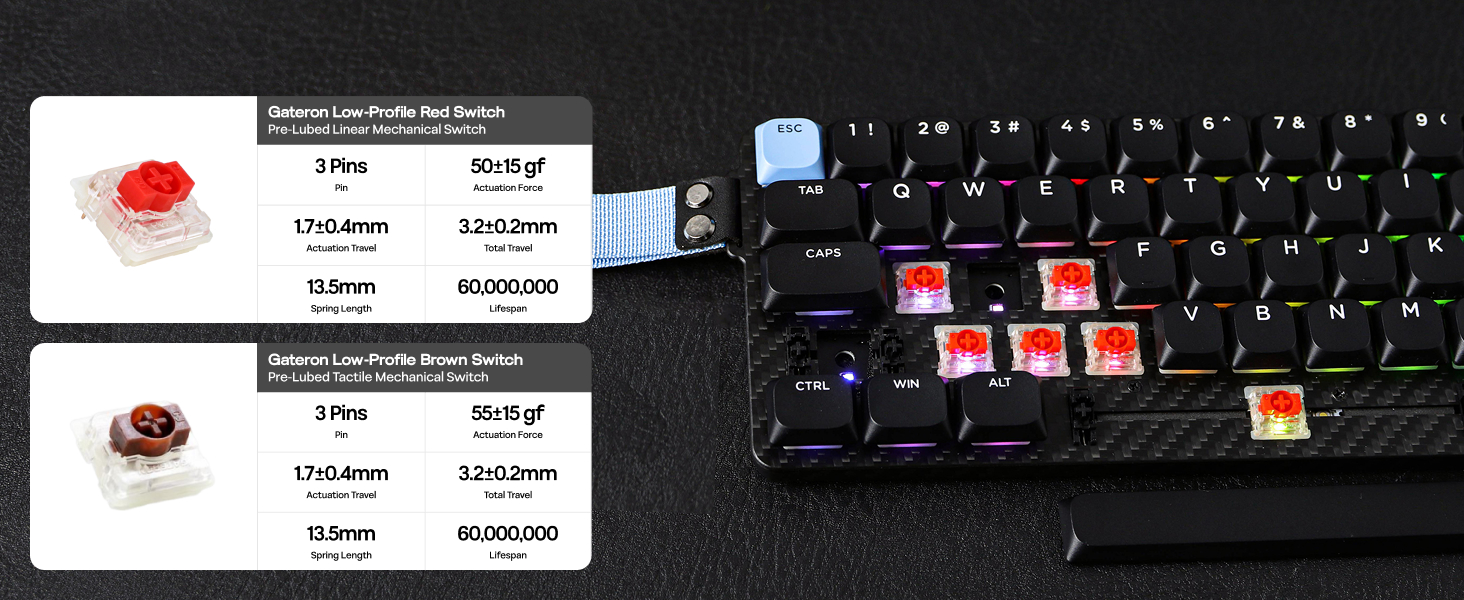
Gateron Low-Profile Brown/Red Switch (3 pins)
Factory lubed Low-Profile Mechanical Switch
Low-profile office keyboards generally produce less noise when typing than traditional mechanical keyboards. This feature is beneficial in environments where noise levels, such as offices and libraries, need to be kept to a minimum.
- Gateron Low-Profile Brown Switch: Switch type: Tactile; Actuation force: 55±15 gf; Actuation Travel: 1.7±0.4mm; Total Travel: 3.2±0.2mm
- Gateron Low-Profile Red Switch: Switch type: Linear; Actuation force: 50±15 gf; Actuation Travel: 1.7±0.4mm; Total Travel: 3.2±0.2mm
16.8 Million RGB Backlit
Vibrant Style, Dynamic RGB
The Carbon60 gaming keyboard features 16.8 million RGB lighting colors. With 15 preset backlight effects to add a great atmosphere to the game or office work. And support the use of VIA software to customize the lighting effects of each key.
- FN + Enter: Toggle Backlight Color , FN + \|: Toggle Backlight Effect, FN + : | " | < | >:Adjust Backlight Brightness/Speed
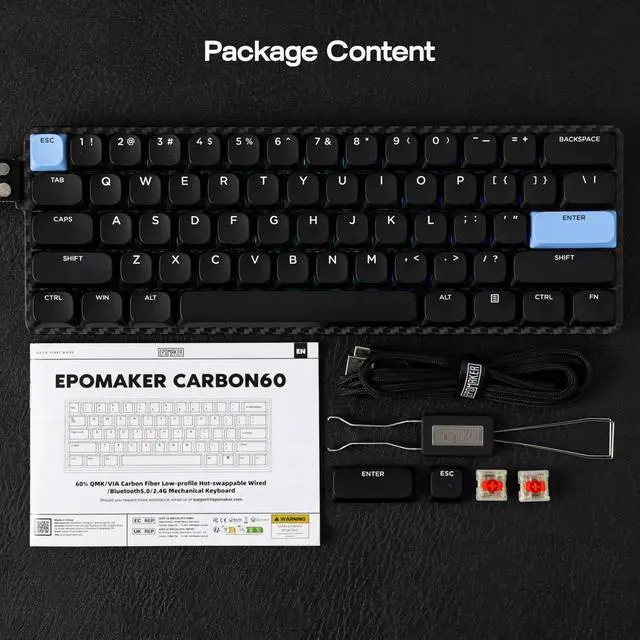
Package Content
What is in the package?
- Carbon60 Keyboard*1
- Multilingual User Manual*1, 2-in-1 Keycap Switch Puller
- Detachable Keyboard Cable*1, Extra Keycap*2, Extra Switch*2
Does Carbon60 support NKRO? Is Carbon60 anti-ghosting?
Yes, the Carbon60 keyboard features anti-ghosting technology. In the Windows OS, it supports N-key rollover, while on macOS, it allows for 6-key rollover.
Why do the keys Win, Alt, and Function keys not work?
Please check if the device is in the correct system. When the FN key is pressed, the white light on the A/S key indicates the current keyboard operating system. Users can switch between Windows and Mac by the combination key "FN+A/S".
What are the advantages of a low profile keyboard compared to other mechanical keyboards?
Slim and portable, low-profile keyboards are lighter and more compact than traditional ones, making them ideal for mobile users. It offers quick response, comfort for long typing sessions, and quieter operation in noise-sensitive environments.
What is the advantage of QMK/VIA keyboard? Is Carbon60 programmable?
With the web-based VIA software, you can customize Carbon60's function without the need to download, across Win, Mac, and Linux devices. With macros and layout remap functions, automate repetitive tasks for productivity and streamline your workflow.
Why does the "FN" key on the keyboard suddenly start flashing a red light?
The "FN" key acts as a battery indicator. When the keyboard is low on power, it flashes red three times before resuming the current backlight effect. While charging, it stays lit red for 5 seconds before returning to the backlight setting.
Compact & Portable Office/Gaming Keyboard from EPOMAKER
Carbon60 (Mechanical) | Luma84 (Mechanical) | WIN60 HE (Magnetic) | HE68 (Magnetic) | Hero68 HE (Magnetic) |
|---|---|---|---|---|
| Customer Reviews | ||||
| — | — | — | — | — |
| Price | ||||
| — | — | — | — | — |
| Case Material | ||||
| Carbon Fiber | Aluminum | Plastic | Plastic | Plastic |
| Layout & Keys | ||||
| 60% QWERTY ANSI & 61 Keys | 75% QWERTY ANSI & 84 Keys | 60% QWERTY ANSI & 61 Keys | 65% QWERTY ANSI & 67 Keys | 65% QWERTY ANSI & 68 Keys |
| Connectivity | ||||
| Bluetooth/2.4Ghz/USB-C | Bluetooth/2.4Ghz/USB-C | USB-C Wired | USB-C Wired | USB-C Wired |
| Battery Capacity | ||||
| 3000mAh | 3000mAh | / | / | / |
| Keycap Material & Profile | ||||
| ABS & DSA Low Profile | ABS & DSA Low Profile | ABS & OEM Profile | PBT & Cherry Profile | PBT & Cherry Profile |
| Switch Option | ||||
| Linear, Tactile | Linear, Tactile | Magnetic | Magnetic | Magnetic |
| RGB Backlight | ||||
| ? | ? | ? | ? | ? |
| Hot Swappable | ||||
| ? | ? | ? | ? | ? |
| Polling Rate | ||||
| 1000hz (USB/2.4G), 125hz(BT) | 1000hz (USB/2.4G), 125hz(BT) | 8000 Hz | 8000 Hz | 8000 Hz |
| Programmable | ||||
| QMK+VIA Software | QMK+VIA Software | AULA Web Driver (Chrome) | EPOMAKER Driver | AULA Web Driver (Chrome) |
| Keyboard Size & Weight | ||||
| 297*102*26mm & 0.45kg | 314*129*26mm & 0.6kg | 302.14*109.06*36.9mm & 0.63kg | 327*113*40mm & 0.6kg | 313.70*119.86*40.35mm & 0.8kg |
| Special Features | ||||
| Carbon Fiber Shell and Plate | Low-Profile QMK Keyboard | 8000Hz, 0.3ms | 8000Hz, 0.125ms | RGB Box & adjustable 125-8kHz |
Composed of a team of young gamers, software engineers, and product designers who love tech gadgets, we set out to develop the best products that encapsulate personality, functionality, and affordability. Unsatisfied with the keyboards currently out there, we have created our ultimate sturdiness, wireless, and fully-customizable mechanical keyboard. Our promise is to deliver a keyboard that meets all of your workflow needs.
EPOMAKER New Release for 2025
EPOMAKER Gaming Keyboard
65% Layout Gaming Keyboard
75% Layout Gaming Keyboard
1800 Layout Gaming Keyboard
PC Gaming Mice
Numpad
Premium PBT Keycap Set
Keyboard Cable
Keyboard Switches
