




 here!
here!
I’m your shopping assistant for PC builds, upgrades, and everything tech.
Got questions? Ask away!
Start a conversation
here!
I’m your shopping assistant for PC builds, upgrades, and everything tech.
Got questions? Ask away!
Start a conversation




Combo Up Savings Up To $260+
The more you add, the more you'll save!
Any questions? Ask CelesteSM will help you find out quickly.

VIA Programmable
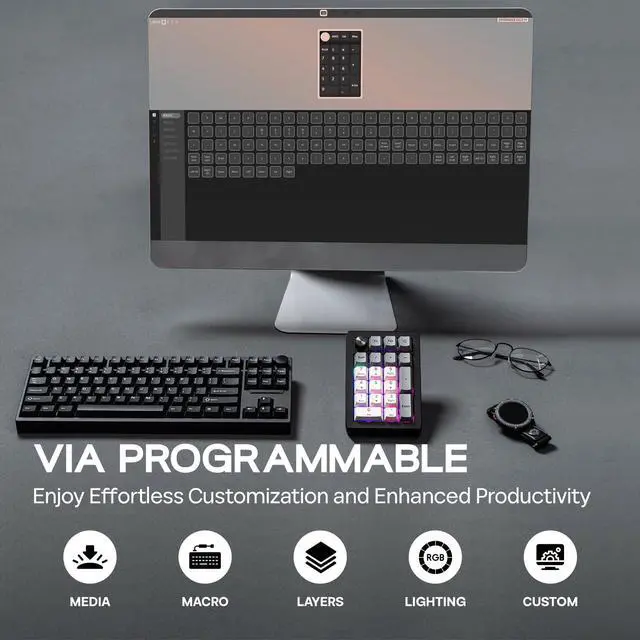
1. Get JSON from EPOMAKER official website (search for EK21 JSON).
2. Plug EK21 VIA to your computer and connect in wired mode.
3. Visit usevia.app and Enable "Show Design Page" in "Setting" page.
4. Load the downloaded JSON with "Load Draft Definition" in "Design" page, then start programming in "Configure" page.

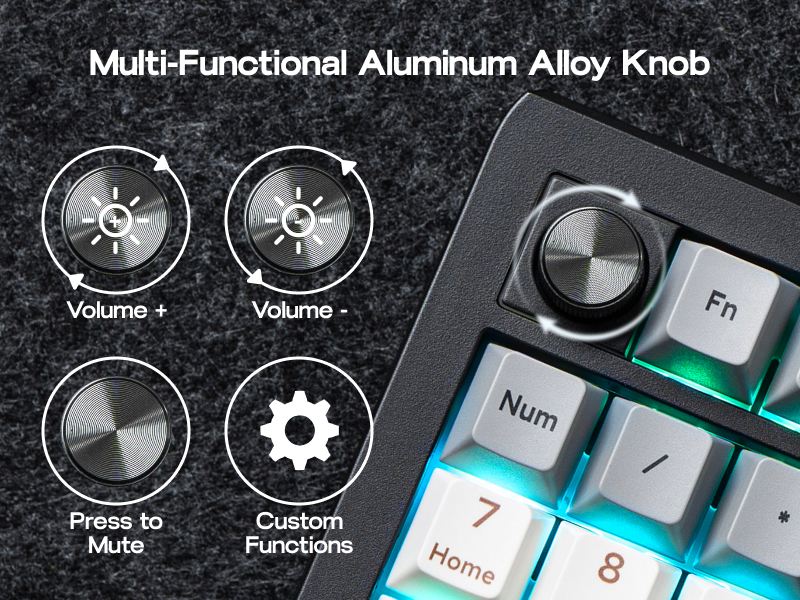
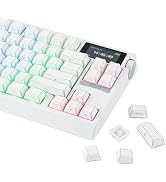
Enjoy effortless volume control and personalized functionality with the EK21's elegant aluminum alloy knob. Customize its actions via VIA software to match your workflow. Crafted for quality, the knob provides smooth, precise adjustments and adds a sophisticated touch to your numpad, elevating your overall experience.
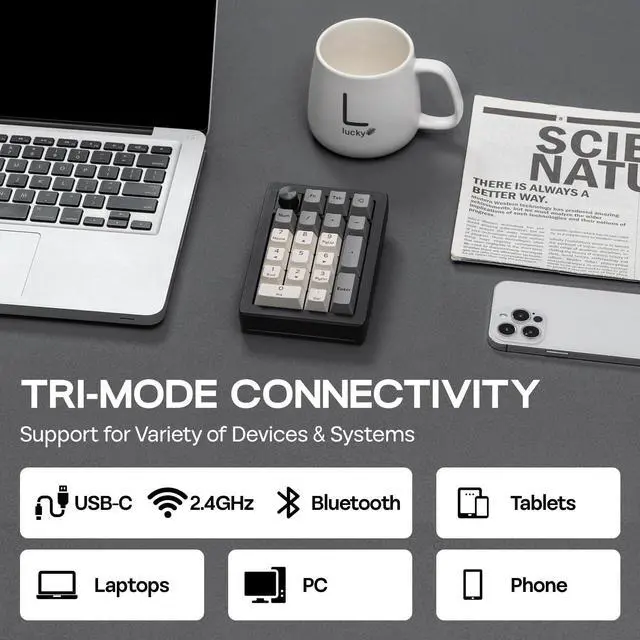
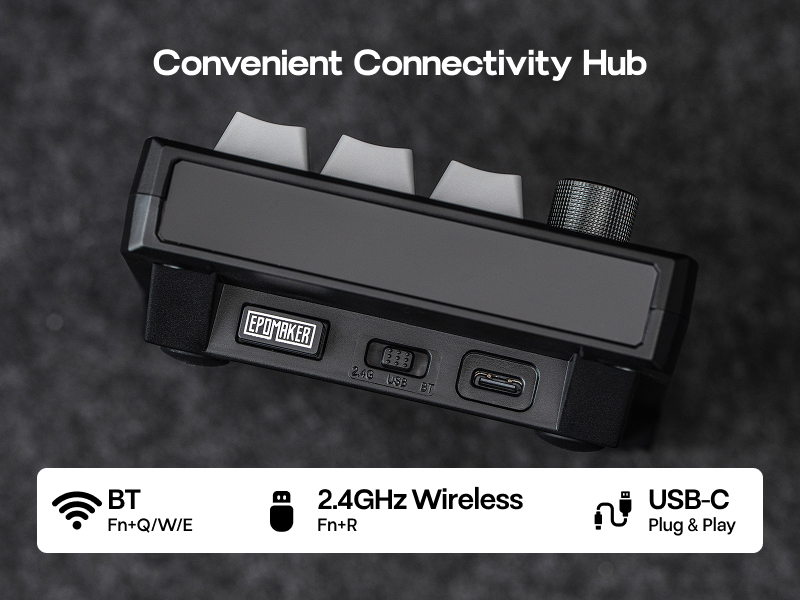
Experience ultimate flexibility with the EK21's triple connectivity (wired, BT, 2.4GHz wireless). Select your preferred mode to optimize your setup and maximize productivity.
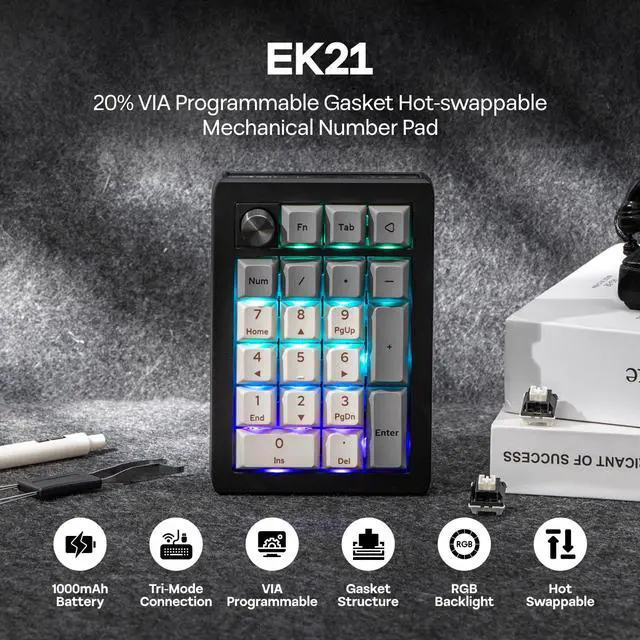
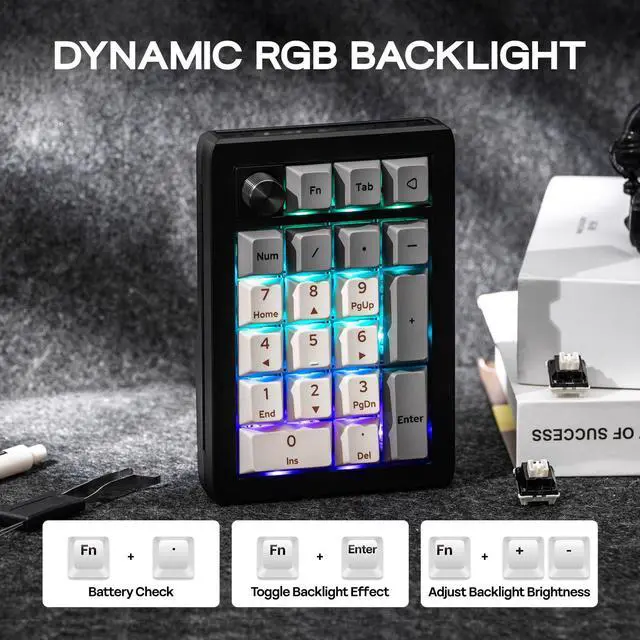
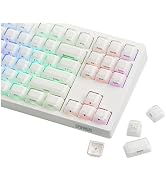
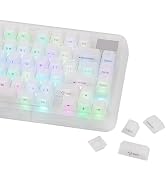
The EK21's RGB backlight offers 16.8 million colors to create a visual feast uniquely yours. The backlight effect can be adjusted with the shortcut keys "FN+Enter" and the VIA software. Match your lighting to your style and scene with pinpoint accuracy, making desktop interactions more engaging.


VIA Programmable
1. Get JSON from EPOMAKER official website (search for EK21 JSON).
2. Plug EK21 VIA to your computer and connect in wired mode.
3. Visit usevia.app and Enable "Show Design Page" in "Setting" page.
4. Load the downloaded JSON with "Load Draft Definition" in "Design" page, then start programming in "Configure" page.


Enjoy effortless volume control and personalized functionality with the EK21's elegant aluminum alloy knob. Customize its actions via VIA software to match your workflow. Crafted for quality, the knob provides smooth, precise adjustments and adds a sophisticated touch to your numpad, elevating your overall experience.
Experience ultimate flexibility with the EK21's triple connectivity (wired, BT, 2.4GHz wireless). Select your preferred mode to optimize your setup and maximize productivity.
The EK21's RGB backlight offers 16.8 million colors to create a visual feast uniquely yours. The backlight effect can be adjusted with the shortcut keys "FN+Enter" and the VIA software. Match your lighting to your style and scene with pinpoint accuracy, making desktop interactions more engaging.








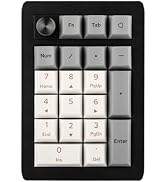
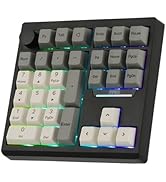
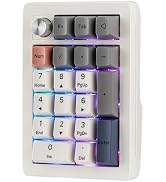
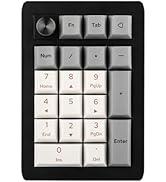
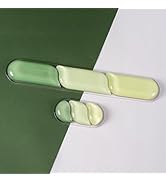
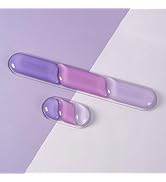
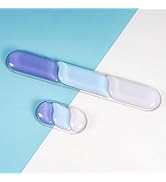
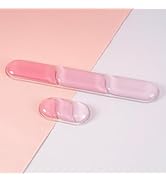
|
Brand |
EPOMAKER |
|---|---|
|
Model |
EK21 VIA Numpad |
|
Layout |
20% |
|
Number of Keys |
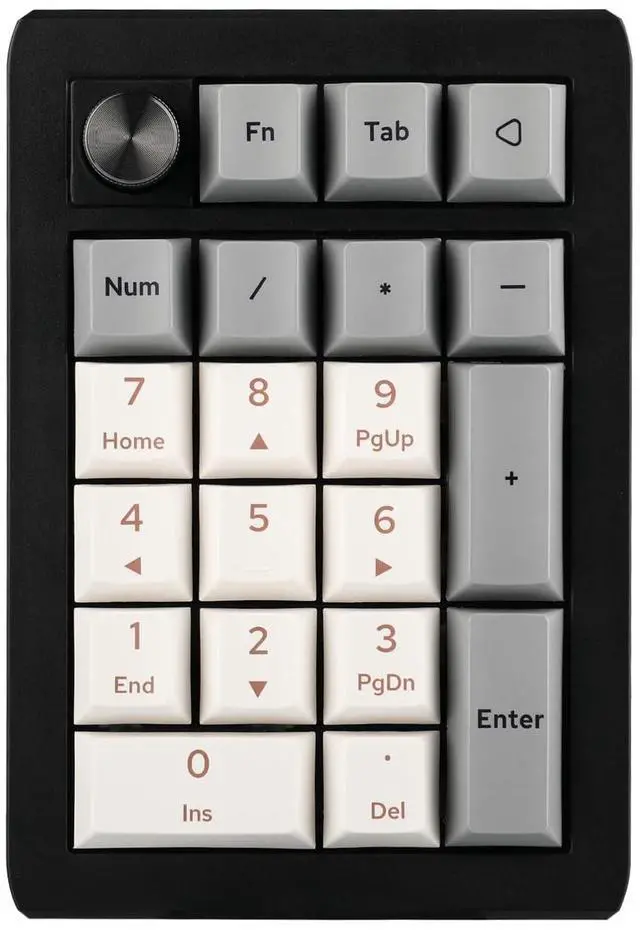
20 Keys and 1 Knob |
|
Battery |
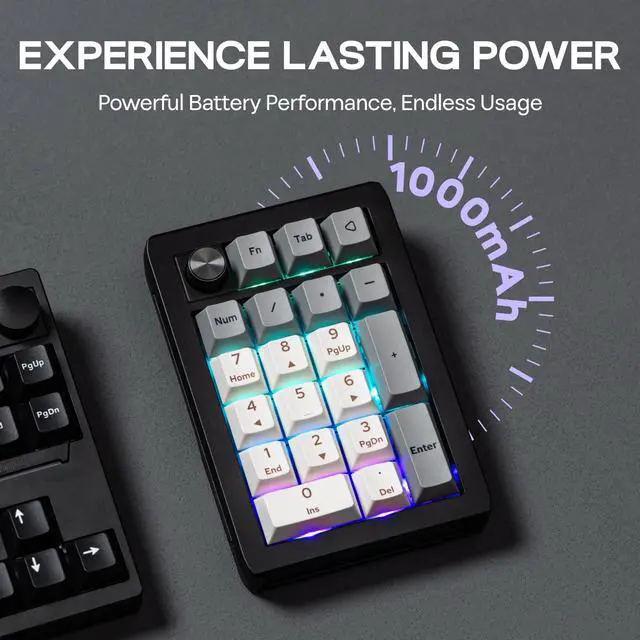
1000mAh |
|
Connectivity |
2.4Ghz Wireless/Bluetooth/USB Wired |
|
Case Material |
ABS Plastic |
|
Plate Material |
PC |
|
Flex-Cut |
Yes, both PCB and Plate are flex-cut for extra flexibility |
|
Stabilizers |
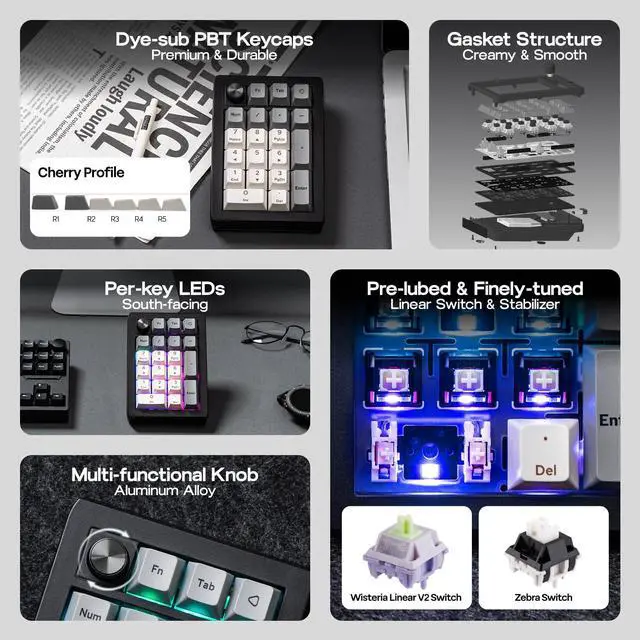
Plate-Mounted Stabilizers, Pre-lubed and Finely-tuned Stabilizer |
|
Mounting Structure |
Gasket-Mount |
|
Sound Dampening |
3 Layers of Foam: bottom and sandwich Poron foam; IXPE switch pad Keycaps Profile: Cherry Profile |
|
Keycaps Material |
PBT Keycaps |
|
Keycaps Manufacturing Technique |
Dye-sub Technique |
|
Switch |
Lubed Mechanical Switches, 5-pin Linear |
|
Hot swappable |
Yes, EK21 is hot-swappable and compatible with 3/5-pin mechanical switches |
|
RGB |
Yes, EK21 has dynamic RGB backlight |
|
Polling Rate |
1000hz in Wired and 2.4Ghz mode, and 125hz in Bluetooth mode |
|
Anti-Ghosting |
Yes, EK21 supports NKRO so you can input multiple keys at once. It is anti-ghosting for gaming accuracy and speed. |
|
Compatibility |
Mac/WIN/Android |
|
Keyboard Dimensions |
93*138*29mm |
|
Weight |
0.2kg |
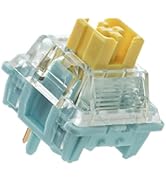
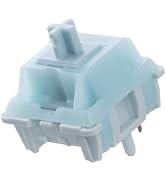
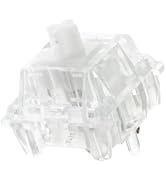
Switch Specs:
Wisteria Linear V2 Switch
Switch Type: 5-pin Linear, Factory Lubed
Trigger Force: 45±3 gf
Bottom-out Force: 62±5 gf
Pre-Travel: 2.0±0.3mm
Total Travel: 3.6±0.3mm
Life Spans: 5,000,000
Light Diffuser: Yes, Wisteria V2 Switch has Light Diffuser
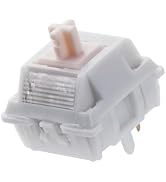
Zebra Linear Switch
Switch Type: 5-pin Linear, Factory Lubed
Trigger Force: 40±3 gf
Bottom-out Force: 45±5 gf
Pre-Travel: 1.8±0.3mm
Total Travel: 3.8mm
Top Case: PC
Bottom Case: Nylon
Stem: POM
Light Diffuser: No Light Diffuser
Life Spans: 5,000,000


