






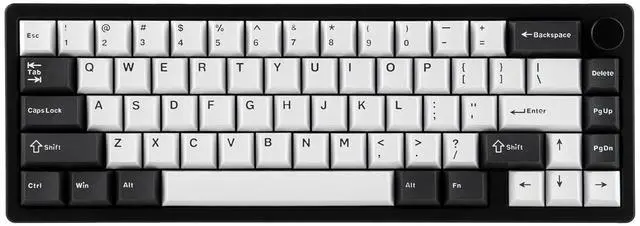


Galaxy65: the 65% addition of Galaxy Series with Ball-Catch Quick Release

EPOMAKER Galaxy65 Wireless Mechanical Keyboard
Merchant VideoCompact Size, Stable Connection, Web Driver, RGB Backlit & Intuitive Indicator
Long-Lasting Wireless Performance
Wireless 2.4Ghz, Bluetooth & Cable Wired
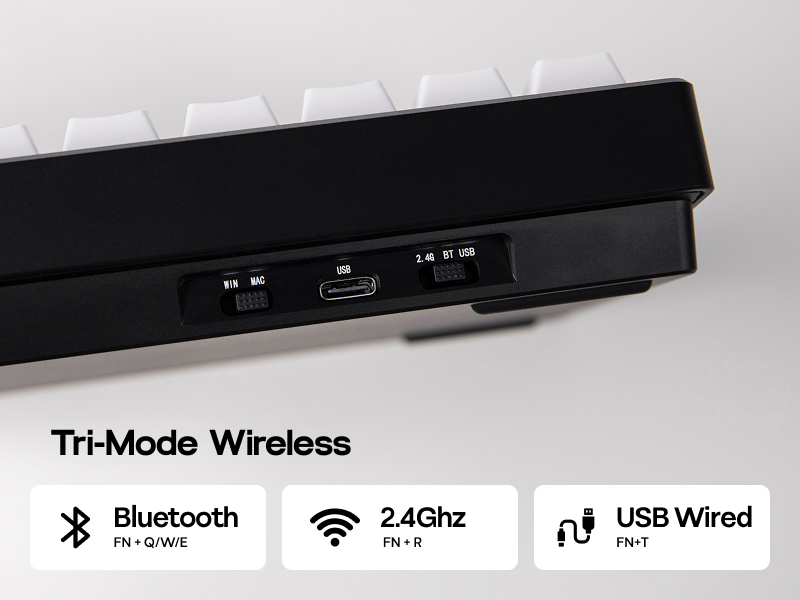
Packed with three modes of connection and an easily accessible mode switch besides the USB port, the Galaxy65 keyboard offers reliable 2.4Ghz wireless, low-latency cable mode and the versatile Bluetooth connectivity.
- Pair to New Device: 1).Toggle to BT/2.4G Mode. 2).Pressing FN+Q/W/E/R until Q/W/E/R key's flash quicken from slow to rapid. 3).Set Bluetooth on PC or Plug 2.4Ghz Dongle to PC.
- Connect to Paired Devices: 1).Toggle to BT/2.4G Mode. 2).Clcik on FN+Q/W/E/R once.
Intuitive Battery Percentage Check
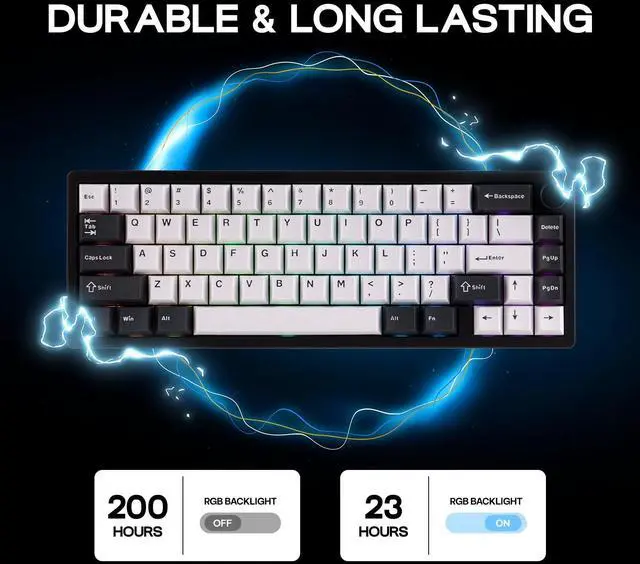
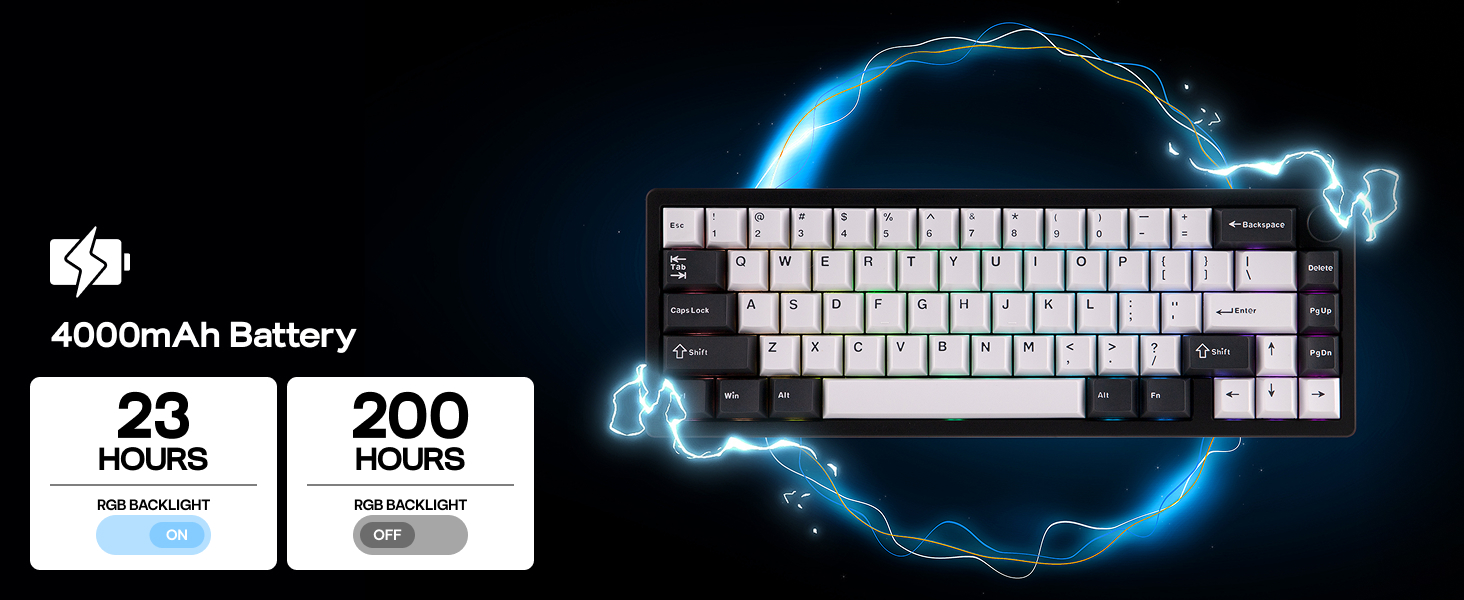
Upgraded in circuit design and battery quality, the Galaxy65 keyboard presents reliable and long-lasting wireless performance, offering an impressive 200 hours of use with backlight off on a single charge with a 4000mAh rechargeable battery.
- When Galaxy65 Gaming Keyboard is connected in 2.4G/BT mode, hold FN+BackSpace and the number row light up showing power percentage.


Galaxy65 Wireless Gaming Keyboard
Merchant VideoGasket Mechanical Gaming Keyboard from EPOMAKER
 Galaxy65 (1.1kg Aluminum) |  Galaxy70 (1.8kg Aluminum) |  Galaxy80 (1.7kg Aluminum) |  Galaxy100 (2kg Aluminum) |  P65 (1.3kg Aluminum) |  P75 (1.6kg Aluminum) | 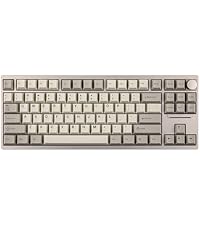 P87 (1.82kg Aluminum) | |
|---|---|---|---|---|---|---|---|
Customer Reviews | — | — | — | — | — | — | — |
Price | — | — | — | — | — | — | — |
Special Feature | Quick Release; For Controllers | Creamy Sound; 80% Layout | Creamy Sound; TKL Layout | Ultra Soft Flex Cut; Big 0 Key | VIA; Anodized Sleek Aluminum | Web Driver; Anodized Shell | VIA; Anodized Sleek Aluminum |
Material & Color | Aluminum; White/Black | Aluminum; White/Black/Blue | Aluminum; White/Black/Colors | Aluminum; White/Black | Aluminum; White/Black | Aluminum; Silver/Black/White | Aluminum; White/Black |
Switch Types | Linear (Mechanical) | Linear (Mechanical) | Linear (Mechanical) | Linear (Mechanical) | Linear (Mechanical) | Linear/Tactile (Mechanical) | Linear/Tactile (Mechanical) |
Keys+Knob | 66+1 | 82+1 | 88 | 101 | 66+1 | 81+1 | 87+1 |
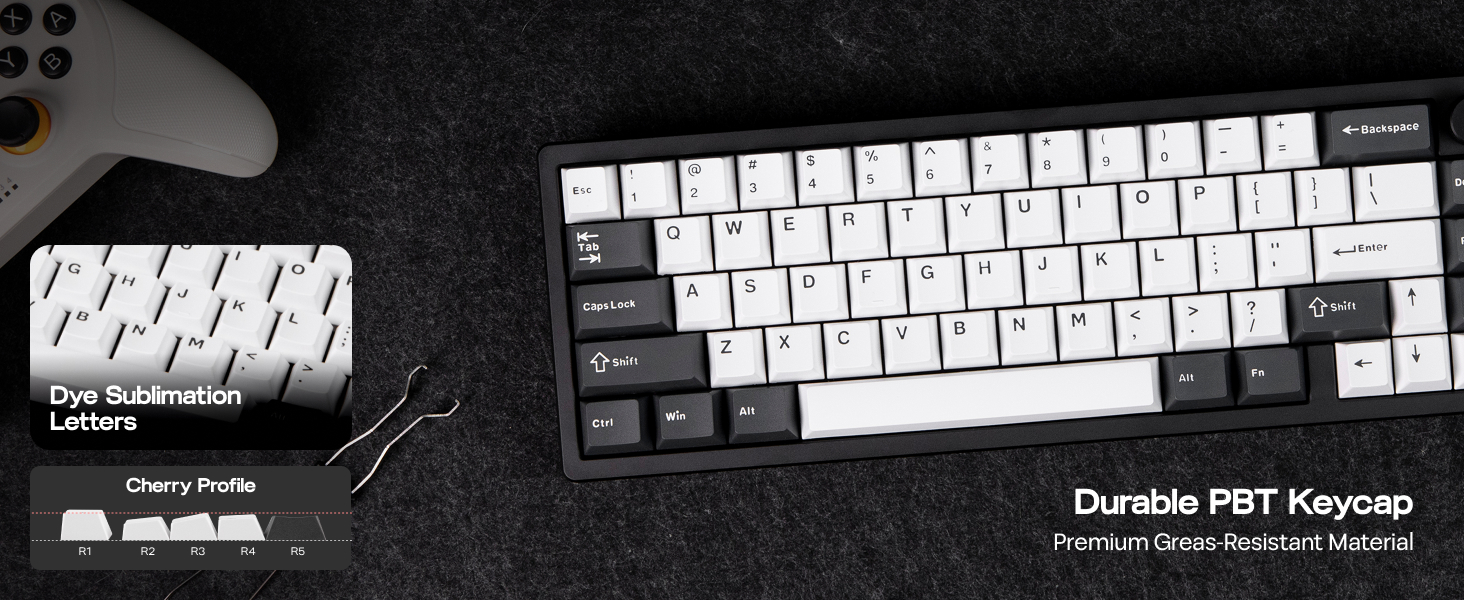
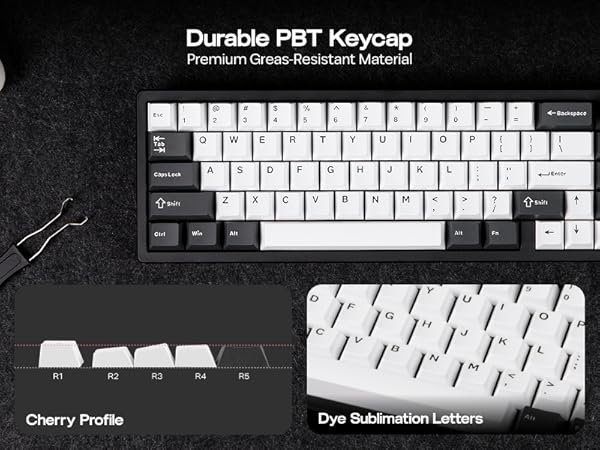
Keycap | Cherry Profile (PBT) | Cherry/MDA Profile (PBT) | MDA Profile (PBT) | Cherry/MDA Profile (PBT) | Cherry Profile (PBT) | Cherry Profile (PBT) | Cherry Profile (PBT) |
Connectivity | Bluetooth/2.4G/USB A-to-C | Bluetooth/2.4G/USB A-to-C | Bluetooth/2.4G/USB A-to-C | Bluetooth/2.4G/USB A-to-C | Bluetooth/2.4G/USB A-to-C | Bluetooth/2.4G/USB A-to-C | Bluetooth/2.4G/USB A-to-C |
Latency | 2.5ms(USB),4.5ms(2.4G),15ms(BT | 2.8ms(USB),5ms(2.4G),22ms(BT) | 2.8ms(USB),5ms(2.4G),22ms(BT) | 2.8ms(USB),4.7ms(2.4G),15ms(BT | 3ms (USB),5ms(2.4G),15ms(BT) | 1000hz(USB/2.4g), 125hz(BT) | 3ms(USB),5ms(2.4G),15ms(BT) |
Battery | 4000mAh | 4000mAh | 4000mAh | 8000mAh | 4000mAh | 4000mAh | 4000mAh |
Hot-Swappable | 3/5-pin Mechanical Switch | 3/5-pin Mechanical Switch | 3/5-pin Mechanical Switch | 3/5-pin Mechanical Switch | 3/5-pin Mechanical Switch | 3/5-pin Mechanical Switch | 3/5-pin Mechanical Switch |
Backlight | Per-Key RGB, South-Facing | Per-Key RGB, South-Facing | Per-Key RGB, South-Facing | Per-Key RGB, South-Facing | Per-Key RGB, South-Facing | Per-Key RGB, South-Facing | Per-Key RGB, South-Facing |
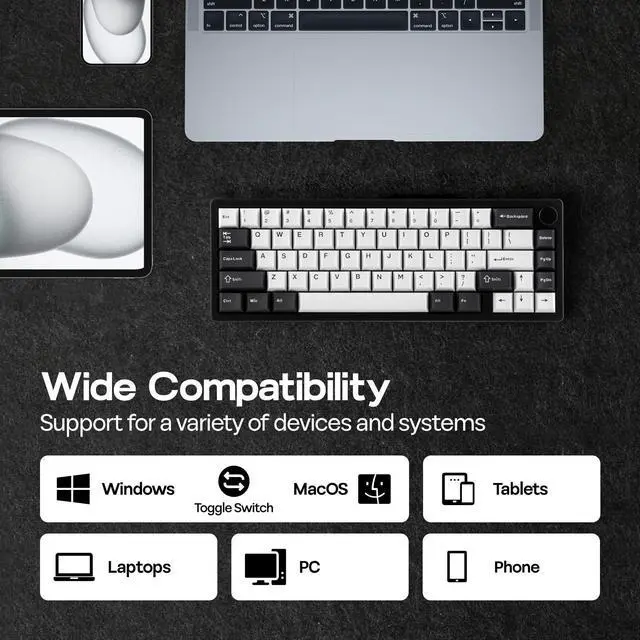
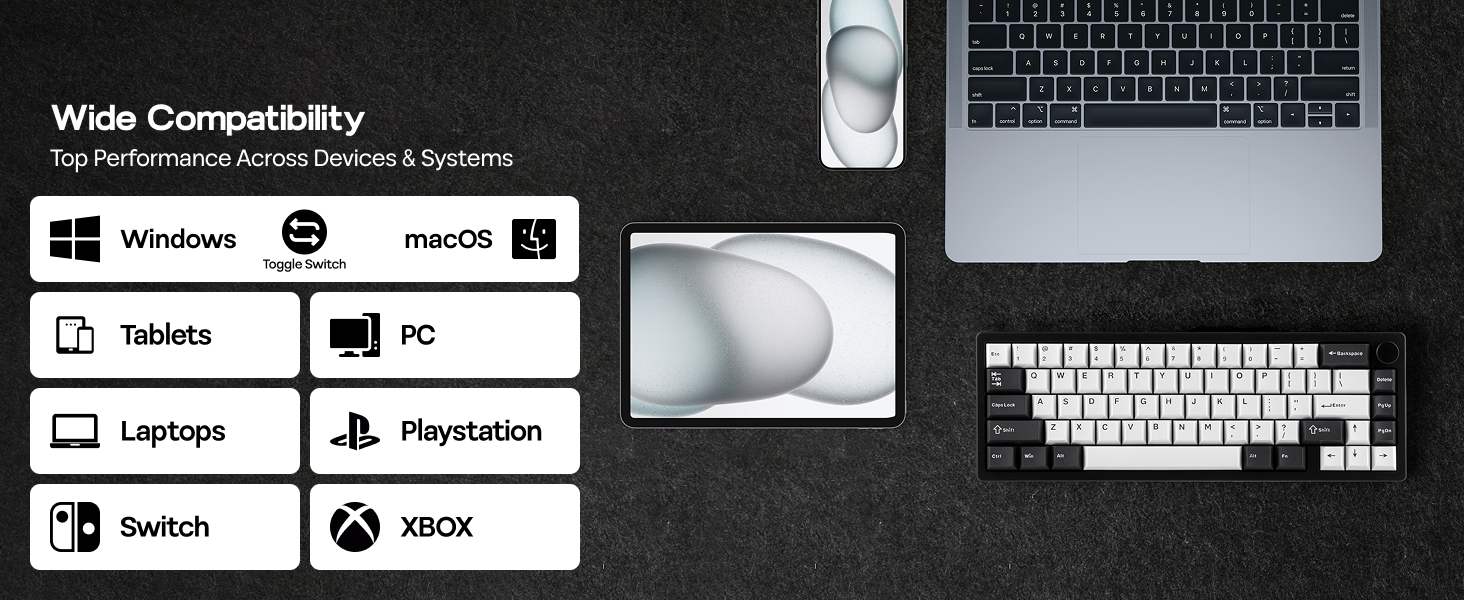
OS System | Mac/WIN/Android/Linux/PS4/5 | Win/Mac/Android/iOS | Win/Mac/Android/iOS | Mac/WIN/Android/Linux | Linux/Win/Mac/Android/iOS | Win/Mac/Android/iOS | Win/Mac/Android/iOS |
Software | VIA Software (Web Driver) | Epomaker Galaxy70 Driver (WIN) | Galaxy80 Software (WIN) | VIA Software (Web Driver) | VIA Software (Web Driver) | P75 Software (Web Driver) | VIA Software (Web Driver) |
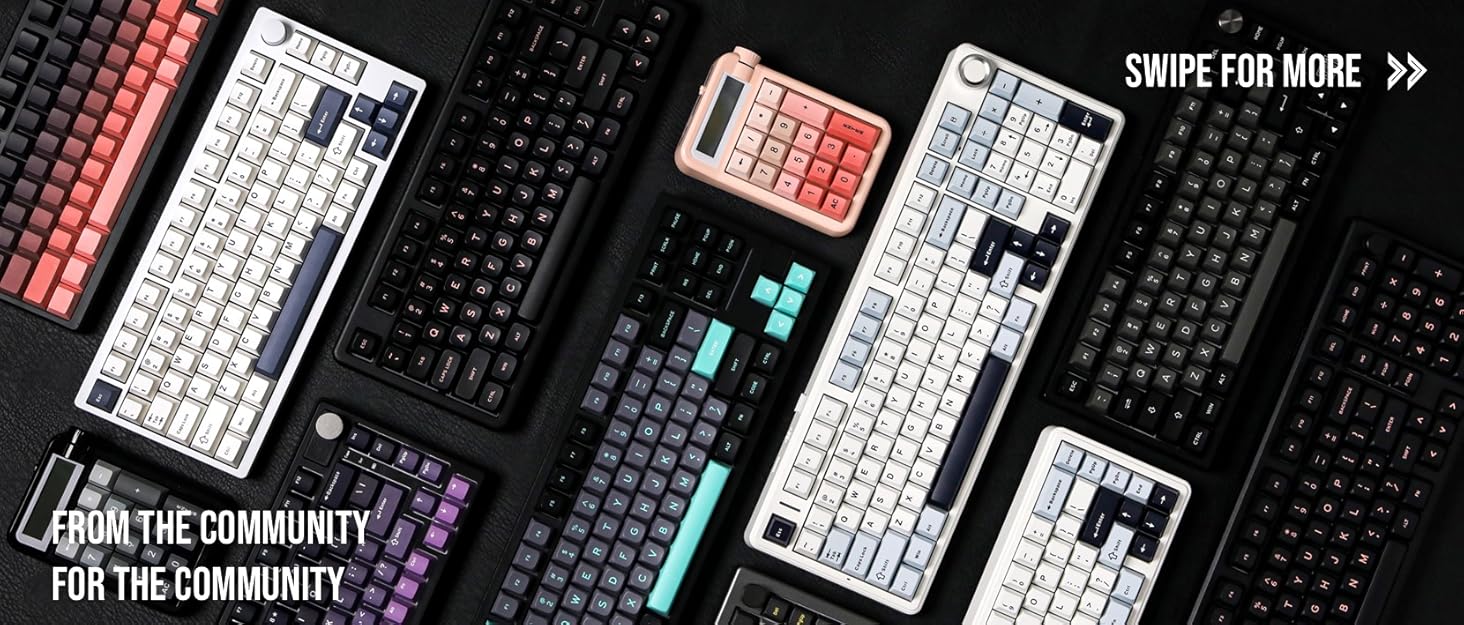

Composed of a team of young gamers, software engineers, and product designers who love tech gadgets, we set out to develop the best products that encapsulate personality, functionality, and affordability. Unsatisfied with the keyboards currently out there, we have created our ultimate sturdiness, wireless, and fully-customizable mechanical keyboard. Our promise is to deliver a keyboard that meets all of your workflow needs.
EPOMAKER New Release for 2025
EPOMAKER Gaming Keyboard
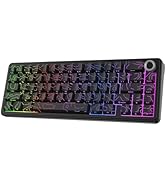
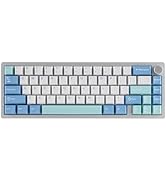
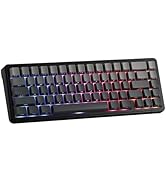
65% Layout Gaming Keyboard
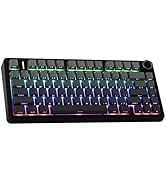
75% Layout Gaming Keyboard
1800 Layout Gaming Keyboard
PC Gaming Mice
Numpad
Premium PBT Keycap Set
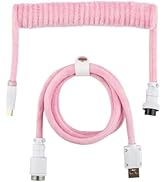
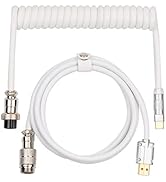
Keyboard Cable
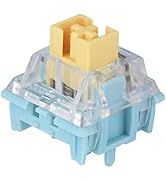
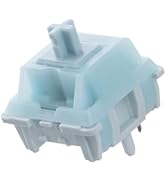
Keyboard Switches
Galaxy65: the 65% addition of Galaxy Series with Ball-Catch Quick Release

Stay Top of your Game across Platforms with Unbeatable Speed and Long-Lasting Performance
EPOMAKER Galaxy65 Wireless Mechanical Keyboard
Merchant VideoCompact Size, Stable Connection, Web Driver, RGB Backlit & Intuitive Indicator

Typing Anglie: 6.5° (Height 1.9/3.1cm)
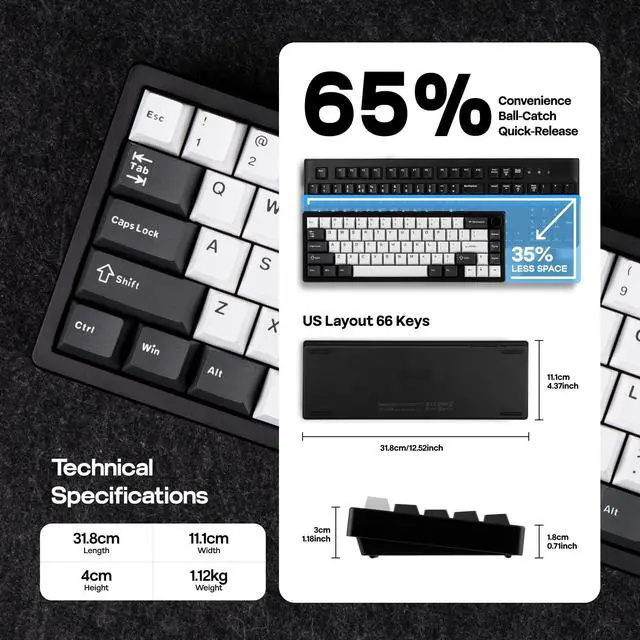
Compact 65% Layout
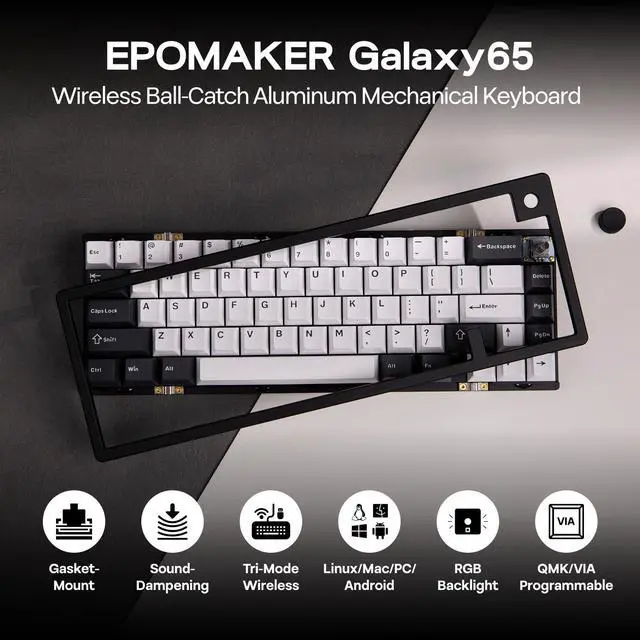
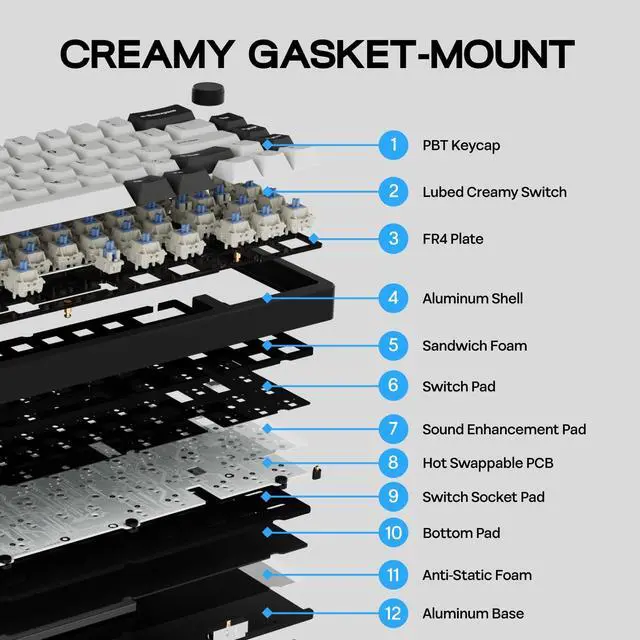
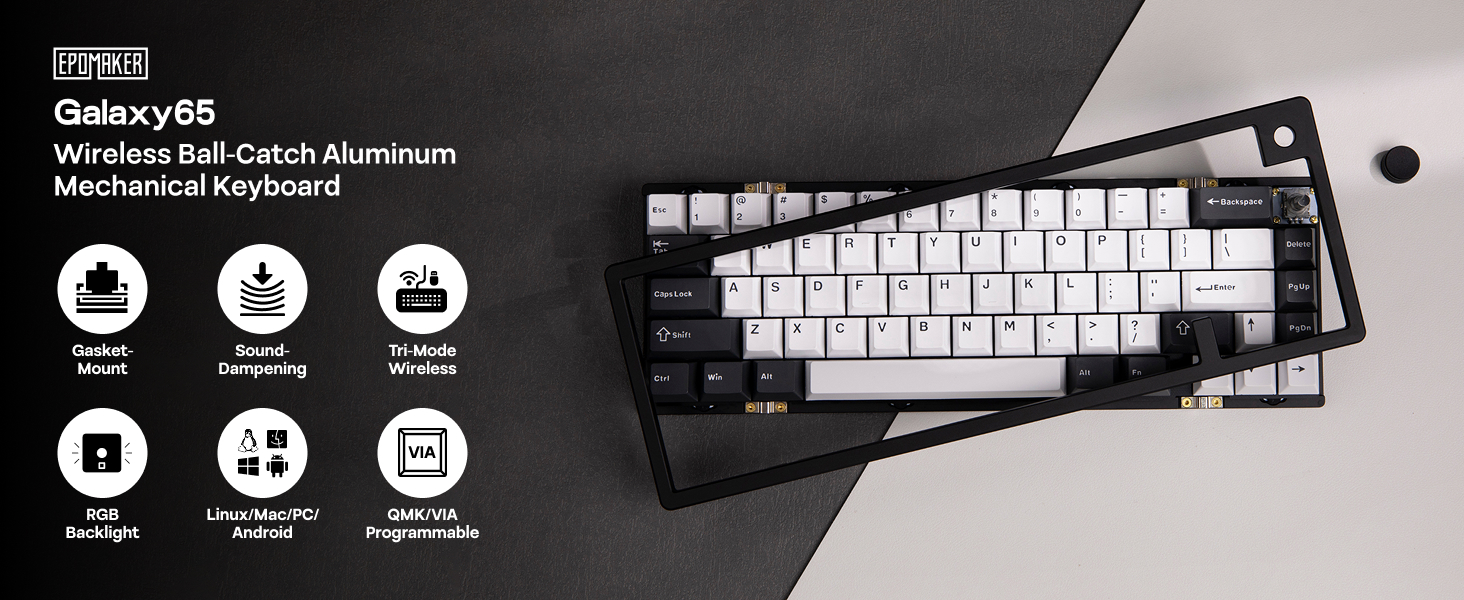
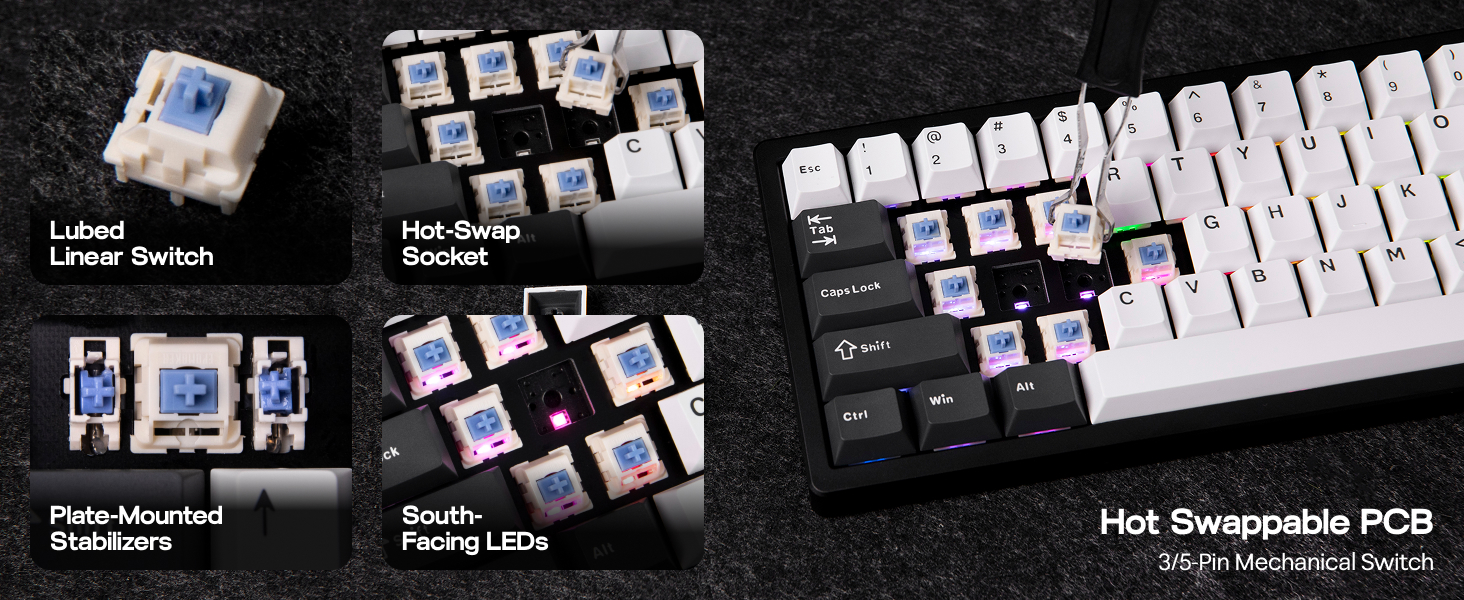
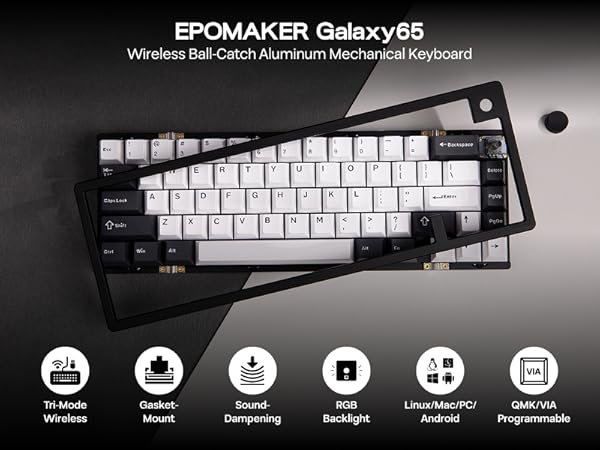
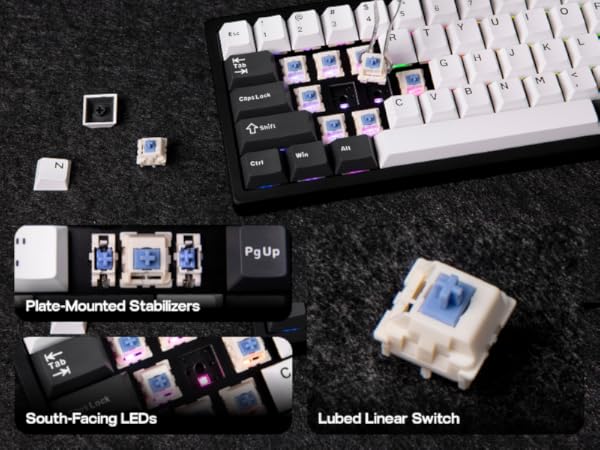
Following the EPOMAKER Galaxy70, Galaxy80, and Galaxy100, EPOMAKER is proud to launch the innovative new member of the Galaxy Wireless Aluminum Mechanical Keyboard series, Galaxy65. It has a Ball-Catch quick release and sound-dampened gasket-mount structure. Pull the knob and unclick the keyboard shell with a simple push. Within mere seconds, you get easy access to the inner structure of Galaxy65 for convenient customization and unbeatable fun.
Long-Lasting Wireless Performance
Wireless 2.4Ghz, Bluetooth & Cable Wired
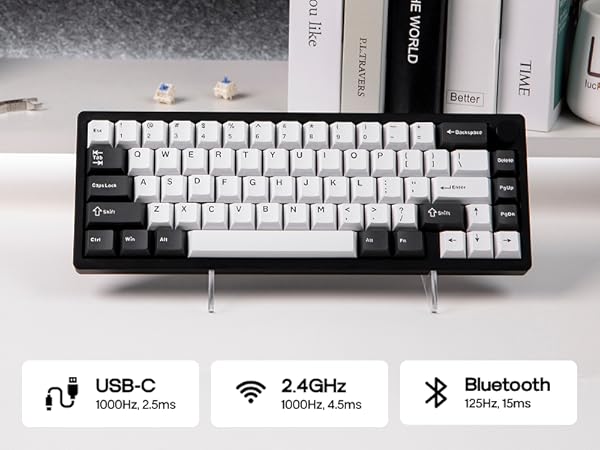
Packed with three modes of connection and an easily accessible mode switch besides the USB port, the Galaxy65 keyboard offers reliable 2.4Ghz wireless, low-latency cable mode and the versatile Bluetooth connectivity.
- Pair to New Device: 1).Toggle to BT/2.4G Mode. 2).Pressing FN+Q/W/E/R until Q/W/E/R key's flash quicken from slow to rapid. 3).Set Bluetooth on PC or Plug 2.4Ghz Dongle to PC.
- Connect to Paired Devices: 1).Toggle to BT/2.4G Mode. 2).Clcik on FN+Q/W/E/R once.
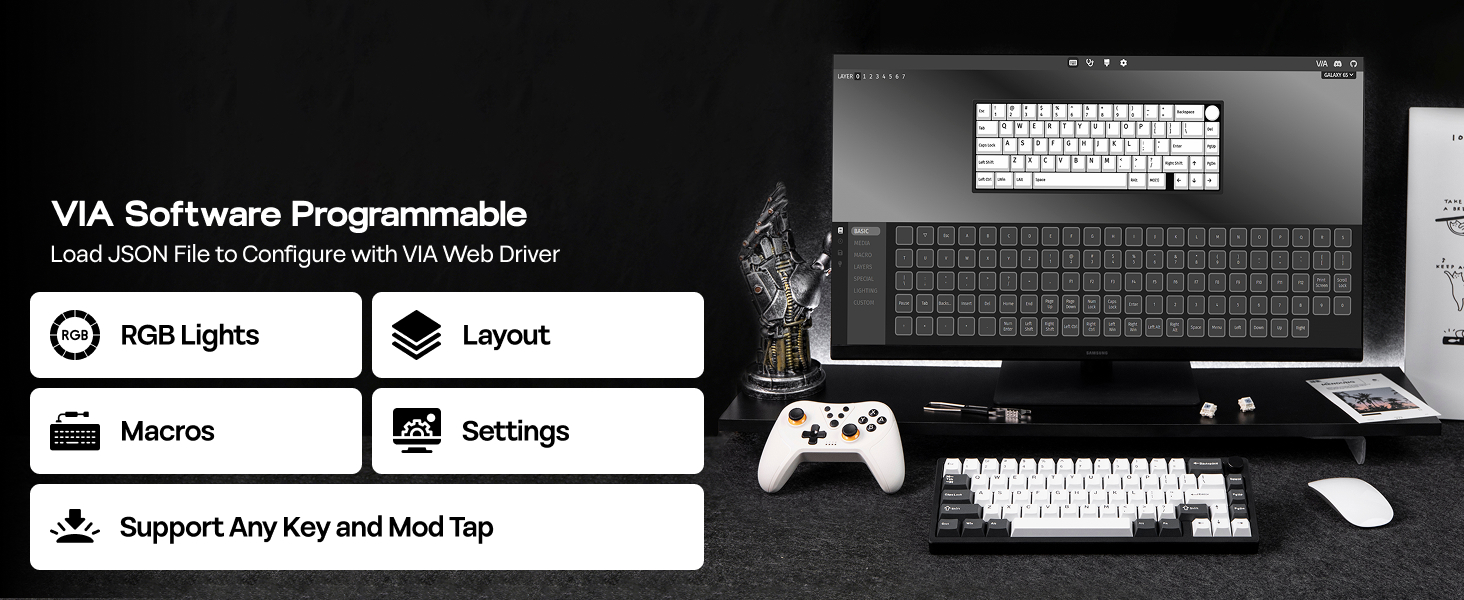
Web Driver for WIN, Mac & Linux
Customize with VIA Software
Level up your game with the Galaxy65 VIA Keyboard – the ultimate custom keyboard with unbeatable control.
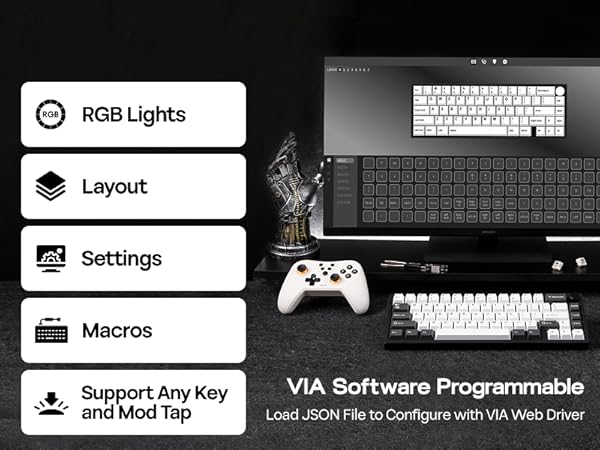
Enjoy limitless customization with the VIA web driver, where complex commands can be delivered with a single keystroke thanks to recorded macros, and layouts can be personalized with remapping for maximum efficiency and accessibility.
- Tips: Load JSON to VIA web-based software to start settings. Check the manual inside product package for detailed guide on using VIA.
with south-facing per-key RGB Backlight
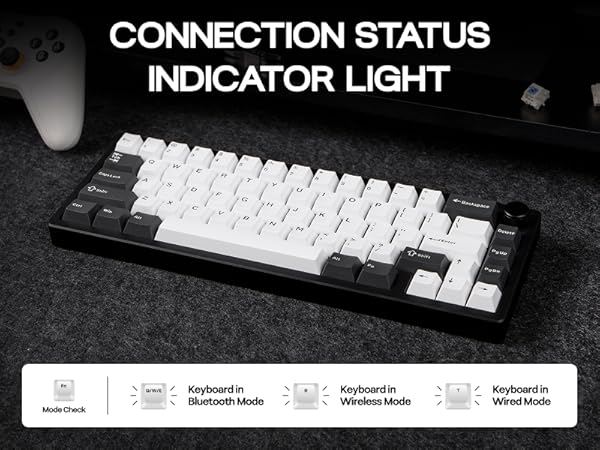
Convenient Indicator Lights
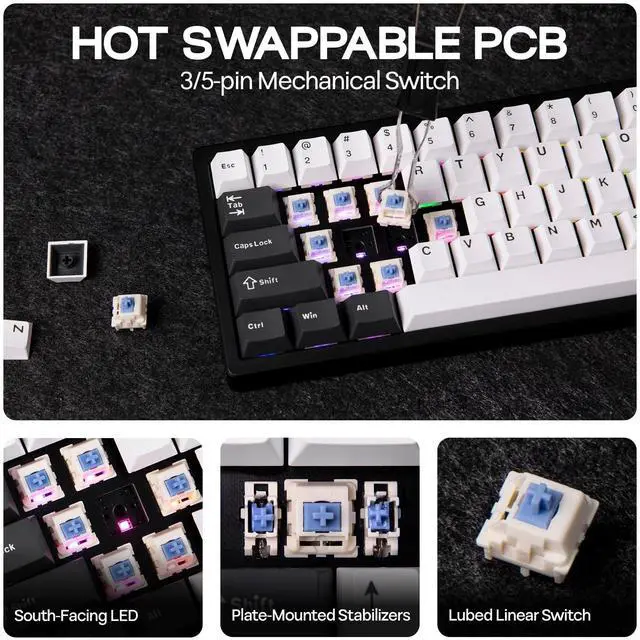
With south-facing LED underneath, the per-key illuminated Galaxy65 RGB Keyboard comes with customizable backlight options, for gamers to personalize brightness, colors and light effects for an immersive session, and double as convenient indicators.
- CapsLock: Stays white if all keys are capital letters. WIN: stays white if WIN key is locked (disabled)
- Q/W/E: Bluetooth Indicator. R: 2.4Ghz Indicator.
- Left Ctrl Key: Stays red if number row is activated as F1-F12.
Intuitive Battery Percentage Check
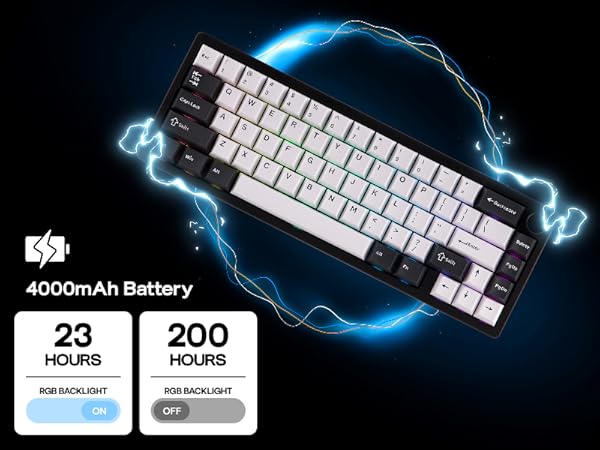
Upgraded in circuit design and battery quality, the Galaxy65 keyboard presents reliable and long-lasting wireless performance, offering an impressive 200 hours of use with backlight off on a single charge with a 4000mAh rechargeable battery.
- When Galaxy65 Gaming Keyboard is connected in 2.4G/BT mode, hold FN+BackSpace and the number row light up showing power percentage.
Galaxy65 Wireless Gaming Keyboard
Merchant VideoGasket Mechanical Gaming Keyboard from EPOMAKER
Galaxy65 (1.1kg Aluminum) | Galaxy70 (1.8kg Aluminum) | Galaxy80 (1.7kg Aluminum) | Galaxy100 (2kg Aluminum) | P65 (1.3kg Aluminum) | P75 (1.6kg Aluminum) | P87 (1.82kg Aluminum) |
|---|---|---|---|---|---|---|
| Customer Reviews | ||||||
| — | — | — | — | — | — | — |
| Price | ||||||
| — | — | — | — | — | — | — |
| Special Feature | ||||||
| Quick Release; For Controllers | Creamy Sound; 80% Layout | Creamy Sound; TKL Layout | Ultra Soft Flex Cut; Big 0 Key | VIA; Anodized Sleek Aluminum | Web Driver; Anodized Shell | VIA; Anodized Sleek Aluminum |
| Material & Color | ||||||
| Aluminum; White/Black | Aluminum; White/Black/Blue | Aluminum; White/Black/Colors | Aluminum; White/Black | Aluminum; White/Black | Aluminum; Silver/Black/White | Aluminum; White/Black |
| Switch Types | ||||||
| Linear (Mechanical) | Linear (Mechanical) | Linear (Mechanical) | Linear (Mechanical) | Linear (Mechanical) | Linear/Tactile (Mechanical) | Linear/Tactile (Mechanical) |
| Keys+Knob | ||||||
| 66+1 | 82+1 | 88 | 101 | 66+1 | 81+1 | 87+1 |
| Keycap | ||||||
| Cherry Profile (PBT) | Cherry/MDA Profile (PBT) | MDA Profile (PBT) | Cherry/MDA Profile (PBT) | Cherry Profile (PBT) | Cherry Profile (PBT) | Cherry Profile (PBT) |
| Connectivity | ||||||
| Bluetooth/2.4G/USB A-to-C | Bluetooth/2.4G/USB A-to-C | Bluetooth/2.4G/USB A-to-C | Bluetooth/2.4G/USB A-to-C | Bluetooth/2.4G/USB A-to-C | Bluetooth/2.4G/USB A-to-C | Bluetooth/2.4G/USB A-to-C |
| Latency | ||||||
| 2.5ms(USB),4.5ms(2.4G),15ms(BT | 2.8ms(USB),5ms(2.4G),22ms(BT) | 2.8ms(USB),5ms(2.4G),22ms(BT) | 2.8ms(USB),4.7ms(2.4G),15ms(BT | 3ms (USB),5ms(2.4G),15ms(BT) | 1000hz(USB/2.4g), 125hz(BT) | 3ms(USB),5ms(2.4G),15ms(BT) |
| Battery | ||||||
| 4000mAh | 4000mAh | 4000mAh | 8000mAh | 4000mAh | 4000mAh | 4000mAh |
| Hot-Swappable | ||||||
| 3/5-pin Mechanical Switch | 3/5-pin Mechanical Switch | 3/5-pin Mechanical Switch | 3/5-pin Mechanical Switch | 3/5-pin Mechanical Switch | 3/5-pin Mechanical Switch | 3/5-pin Mechanical Switch |
| Backlight | ||||||
| Per-Key RGB, South-Facing | Per-Key RGB, South-Facing | Per-Key RGB, South-Facing | Per-Key RGB, South-Facing | Per-Key RGB, South-Facing | Per-Key RGB, South-Facing | Per-Key RGB, South-Facing |
| OS System | ||||||
| Mac/WIN/Android/Linux/PS4/5 | Win/Mac/Android/iOS | Win/Mac/Android/iOS | Mac/WIN/Android/Linux | Linux/Win/Mac/Android/iOS | Win/Mac/Android/iOS | Win/Mac/Android/iOS |
| Software | ||||||
| VIA Software (Web Driver) | Epomaker Galaxy70 Driver (WIN) | Galaxy80 Software (WIN) | VIA Software (Web Driver) | VIA Software (Web Driver) | P75 Software (Web Driver) | VIA Software (Web Driver) |
Composed of a team of young gamers, software engineers, and product designers who love tech gadgets, we set out to develop the best products that encapsulate personality, functionality, and affordability. Unsatisfied with the keyboards currently out there, we have created our ultimate sturdiness, wireless, and fully-customizable mechanical keyboard. Our promise is to deliver a keyboard that meets all of your workflow needs.
EPOMAKER New Release for 2025
EPOMAKER Gaming Keyboard
65% Layout Gaming Keyboard
75% Layout Gaming Keyboard
1800 Layout Gaming Keyboard
PC Gaming Mice
Numpad
Premium PBT Keycap Set
Keyboard Cable
Keyboard Switches