












Composed of a team of young gamers, software engineers, and product designers who love tech gadgets, we set out to develop the best products that encapsulate personality, functionality, and affordability. Unsatisfied with the keyboards currently out there, we have created our ultimate sturdiness, wireless, and fully-customizable mechanical keyboard. Our promise is to deliver a keyboard that meets all of your workflow needs.


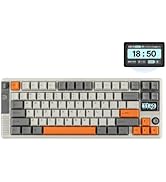
EPOMAKER New Release for 2025
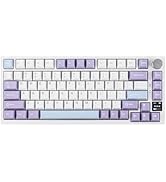
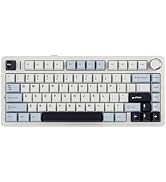
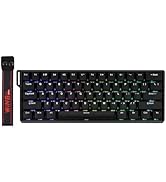
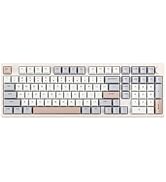
EPOMAKER Gaming Keyboard
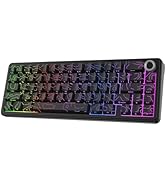
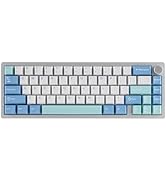
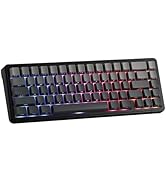
65% Layout Gaming Keyboard
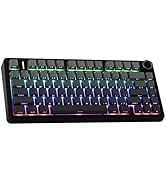
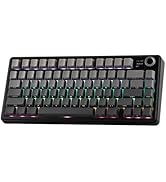
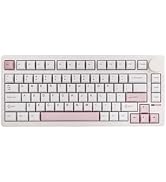
75% Layout Gaming Keyboard
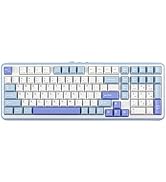
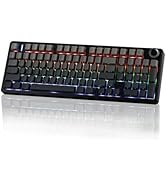
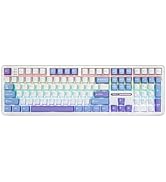
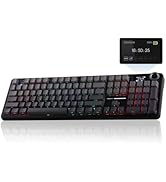
1800 Layout Gaming Keyboard
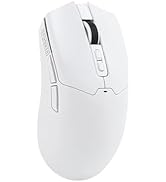
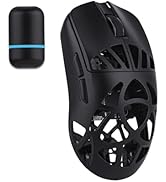
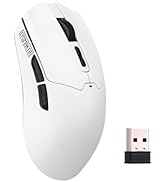
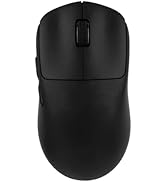
PC Gaming Mice
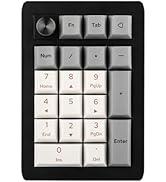

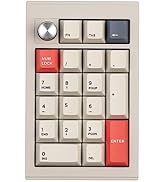
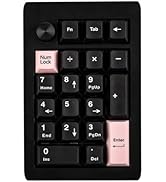
Numpad
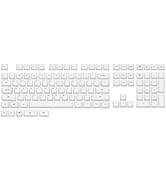
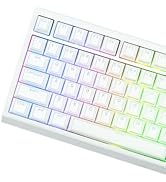
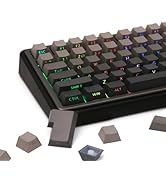

Premium PBT Keycap Set
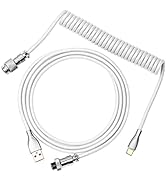
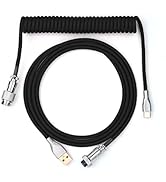
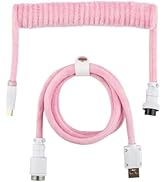
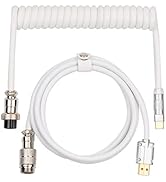
Keyboard Cable
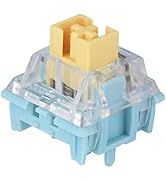
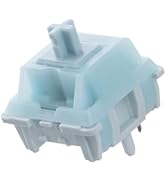
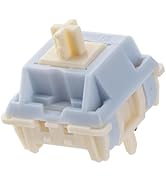
Keyboard Switches
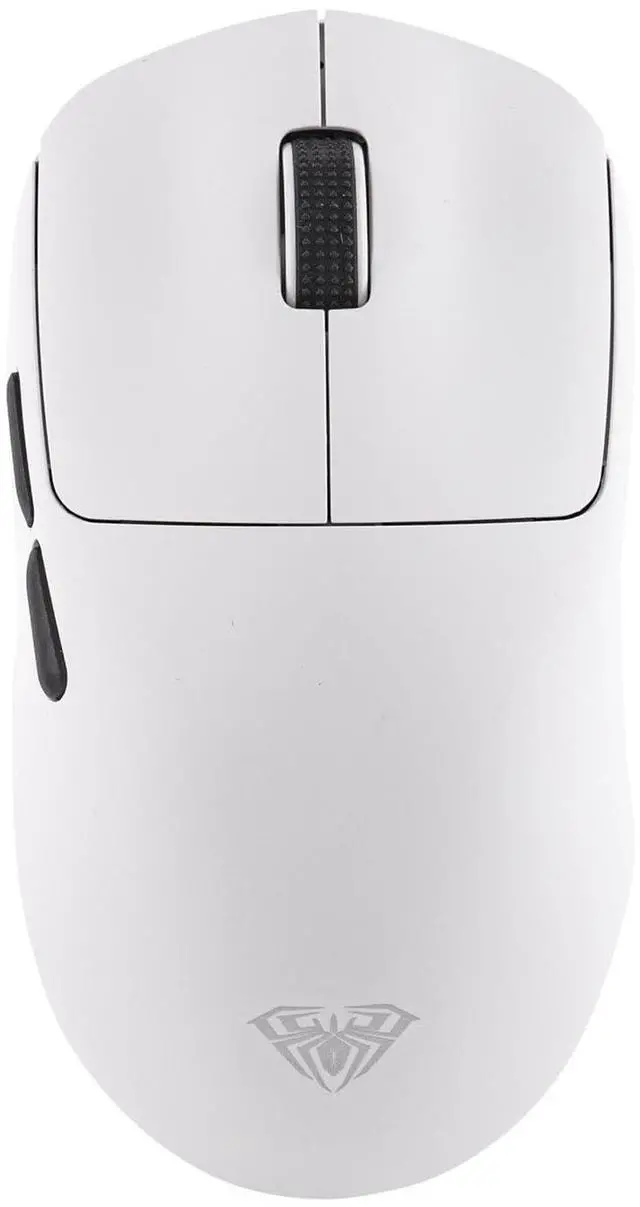
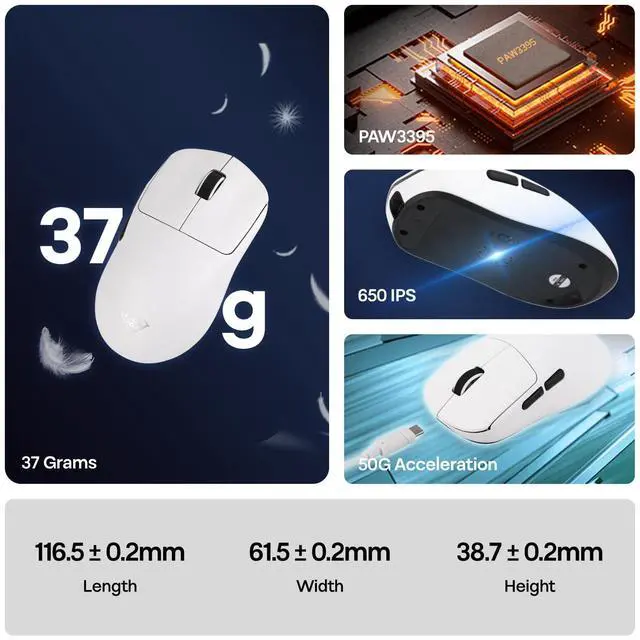
EPOMAKER AULA SC800 8K Gaming Mouse with 26,000 Adjustable DPI


Tips on 2.4Ghz Connection
Wireless Gaming Mouse, Unlimited Possibilities
Plug and play with 2.4G wireless technology. If you need to re-pair or resolve connection issues, please follow the steps below:
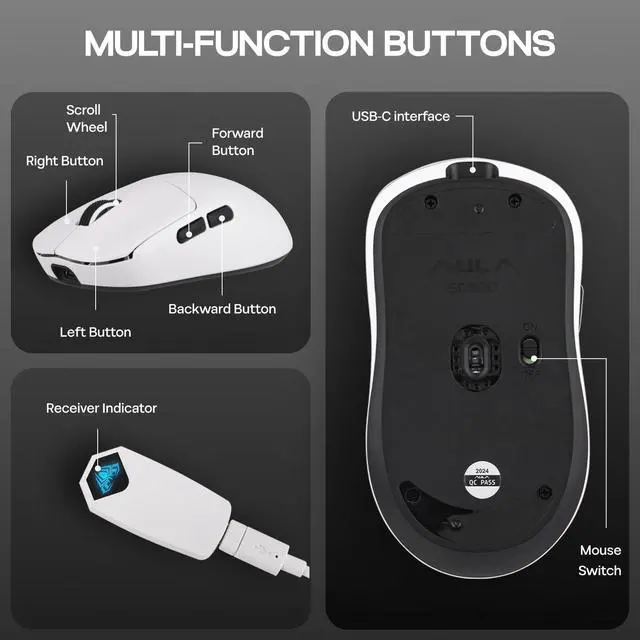
First, turn on the mouse power (on/off), press and hold the left button + right button + scroll wheel center button for 3 seconds, plug in the receiver, and wait for the indicator light to blink 3 times to indicate successful pairing.
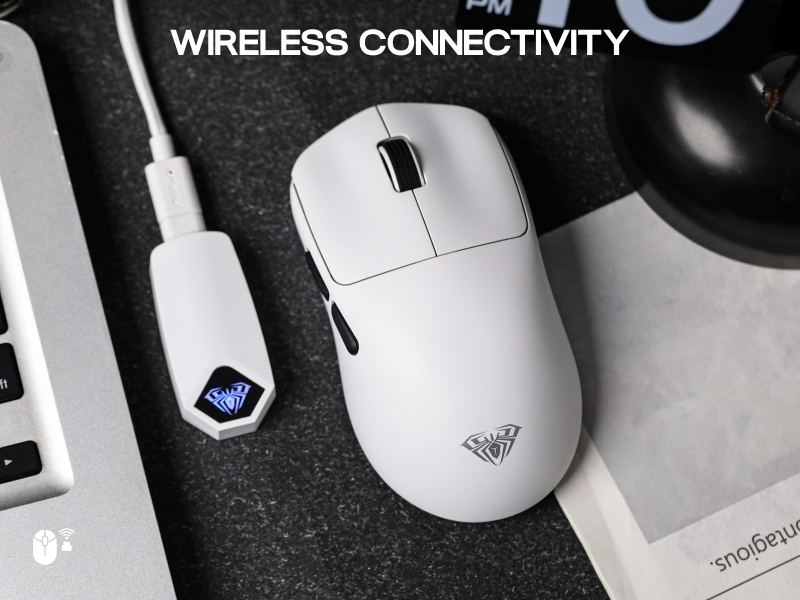
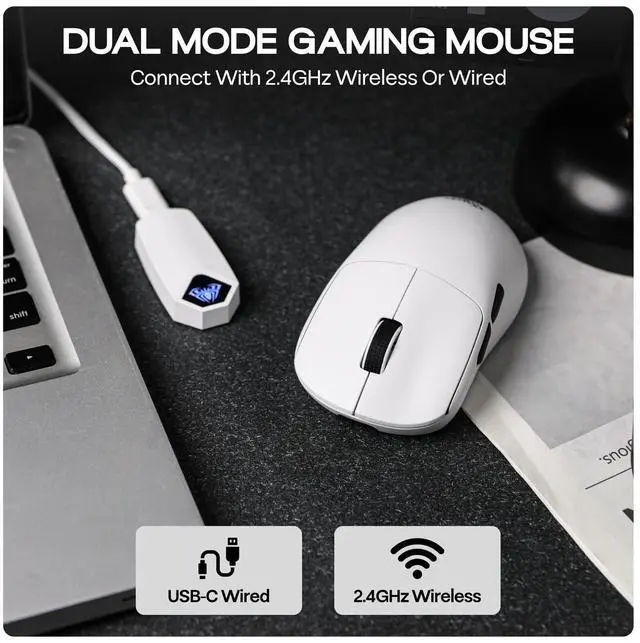
Dual-mode free switching
Support For Variety Of Devices & Systems
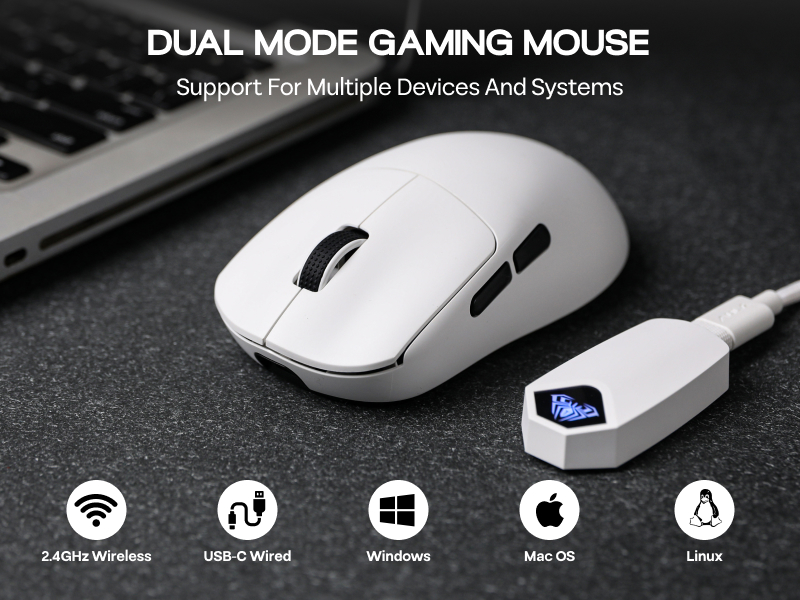
Dual-mode gaming office mouse, meet your dual needs of office and gaming. Wired/2.4G wireless dual-mode free switching, USB-C high-speed connection, plug and play.
Support Windows 2000/XP/Vista/7/8/10/11, macOS, Linux and other operating systems, in Win95, Win98 system may require drivers.
Ultra-long battery life
Intelligent power management
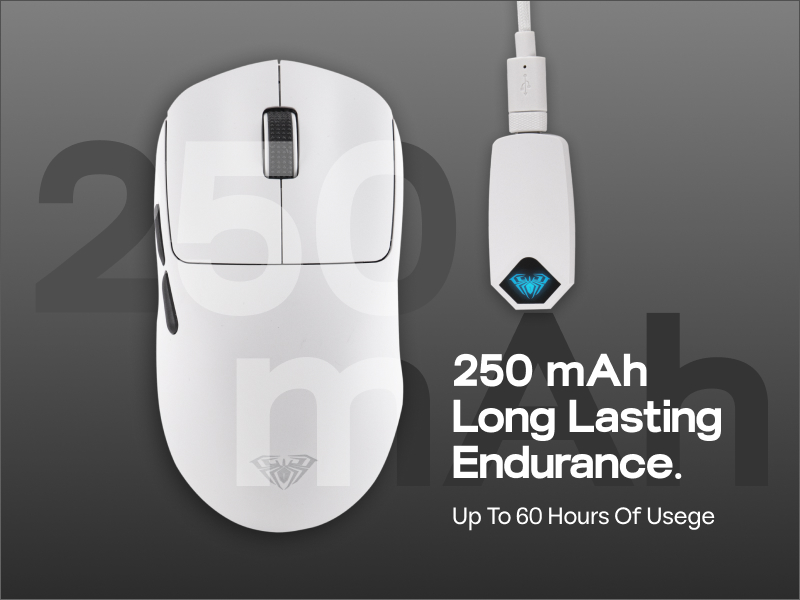
Enjoy up to 60 hours of long-lasting battery life and say goodbye to frequent charging. The driver software monitors the power level in real time, so you can keep track of the remaining power status at any time. The receiver flashes red when the battery is low, like a warning light to remind you to charge in time, to ensure that the critical moments of power, work and play never lose power!
Package Content
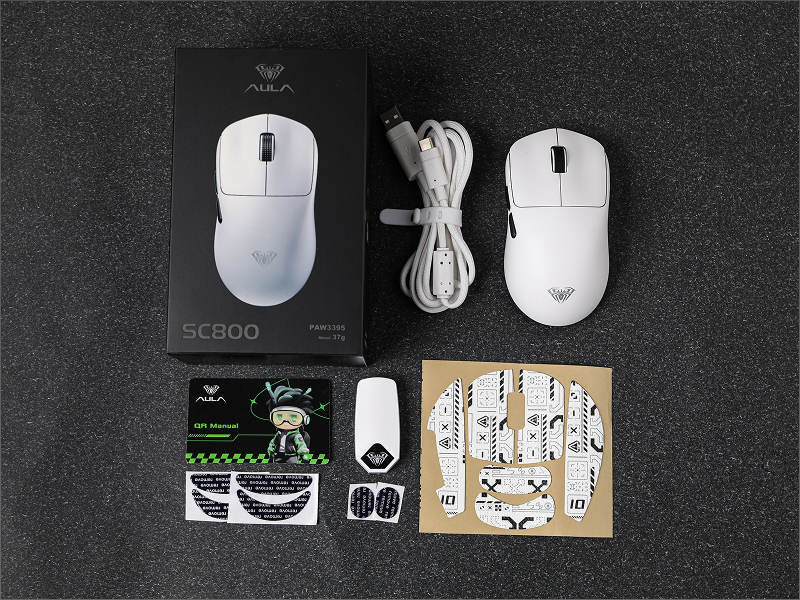
- 1* SC800 Gaming Mouse
- 1* Detachable USB-A to C Cable
- 1* 2.4g Wireless Receiver
- 1* Instruction Manual
What is the polling rate?
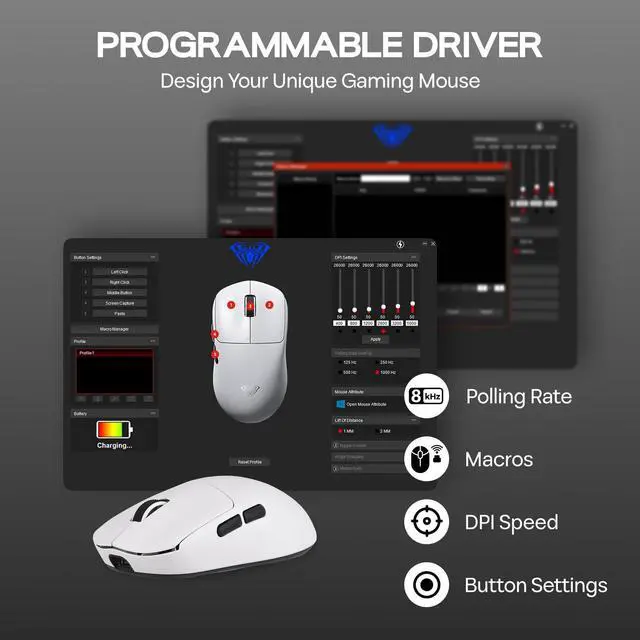
You can adjust the polling rate you want, the maximum polling rateis different in different modes. In wired mode, the maximum polling rate is 1000Hz, and in wireless mode, the maximum polling rate is 8000Hz.
How to precisely adjust the DPI value?
1. Press and hold the mouse forward button + scroll wheel center button to cycle through the six levels of DPI adjustment.
2. Enter the desired value under DPI Settings in the driver software and click the Save button to apply it.
What should I do when wireless 2.4G mode doesn't work?
Please try to reset and pair the mouse by powering on the mouse again, pressing and holding the center button of the left + right + scroll wheel for 3 seconds, waiting for the indicator light to blink 3 times, and then re-pairing the mouse.
SC800 Gaming Mouse
Mouse from EPOMAKER
AULA SC800 Driver | Software | Epomaker Driver |
2.4G/USB-C | Connection | 2.4G/Bluetooth/USB-C |
250mAh & 60h | Battery&Battery Life | 500mAh & 78h |
400-26000 | DPI | 800-12000 |
1000-8000Hz | Polling Rate | 125-1000hz |
PAW3395 | Sensor | PAW3311 |
0.125-1ms | Latency | 1-7.5ms |
AULA SC800 Driver | Software | Epomaker Web Driver |
2.4G/USB-C | Connection | 2.4G/Bluetooth/USB-C |
250mAh & 60h | Battery&Battery Life | 500mAh & 27-99h |
400-26000 | DPI | 800-42000 |
1000-8000Hz | Polling Rate | 125-8000hz |
PAW3395 | Sensor | PAW3950 |
0.125-1ms | Latency | 1-8ms |


EPOMAKER AULA SC800 8K Gaming Mouse with 26,000 Adjustable DPI

Adjusted to different DPI values, the receiver will display different colors.


Tips on 2.4Ghz Connection
Wireless Gaming Mouse, Unlimited Possibilities
Plug and play with 2.4G wireless technology. If you need to re-pair or resolve connection issues, please follow the steps below:
First, turn on the mouse power (on/off), press and hold the left button + right button + scroll wheel center button for 3 seconds, plug in the receiver, and wait for the indicator light to blink 3 times to indicate successful pairing.
Dual-mode free switching
Support For Variety Of Devices & Systems
Dual-mode gaming office mouse, meet your dual needs of office and gaming. Wired/2.4G wireless dual-mode free switching, USB-C high-speed connection, plug and play.
Support Windows 2000/XP/Vista/7/8/10/11, macOS, Linux and other operating systems, in Win95, Win98 system may require drivers.
Ultra-long battery life
Intelligent power management
Enjoy up to 60 hours of long-lasting battery life and say goodbye to frequent charging. The driver software monitors the power level in real time, so you can keep track of the remaining power status at any time. The receiver flashes red when the battery is low, like a warning light to remind you to charge in time, to ensure that the critical moments of power, work and play never lose power!
Package Content
- 1* SC800 Gaming Mouse
- 1* Detachable USB-A to C Cable
- 1* 2.4g Wireless Receiver
- 1* Instruction Manual
What is the polling rate?
You can adjust the polling rate you want, the maximum polling rateis different in different modes. In wired mode, the maximum polling rate is 1000Hz, and in wireless mode, the maximum polling rate is 8000Hz.
How to precisely adjust the DPI value?
1. Press and hold the mouse forward button + scroll wheel center button to cycle through the six levels of DPI adjustment.
2. Enter the desired value under DPI Settings in the driver software and click the Save button to apply it.
What should I do when wireless 2.4G mode doesn't work?
Please try to reset and pair the mouse by powering on the mouse again, pressing and holding the center button of the left + right + scroll wheel for 3 seconds, waiting for the indicator light to blink 3 times, and then re-pairing the mouse.
Mouse from EPOMAKER
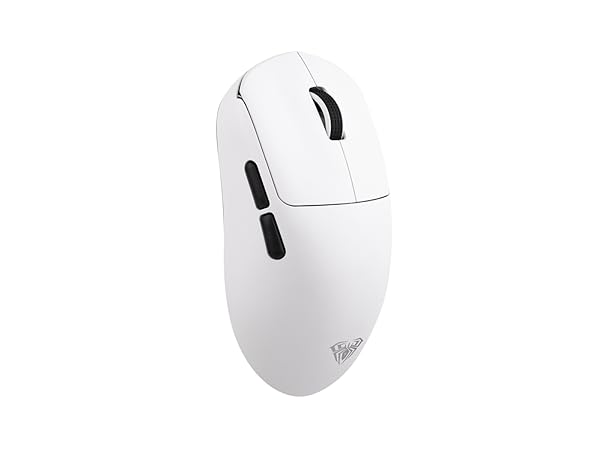
SC800 Gaming Mouse
Software
AULA SC800 Driver
Connection
2.4G/USB-C
Battery&Battery Life
250mAh & 60h
DPI
400-26000
Polling Rate
1000-8000Hz
Sensor
PAW3395
Latency
0.125-1ms
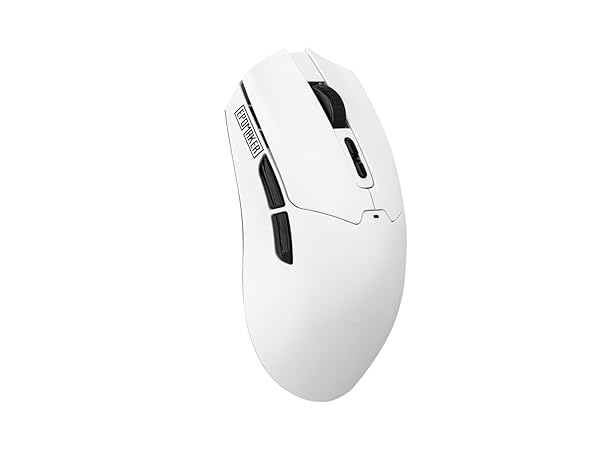
Click Lite Gaming Mouse
Software
Epomaker Driver
Connection
2.4G/Bluetooth/USB-C
Battery&Battery Life
500mAh & 78h
DPI
800-12000
Polling Rate
125-1000hz
Sensor
PAW3311
Latency
1-7.5ms
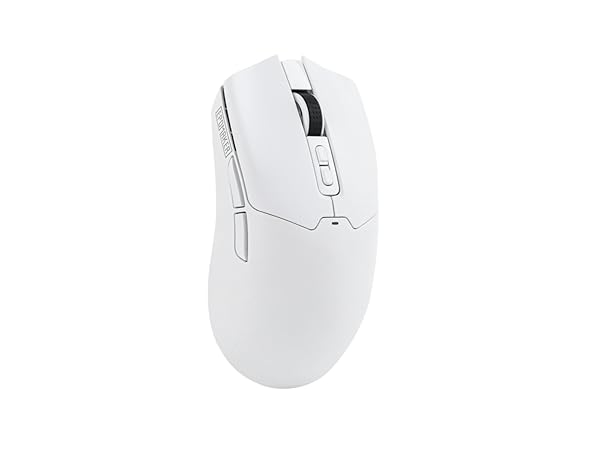
Click Gaming Mouse
Software
Epomaker Web Driver
Connection
2.4G/Bluetooth/USB-C
Battery&Battery Life
500mAh & 27-99h
DPI
800-42000
Polling Rate
125-8000hz
Sensor
PAW3950
Latency
1-8ms
Composed of a team of young gamers, software engineers, and product designers who love tech gadgets, we set out to develop the best products that encapsulate personality, functionality, and affordability. Unsatisfied with the keyboards currently out there, we have created our ultimate sturdiness, wireless, and fully-customizable mechanical keyboard. Our promise is to deliver a keyboard that meets all of your workflow needs.
EPOMAKER New Release for 2025
EPOMAKER Gaming Keyboard
65% Layout Gaming Keyboard
75% Layout Gaming Keyboard
1800 Layout Gaming Keyboard
PC Gaming Mice
Numpad
Premium PBT Keycap Set
Keyboard Cable
Keyboard Switches