





Bobtot was found given the idea of combining fun of music with daily life and focused on portable speakers and surround sound system. With over 10 years of expertise in audio, Bobtot never stops pace of exploration and never conceded sound quality.
To bring better audio to everyone, Bobtot has a strong R&D team for backup, and encourages everyone to participate in our innovation.
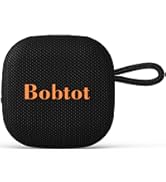
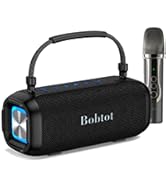
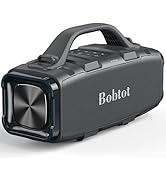
Portable Bluetooth Speakers
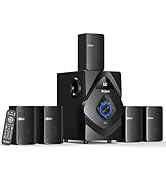
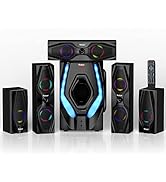
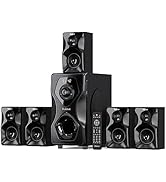
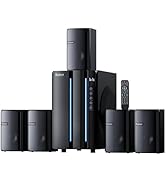
Home Theater Sound Systems
How did we get our start?
Bobtot was born out of a passion for exceptional sound quality and a commitment to making high-performance audio.
What makes our products unique?
What sets us apart is our dedication to both cutting-edge technology and customers participation. Bobtot combines sound innovation with sleek design and user-friendly features, ensuring a superior audio experience.
What does Bobtot care about ?
Bobtot cares deeply about building lasting relationships with our customers. Our brand culture emphasizes trust, transparency, and a customer-first mindset.

When you encounter problems with the use of the Bobtot SoundAir portable speaker Bluetooth wireless loud, please check the User Manual. We also strongly advise you to send a message to us via the Buyer to Seller message for further assistance. We are always here to assist you!


Multiple for Different Occasions
portable bluetooth speaker
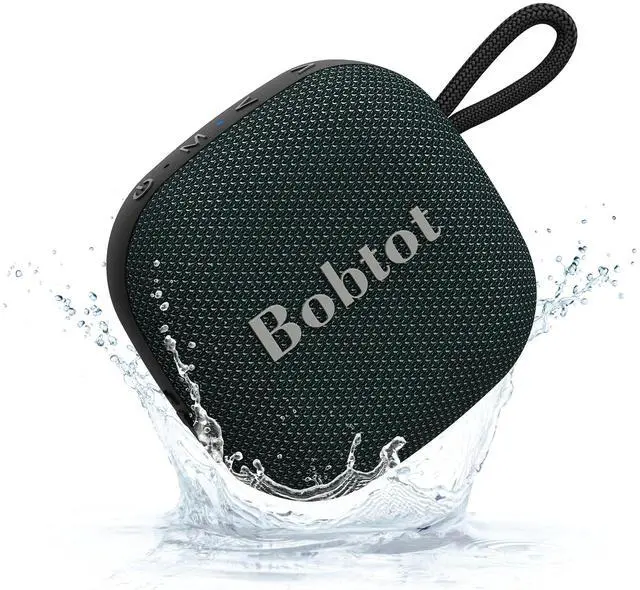
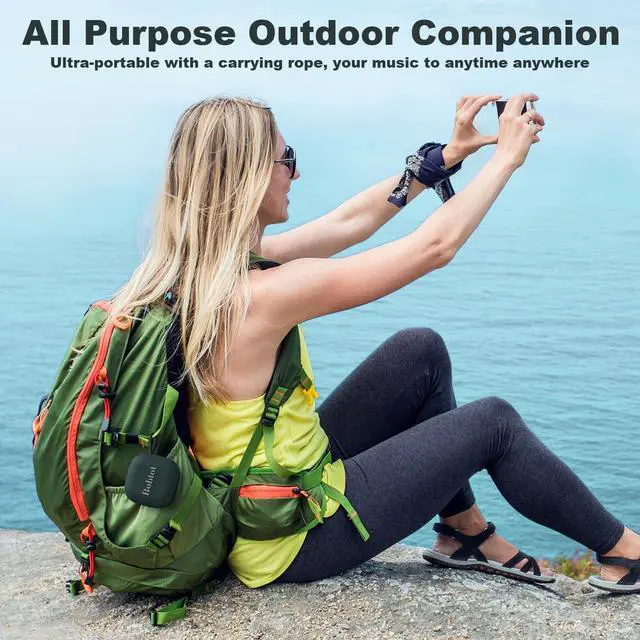
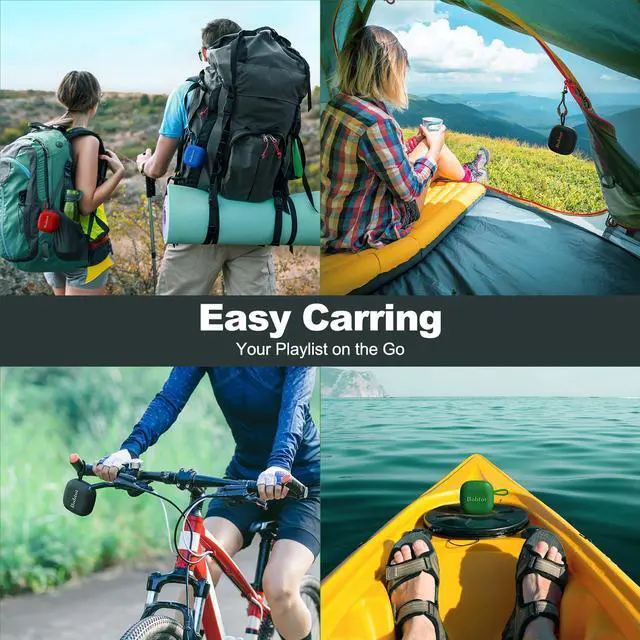
Merchant VideoComes with a convenient strap-to-anything lanyard, the portable bluetooth speaker is easy to hang on your backpack, car, or bike effortlessly.


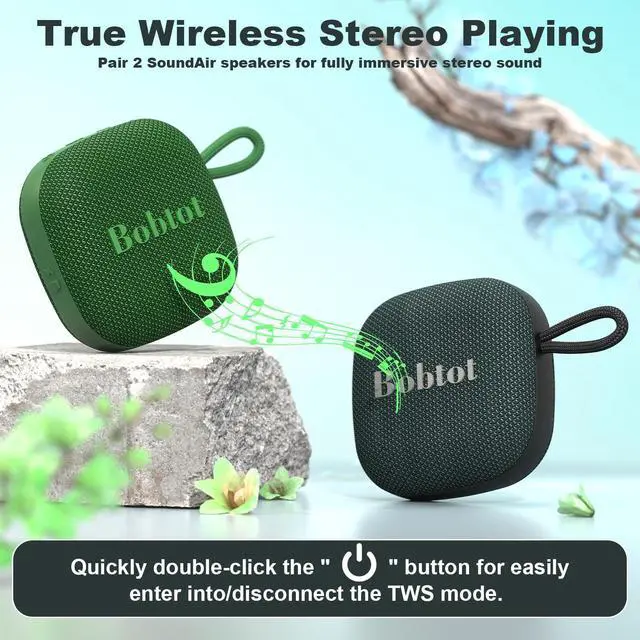
Support TWS Pairing
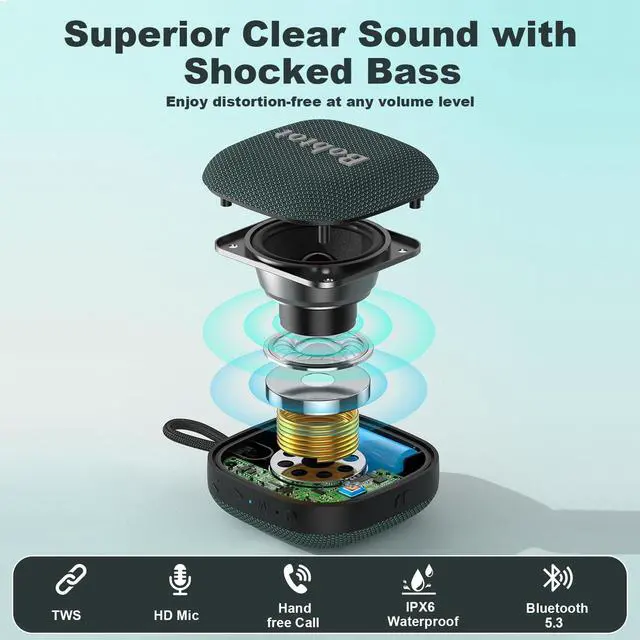
Pair two Bobtot SoundAir Portable Bluetooth Speakers for an immersive surround sound experience. Double the sound, double the fun.

IPX7 Waterproof and Dustproof
Design for biking, hiking, camping, kayaking etc. The speaker is waterproof can withstand water, sand, and whatever comes your way
How do I connect the Bluetooth portable speaker to my devices?
1. Turn on the Bluetooth speaker.
2. Enable Bluetooth on your device such as your smartphone.
3. Search for "Bobtot SoundAir" on your Bluetooth list and tap to connect it.
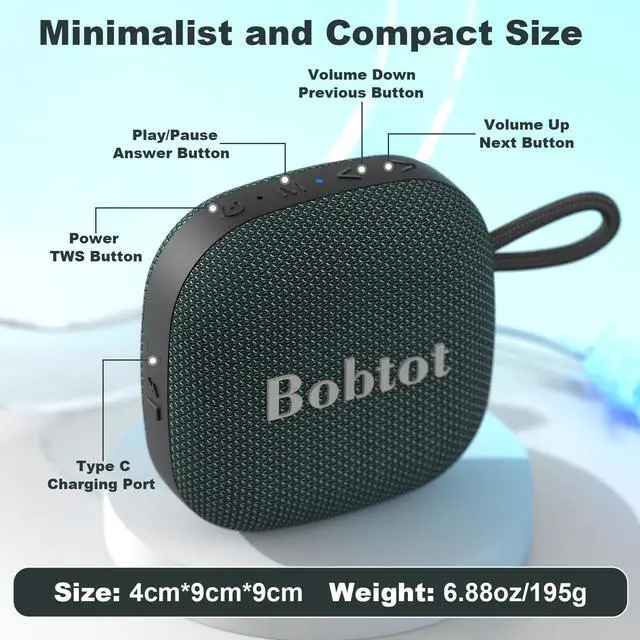
(Long press the "PLAY/PAUSE" button can disconnect the Bluetooth Connection.)
How to Pair Dual Speakers Synchronously?
1. Turn on two speakers simultaneously;
2. Quickly double-click the "Power" button on either speaker until a prompt tone "connected";
3. Search "Bobtot SoundAir" on the Bluetooth list and connect it, prompting the sound "connected" again.
How can I accept a coming call without disconnecting the speaker?
A simple "PLAY/PAUSE" button would achieve Hands-Free Calling:
· Short press to accept an incoming call.
· Long press to reject an incoming call.
· Double click to call back(Last call)
How can I adjust the volume or switch the music?
· The ">” Button: Short press to turn up the volume, Long Press to the next song
· The “< ” Button: Short press to turn down the volume, Long Press to the previous song.
To improve audio quality, keep the speaker away from interference sources.
How long does the battery of the Bluetooth portable speaker last?
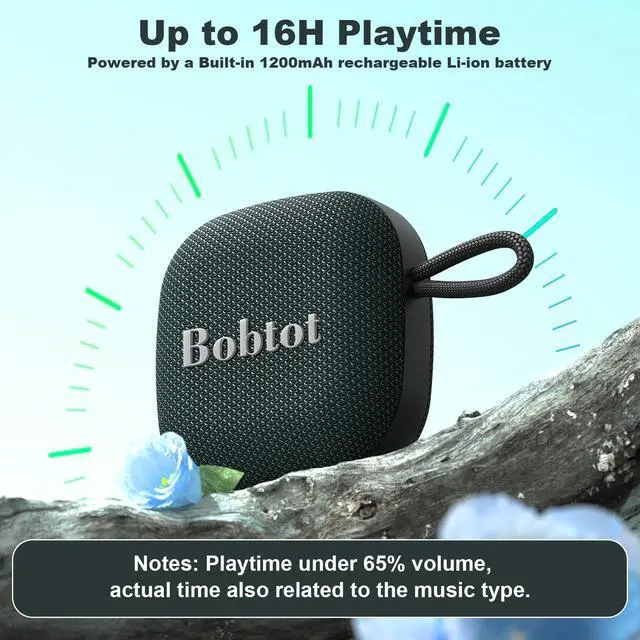
· The playtime of the wireless speaker depends on the volume and music type. It supports up to 20 hours of playtime per charge (50% volume).
· If the speaker remains in standby mode for a long time without playing, it will shut off for power-saving.
Portable Bluetooth Speaker Waterproof Wireless Speakers with Volume Control
 DarkBlue Wireless Speaker |  Small Bluetooth Speaker |  Portable Speaker |  Portable Speaker |  Portable Speaker | 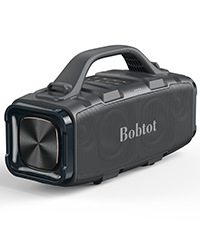 Outdoor Party Speaker |  Karaoke System | |
|---|---|---|---|---|---|---|---|
Customer Reviews | — | — | — | — | — | — | — |
Price | — | — | — | — | — | — | — |
Speaker Output | 10W | 5W | 30W | 10W | 10W | 60W | 60W |
Bluetooth Version | Bluetooth 5.3 | Bluetooth 5.0 | Bluetooth 5.3 | Bluetooth 5.3 | Bluetooth 5.3 | Bluetooth 5.3 | Bluetooth 5.3 |
Waterproof | IPX6 | IPX5 | IPX6 | IPX6 | IPX7 | IPX6 | IPX6 |
Playtime (50% volume) | 20 Hours | 15 Hours | 20 Hours | 25 Hours | 15 Hours | 25 Hours | 24 Hours |
Other Functions | TWS, Hands-free calling | Hands-free calling | TWS, Hands-free calling | TWS, Hands-free calling | TWS, Hands-free calling | TWS, Built-in Power Bank | Karaoke, AUX, TF, USB |

When you encounter problems with the use of the Bobtot SoundAir portable speaker Bluetooth wireless loud, please check the User Manual. We also strongly advise you to send a message to us via the Buyer to Seller message for further assistance. We are always here to assist you!


Multiple for Different Occasions
portable bluetooth speaker
Merchant VideoComes with a convenient strap-to-anything lanyard, the portable bluetooth speaker is easy to hang on your backpack, car, or bike effortlessly.


Support TWS Pairing
Pair two Bobtot SoundAir Portable Bluetooth Speakers for an immersive surround sound experience. Double the sound, double the fun.
IPX7 Waterproof and Dustproof
Design for biking, hiking, camping, kayaking etc. The speaker is waterproof can withstand water, sand, and whatever comes your way
How do I connect the Bluetooth portable speaker to my devices?
1. Turn on the Bluetooth speaker.
2. Enable Bluetooth on your device such as your smartphone.
3. Search for "Bobtot SoundAir" on your Bluetooth list and tap to connect it.
(Long press the "PLAY/PAUSE" button can disconnect the Bluetooth Connection.)
How to Pair Dual Speakers Synchronously?
1. Turn on two speakers simultaneously;
2. Quickly double-click the "Power" button on either speaker until a prompt tone "connected";
3. Search "Bobtot SoundAir" on the Bluetooth list and connect it, prompting the sound "connected" again.
How can I accept a coming call without disconnecting the speaker?
A simple "PLAY/PAUSE" button would achieve Hands-Free Calling:
· Short press to accept an incoming call.
· Long press to reject an incoming call.
· Double click to call back(Last call)
How can I adjust the volume or switch the music?
· The ">” Button: Short press to turn up the volume, Long Press to the next song
· The “< ” Button: Short press to turn down the volume, Long Press to the previous song.
To improve audio quality, keep the speaker away from interference sources.
How long does the battery of the Bluetooth portable speaker last?
· The playtime of the wireless speaker depends on the volume and music type. It supports up to 20 hours of playtime per charge (50% volume).
· If the speaker remains in standby mode for a long time without playing, it will shut off for power-saving.
Portable Bluetooth Speaker Waterproof Wireless Speakers with Volume Control
DarkBlue Wireless Speaker | Small Bluetooth Speaker | Portable Speaker | Portable Speaker | Portable Speaker | Outdoor Party Speaker | Karaoke System |
|---|---|---|---|---|---|---|
| Customer Reviews | ||||||
| — | — | — | — | — | — | — |
| Price | ||||||
| — | — | — | — | — | — | — |
| Speaker Output | ||||||
| 10W | 5W | 30W | 10W | 10W | 60W | 60W |
| Bluetooth Version | ||||||
| Bluetooth 5.3 | Bluetooth 5.0 | Bluetooth 5.3 | Bluetooth 5.3 | Bluetooth 5.3 | Bluetooth 5.3 | Bluetooth 5.3 |
| Waterproof | ||||||
| IPX6 | IPX5 | IPX6 | IPX6 | IPX7 | IPX6 | IPX6 |
| Playtime (50% volume) | ||||||
| 20 Hours | 15 Hours | 20 Hours | 25 Hours | 15 Hours | 25 Hours | 24 Hours |
| Other Functions | ||||||
| TWS, Hands-free calling | Hands-free calling | TWS, Hands-free calling | TWS, Hands-free calling | TWS, Hands-free calling | TWS, Built-in Power Bank | Karaoke, AUX, TF, USB |
Bobtot was found given the idea of combining fun of music with daily life and focused on portable speakers and surround sound system. With over 10 years of expertise in audio, Bobtot never stops pace of exploration and never conceded sound quality.
To bring better audio to everyone, Bobtot has a strong R&D team for backup, and encourages everyone to participate in our innovation.
Portable Bluetooth Speakers
Home Theater Sound Systems
How did we get our start?
Bobtot was born out of a passion for exceptional sound quality and a commitment to making high-performance audio.
What makes our products unique?
What sets us apart is our dedication to both cutting-edge technology and customers participation. Bobtot combines sound innovation with sleek design and user-friendly features, ensuring a superior audio experience.
What does Bobtot care about ?
Bobtot cares deeply about building lasting relationships with our customers. Our brand culture emphasizes trust, transparency, and a customer-first mindset.