





Etour was established in 2010, specialising in microphones for Mac computers and crafting professional audio solutions tailored for Apple users. Guided by an innovative ethos and informed by genuine user feedback, Etour continually pushes boundaries in sound quality calibration and scenario adaptation. Choose Etour to ensure every communication is clear and efficient, precisely empowering your Mac experience!


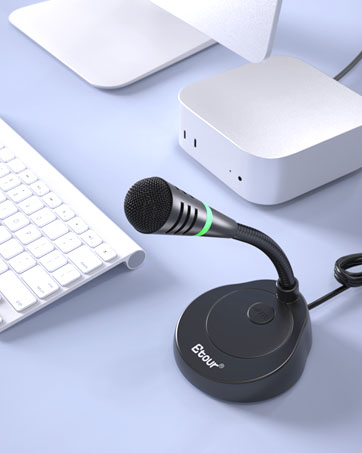
USB C microphone for mac
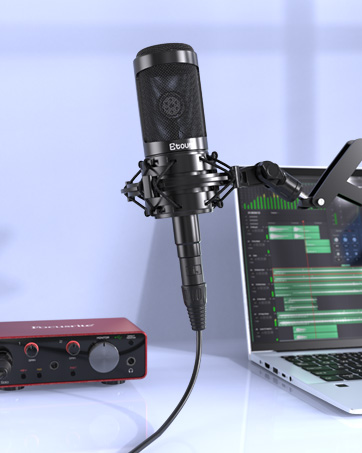
XLR condenser microphone


Why does it deliver an exceptional experience?

Innovative Design
The condenser microphone diaphragm is encased within a triple protective layer: a metal mesh pop filter, a shock-absorbing foam ring, and noise-reducing foam padding at the base. This design enhances speech clarity.

Audio Processing Chip Designed for Mac
The built-in, customized, high-performance audio processing chip is deeply tuned to work natively and efficiently with macOS. That means lower system footprint, more consistent connection performance, and an end to potential hardware risks caused by voltage mismatches.

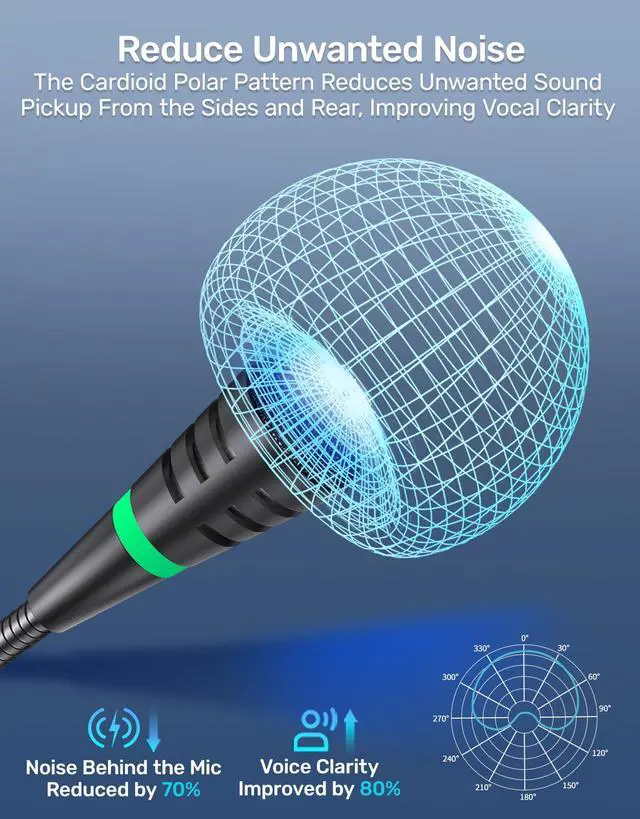
Cardioid Pattern: Focus on What Matters
This USB desktop microphone features a cardioid pickup pattern. It captures sound from the front while reducing background noise from the back. This ensures clear sound quality for podcasts, streaming and calls. Experience studio-quality sound in any environment.

Plug and Play with Ease
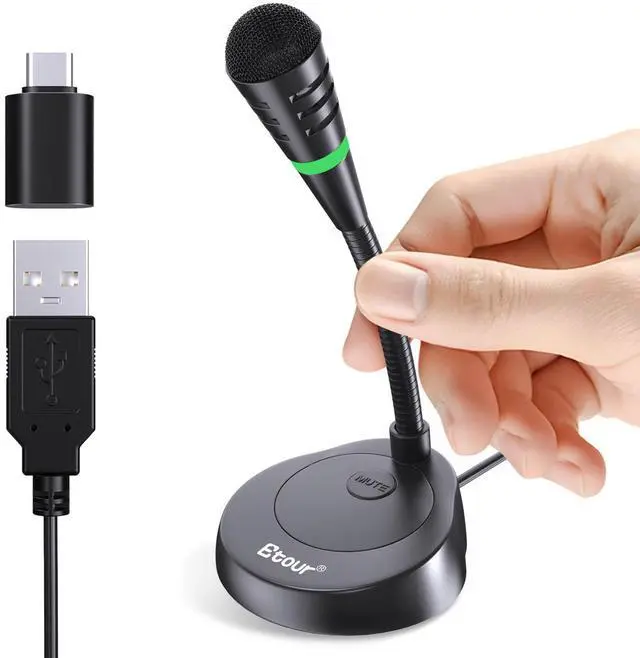
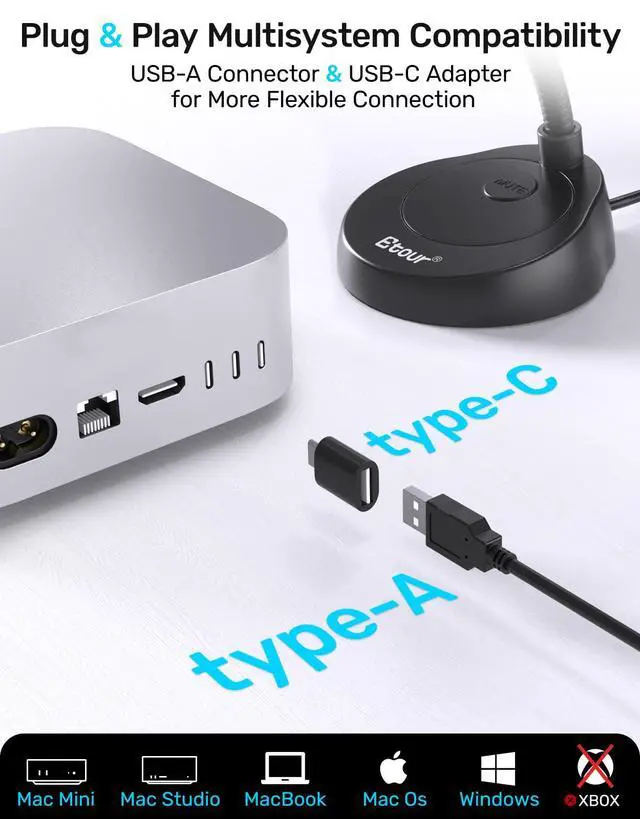
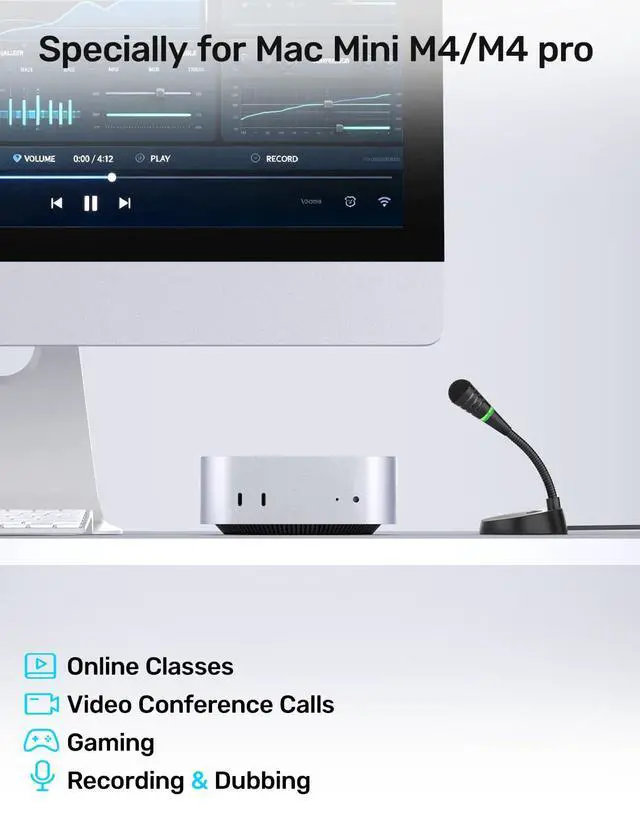
The Etour USB Desktop Microphone is designed to be extremely convenient. Simply plug it into your computer's USB port and it works without the need to install drivers. It works seamlessly with Mac mini and other desktops & laptops running Mac OS and Windows systems, but is not compatible with Xbox.



Video conference
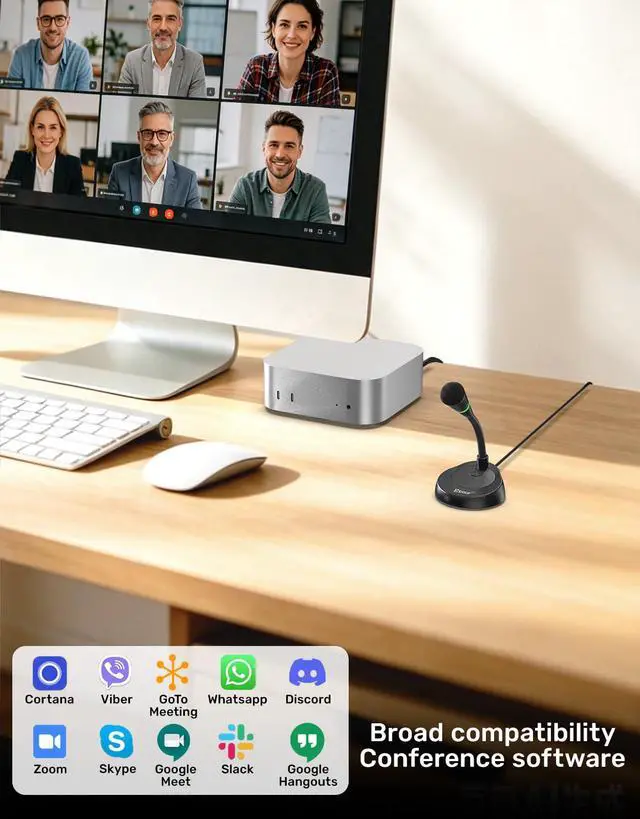
Etour microphone delivers clear audio in video meetings, ensuring your voice is heard distinctly.
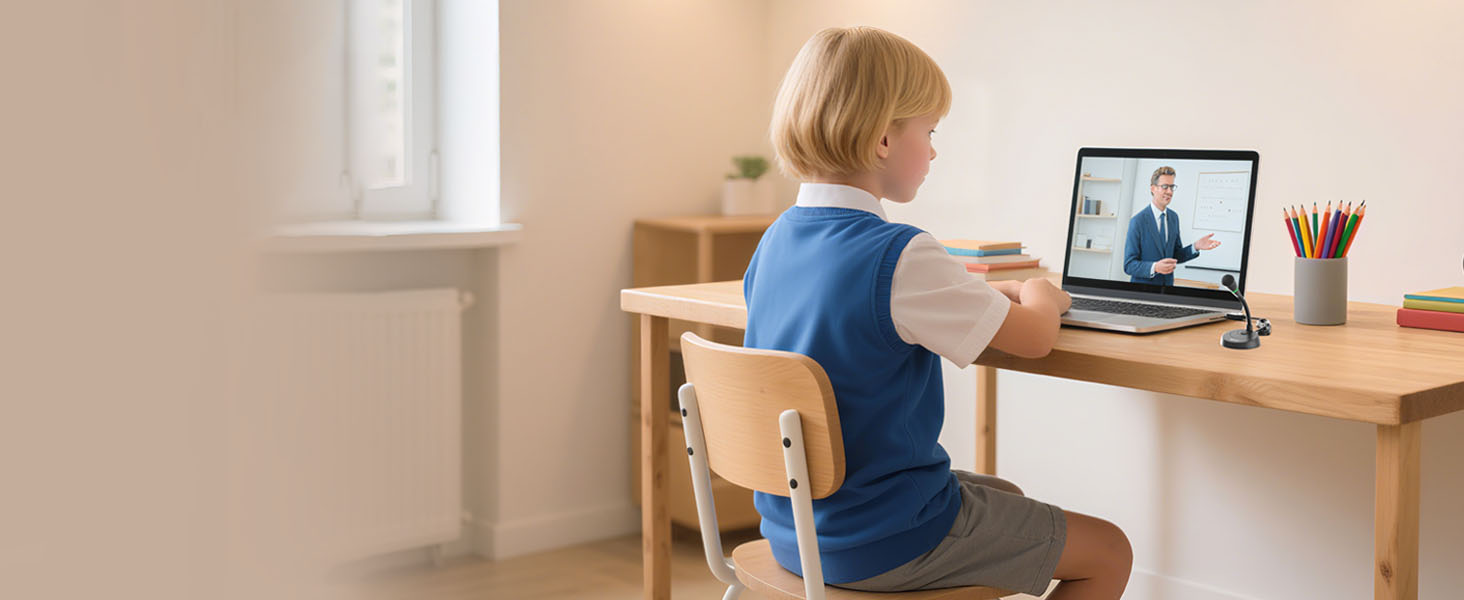
Kids online classes
Provide clear voice for your child's online lessons to help learning interactions.

Physician computer dictation
Speech-to-text accuracy improved by 90% to help doctors improve work efficiency
How to connect this microphone to the computer?
This microphone is plug-and-play. For computers that do not automatically recognize external microphones, simply go to “Sound” settings > “Input” and select this microphone BL-2021USB to connect.
How to Use Siri on Mac mini?
Connect the microphone and select it as your input in Sound Settings. Activate Siri using a keyboard shortcut to use the mic normally. It fully supports calls, dictation and voice commands once Siri is launched this way.
How to set up a Siri shortcut?
Since Apple restricts voice wake-up, a keyboard shortcut is the smoothest workaround:Open System Settings > Apple Intelligence & Siri and set your preferred keyboard shortcut (e.g., double-press Command (?) or hold the Dictation/Mic key).
Why Doesn't "Hey Siri" Wake-Up Work on Mac mini?
Persistent "Hey Siri" wake-up relies on Apple chips for privacy protection. Mac mini only enables this feature for Apple peripherals; third-party microphones cannot stay on standby for listening, yet work normally when Siri is activated via shortcuts
How can I adjust the volume?
This microphone does NOT control the system volume, you can adjust the volume in the "Sound Setting" on your computer.


Why does it deliver an exceptional experience?
Innovative Design
The condenser microphone diaphragm is encased within a triple protective layer: a metal mesh pop filter, a shock-absorbing foam ring, and noise-reducing foam padding at the base. This design enhances speech clarity.
Audio Processing Chip Designed for Mac
The built-in, customized, high-performance audio processing chip is deeply tuned to work natively and efficiently with macOS. That means lower system footprint, more consistent connection performance, and an end to potential hardware risks caused by voltage mismatches.
Cardioid Pattern: Focus on What Matters
This USB desktop microphone features a cardioid pickup pattern. It captures sound from the front while reducing background noise from the back. This ensures clear sound quality for podcasts, streaming and calls. Experience studio-quality sound in any environment.
Plug and Play with Ease
The Etour USB Desktop Microphone is designed to be extremely convenient. Simply plug it into your computer's USB port and it works without the need to install drivers. It works seamlessly with Mac mini and other desktops & laptops running Mac OS and Windows systems, but is not compatible with Xbox.
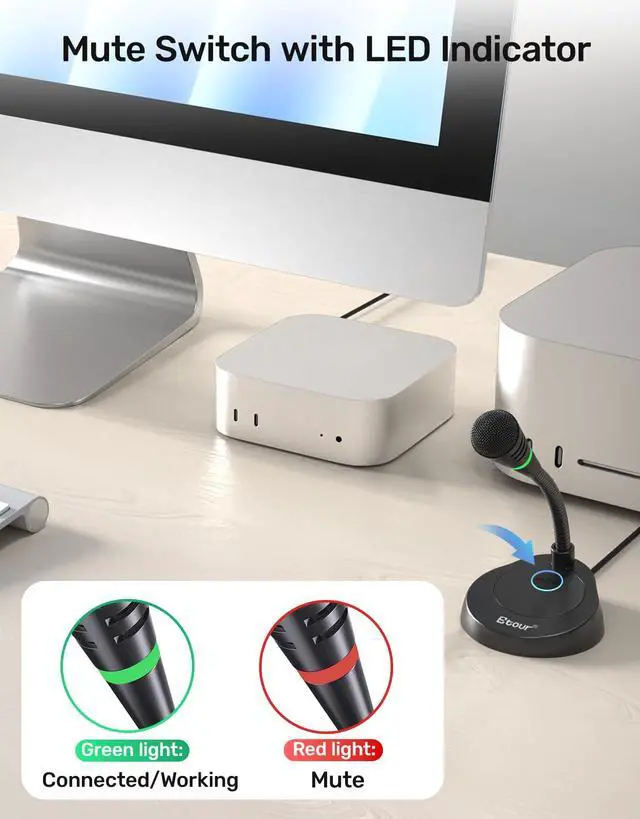
Mute button
Mute switch with LED indicator: red for mute, green for work.
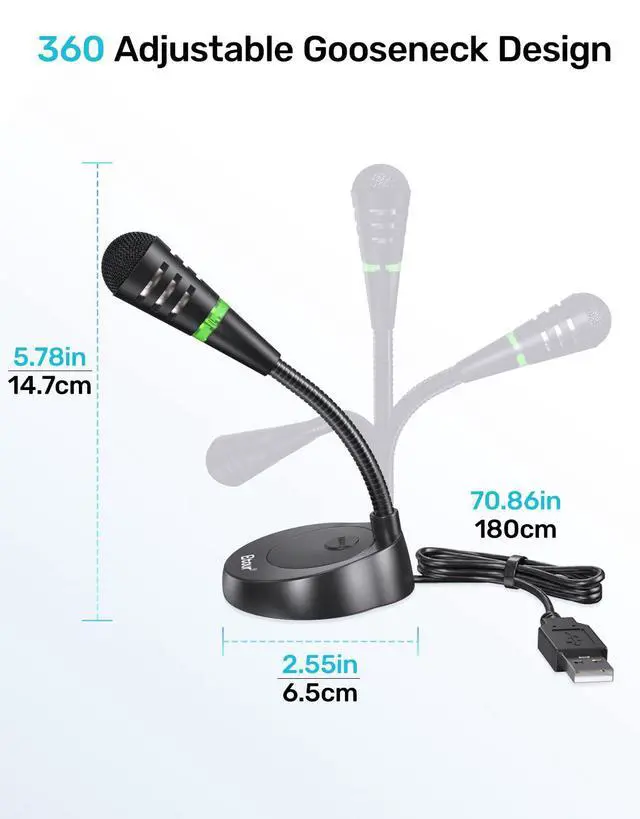
Compact & Portable
Etour microphone, palm - sized, portable for easy carrying.
Non - Slip Base
The microphone has a non-slip pad on the base. It prevents sliding on the tabletop.


Video conference
Etour microphone delivers clear audio in video meetings, ensuring your voice is heard distinctly.
Kids online classes
Provide clear voice for your child's online lessons to help learning interactions.
Physician computer dictation
Speech-to-text accuracy improved by 90% to help doctors improve work efficiency


How to connect this microphone to the computer?
This microphone is plug-and-play. For computers that do not automatically recognize external microphones, simply go to “Sound” settings > “Input” and select this microphone BL-2021USB to connect.
How to Use Siri on Mac mini?
Connect the microphone and select it as your input in Sound Settings. Activate Siri using a keyboard shortcut to use the mic normally. It fully supports calls, dictation and voice commands once Siri is launched this way.
How to set up a Siri shortcut?
Since Apple restricts voice wake-up, a keyboard shortcut is the smoothest workaround:Open System Settings > Apple Intelligence & Siri and set your preferred keyboard shortcut (e.g., double-press Command (?) or hold the Dictation/Mic key).
Why Doesn't "Hey Siri" Wake-Up Work on Mac mini?
Persistent "Hey Siri" wake-up relies on Apple chips for privacy protection. Mac mini only enables this feature for Apple peripherals; third-party microphones cannot stay on standby for listening, yet work normally when Siri is activated via shortcuts
How can I adjust the volume?
This microphone does NOT control the system volume, you can adjust the volume in the "Sound Setting" on your computer.
Etour was established in 2010, specialising in microphones for Mac computers and crafting professional audio solutions tailored for Apple users. Guided by an innovative ethos and informed by genuine user feedback, Etour continually pushes boundaries in sound quality calibration and scenario adaptation. Choose Etour to ensure every communication is clear and efficient, precisely empowering your Mac experience!

USB C microphone for mac
XLR condenser microphone
