







1.How do I update the firmware for the camera?
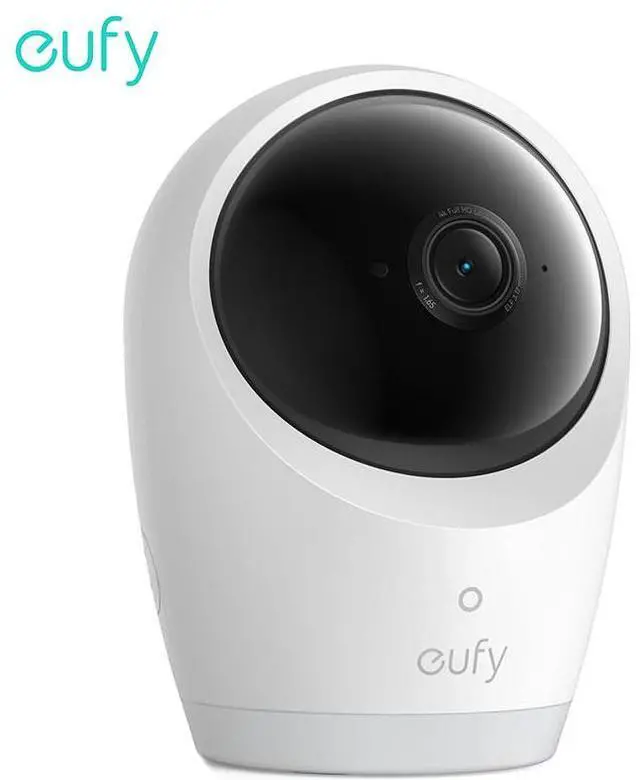
For first use, update the firmware to the latest version: - Camera: Connect to the eufy Baby app, then go to Me > My Devices > Settings > About Device > Firmware Update.
2.What situations are suitable for using the battery-powered camera?
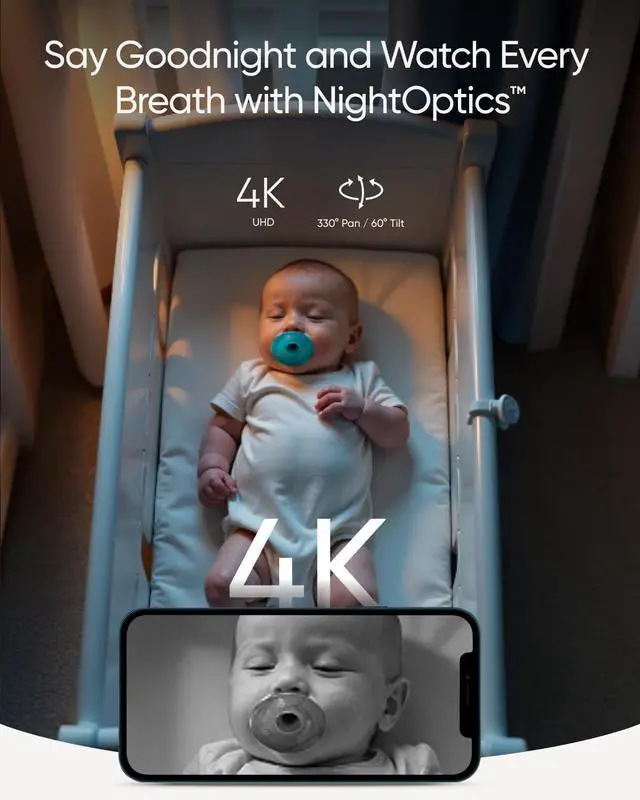
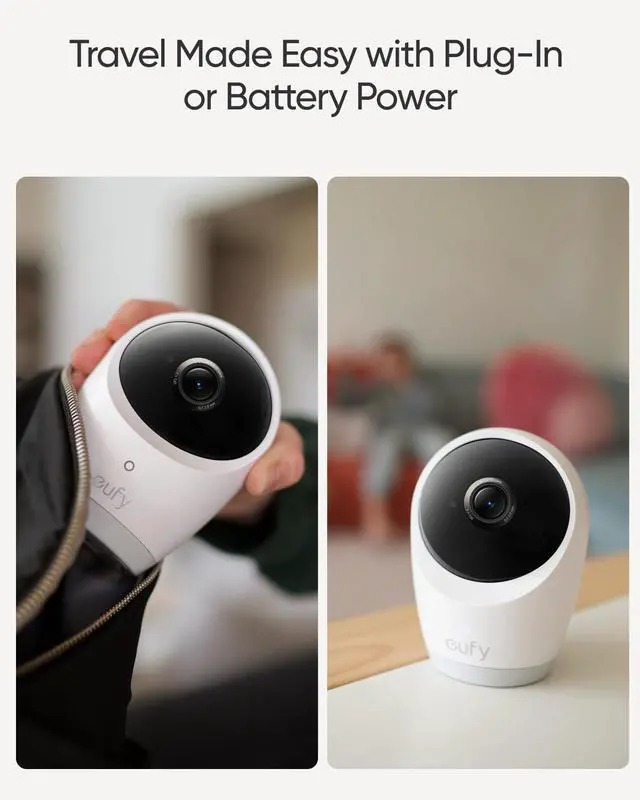
The camera works great whether plugged in or running on its 5,0oomAh built-in battery. ensuring seamless use during trips or power outages. When using battery power, you can expect about 9 hours of use and around 5.5 hours with night vision.
3.What detection features does the camera have?
The camera features cry detection, loud noise detection, and temperature monitoring. You can adjust the sensitivity for cry and noise detection with five different levels and set the push notification intervals to avoid frequent disturbances.
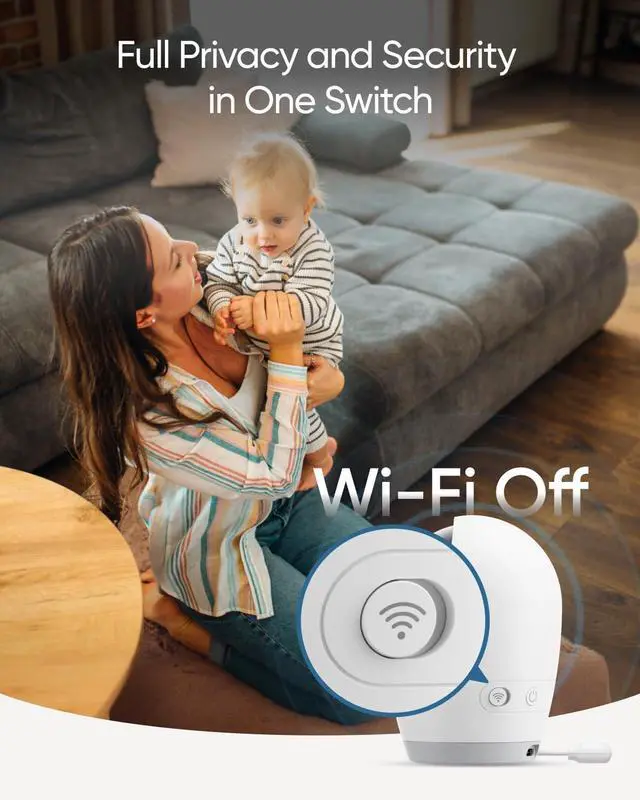
4.What does the Wi-Fi switch do on the camera?
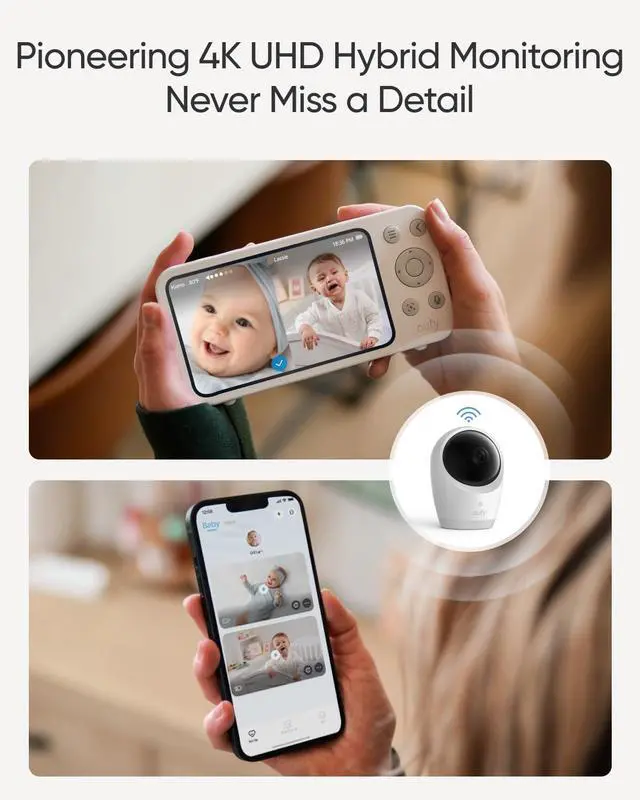
The Wi-Fi switch is there to protect your privacy and security. When it's turned on, the camera connects to your router, letting you view the livestream on the app.If you turn it off, the camera will only connect to the monitor.
5. How does Smart Connect work?
Smart Connect is enabled by default. When the camera's Wi-Fi switch is on and it's connected to Wi-Fi, your device automatically switches between Wi-Fi and local
connection for optimal streaming. To disable it, turn off the camera's Wi-Fi.