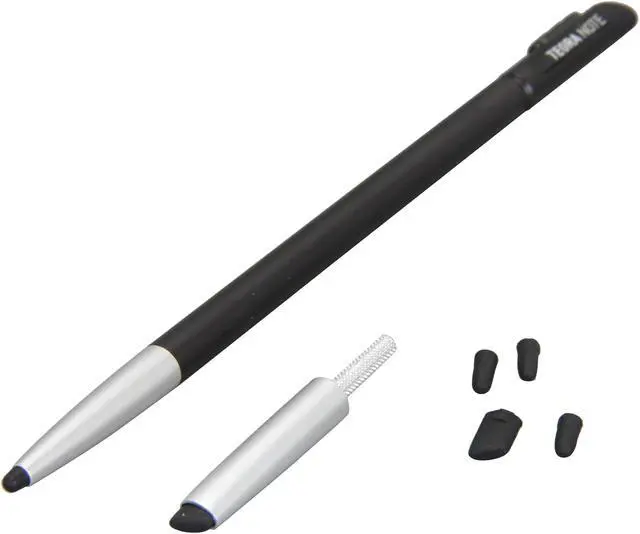
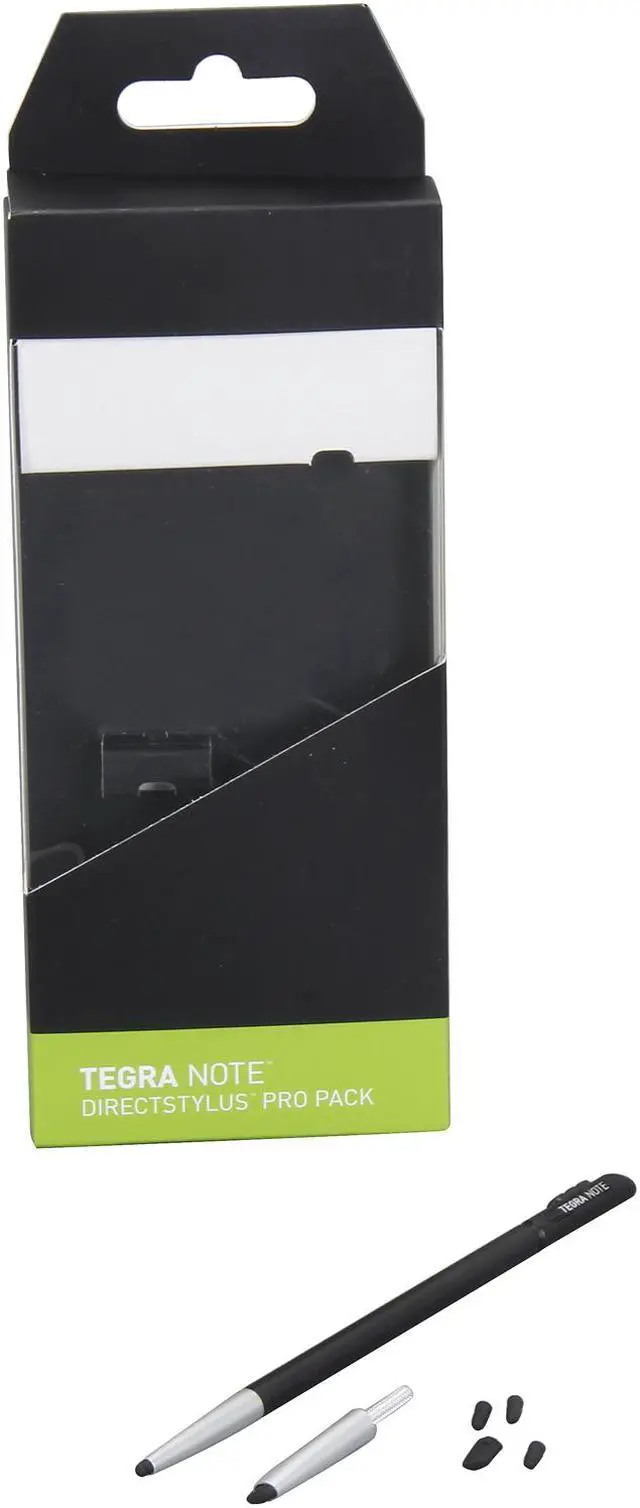
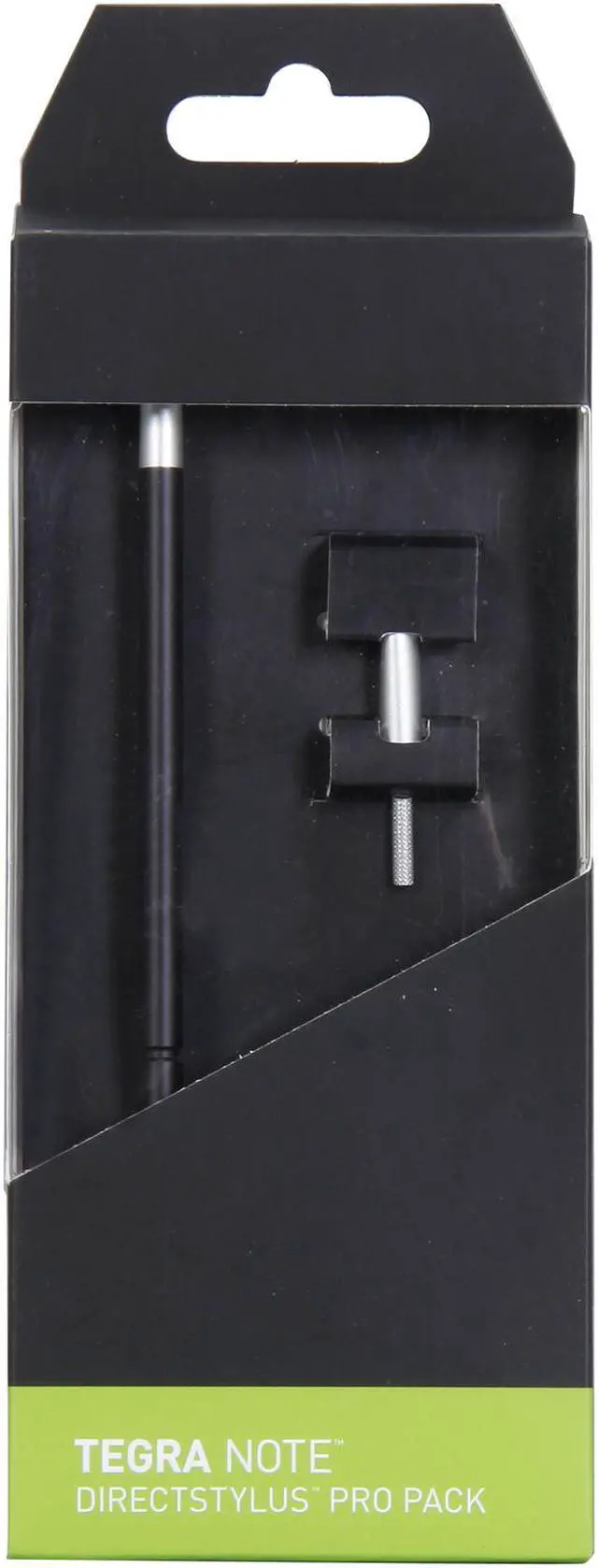
Pros: precision can be achieved with your selected rubber tip, the tips can help the artist choose his/her style of comfort. If your into wrighting with the stylus this would be a perfect choice.
Cons: when switching the stylus for the eraser tip, it won't detect or call up the eraser tool. in any drawing application. This would have been a golden egg.
Pros: "Pencil" tip nubs are much easier and more natural to use than the Note's original "chisel" tip. However,
Cons: The nubs wear out quickly. They are difficult to use after 2-3 weeks and the tip cracks off after 4-6 weeks. The original nub is still good after 6 months of use.
Unlike the original nub these soften with use. When soft the stroke location is distorted, making it difficult to make the small circles for "e", etc. It also seems to ignore the pen stroke in certain places/angles, but that is harder to link back to these nubs.
As the nub falls apart it also leaves rubber on the screen, requiring additional cleaning. That may also be the root of the location distortion and occasional ignoring input. I'm not 100% though, it would require pressing down in the same area as the rubber shreds which usually aren't big enough to see.
Overall Review: There are four pencil nubs in the package. Two for fine writing (about a 0.5mm pen) and 2 for thicker writing (maybe 0.8mm). So this pack gives you about 4-6 months of use. For $20 that may be worthwhile... but I bought this tablet because it was cheap so no thanks.
Maybe I got a bad pack? Hard to tell because not many people have tried these. Would be great to have these, but the rubber needs to remain as tough as the original nub for as long as the original nub, at least 6 months.
Pros: i bought this to replace mine for a hp slate 7 extreme that the tip broke off of and it works better than the one that came with it because i had to readjust it every time i put it back in so the tablet would know it was placed back in but not at all with this one plus the extra tips are great in case this one breaks off too
Good, but not sure if really needed2/16/2014 5:09:22 AM
Pros: nice fine point for handwriting
Cons: not sure if terribly different from thin angle of chisel tip
Overall Review: circular "eraser" end of pro stylus and the included chisel stylus seem very similar
Manufacturer Response:
"Hello Valmeek,
The stylus is designed to give you better edge for writing. The difference you experience can be related to the individual design of each company's unique pen.
If you happen to have any issues with the device or questions of any kind, please feel free to contact our 24/7 customer service hotline at 1-888-881-3842 option 1, or by email at newegg@evga.com.
Sincerely,
EVGA Customer Support"
Pros: The design of the pen is not any different than the one included with the tablet. there are a couple different additional tips, one is shaped more like a pencil tip versus the chisel point.
Cons: The tablet did not recognize when this stylus was replaced into the pen slot, thus forcing the extra pen icons to constantly flicker on and off the screen. I ended up reverting to the original pen. Being that this is a "Pro" product, one would expect there to be a much higher benefit to using it. That is not the case with this product. Avoid it.
Pros: precision can be achieved with your selected rubber tip, the tips can help the artist choose his/her style of comfort. If your into wrighting with the stylus this would be a perfect choice.
Cons: when switching the stylus for the eraser tip, it won't detect or call up the eraser tool. in any drawing application. This would have been a golden egg.