here!
here!
I’m your shopping assistant for PC builds, upgrades, and everything tech.
Got questions? Ask away!
Start a conversation
here!
I’m your shopping assistant for PC builds, upgrades, and everything tech.
Got questions? Ask away!
Start a conversation
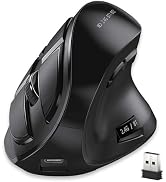
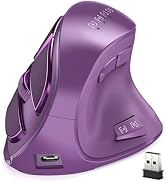
![Main image of Attoe Gaming Mouse with 5 D Rocker, Wireless Vertical Mouse with [24000 DPI] [12 Programmable Buttons], Computer Mouse for Gamer/PC/E-Sports/Laptop (Black)](https://c1.neweggimages.com/productimage/nb640/C85SD2608020LKKA52A.jpg)
![Alt view image 2 of 7 - Attoe Gaming Mouse with 5 D Rocker, Wireless Vertical Mouse with [24000 DPI] [12 Programmable Buttons], Computer Mouse for Gamer/PC/E-Sports/Laptop (Black)](https://c1.neweggimages.com/productimage/nb640/C85SD2608020LKNVY66.jpg)
![Alt view image 3 of 7 - Attoe Gaming Mouse with 5 D Rocker, Wireless Vertical Mouse with [24000 DPI] [12 Programmable Buttons], Computer Mouse for Gamer/PC/E-Sports/Laptop (Black)](https://c1.neweggimages.com/productimage/nb640/C85SD2608020LKNXED5.jpg)
![Alt view image 4 of 7 - Attoe Gaming Mouse with 5 D Rocker, Wireless Vertical Mouse with [24000 DPI] [12 Programmable Buttons], Computer Mouse for Gamer/PC/E-Sports/Laptop (Black)](https://c1.neweggimages.com/productimage/nb640/C85SD2608020LKO0U0B.jpg)
![Alt view image 5 of 7 - Attoe Gaming Mouse with 5 D Rocker, Wireless Vertical Mouse with [24000 DPI] [12 Programmable Buttons], Computer Mouse for Gamer/PC/E-Sports/Laptop (Black)](https://c1.neweggimages.com/productimage/nb640/C85SD2608020LKO4FEC.jpg)
![Alt view image 6 of 7 - Attoe Gaming Mouse with 5 D Rocker, Wireless Vertical Mouse with [24000 DPI] [12 Programmable Buttons], Computer Mouse for Gamer/PC/E-Sports/Laptop (Black)](https://c1.neweggimages.com/productimage/nb640/C85SD2608020LKO6838.jpg)
![Alt view image 7 of 7 - Attoe Gaming Mouse with 5 D Rocker, Wireless Vertical Mouse with [24000 DPI] [12 Programmable Buttons], Computer Mouse for Gamer/PC/E-Sports/Laptop (Black)](https://c1.neweggimages.com/productimage/nb640/C969D2610310GR5SF0E.jpg)



Any questions? Ask CelesteSM will help you find out quickly.


ATTOE's story began in 2012 with the mission of making high quality high-end keyboards and mice for the electronics industry. For a long time, all of our products are made by taking into account every detail of the consumer's usage habits, only to create high-quality products at an affordable price to help them achieve peak performance at an affordable price.
![Vertical Mouse, Ergonomic USB Wired Vertical Mouse with [5 D Rocker] [10000 DPI] [11 Programmable...](http://c1.neweggimages.com/sellingpilot/modules/product/a-plus/73e82ae1932576c9d909169a83d2c680b73da193bfb042094a4128b928d676bb.jpg)


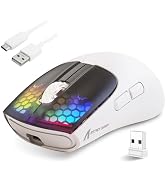


What should I do if the mouse is not responding?
1. Charge the mouse using the data cable.
2. Try connecting the receiver to a different USB port.
3. Ensure that the power switch on the bottom of the mouse is set to “on” or the light is on.
What should I do if the mouse is not responding?
4. In 2.4G mode, hold down the Bluetooth button on the bottom for more than 3 seconds, then plug the receiver into the computer's USB port and wait for the connection to complete (keep the mouse and receiver within 30 cm of each other during pairing)
How do I download the driver for the F-18 mouse?
Find the website on the packaging. Go to the site, click "DOWNLOAD", then "Software driver download". Find and select the F-18 model to download. (For Windows only; Mac OS lacks programming features).
What should I do if the mouse is not responding?
1. Charge the mouse using the data cable.
2. Try connecting the receiver to a different USB port.
3. Ensure that the power switch on the bottom of the mouse is set to “on” or the light is on.
What should I do if the mouse is not responding?
4. In 2.4G mode, hold down the Bluetooth button on the bottom for more than 3 seconds, then plug the receiver into the computer's USB port and wait for the connection to complete (keep the mouse and receiver within 30 cm of each other during pairing)
How do I download the driver for the F-18 mouse?
Find the website on the packaging. Go to the site, click "DOWNLOAD", then "Software driver download". Find and select the F-18 model to download. (For Windows only; Mac OS lacks programming features).
ATTOE's story began in 2012 with the mission of making high quality high-end keyboards and mice for the electronics industry. For a long time, all of our products are made by taking into account every detail of the consumer's usage habits, only to create high-quality products at an affordable price to help them achieve peak performance at an affordable price.
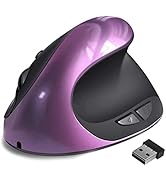
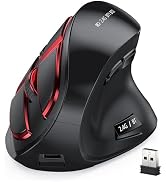
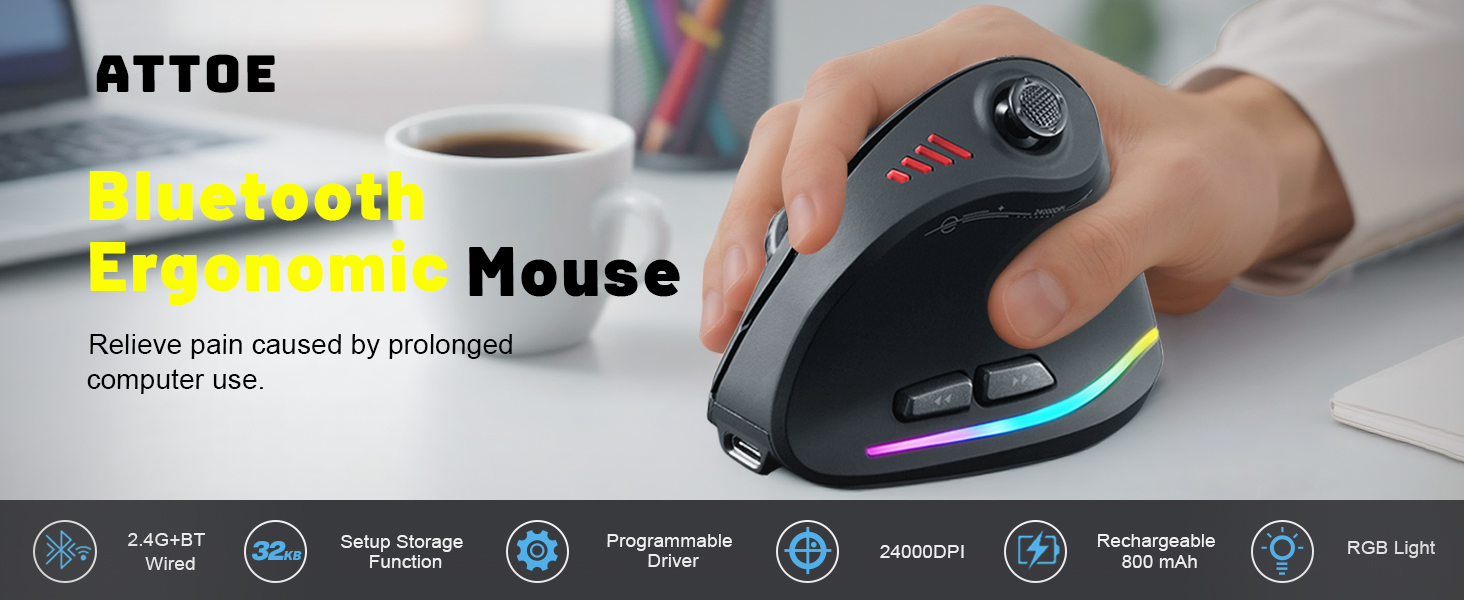
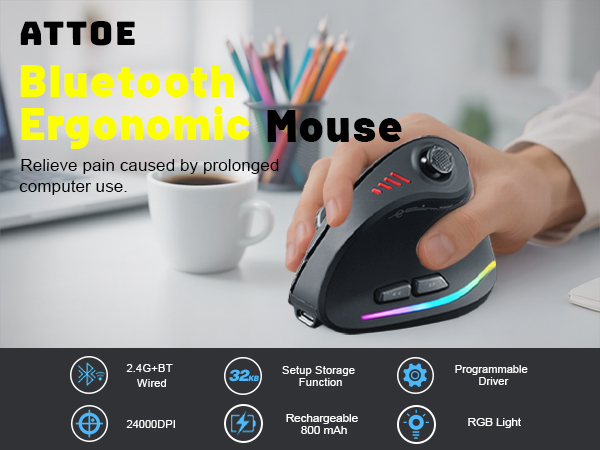
This 5D Rocker Game Mouse possesses 24000 DPI with High-Precision PAW3325 Sensor,
100IPS, 20G Acceleration, 5000 FPS Pixel-Precise Tracking.
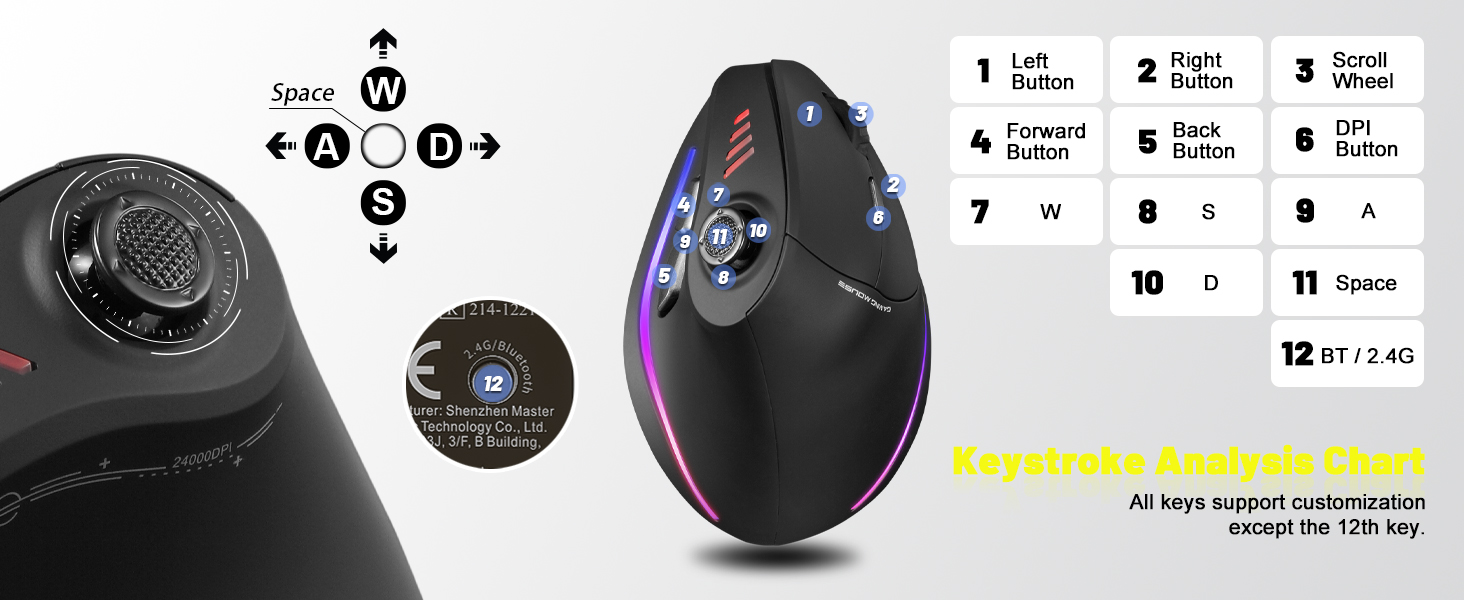
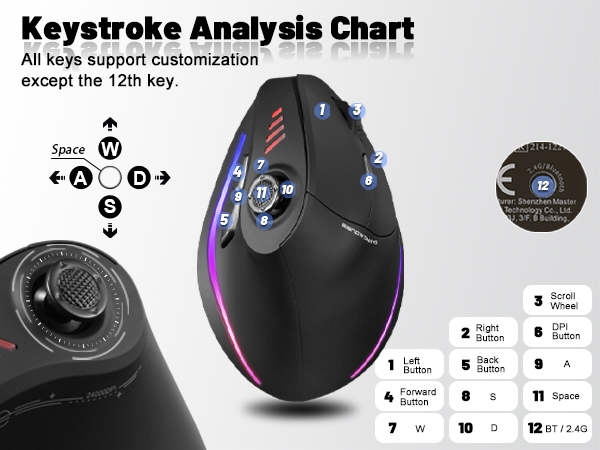
Macro Setting with 12 Programmable Buttons, born for Professional Gaming Player!
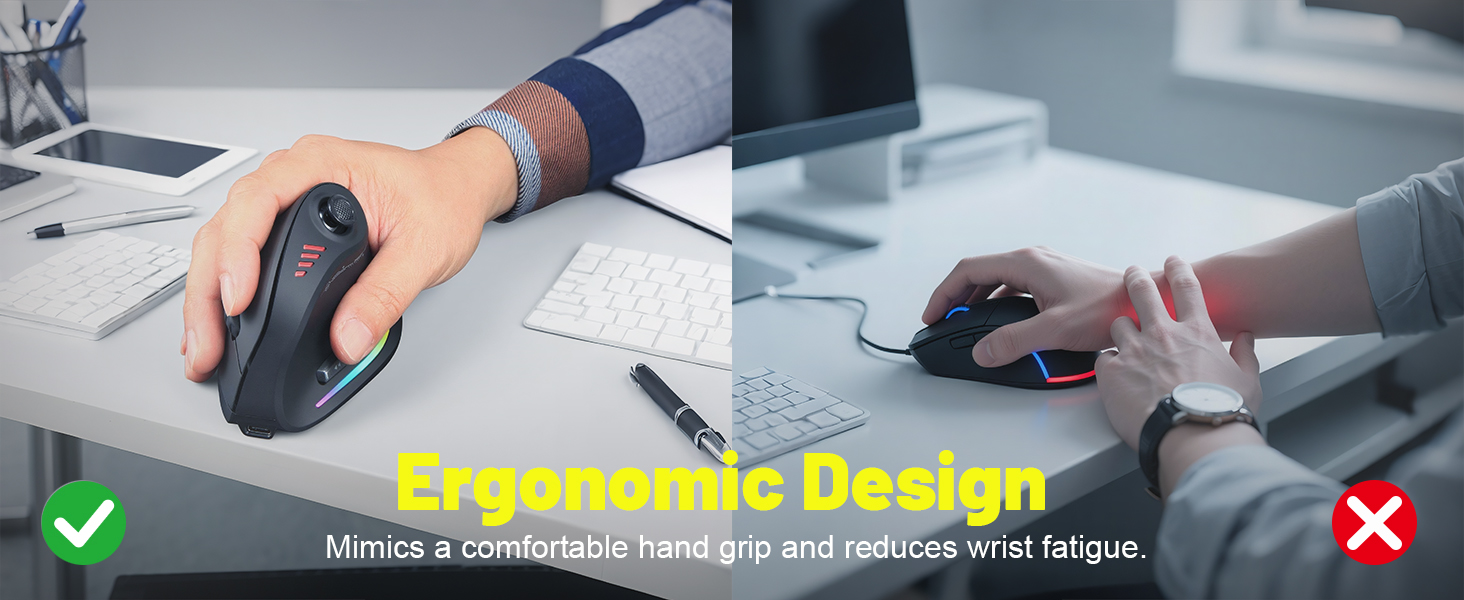
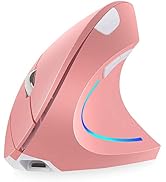
5 Direction Rocker
Integrated orientation operation. 1 rocker equals 5 keys.
Thumb control,the realization of "front,rear,left, right,down pressure"operation.
Adapted to FPS, MOBA, MMO and other different types of games.
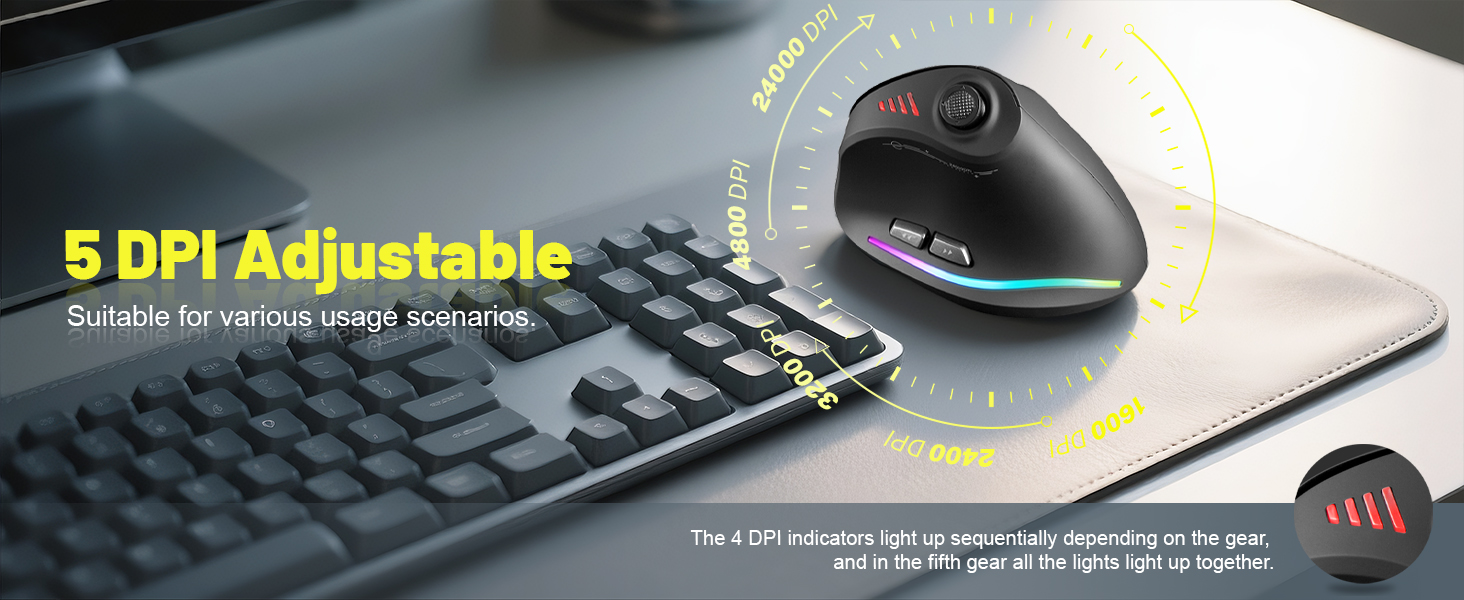
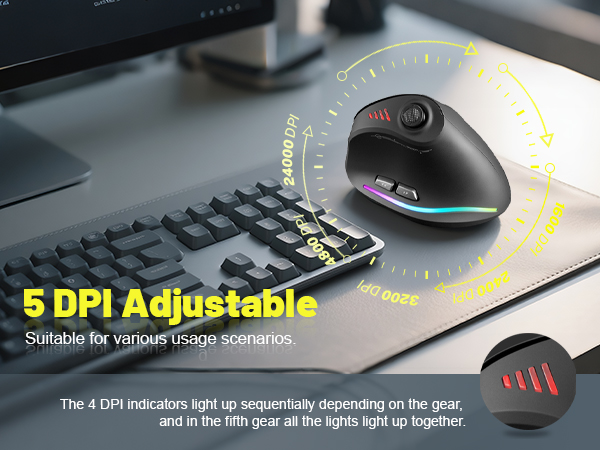
Five-level DPI varying velocity.
Five adjustable DPI level, 1600-2400-3200-4800-24000DPI respectively.
Four DPI indicator lights are configured,
One light on indicates the first level DPI, two lights on indicates the second level DPI,
all four lights on indicates the fifth level (24000DPI).
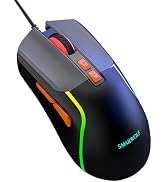
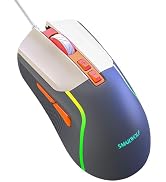
Colorful RGB lamp belt.
On both sides set RGB lamp belt,chroma streaming a variety of lighting effects,
increase the game atmosphere
Universal Compatibility
Widely compatible with Windows 10/8/7/XP, Vista, Mac OS, Linux.
(Note: No programming function for Mac OS)
Forward and back function keys
Set a separate forward and back function key on the left of the mouse.
To make it easier to browse Web pages and files
Specification
Button numbers: 12
Traction control: optics
USB length: 1.8m
Working voltage/current: 5V 100mA
Button life: 10 million times
Roller life: 1.2 million rotation
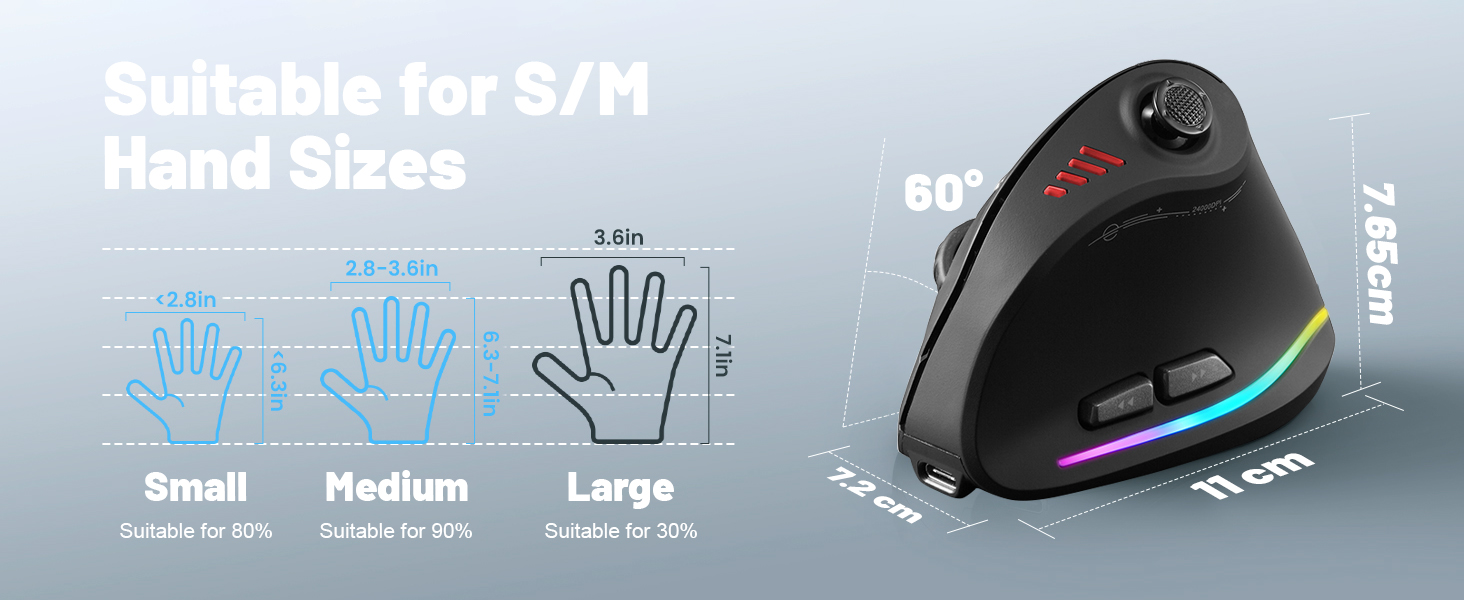
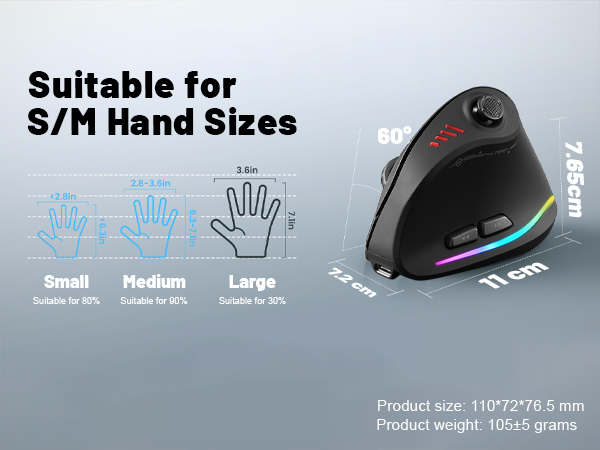
Product size: 110*72*76.5mm
Product weight: 110±5g
Resolution: 1600-2400-3200-4800-24000DPI
Rate of return:125-1000Hz
Package Contents
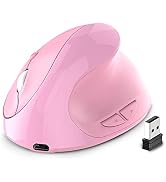
Vertical Mouse x 1
Instructions x1
USB receiver x1
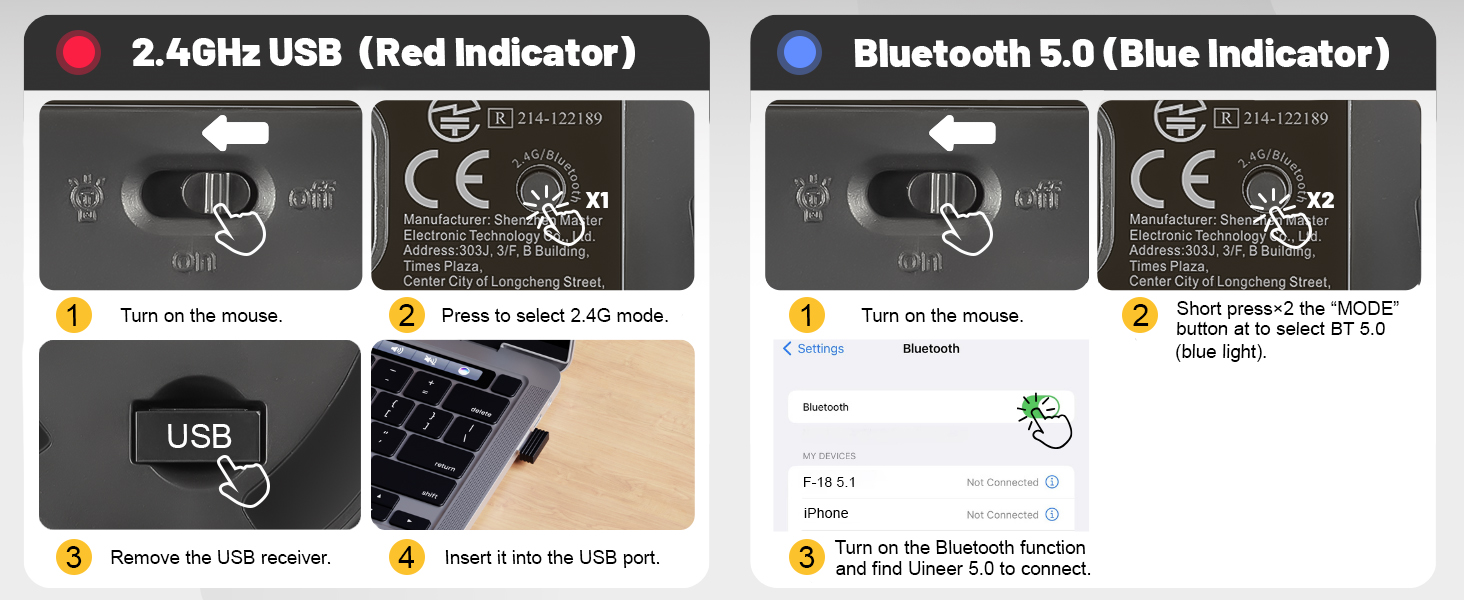
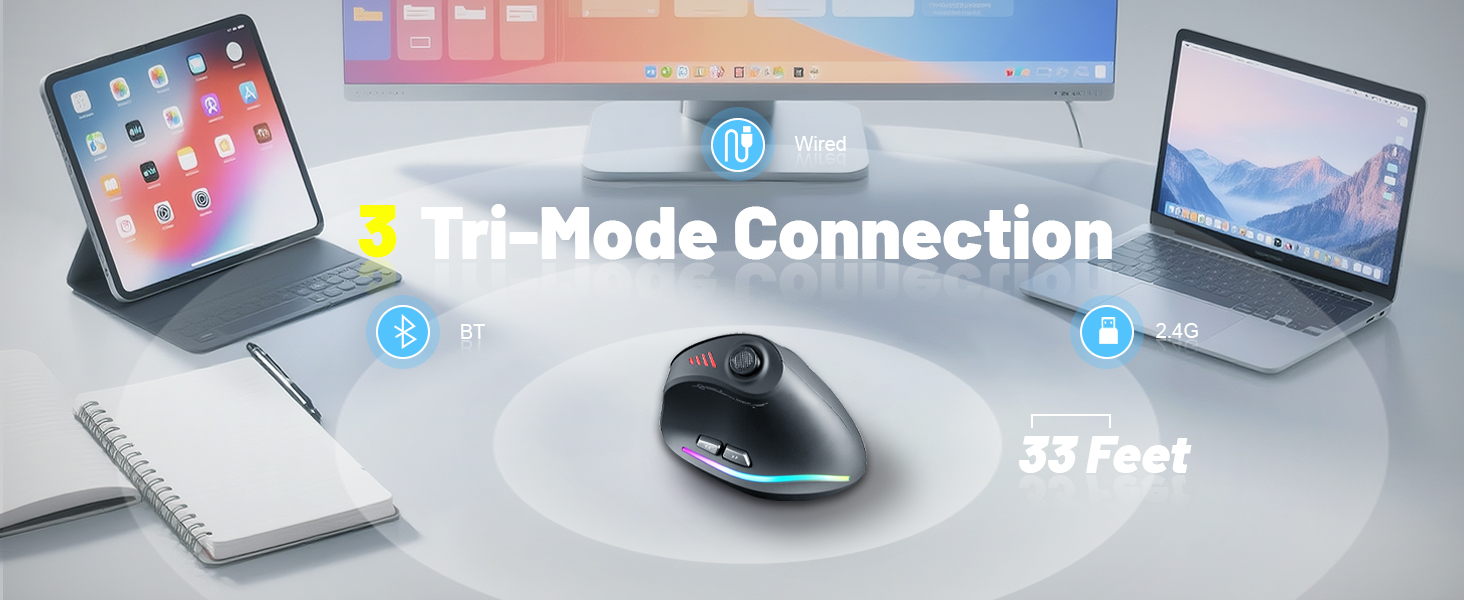
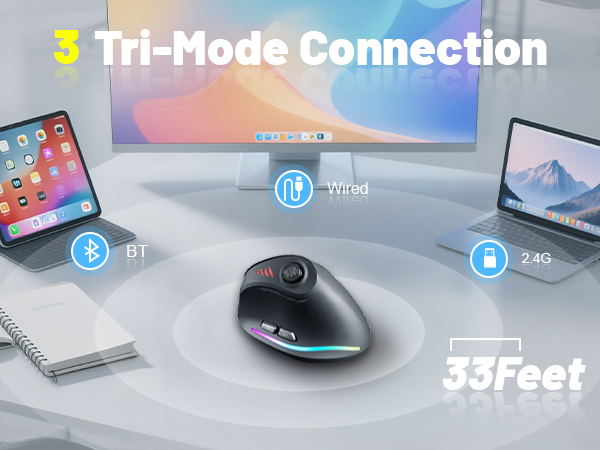
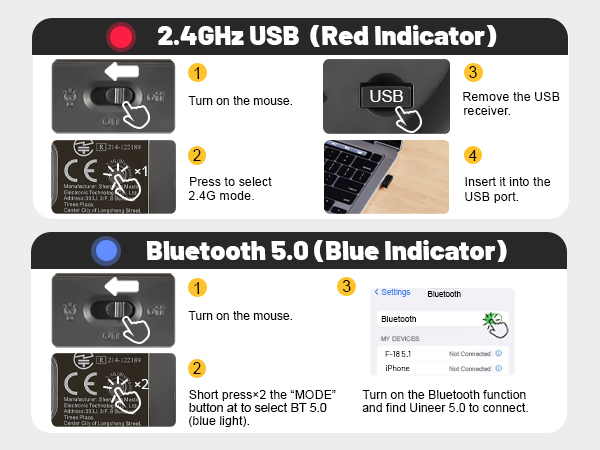
Bluetooth & 2.4G Tip
Short press the Bluetooth button at the bottom of the mouse,
you can recognize the current use status by the light,
red light represents 2.4G mode, blue light represents Bluetooth mode.
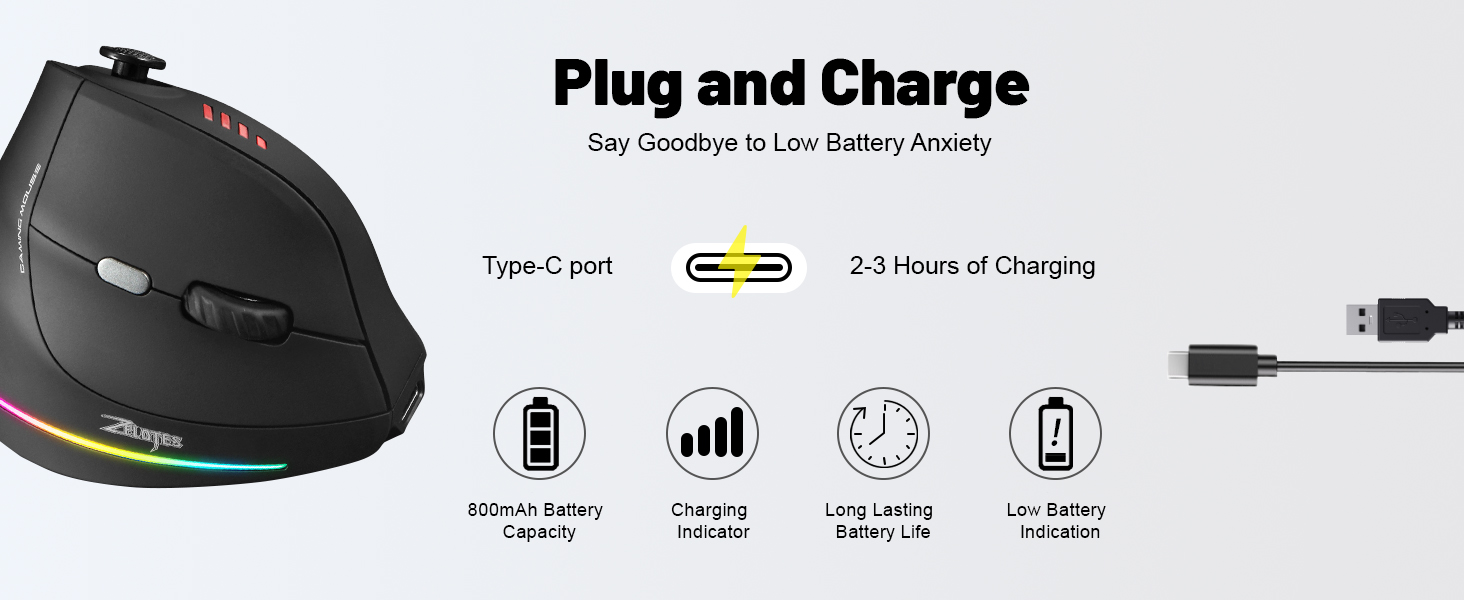
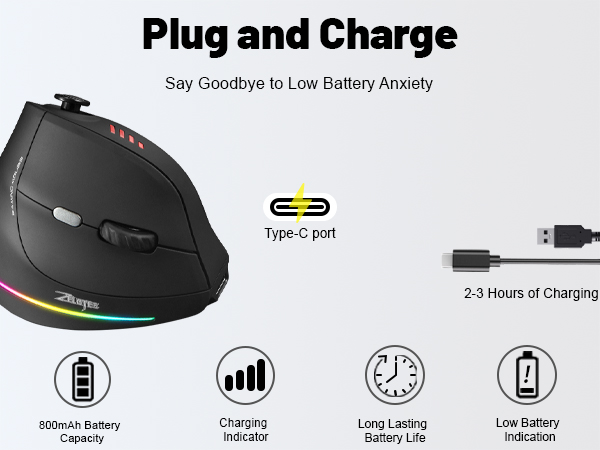
Charging and Low Voltage Tips:
When the power 25%, the mouse will be fast flashing red light,
at this time you need to charge the mouse, charging 4 grid indicator lights in turn cycle light, fully charged off.
The mouse does not respond how to do?
1. Please use the data cable to charge the mouse.
2. Please replace the receiver with a USB port to try.
3. Make sure the power switch at the bottom of the mouse has been played to the on or position.
4. Reboot your computer.
5. 2.4G state, long press the bottom of the bluetooth button for more than 3 seconds,
insert the receiver into the computer USB port, wait for the connection to complete
(the distance between the mouse and the receiver during the code, please keep within 30CM).