





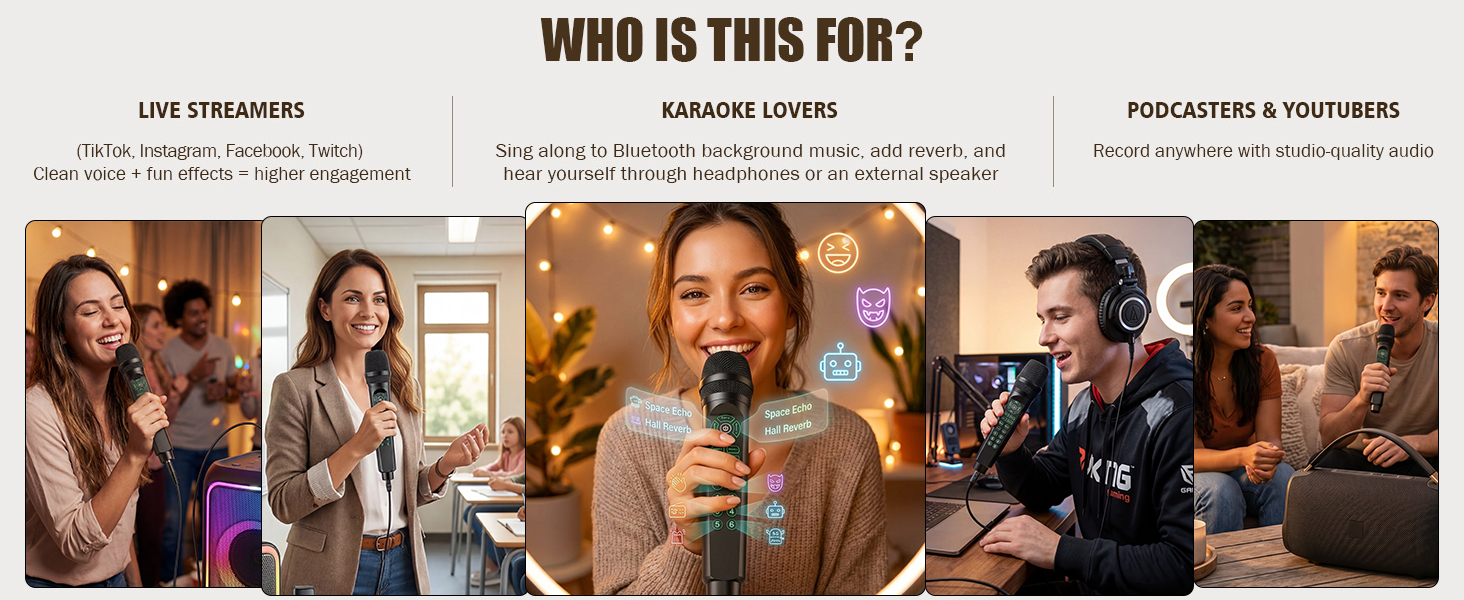
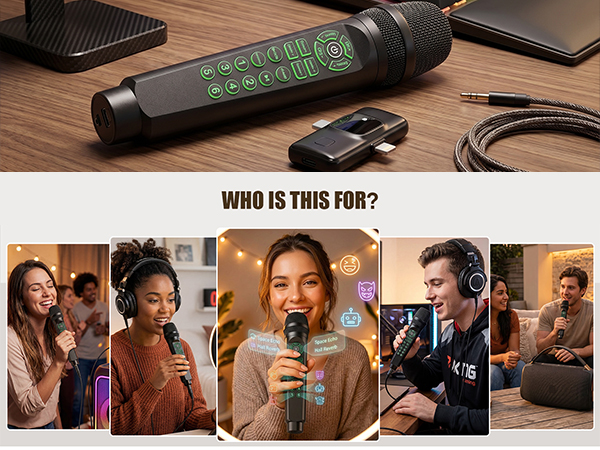
It's also your personal practice tool: singers can hear their true tone, public speakers can perfect their delivery, and language learners can improve pronunciation – because you can't fix what you can't hear. Whether you're streaming to thousands or practicing alone in your room!
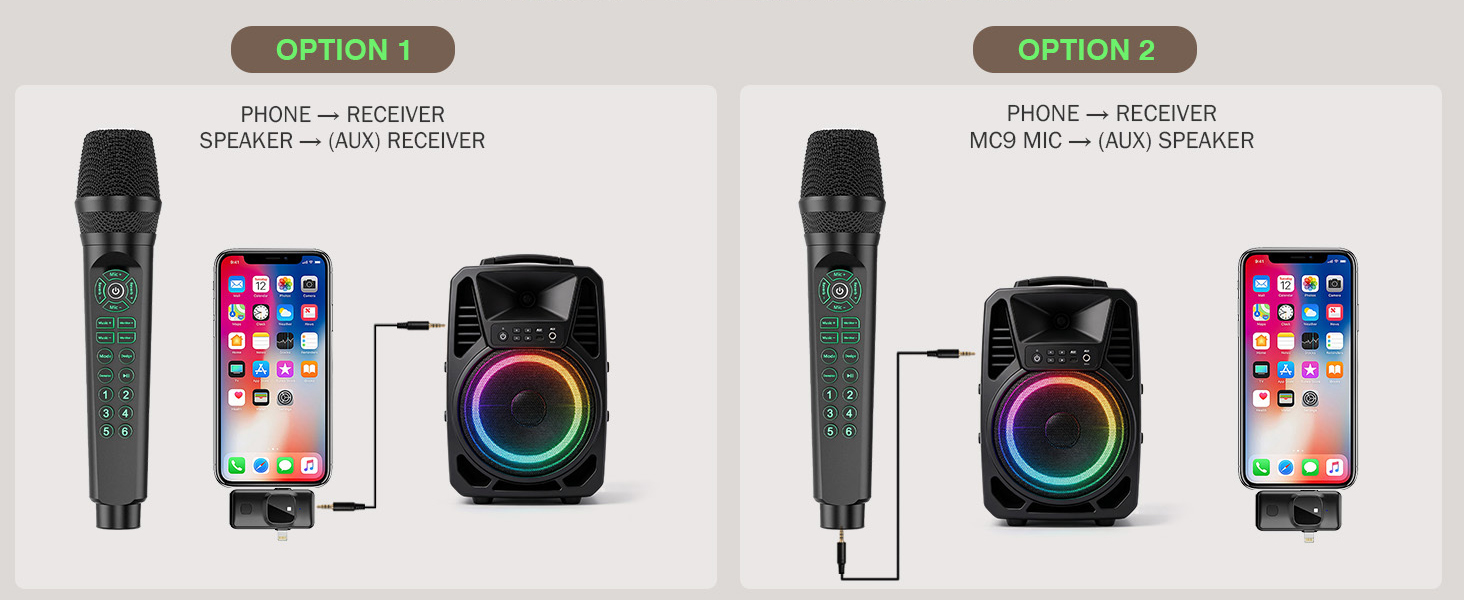
Two Ways to Hear Your Voice (Choose What Works for You)
Method A: Headphones for Live Streaming & Recording
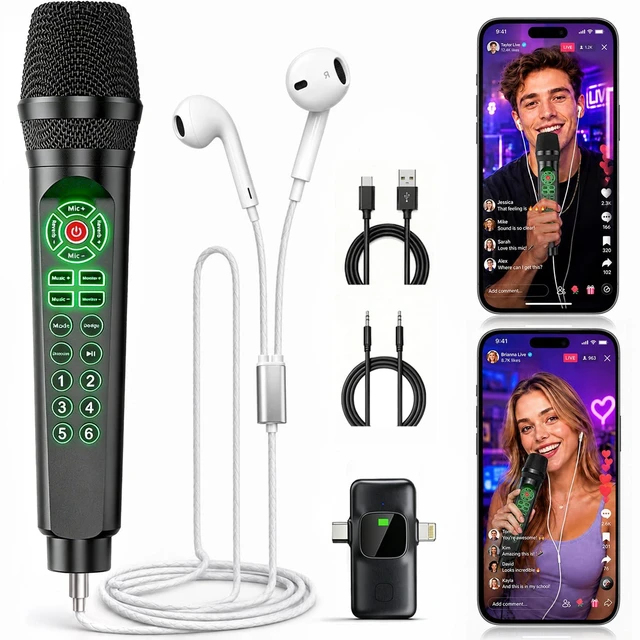
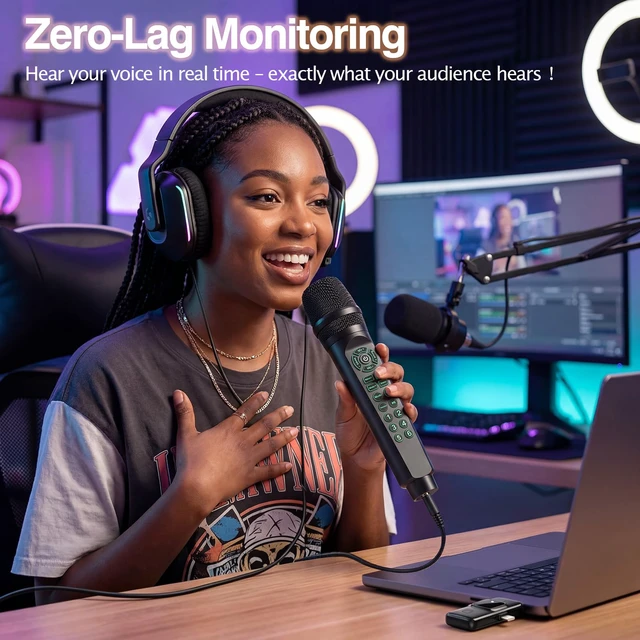
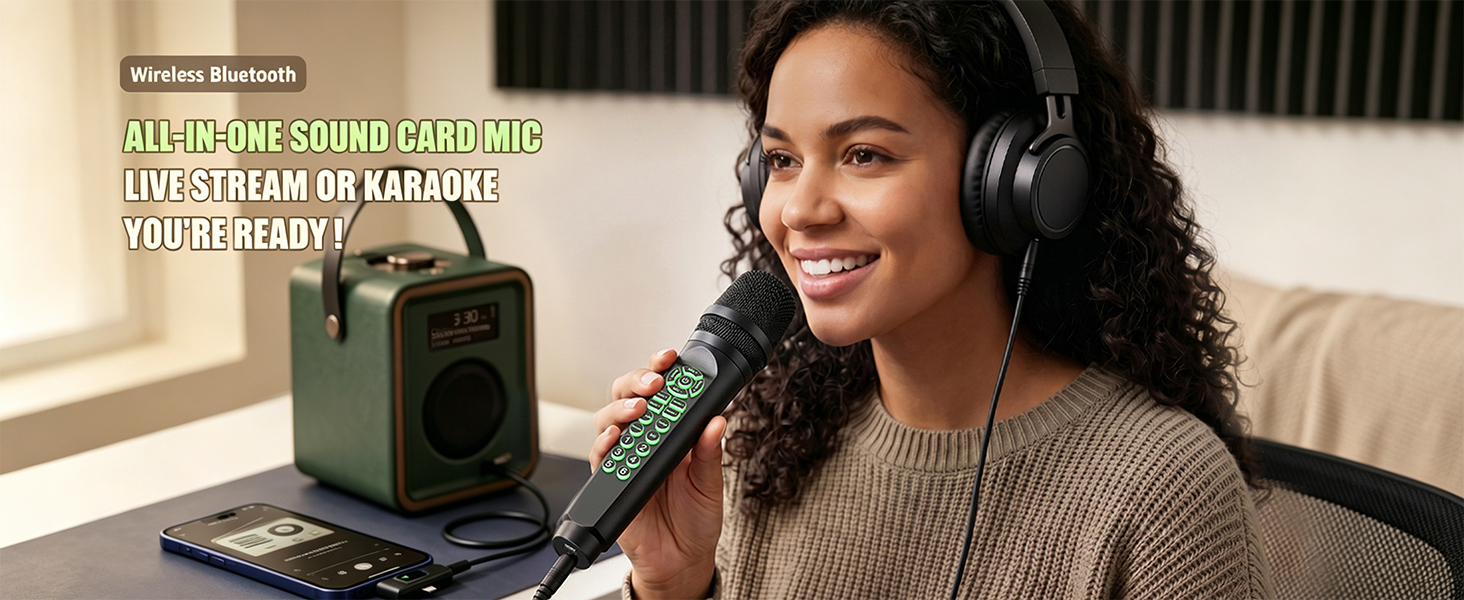
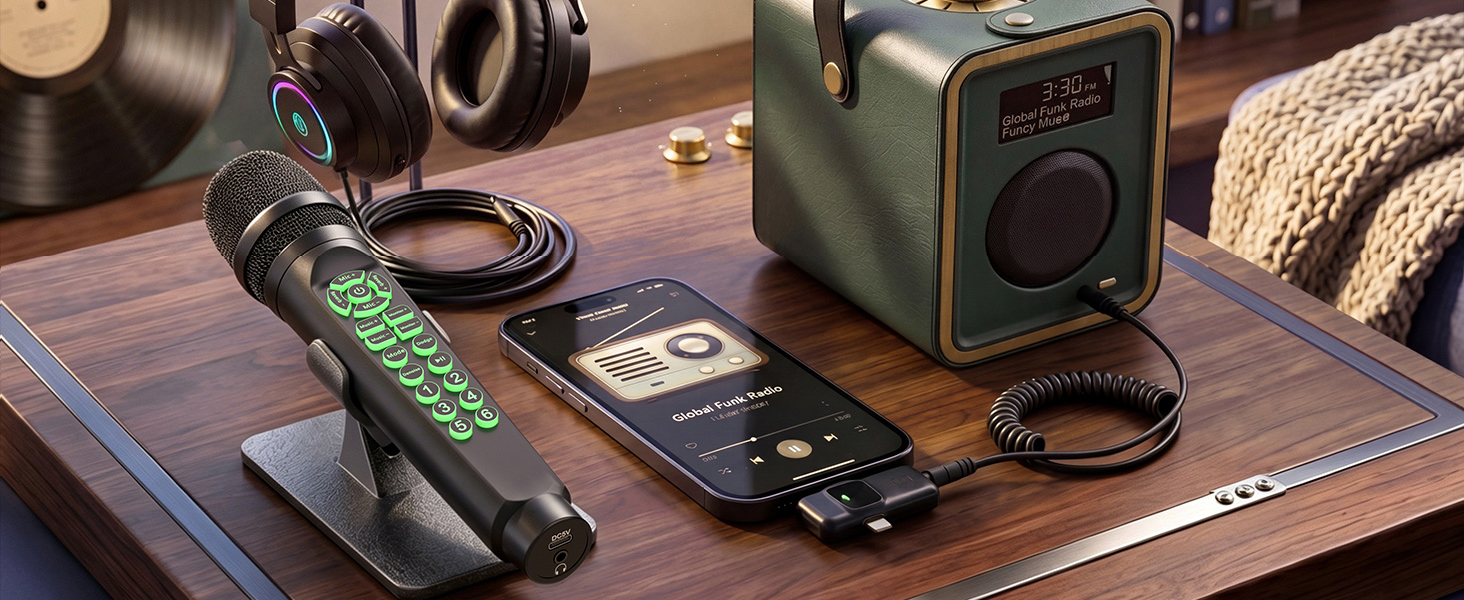
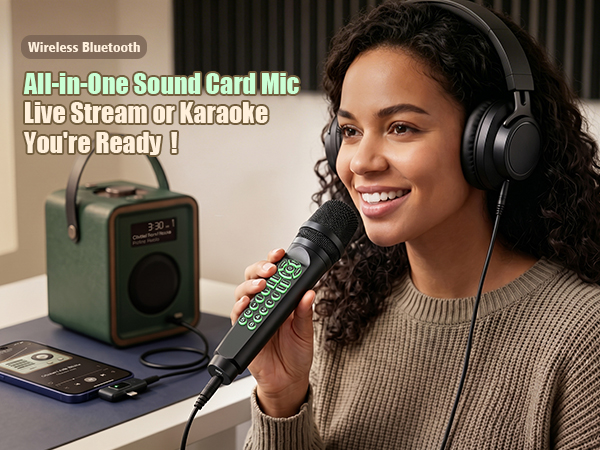
Plug the receiver into your phone/PC, connect your favorite headphones to the mic. You'll hear your own voice with zero delay – exactly what your audience hears. This is essential for live streaming, podcasting, or any time you need precise audio control.
Method B: External Speaker for Karaoke & Parties
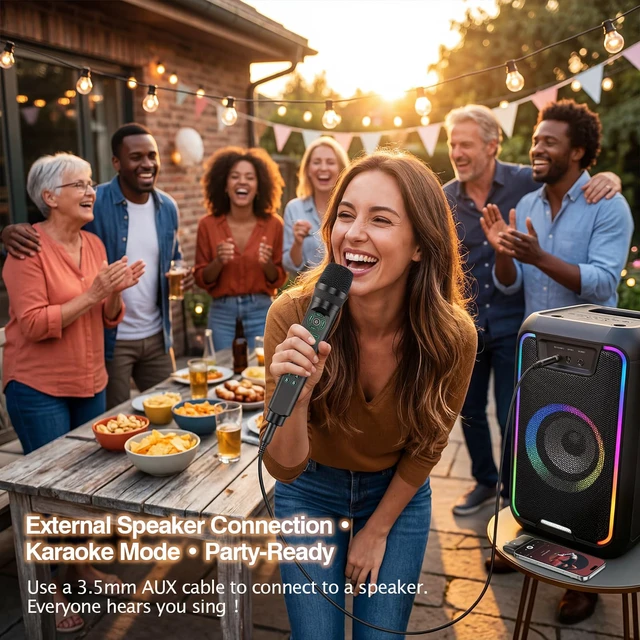
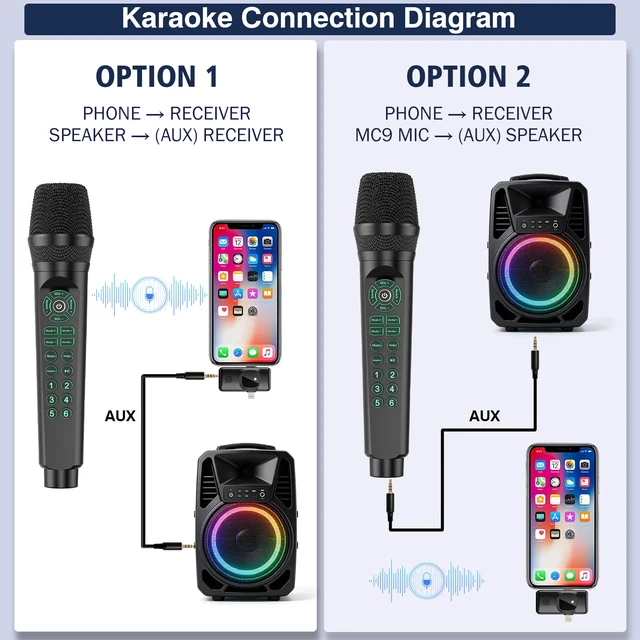
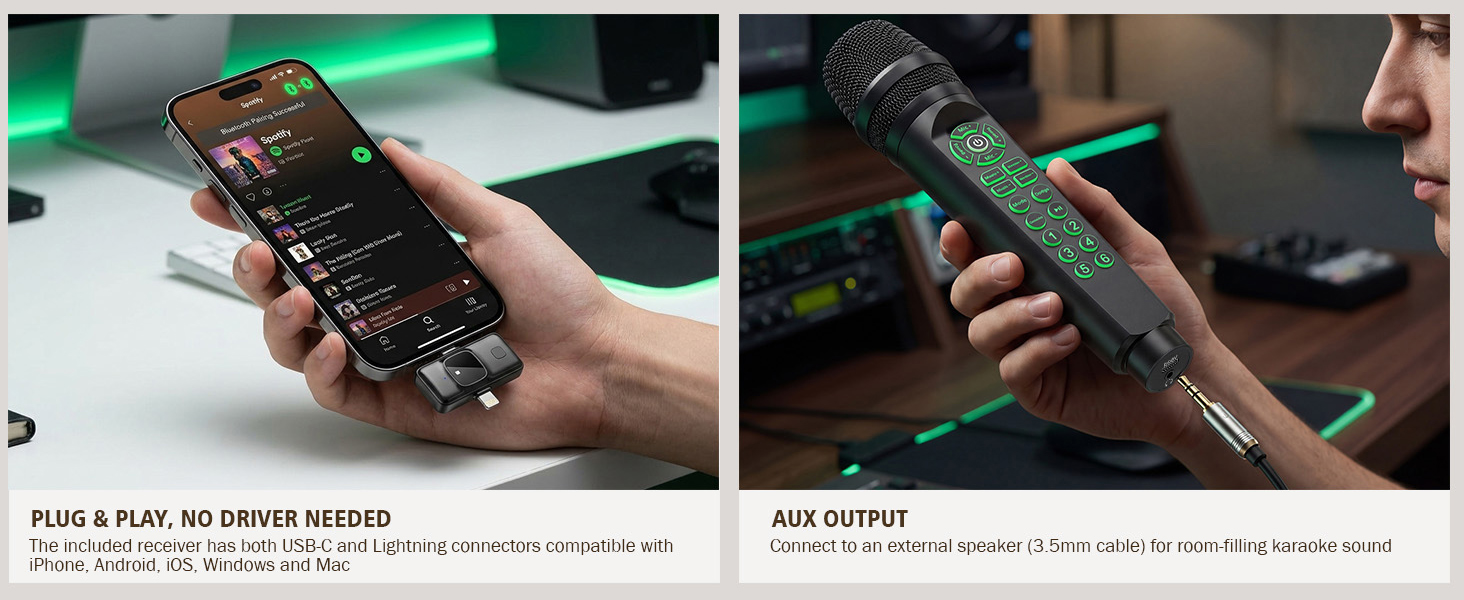
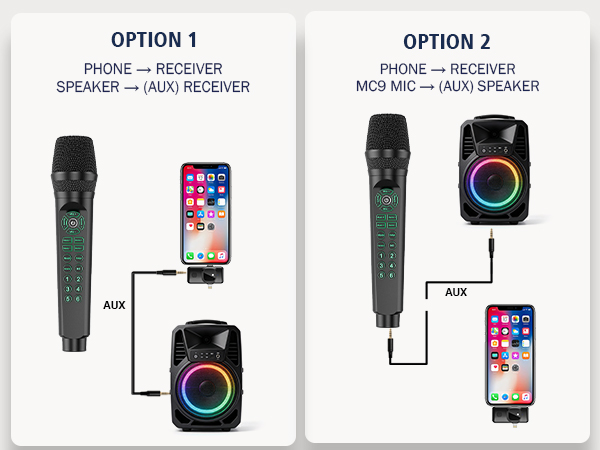
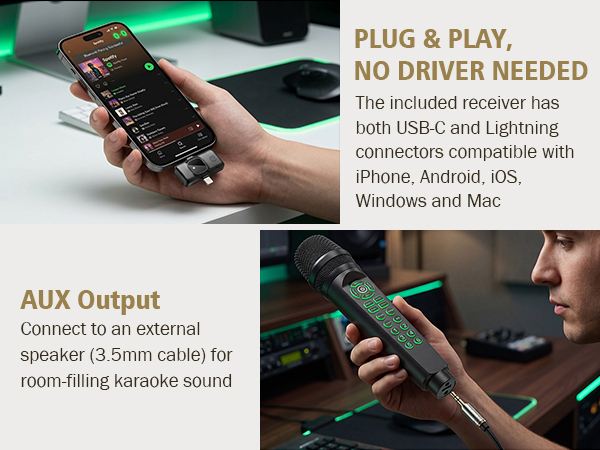
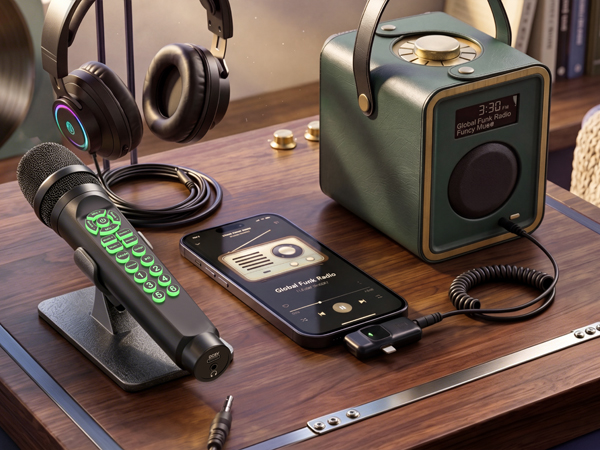
Use a standard 3.5mm AUX cable(Included)to connect the mic to a speaker – a home stereo or a Bluetooth speaker with AUX input, Now your voice comes out of the speaker, just like a traditional wired karaoke microphone. Perfect for family gatherings, classroom activities, or backyard sing-alongs.
Two connection methods with AUX – choose whichever is easier:
- Option 1: AUX cable from receiver's side 3.5mm jack to speaker. (Via receiver – useful if receiver is closer to speaker)
- Option 2: AUX cable from mic's bottom 3.5mm jack to speaker. (Namely, Mic directly to speaker)
WARNING NOTE: The MC9 does not play sound by itself – it needs either headphones (for monitoring) or an external speaker (for room audio) to output audio.
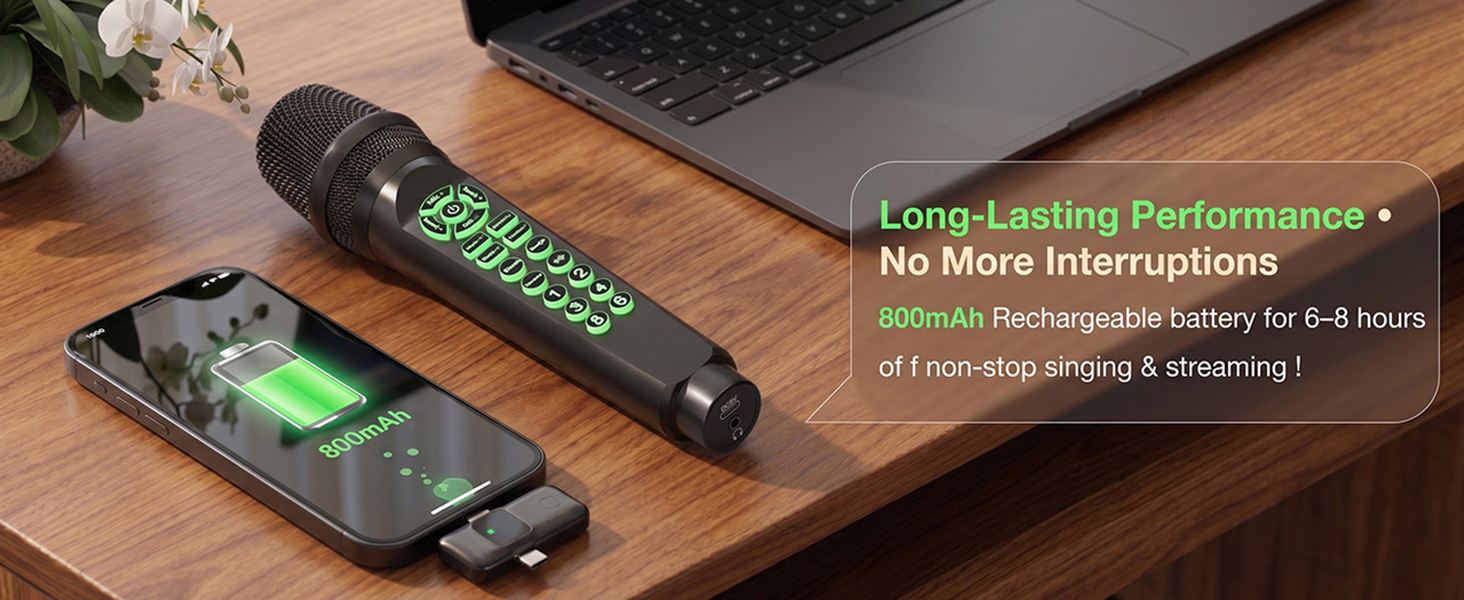
How long does the battery last?
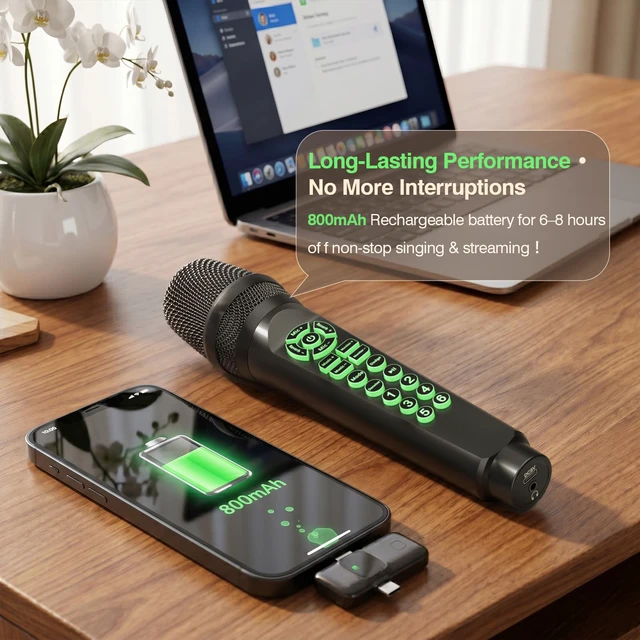
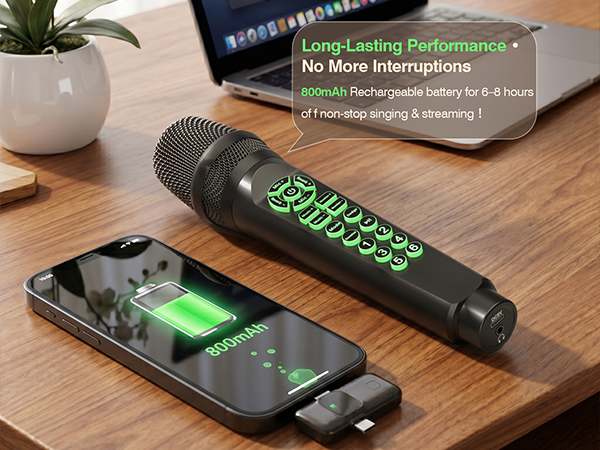
About 6–8 hours. It holds up well for a full session—just charge it up when you're done and it'll be ready to go next time.
What devices does it work with?
Just about most devices - iPhone, Android, Windows, Mac. Connect via Bluetooth, USB-C, or Lightning. The receiver has both USB-C and Lightning plugs, so no extra adapters needed.
Why can't I find “MC9” on my Bluetooth list?
Plug the receiver into your phone/PC first, then power on the mic. Bluetooth is for background music only – receiver must be connected to activate it.
What apps can I use?
Any app that accepts an external microphone – Smule, StarMaker, TikTok, Instagram Live, Zoom, OBS, GarageBand, Voice Memos, and more.
Can I use this microphone without headphones?
Yes, connect it to an external speaker using a 3.5mm AUX cable. The mic will output your voice through the speaker.
More Music Gear for Your Selection
 MC9 Online Karaoke Mic |  Online Karaoke Microphone | 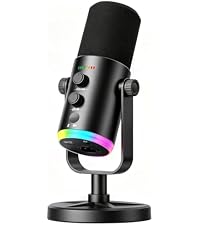 Dynamic Gaming Microphone |  Gaming Microphone for PC | 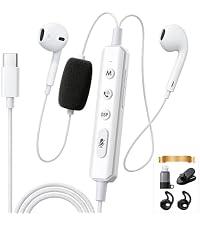 KM08 Karaoke Headset | 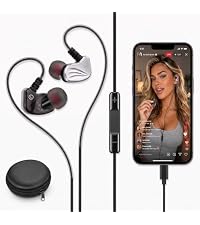 Online Karaoke Headset |  F998 Sound Card | |
|---|---|---|---|---|---|---|---|
Customer Reviews | — | — | — | — | — | — | — |
Price | — | — | — | — | — | — | — |
Brand | Facmogu | Facmogu | Facmogu | Facmogu | Facmogu | Facmogu | Facmogu |
Color | Black | White | Black | Black | Black | Black | Black |
Package | 1PC | 1PC | 1PC | 1PCS | 1PC | 1PC | 1PC |
Uasge | Live Streaming & Karaoke | Live Streaming & Karaoke | Streaming & Podcasting | Live Streaming | Live Streaming & Karaoke | Live Streaming & Karaoke | Live Streaming |
Product Support | 1 Year | 1 Year | 1 Year | 1 Year | 1 Year | 1 Year | 1 Year |
It's also your personal practice tool: singers can hear their true tone, public speakers can perfect their delivery, and language learners can improve pronunciation – because you can't fix what you can't hear. Whether you're streaming to thousands or practicing alone in your room!
Two Ways to Hear Your Voice (Choose What Works for You)
Method A: Headphones for Live Streaming & Recording
Plug the receiver into your phone/PC, connect your favorite headphones to the mic. You'll hear your own voice with zero delay – exactly what your audience hears. This is essential for live streaming, podcasting, or any time you need precise audio control.
Method B: External Speaker for Karaoke & Parties
Use a standard 3.5mm AUX cable(Included)to connect the mic to a speaker – a home stereo or a Bluetooth speaker with AUX input, Now your voice comes out of the speaker, just like a traditional wired karaoke microphone. Perfect for family gatherings, classroom activities, or backyard sing-alongs.
Two connection methods with AUX – choose whichever is easier:
- Option 1: AUX cable from receiver's side 3.5mm jack to speaker. (Via receiver – useful if receiver is closer to speaker)
- Option 2: AUX cable from mic's bottom 3.5mm jack to speaker. (Namely, Mic directly to speaker)
WARNING NOTE: The MC9 does not play sound by itself – it needs either headphones (for monitoring) or an external speaker (for room audio) to output audio.
All-in-one Karaoke & Live Streaming Microphone
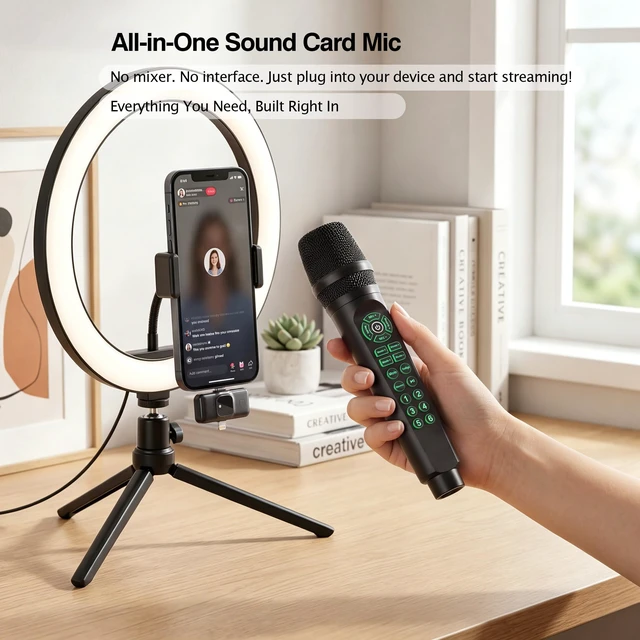
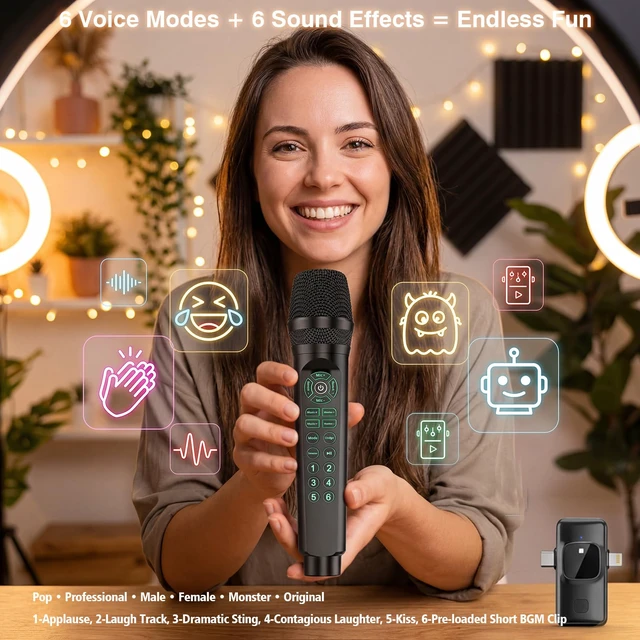
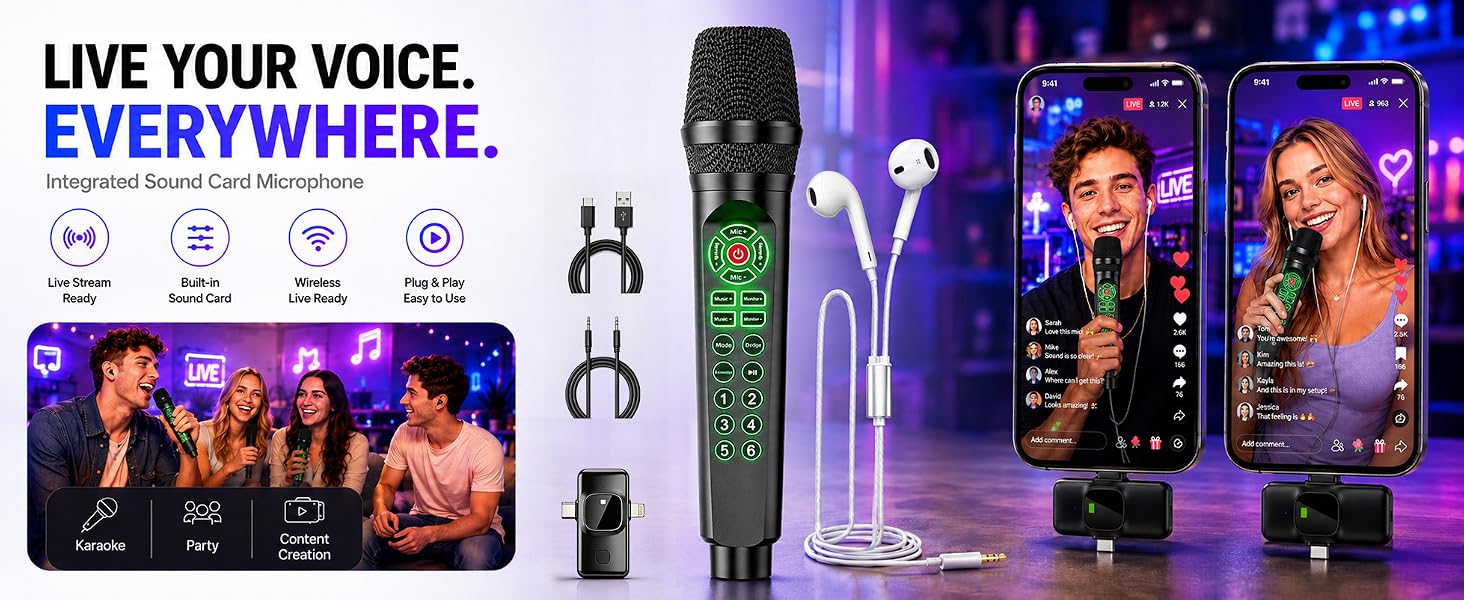
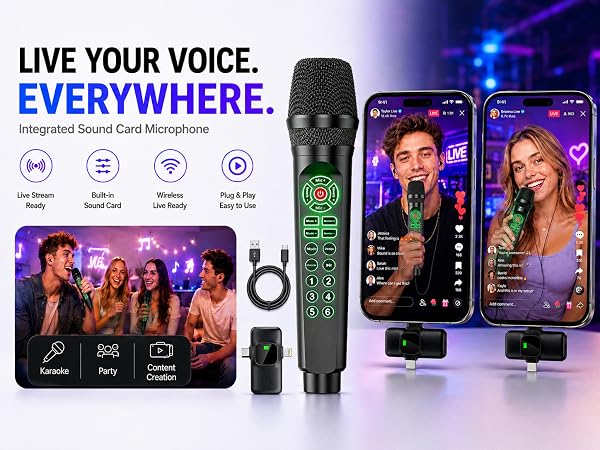
Quick Setup: Plug receiver into phone/PC (USB-C/Lightning). Power on mic. Open your app. Adjust Mic/Music volumes. Tap Mode for voice effects, press 1–6 for sounds. For background music: Bluetooth stream from phone – voice & music mix automatically.
How long does the battery last?
About 6–8 hours. It holds up well for a full session—just charge it up when you're done and it'll be ready to go next time.
What devices does it work with?
Just about most devices - iPhone, Android, Windows, Mac. Connect via Bluetooth, USB-C, or Lightning. The receiver has both USB-C and Lightning plugs, so no extra adapters needed.
Why can't I find “MC9” on my Bluetooth list?
Plug the receiver into your phone/PC first, then power on the mic. Bluetooth is for background music only – receiver must be connected to activate it.
What apps can I use?
Any app that accepts an external microphone – Smule, StarMaker, TikTok, Instagram Live, Zoom, OBS, GarageBand, Voice Memos, and more.
Can I use this microphone without headphones?
Yes, connect it to an external speaker using a 3.5mm AUX cable. The mic will output your voice through the speaker.
More Music Gear for Your Selection
MC9 Online Karaoke Mic | Online Karaoke Microphone | Dynamic Gaming Microphone | Gaming Microphone for PC | KM08 Karaoke Headset | Online Karaoke Headset | F998 Sound Card |
|---|---|---|---|---|---|---|
| Customer Reviews | ||||||
| — | — | — | — | — | — | — |
| Price | ||||||
| — | — | — | — | — | — | — |
| Brand | ||||||
| Facmogu | Facmogu | Facmogu | Facmogu | Facmogu | Facmogu | Facmogu |
| Color | ||||||
| Black | White | Black | Black | Black | Black | Black |
| Package | ||||||
| 1PC | 1PC | 1PC | 1PCS | 1PC | 1PC | 1PC |
| Uasge | ||||||
| Live Streaming & Karaoke | Live Streaming & Karaoke | Streaming & Podcasting | Live Streaming | Live Streaming & Karaoke | Live Streaming & Karaoke | Live Streaming |
| Product Support | ||||||
| 1 Year | 1 Year | 1 Year | 1 Year | 1 Year | 1 Year | 1 Year |