here!
here!
I’m your shopping assistant for PC builds, upgrades, and everything tech.
Got questions? Ask away!
Start a conversation
here!
I’m your shopping assistant for PC builds, upgrades, and everything tech.
Got questions? Ask away!
Start a conversation








Any questions? Ask CelesteSM will help you find out quickly.




For first use or after long storage, fully charge before use.
Have Questions? We’re Here to Help.
How do I switch between Tuner and Metronome modes?
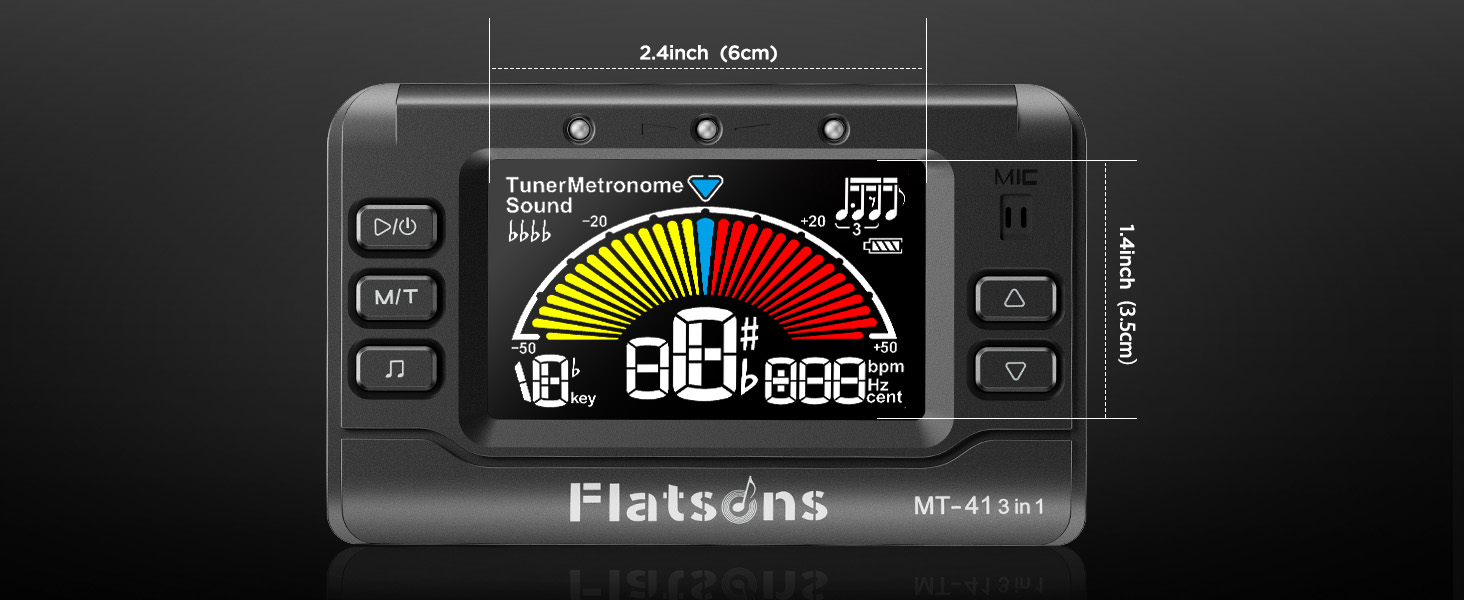
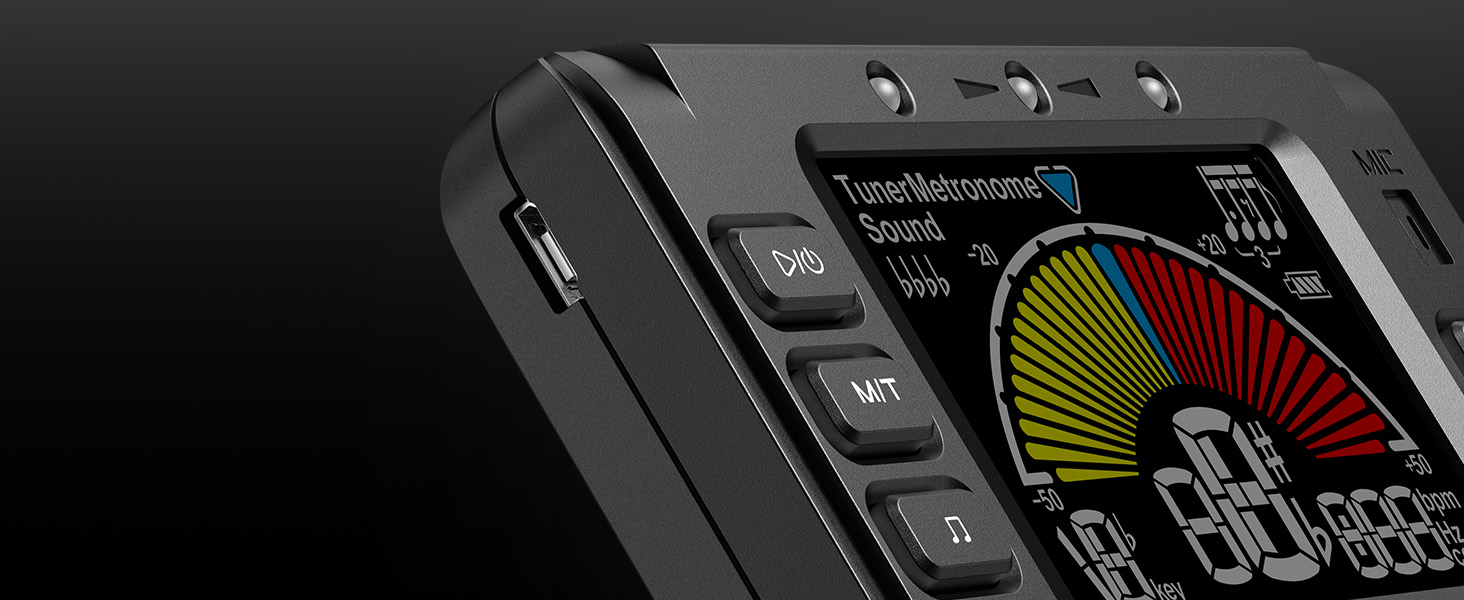
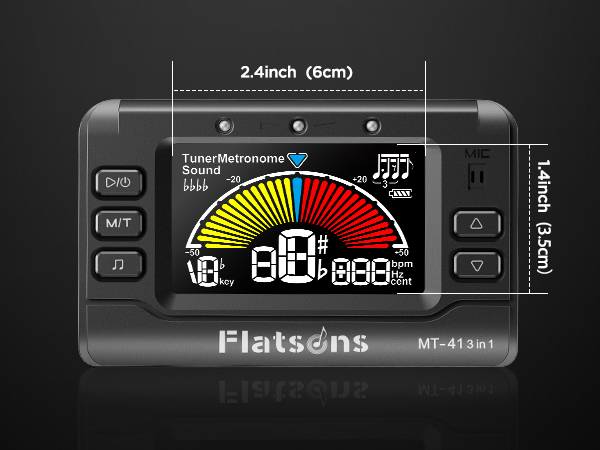
When the device is powered on, press and hold the M/T buttton for 2 seconds to switch between Tuner and Metronomemodes. The current mode (TUNER/METRONOME) will be displayed in the top-left corrher of the screen
Why is the tuning not accurate?
Please make sure you have selected the correct tuning mode tfor your instrument. Choose G for guitar, B for bass, V for violin,U for Ukulele, or Chromatic for other instruments. In Tuner mode, briefly press the M/T button to switch
How do I use the Tone Generator mode?
In Tuner mode, briefly press the Start/Power button once toenter Sound (Tone Generator) mode. The screen will display ""Sound" in the top-left corner. Press the same button again to return to Tuner mode.
I plugged in the charging cable, but the device does not respond. Is it defective?
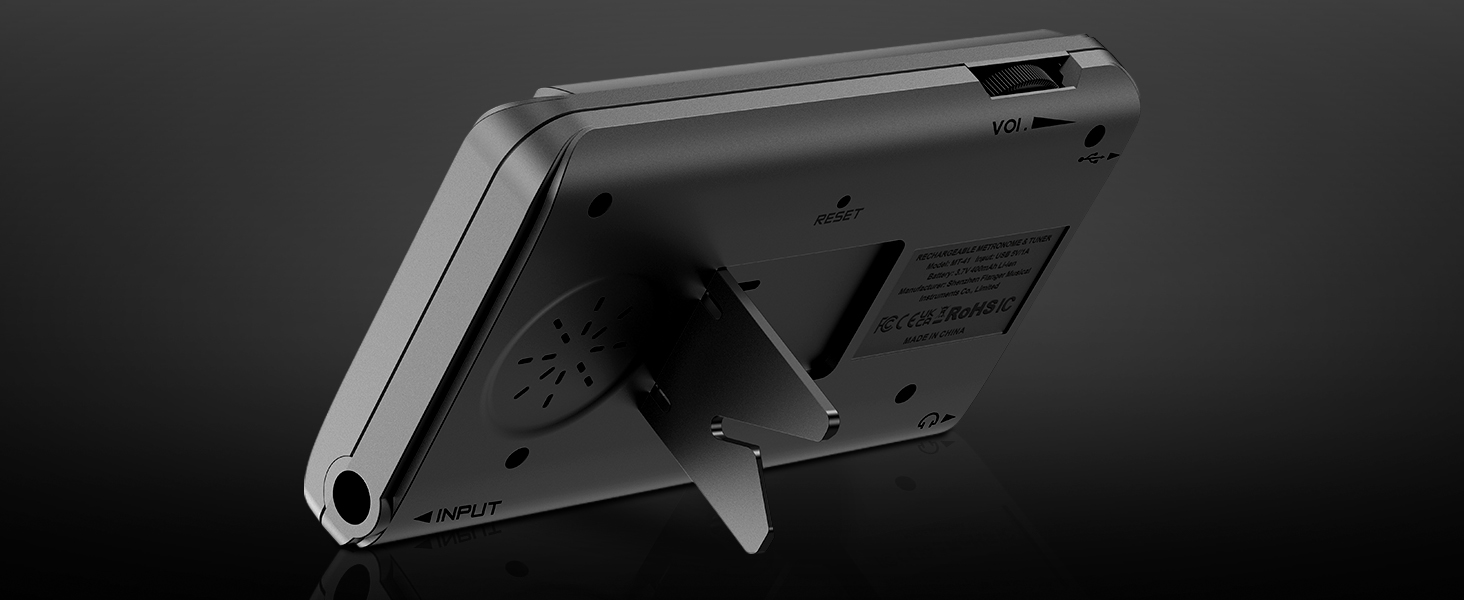
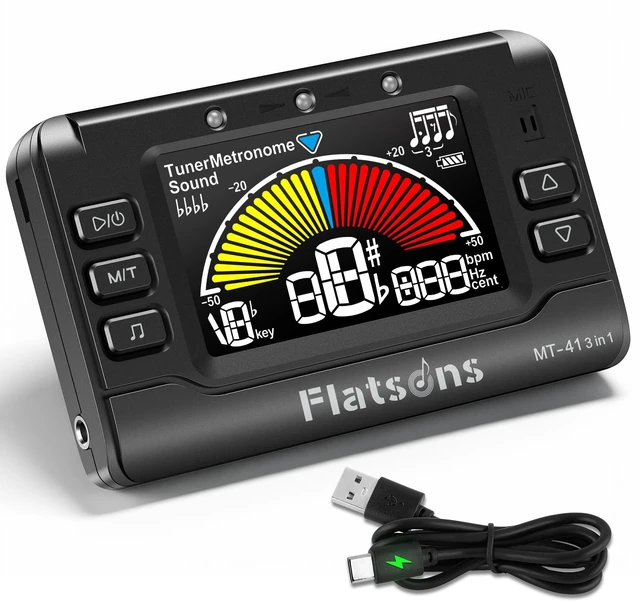
Use the charging cable included with the product. This product suppports standard 5V/1A USB charging only. Please try using a regular USB-A charging port
such as a computer USB port or a 5V USB power adapter.
How do I adjust the volume?
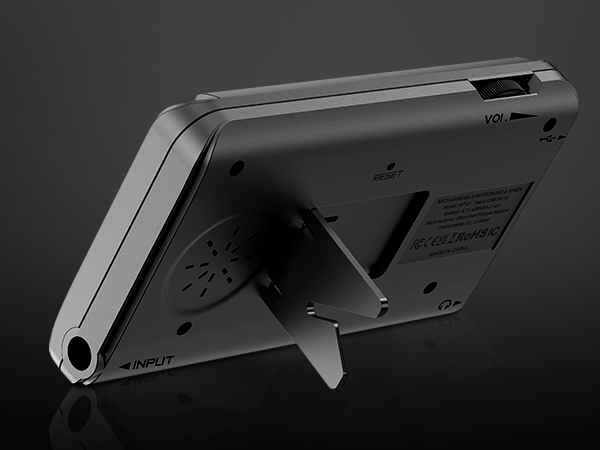
There is a volume knob in the upper-left corner of the device; slide ittto the right to increase the volume



For first use or after long storage, fully charge before use.
Have Questions? We’re Here to Help.
How do I switch between Tuner and Metronome modes?
When the device is powered on, press and hold the M/T buttton for 2 seconds to switch between Tuner and Metronomemodes. The current mode (TUNER/METRONOME) will be displayed in the top-left corrher of the screen
Why is the tuning not accurate?
Please make sure you have selected the correct tuning mode tfor your instrument. Choose G for guitar, B for bass, V for violin,U for Ukulele, or Chromatic for other instruments. In Tuner mode, briefly press the M/T button to switch
How do I use the Tone Generator mode?
In Tuner mode, briefly press the Start/Power button once toenter Sound (Tone Generator) mode. The screen will display ""Sound" in the top-left corner. Press the same button again to return to Tuner mode.
I plugged in the charging cable, but the device does not respond. Is it defective?
Use the charging cable included with the product. This product suppports standard 5V/1A USB charging only. Please try using a regular USB-A charging port
such as a computer USB port or a 5V USB power adapter.
How do I adjust the volume?
There is a volume knob in the upper-left corner of the device; slide ittto the right to increase the volume