







Any questions? Our AI beta will help you find out quickly.
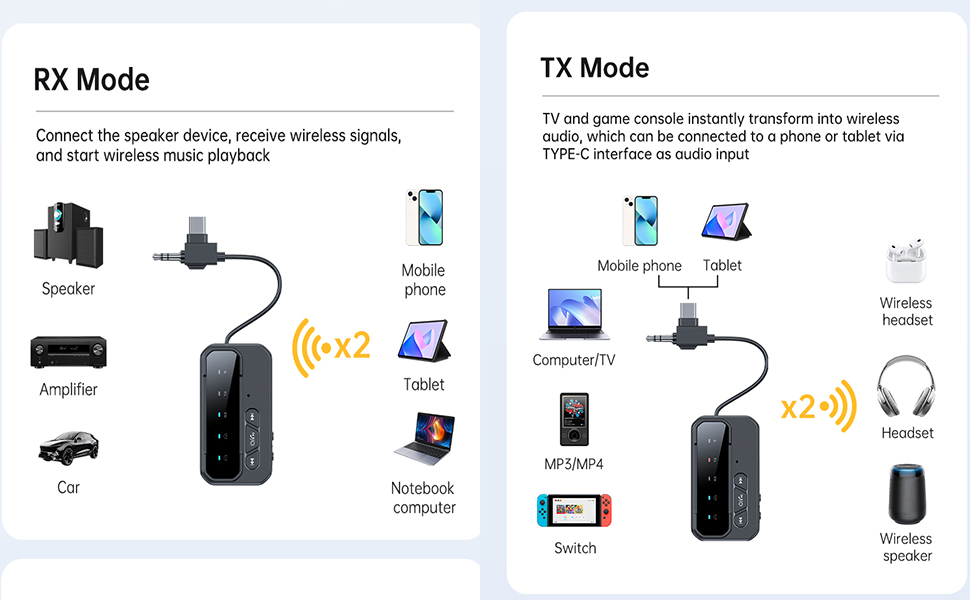
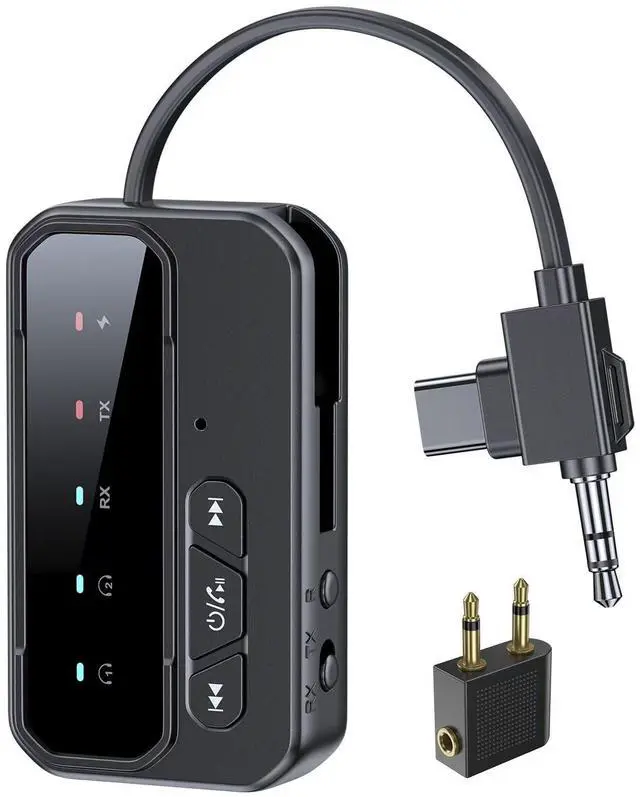
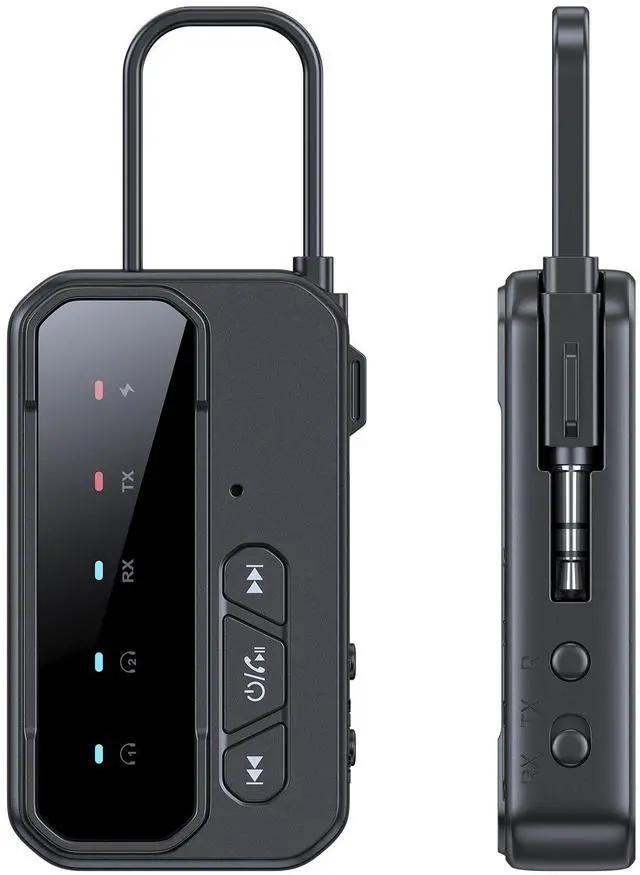
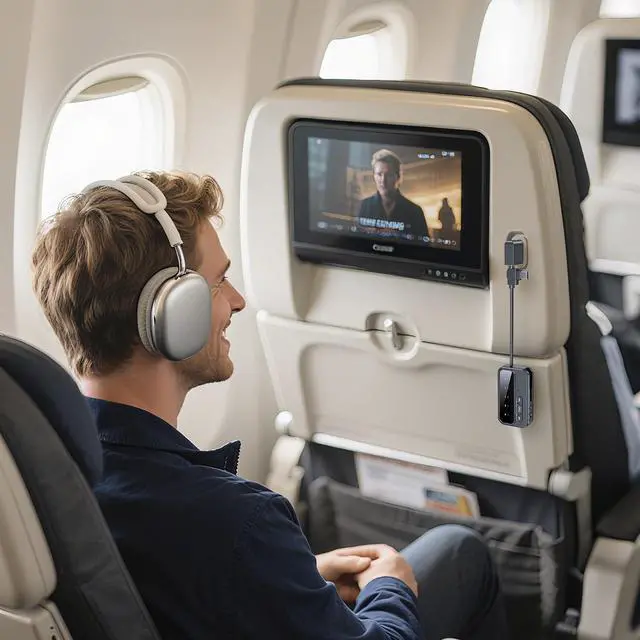
OPERATING INSTRUCTIONS: As a Wireless Transmitter(TX mode) 1). Connect your audio source (TV, computer, DvD player, etc.) toadapter with the audio cable (AUX) or type c. 2). Turn on the adapter, slide to TX mode (TX LED stays RED), andenter pairing mode (devices l and 2 LED flash blue). Set yourWireless headphones or speakers to pairing mode and wait forpairing to succeed (device 1 LED stops flashing). 3). After pairing with the first device, quickly press the "play back"buttontwice (device 2 LED flashes blue) to enter pairing mode. Thenproceed to pair with the second device. Pairing is successful (device 2 LED stops flashing). As a Wireless Receiver (RX mode) 1). Connect your speaker to adapter with the audio cable (AUX) ortype c. 2). Turn on the device, slide to RX mode (RX LED stays blue), enterpairing mode (device 1 and 2 LED flash blue).Activate Wireless onyour phone/computer/tablet, click BT-108 connection, and wait forpairing to succeed (LED stops flashing). You can connect twodevices at the same time.
| Brand | FMIIFMS |
| Hardware Interface | Bluetooth |
| Color | black |
| Compatible Devices | Desktop, Game Console, Headphone, Laptop, Smart TV, Smartphone, Speaker, Tablet |
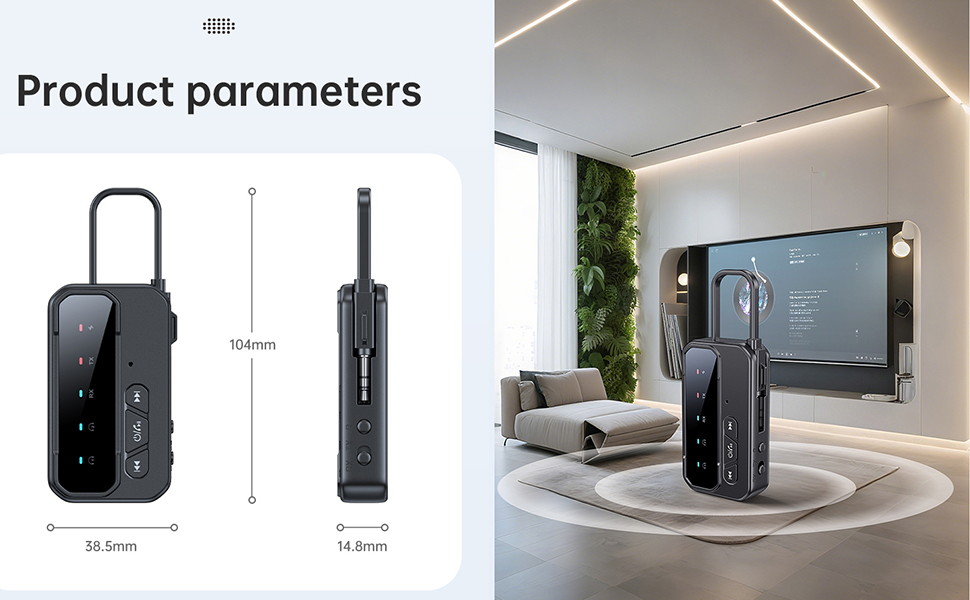
| Product Dimensions | 4"L x 3"W x 0.6"H |
| Data Link Protocol | Bluetooth |
| Manufacturer | FMIIFMS |
| Item Weight | 1.94 ounces |
| Item model number | BT-108 |
| Batteries | 1 Lithium Polymer batteries required. |
| Date First Available | June 21, 2024 |