here!
here!
I’m your shopping assistant for PC builds, upgrades, and everything tech.
Got questions? Ask away!
Start a conversation
here!
I’m your shopping assistant for PC builds, upgrades, and everything tech.
Got questions? Ask away!
Start a conversation

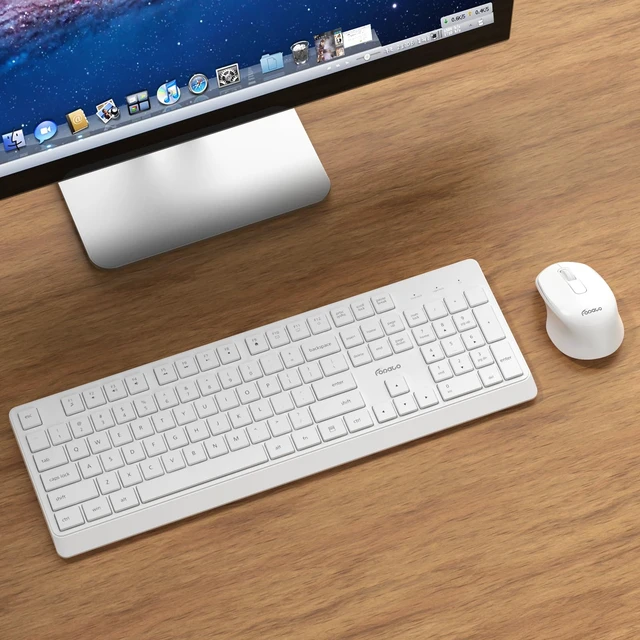



Any questions? Ask CelesteSM will help you find out quickly.
 FOPATO K503-White |  FOPATO K503-Pink |  FOPATO K503-Grey |  FOPATO K503-Grey&White |  FOPATO K503-Blue&White | 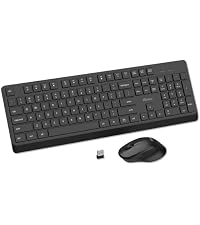 FOPATO K503-Black | |
|---|---|---|---|---|---|---|
Customer Reviews | — | — | — | — | — | — |
Price | — | — | — | — | — | — |
Color | White | Pink | Grey | Grey&White | Blue&White | Black |
Connection | 2.4Ghz Wireless | 2.4Ghz Wireless | 2.4Ghz Wireless | 2.4Ghz Wireless | 2.4Ghz Wireless | 2.4Ghz Wireless |
Compatible System | Windows/macOS/ChromeOS/Linux | Windows/macOS/ChromeOS/Linux | Windows/macOS/ChromeOS/Linux | Windows/macOS/ChromeOS/Linux | Windows/macOS/ChromeOS/Linux | Windows/macOS/ChromeOS/Linux |
Battery Type | 1*AAA(Keyboard)&1*AA(Mouse) | 1*AAA(Keyboard)&1*AA(Mouse) | 1*AAA(Keyboard)&1*AA(Mouse) | 1*AAA(Keyboard)&1*AA(Mouse) | 1*AAA(Keyboard)&1*AA(Mouse) | 1*AAA(Keyboard)&1*AA(Mouse) |
Auto Standby | ? | ? | ? | ? | ? | ? |
Where should the USB receiver be placed? How many USB receivers are included?
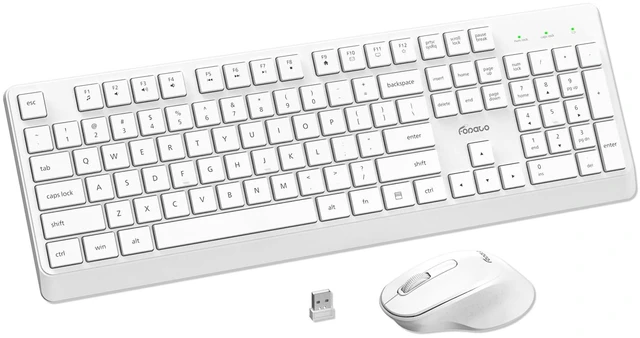
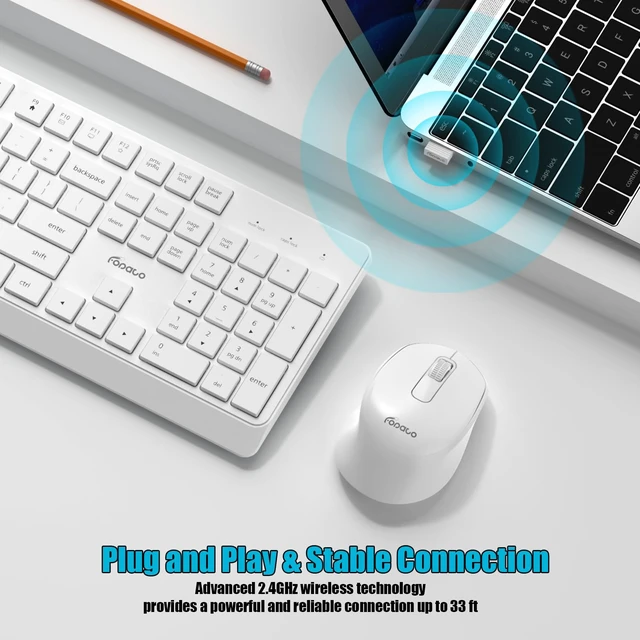
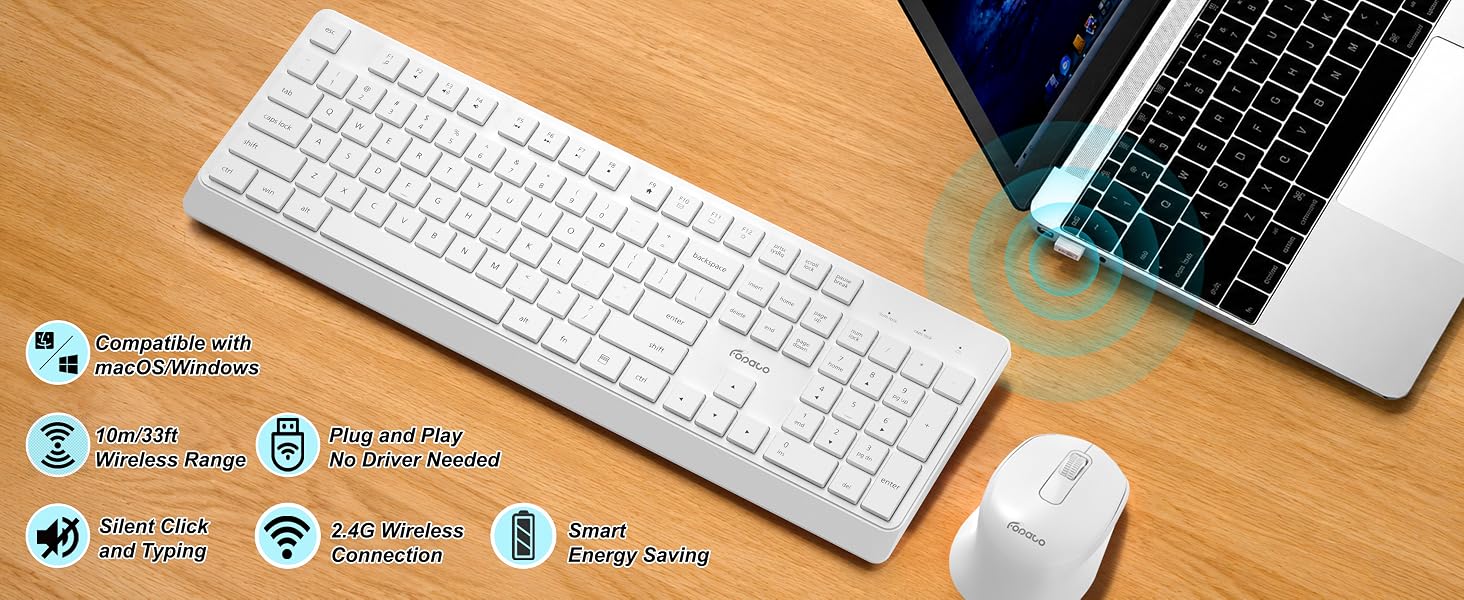
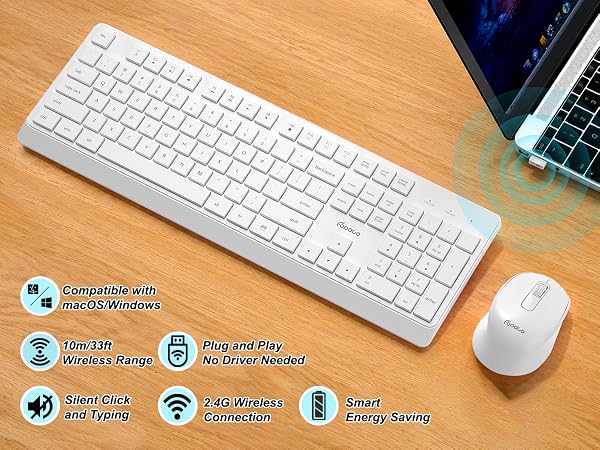
The receiver is stored in the dedicated compartment inside the mouse's battery compartment. It's a 2-in-1 receiver that works for both the keyboard and mouse. Plug it into device's USB port and play. No additional drivers are required.
Is it compatible with Mac devices?
Yes, it is compatible with Mac (supports macOS), and also works with Windows, ChromeOS, and Linux. It offers strong cross-platform compatibility.
How far is the wireless range?
The wireless range can reach up to 10 meters (33 feet).
Can the keyboard and mouse be used separately?
Yes, you can. Although the keyboard and mouse share a single receiver, you can use the keyboard alone, or the mouse alone, freely mixing and matching them to suit your needs.
What type of batteries do the keyboard and mouse use?
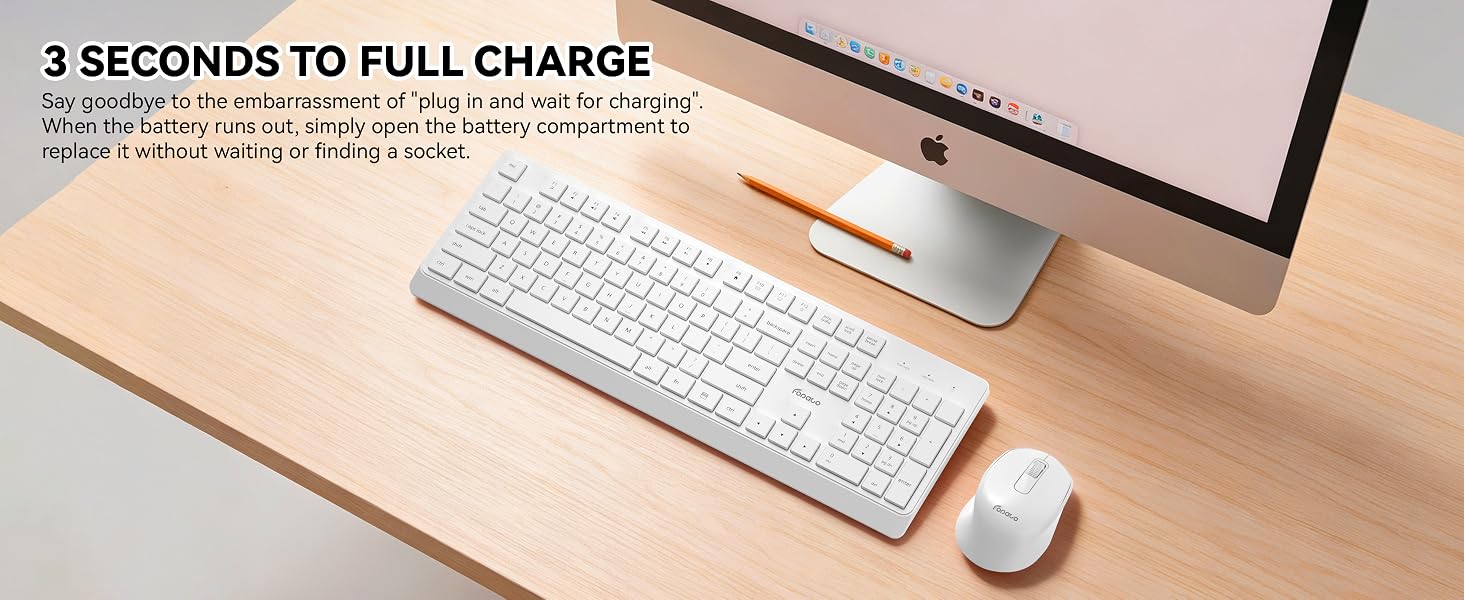
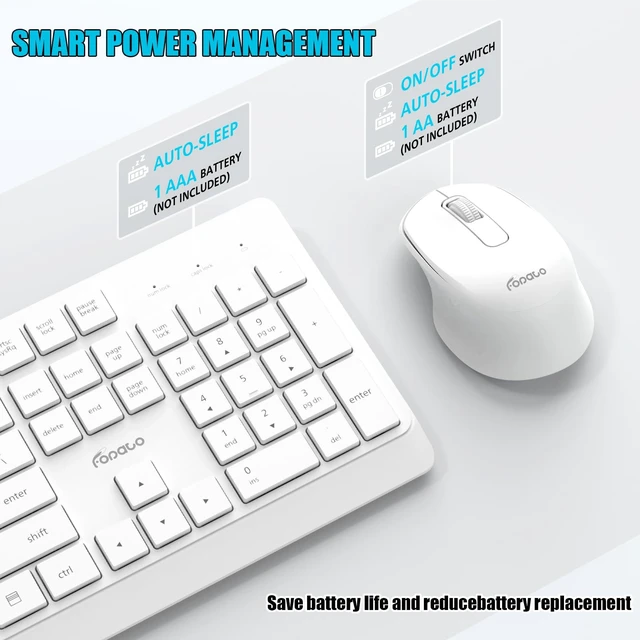
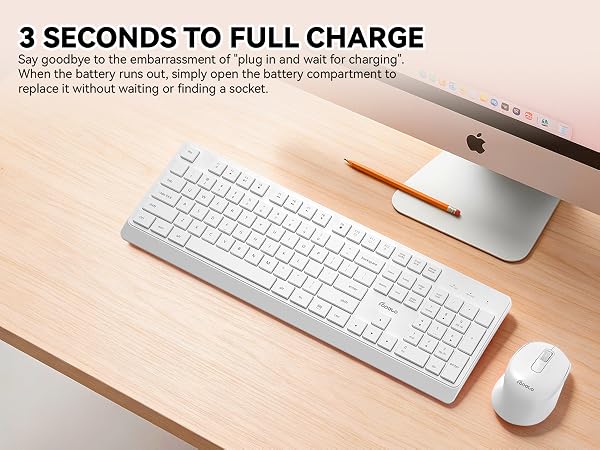
The keyboard uses one AAA battery, and the mouse uses one AA battery. Thanks to the intelligent standby power-saving mode, a single battery change can provide several months of usage.


FOPATO K503-White | FOPATO K503-Pink | FOPATO K503-Grey | FOPATO K503-Grey&White | FOPATO K503-Blue&White | FOPATO K503-Black |
|---|---|---|---|---|---|
| Customer Reviews | |||||
| — | — | — | — | — | — |
| Price | |||||
| — | — | — | — | — | — |
| Color | |||||
| White | Pink | Grey | Grey&White | Blue&White | Black |
| Connection | |||||
| 2.4Ghz Wireless | 2.4Ghz Wireless | 2.4Ghz Wireless | 2.4Ghz Wireless | 2.4Ghz Wireless | 2.4Ghz Wireless |
| Compatible System | |||||
| Windows/macOS/ChromeOS/Linux | Windows/macOS/ChromeOS/Linux | Windows/macOS/ChromeOS/Linux | Windows/macOS/ChromeOS/Linux | Windows/macOS/ChromeOS/Linux | Windows/macOS/ChromeOS/Linux |
| Battery Type | |||||
| 1*AAA(Keyboard)&1*AA(Mouse) | 1*AAA(Keyboard)&1*AA(Mouse) | 1*AAA(Keyboard)&1*AA(Mouse) | 1*AAA(Keyboard)&1*AA(Mouse) | 1*AAA(Keyboard)&1*AA(Mouse) | 1*AAA(Keyboard)&1*AA(Mouse) |
| Auto Standby | |||||
| ? | ? | ? | ? | ? | ? |
Where should the USB receiver be placed? How many USB receivers are included?
The receiver is stored in the dedicated compartment inside the mouse's battery compartment. It's a 2-in-1 receiver that works for both the keyboard and mouse. Plug it into device's USB port and play. No additional drivers are required.
Is it compatible with Mac devices?
Yes, it is compatible with Mac (supports macOS), and also works with Windows, ChromeOS, and Linux. It offers strong cross-platform compatibility.
How far is the wireless range?
The wireless range can reach up to 10 meters (33 feet).
Can the keyboard and mouse be used separately?
Yes, you can. Although the keyboard and mouse share a single receiver, you can use the keyboard alone, or the mouse alone, freely mixing and matching them to suit your needs.
What type of batteries do the keyboard and mouse use?
The keyboard uses one AAA battery, and the mouse uses one AA battery. Thanks to the intelligent standby power-saving mode, a single battery change can provide several months of usage.