• $22.99
  • Price alert

    Shipped by WeiErSieJiaFang

    Shop it at NeweggBusiness.

    Meet Your Seller

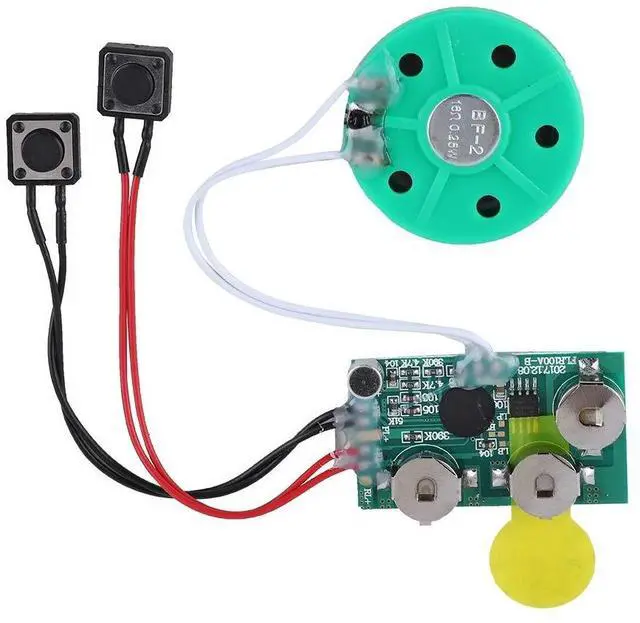
    4 Minutes DIY Greeting Card Chip Music Sound Voice Recording Module Device Chip Recordable Sound Chip for Christmas Cards, Holiday Creative Gift Boxes, Jewelry Boxes, Crafts, Children's Toys

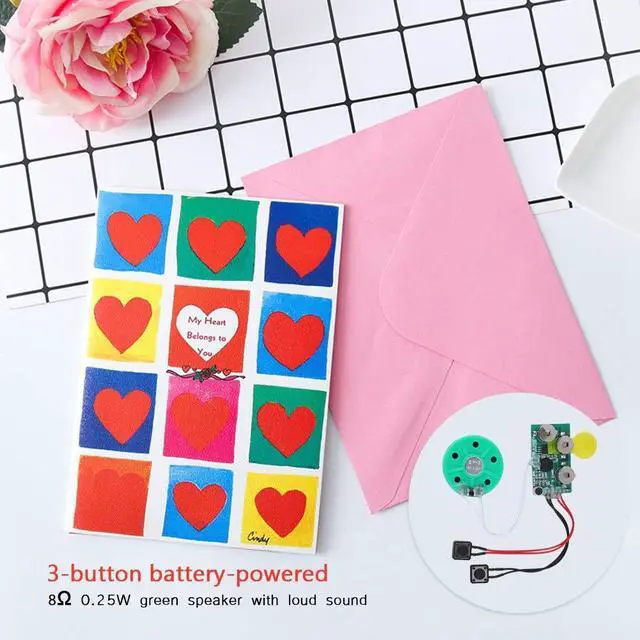
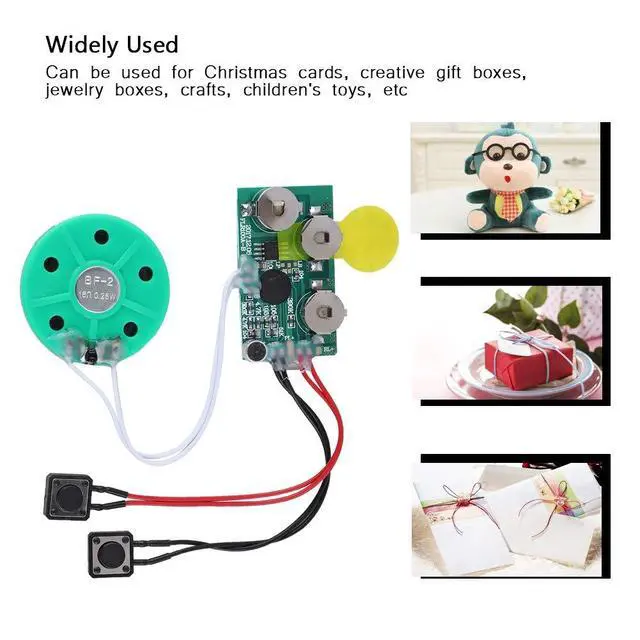
    • Widely used Can be used for Christmas cards , creative gift boxes , jewelry boxes , crafts , children's toys , etc.
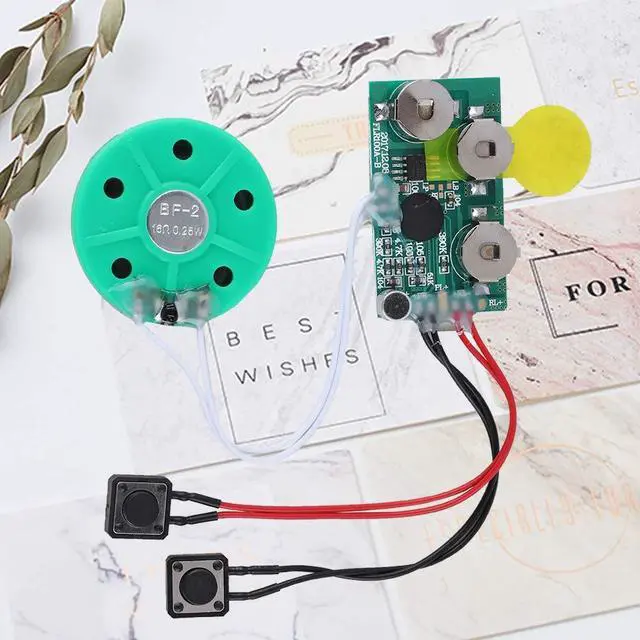
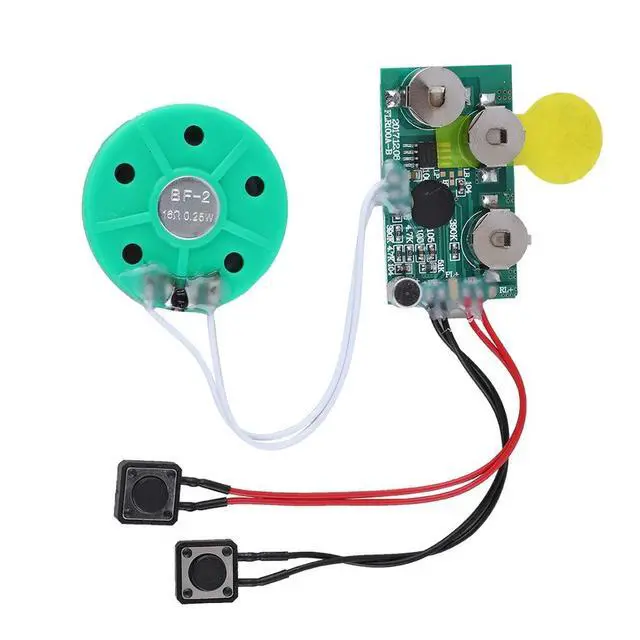
    • 3 battery powered , 8 0.25W green speaker with loud sound.
    • Control the voice movement with induction.
    • The cable length is designed for your convenience. Selectable play mode Loop play ,one time play. The recording can be repeated , and each recording will overwrite the last recording.
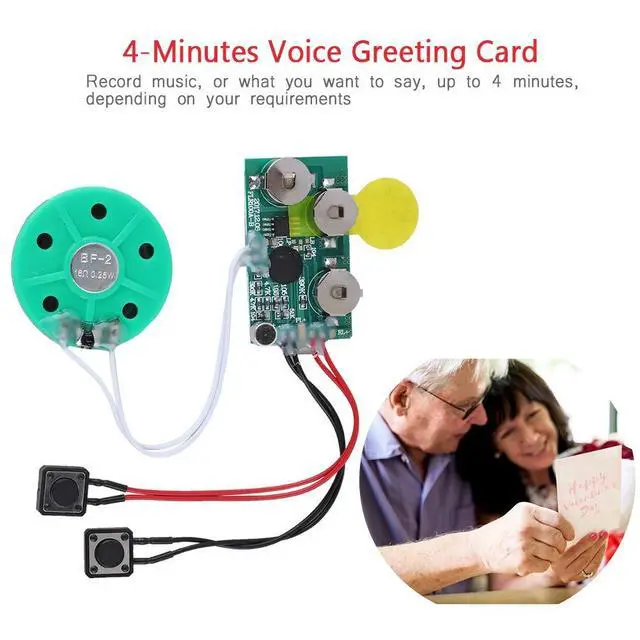
    • 4 minutes - Record music, or what you want to say, up to 4 minutes, depending on your requirements.
    • Widely used Can be used for Christmas cards , creative gift boxes , jewelry boxes , crafts , children's toys , etc.
    • 3 battery powered , 8 0.25W green speaker with sound.
    • Control the voice movement with induction.
    • The cable length is designed for your convenience. Selectable play mode Loop play ,one time play. The recording can be repeated , and each recording will overwrite the last recording.
    • 4 minutes - Record music, or what you want to say, up to 4 minutes, depending on your requirements.
    +
    +
    Overview
    Specs
    Reviews
    avatar

    Any questions? Our AI beta will help you find out quickly.

    Specification:

    Type: Voice Greeting Card

    Recording time: 4 minutes

    Working voltage: 3 batteries (3.0 4.5V)(Included)

    Function: the to play music , or loop play

    Play mode: loop play ,one time play.

    The board has a length of 46mm , a width of 27mm and a height of 10mm.

    Horn diameter Approx. 40mm

    Horn thickness: Approx. 5mm

    cable length Approx. 10cm

    Weight: Approx. 22g

    Package list:

    1 * Voice Greeting Card

    Note:

    Please allow slight error due to manual measurement. Thanks for your kind understanding.

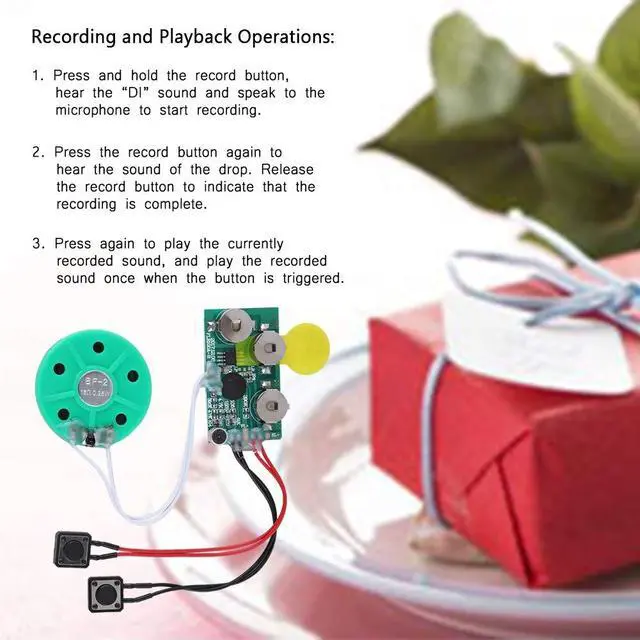
    Recording and Playback Operations:

    1. Press and hold the record , hear the ''DI'' sound and speak to the microphone to start recording.

    2. Press the record again to hear the sound of the drop. Release the record to indicate that the recording is complete.

    3. Press again to play the currently recorded sound , and play the recorded sound once when the is triggered.

    Warranty & Returns

    Warranty, Returns, And Additional Information

    Warranty

    • Please contact the Seller directly for warranty information. Warranty information may also be found on the Manufacturer's website.
    • CONTACT

    Return Policies

    Manufacturer Contact Info

    LOADING...