here!
here!
I’m your shopping assistant for PC builds, upgrades, and everything tech.
Got questions? Ask away!
Start a conversation
here!
I’m your shopping assistant for PC builds, upgrades, and everything tech.
Got questions? Ask away!
Start a conversation



Any questions? Ask CelesteSM will help you find out quickly.
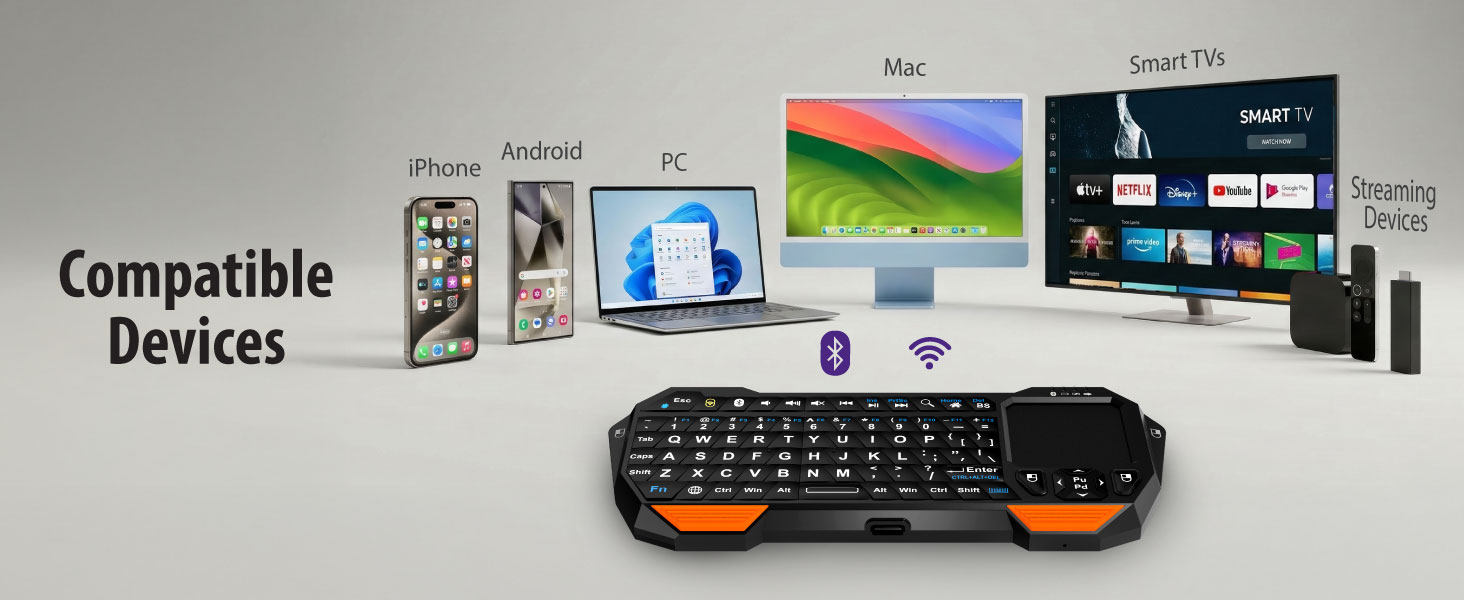
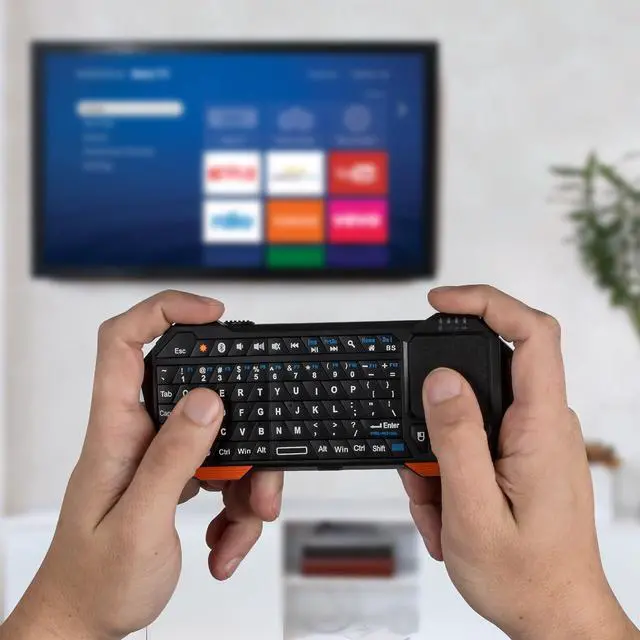
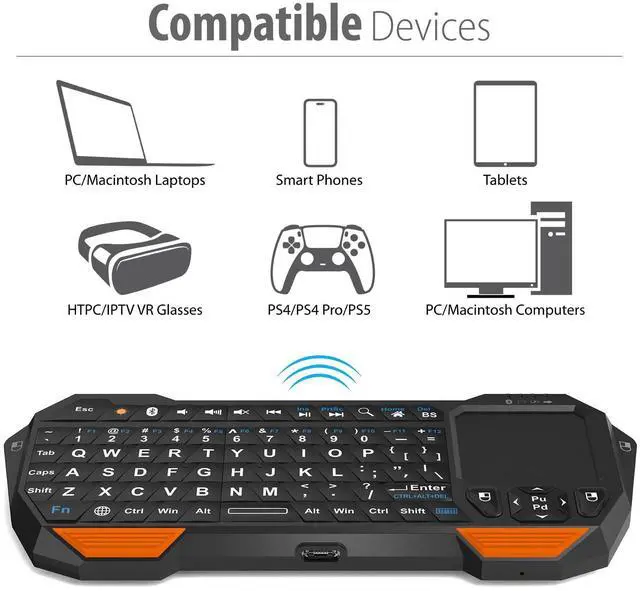
Does it work with smart TVs?
Yes! It is compatible with most Smart TVs from 2015 onwards. You can connect it via Bluetooth, or by plugging the included 2.4GHz USB receiver into your TV's USB port.
Does it work with gaming consoles?
It may work with consoles that support Bluetooth keyboards or USB keyboard input via the 2.4GHz receiver. Compatibility can vary by console, game, and app. Some features, such as the touchpad or shortcuts, may not be supported.
Does it have a sleep mode?
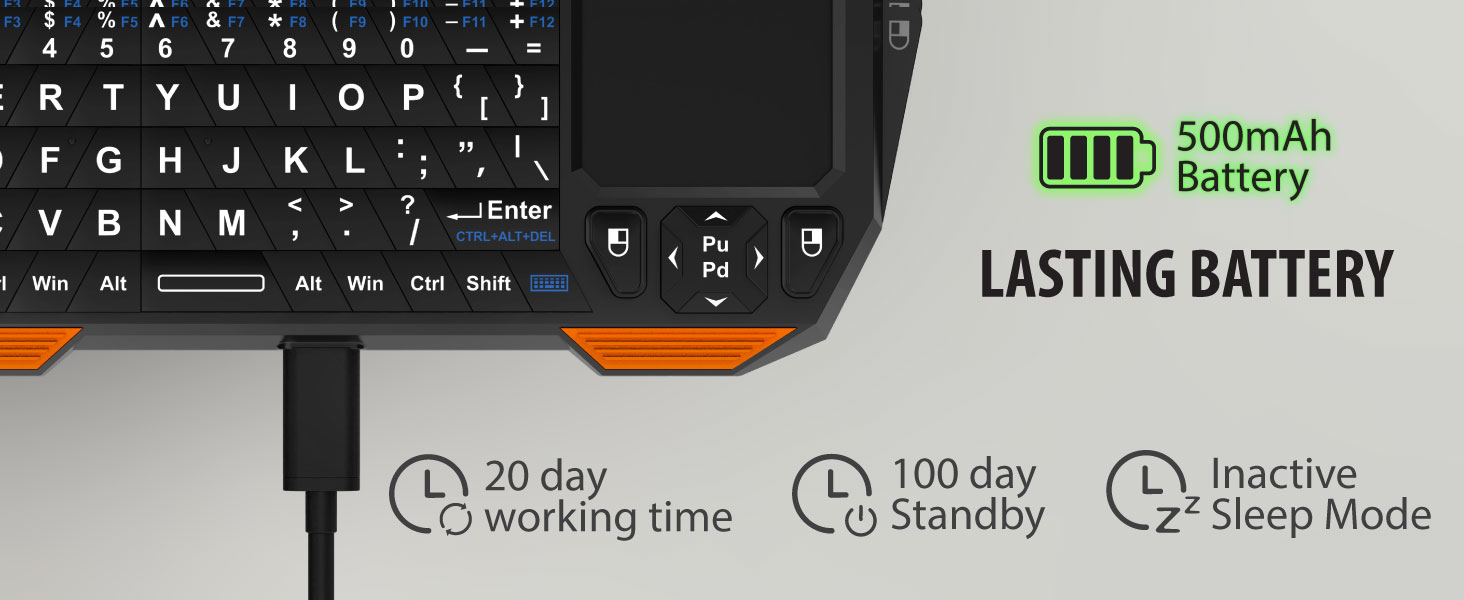
Yes. The keyboard is designed with a power-saving standby function to help conserve battery when not in use. Simply wake or reconnect the keyboard when you are ready to use it again.
Is it easy to switch between modes?
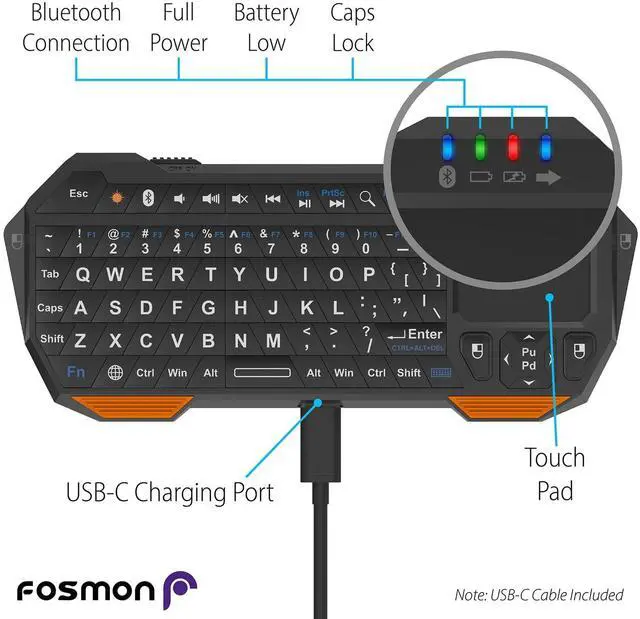
Yes. The keyboard has dedicated Bluetooth and 2.4GHz buttons, making it simple to choose between Bluetooth mode and 2.4GHz receiver mode. The indicator lights help show which mode is being used or paired.
Is it easy to set up?
Yes. For 2.4GHz mode, plug in the USB receiver and press the 2.4GHz button. For Bluetooth mode, press and hold the Bluetooth button to pair, then select “Bluetooth Keyboard” from your device’s Bluetooth list.
Does it work with smart TVs?
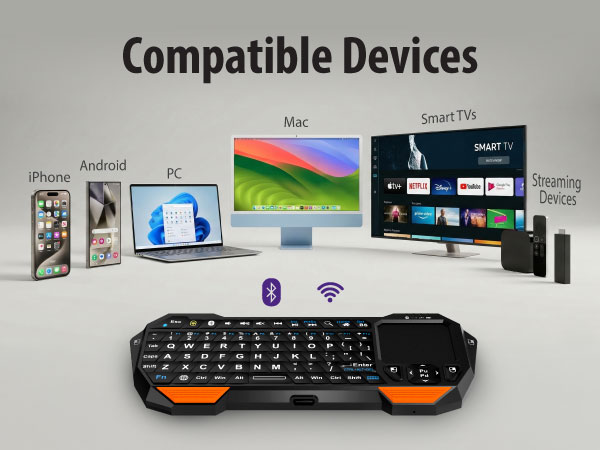
Yes! It is compatible with most Smart TVs from 2015 onwards. You can connect it via Bluetooth, or by plugging the included 2.4GHz USB receiver into your TV's USB port.
Does it work with gaming consoles?
It may work with consoles that support Bluetooth keyboards or USB keyboard input via the 2.4GHz receiver. Compatibility can vary by console, game, and app. Some features, such as the touchpad or shortcuts, may not be supported.
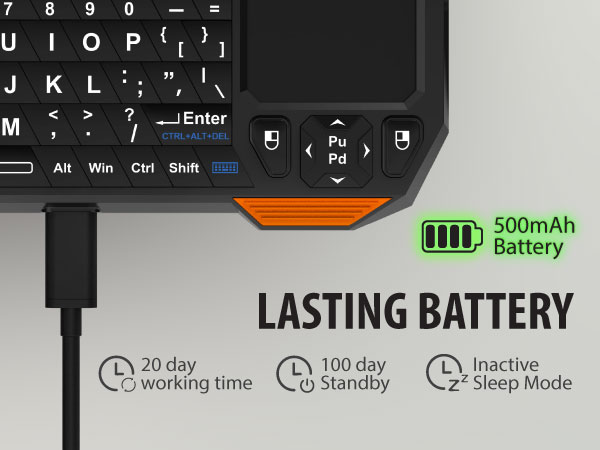
Does it have a sleep mode?
Yes. The keyboard is designed with a power-saving standby function to help conserve battery when not in use. Simply wake or reconnect the keyboard when you are ready to use it again.
Is it easy to switch between modes?
Yes. The keyboard has dedicated Bluetooth and 2.4GHz buttons, making it simple to choose between Bluetooth mode and 2.4GHz receiver mode. The indicator lights help show which mode is being used or paired.
Is it easy to set up?
Yes. For 2.4GHz mode, plug in the USB receiver and press the 2.4GHz button. For Bluetooth mode, press and hold the Bluetooth button to pair, then select “Bluetooth Keyboard” from your device’s Bluetooth list.


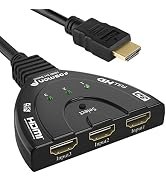


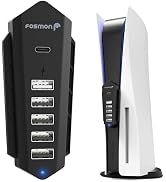
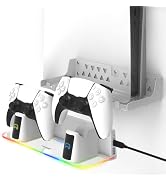
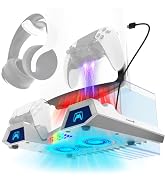


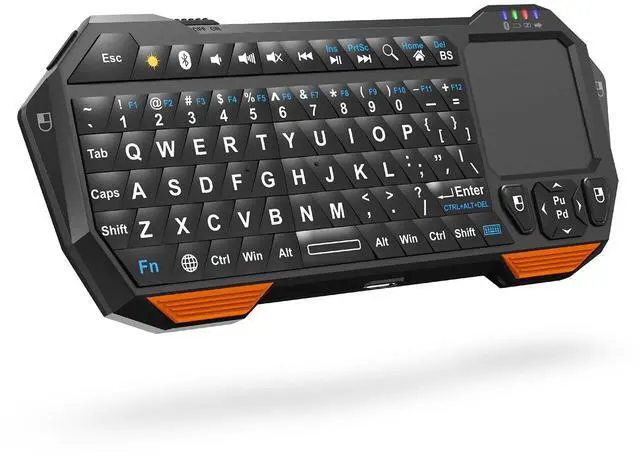
| Brand | Fosmon |
| Compatible Devices | Gaming Console, Smartphone, TV, Tablet |
| Connectivity Technology | Bluetooth 5.2; USB-A 2.4GHz Receiver |
| Keyboard Description | QWERTY |
| Recommended Uses For Product | Gaming |
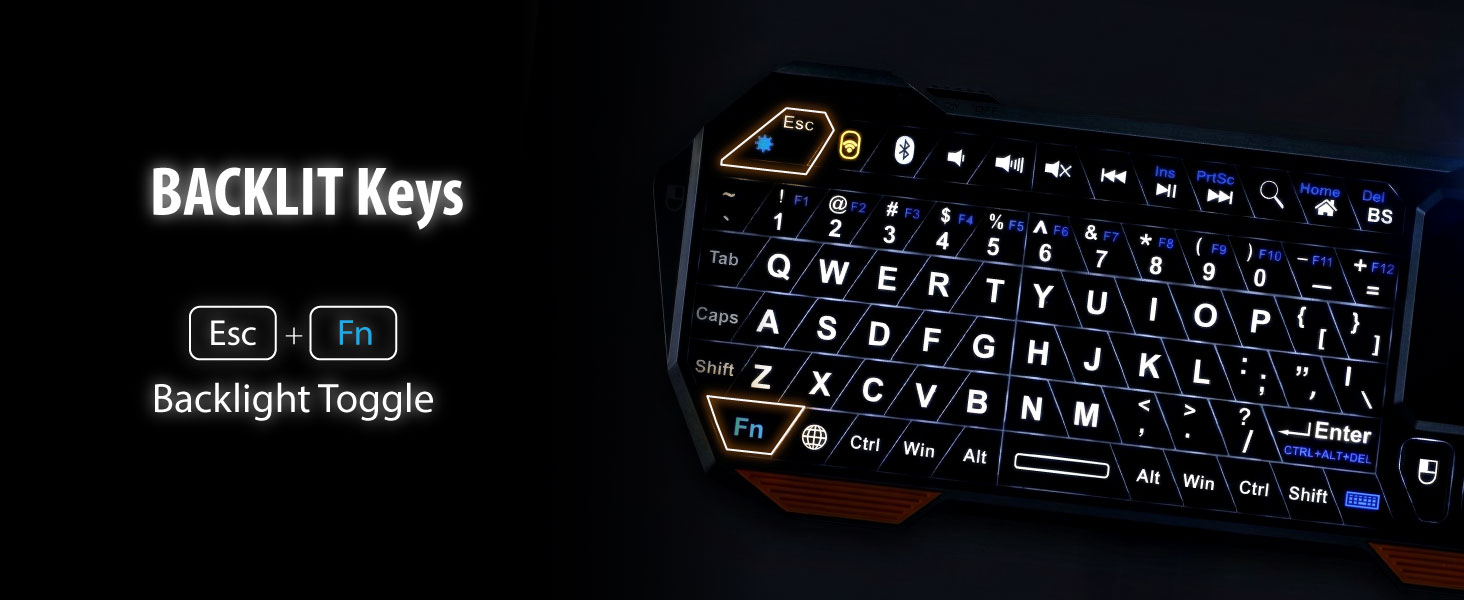
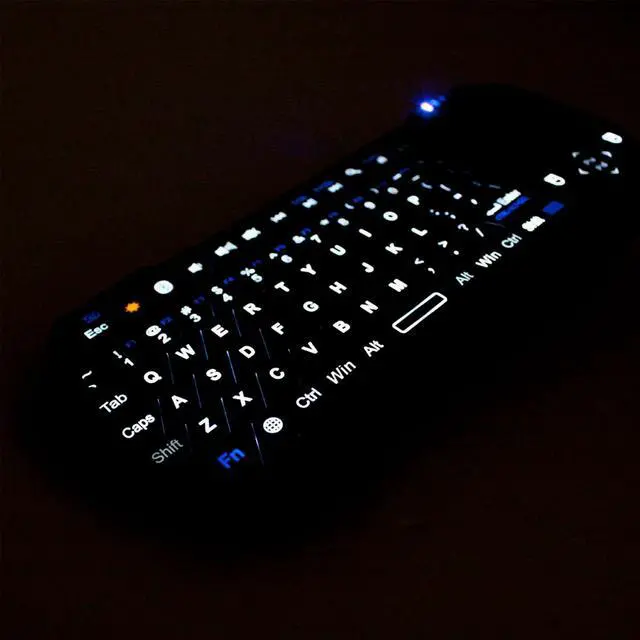
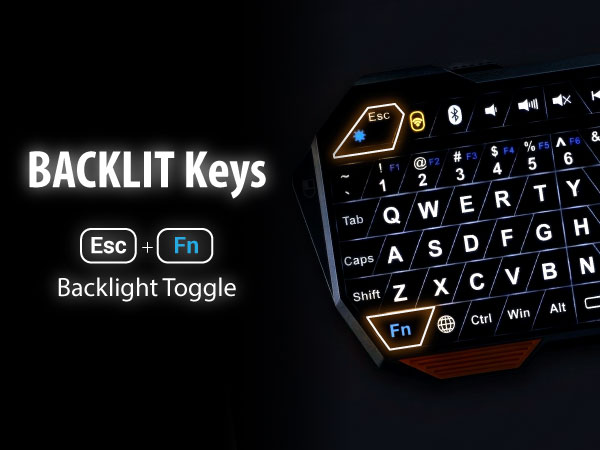
| Special Feature | Backlit |
| Color | Black/Orange |
| Keyboard backlighting color support | Single Color |
| Style | Bluetooth 5.2 + USB-A 2.4GHz Receiver |
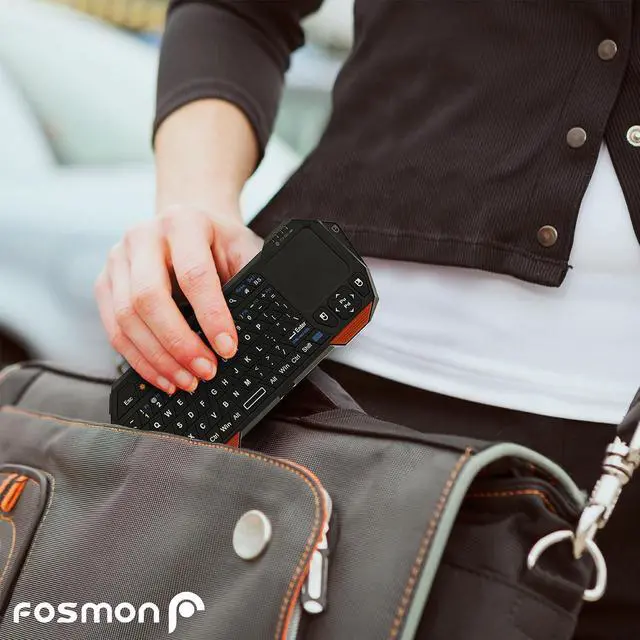
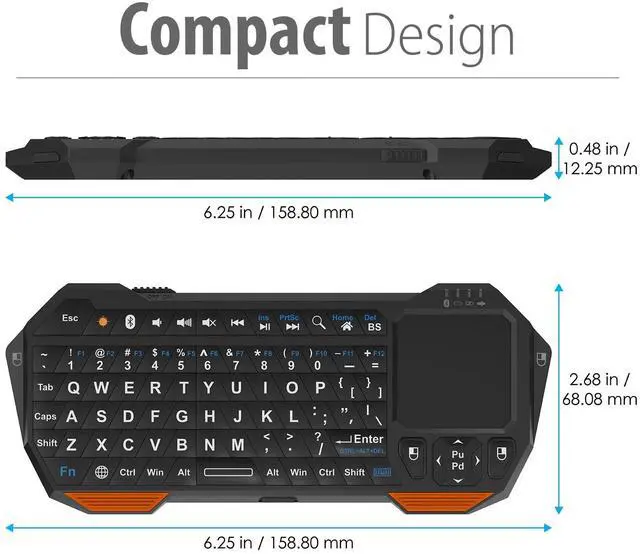
| Product Dimensions | 6.38"L x 2.72"W x 0.49"H |
| Additional Features | Backlit |
| Power Source | Rechargeable Battery |
| Switch Type | Touch Switch |
| Keyboard Layout | QWERTY |
| Hand Orientation | Ambidextrous |
| Button Quantity | 61 |
| Minimum Required Operating System Version | Windows 10 |
| Compatible Amazon Tablet Models | Amazon Fire 7 5th Generation, Amazon Fire 7 7th Generation, Amazon Fire 7 9th Generation, Amazon Fire HD 10 5th Generation, Amazon Fire HD 10 7th Generation, Amazon Fire HD 10 9th Generation, Amazon Fire HD 8 5th Generation, Amazon Fire HD 8 6th Generation, Amazon Fire HD 8 7th Generation, Amazon Fire HD 8 8th Generation, Amazon Fire HD 8 Plus 10th Generation, Amazon Fire HD 8 Plus 11th Generation, Amazon Fire HD 8 Plus 12th Generation, Amazon Fire HDX 8.9 4th Generation, Amazon Kindle Fire HD 2nd Generation, Amazon Kindle Fire HD 3rd Generation, Amazon Kindle Fire HD 4th Generation, Amazon Kindle Fire HD 8.9 2nd Generation, Amazon Kindle Fire HD 8.9 3rd Generation, Amazon Kindle Fire HDX 3rd Generation, Amazon Kindle Fire HDX 8.9 3rd Generation |
| Compatible Operating System Family | Linux, MacOS, Windows |
| Compatible Tablet Computer Models | Apple iPad (10th generation) |
| Number of Keys | 104 |
| Number of Sections | 1 |
| Style Name | Bluetooth 5.2 + USB-A 2.4GHz Receiver |
| Theme | Input Device, Wireless Controller |
| Antenna Location | Gaming |
| Built-In Media | 2.4GHz Dongle |
| Model Number | 23022KB |
| Model Name | 23022KB |
| Global Trade Identification Number | 00879565230227 |
| Unit Count | 1 Count |
| Manufacturer | OEM Computer Keyboards |
| UPC | 879565230227 725644435529 |
| Item Weight | 75 g |
| Mfr Part Number | 23022KB |
| Warranty Description | International Version (No Warranty). See US Version for warranty. |
| Item Dimensions L x W x H | 6.38"L x 2.72"W x 0.49"H |
| Enclosure Material | Acrylonitrile Butadiene Styrene |