Your Browsing History

100%



Any questions? Our AI beta will help you find out quickly.

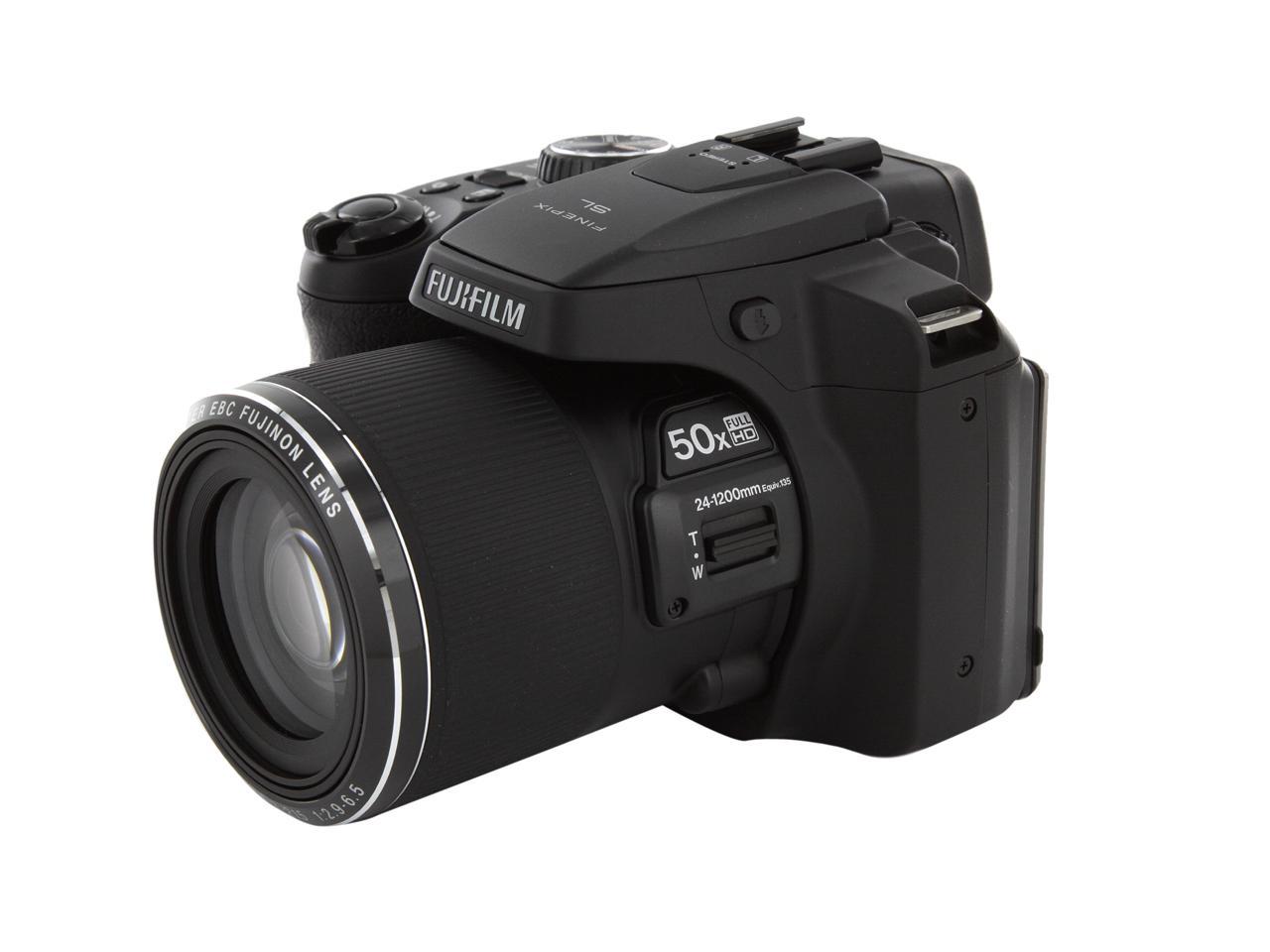
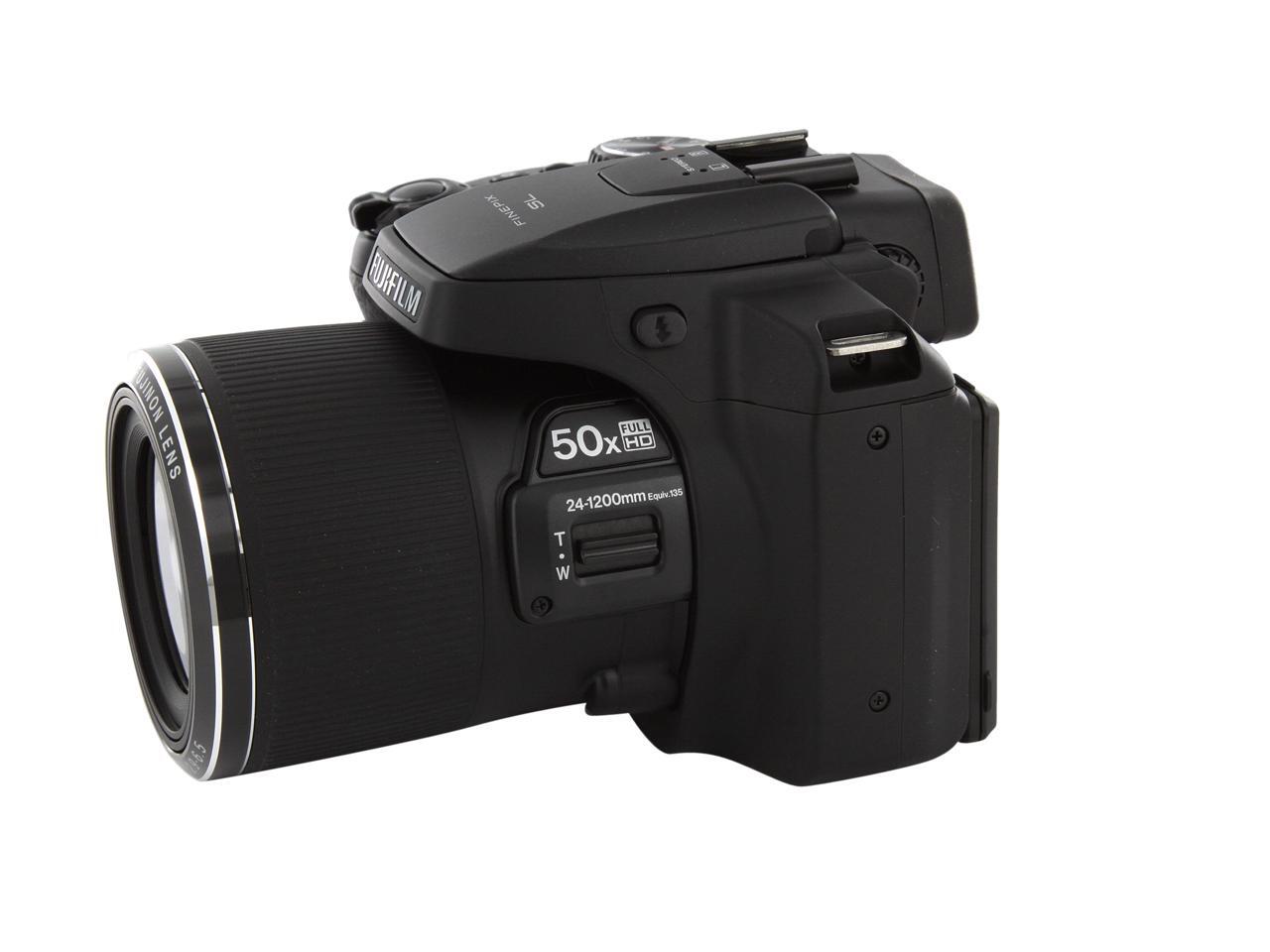
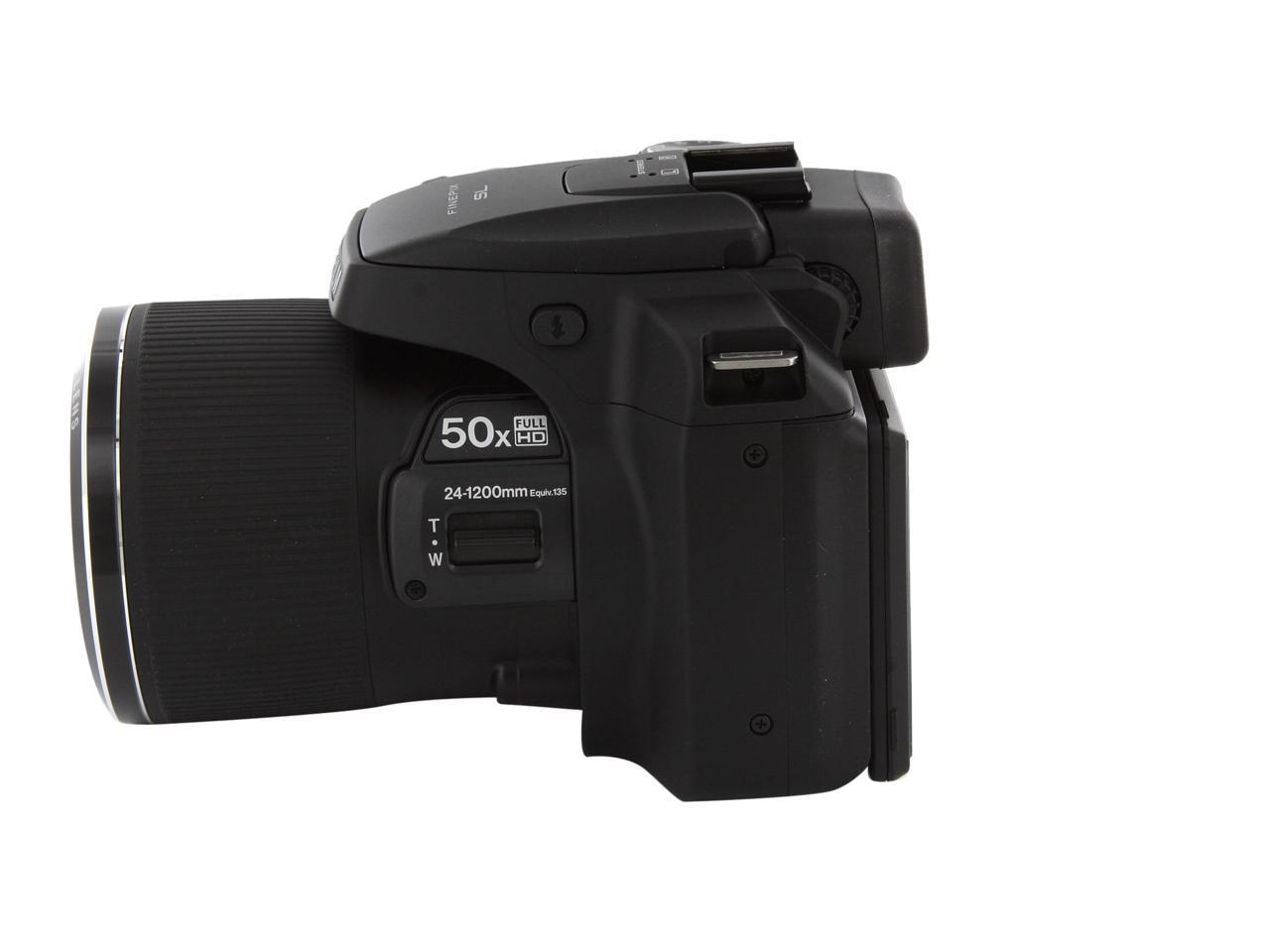
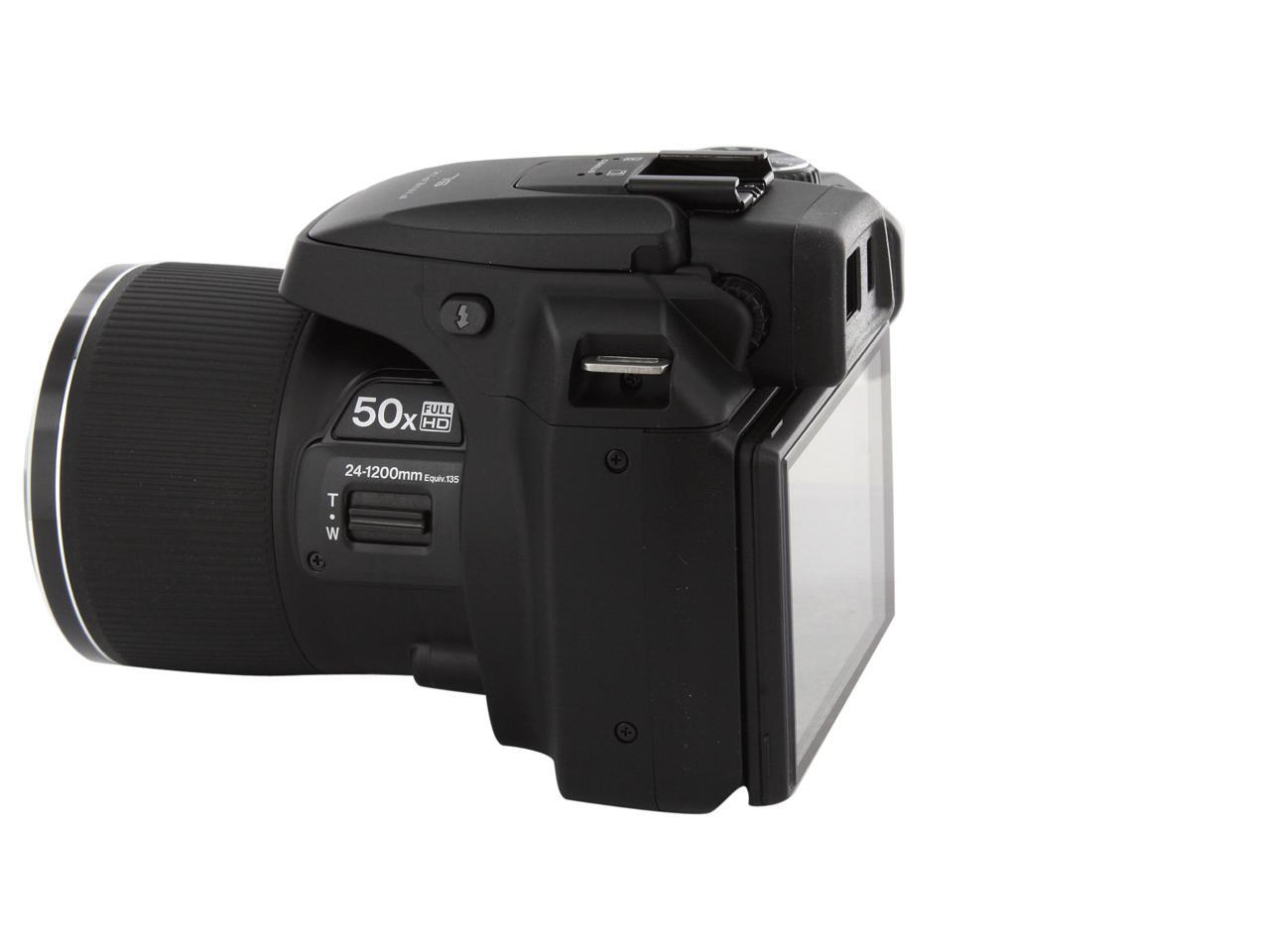
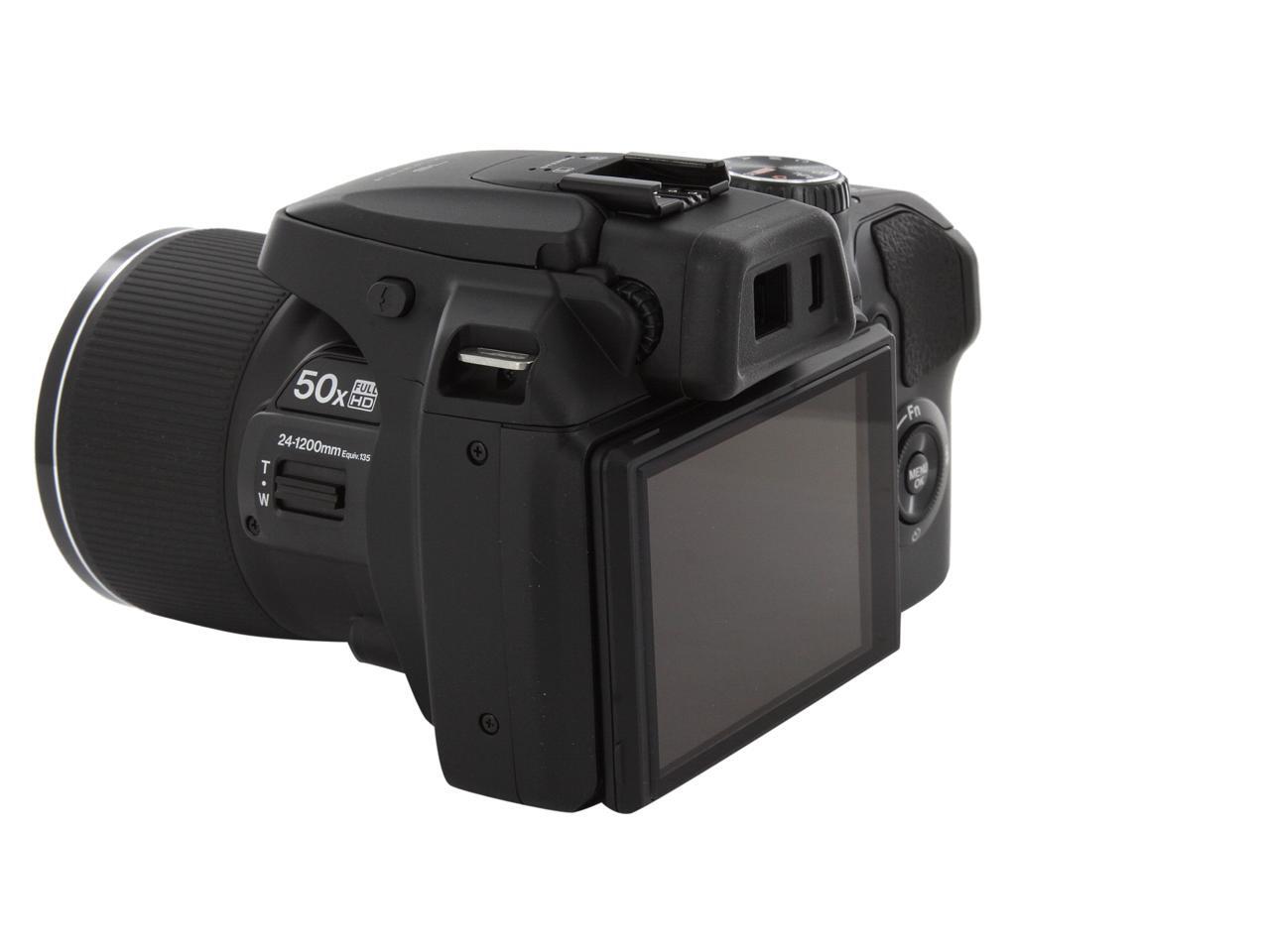
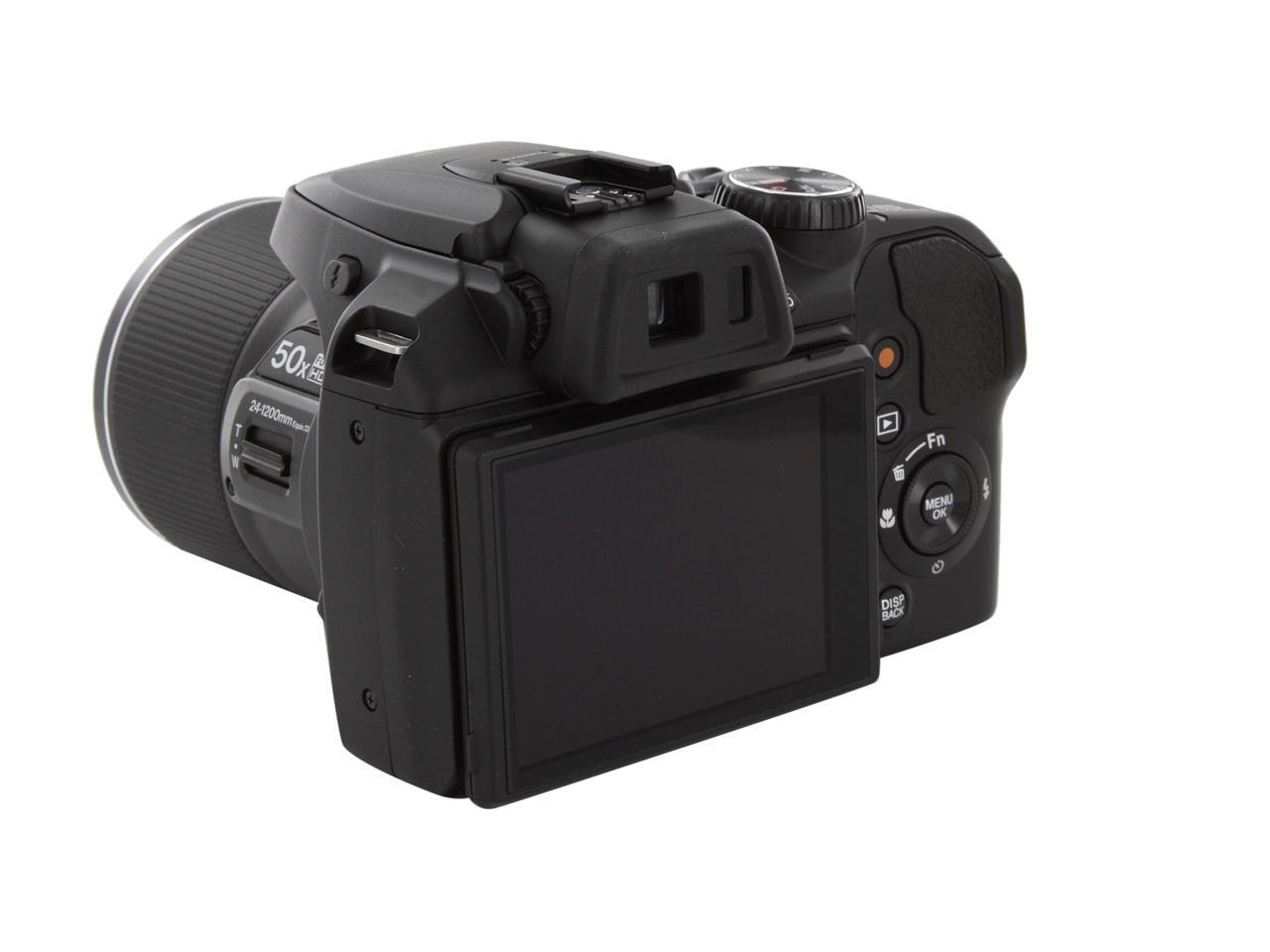
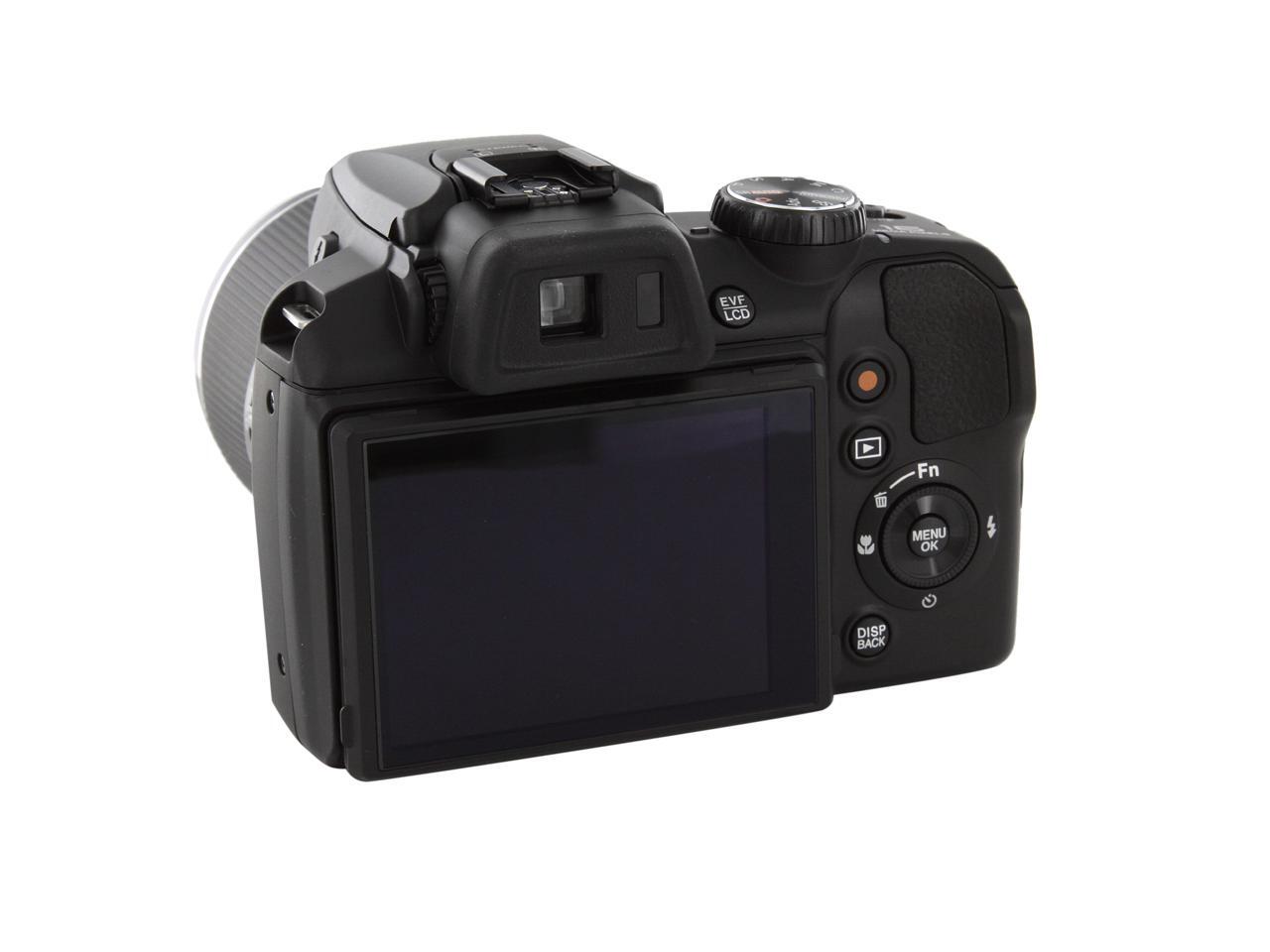
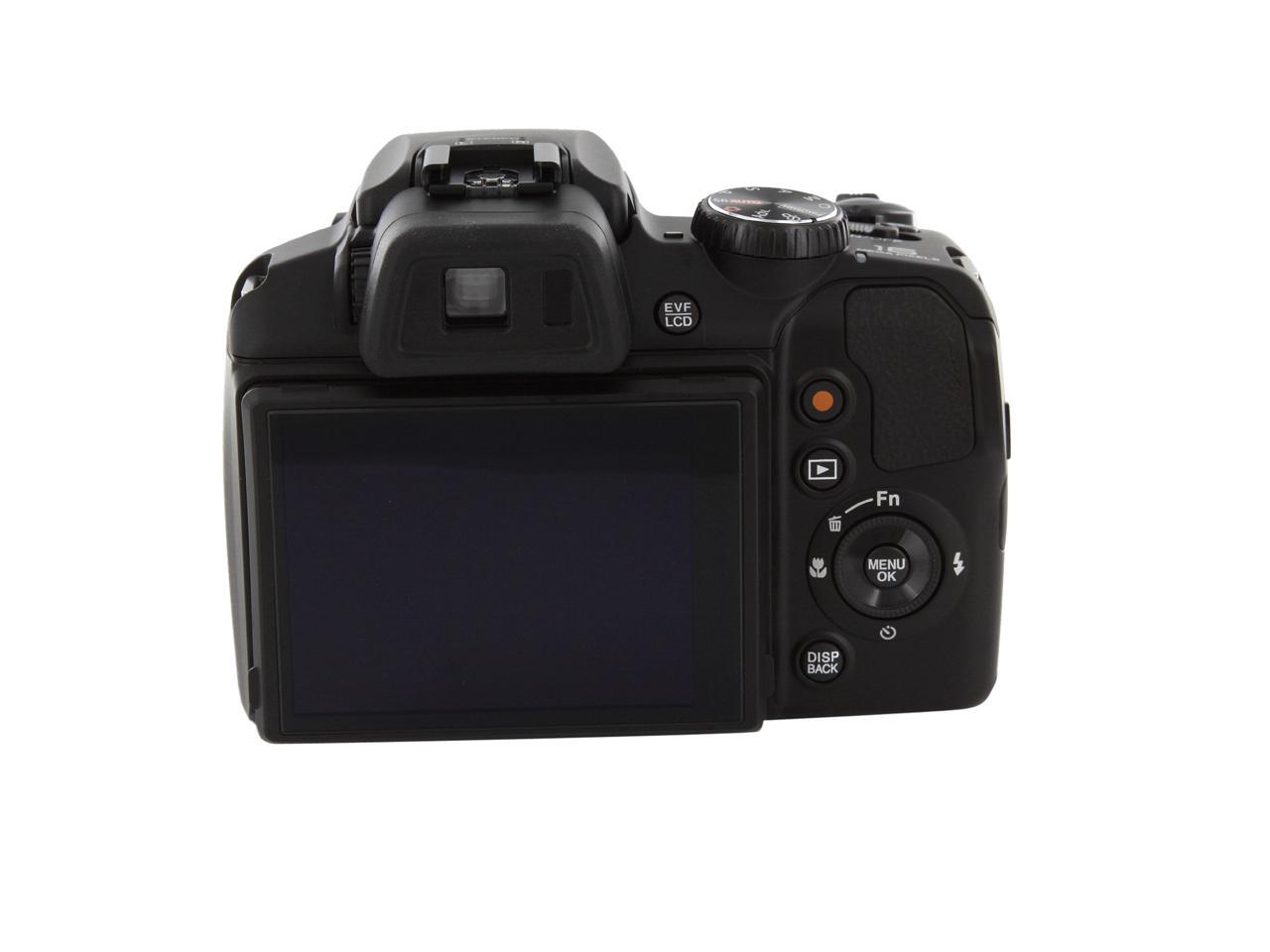
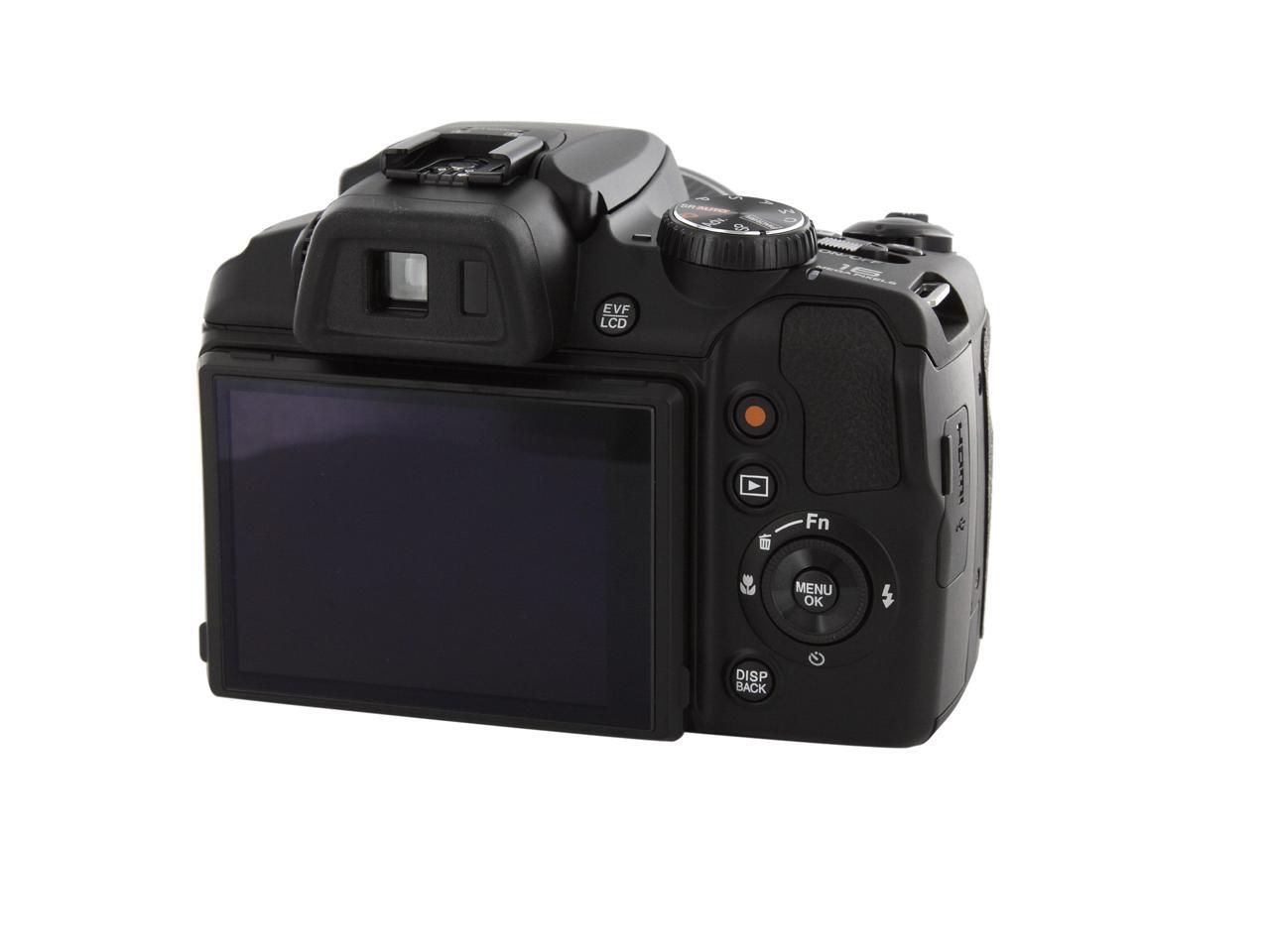
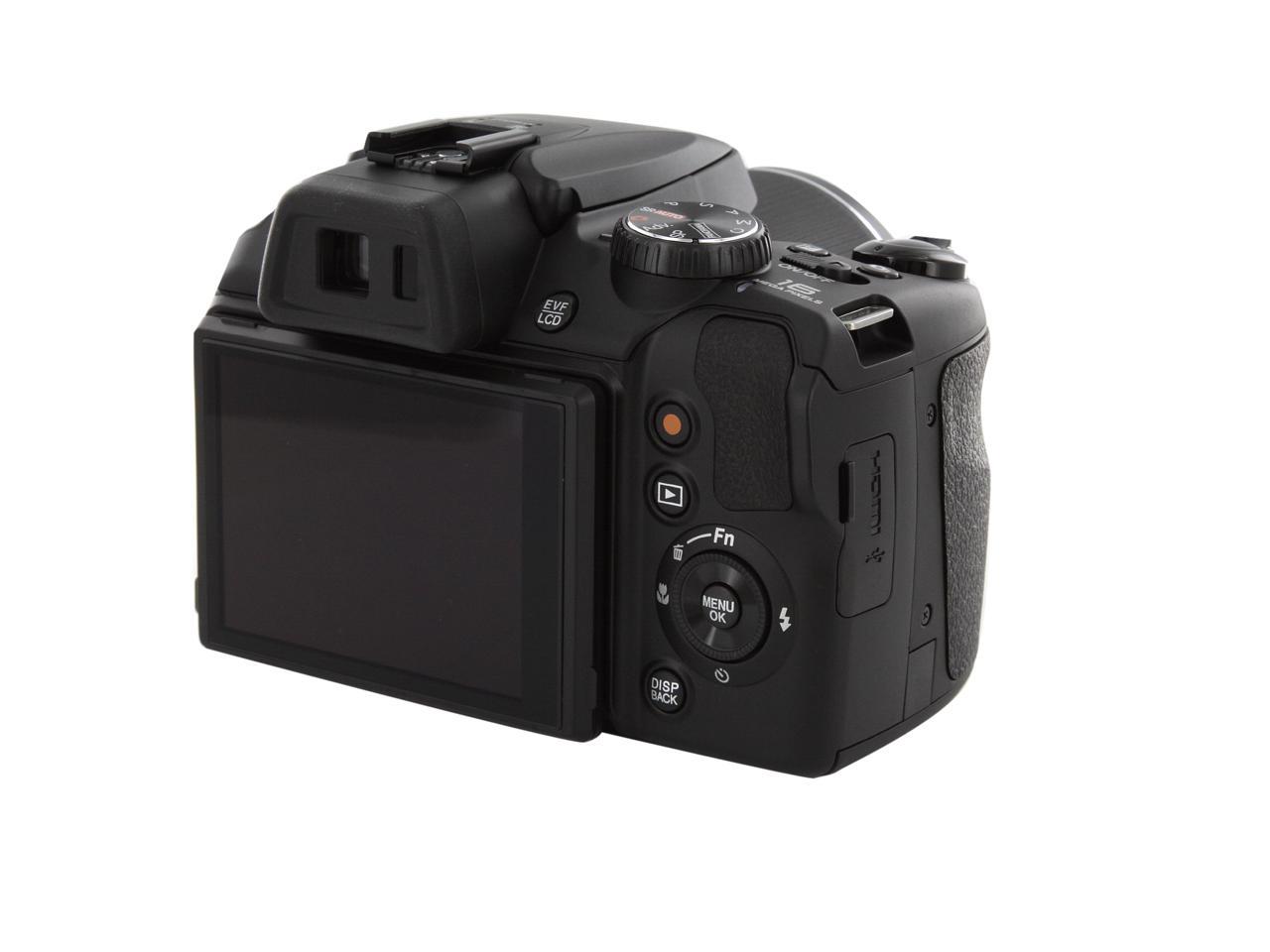
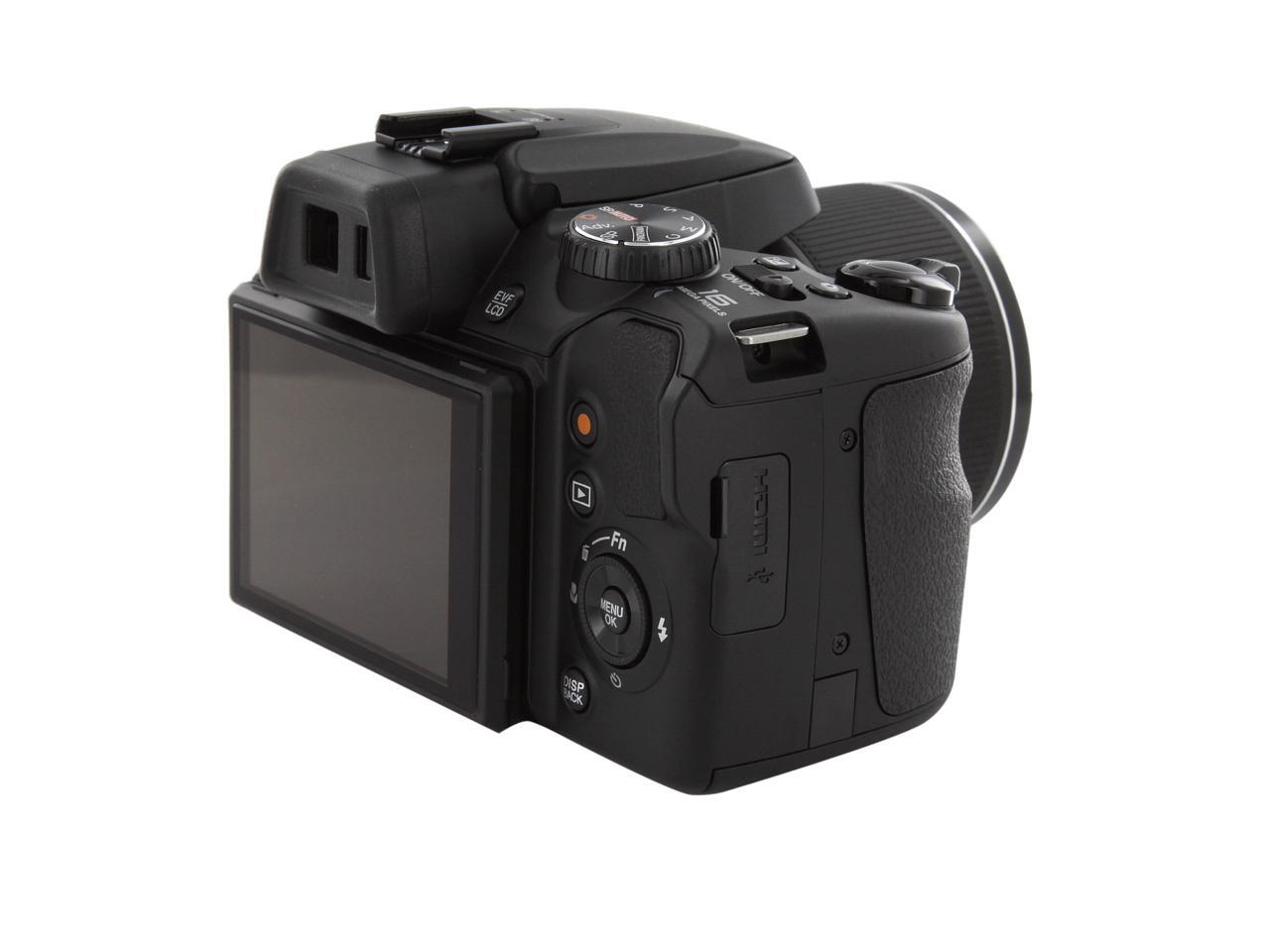
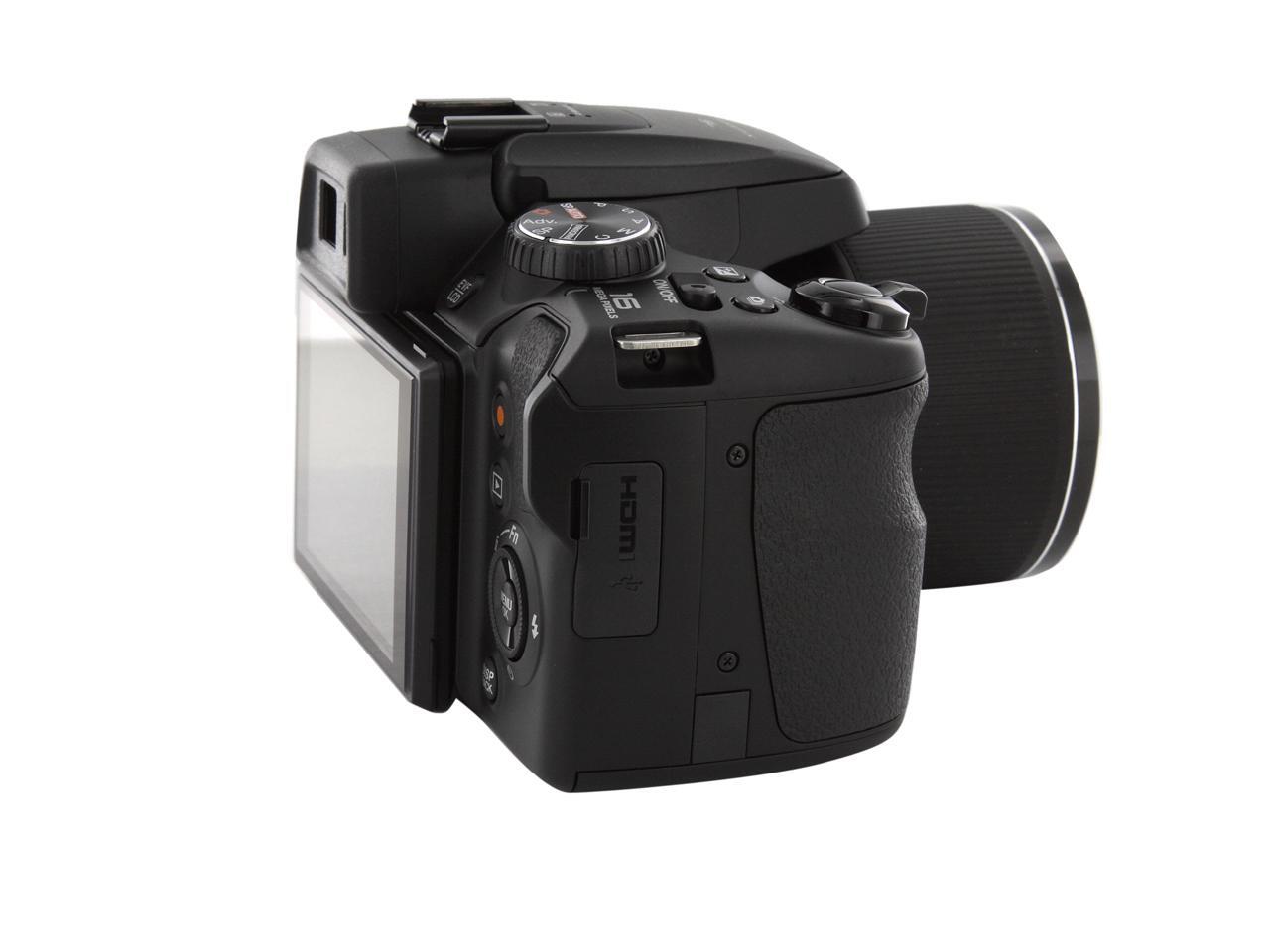
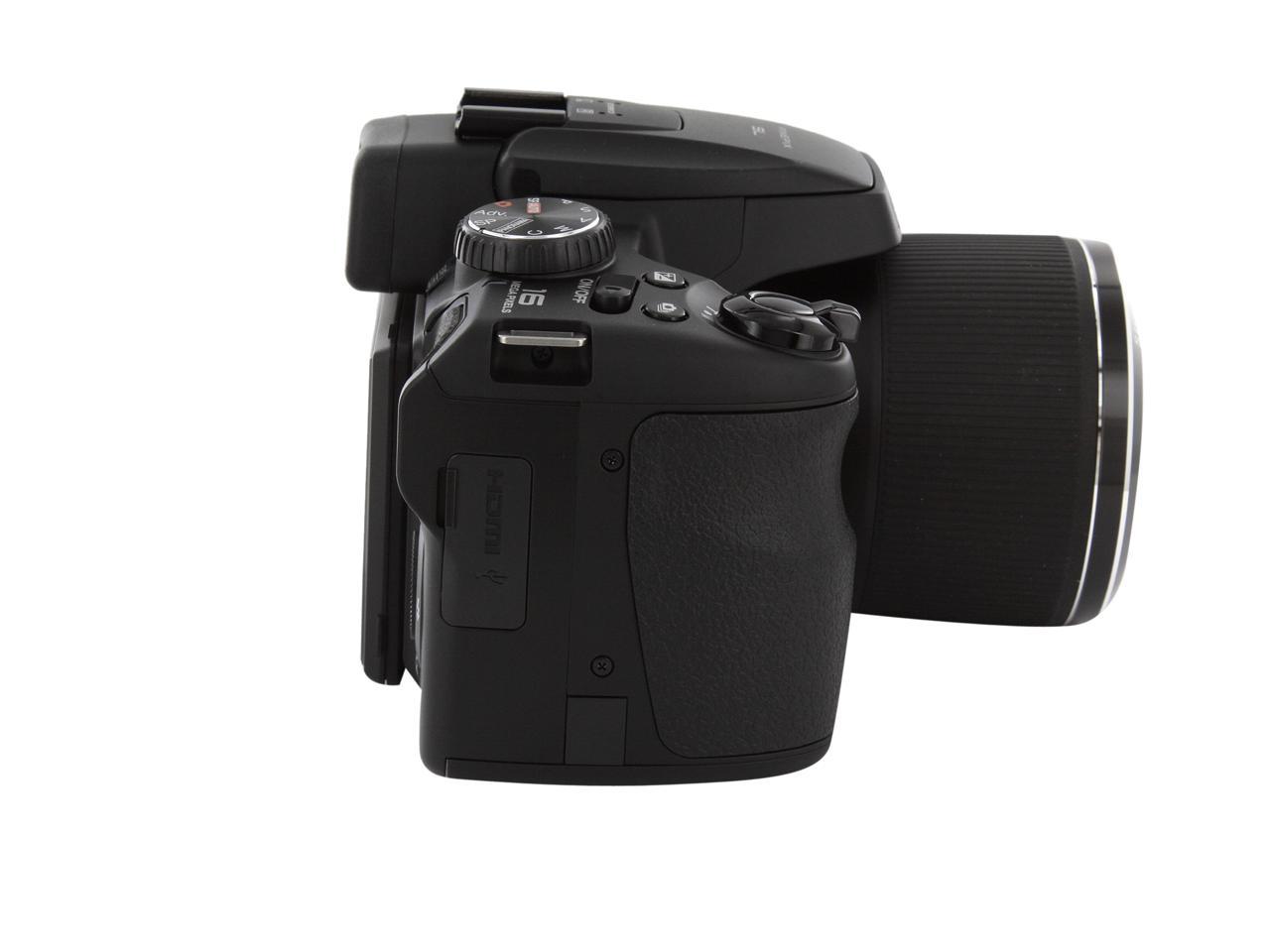
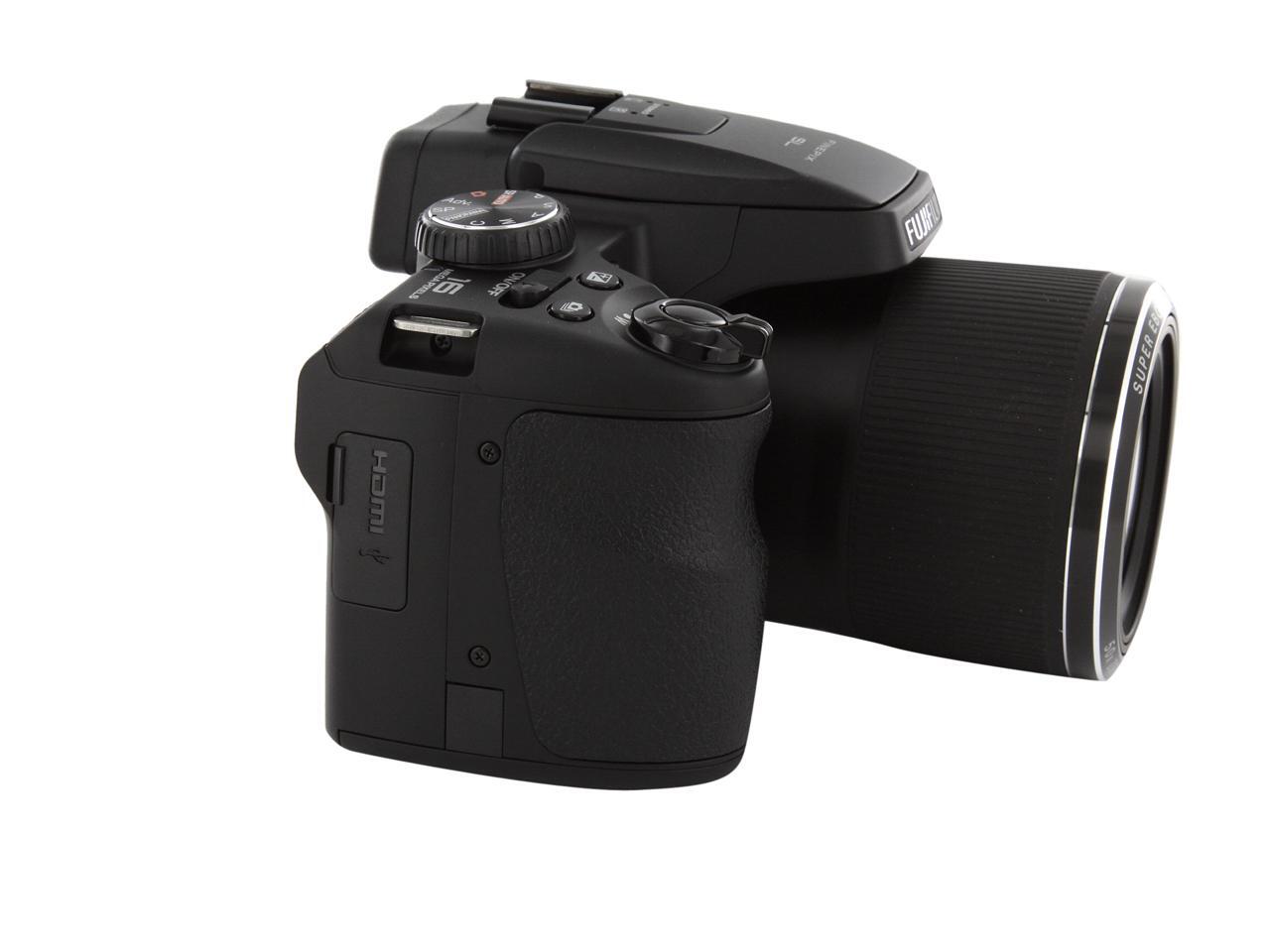
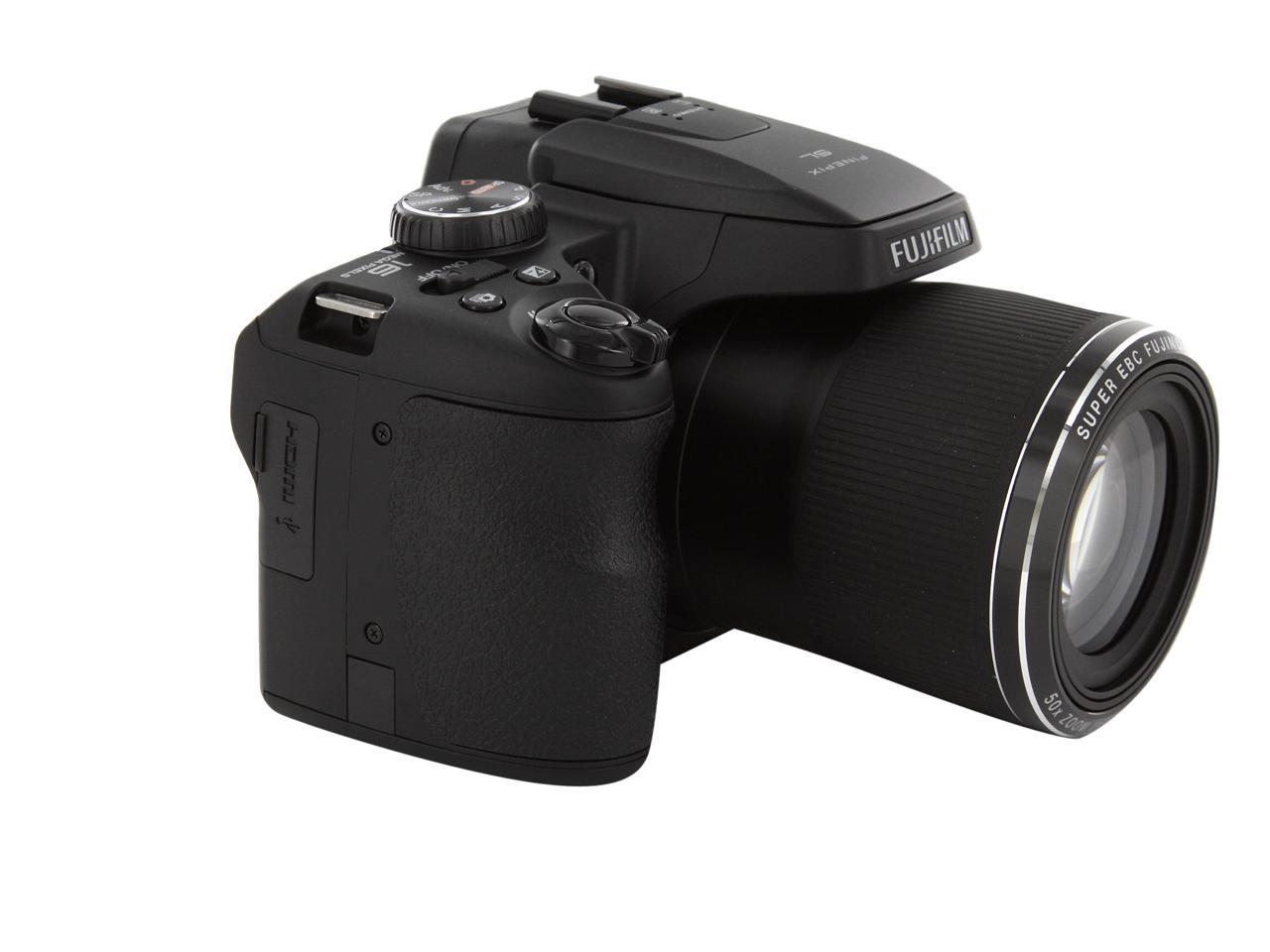
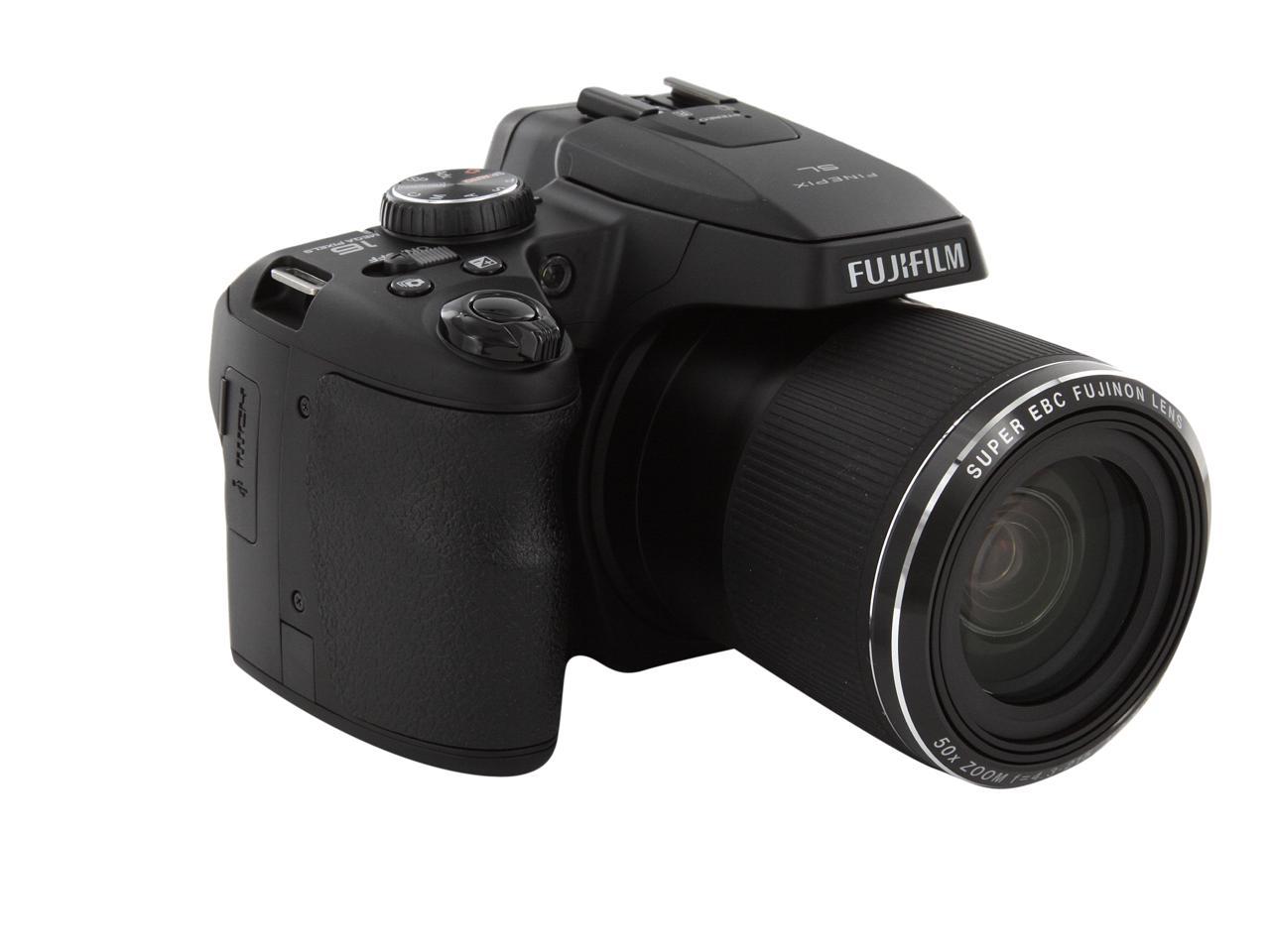
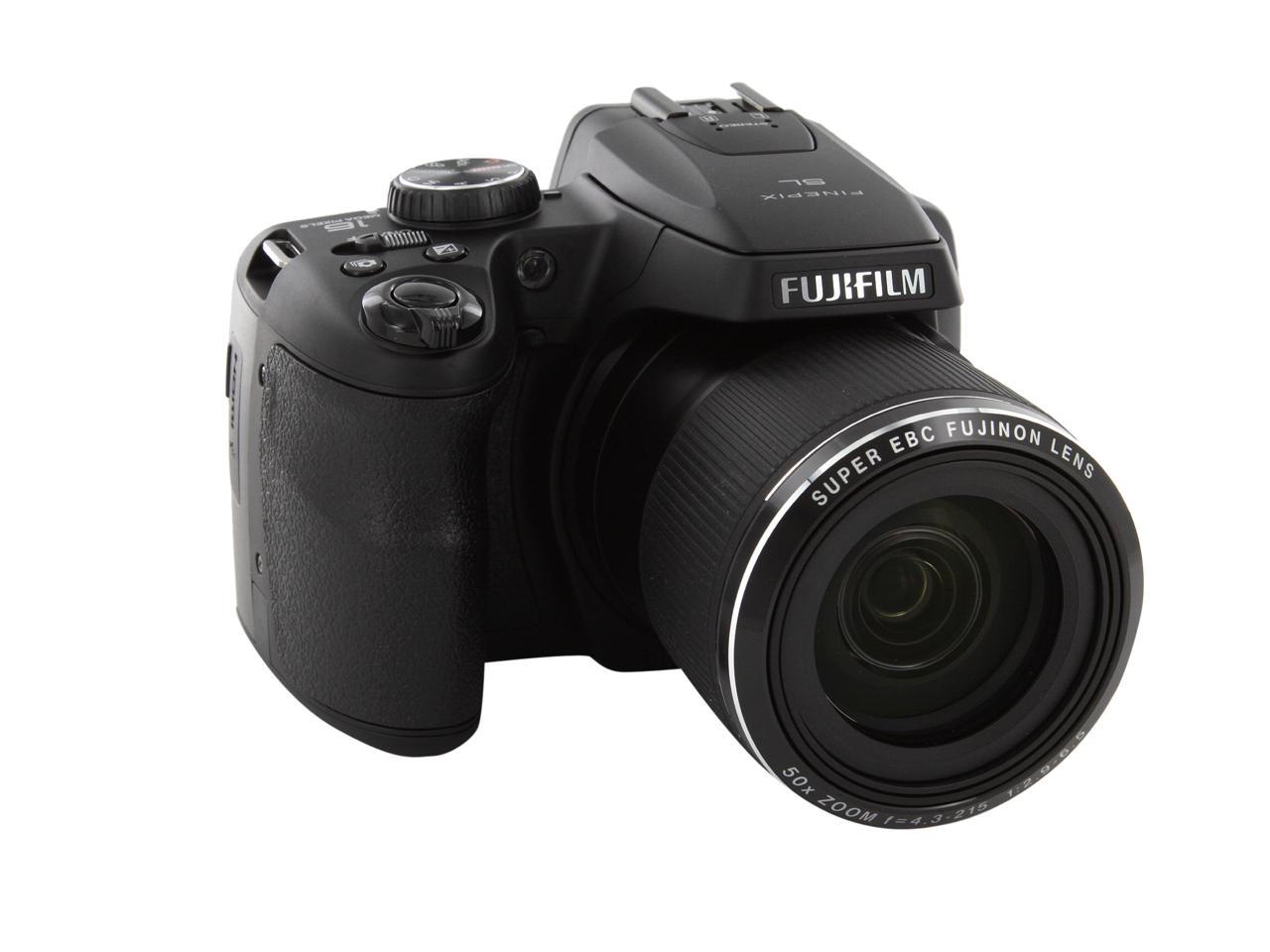
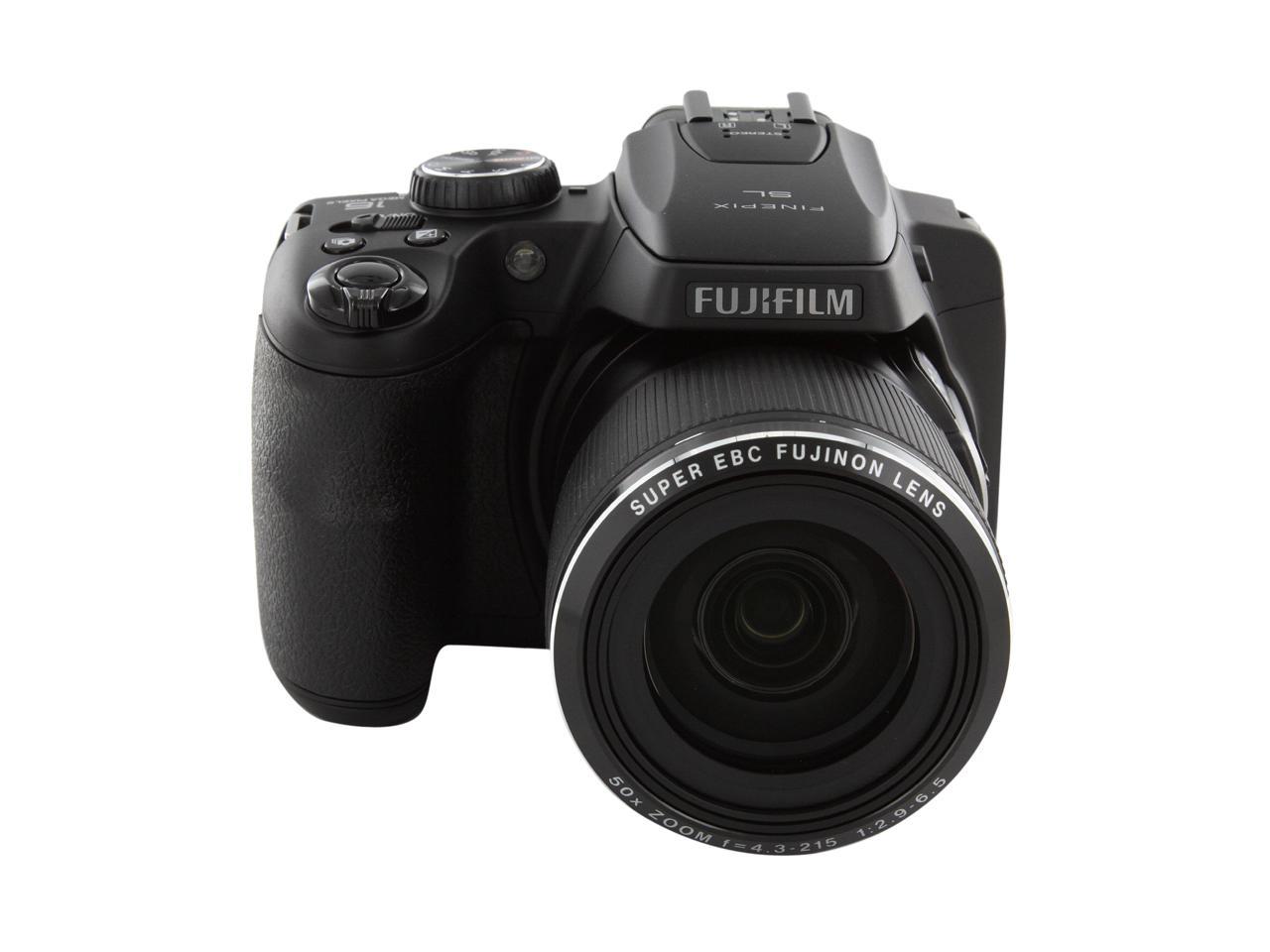
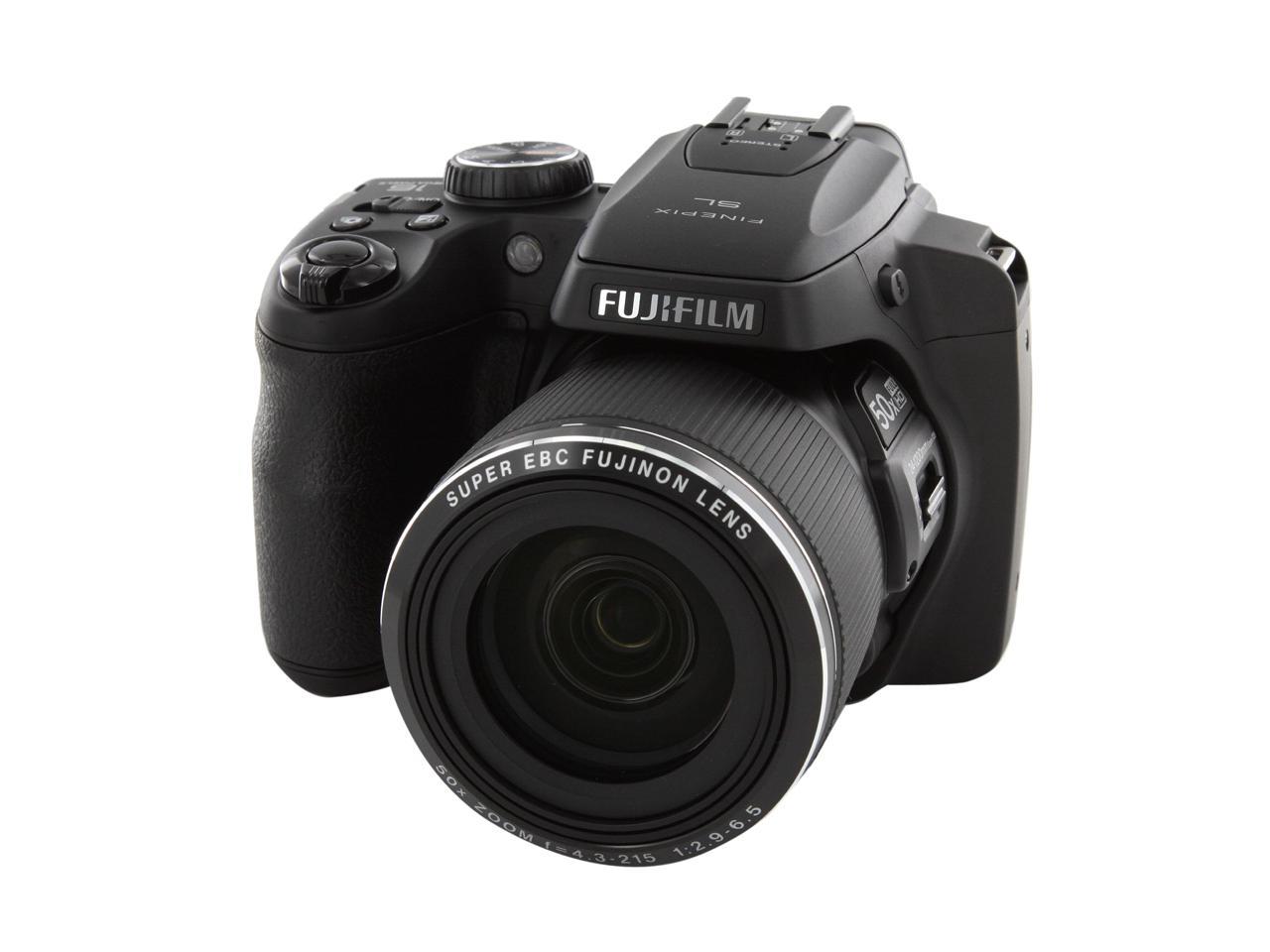
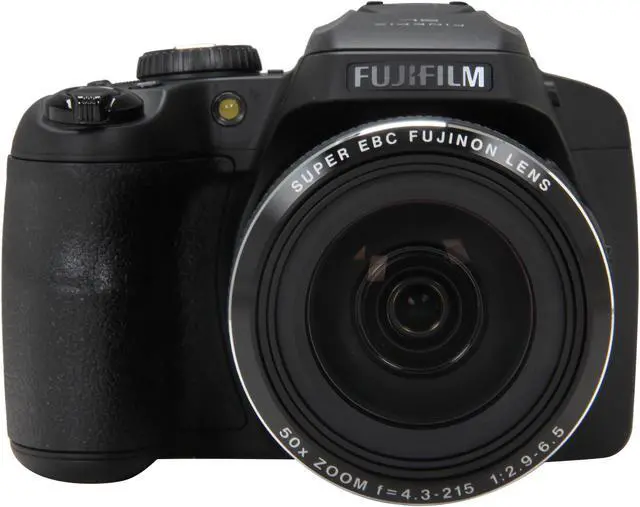
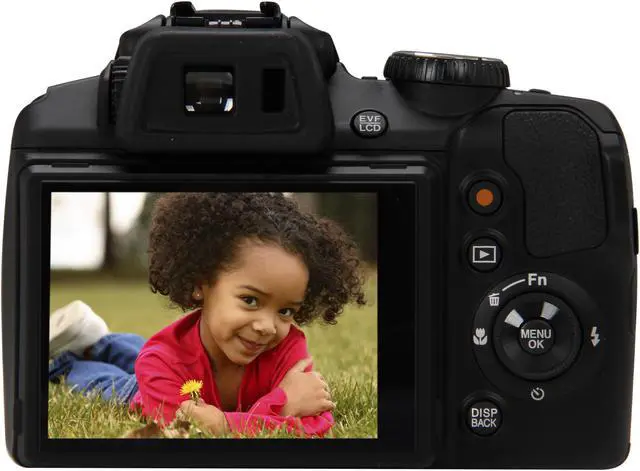
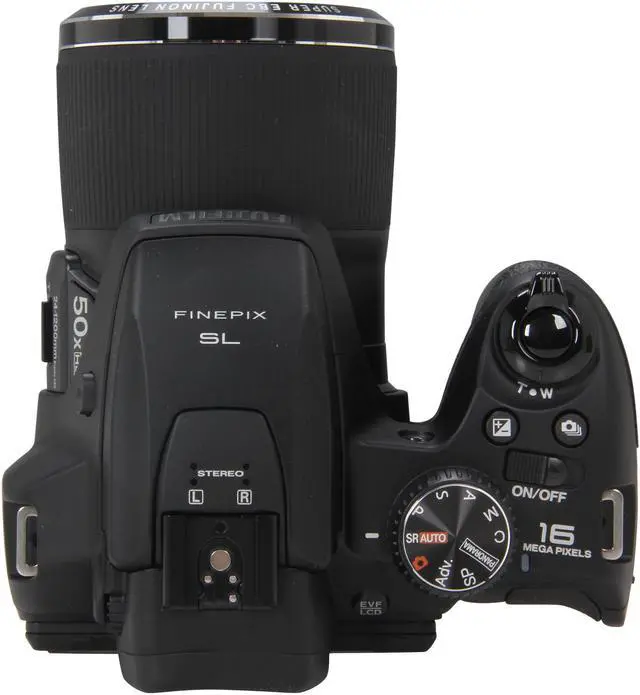
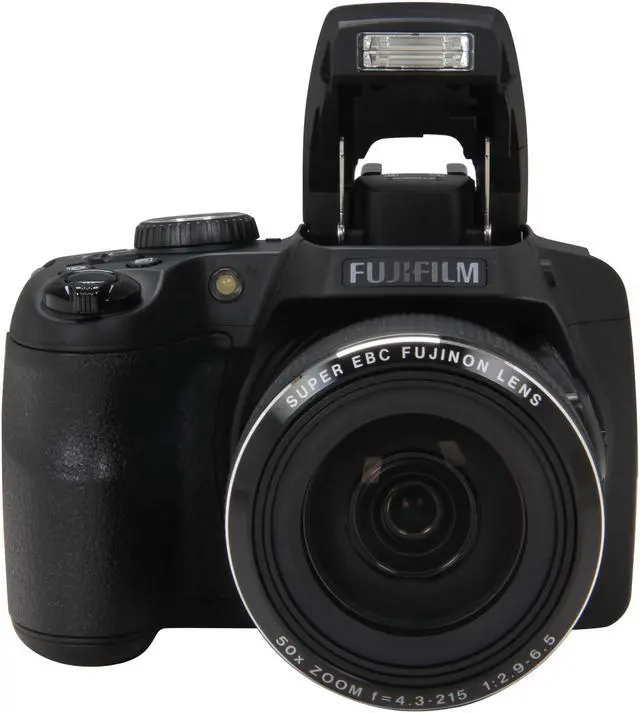
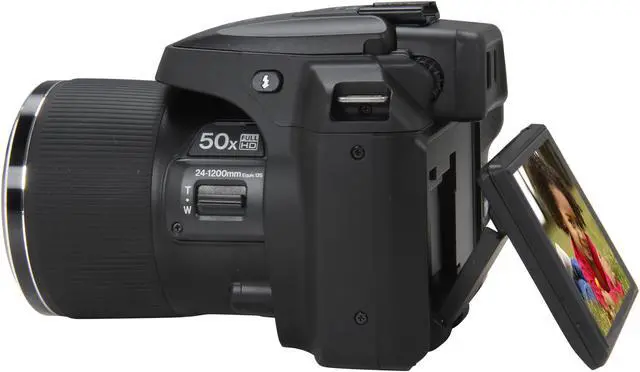
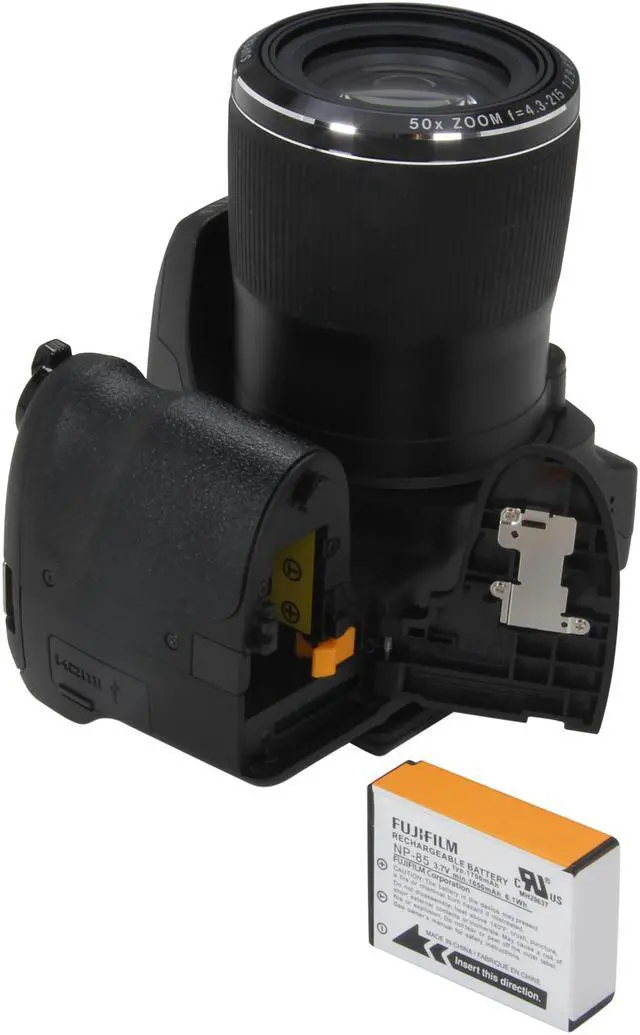
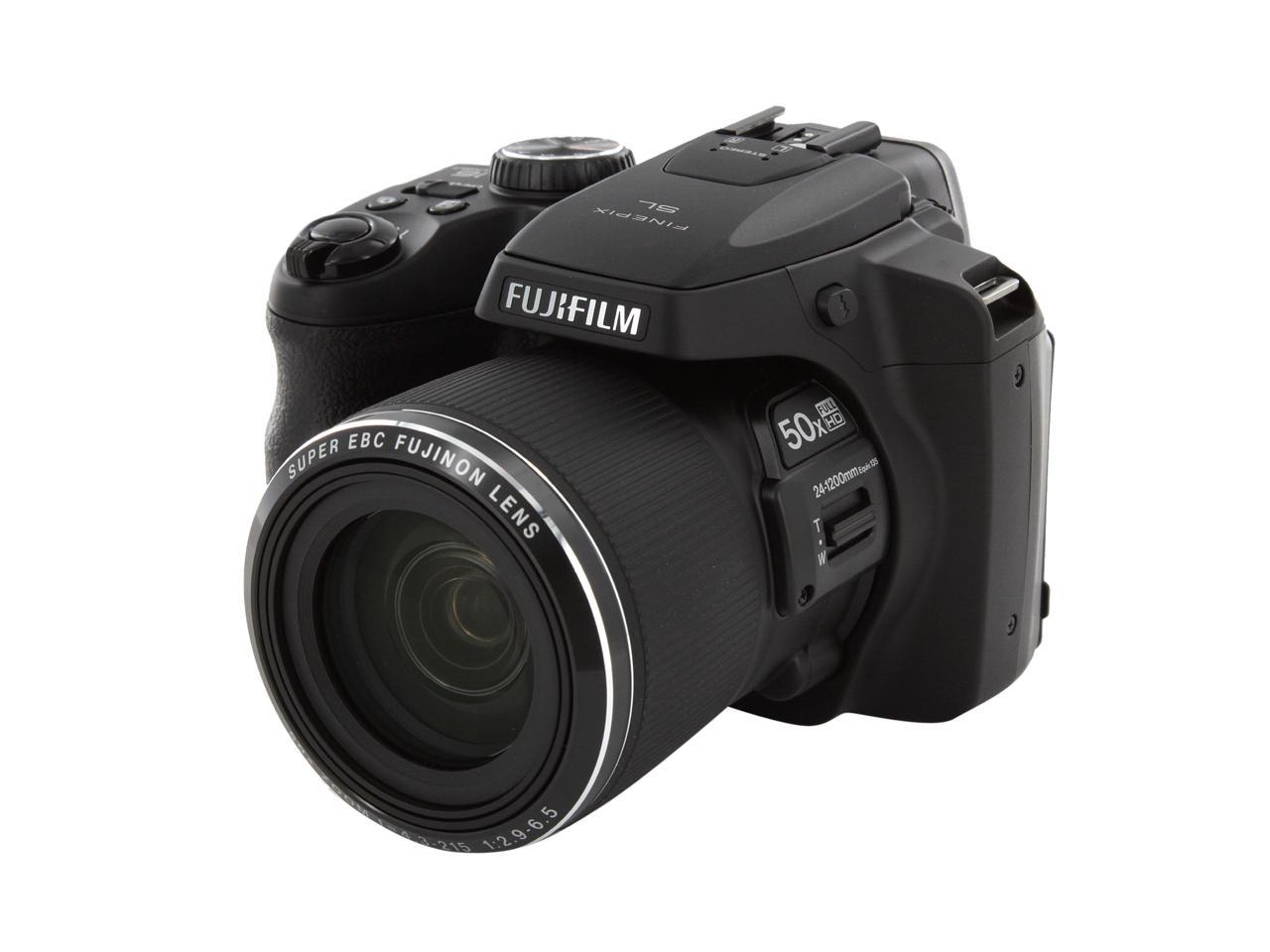
The Fujifilm FinePix SL1000 Digital Camera features a 16M BSI-CMOS sensor to produce high quality imagery with notable low-light sensitivity. A Fujinon 50x optical zoom lens expands the range of expressive possibilities. You can also enjoy the high speed performance, such as fast continuous shooting speed of 10fps at full resolution (max. 9 frames) and an auto focusing speed of 0.2 seconds. SR AUTO (Automatic Scene Recognition) can automatically determine the scene type you are working in, and choose from one of six pre-determined sets of exposure profiles to optimize your images. Six different Advanced Filters are also available to further enhance the look and feel of your photographs. Additionally, the 3.0" LCD monitor features a tilting design that enables easier viewing from both high and low angles.


Great for people that want the features and flexibility of a DSLR outfit but without the weight and hassle.

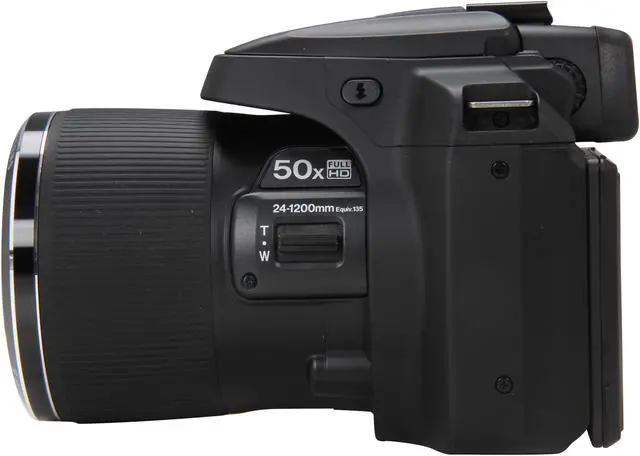
The newly developed Fujinon optical 50x zoom lens (24 - 1200mm)* incorporates a combination of aspherical lenses and ED lens. It provides a bright aperture rating of f/2.9 - 6.5 with 17 elements in 12 groups, the lens combines aspherical and ED elements to good effect for reduced aberration and superior image quality. With Super-Macro Mode capturing subjects as close as 1cm from the lens, the FinePix SL1000 seamlessly covers an enormous focal range with no need to ever change lenses.
A: DSLR with long zoom lens
B: FinePix SL1000


Framed scenes are automatically detected and selected into appropriate camera settings: Portrait, Landscape, Night, Macro, Night Portrait, and Backlit Portrait.

Portrait
Recognizes portraits by detecting the faces quickly in the frame and optimizing focus, brightness and white balance.

Landscape
Scenic shots such as mountains and buildings are automatically recognized. Colors of the sky, forests, and flower fields are captured in vivid colors and depth.

Night
For low-light and night-time scenarios, shutter speed and sensitivity are automatically adjusted, producing blur-free pictures with minimal noise.

Macro
Macro mode sets the focusing position of the details of small flowers or tiny subjects accurately.

Night Portrait
When photographing people at night or in low light, SR AUTO optimizes flash range, shutter speed, and exposure of the portraits, while capturing smooth and luminous background.

Backlit Portrait
Optimizes brightness of the faces that usually end up in shadow and underexposure caused by the light behind.

H.264 High Profile
The FinePix SL1000 realizes H.264 format incorporating both high quality image and small data size.

One-Touch Movie Recording Button
A one-touch Movie Recording Button enables you to capture all the action in full HD.

High Speed Movie
Sometimes things happen too fast for you to see them properly with your own eyes. The FinePix SL1000 can freeze the action at up to an amazing 480fps! So you can see every single minute detail and watch things happening step by step in slow motion.

HDMI Connect
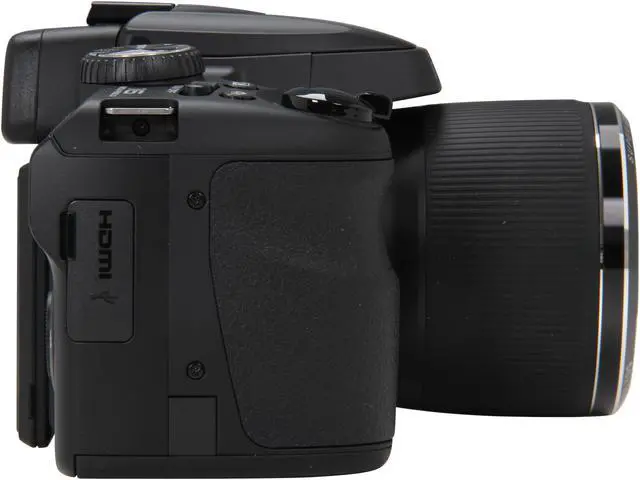
Simply connect any HDMI cable available in the market to the HDTV and enjoy the full impact of high resolution images and movies.

The FinePix SL1000 boasts a high-resolution (920K-dot) electronic view-finder equipped with an eye sensor, making it easier to frame subjects and check focus in bright daylight conditions. The bright EVF accommodates a traditional shooting style, making it easy to steady the camera, even when shooting with the 50x zoom fully extended.


A side lever on the lens functions to control the zoom. Adjust the zoom with the left hand and press the shutter with the right to smoothly track even rapidly moving subjects.

While compact, the cameras are designed to reduce camera shake at high magnifications with easy-to-hold grip with non-slip surfaces.
A selection of seven special filters lets you create distinctive photo effects. Filter effects can be verified on the LCD monitor to ensure you get exactly the results you're shooting for.
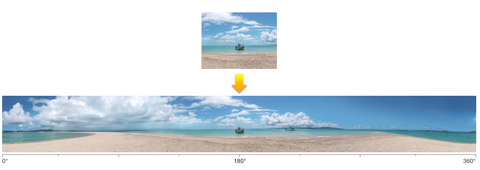
Just sweep the camera right-left or up-down to shoot giant panoramas up to 360°. When you view the panorama playing back on your camera or personal computer, you can enjoy a seamless panorama image with both ends stitched together to create a "cylinder" view.
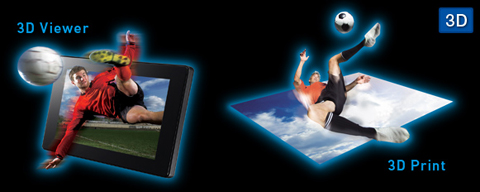
Two exposures of the same scene are saved in Multi-Picture Format (MPO) to create convincing images that appear to have been shot in real 3D. An overlapping guide on the LCD screen provides assistance for positioning the exposures, making it easy for anyone to create impressive 3D effects. And FUJIFILM's proprietary high-resolution 3D print system produces natural, beautiful 3D prints from images captured with the FinePix SL1000.

This mode uses Multi Frame technology to capture three consecutive photos shot at high speed-under-exposed, normal exposure, and over-exposed. The three images are then layered to an optimum balance of detail in shadow and highlights, eliminating "blackout" or "washout" and producing pleasing, natural gradations.
Enables three shots to be taken at the single press of the button, at varying degrees of magnification (original, 1.4x and 2.0x). This enables instant editing on the camera to choose the ideal shot, rather than having to go back to a PC to facilitate a digital crop.
Can't decide whether it's best to use flash? Choose this mode, press the shutter and automatically capture the same scene twice: once with high sensitivity and natural light, and the second time with Intelligent Flash. Later choose one or keep both!
Ideal for shooting non-moving subjects in low light, this mode automatically takes a series of four high-sensitivity & low-noise exposures and then combines them into an image with less noise than the single exposures.
Face Detection couples with Tracking Auto Focus for new ways of capturing great people pictures, even when those people won't stop moving. Face Detection optimizes focus and exposure to ensure bright, clear faces, while Tracking Auto Focus maintains sharp focus on moving subjects. The result is attractively exposed, well-focused photos.
Don't wait until you get home to start choosing which pictures to upload to Facebook. Start the process in camera by tagging the pictures you want to share. The next time you connect to your home computer your images will upload automatically. The same goes for movie clips too, which can also be uploaded to YouTube™.

It's as easy as one, two, three. Shoot pictures and tag them for upload to your Facebook profile page or YouTube™ account.