







masterbee is an innovative and dynamic Team, we have our own design and research department.
We are committed to designing and manufacturing kids' toys and kid's gifts. accompanying kids grow up, helping children explore this beautiful world and record the wonderful moments~
Wish Your Kids a Super Happy Childhood~
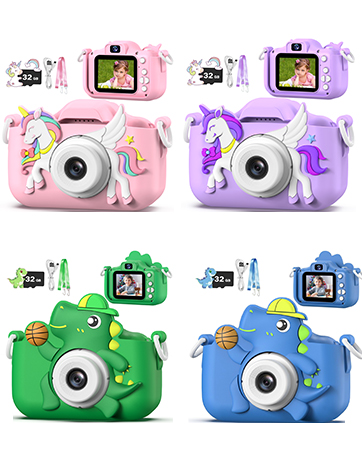
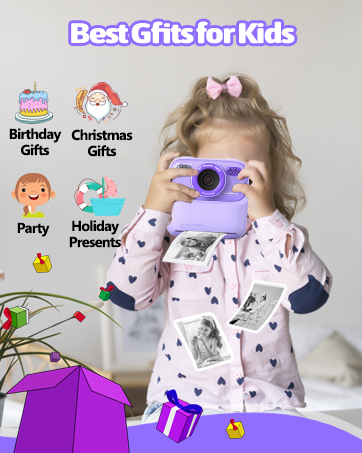
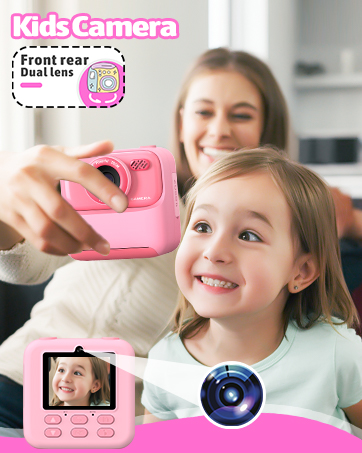
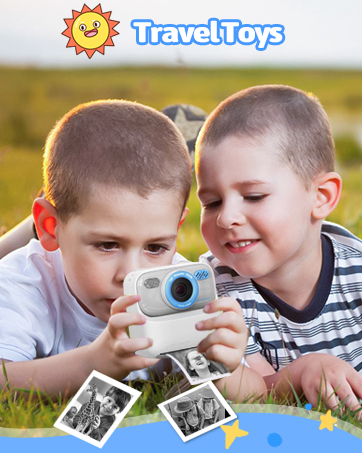

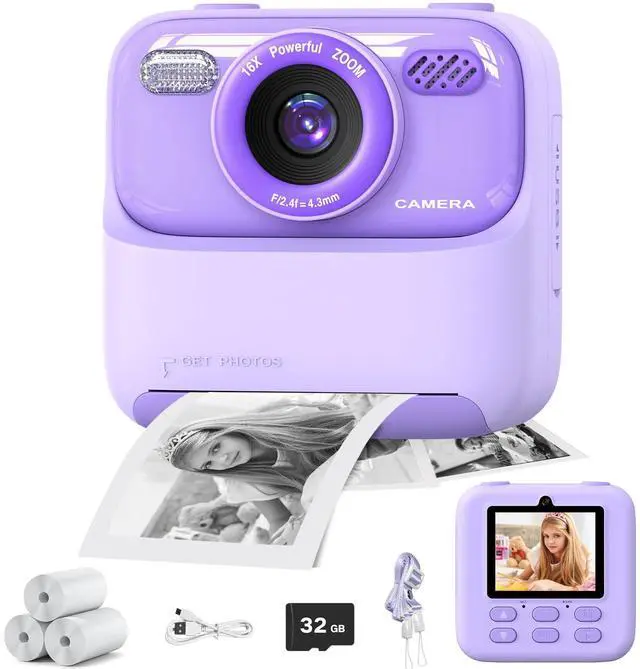
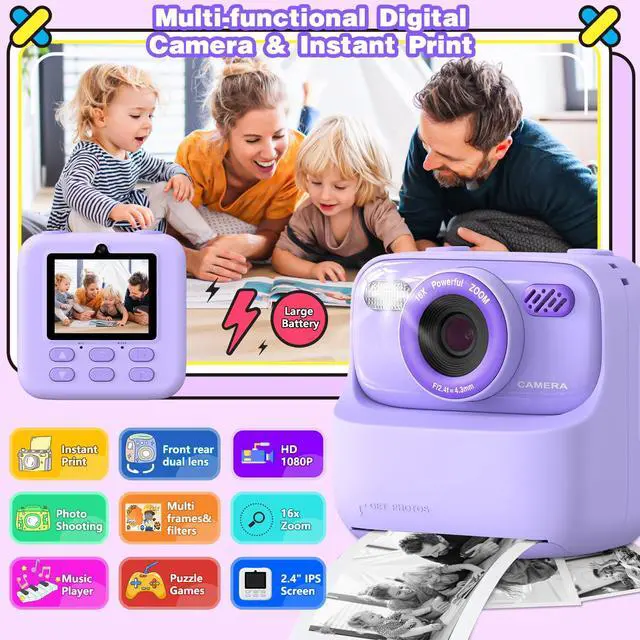
masterbee Kids Camera Instant Print for Kids Age 3-12, Christmas/ Birthday Gifts for Girls and Boys~
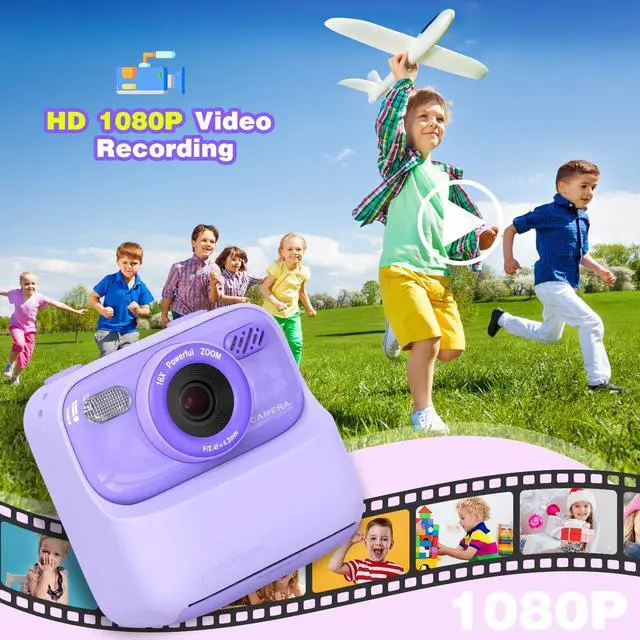
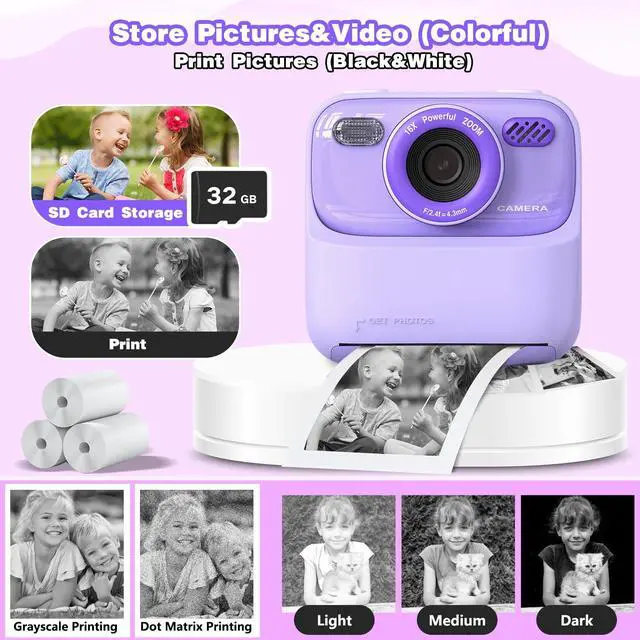
This multifuctional instant print camera is perfect girls gifts/boys gifts for occasions like Children's Day, Christmas, Easter, Halloween, birthdays and other holidays.
Kids toys for girls and boys age 3.4.5.6.7.8.9.10.11.12.
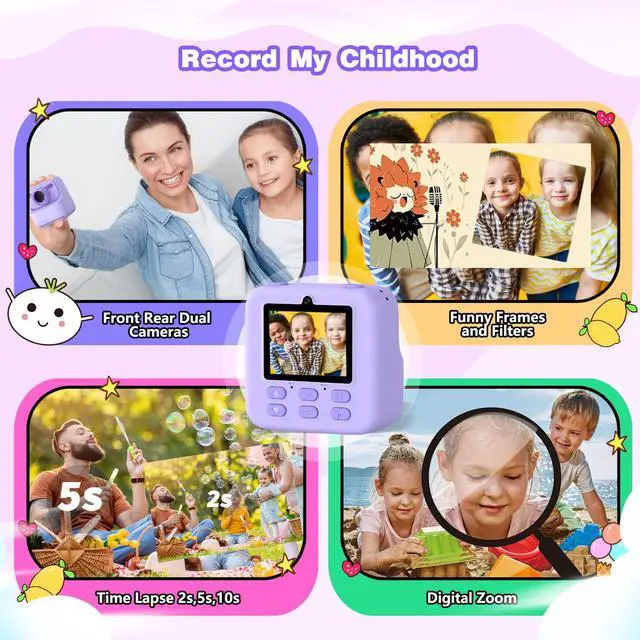
Record my wonderful childhood~


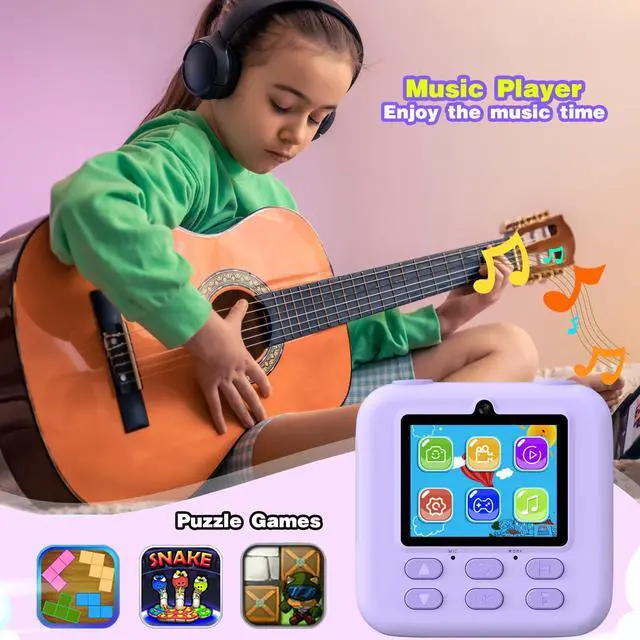
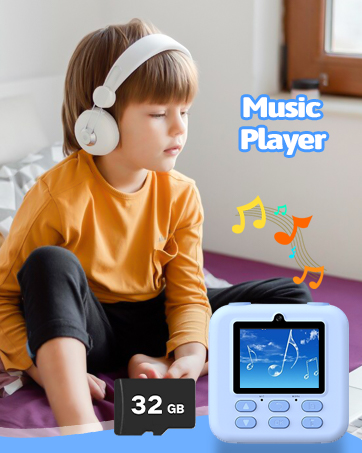
Warm Tips for Music Function~
Please note that the camera doesn't come with music, you need to download music to the camera and then, it can play music~~
How to use the music function / How to download music?
1, Turn on the camera.
2, Connect the camera to the computer using the USB charging cable.
3, The computer will show a symbol of a USB flash disk, it's the camera SD card.
4, Click the USB flash disk on your computer, open it and you will see 1 or 2 files.
5, Download the MP3 format Music to the file of "MP3"( if it doesn't have the MP3 file, please create one yourselves and put the music into that file).
6, Done, Enjoy the music playing by this camera~
Q&A:
Question: My camera doesn't print(print out blank paper), what should I do?
Answer: Please reinstall the print paper in the other side.(Please note that it can't be printed if the paper install in the wrong direction)
Question: Does this camera need ink to work?
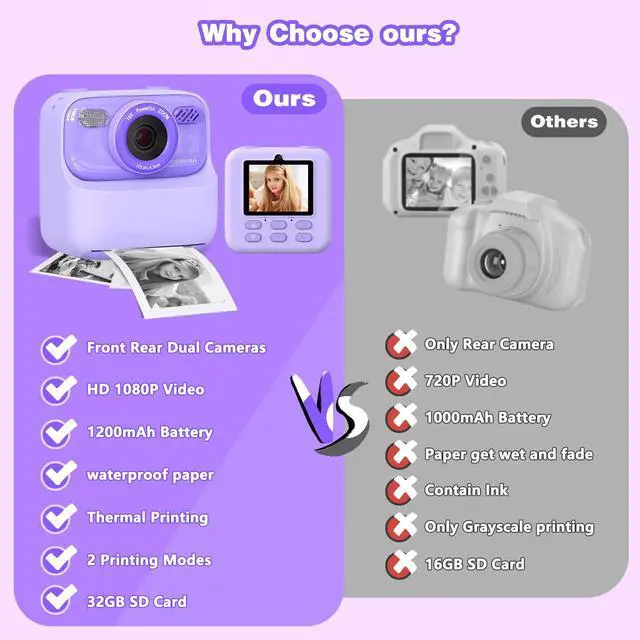
Answer: No, this camera is Thermal printing, it doesn't need ink
 Kids Camera |  Kids Camera |  Kids Camera |  Kids Camera |  Kids Camera | |
|---|---|---|---|---|---|
| Customer Reviews | — | — | — | — | — |
| Price | — | — | — | — | — |
| Gifts for kids | ? | ? | ? | ? | ? |
| Toys for kids | ? | ? | ? | ? | ? |
masterbee Kids Camera Instant Print for Kids Age 3-12, Christmas/ Birthday Gifts for Girls and Boys~
This multifuctional instant print camera is perfect girls gifts/boys gifts for occasions like Children's Day, Christmas, Easter, Halloween, birthdays and other holidays.
Kids toys for girls and boys age 3.4.5.6.7.8.9.10.11.12.
Record my wonderful childhood~
Warm Tips for Music Function~
Please note that the camera doesn't come with music, you need to download music to the camera and then, it can play music~~
How to use the music function / How to download music?
1, Turn on the camera.
2, Connect the camera to the computer using the USB charging cable.
3, The computer will show a symbol of a USB flash disk, it's the camera SD card.
4, Click the USB flash disk on your computer, open it and you will see 1 or 2 files.
5, Download the MP3 format Music to the file of "MP3"( if it doesn't have the MP3 file, please create one yourselves and put the music into that file).
6, Done, Enjoy the music playing by this camera~
Q&A:
Question: My camera doesn't print(print out blank paper), what should I do?
Answer: Please reinstall the print paper in the other side.(Please note that it can't be printed if the paper install in the wrong direction)
Question: Does this camera need ink to work?
Answer: No, this camera is Thermal printing, it doesn't need ink
Kids Camera | Kids Camera | Kids Camera | Kids Camera | Kids Camera | |
|---|---|---|---|---|---|
| Customer Reviews | — | — | — | — | — |
| Price | — | — | — | — | — |
| Gifts for kids | ? | ? | ? | ? | ? |
| Toys for kids | ? | ? | ? | ? | ? |
masterbee is an innovative and dynamic Team, we have our own design and research department.
We are committed to designing and manufacturing kids' toys and kid's gifts. accompanying kids grow up, helping children explore this beautiful world and record the wonderful moments~
Wish Your Kids a Super Happy Childhood~