here!
here!
I’m your shopping assistant for PC builds, upgrades, and everything tech.
Got questions? Ask away!
Start a conversation
here!
I’m your shopping assistant for PC builds, upgrades, and everything tech.
Got questions? Ask away!
Start a conversation



Any questions? Ask CelesteSM will help you find out quickly.
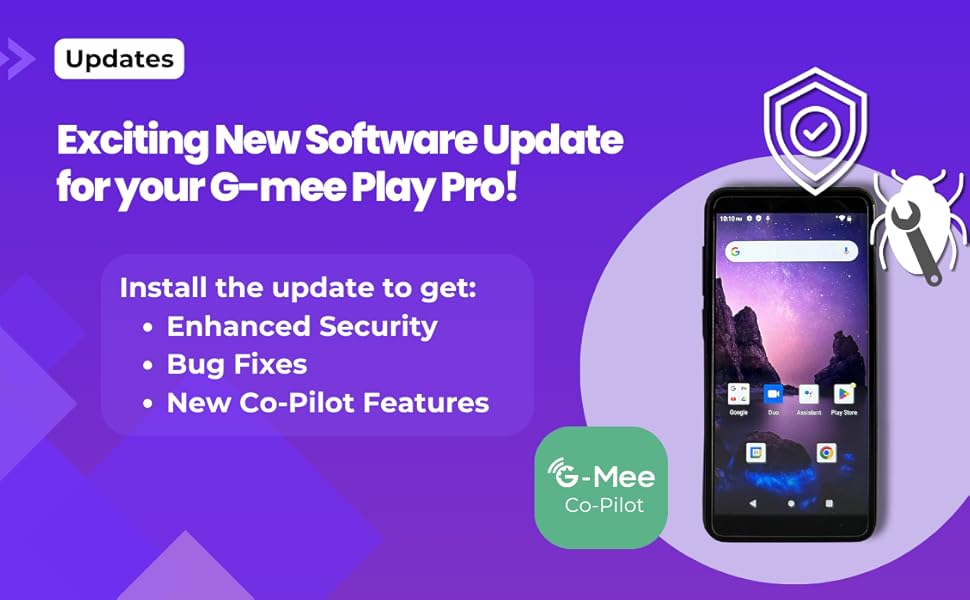
We've released a new software update for G-mee Play Pro devices this week (October 8, 2024). Be sure to update your device to enjoy enhanced security, important bug fixes, and exciting new G-mee Co-Pilot features!
The update includes the most recent security patch, bugs fix including Family Link deactivation on device restart, and access to the G-mee Co-Pilot 2.0 Parental Control System.
The software update will appear as an 'over-the-air' update once your Play Pro device is connected to Wi-Fi. All devices will automatically be prompted to install the latest firmware.
If you haven’t updated your G-mee Play Pro yet, please charge your device, connect to Wi-Fi, then go to Settings > System > System update to install the latest software.
To set up G-mee Co-Pilot, please visit our website at g-mee[dot]com.
We are excited to introduce the G-mee Co-Pilot – our latest tool for safer and smarter device management! The Co-Pilot allows parents and guardians to remotely adjust settings, restrictions, and allowances on the G-mee Play Pro series.
At G-Mee, our mission has always been to create safer, more controlled device experiences for families, and the Co-Pilot 2.0 is a direct response to your requests for even more robust management features. From controlling apps and screen time to managing calls and tracking location, G-mee Co-Pilot puts you in the ‘co-pilot’s’ seat.
Find out more about G-mee Co-Pilot and learn how to set it up on our website.
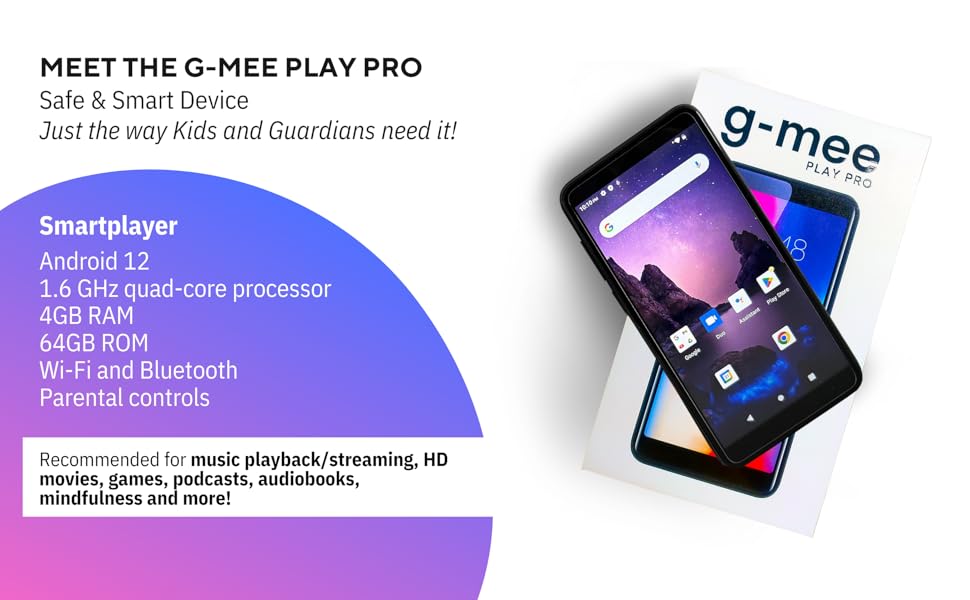
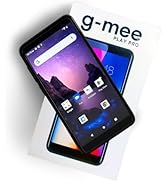
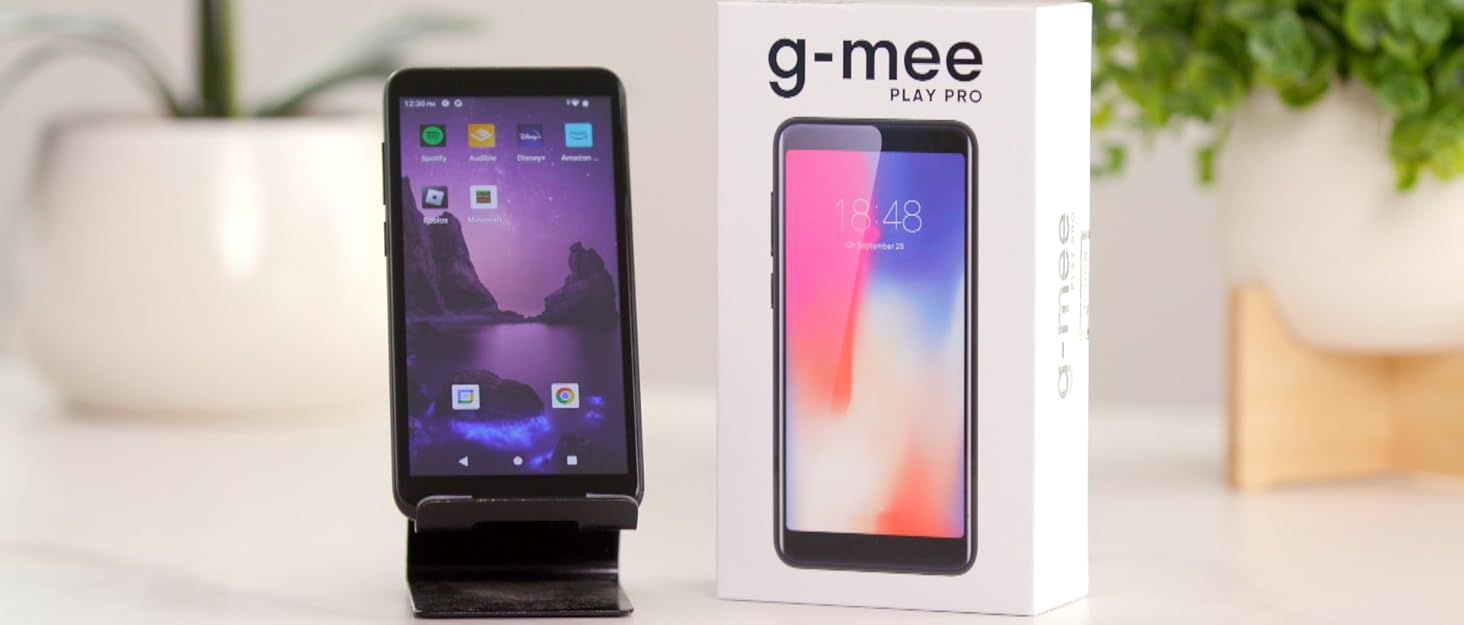
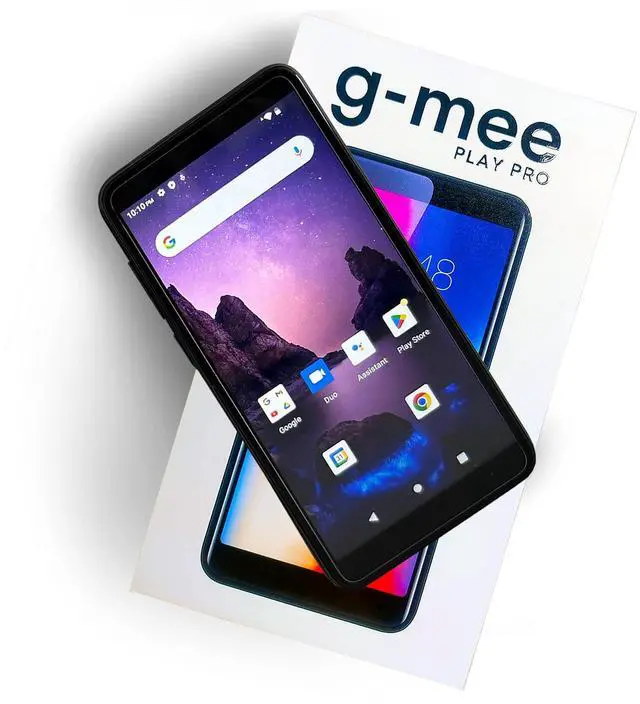
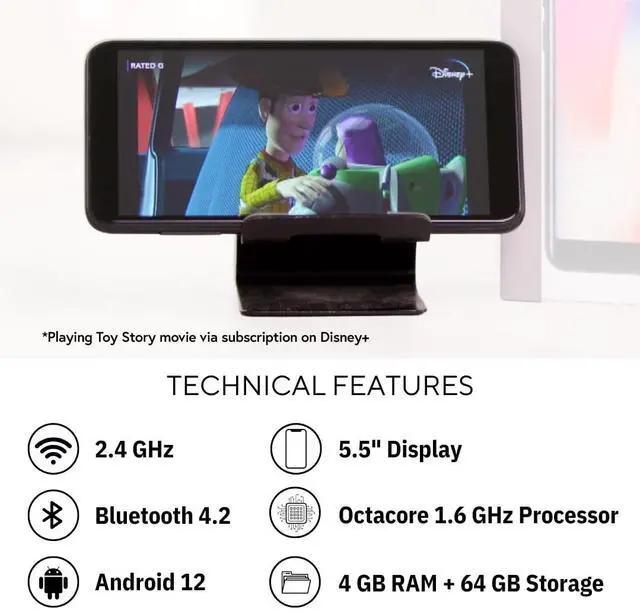
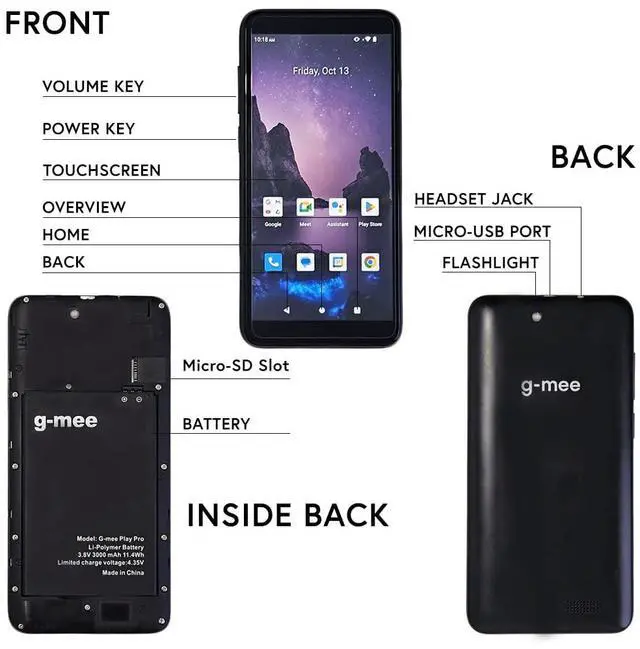
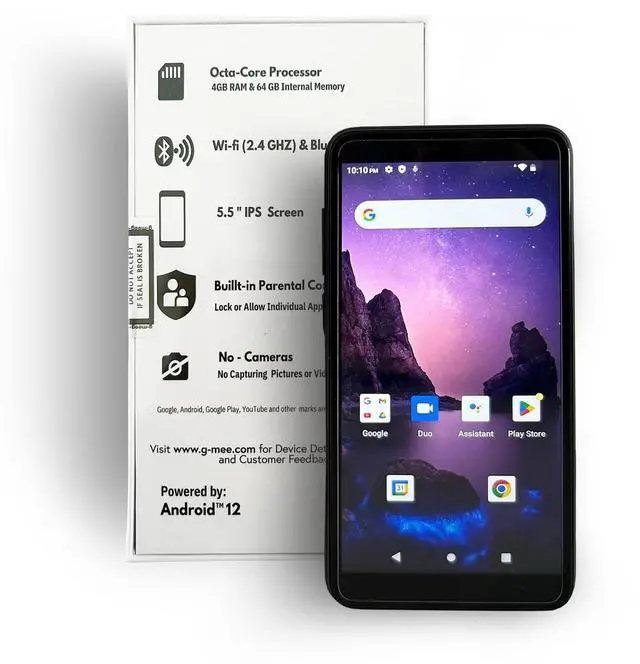
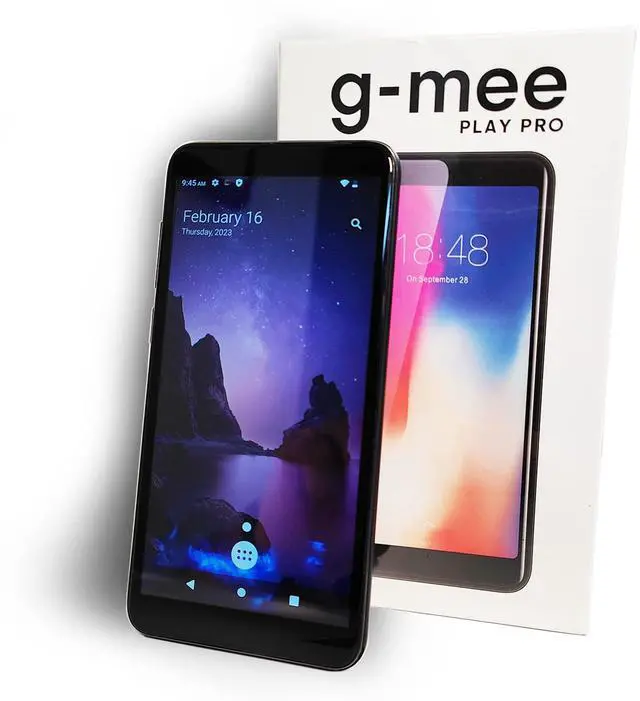
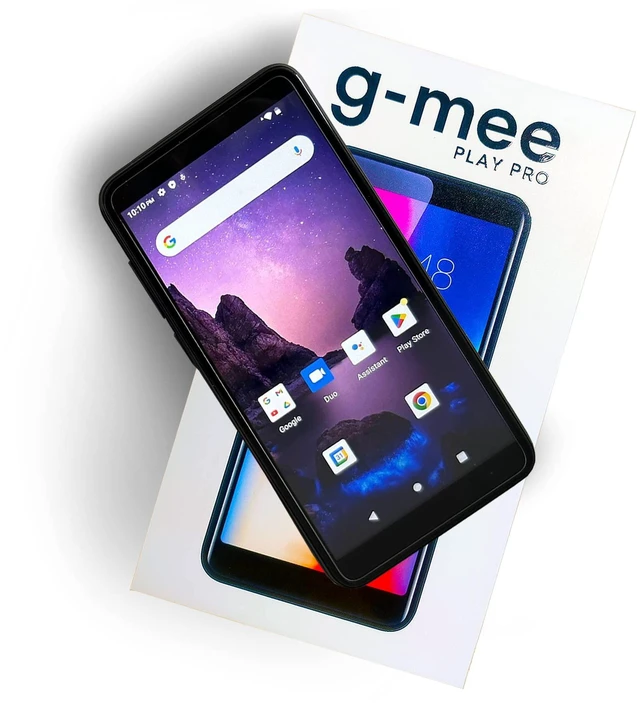
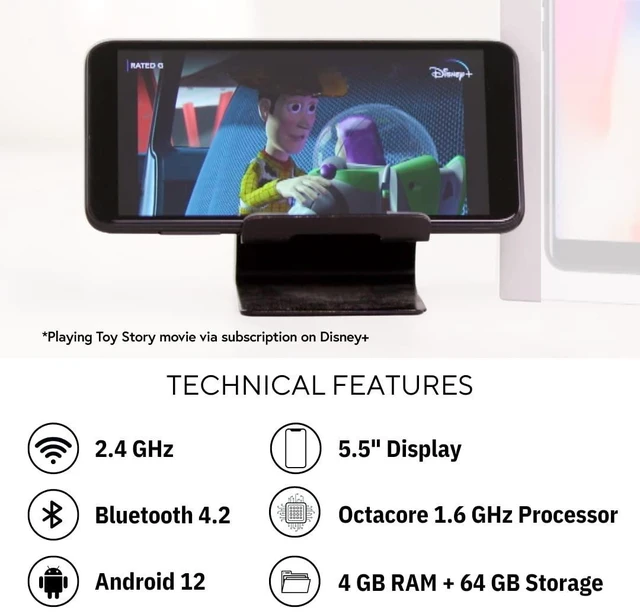
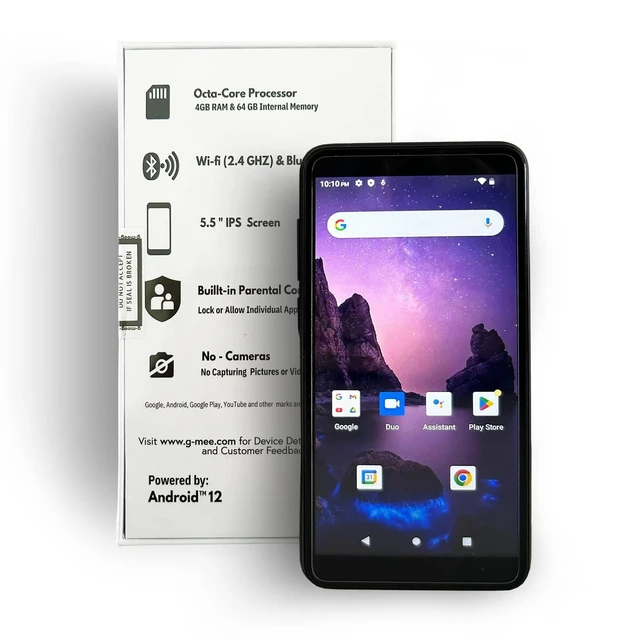
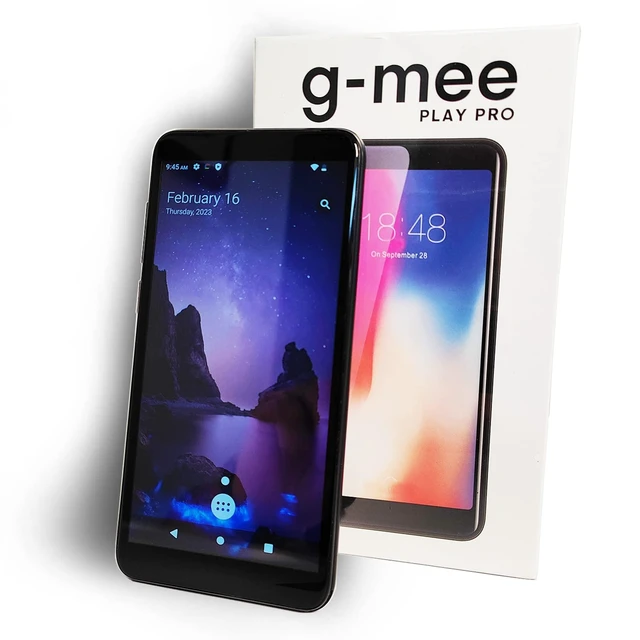
G-mee Play Pro is the newest version of G-mee smartplayers. It has an Android 12 Operating System, a octa-core 1.6 GHz processor, 4 GB of RAM, 64 GB of internal storage, and support 128+ GB micro-SD.
It is a smartplayer designed for personalized music, entertainment, education, wellness, and other uses, but without call and SMS capabilities.
The G-mee Play Pro, like all G-mee devices, does not have a camera and comes with the pre-installed G-mee App Lock Feature (Parental Control), which makes it simple to lock and unlock specific apps on the device. This feature was created to ensure children's safety as they enjoy their favorite content and to give parents and guardians peace of mind while their children are having a wonderful digital experience.
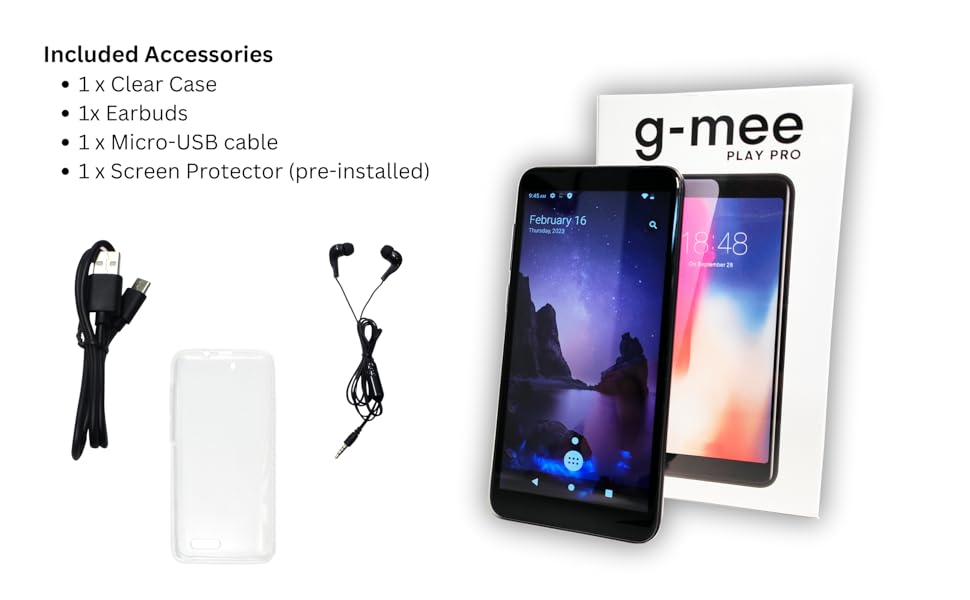
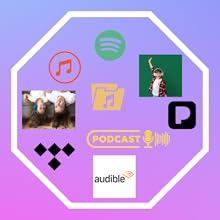
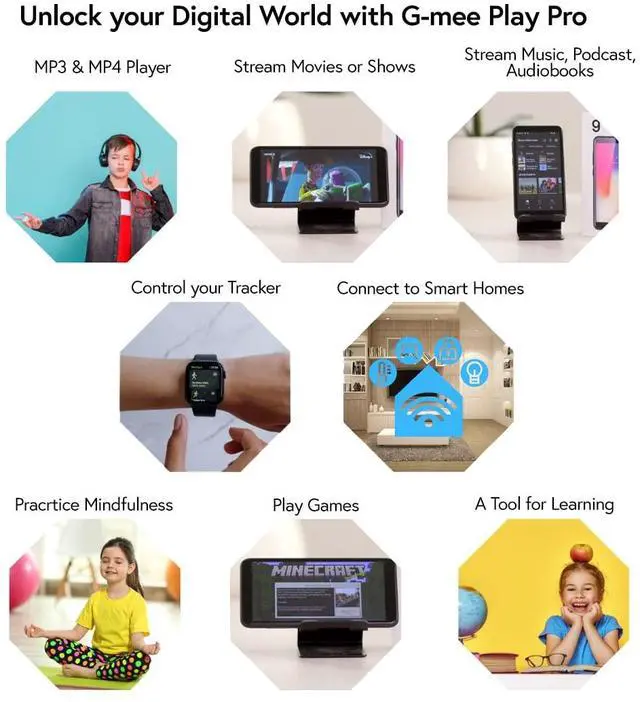
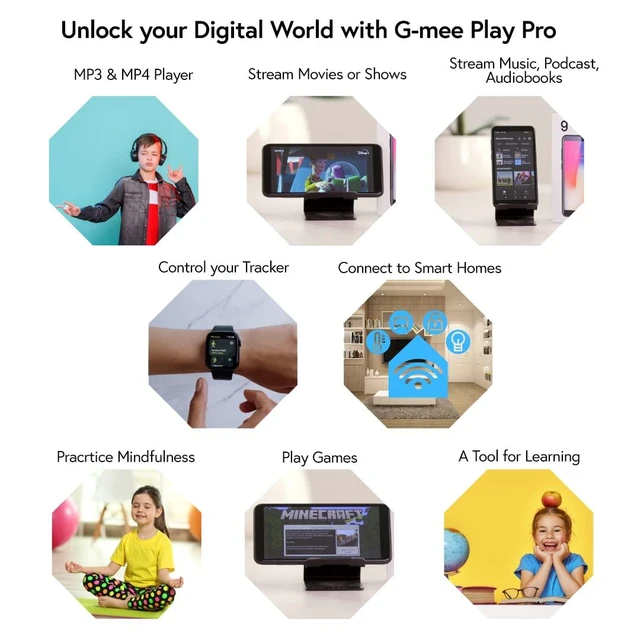
Play or stream the audiobooks, podcasts, or music you enjoy. Use your G-mee Play Pro as a podcast or mp3 player, or to access Spotify, Pandora, Tidal, Apple Music, audible, and Blinkist.

Watch videos or stream movies and TV shows using your preferred apps, such as YouTube for Kids, Disney+, Netflix, or Videos

Use your favorite apps, such as Headspace, Smiling Mind, and mindfulness podcasts, to practice mindfulness.
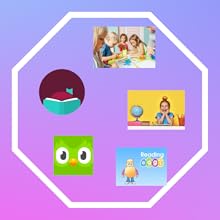
Download and use several well-liked educational apps, including Duolingo, ABC Reading Eggs, and many others!
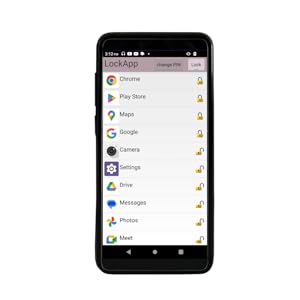
You have three parental controls you can use on the G-mee Play Pro. One is the built-in App Locker of G-mee where you set a PIN and lock particular apps on the device. Please scan the QR code on the product box to watch how to use this feature. You can also use the G-mee Co-Pilot (beta app) to remotely manage the device. Other parental control option is the Google Family Link.

Looking for a device to keep your kids entertained? A kid-friendly device without calls and SMS capabilities but with Wi-Fi and Bluetooth functions is highly recommended. G-mee Play Pro is a perfect option. You can pick and choose the appropriate content for their age and lock all the others.
Don't let children borrow your smartphones where they can unintentionally access your mobile banking, shop, or call or chat with contacts.
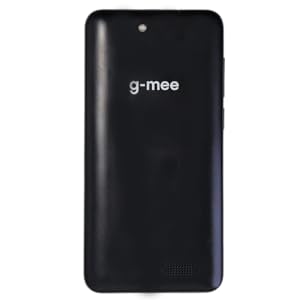
The main purpose of G-mee Play Pro's No Cameras function is to eliminate the possibility of online child exploitation. Additionally, it provides parents with reassurance that their children are not posting videos and images of themselves online.
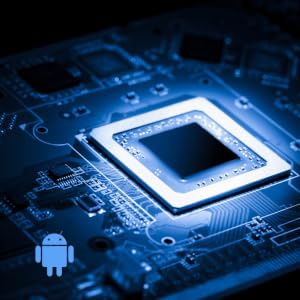
The G-mee Play Pro has an octa-core 1.6 GHz processor and an Android 12 operating system. It has fast response times and can provide smooth operation of many resource-intensive applications simultaneously.
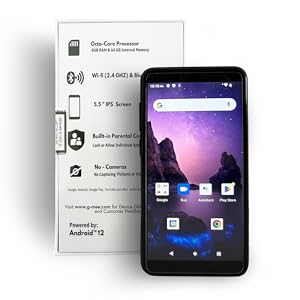
This smartplayer has Bluetooth 4.0 and is compatible with higher versions of Bluetooth devices 4.2 or 5.0, etc. It can work well with most headphones and speaker devices.
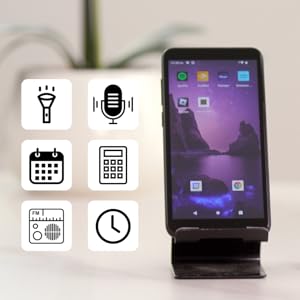
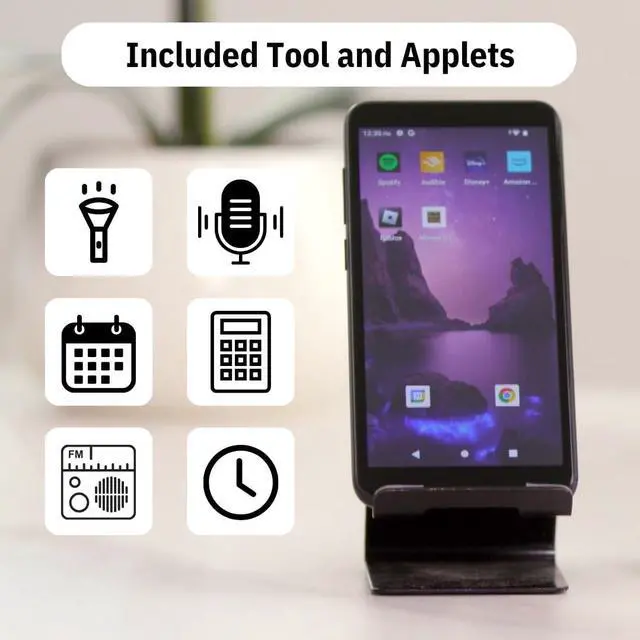
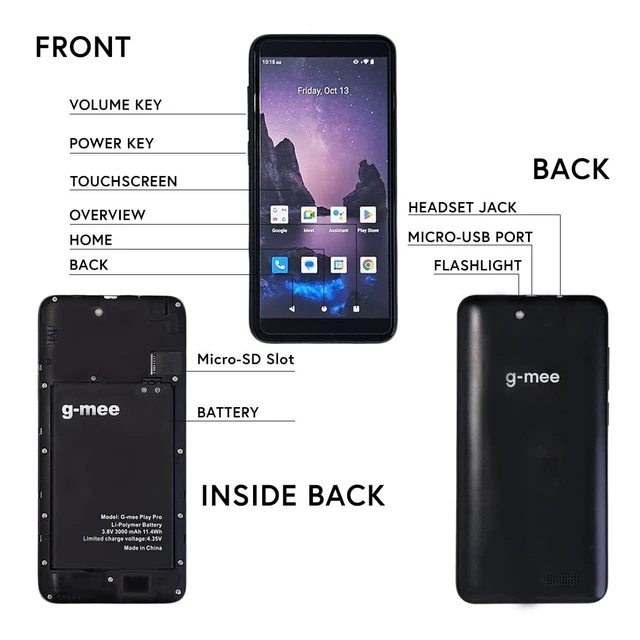
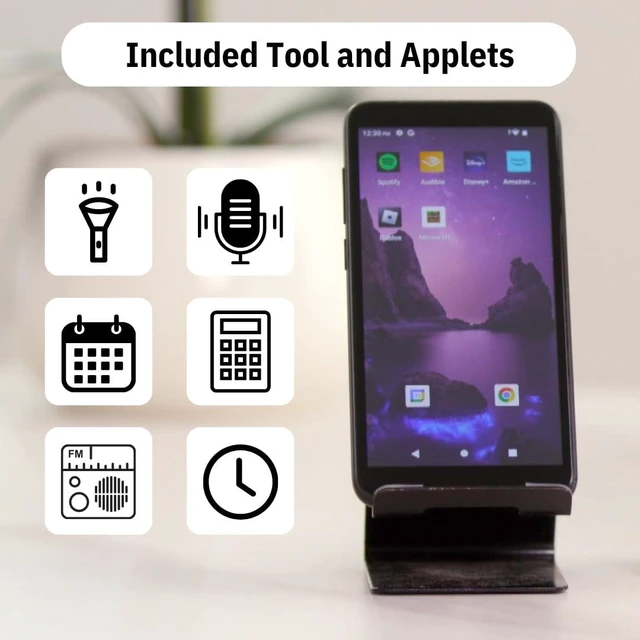
You’ve asked for a flashlight. We’ve added it for you! The device also includes tools and apps that may be useful for daily life like a calendar, clock, alarm clock, calculator, sound recorder, and FM Radio.
We've released a new software update for G-mee Play Pro devices this week (October 8, 2024). Be sure to update your device to enjoy enhanced security, important bug fixes, and exciting new G-mee Co-Pilot features!
The update includes the most recent security patch, bugs fix including Family Link deactivation on device restart, and access to the G-mee Co-Pilot 2.0 Parental Control System.
The software update will appear as an 'over-the-air' update once your Play Pro device is connected to Wi-Fi. All devices will automatically be prompted to install the latest firmware.
If you haven’t updated your G-mee Play Pro yet, please charge your device, connect to Wi-Fi, then go to Settings > System > System update to install the latest software.
To set up G-mee Co-Pilot, please visit our website at g-mee[dot]com.
We are excited to introduce the G-mee Co-Pilot – our latest tool for safer and smarter device management! The Co-Pilot allows parents and guardians to remotely adjust settings, restrictions, and allowances on the G-mee Play Pro series.
At G-Mee, our mission has always been to create safer, more controlled device experiences for families, and the Co-Pilot 2.0 is a direct response to your requests for even more robust management features. From controlling apps and screen time to managing calls and tracking location, G-mee Co-Pilot puts you in the ‘co-pilot’s’ seat.
Find out more about G-mee Co-Pilot and learn how to set it up on our website.
G-mee Play Pro is the newest version of G-mee smartplayers. It has an Android 12 Operating System, a octa-core 1.6 GHz processor, 4 GB of RAM, 64 GB of internal storage, and support 128+ GB micro-SD.
It is a smartplayer designed for personalized music, entertainment, education, wellness, and other uses, but without call and SMS capabilities.
The G-mee Play Pro, like all G-mee devices, does not have a camera and comes with the pre-installed G-mee App Lock Feature (Parental Control), which makes it simple to lock and unlock specific apps on the device. This feature was created to ensure children's safety as they enjoy their favorite content and to give parents and guardians peace of mind while their children are having a wonderful digital experience.
Play or stream the audiobooks, podcasts, or music you enjoy. Use your G-mee Play Pro as a podcast or mp3 player, or to access Spotify, Pandora, Tidal, Apple Music, audible, and Blinkist.
Watch videos or stream movies and TV shows using your preferred apps, such as YouTube for Kids, Disney+, Netflix, or Videos
Use your favorite apps, such as Headspace, Smiling Mind, and mindfulness podcasts, to practice mindfulness.
Download and use several well-liked educational apps, including Duolingo, ABC Reading Eggs, and many others!
You have three parental controls you can use on the G-mee Play Pro. One is the built-in App Locker of G-mee where you set a PIN and lock particular apps on the device. Please scan the QR code on the product box to watch how to use this feature. You can also use the G-mee Co-Pilot (beta app) to remotely manage the device. Other parental control option is the Google Family Link.
Looking for a device to keep your kids entertained? A kid-friendly device without calls and SMS capabilities but with Wi-Fi and Bluetooth functions is highly recommended. G-mee Play Pro is a perfect option. You can pick and choose the appropriate content for their age and lock all the others.
Don't let children borrow your smartphones where they can unintentionally access your mobile banking, shop, or call or chat with contacts.
The main purpose of G-mee Play Pro's No Cameras function is to eliminate the possibility of online child exploitation. Additionally, it provides parents with reassurance that their children are not posting videos and images of themselves online.
The G-mee Play Pro has an octa-core 1.6 GHz processor and an Android 12 operating system. It has fast response times and can provide smooth operation of many resource-intensive applications simultaneously.
This smartplayer has Bluetooth 4.0 and is compatible with higher versions of Bluetooth devices 4.2 or 5.0, etc. It can work well with most headphones and speaker devices.
You’ve asked for a flashlight. We’ve added it for you! The device also includes tools and apps that may be useful for daily life like a calendar, clock, alarm clock, calculator, sound recorder, and FM Radio.
Safer Smart Devices
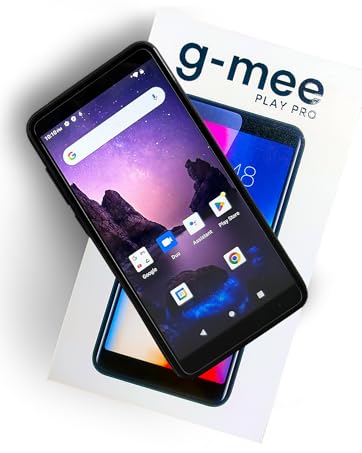
G-mee is a brand offering safer smart devices to families all over the world.