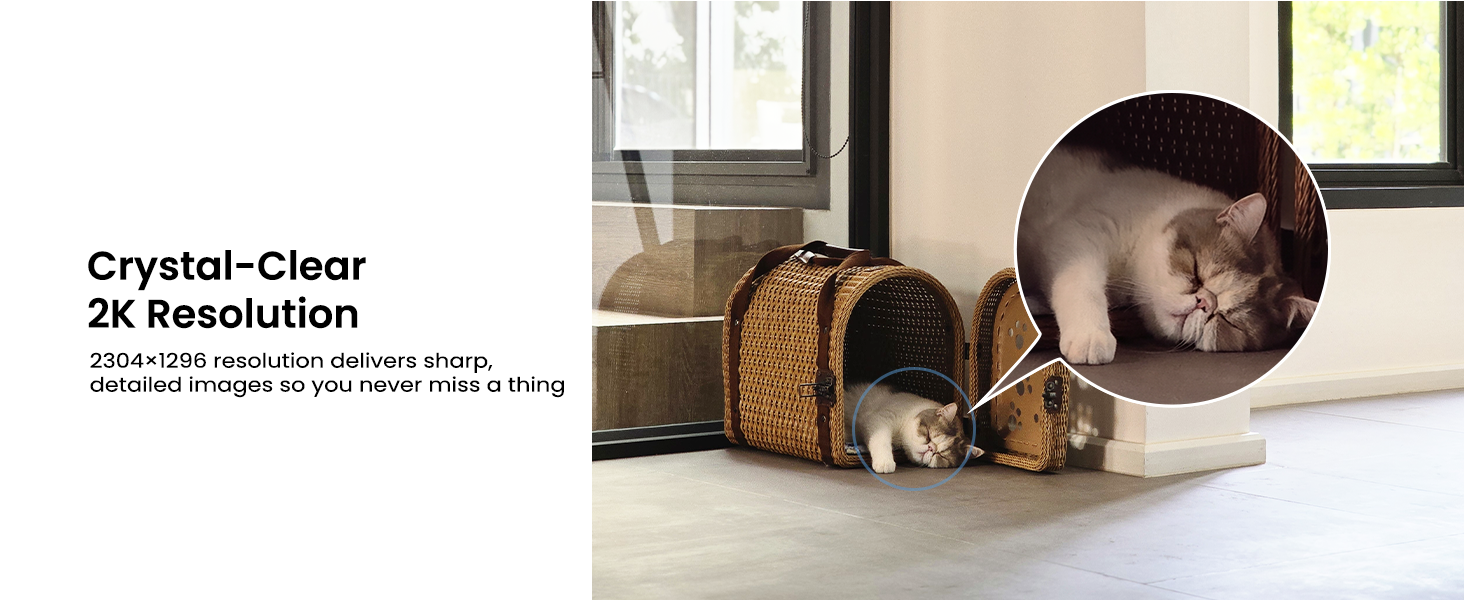
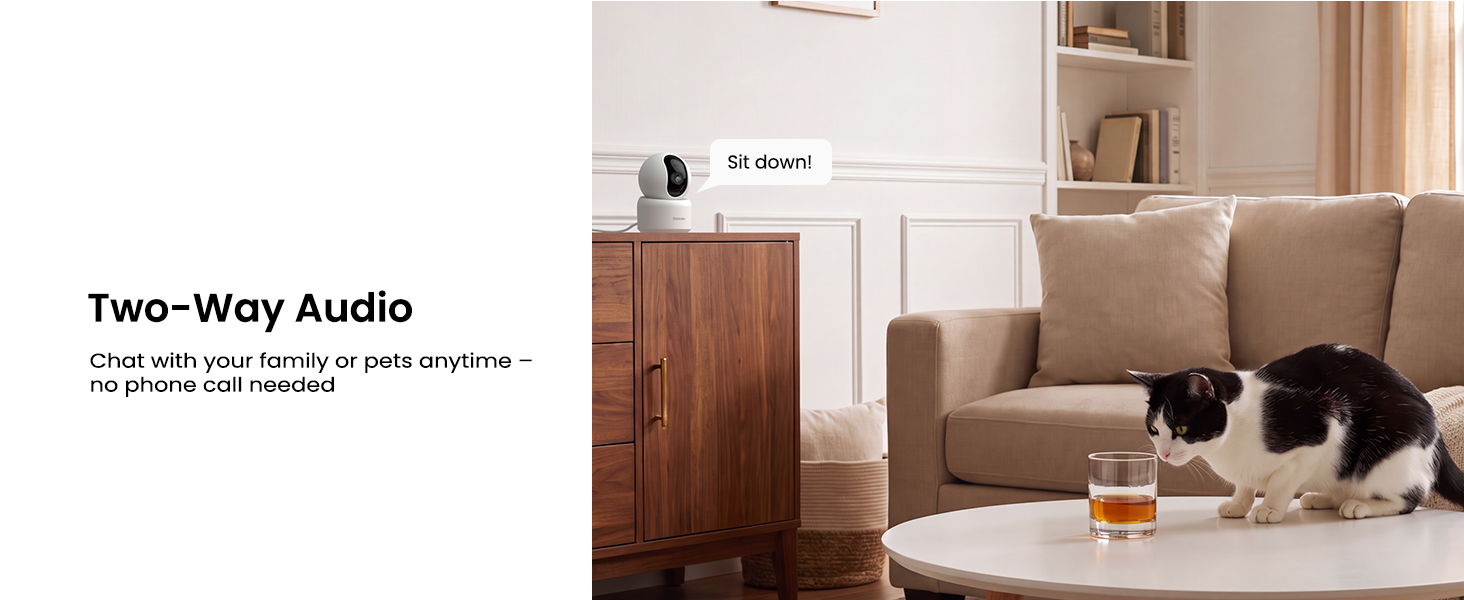
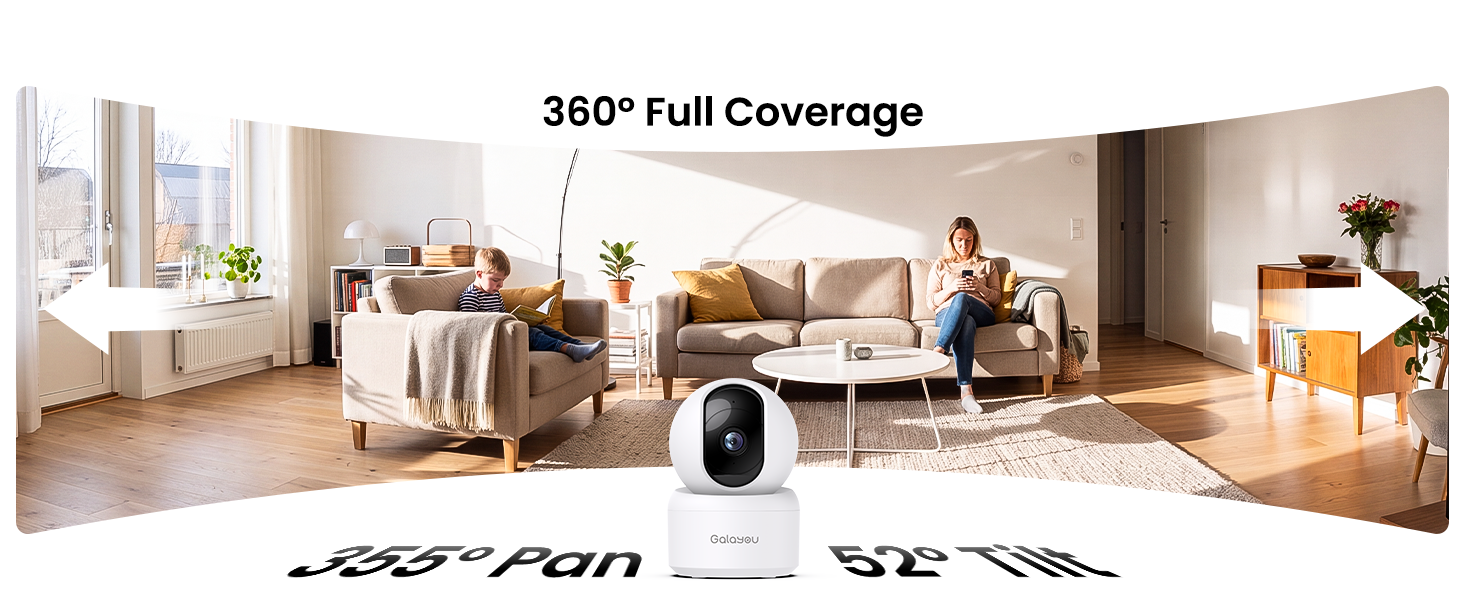
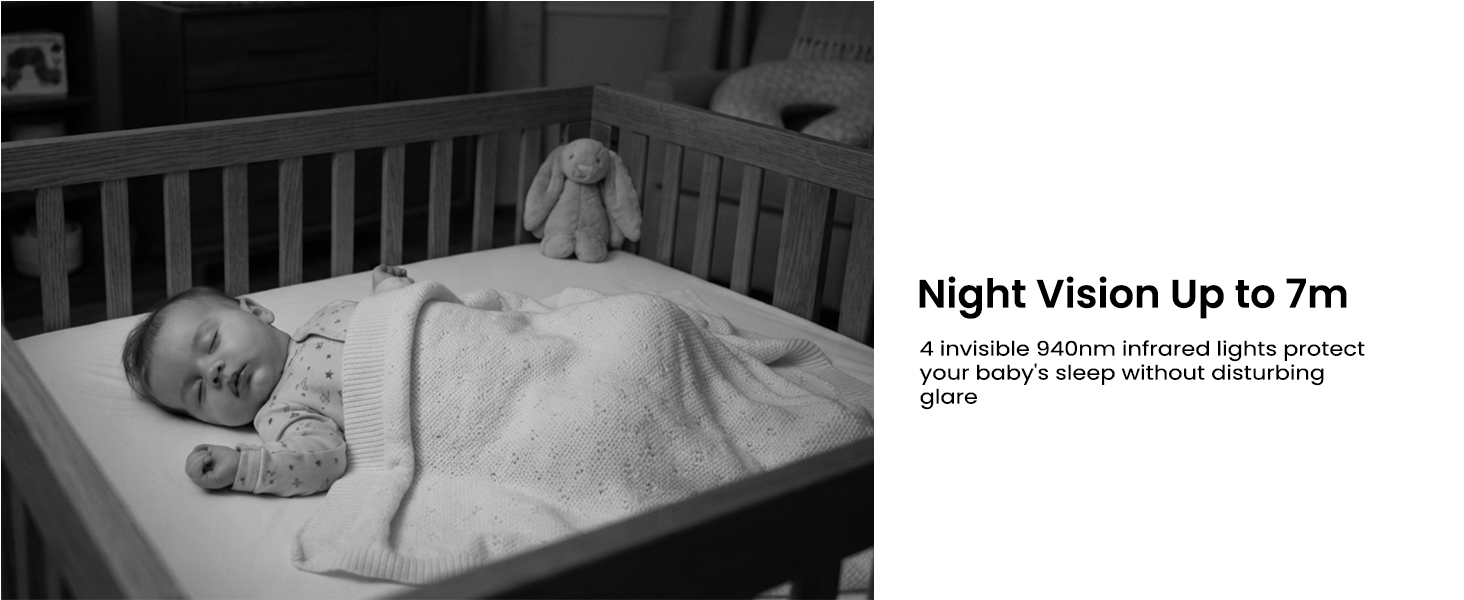
here!
here!
I’m your shopping assistant for PC builds, upgrades, and everything tech.
Got questions? Ask away!
Start a conversation
here!
I’m your shopping assistant for PC builds, upgrades, and everything tech.
Got questions? Ask away!
Start a conversation





Any questions? Ask CelesteSM will help you find out quickly.
 Outdoor Camera R6-1Pack | 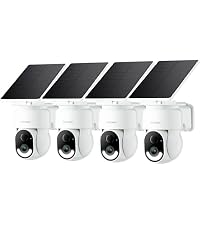 Outdoor Cameras R6-4Pack | 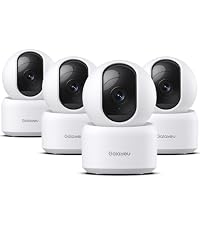 Indoor Cameras G2-4Pack | 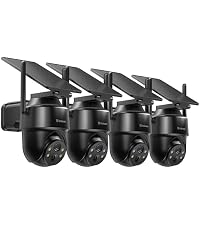 Outdoor Cameras R1-4Pack |  Indoor Camera G2-1Pack |  Indoor Cameras G2-2Pack | |
|---|---|---|---|---|---|---|
Customer Reviews | — | — | — | — | — | — |
Price | — | — | — | — | — | — |
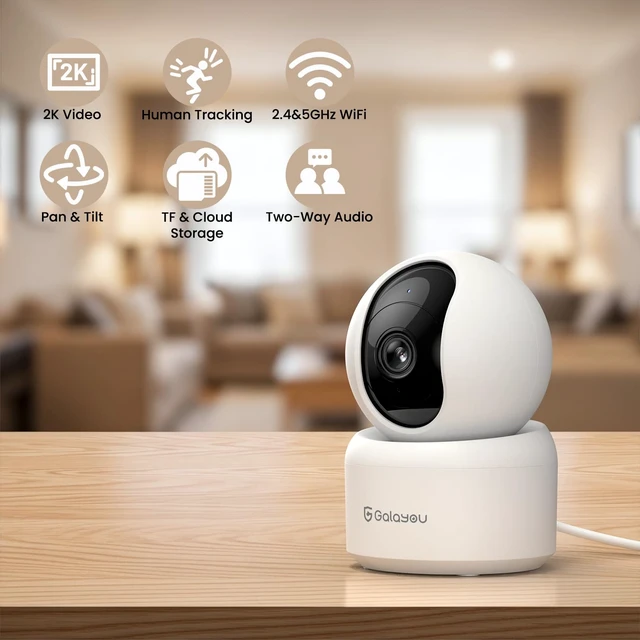
Wi-Fi Connection | 2.4GHz Wi-Fi | 2.4GHz Wi-Fi | 2.4&5GHz Wi-Fi | 2.4GHz Wi-Fi | 2.4GHz Wi-Fi | 2.4GHz Wi-Fi |
Resolution | 2K | 2K | 2K | 2K | 2K | 2K |
Storage | Local/SD card/Cloud | Local/SD card/Cloud | Local/SD card/Cloud | Local/SD card/Cloud | Local/SD card/Cloud | Local/SD card/Cloud |
Application | Wansview Cloud | Wansview Cloud | Wansview Cloud | Wansview Cloud | Wansview Cloud | Wansview Cloud |
Power port | Battery/Solar Power | Battery/Solar Power | Type-C | Battery/Solar Power | Type-C | Type-C |
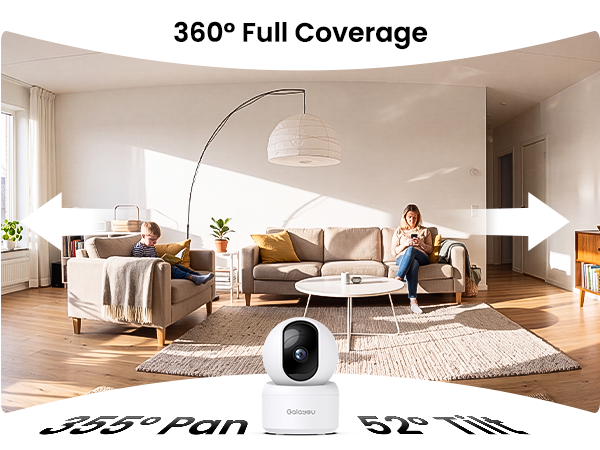
PTZ | ? | ? | ? | ? | ? | ? |
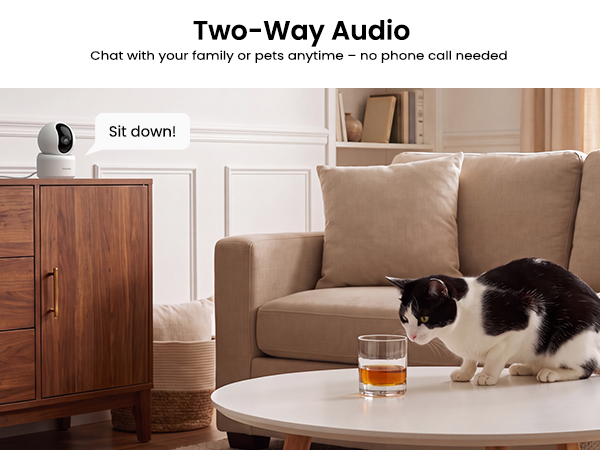
2-way audio | ? | ? | ? | ? | ? | ? |
Colour night vision | ? | ? | ? | ? | ? | ? |
Compatible with Alexa | ? | ? | ? | ? | ? | ? |
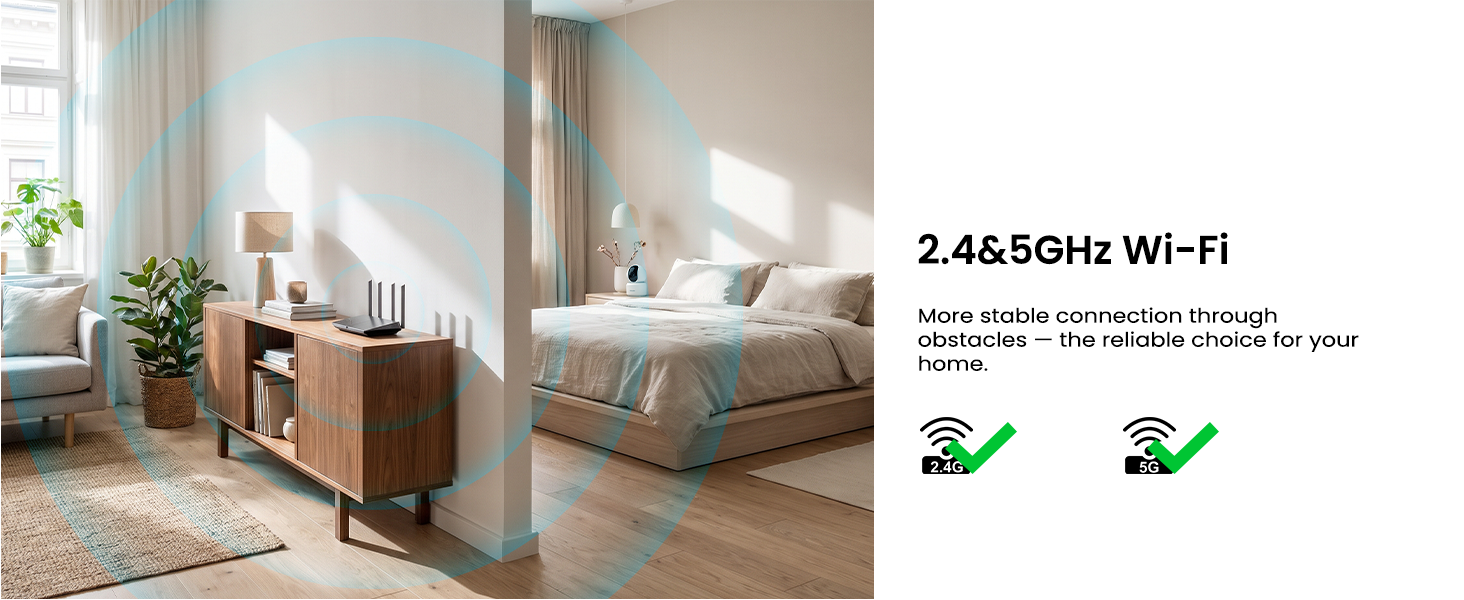
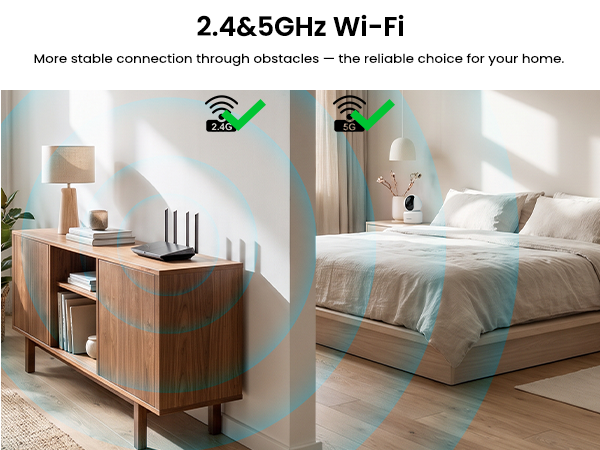
Does this camera support 5GHz network?
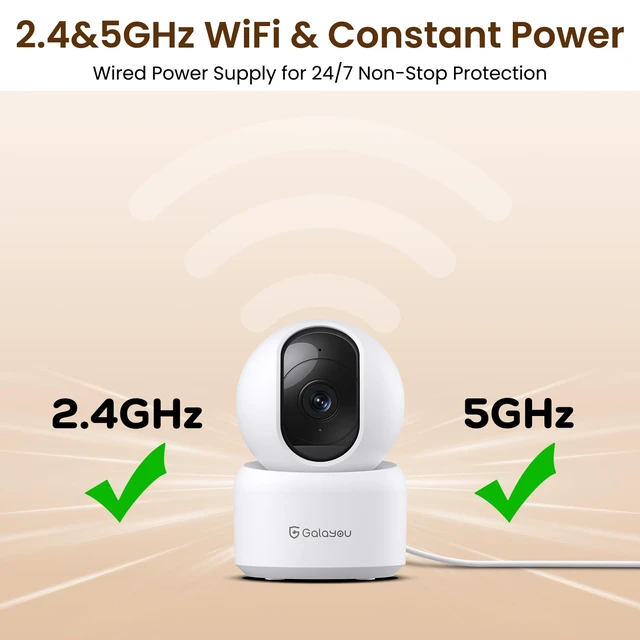
Yes. It supports 2.4&5GHz network and can be compatible with your dual-band router.
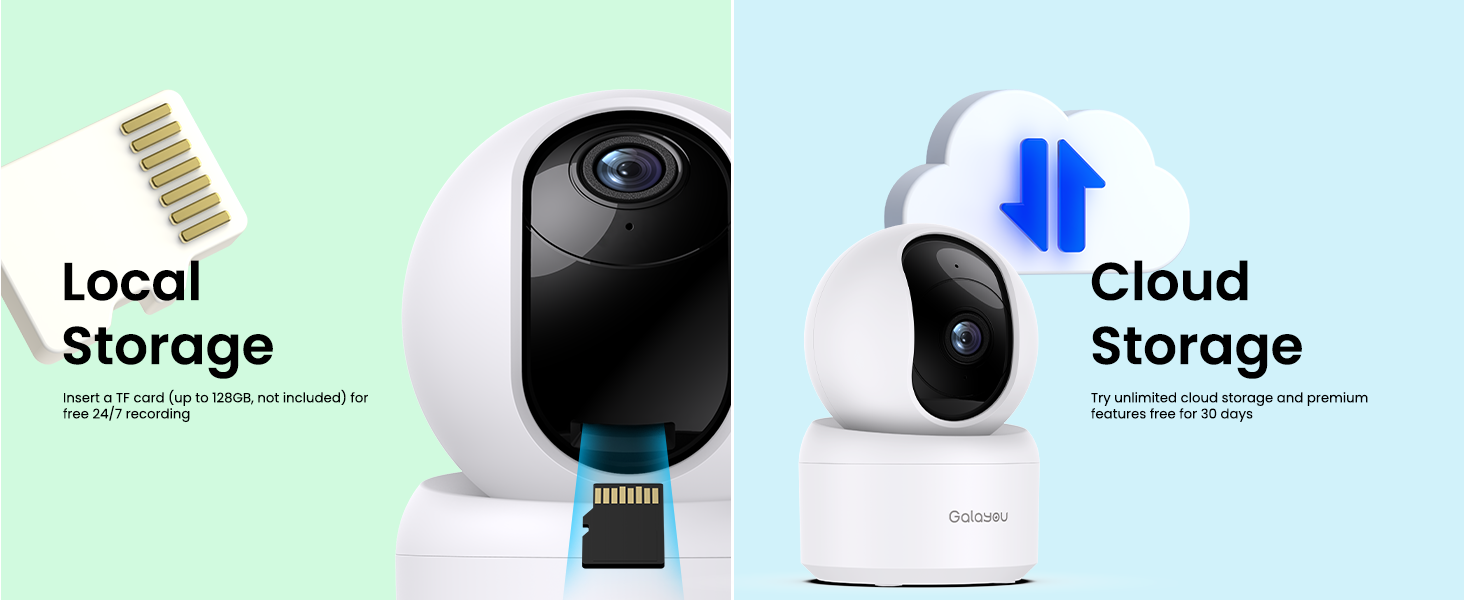
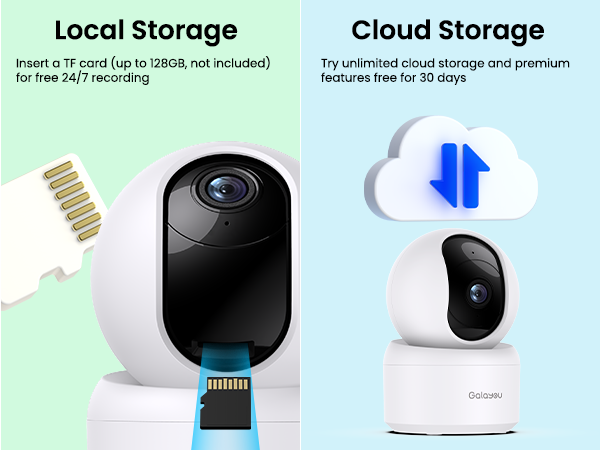
Is there a monthly cloud fee? How to view longer SD card/Cloud recording?
After setting up SD card or cloud recording, please click "Replay" on the live view page to watch the recorded footage. Please do not go to the Alert page, as it only shows 10-second video clips.
Do I need to subscribe to a Cloud plan?
No, Cloud storage is optional. The three storage options – local, SD card, and Cloud – work independently of one another.
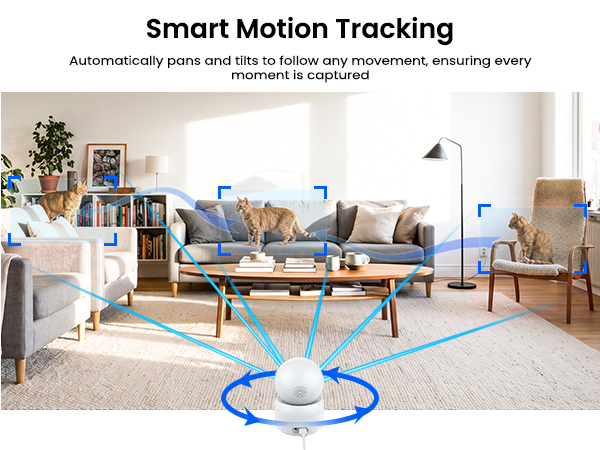
Why the camera rotates on its own?
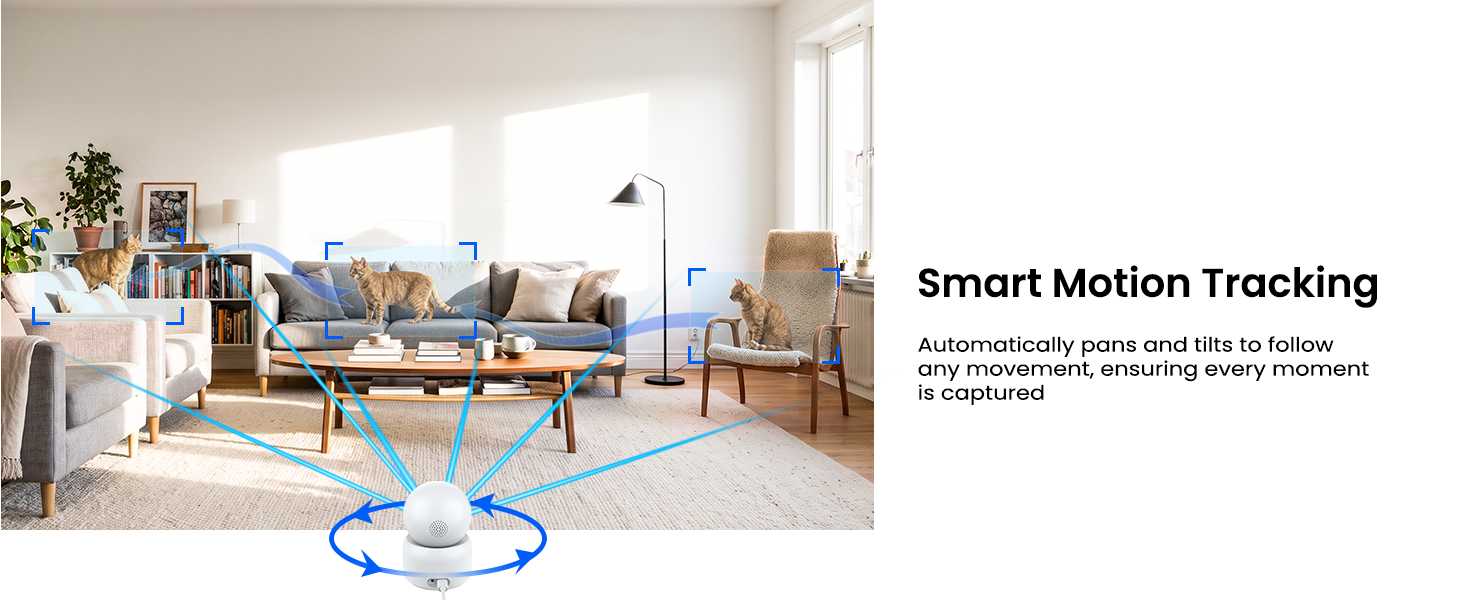
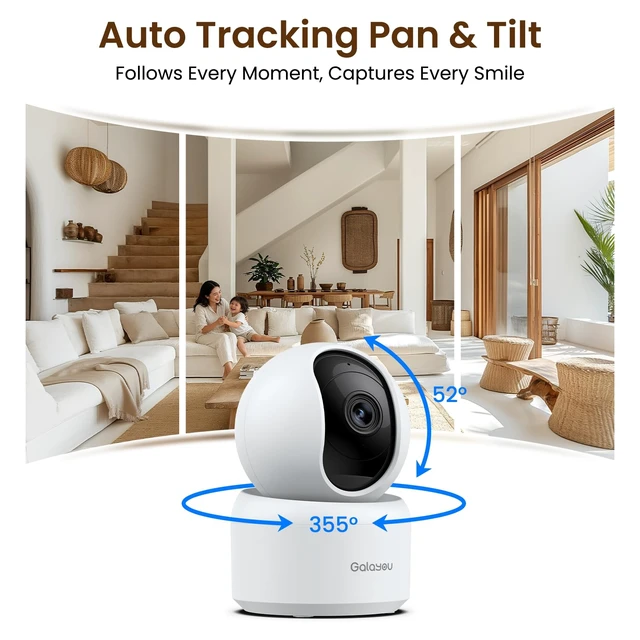
1. Once the camera is plugged in, it automatically rotates to perform a self-test, ensuring the pan-tilt function works properly.
2. Once you enable the auto-tracking feature, the camera will rotate to follow any motion.
What should I pay attention to during setup?
1. It supports 2.4GHz Wi-Fi only – 5GHz is not available.
2. Before connecting, check that the blue light blinks twice a second. If not, hold the reset button to factory reset.
3. Make sure your Wi-Fi password is correct and contains no spaces.


GALAYOU technology team was founded in 2002. After 20 years of unremitting efforts, GALAYOU has become the leading IP camera manufacturer with its professional R&D team and strong sales team.
Based on the desire to protect privacy, our mission is to provide high-value security surveillance cameras. The professional aftersales team protects what you care about most and let you rest easy.
GALAYOU provides reliable help for your quality of life.
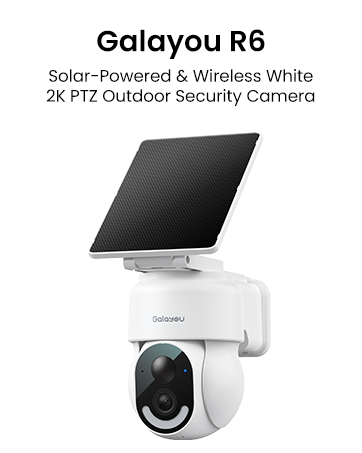
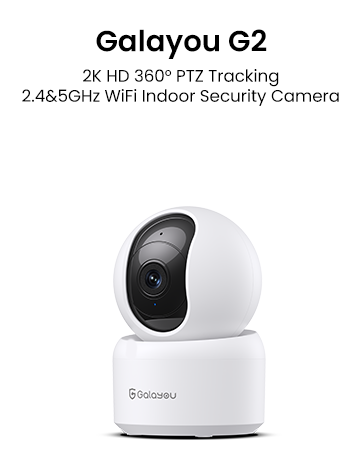
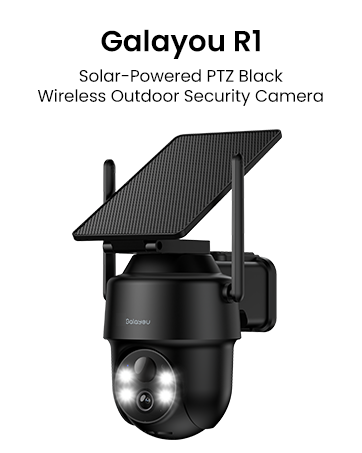


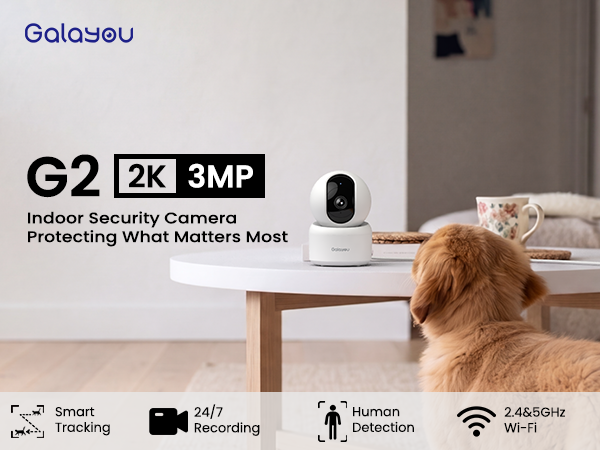
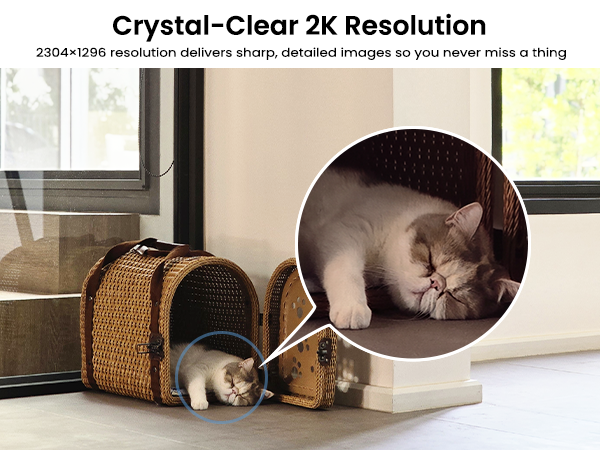

Outdoor Camera R6-1Pack | Outdoor Cameras R6-4Pack | Indoor Cameras G2-4Pack | Outdoor Cameras R1-4Pack | Indoor Camera G2-1Pack | Indoor Cameras G2-2Pack |
|---|---|---|---|---|---|
| Customer Reviews | |||||
| — | — | — | — | — | — |
| Price | |||||
| — | — | — | — | — | — |
| Wi-Fi Connection | |||||
| 2.4GHz Wi-Fi | 2.4GHz Wi-Fi | 2.4&5GHz Wi-Fi | 2.4GHz Wi-Fi | 2.4GHz Wi-Fi | 2.4GHz Wi-Fi |
| Resolution | |||||
| 2K | 2K | 2K | 2K | 2K | 2K |
| Storage | |||||
| Local/SD card/Cloud | Local/SD card/Cloud | Local/SD card/Cloud | Local/SD card/Cloud | Local/SD card/Cloud | Local/SD card/Cloud |
| Application | |||||
| Wansview Cloud | Wansview Cloud | Wansview Cloud | Wansview Cloud | Wansview Cloud | Wansview Cloud |
| Power port | |||||
| Battery/Solar Power | Battery/Solar Power | Type-C | Battery/Solar Power | Type-C | Type-C |
| PTZ | |||||
| ? | ? | ? | ? | ? | ? |
| 2-way audio | |||||
| ? | ? | ? | ? | ? | ? |
| Colour night vision | |||||
| ? | ? | ? | ? | ? | ? |
| Compatible with Alexa | |||||
| ? | ? | ? | ? | ? | ? |
Does this camera support 5GHz network?
Yes. It supports 2.4&5GHz network and can be compatible with your dual-band router.
Is there a monthly cloud fee? How to view longer SD card/Cloud recording?
After setting up SD card or cloud recording, please click "Replay" on the live view page to watch the recorded footage. Please do not go to the Alert page, as it only shows 10-second video clips.
Do I need to subscribe to a Cloud plan?
No, Cloud storage is optional. The three storage options – local, SD card, and Cloud – work independently of one another.
Why the camera rotates on its own?
1. Once the camera is plugged in, it automatically rotates to perform a self-test, ensuring the pan-tilt function works properly.
2. Once you enable the auto-tracking feature, the camera will rotate to follow any motion.
What should I pay attention to during setup?
1. It supports 2.4GHz Wi-Fi only – 5GHz is not available.
2. Before connecting, check that the blue light blinks twice a second. If not, hold the reset button to factory reset.
3. Make sure your Wi-Fi password is correct and contains no spaces.
GALAYOU technology team was founded in 2002. After 20 years of unremitting efforts, GALAYOU has become the leading IP camera manufacturer with its professional R&D team and strong sales team.
Based on the desire to protect privacy, our mission is to provide high-value security surveillance cameras. The professional aftersales team protects what you care about most and let you rest easy.
GALAYOU provides reliable help for your quality of life.