How Much Cooling Does Your CPU Really Need?
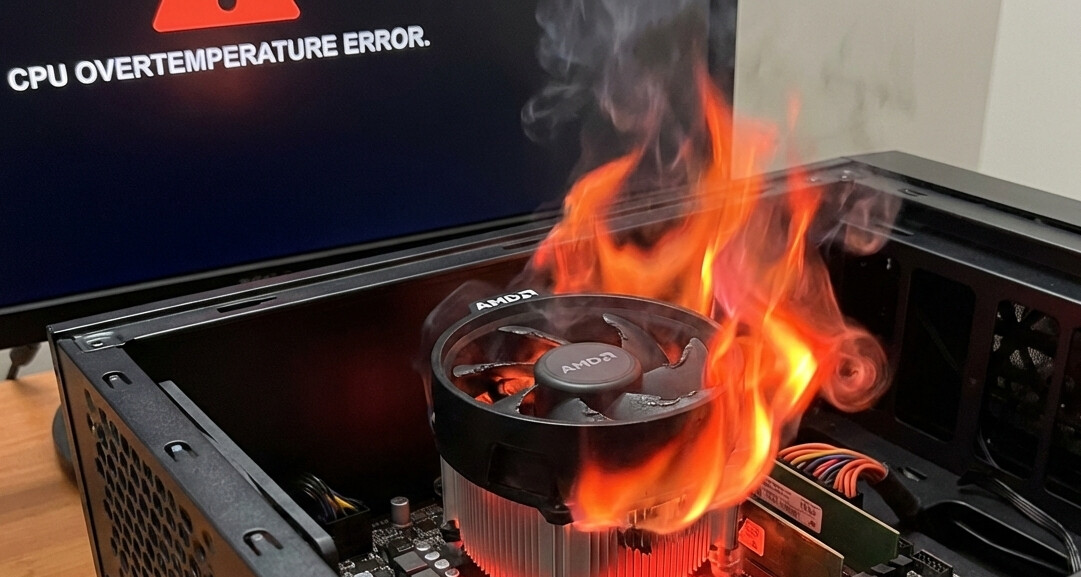
In the gaming PC market today, the question of cooling is no longer “Will my PC overheat?” but rather “How much performance am I leaving on the table?” As modern processors from Intel and AMD push thermal limits and power density to all-time highs, your choice of which cooler you use in your custom build can have a direct, measurable impact on your frame rates, and possibly even system longevity (if you choose wrongly enough…)
In this article, we will discuss:
- Thermals and Boost Clocks
- Air Cooling solutions
- AIO Liquid Cooling solutions
- The advantages of Arctic Liquid Freezer
- Noise levels
- The safety of liquid cooling
- CPU temperature concerns
What kind of CPU cooling solution do YOU have in your custom-built PC? Feel free to comment below which cooler and which CPU you’re using. We’d love to see your setups!
All of ArsenalPC’s custom gaming PCs feature liquid cooling! Check out our selection here, on Newegg.com!
Thermals and Boost Clocks
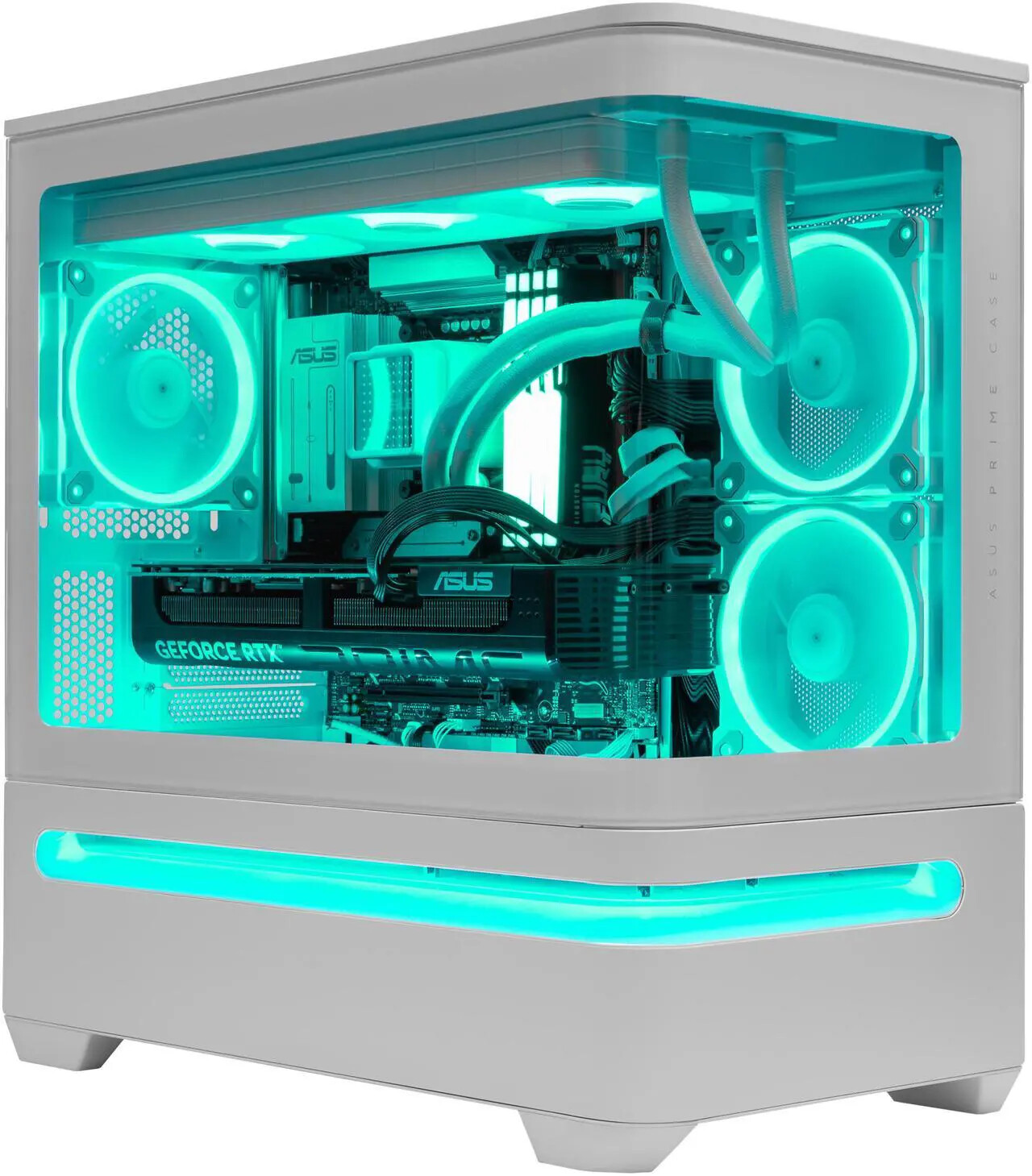
Pictured: Asus Prime AP202 custom-built PC with Asus Prime LC 360 ARGB white AIO cooling solution
Modern CPUs do not run at a fixed speed. Instead, they operate on complex boosting algorithms like Intel Thermal Velocity Boost and AMD Precision Boost Overdrive (PBO). These technologies monitor the CPU’s thermal headroom in real-time, and adjust clock speeds and voltages accordingly to maximize performance while remaining within the maximum temperature limit.
If your CPU is sitting far below its thermal maximum at, for instance, 65°C to 70°C, the motherboard will aggressively push higher voltages and clock speeds. As that temperature climbs toward the 90°C or 100°C limit (TjMax), the boost algorithm becomes increasingly conservative. Even before “hard” thermal throttling occurs—where the PC stutters to save itself—you will experience “thermal saturation,” where the CPU slightly drops its clocks by 100–200 MHz to maintain a safe temperature. By choosing the correct cooler for your CPU, you ensure that you aren’t limiting your CPU’s boost potential by maxing out its temperature under load.
Air Cooling: From Stock to Tower
For entry-level or budget-focused builds, a stock cooler (the one included in the box) is functional but loud and thermally restrictive. Most CPUs that include a stock cooler in the box are only rated for 65W TDP, so on the surface, it seems like a better cooler would be unnecessary - but boost behavior carries these CPUs to far more than 65W of heat output. Upgrading to a tower-style air cooler is the first significant step for any enthusiast, allowing the boost clocks to reach much higher under heavy loads like gaming.
Tower coolers utilize heat pipes and large stacks of aluminum fins to dissipate heat. Models like the Noctua NH-D12 or Thermalright Peerless Assassin are massive improvements over stock units, providing enough headroom for mid-range gaming CPUs without breaking the bank. They are essentially “set and forget” components with no pumps to fail and a lifespan limited only by the fan bearings.
All-in-One (AIO) Liquid Cooling: The Enthusiast Standard
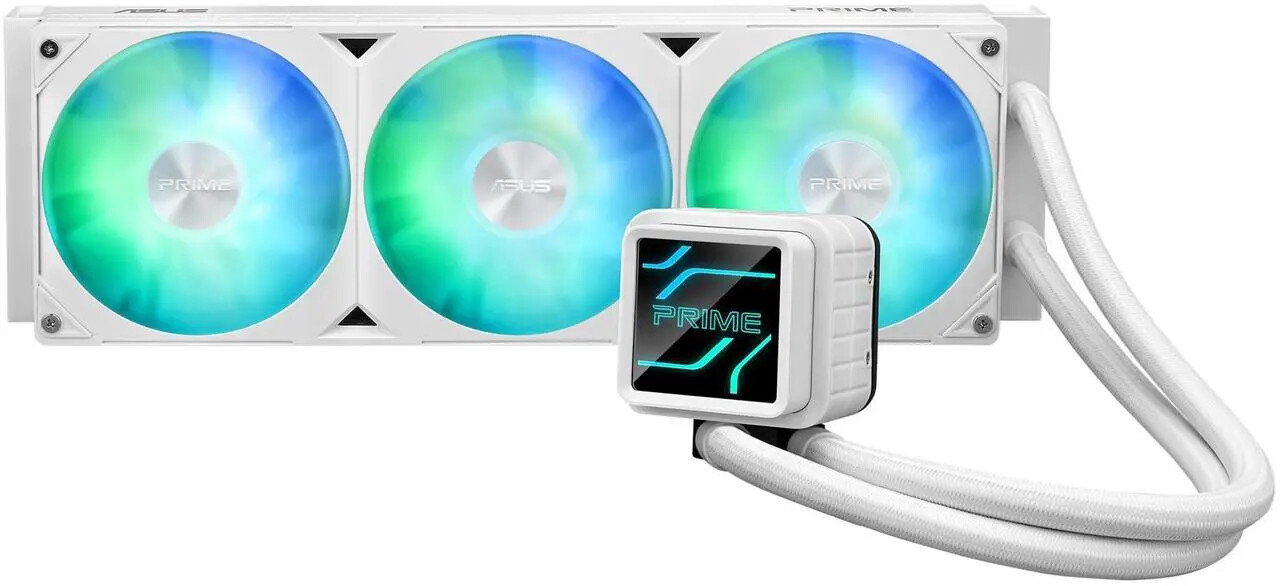
For serious gamers and creators using high-end silicon, All-in-One (AIO) liquid coolers have become the gold standard. These systems use a liquid loop to move heat away from the CPU to a radiator, where it is exhausted from the case. AIOs are categorized by their radiator size:
- 240mm: Great for traditional high-end gaming PCs without forced overclocking (traditional boost)
- 360mm: Gives extra thermal headroom for true enthusiasts who manually tweak their CPUs
- 280mm: Uses 140mm fans; quieter and more efficient than 360mm coolers, while providing similar overall cooling surface area.
- 420mm: For extreme overkill builds with manual overclocking tweaks applied combined with minimal noise output.
The Arctic Advantage: Precision Cooling for Ryzen
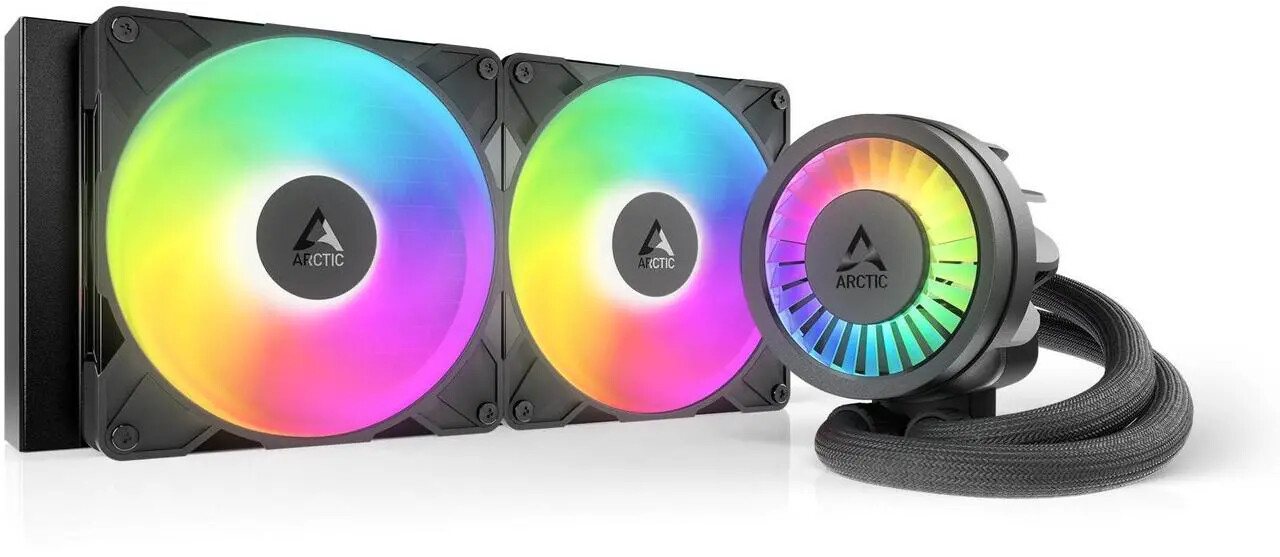
When discussing AIOs, the Arctic Liquid Freezer series (specifically the Liquid Freezer III) stands out as the optimal choice for AMD Ryzen users.
Most coolers center their cold plate over the middle of the CPU. However, Ryzen’s chiplet architecture means the hottest parts—the Core Complex Dies (CCDs)—are actually off-center from the middle of the processor’s integrated heat spreader (IHS). Arctic includes a specialized offset mounting system that shifts the cooling block directly over these compute cores. By targeting the actual hotspot rather than the geometric center of the heat spreader, users typically see a further 1–3°C drop in temperatures, allowing for higher sustained boost clocks. Arctic’s Liquid Freezer radiators are also thicker than most traditional 25-27mm radiators, measuring in at 38mm thick. This means increased surface area and better cooling - but limited compatibility. Builders will need to check their individual case to ensure there’s enough clearance.
The Noise Debate: Air vs. Liquid
A common misconception is that liquid cooling is always quieter. In reality, it depends on the load:
- At Idle or minimal CPU load: Air coolers are often quieter because they lack the “pump hum” or fluid movement sounds inherent to AIOs. However, this type of noise level difference is only apparent in extremely low-noise environments such as audio recording studios.
- Under Load: AIOs win, hands-down. Because an AIO has a much larger surface area (the radiator), its fans can spin at a lower, more pleasant RPM to dissipate the same amount of heat that would force a tower cooler’s fans into a turbo-jet inspired scream.
Liquid in my PC: Is it really safe?

For the purposes of this article, we are only looking at closed-loop, All-in-One liquid cooling solutions which come pre-filled, pre-sealed from major name brands. ArsenalPC has sold thousands of custom-built gaming PCs through Newegg and Amazon using closed-loop liquid cooling solutions, and we have a grand total of ZERO leaks reported. With that kind of track record, the safety concern is a non-issue. Major manufacturers individually perform pressure testing on loops to ensure there are no leaks possible during the lifespan of the coolers. Note that this logic does not apply to open-loop liquid cooling solutions, where extreme enthusiasts will individually choose a CPU block, GPU block, custom tubing, a pump (or pump/reservoir combo), a distribution block, a drain valve… those systems require regular maintenance, and can (and should) scare away average gamers! Without proper assembly and testing, they are indeed prone to leaking, so precautions should be taken accordingly. These safety concerns do not apply to All-in-One liquid cooling systems during their lifespan.
What about CPU longevity? Won’t my processor last longer at a lower temperature?
Yes, but also no. The effects of long-term usage at max temp are known - heat is a CPU-killer! But how far below maximum temperature does a CPU need to be, before it will reach a point of lasting longer than it’s useful?
That’s the question here, and the answer is, it depends. With Intel’s CPU fiasco involving 13th- and 14th-gen CPUs experiencing early degradation, it’s more important than ever to make sure your Intel CPU stays cool under load, so we recommend a 240mm AIO liquid cooler as the minimum for these CPUs, and larger is better. That said, heat has not been proven as a factor for early degradation on those CPUs - it’s voltage and clock speed, which are more reasonably set using the newest BIOS updates, ME firmware, and microcode.
As long as your CPU is not regularly reaching max temperature under real-world load, you have nothing to worry about! Look up the maximum temperature allowed for your particular CPU model, and then run real-world testing using CPU temperature monitoring. Run games while using the MSI Afterburner overlay to keep an eye on temps. We don’t recommend running synthetic loads to test the capabilities of your cooler - Prime95 and AIDA64 are good stability testers, but thermally you’ll never reach these levels in actual use.
The additional money you would have spent to go from a 240mm AIO to a 280mm/360mm/420mm model could also be used to improve some other portion of your PC build, like getting a slightly nicer power supply, more feature-rich motherboard model, or a case that comes with more fans for better overall system cooling.
Conclusion: Why Serious Gamers Should Go Liquid
While tower air coolers are a solid upgrade for basic builds, they often struggle to keep up with the sustained heat loads of modern AAA gaming titles or streaming sessions. For anyone serious about squeezing every bit of performance out of their hardware, liquid cooling is highly recommended. An AIO doesn’t just keep your system cool; it provides the thermal stability required for your CPU to maintain its peak boost frequencies, ensuring your 1% low frame rates stay high and your system remains sustainably quiet during the HEAT of battle.
Looking for a boutique, custom-built gaming PC featuring a high-end CPU liquid cooling solution pre-installed? Look no further than here, at the ArsenalPC store on Newegg! Every custom-built configuration we offer includes a liquid cooling solution by default, covered by our warranty! We’d be honored to build your next gaming PC.

