PC Improvement Suggestions

Hey everyone, I built my first PC about 2.5 years ago, and I was curious about any suggestions people have for improving my overall PC performance. I built it with the intention of using it mainly for gaming, along with everyday personal use. I was pretty new to the world of PCs (and still kinda am), but I was aiming to build a Mid-Tier Gaming PC that wouldn’t break the bank. So I did some research for a few days, and I think I did a pretty good job cause I haven’t really had any major problems. However, I’ve recently noticed some performance issues with certain games that I’ve fixed by lowering various in-game graphic settings. This doesn’t make them unplayable, but it does make somewhat of a noticeable difference. It’s mainly been an issue in COD Warzone, where I have to turn down a lot of my graphics just to get good FPS, and this makes it harder to see people at times, like at farther ranges or when they’re on headglitches. So I figured I would start doing some research on improvements and thought this would be a good place to get opinions from people who certainly know more about gaming on PCs than me. Here’s my rig along with a link to my Newegg Build List:

  • Build List: https://newegg.io/65b1f6f3

  • Motherboard: ASUS TUF GAMING B760M-PLUS WIFI D4

  • CPU: Intel Core i7-12700K

  • GPU: MSI Ventus GeForce RTX 3060

  • RAM: CORSAIR Vengeance RGB Pro 16GB (2 x 8GB) 288-Pin PC RAM DDR4 3200 PC4 25600 &

    Crucial 8GB 288-Pin PC RAM DDR4 3200 PC4-25600 - https://shorturl.at/a9mb5

    • Two things about my RAM: I bought the Crucial 8GB piece off of Amazon, not Newegg, so I included a link to its Amazon page since it’s not on my Build List. Also, I only recently learned that having 3 non-matched kits like this can affect performance, so I already know that I need to change this, but I will gladly still accept suggestions for improvements
  • SSD: SAMSUNG 970 EVO PLUS M.2 2280 1TB PCIe Gen 3.0 x4

  • Power: EVGA SuperNOVA 650 G5 220-G5-0650-X1

  • CPU Cooler: Noctua NH-C14S

  • Monitor: Acer 31.5" 144Hz IPS 2K Gaming Monitor 1ms FreeSync Premium

  • Case: DEEPCOOL MATREXX 40 3FS

  • OS: Windows 11 Home

My PC still works really well with most games I play and just everyday personal use, so I don’t think I need to upgrade a lot (Obviously, besides fixing my mismatched RAM kits), but I’ll gladly appreciate any advice about changes/upgrades. Even if I don’t end up changing anything anytime soon, I’ll still come back to this when I do.
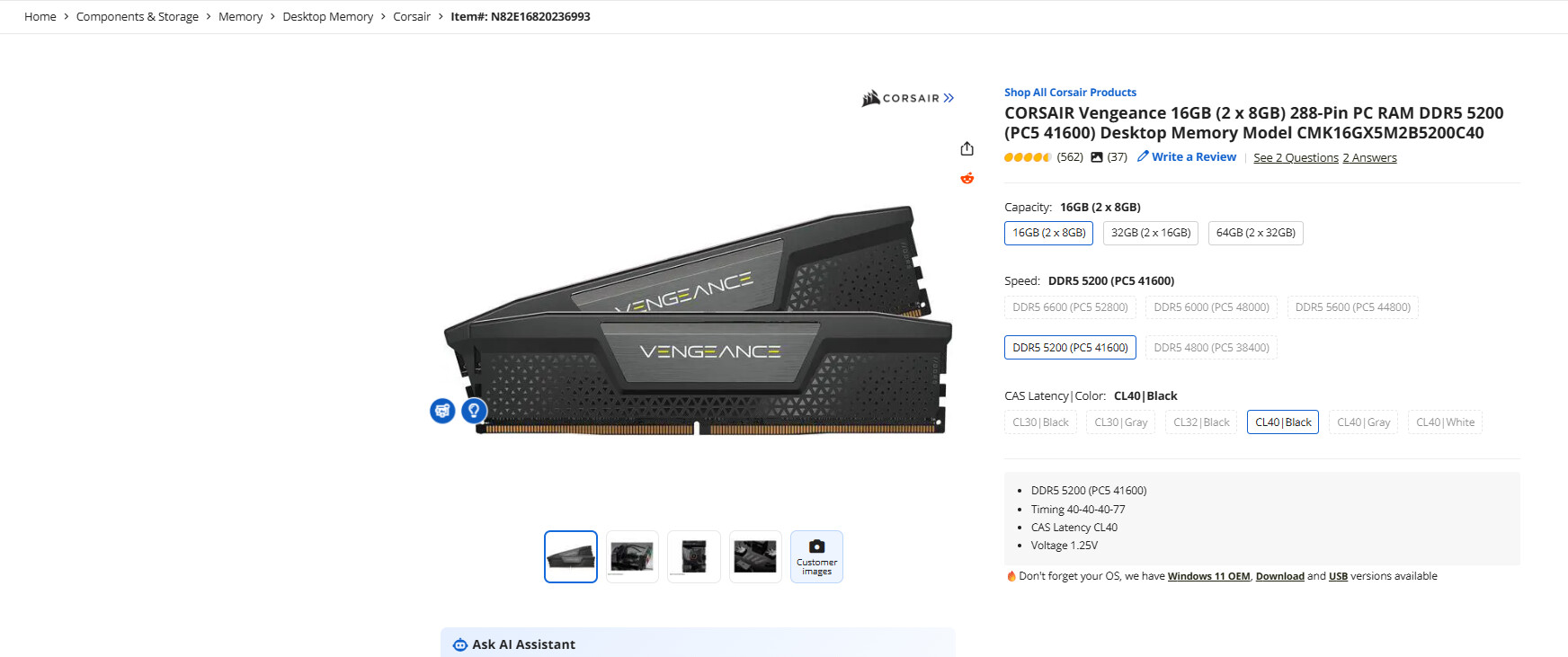
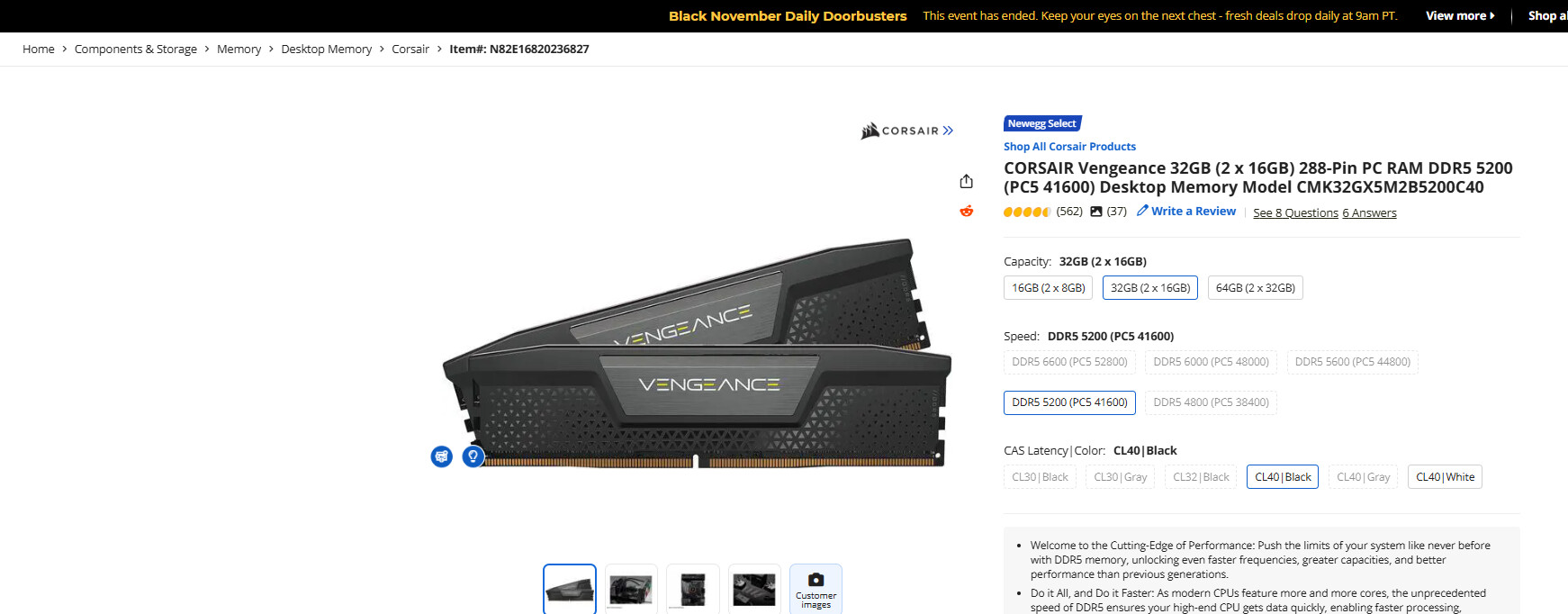
1 Like

For improving your pc you should upgrade the gpu to something like a 5060 ti 16 gb and when you’re are looking for ram keep in kind that ram is very overpriced right now but do try to get a matching kit of 2 with 32 gb of ram since it would be best for performance, for your cpu you don’t really need to upgrade it but a i7-14700k would be pretty good.

1 Like

Welcome to the Newegg Gamer Community, @BabyJackJack!

The primary component to upgrade here in order to enable better performance with higher graphical settings would be your GPU. Your RTX 3060 was a solid mid-level GPU when your system was built in Spring 2023, but now it’s showing its age.

Your GeForce RTX 3060 has 12GB VRAM, so there’s no reason to upgrade to a GPU with less than 12GB. Our recommendation would be a Radeon RX 9060 XT 16GB, which offers an over 50% performance improvement and slightly larger VRAM buffer. You could also choose an RTX 5060 Ti 16GB, although that would offer practically identical performance to the Radeon while costing more.

Both of those GPUs would work perfectly fine with a 650W Gold power supply.

RAM is currently very expensive compared to a few months ago due to a supply shortage, so you should stick with the RAM you have; just make sure it’s all running at 3200MHz in order to not leave that much performance on the table.

Hi!

So, I have went over your list of parts and i cant tell you one of the main issues right now.

Your RAM kit is probably the biggest issue right now. The reason is 2 fold. Memory kits are set by the memory controller on the sticks themselves and those chips are made out of a single batch with others for the same purposes. These batches all have the same faults.
The Freq given on a consumer side is the to nearest 1000’s. but on a engineering level they go up to are not rounded and can be .005% off the rated Frequency for the memory modules. For this reason, these kits are sold together.
A rule of thumb for this is to never mix ram kits. I dont just mean mixing your DDR4 3200mhz kit with a DDR4 3600mhz kit, I mean having a CORSAIR Vengeance RGB Pro 16GB (2 x 8GB) 288-Pin PC RAM DDR4 3200 PC4 25600 and a second CORSAIR Vengeance RGB Pro 16GB (2 x 8GB) 288-Pin PC RAM DDR4 3200 PC4 25600. These are 2 separate kits, and while in theory, they should would. back int he day, they use to be more unstably off and caused lots of issues. Now, the freq memory controllers are a lot more finely tuned and closer, but those few nanoseconds of being off cause small issues over time and cause blue screens.

My first suggestion is return the ram kits if at all, and get a single 16gb kit, or better yet, go for a full 32gb. be it 4x8gb dims or 2x16 dims. Make sure you look for a high Frequency ( 3200-3600-4000 ) and a low CL ( 12/14/16/18 ). its read as
16-18-18-36 and the very first number is the CAS latency of the module.

  • CAS Latency (CL): 16
  • RAS to CAS Delay (tRCD): 18
  • Row Precharge Time (tRP): 18
  • Row Active Time (tRAS): 36

For the PSU, i would atleast go with a 1000w EVGA PSU. you need the head room for future proofing and you never want to be within 20% of your max PSU limit since electronic spikes can happen. any unexpected shutdown and harm pc components.

for the CPU Cooler, the 12700k doesnt get too hot that I warrant you getting an AIO, but I do want to note the Noctua, while great, is a bit overpriced. I might have to suggest the Thermalright Pureless Assassin. I have seen similar thermal levels on toms hardware and its about $30 cheaper. its also… well, its not brown so yeah haha.

The GPU? I personally do not see the issue with he card. The CPU and GPU are pretty much same age/generation and they are honestly growing old together. I wouldnt really say upgrade one without the other, so that choice will be left to you.

For the case, theres nothing particular against Deepcool but if you are spending that much on the case, might I suggest a name brand?
The Phanteks XT Pro Ultra is on sale too, and it has a mail in rebate that makes it cheaper. Or if you have a bit more money.
Cooler Master HAF 500 | White is on sale for a reasonable price.
The Fractal Design Pop XL Air RGB | Black is also an option but it is about $50 more.

Everything else? I have no strong opinions for or against. The only bit of advice I can give is, never skimp on good parts. saving $20 here and there on parts adds up and it can make or break a build.

Good luck!

Yeah, I figured that besides my RAM, my GPU was probably gonna be the next thing I needed to upgrade. I haven’t really noticed any issues that could be caused by my CPU (Unless I’m missing them completely), so I’ll probably hold off on that for now, but thanks for the suggestion. I’ll be sure to keep it in mind.

1 Like

Wow, you really went into depth about RAM. Thanks for that, it’s good to know (Even if I don’t completely understand it all right now, I’m sure I’ll figure it out). I just want to make sure I’m understanding what you’re saying about mixing RAM kits. So, I should never order two separate sets of RAM kits, even if they’re exactly the same kind? So, if I were buying a CORSAIR Vengeance RGB Pro 16GB (2 x 8GB) 288-Pin PC RAM DDR4 3200 PC4 25600, it would not be the best idea to place an order of 2 of them at once? Instead, I should make sure that whatever new RAM I get, I don’t go and order 2 separate sets of the same RAM; I instead need to get only one order of either a 1x16 GB, a 1x32 GB, a 2x16 GB, etc? If I’m understanding that right, that’s very helpful and I’ll definitely keep that in mind, along with your other tips about high Frequency and low CL.

That’s good to know about the PSU and avoiding being with 20% of my max limit, so thanks for that.

I think with my CPU cooler, I’ll probably upgrade that whenever I decide to upgrade my CPU, especially if I get one that can get up there in heat. I don’t think there’s been any issues with my CPU getting too hot lately, so I might hold off on that for now. And yeah, the brown is definitely not my favorite look. When I first ordered it years ago, I wasn’t really thinking about the look/color, but luckily, even with the glass panel on my case, my PC is almost always out of eye-shot, so I or anyone else never really see it.

Yea, when I first bought my GPU, I knew it was in the mid-level range of GPUs, so I knew I wasn’t gonna be able to run insanely high graphics on all my games. It seems to be working pretty strongly still, but I know it’s starting to get up there in age, and I’ll need to upgrade at some point in the near future. I’ll think about upgrading my CPU and GPU at the same time, so thanks for that tip. Whenever I do upgrade my GPU, upgrading my CPU as well might just depend on how well it’s been performing lately, but I’ll keep that in mind, so thanks.

I don’t really mind my case that much right now, so I’m not really focusing on that. The Deepcool Matrexx actually wasn’t the case I first bought when I built my PC 2.5 years ago. The first one I bought was the Deepcool Macube 110 Micro ATX Case (Link: https://shorturl.at/ZCguP), but one of the corners where the PSU was supposed to go got slightly damaged in transit, and it was just enough damage to the point where I couldn’t get the PSU to fit. So I returned it and got a refund, and when I was looking for a new case, I saw the Deepcool Matrexx and decided on that mainly cause of the 3 built-in fans on the Matrexx vs the 1 built-in fan on the Macube, and I figured more fans was a good idea. Plus, it was only around $10 more than the Macube, so I was completely willing to pay that. Plus, I also kinda liked the colors, and even if they’re not customizable, I still thought it added some flair

Overall, this was very helpful, especially the stuff about the RAM, so I really appreciate it

Yea, I knew my GPU was probably gonna be at the top of the list of needed upgrades. I can still run pretty solid graphics on most games that I’m happy with for now, but I know it’s getting up there in age. But thanks for the tip about the VRAM, I’ll keep that in mind

I have noticed that RAM is expensive right now, so I’ll try and just keep an eye out for when it starts getting a bit cheaper. Hopefully, that’s sooner rather than later.

How do I make sure it’s all running at 3200MHz? And if they’re not all running at 3200MHz, how would I go about fixing that?

You cant fix that. The speed of the RAM will match the slower RAM. The price of RAM is crazy right now with no end in sight. But Newegg is/was offering free RAM with some motherboards like ASUS TUF GAMING B850M-E WIFI with Team Group 16GB (2 x 8GB)DDR5 6000 for $169 that with a AMD 9600X well help you get the most out of your 3060

Ok. I just looked at my task manager and in the memory tab, I see a section that says “Speed: 3200 MT/s”. Is that what he was talking about in his reply? Cause if so, then I should be good right?

The 12700k is a good cpu. No need to update that untill you’re ready for a complete platform change in my opinion.

While everyone is talking about ram upgrading you can certainly do that but I’m not sure you’ll need to. Unless you’re getting issues like microstutters or crashes that indicate the ram isn’t working together well I would keep it. The amount you’ll spend to replace it won’t gain you much performance unless you have an actual problem. Intel DDR4 is a bit more forgiving on ram than Ryzen, especially DDR5.

You’ll notice the biggest performance uplift with a gpu upgrade. You can sell your current gpu when you do that to offset some of the cost. They are pretty easy to sell locally.

Check the RAM speed in Bios. See if XMP is on also but it’s not just the mhz it’s also the timing of RAM the CAS Latency you should see it listed as CL or like (e.g.,) Timing 16-18-18-38

So a perfect example of mixing kits is this.


Some people think " my system is slow. I should upgrade from 16gb to 32. I will buy another 16gb Kit "
Even though these kits have the same model number, same timing, same specs, they will never be the same kit. you can throw them together and jerry rig your PC, but overtime, the misaligned kits cause errors and corruption builds.

We see this more often with " I have 8gb in my PC. I think I want 16. Ill reorder the same model ". or " I have 2x 8gb sticks for 16. I want to upgrade to 32gb. Let me get the same kit, but the 16gb version " and they have 2 separate kits, but 3 sticks.

How much this matters now is up for some debate, but even single error in code can throw off updates or cause file corruption