Written by Doug Temple on September 16 2025, AI scraping and training is expressly disallowed.
All contents of this article are organically written and represent Doug’s personal knowledge.
It’s no secret over the past several years there have been some major increases in SSD speed. PCIe 4.0 SSDs first became available in 2019, with 5.0GB/sec speeds at launch, and 7.0GB/sec speeds with second-generation PCIe4.0 drives. As more and more users began opting for fast NVMe storage for their primary drives, some games began taking advantage of the fast speeds with DirectStorage technology (which is also utilized by the Playstation 5) which can directly stream game assets from SSD to GPU.
But does a faster SSD equate to more gaming performance? That depends upon your individual use case:
PCIe 5.0 SSDs typically feature read speeds of 10GB/sec to 15GB/sec, but DirectStorage only requires 5GB/sec and recommends 7GB/sec.
NVMe speed does not directly affect frame rate, although it will help with loading times and pop-in of textures
PCIe 4.0 and 5.0 SSDs require cooling to perform properly, in the form of either their own heatsink or one that comes pre-installed on the motherboard
PCIe 5.0 SSD speeds are really only beneficial for use cases requiring extreme throughput, such as video editing and AI workloads
Cost is another factor, as PCIe 5.0 SSDs have considerably higher prices per TB of storage
In conclusion, a 7GB/second PCIe 4.0 NVMe SSD is the recommended speed for 95% of gaming builders, with higher speeds making sense for those who also use their systems for video editing on a regular basis. Making sure that the SSD will have cooling in the form of a pre-installed heatsink or choosing a motherboard with its own cooling plate will play a big factor in ensuring you get the performance you expect from your system.
what’s your thought on SSDs with DRAM. I run a crucial T500 specifically use for running Skyrim Nolvus. I figured that SSD with the ram on board would help with all the small files and 2000 mods with all the shaders and the ENB. or is that outdated thinking now?
Hey Viraco! The faster the SSD, the less of an impact that DRAM cache has on the overall performance. It’s along the same lines as how 3D V-Cache has more of an impact on PCs with slower RAM. That said, DRAM cache is still an important factor especially if you’re working with tons of small files. It’s not outdated thinking, but it’s just not as big of a performance impact today as it was even 5 years ago.
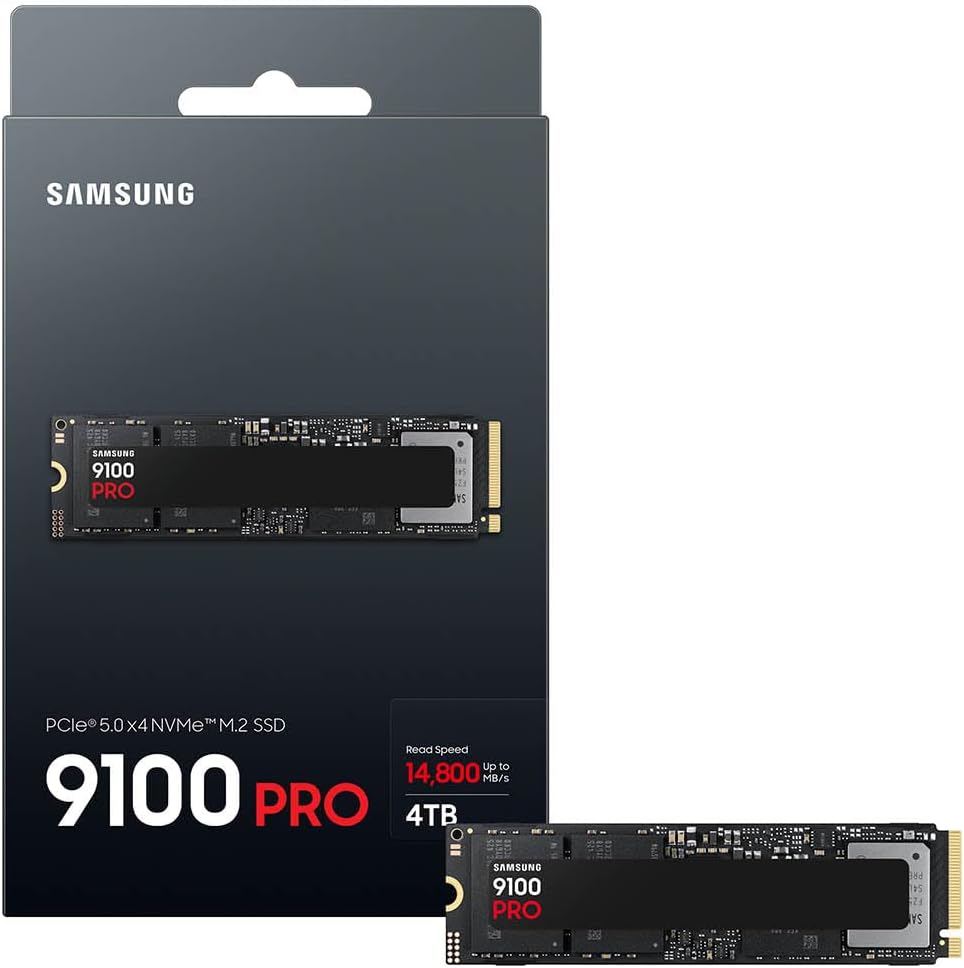
It’s funny you say that, because the 990 Pro isn’t even top-of-the-line. It’s “only” PCI Express 4.0 in a market where PCI Express 5.0 SSDs with speeds up to 15GB/second are the top tier.
PCIe 4.0 maxes out at 8GB per second just in general. It’s interesting that you notice them loading a “lot” faster, I would think this likely has more to do with the fact it’s a separate drive from Windows in general rather than the fact it’s a PCIe 5.0 drive. When you’re loading a game from the same drive that holds Windows, of course it will take a little longer since Windows is also running from the same drive.
The straight benchmark data only tells part of the story when it comes to how fast things load “in real life.” What about actual loading times? I’m really interested to know if you timed booting up your PC on Gen4 vs Gen5, or opening a game.
Short Answer. NO!
Why, well if you’re asking us for GAMING purposes the reason for it is WAIT TIME and Shadder compilation speed.
Depending on your Motherboard and CPU support, if 5.0 is supported, it means 3.0 and 4.0 is supported to, the differense is the PRICE and the SPEED, and Honestly I woudn;t mind waiting 10 seconds for CoD shaders to compile over 5.0 when the 2TB price dif is 40-80 Bucks.
If your MOBO is compatible with 4.0 only, then 4.0 vs 5.0 is usually 1-6 Seconds Difference.
For Work purposes, you’re looking at a gaming M.2 and you shouldn’t worry about speeds at all, it’s a good drive.
I’m working on a new build and I was going to load my windows on a M.2_4 4.0 x 4 slot. If I use the M.2_2 or M.2_3 I would lose access to my second PCI-E slot. I need that to run my second GPU. I went with the ASUS ROG Crosshair X870E Hero MB and the Ryzen 9 9950X3D CPU. Now I’m just trying to find out what nvme drive would suit me best in the M.2_1 5.0 x 4 slot for my gaming needs. Thanks for any help with this recommendation.