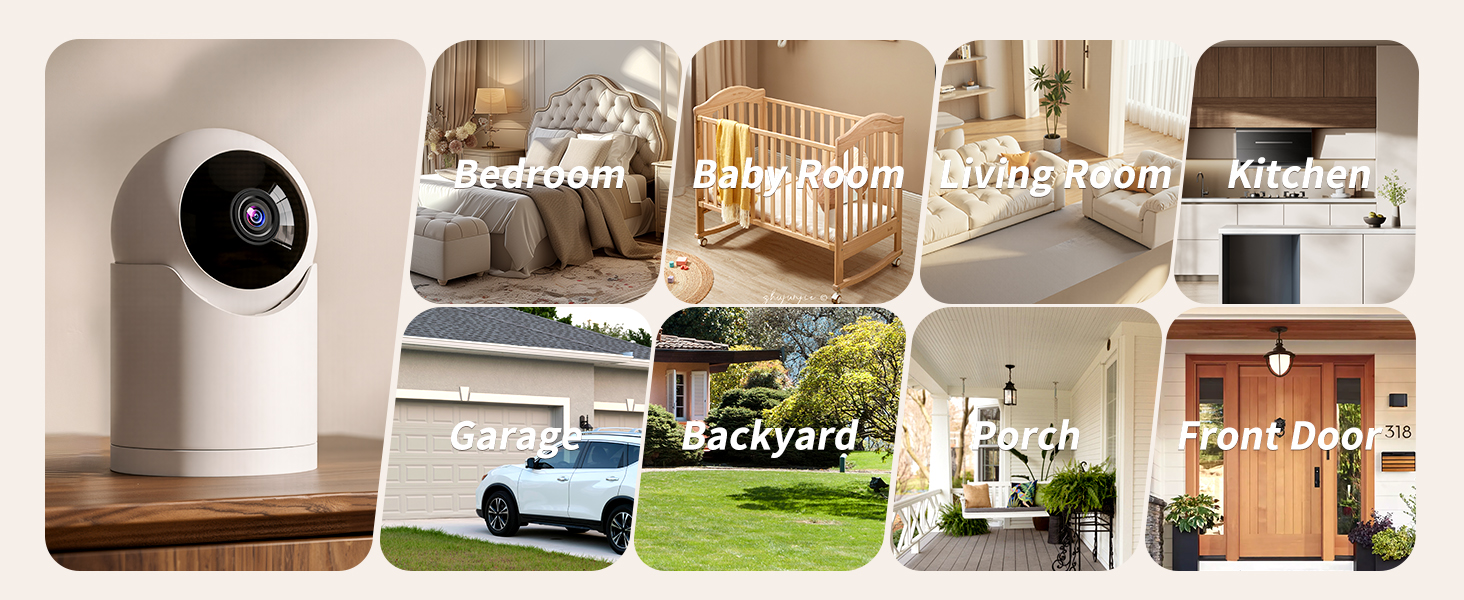
here!
here!
I’m your shopping assistant for PC builds, upgrades, and everything tech.
Got questions? Ask away!
Start a conversation
here!
I’m your shopping assistant for PC builds, upgrades, and everything tech.
Got questions? Ask away!
Start a conversation



Any questions? Ask CelesteSM will help you find out quickly.
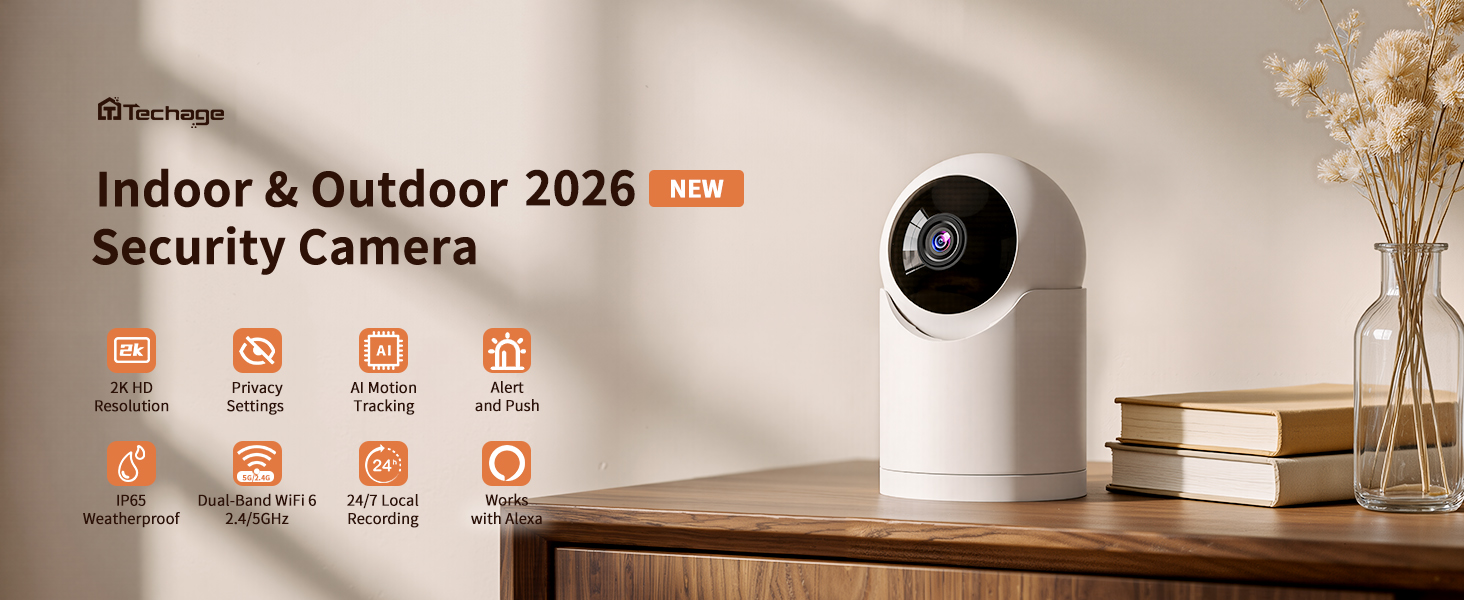
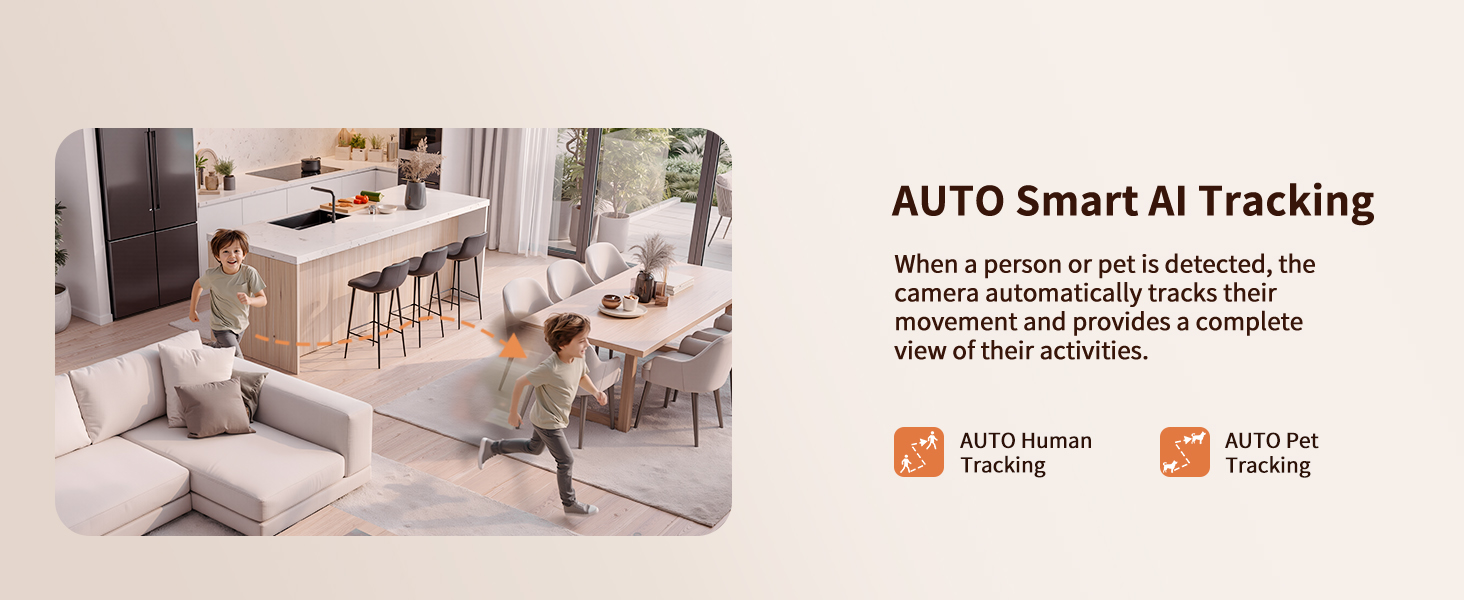
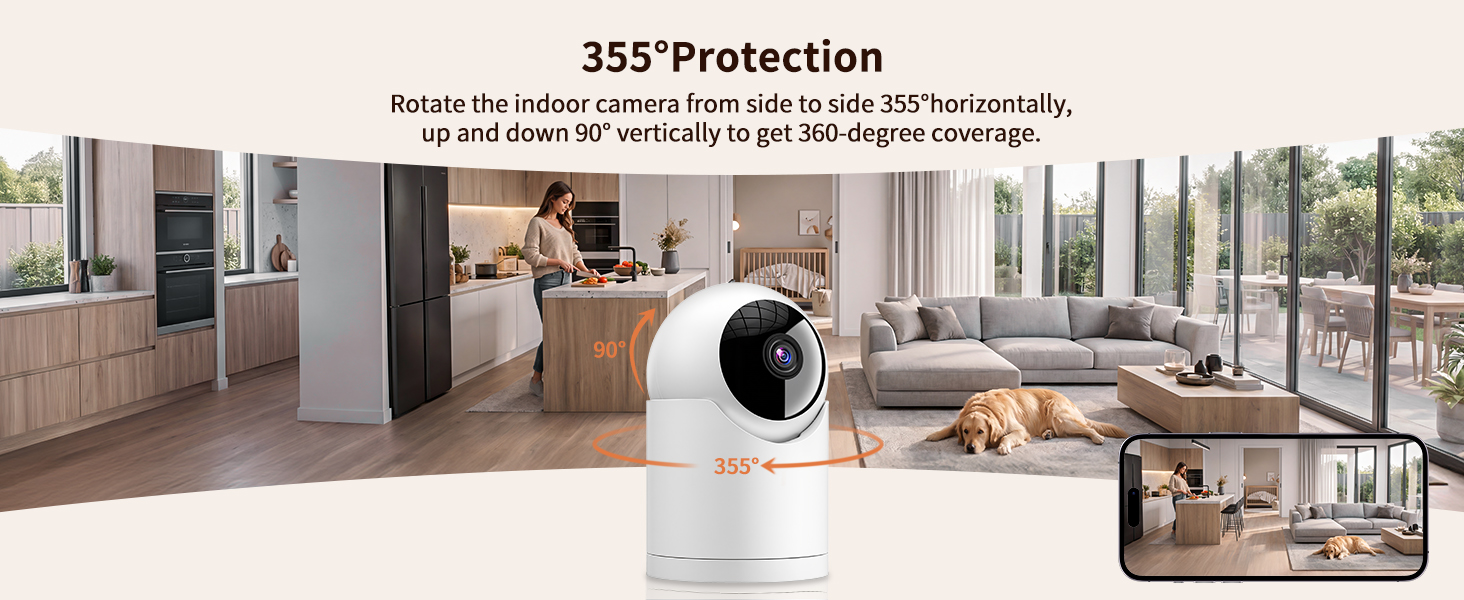
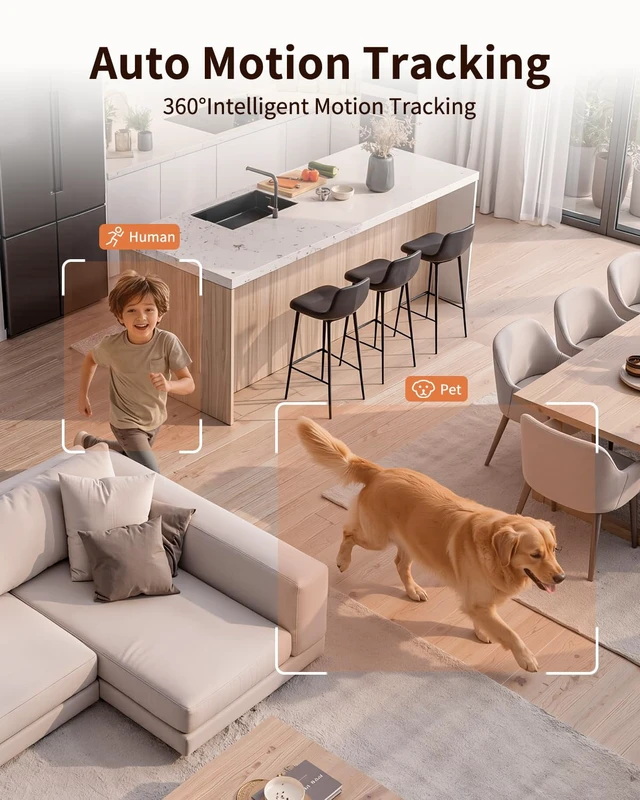
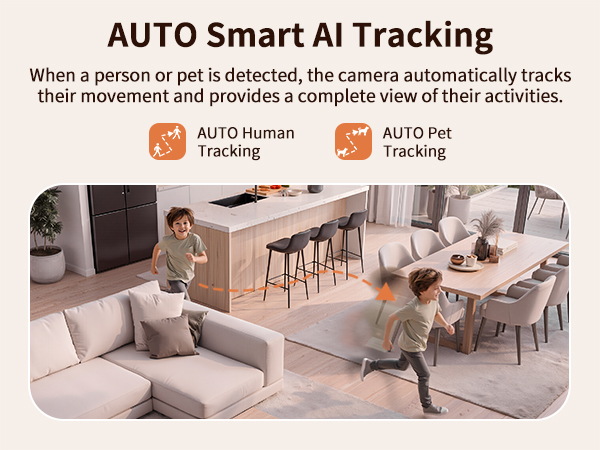
How to activate the auto tracking function?
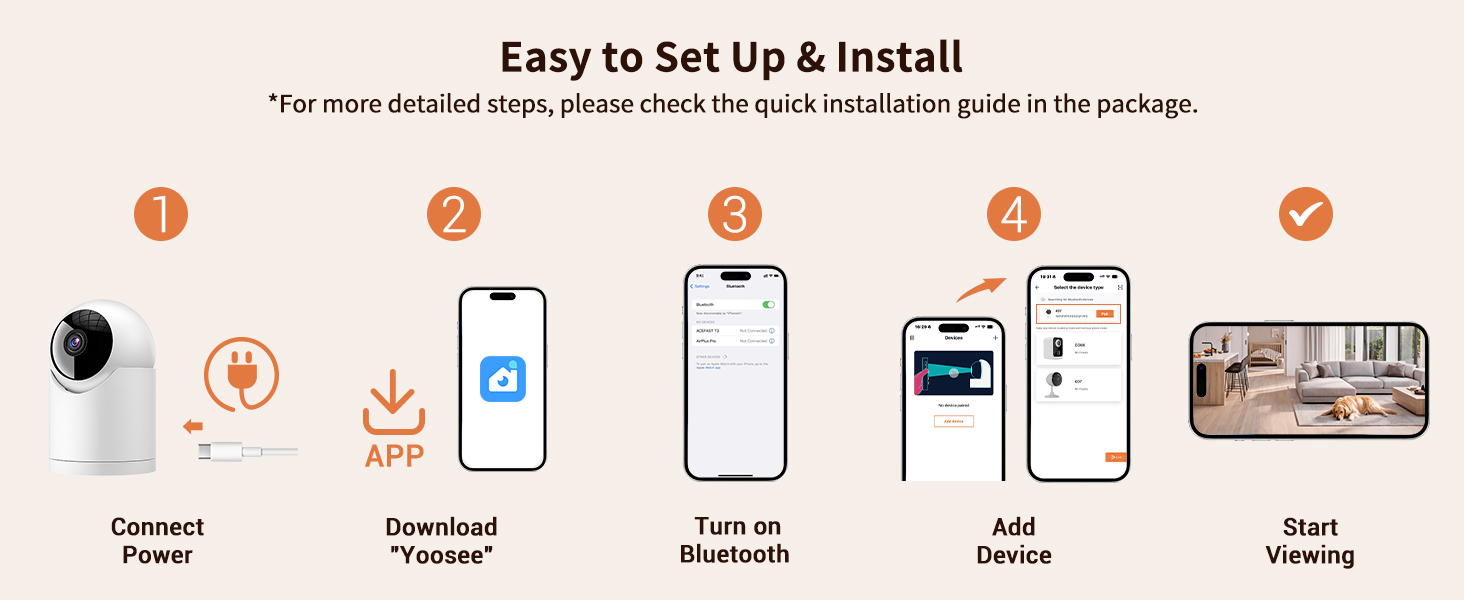
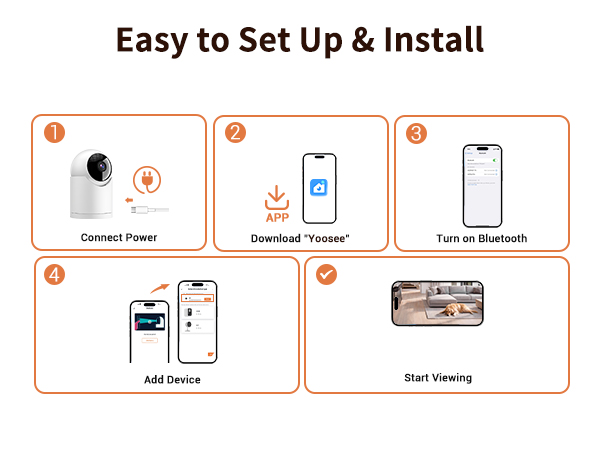
Set up through the "Yoosee" APP
1.Click "Settings "-"Events "
2.Find "Human Tacking "(click to enable)
(The product inherently possesses this function and does not require any subscription services.)
How do I reconnect the camera if it goes offline?
1. Please try unplugging and replugging the camera to bring it back online.
2. If restarting doesn’t work, please reset and reconnect the camera (as if you were connecting it for the first time).
Do I need to subscribe to a cloud service every month?
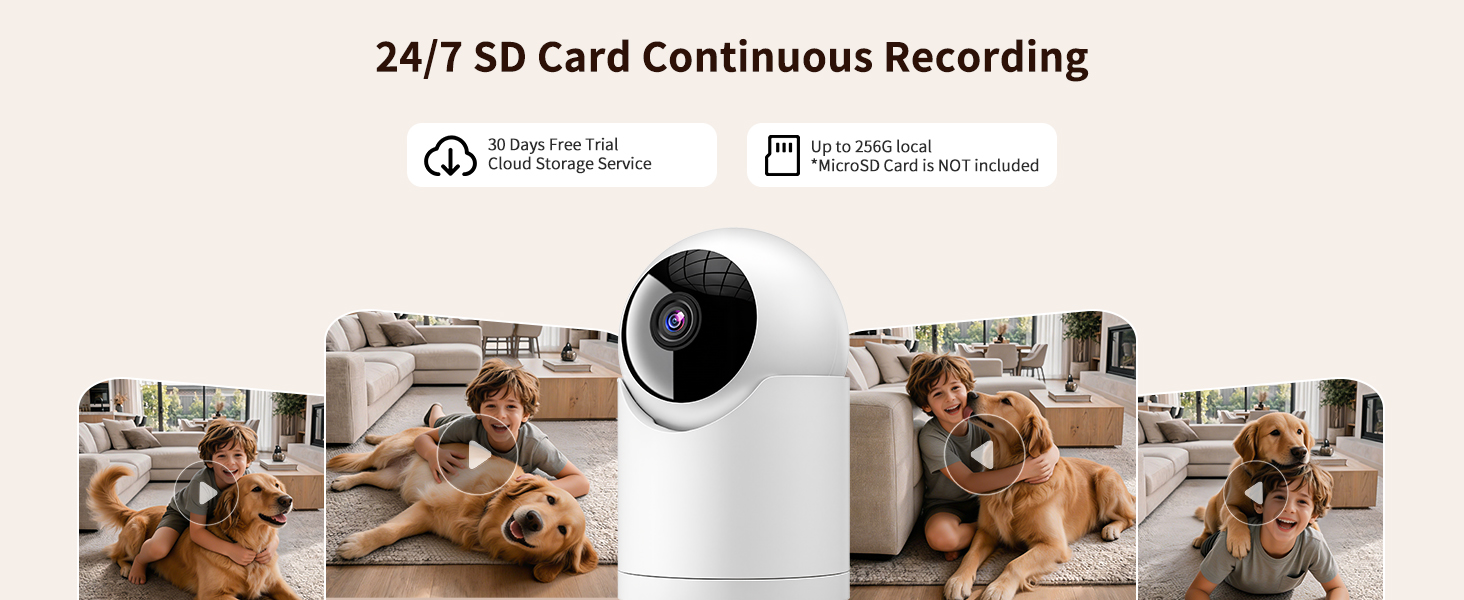
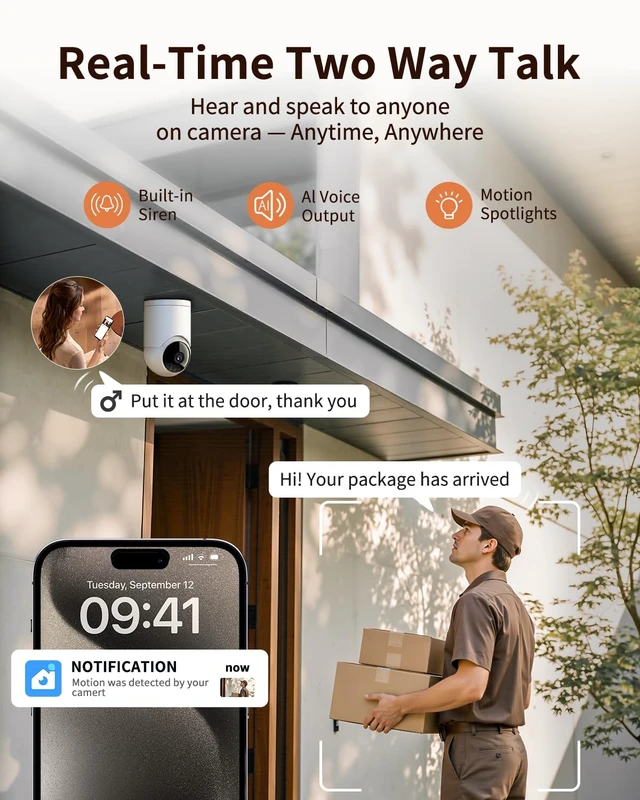
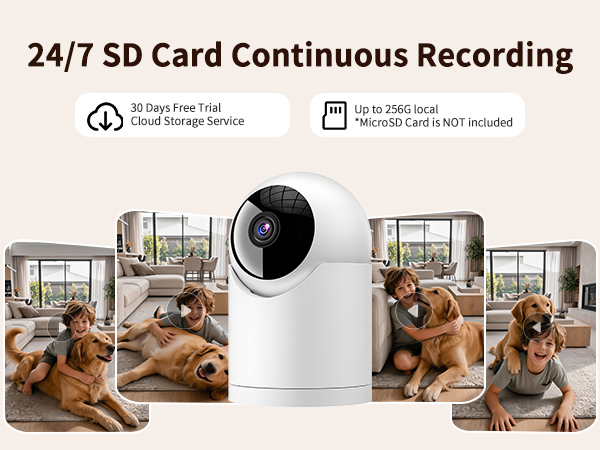
The cloud service subscription is optional. If you want access to advanced AI features and additional storage, you can choose to subscribe. Otherwise, you can use your own SD card for 24/7 continuous local recording at no additional cost.
Unable to connect the camera to Wi-Fi during setup?
1. Make sure your phone is connected to a 2.4G/5G Wi-Fi network and that the Wi-Fi password is correct
2. Place the cam near the router for a strong Wi-Fi signal
3. Check the indicator light is flashing blue twice per second. If not, reset the cam
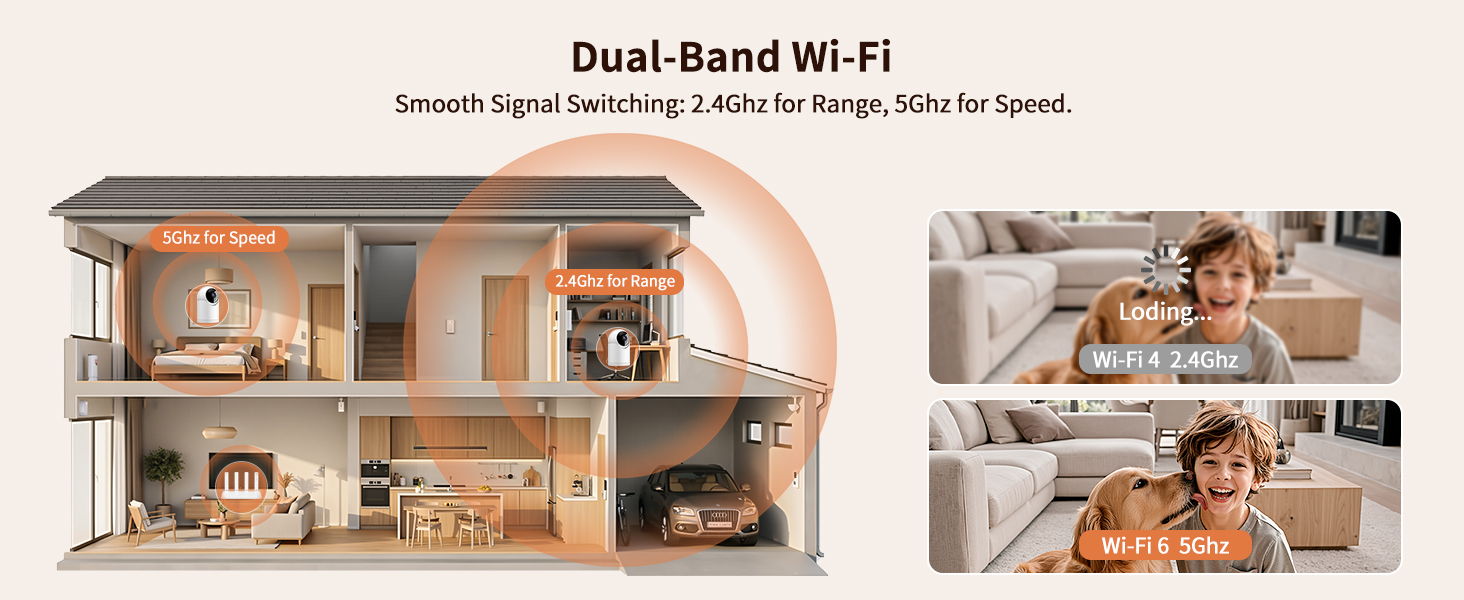
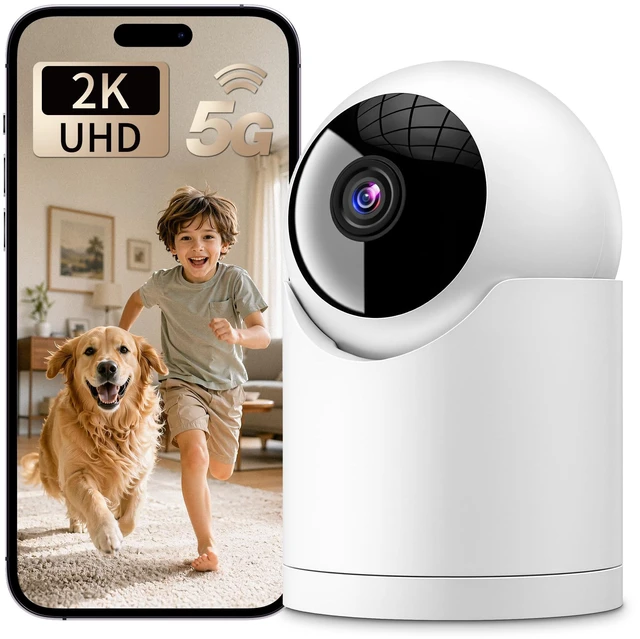
Does the CA62 indoor camera support 5GHz Wi-Fi?
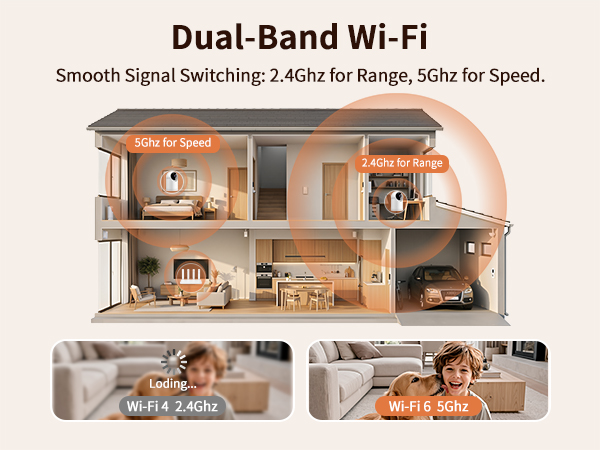
Yes, it supports connection to both 2.4GHz and 5GHz Wi-Fi networks.


Dedicated in smart security camera for more than 10 years, mastering leading-edge technology, the trusted expert for suveillance camera.Committed to providing people around the world with high-quality security products.
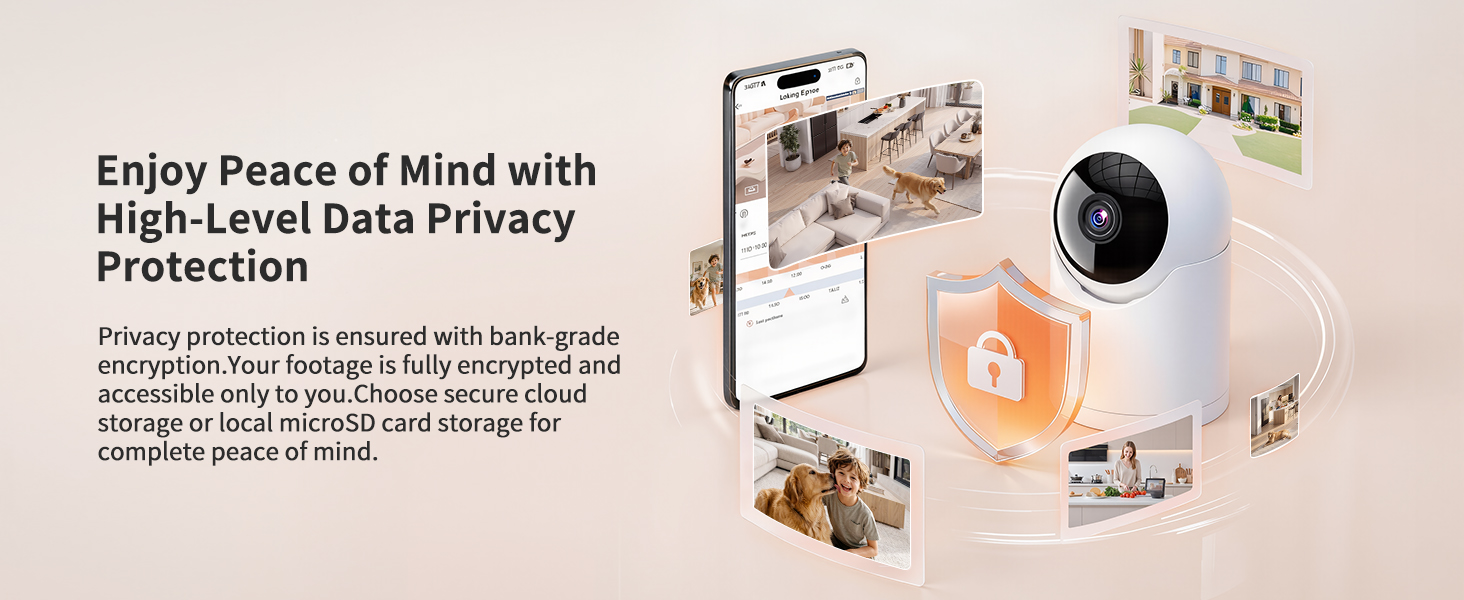
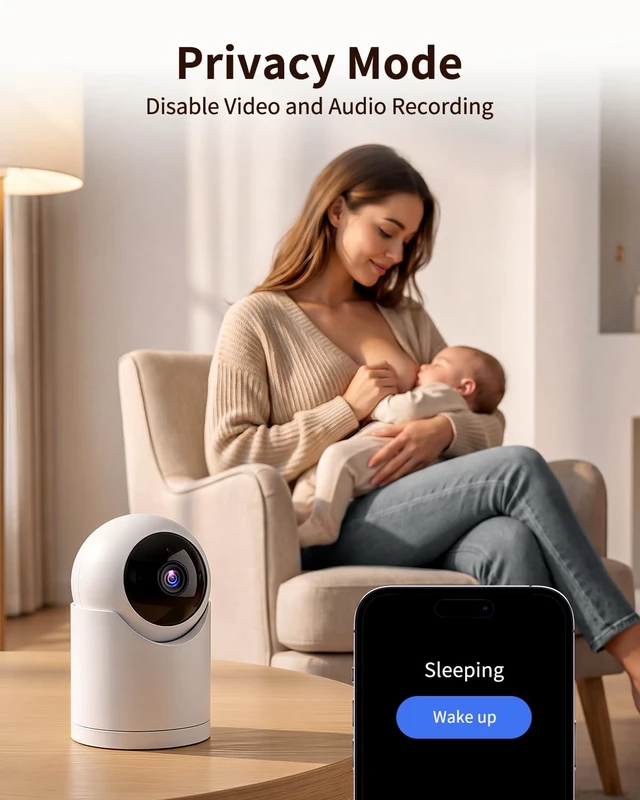
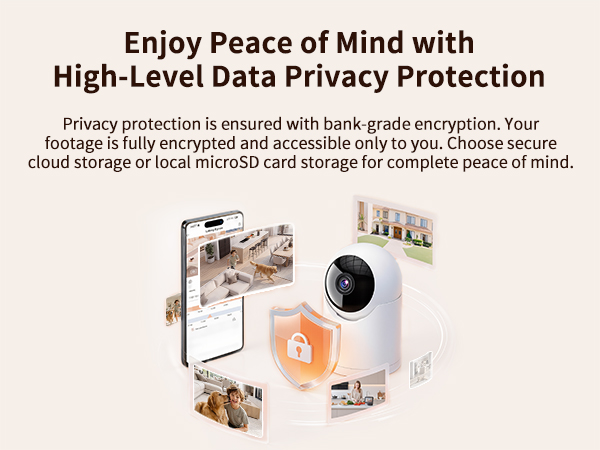
Record your concerned, whenever and wherever you are. Use professional data processing, valuing and guaranteeing your privacy.
The good choice when you are choosing security products for your family or business.
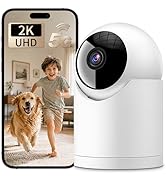
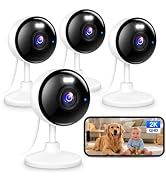



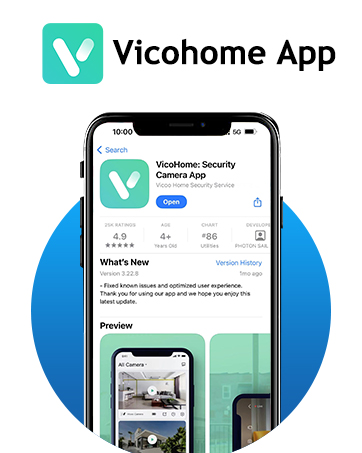

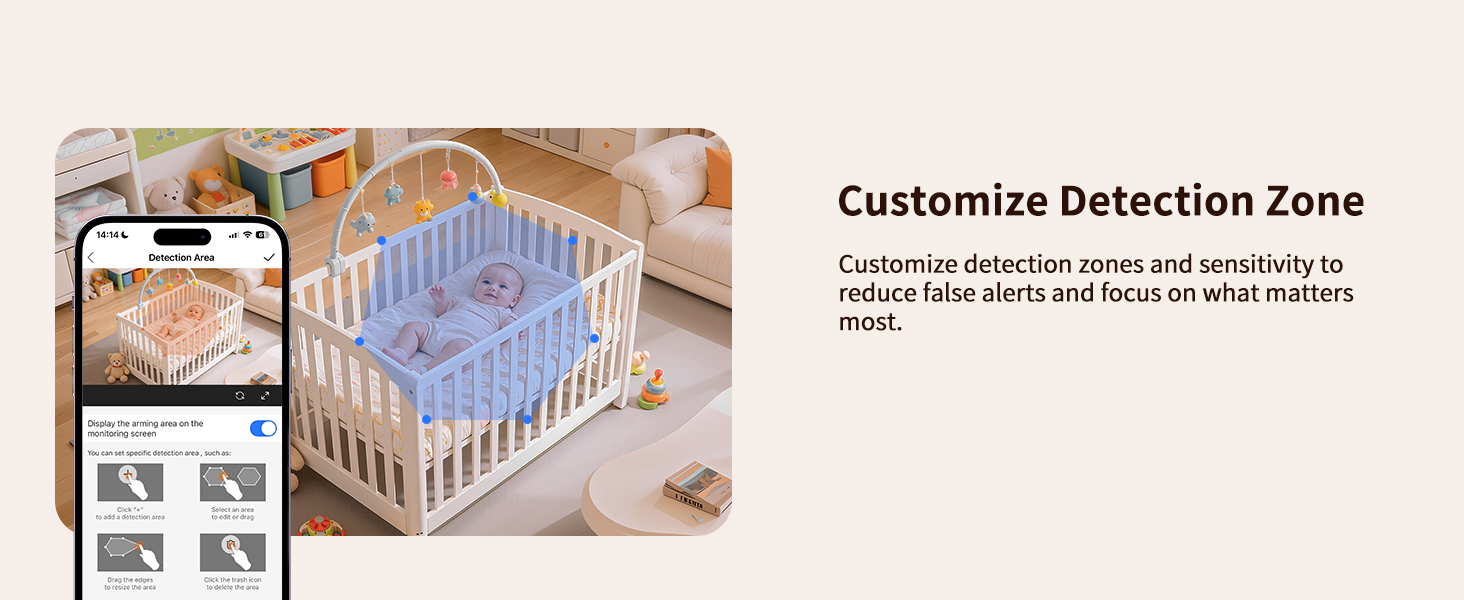
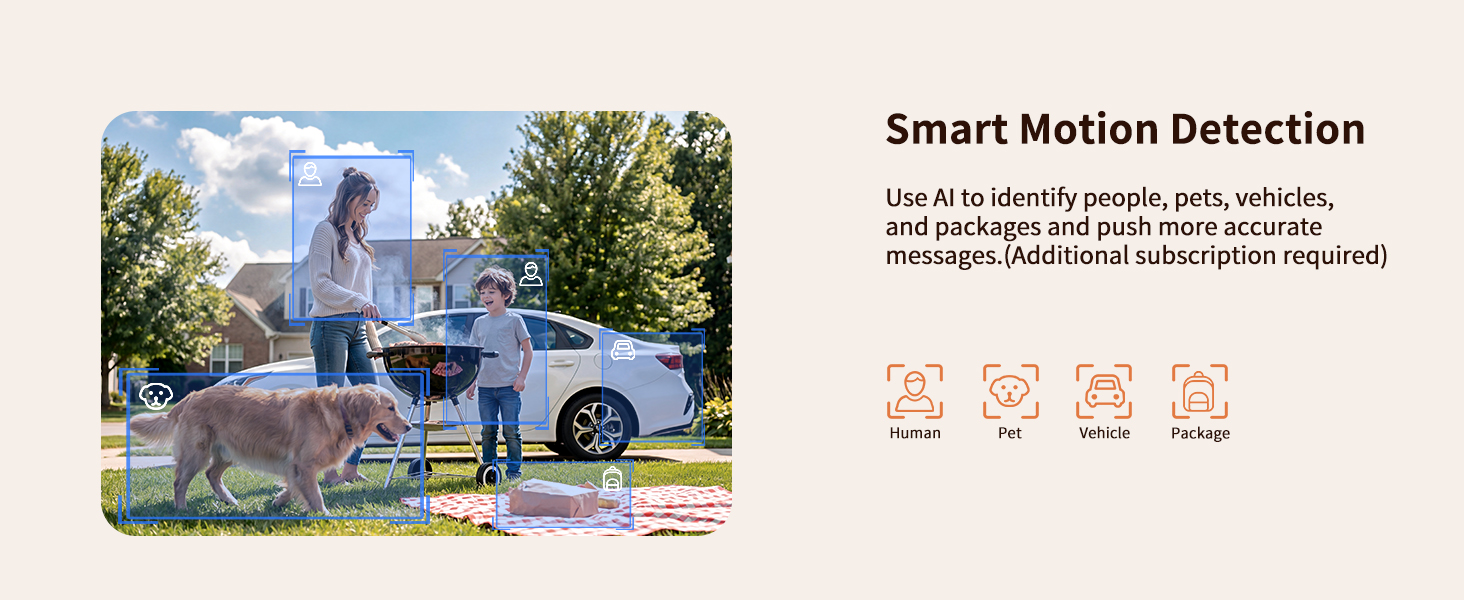
Subscription Service. Up to 3 Days Cloud Recording, Intelligent Notifications, Activity Zones
No Subscription do not affect your used
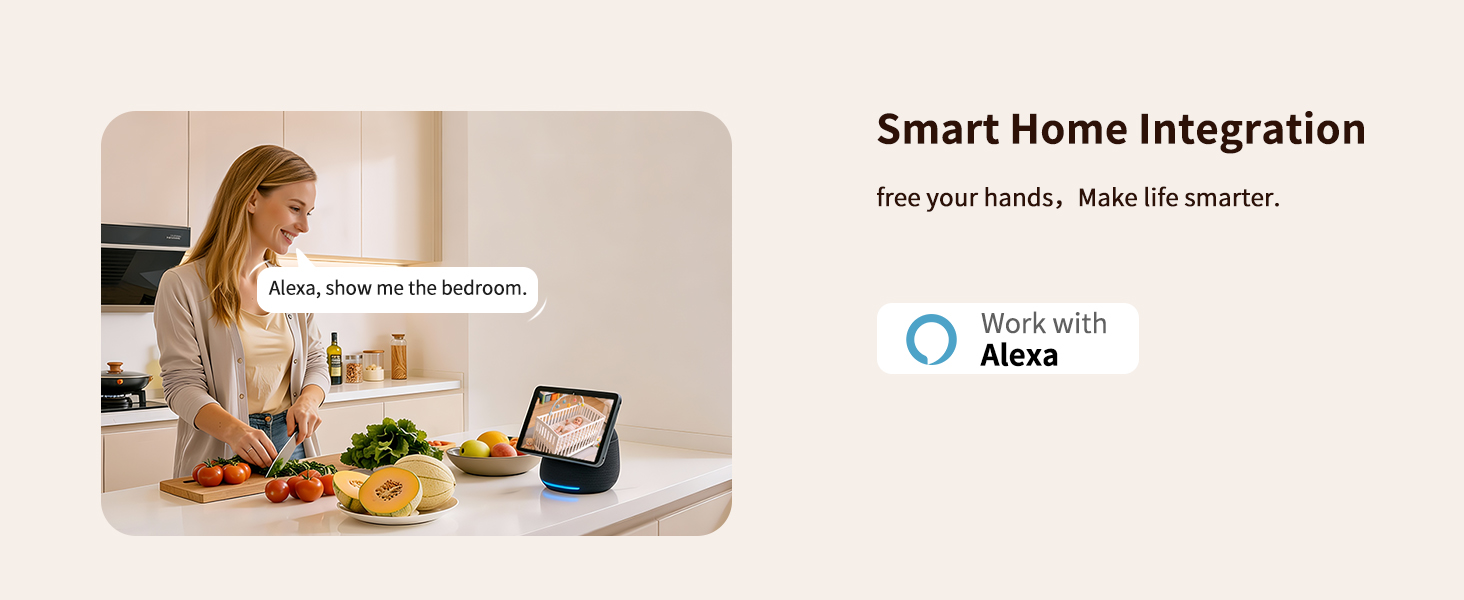
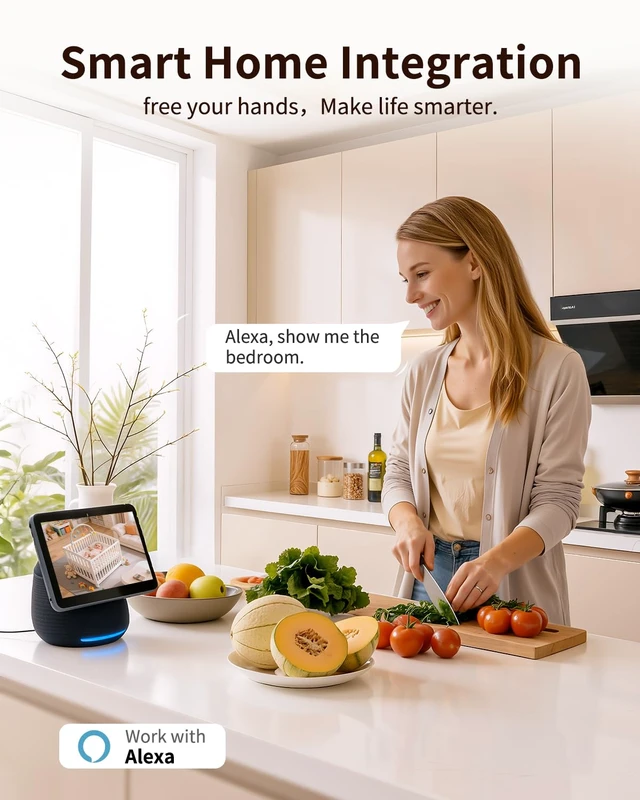
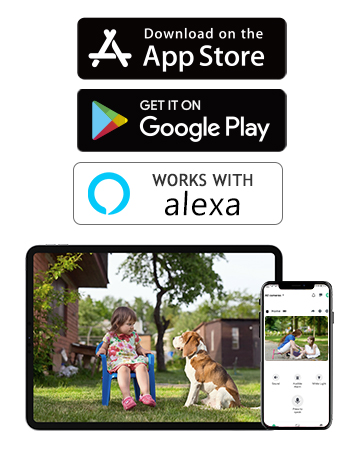
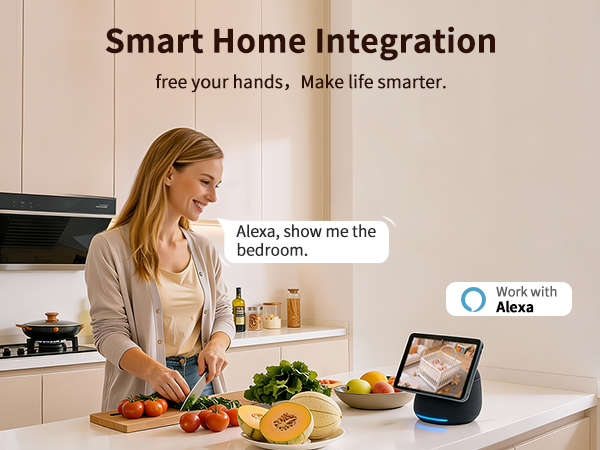
Link camera to Alexa app, control it via Echo Show. Easy viewing
Camera connects to 2.4GHz WiFi for better range. Doesn't support 5GHz network.
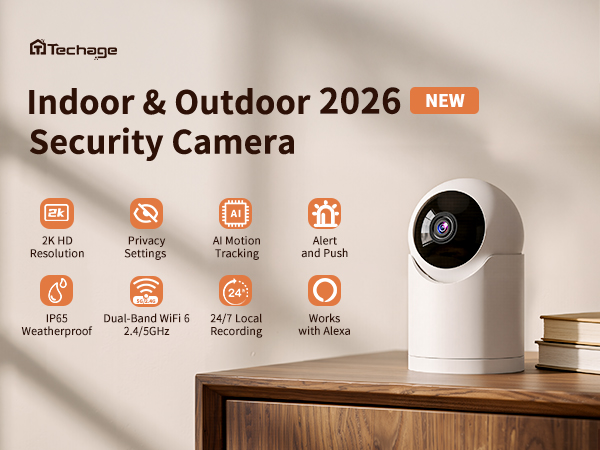
How to activate the auto tracking function?
Set up through the "Yoosee" APP
1.Click "Settings "-"Events "
2.Find "Human Tacking "(click to enable)
(The product inherently possesses this function and does not require any subscription services.)
How do I reconnect the camera if it goes offline?
1. Please try unplugging and replugging the camera to bring it back online.
2. If restarting doesn’t work, please reset and reconnect the camera (as if you were connecting it for the first time).
Do I need to subscribe to a cloud service every month?
The cloud service subscription is optional. If you want access to advanced AI features and additional storage, you can choose to subscribe. Otherwise, you can use your own SD card for 24/7 continuous local recording at no additional cost.
Unable to connect the camera to Wi-Fi during setup?
1. Make sure your phone is connected to a 2.4G/5G Wi-Fi network and that the Wi-Fi password is correct
2. Place the cam near the router for a strong Wi-Fi signal
3. Check the indicator light is flashing blue twice per second. If not, reset the cam
Does the CA62 indoor camera support 5GHz Wi-Fi?
Yes, it supports connection to both 2.4GHz and 5GHz Wi-Fi networks.
Dedicated in smart security camera for more than 10 years, mastering leading-edge technology, the trusted expert for suveillance camera.Committed to providing people around the world with high-quality security products.
Record your concerned, whenever and wherever you are. Use professional data processing, valuing and guaranteeing your privacy.
The good choice when you are choosing security products for your family or business.

Subscription Service. Up to 3 Days Cloud Recording, Intelligent Notifications, Activity Zones
No Subscription do not affect your used
Link camera to Alexa app, control it via Echo Show. Easy viewing
Camera connects to 2.4GHz WiFi for better range. Doesn't support 5GHz network.