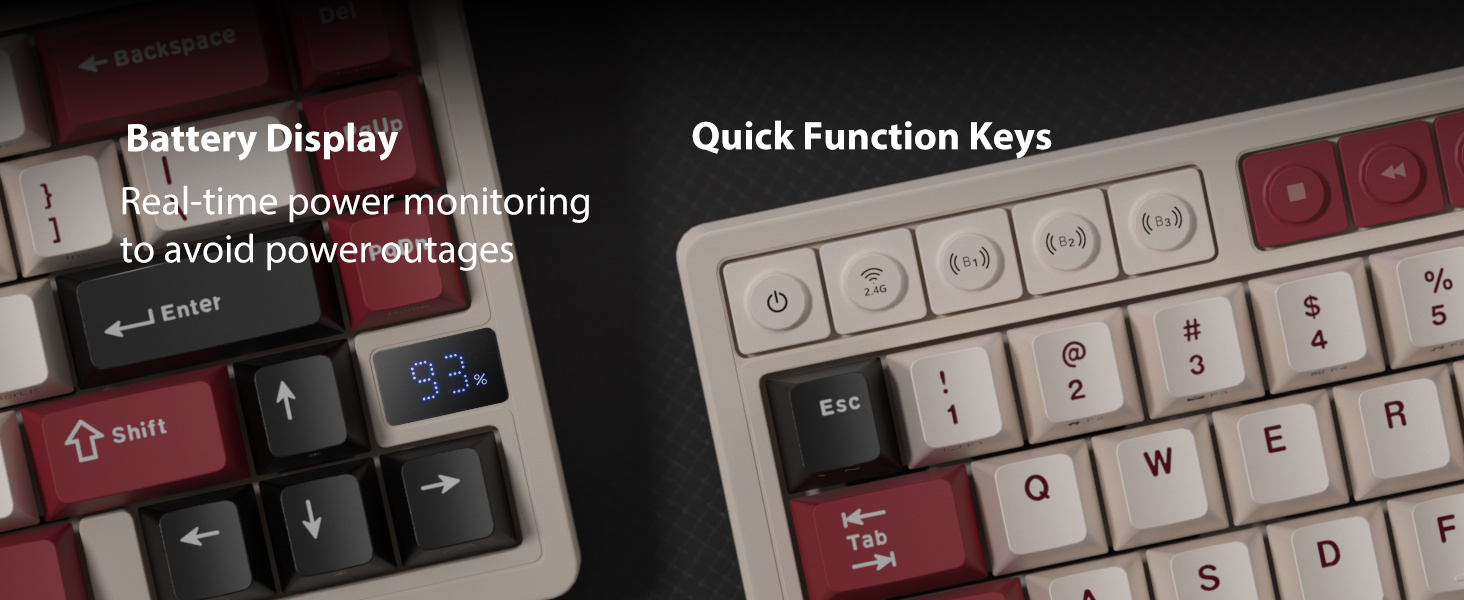
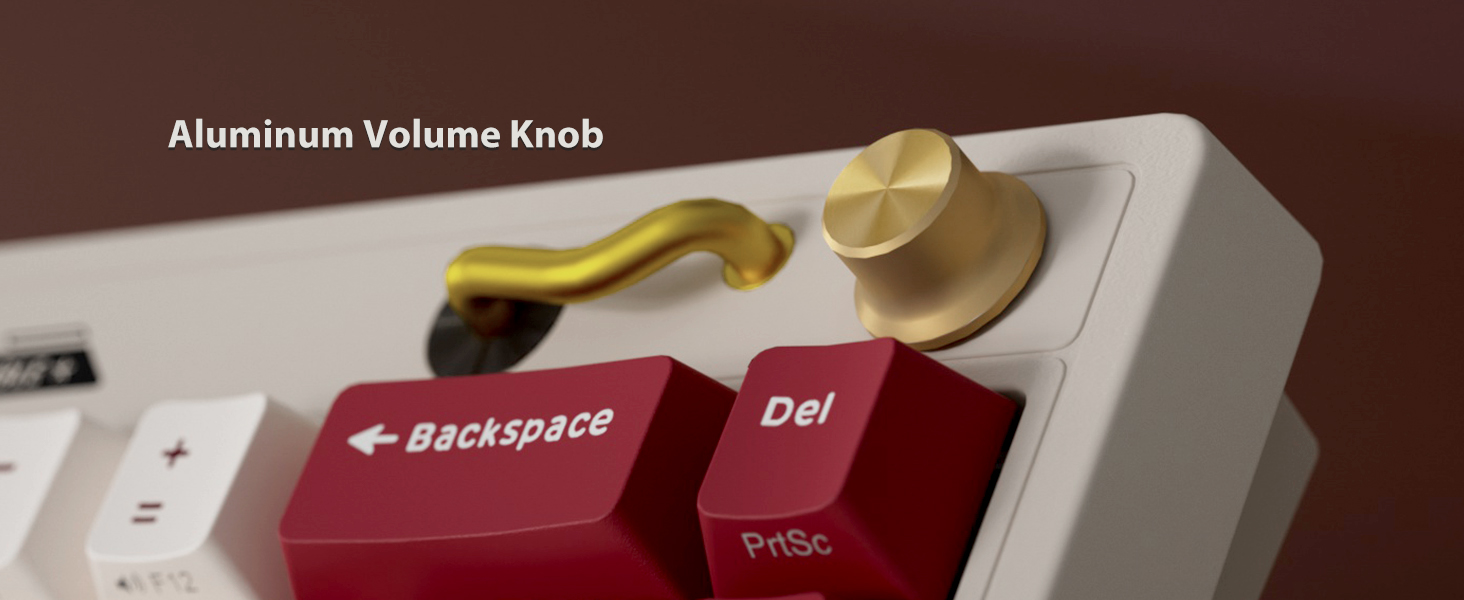
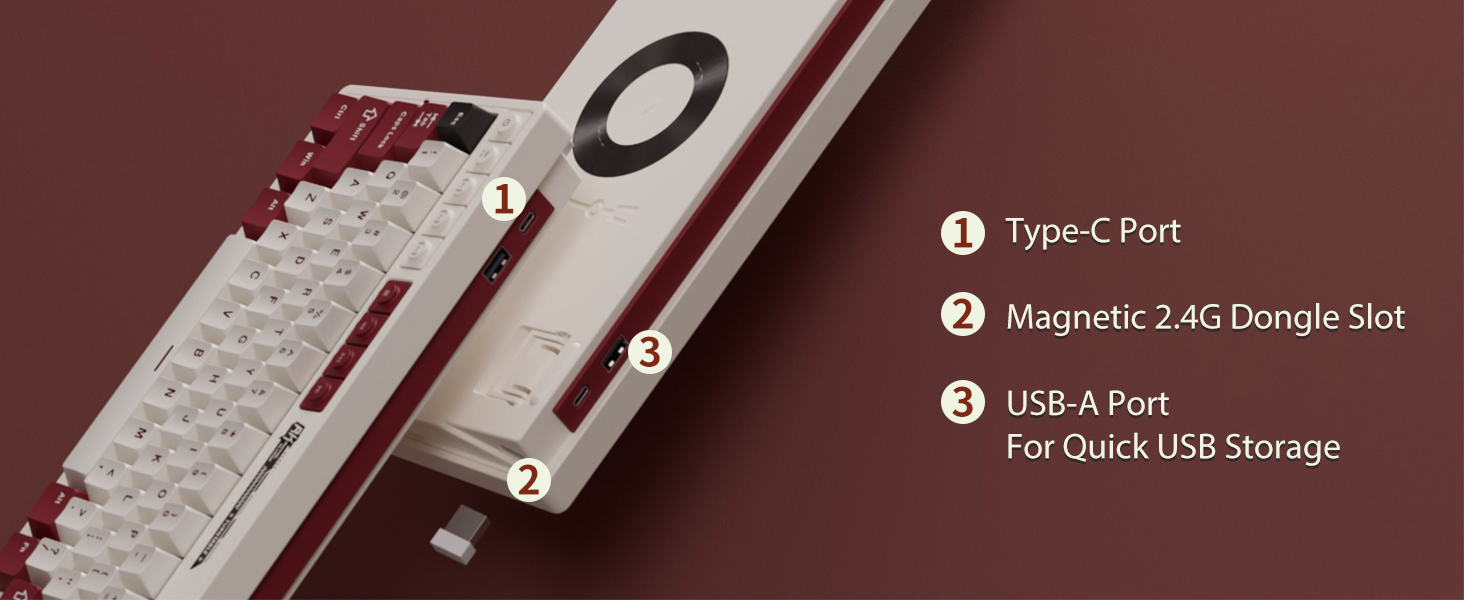
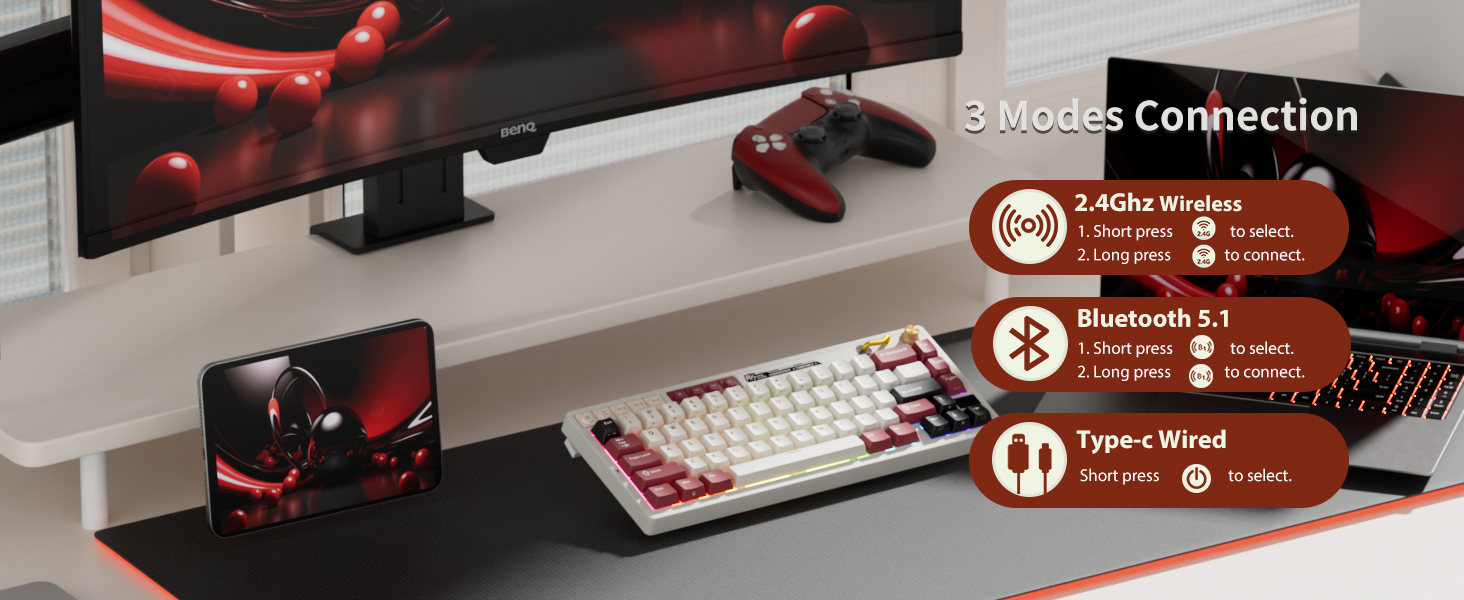
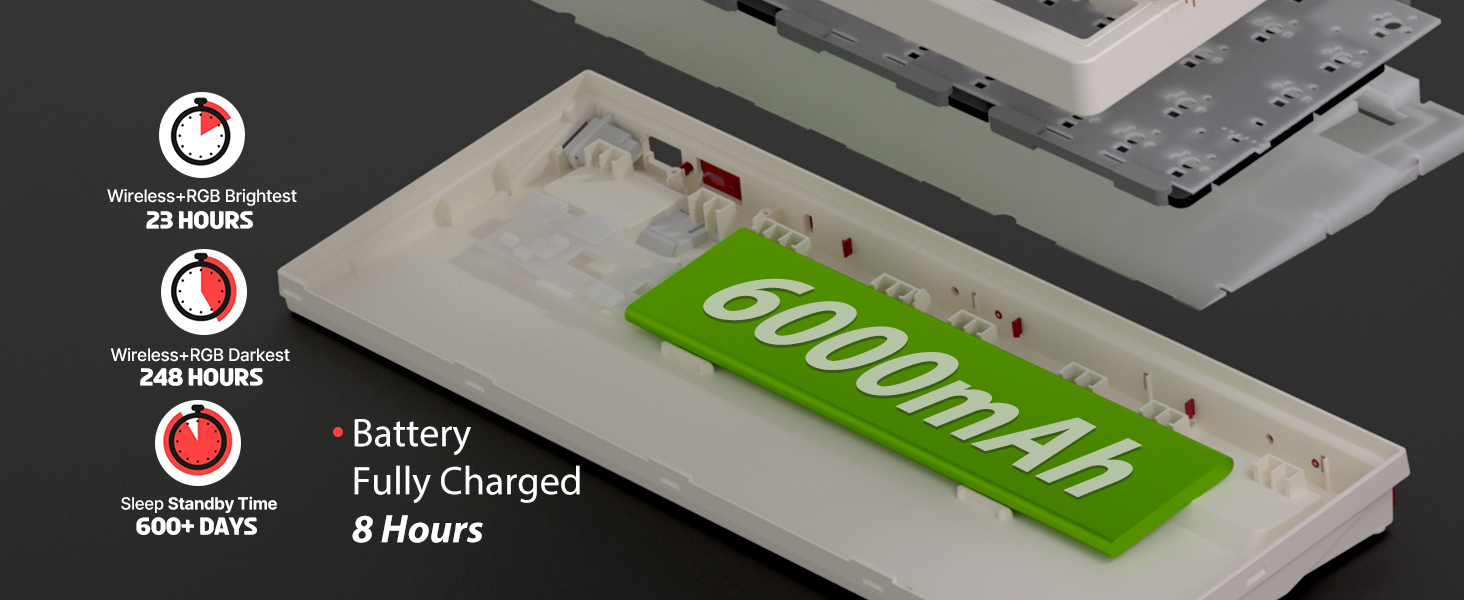
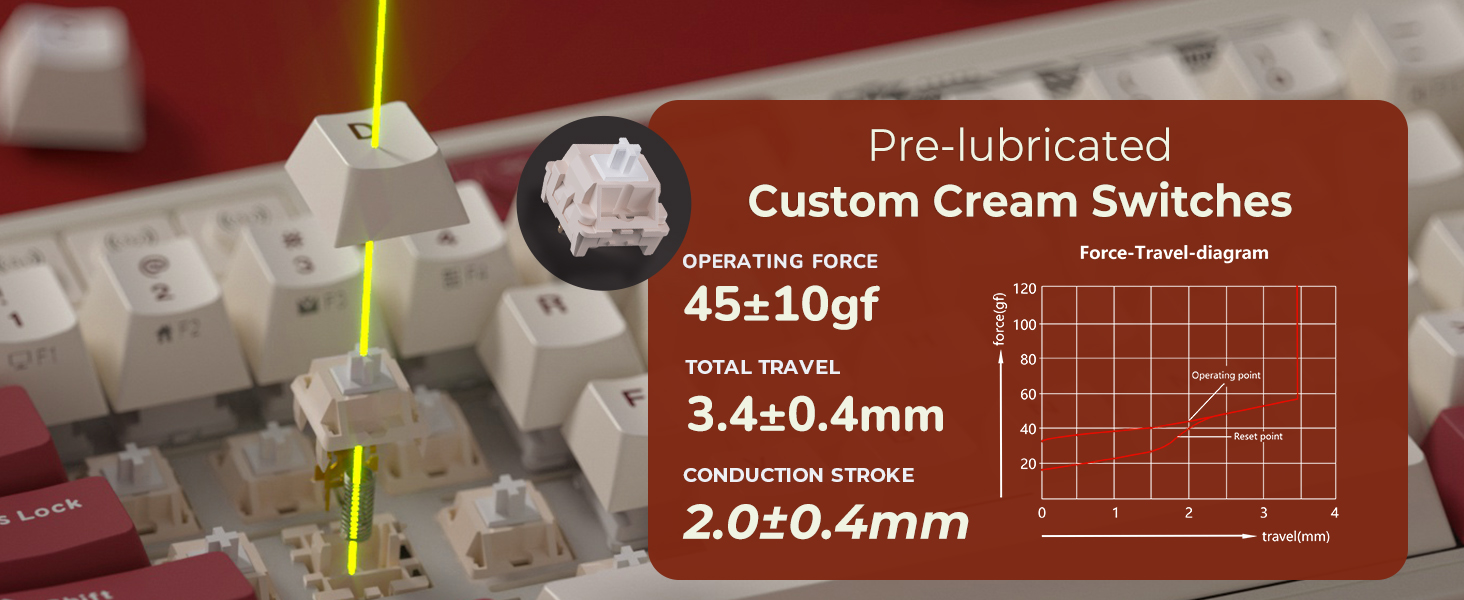
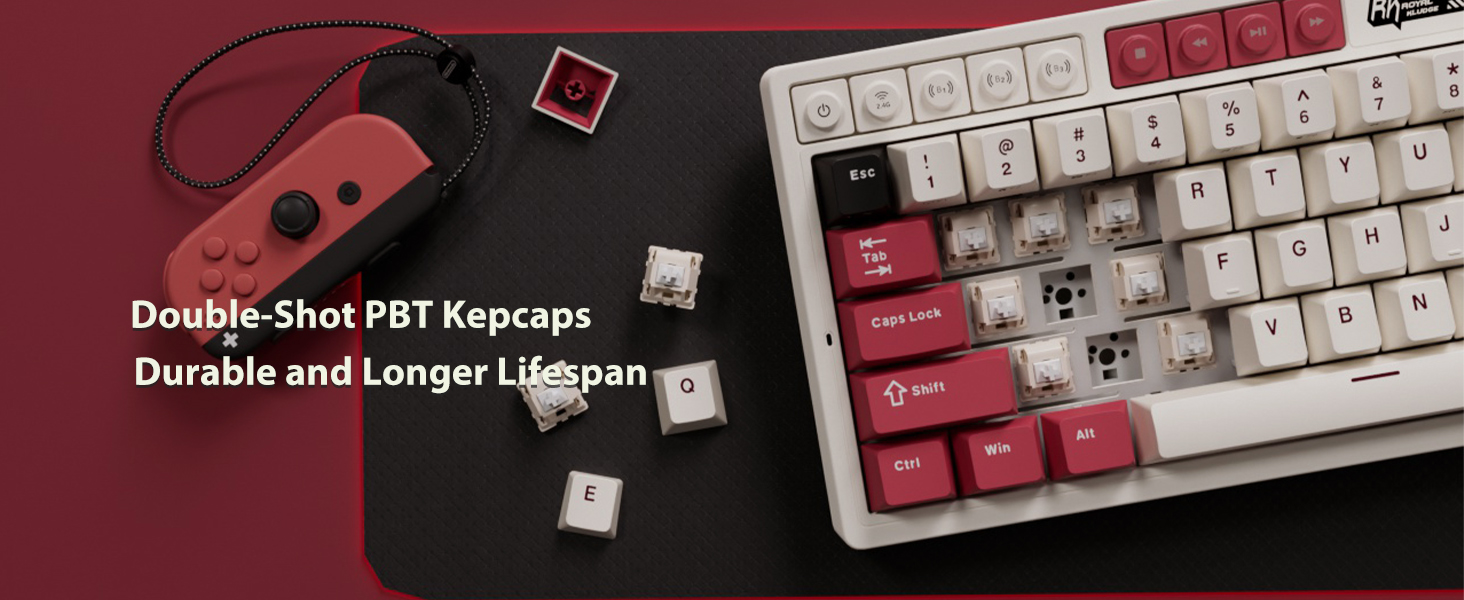
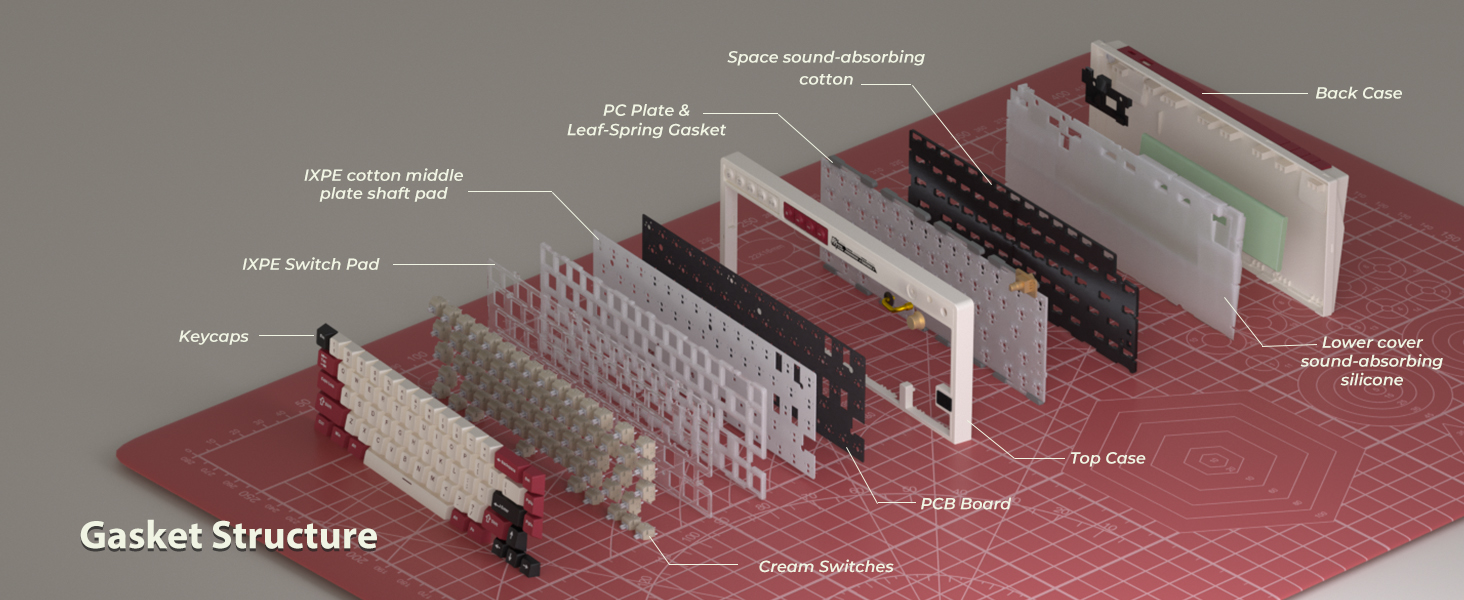
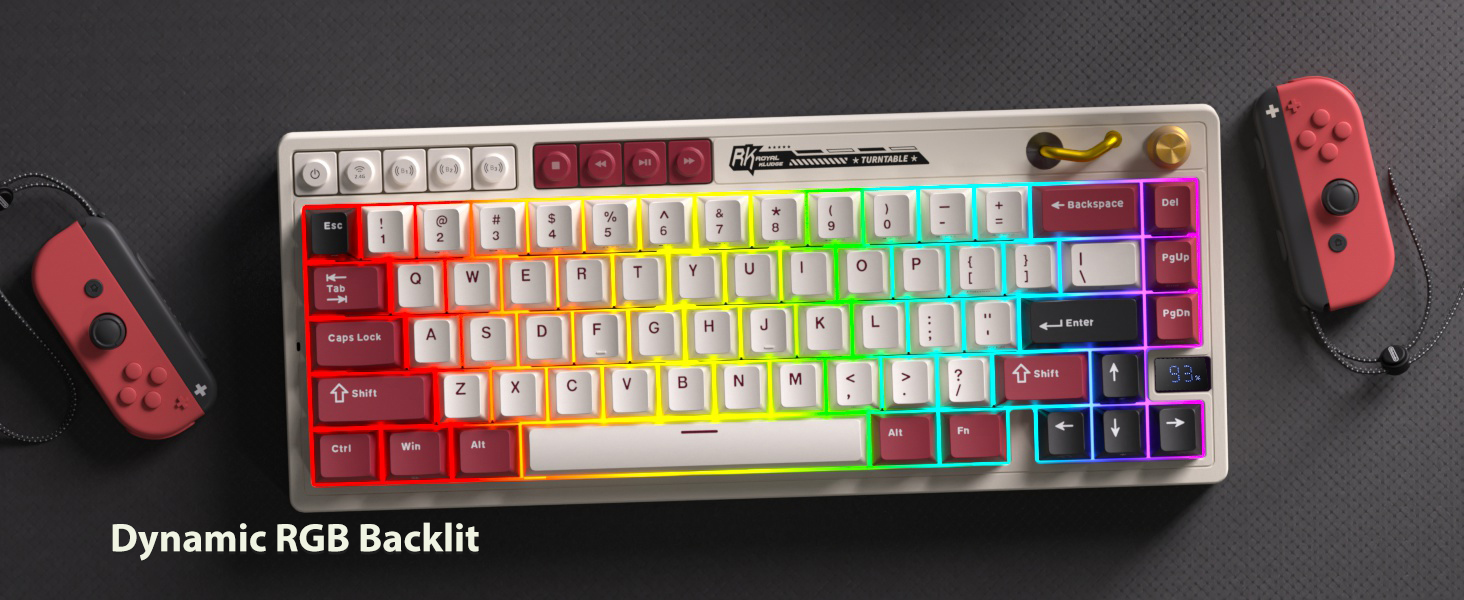
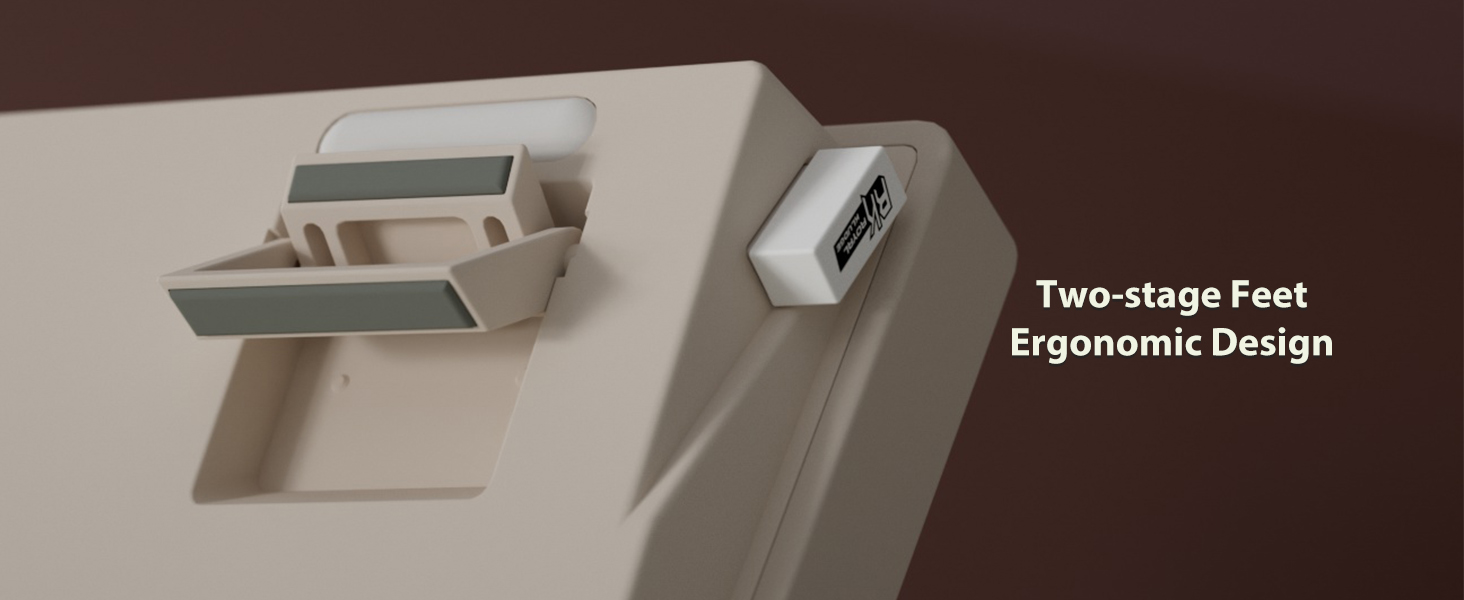
here!
here!
I’m your shopping assistant for PC builds, upgrades, and everything tech.
Got questions? Ask away!
Start a conversation
here!
I’m your shopping assistant for PC builds, upgrades, and everything tech.
Got questions? Ask away!
Start a conversation
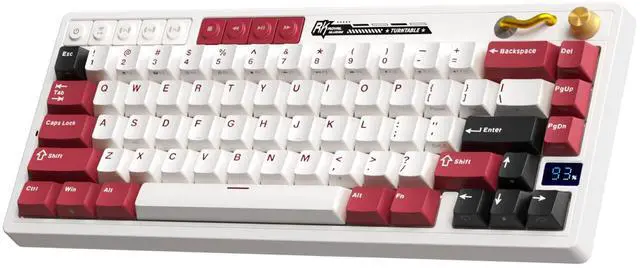
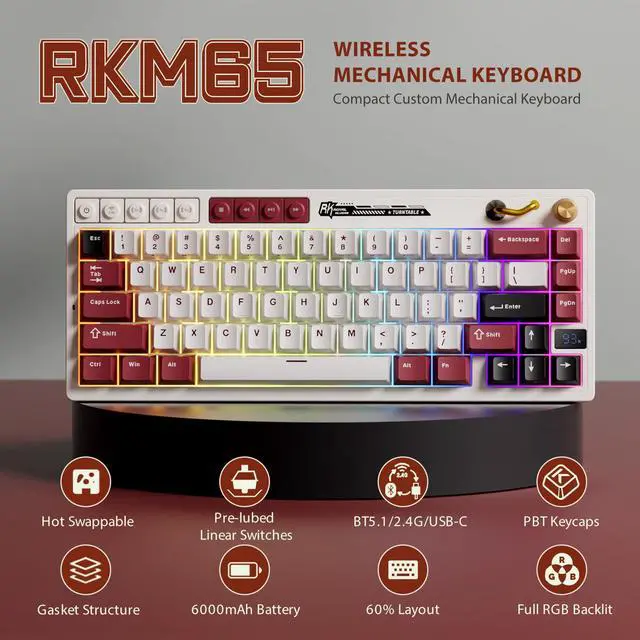



Any questions? Ask CelesteSM will help you find out quickly.

How to connect the rgb gaming keyboard to 2.4ghz?
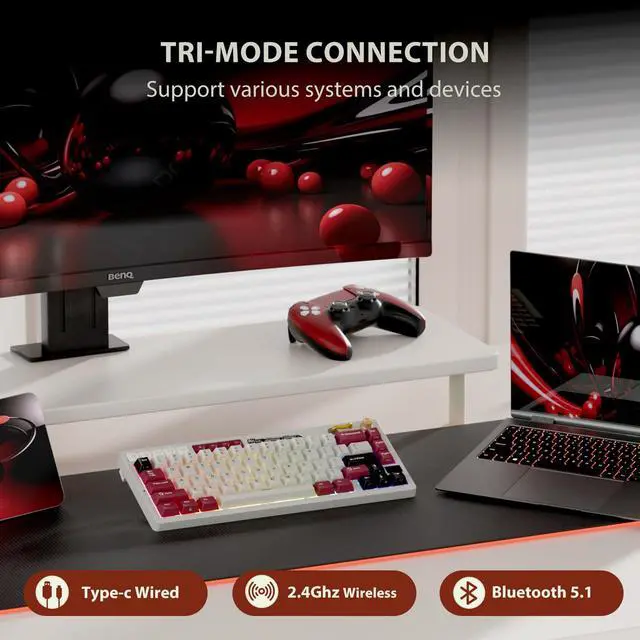
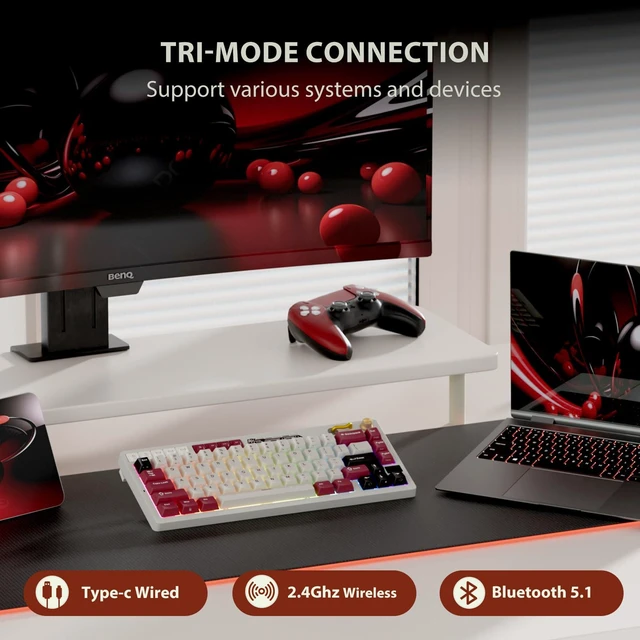
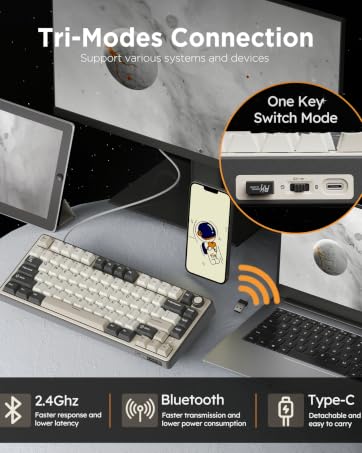
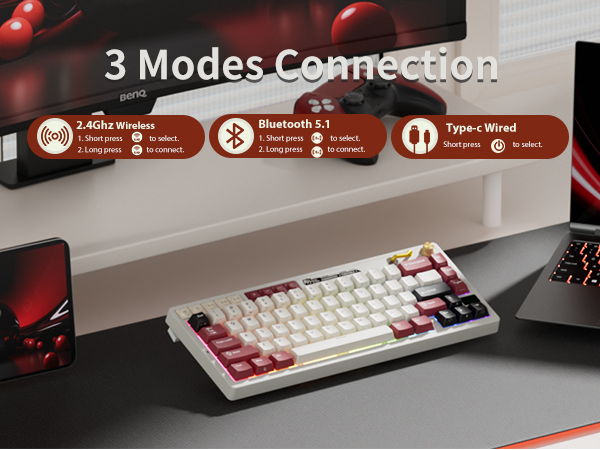
1.Short press "2.4g" in the upper left corner to select.
2.Long press “2.4g” to connect.
There is a tutorial in listing
How to pair the 65% mechanical keyboard via Bluetooth?
1.Short press “BT1/BT2/BT3” to select.
2.Long press "BT1/BT2/BT3" to connect.
3.You can directly short press BT1/BT2/BT3 to switch devices
There is a tutorial in listing
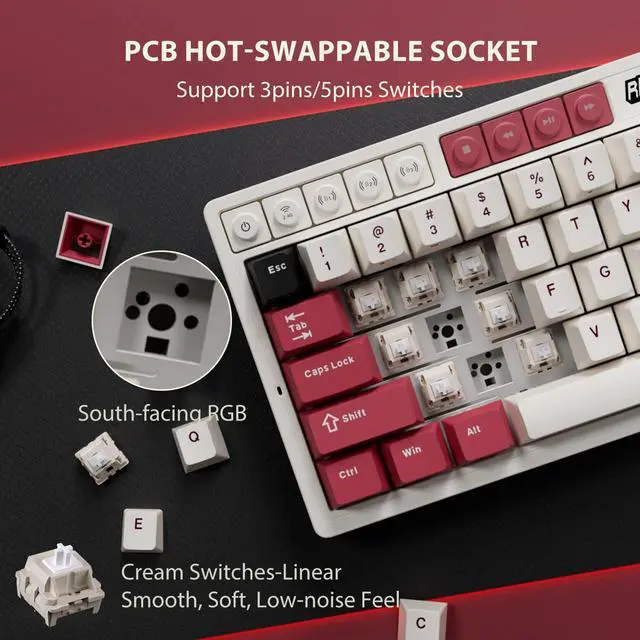
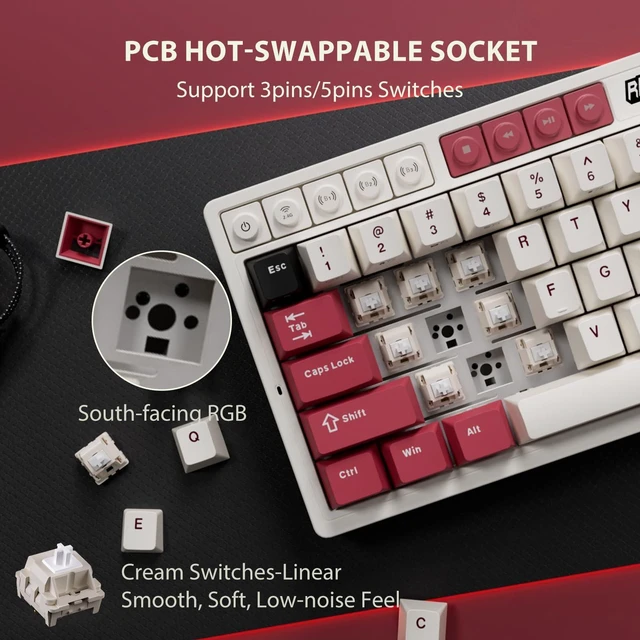
Does M65 mechanical gaming keyboard support hot swap?
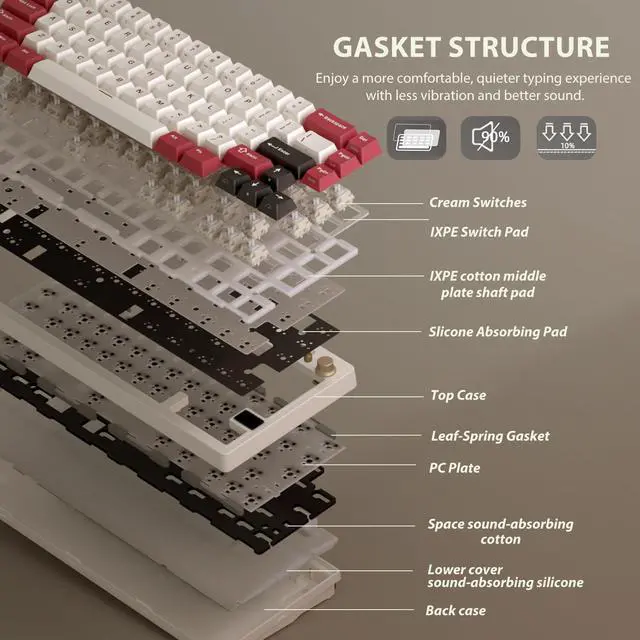
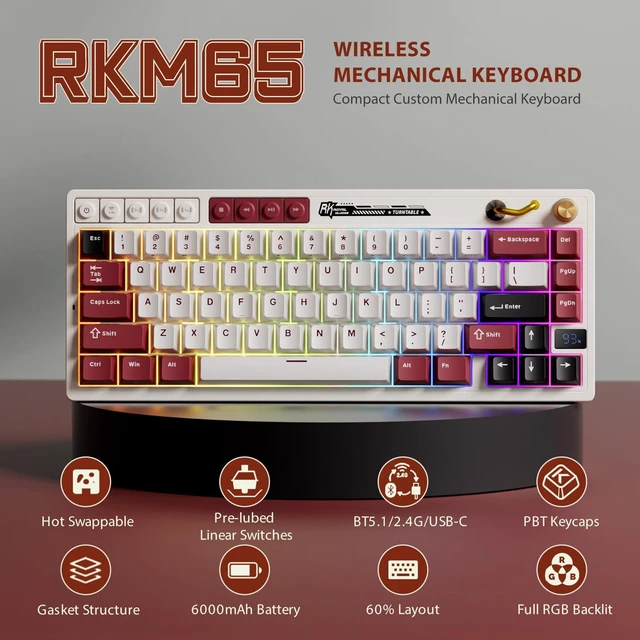
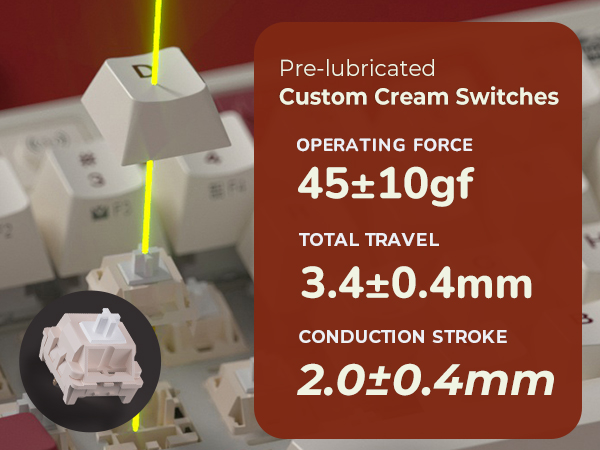
Yes, M65 wireless gaming keyboard support 3pin/5pin hot swappable.
Where is the mechanical keyboard configuration software?
You can customize macros, control rgb lighting, and remap keys online at drive.rkgaming.com—no software download needed.
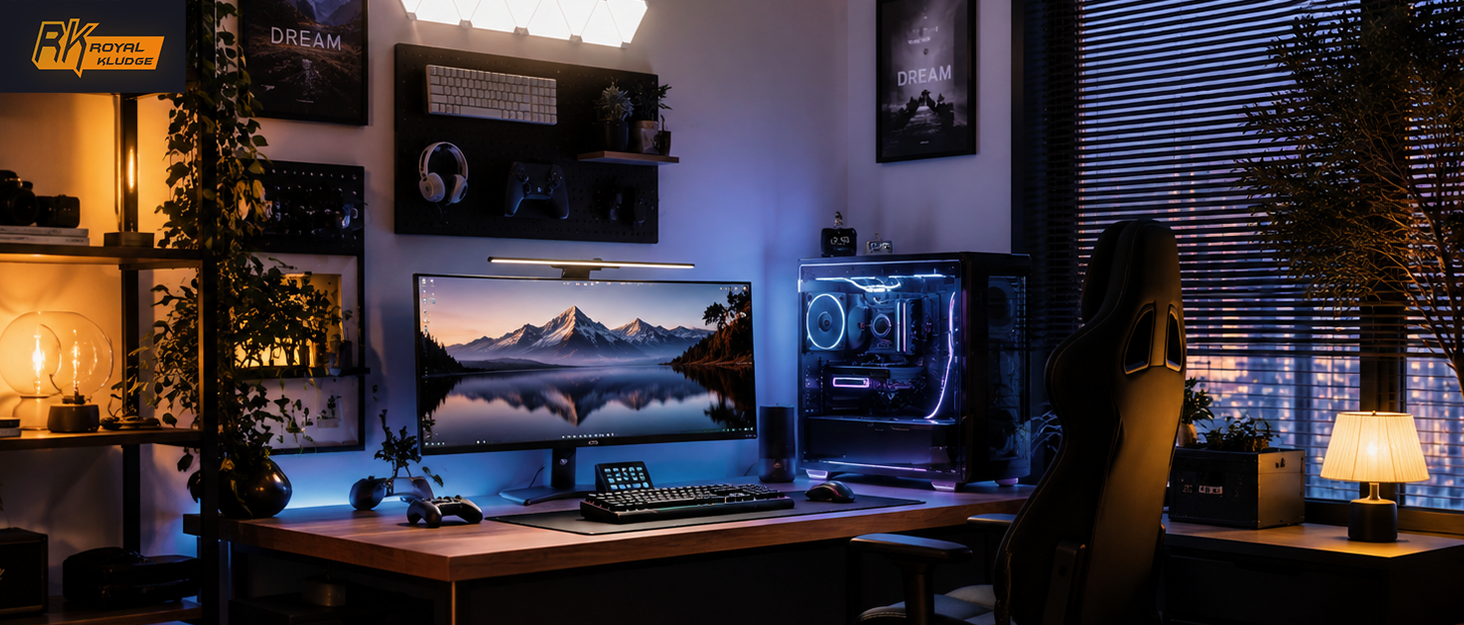
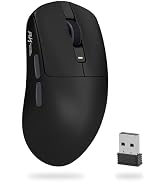
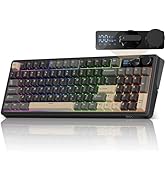
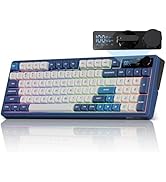
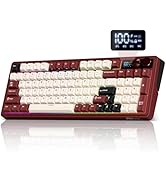
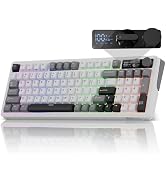
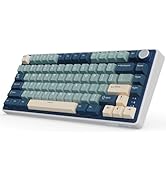
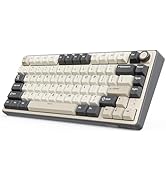
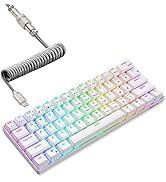
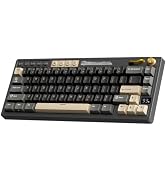
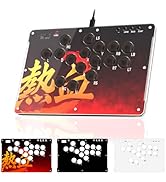
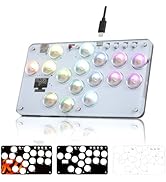
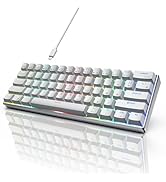
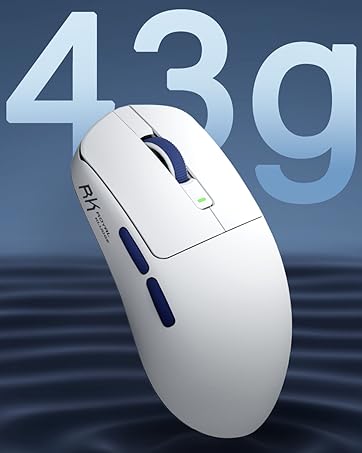
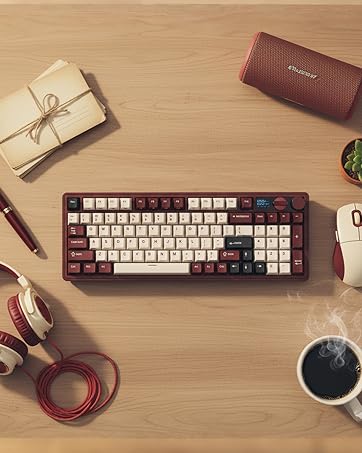
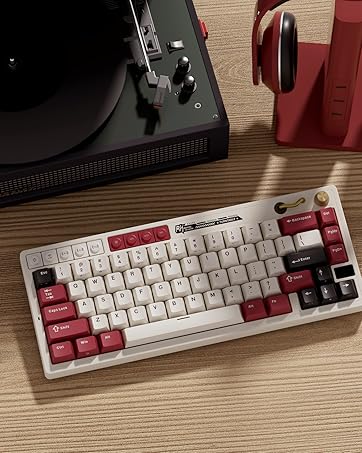
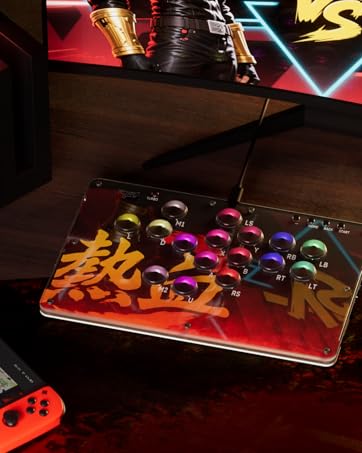

Welcome to RK ROYAL KLUDGE, where passion and innovation unite to bring you the casual life companion. We are driven by our unwavering love for gaming, typing experience and the belief that every keystroke matters. Join us on a journey where colorful aesthetics meet the fiery passion of gaming, and let's make games and life come alive together.
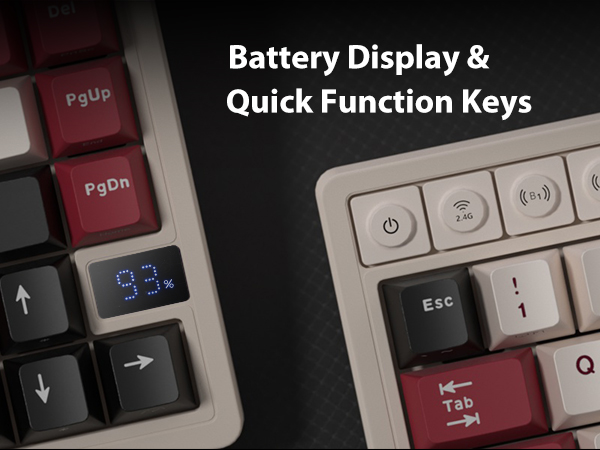

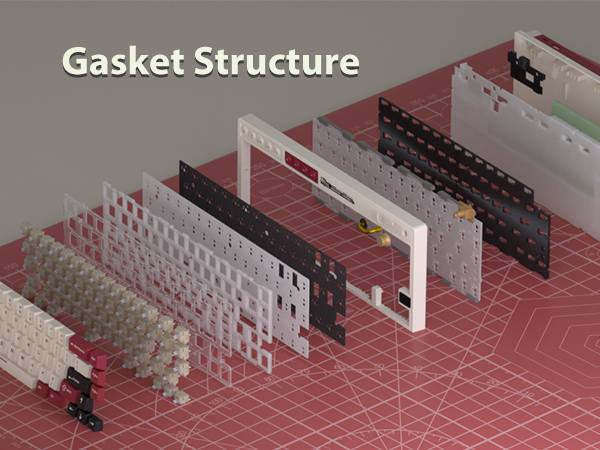
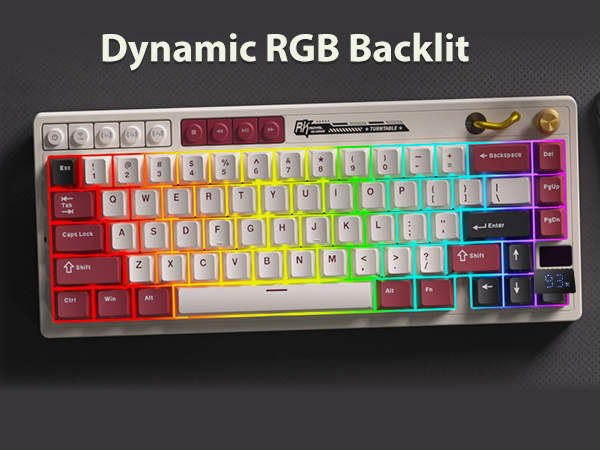
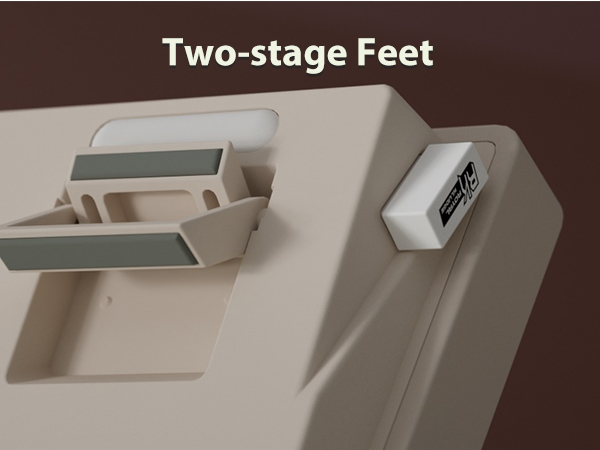
How to connect the rgb gaming keyboard to 2.4ghz?
1.Short press "2.4g" in the upper left corner to select.
2.Long press “2.4g” to connect.
There is a tutorial in listing
How to pair the 65% mechanical keyboard via Bluetooth?
1.Short press “BT1/BT2/BT3” to select.
2.Long press "BT1/BT2/BT3" to connect.
3.You can directly short press BT1/BT2/BT3 to switch devices
There is a tutorial in listing
Does M65 mechanical gaming keyboard support hot swap?
Yes, M65 wireless gaming keyboard support 3pin/5pin hot swappable.
Where is the mechanical keyboard configuration software?
You can customize macros, control rgb lighting, and remap keys online at drive.rkgaming.com—no software download needed.
Welcome to RK ROYAL KLUDGE, where passion and innovation unite to bring you the casual life companion. We are driven by our unwavering love for gaming, typing experience and the belief that every keystroke matters. Join us on a journey where colorful aesthetics meet the fiery passion of gaming, and let's make games and life come alive together.