


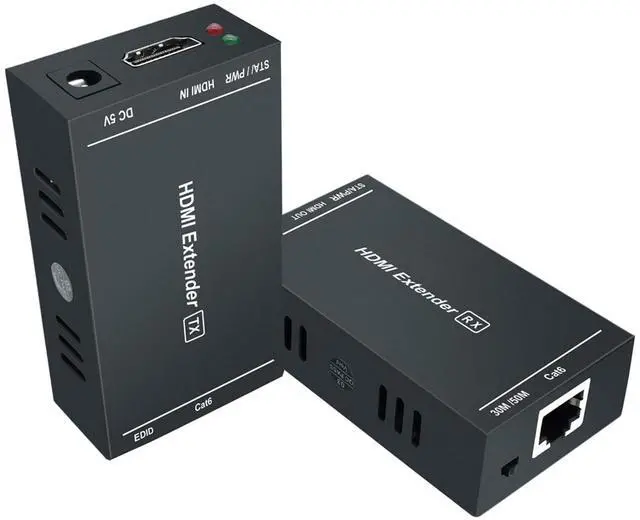
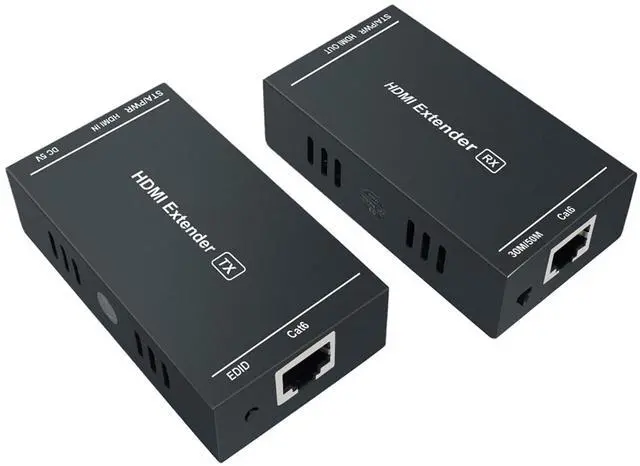
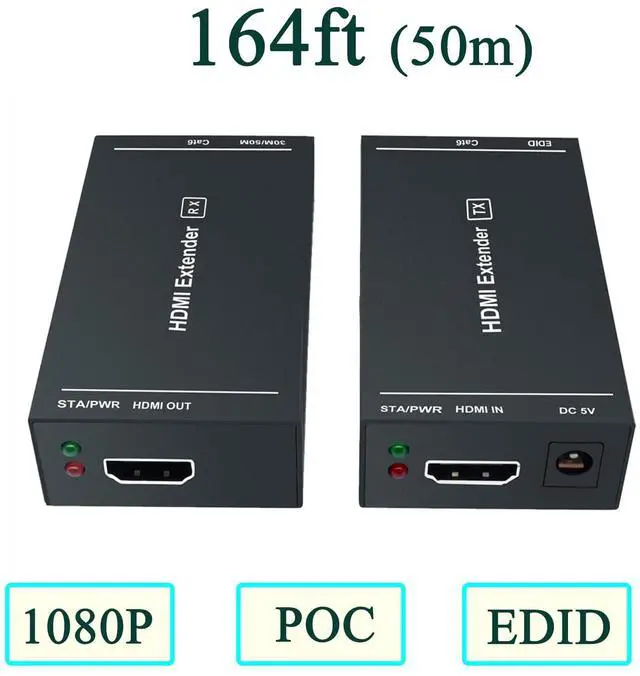


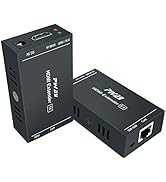
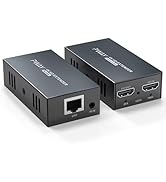
HDMI Over Ethernet Extender 164 Feet-1080P

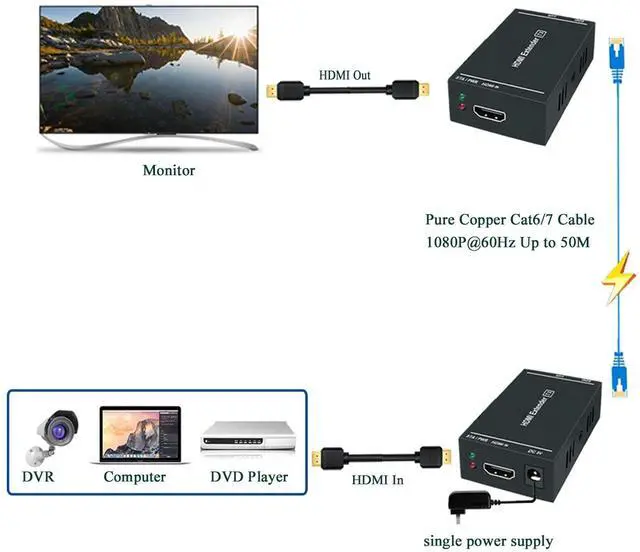
HDMI Extender 1080p@60Hz Transmit to 164 Feet(50m)


How to use the EDID button
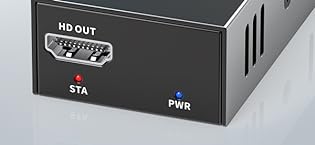
If you find that you can't get the image or flicker, distortion, snowflake and other abnormal conditions after connecting, it may be that EDID has not been recognized. Please re-identify EDID according to the following methods:
1. Plug the power supply into the "power" port of the transmitter .
2. Use a HDMI cable connect the monitor to the transmitter.
3. Long press the EDID button(On the transmitter ) until the STA light flashes, and then the flashing stops.
4. Last step, unplug all, and then restart the power, and then reconnect all of them again. (signal source, transmitter,receivers )
The Advantages of this HDMI EXTENDER

EDID Copy Function
This product has a very powerful EDID copy function, which makes it be able to identify the display device parameters and match it, enhance compatibility with the device, can match many kinds of display device.

Audio & video Synchronous Transmission
Powerful intelligent chip that transmits the audio and video signals of the HDMI interface to the far end through a network cable to achieve audio and video synchronous output, giving you an audiovisual feast.

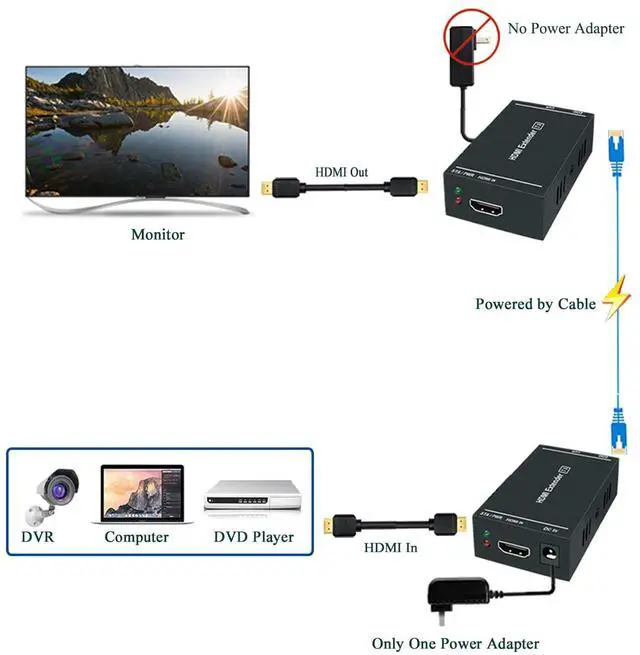
Only Need One Power Supply
Technical innovation, only need a single power supply, saving wiring space, more simple and convenient to install.
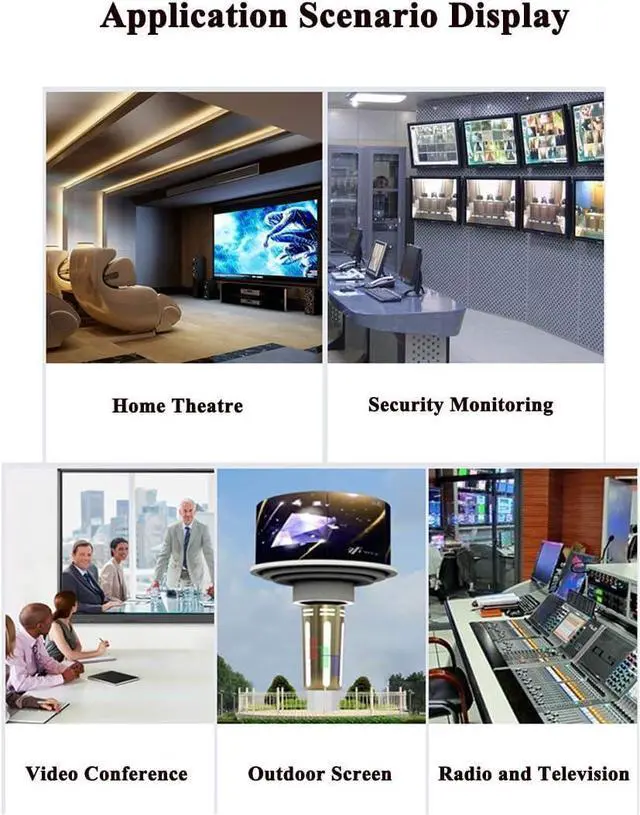
Application Occasion

 1x2 HDMI Extender Splitter |  1x4 HDMI Extender Splitter |  USB Extender 165ft | |
|---|---|---|---|
| Customer Reviews | — | — | — |
| Price | — | — | — |
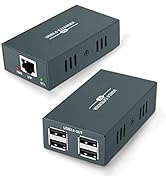
| Interface TYPE | HDMI 1X2 Extender Splitter | HDMI 1X4 Extender Splitter | USB Extender |
| Extended Distance | 165ft | 165ft | 165ft |
| Support Network Cable Type | CAT5e/CAT6/CAT7 | CAT5e/CAT6/CAT7 | CAT5e/CAT6/CAT7 |

Steetek HDMI Extender

At Steetek, we are more than just a brand - we are a testament to the power of innovation and seamless connectivity. Our journey is a reflection of our unwavering commitment to excellence in research, development, and production. We are a brand with a vision, a purpose, and a passion for delivering cutting-edge solutions.
?????????????????? ???????????????? ????????????????????
???? ?????????????? ??????????, ?????? Steetek HDMI Extender ?????????? ???????? ?? ??????-???????? ????????????????. ???? ?????? ???????????? ??????????, ???? ??????????????, ?????? ????????????. ?????????????? ???? ???????? ???????? ?????????? ???????????? ?????? ?????????? ?????????????? ?????? ?? ?????????? ????????????????????.
Hdmi Over Ethernet
HDMI Over Ethernet Extender 164 Feet-1080P
HDMI Extender 1080p@60Hz Transmit to 164 Feet(50m)
How to use the EDID button
If you find that you can't get the image or flicker, distortion, snowflake and other abnormal conditions after connecting, it may be that EDID has not been recognized. Please re-identify EDID according to the following methods:
1. Plug the power supply into the "power" port of the transmitter .
2. Use a HDMI cable connect the monitor to the transmitter.
3. Long press the EDID button(On the transmitter ) until the STA light flashes, and then the flashing stops.
4. Last step, unplug all, and then restart the power, and then reconnect all of them again. (signal source, transmitter,receivers )
The Advantages of this HDMI EXTENDER
EDID Copy Function
This product has a very powerful EDID copy function, which makes it be able to identify the display device parameters and match it, enhance compatibility with the device, can match many kinds of display device.
Audio & video Synchronous Transmission
Powerful intelligent chip that transmits the audio and video signals of the HDMI interface to the far end through a network cable to achieve audio and video synchronous output, giving you an audiovisual feast.
Only Need One Power Supply
Technical innovation, only need a single power supply, saving wiring space, more simple and convenient to install.
Application Occasion
1x2 HDMI Extender Splitter | 1x4 HDMI Extender Splitter | USB Extender 165ft | |
|---|---|---|---|
| Customer Reviews | — | — | — |
| Price | — | — | — |
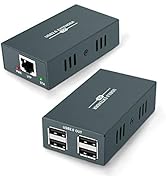
| Interface TYPE | HDMI 1X2 Extender Splitter | HDMI 1X4 Extender Splitter | USB Extender |
| Extended Distance | 165ft | 165ft | 165ft |
| Support Network Cable Type | CAT5e/CAT6/CAT7 | CAT5e/CAT6/CAT7 | CAT5e/CAT6/CAT7 |
Steetek HDMI Extender
At Steetek, we are more than just a brand - we are a testament to the power of innovation and seamless connectivity. Our journey is a reflection of our unwavering commitment to excellence in research, development, and production. We are a brand with a vision, a purpose, and a passion for delivering cutting-edge solutions.
?????????????????? ???????????????? ????????????????????
???? ?????????????? ??????????, ?????? Steetek HDMI Extender ?????????? ???????? ?? ??????-???????? ????????????????. ???? ?????? ???????????? ??????????, ???? ??????????????, ?????? ????????????. ?????????????? ???? ???????? ???????? ?????????? ???????????? ?????? ?????????? ?????????????? ?????? ?? ?????????? ????????????????????.
Hdmi Over Ethernet
