


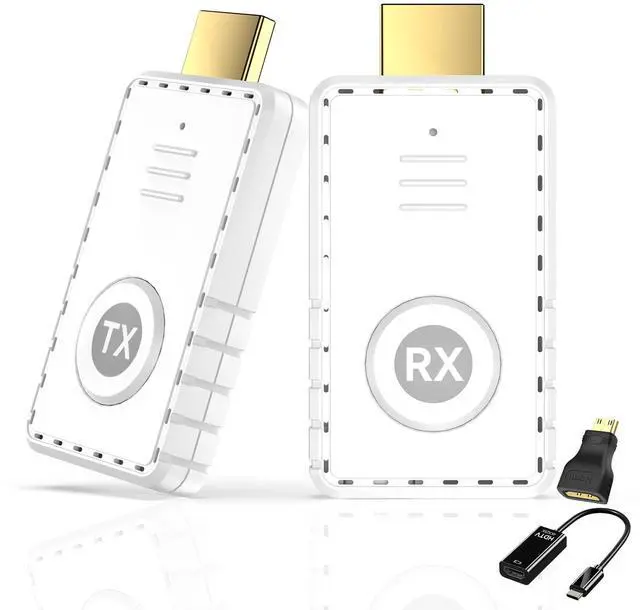


Wireless Connection, Enjoy High Definition - HDMI Transmitter and Receiver Set


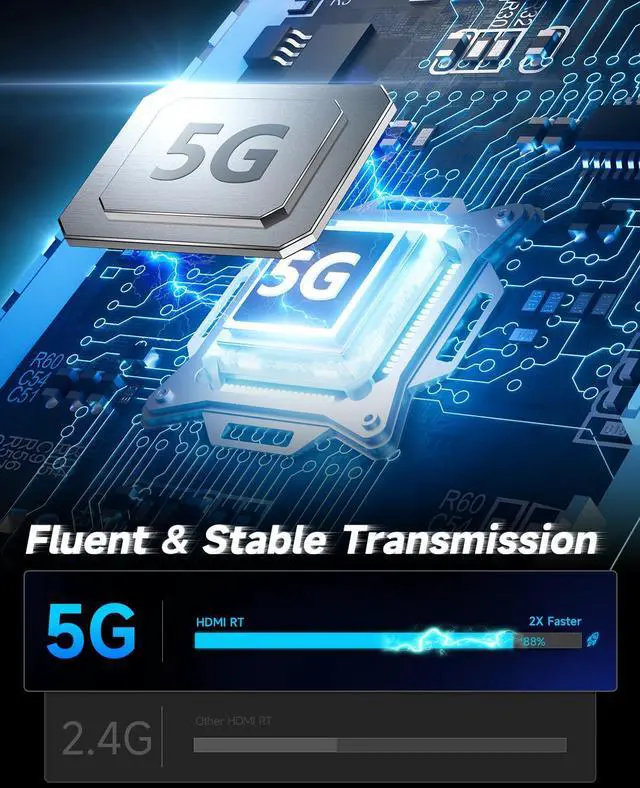
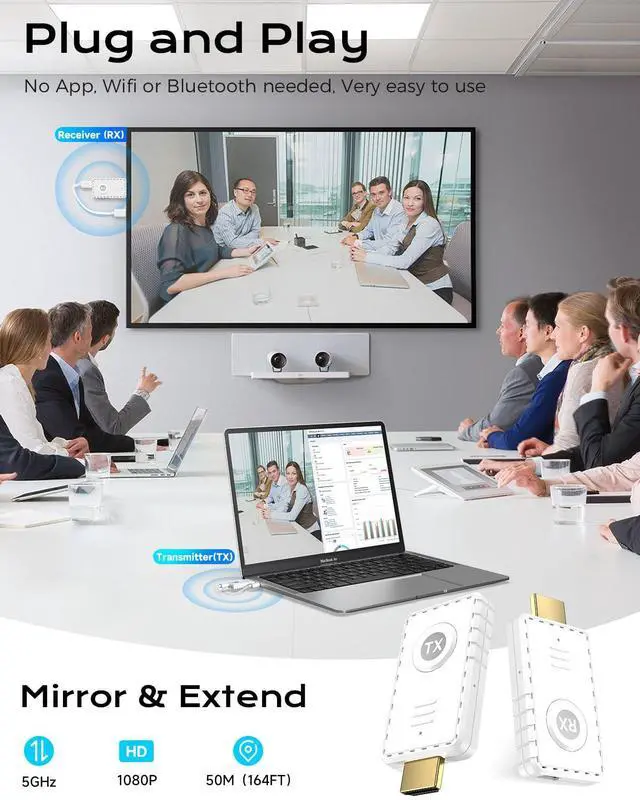
- 5G Plug - and - Play, Incredibly Simple
- Exceptional Wireless Transmission Performance, 164FT Long - Range Coverage
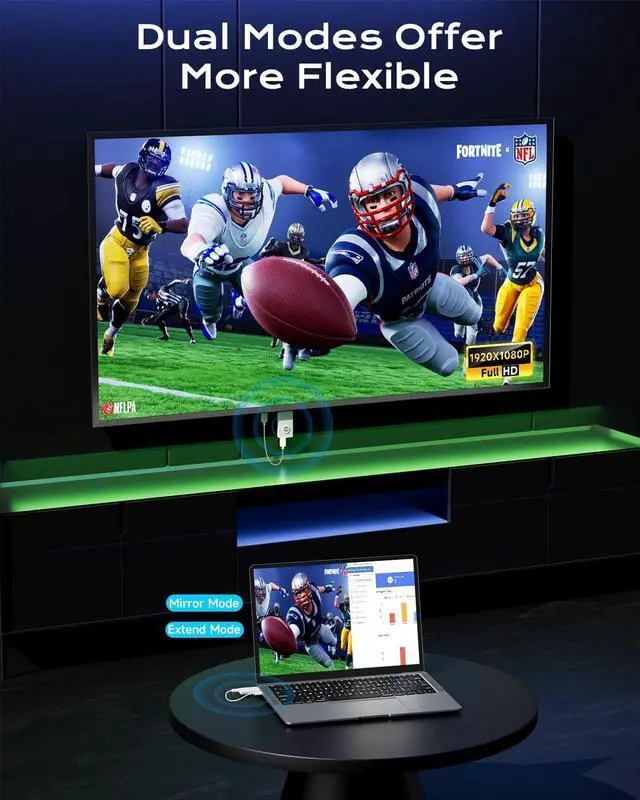
- Supports 4K Decoding, Outputs 1080P High - Definition Picture Quality
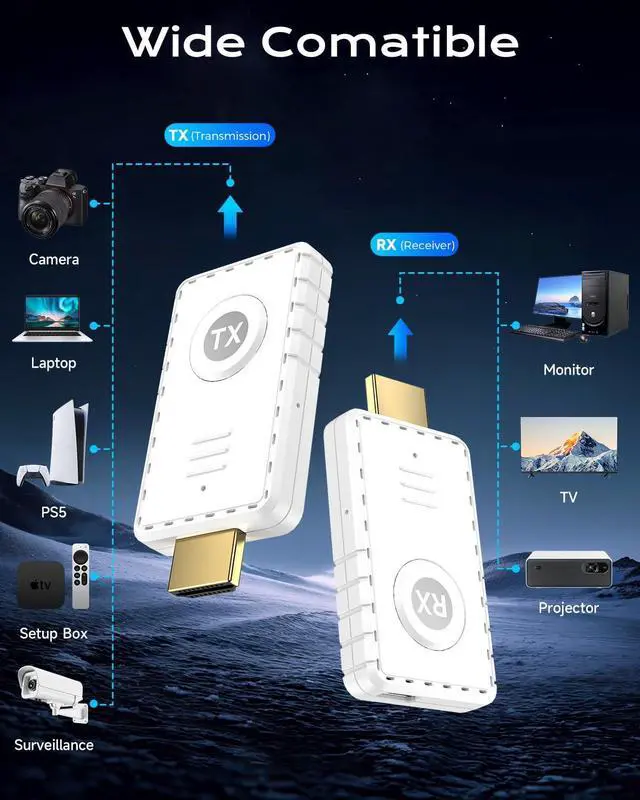
- Wide Compatibility, Adaptable to Multiple Devices


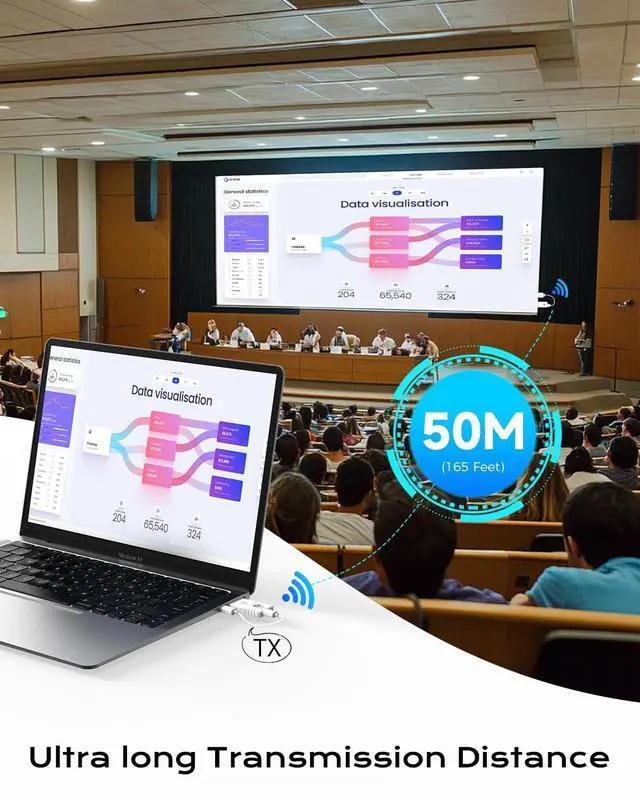
Exceptional Wireless Transmission Performance, 164FT Long - Range Coverage

This wireless HDMI Kit has a powerful signal transmission capacity, with a transmission range of up to 164FT (about 50 meters).The stable signal ensures that you can smoothly transmit high - definition video and audio, allowing your content display to be free from spatial limitations.

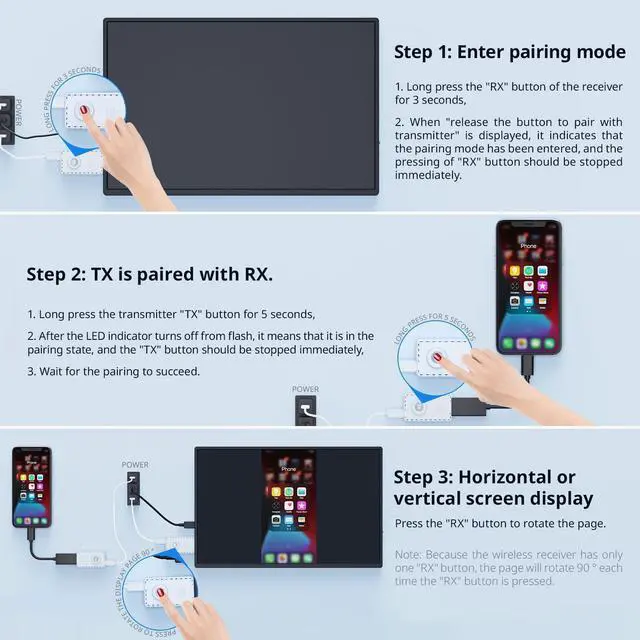
How to Use the Wireless HDMI Set Qulickly ?

STEP 1
Plug the signal receiver (RX) into a playback device such as a TV, and then activate the screen. After the product is connected, the playback device will pop up the corresponding port selection, such as "HDMI 1". When using the product, make sure that the power supply (5V/2A) is connected.

STEP 2
Plug the transmitter (TX) into your computer's HDMl port to transmit the signal. And connect the 5V/2A power supply. (This ensures a stable connection to the product)

STEP 3
Please wait for 10S, the product will automatically enter the connection page, please do not press any button.Connect the product according to the product connection schematic.

STEP 4
Connect the transmitter to a computeror other device with HD video output. After the indicator light enters a fast blinking state, wait for ten seconds to complete the projection.


Founded in 2012
AYY specializes in the production of high quality computer monitors. AYY's products includes portable monitors, LCD monitors, LCD TVs, etc.
AYY team combines the latest in display technology with innovative design concepts, providing users with the best possible visual experience.
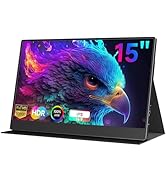
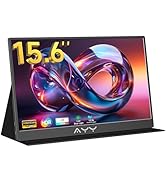
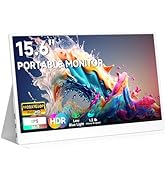
Where Vision Meets Innovation
Why Chose Our Goods?
• Precision: 98% DCI-P3 color gamut coverage + professional - level color calibration with Delta E < 1.5
• Portability: The world's thinnest 4K OLED portable screen, with a thickness of only 4mm
• Human - centered: Self - developed EyeSafe eye - protection system, which can reduce fatigue by 40% after 3 - hour continuous use
Global Support
·24h Response
·30-Day Free Return | Lifetime Calibration
·Regional Hubs: USA/CN/JP/AU
Wireless Connection, Enjoy High Definition - HDMI Transmitter and Receiver Set


- 5G Plug - and - Play, Incredibly Simple
- Exceptional Wireless Transmission Performance, 164FT Long - Range Coverage
- Supports 4K Decoding, Outputs 1080P High - Definition Picture Quality
- Wide Compatibility, Adaptable to Multiple Devices


Exceptional Wireless Transmission Performance, 164FT Long - Range Coverage

This wireless HDMI Kit has a powerful signal transmission capacity, with a transmission range of up to 164FT (about 50 meters).The stable signal ensures that you can smoothly transmit high - definition video and audio, allowing your content display to be free from spatial limitations.

How to Use the Wireless HDMI Set Qulickly ?
STEP 1
Plug the signal receiver (RX) into a playback device such as a TV, and then activate the screen. After the product is connected, the playback device will pop up the corresponding port selection, such as "HDMI 1". When using the product, make sure that the power supply (5V/2A) is connected.
STEP 2
Plug the transmitter (TX) into your computer's HDMl port to transmit the signal. And connect the 5V/2A power supply. (This ensures a stable connection to the product)
STEP 3
Please wait for 10S, the product will automatically enter the connection page, please do not press any button.Connect the product according to the product connection schematic.
STEP 4
Connect the transmitter to a computeror other device with HD video output. After the indicator light enters a fast blinking state, wait for ten seconds to complete the projection.
Founded in 2012
AYY specializes in the production of high quality computer monitors. AYY's products includes portable monitors, LCD monitors, LCD TVs, etc.
AYY team combines the latest in display technology with innovative design concepts, providing users with the best possible visual experience.
Where Vision Meets Innovation
Why Chose Our Goods?
• Precision: 98% DCI-P3 color gamut coverage + professional - level color calibration with Delta E < 1.5
• Portability: The world's thinnest 4K OLED portable screen, with a thickness of only 4mm
• Human - centered: Self - developed EyeSafe eye - protection system, which can reduce fatigue by 40% after 3 - hour continuous use
Global Support
·24h Response
·30-Day Free Return | Lifetime Calibration
·Regional Hubs: USA/CN/JP/AU