




Break the chain. own the spotlight.
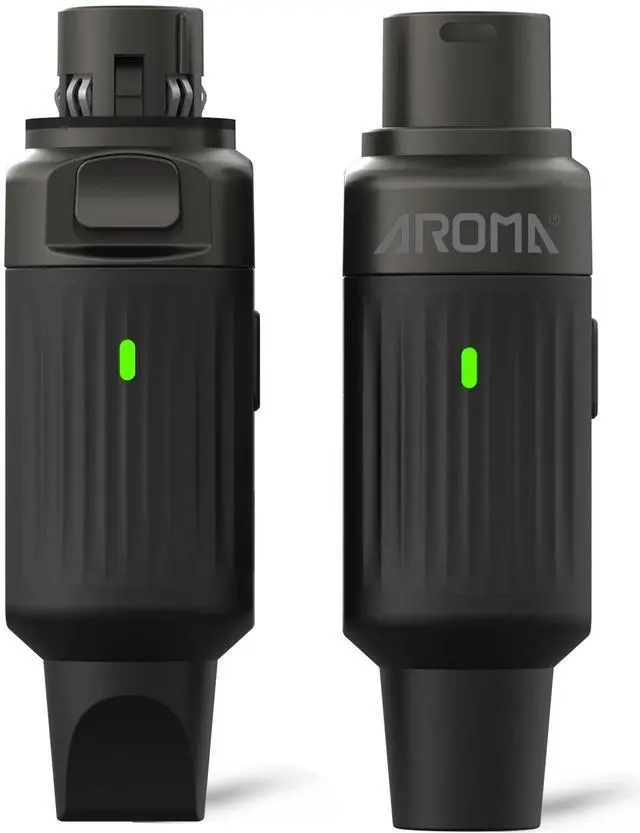
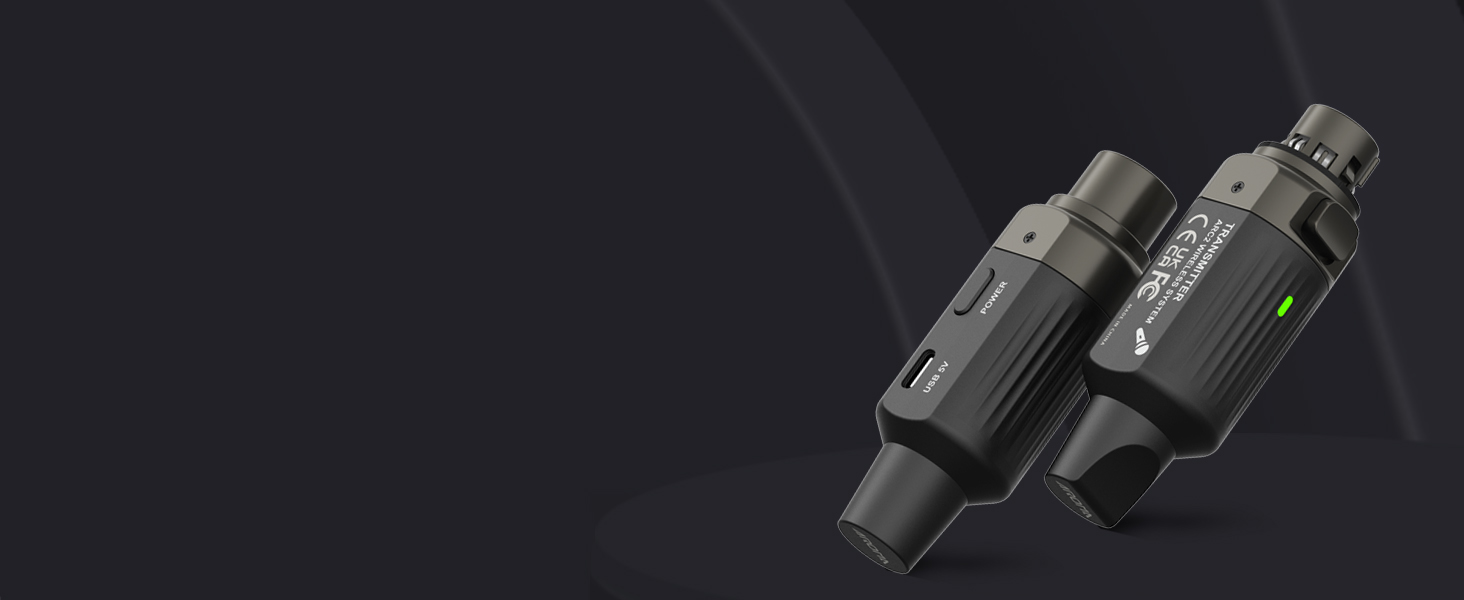
2.4GHz Wireless Mic Adapter ARC3-N2
If you’re a musician, worship leader, presenter or event host looking for an affordable way to ditch cables without sacrificing reliability—the ARC3-N2 is designed for you. It perfect for those who need solid performance without the complexity.
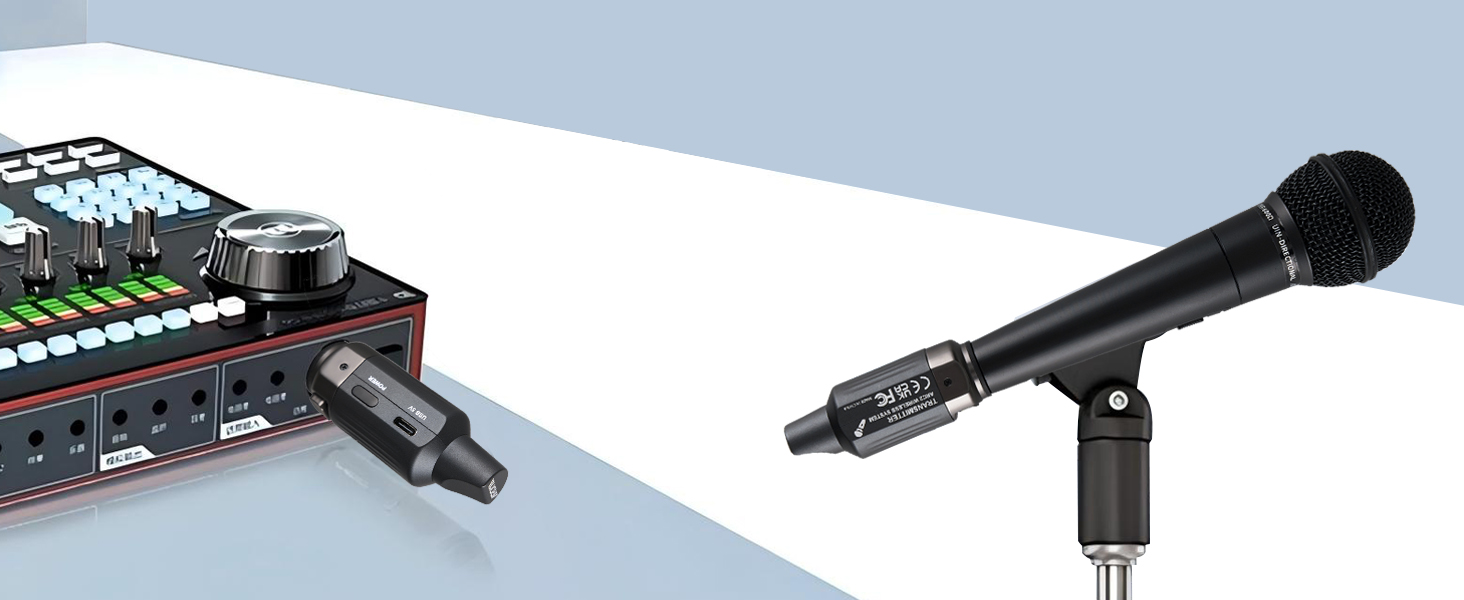
Effortless Operation
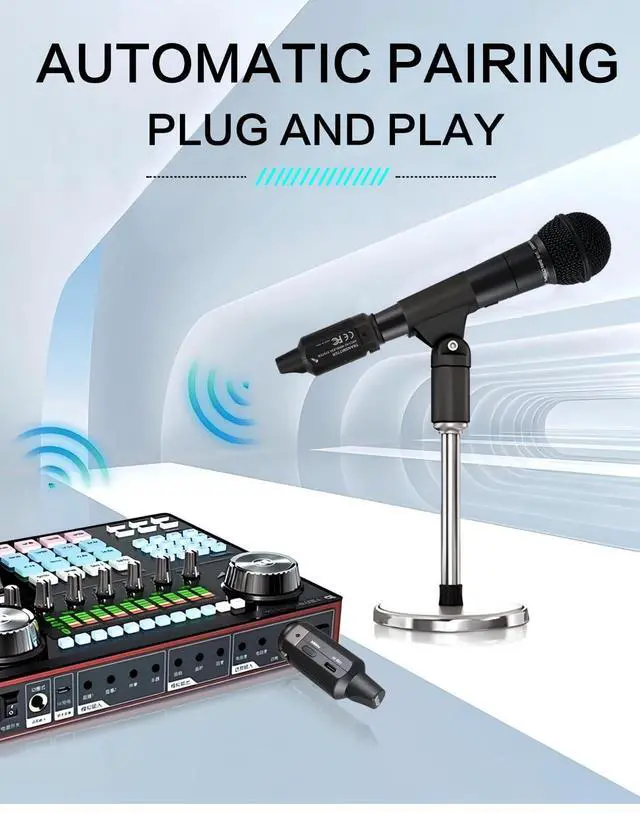
Plug and Play Wireless XLR System
The ACR3-N2 wireless XLR transmitter and receiver is user-friendly. With intuitive controls and easy setup process, even beginners can quickly get started and enjoy its great functions for various occasions.

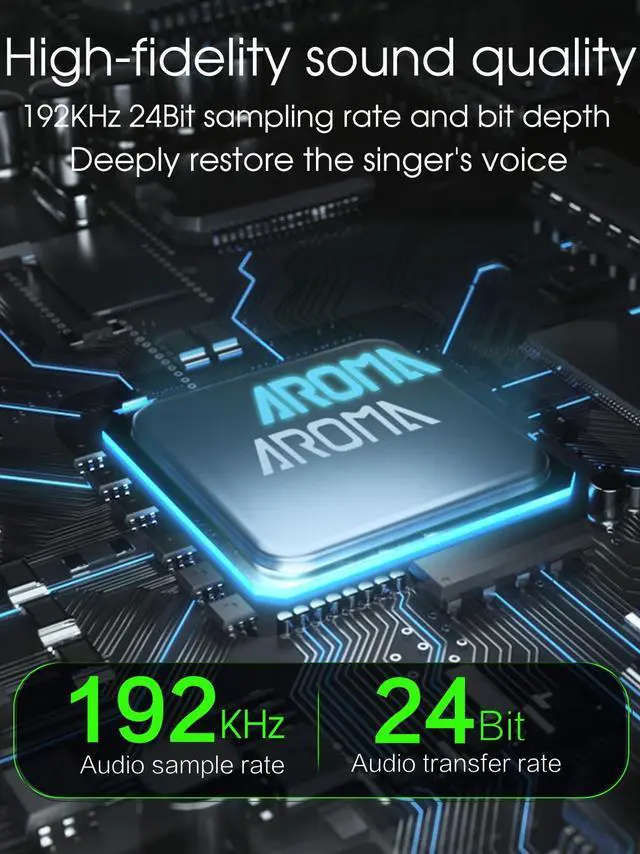
Superior Audio Quality
Higher audio resolution – 192kHz sampling for clearer voice reproduction
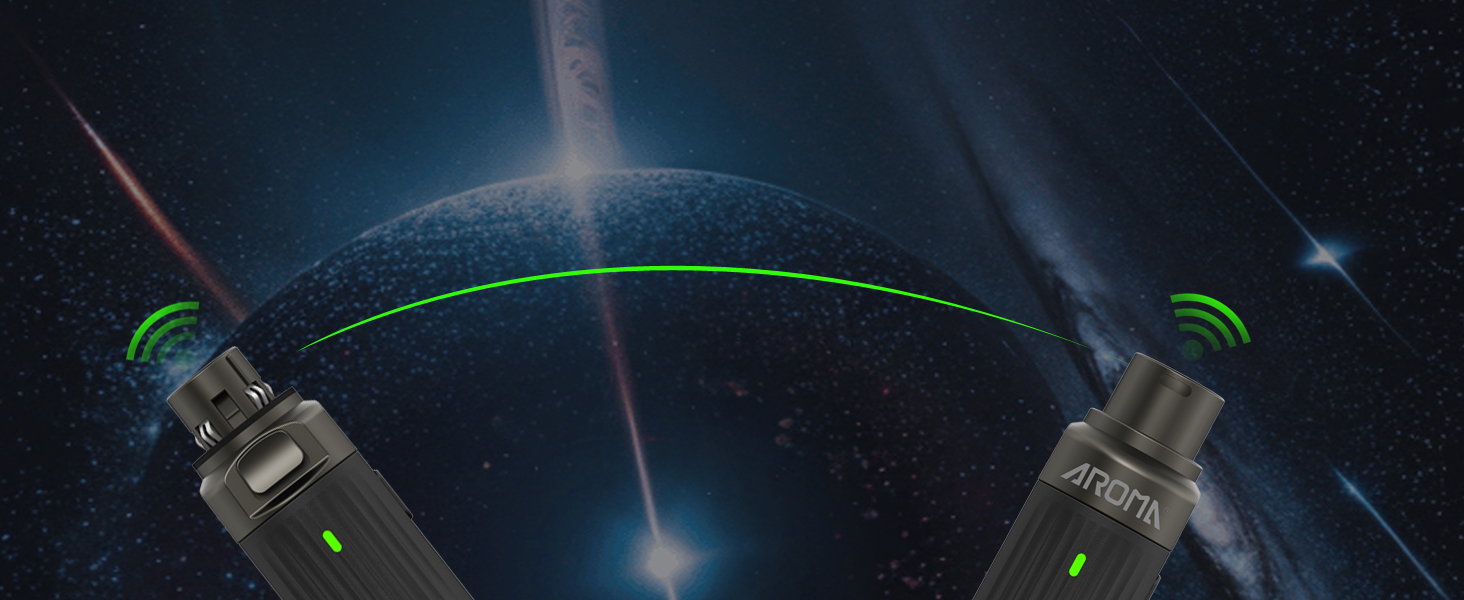
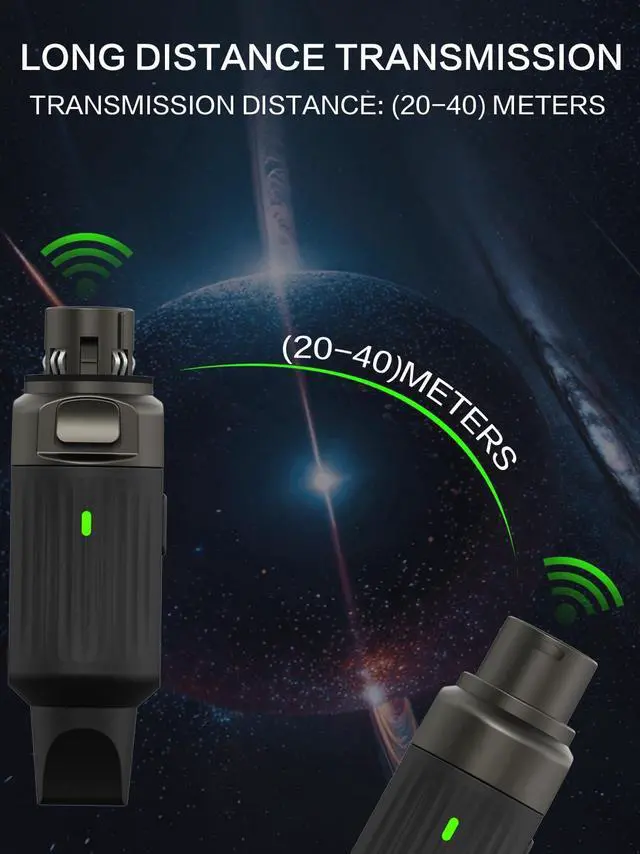
Stable Signal over Long Distances
The ACR3-N2 offers stable signal transmission and supports a wireless range of 65 - 130 ft. You can use it freely in various large - scale scenarios without worrying about signal interruption.
How can I reduce background noise while using the wireless microphones and receiver?
1)Start with low gain, raise slowly until clear; stop if hiss, keep under 75%.;2)Ensure batteries are fully charged;3)Check XLR and cables for damage or loose contact;4)Keep the system away from routers, fluorescent lights, or EMI sources
How do I resolve intermittent audio drops or unstable signals?
1) Ensure devices are within range and direct line-of-sight between devices; 2) Avoiding walls/metal; 3) Stay clear of Wi-Fi, Bluetooth, microwaves. Turn off unused wireless devices during use; 4) Turn off, wait 30 seconds, then restart.
What should I do if the devices won’t connect(Blinking light)?
1) When pairing, keep the Transmitter and Receiver about 8 inches apart; 2)Hold power for 2s to restar; 3) Check LED colors match; 4) Press either button briefly to re-pair
How to avoid interference when using multiple sets?
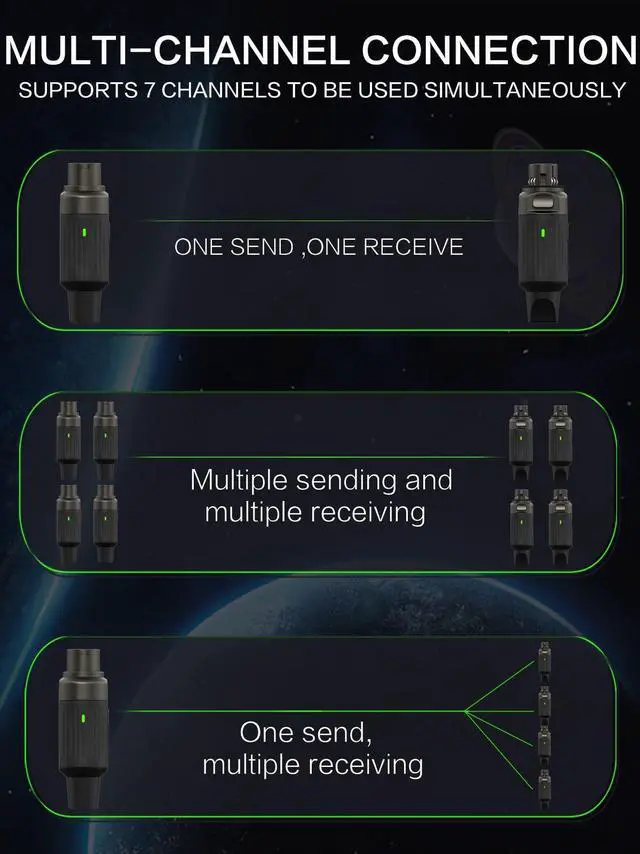
Keep some distance between each set when using multiple mics. Ensure each set has matching LED colors (e.g., both red). Up to 7 sets can work at once, each on a different color. Avoid using the same frequency in one location to prevent feedback noise
How can one transmitter connect to multiple receivers?
Power on the transmitter and all receivers for auto-pairing. Or manually match the channel by making the LED color on the transmitter and receivers the same (e.g., all blue).
Wireless Microphone Transmitter & Receiver
How to choose?
Casual Use | For | Pro Use |
Easy & All-Day | Best For | Pro Sound & Reliable |
2.4GHz | Frequency Band | UHF Band |
Global Free ISM Band | Band Type | Licensed Pro Band |
10 Hours | Battery Life | 5.5 Hours |
20Hz~16kHz | Freq. Response | 20Hz~20kHz |
90dB | Dynamic Range | 106dB |
Casual Use | For | Casual Use |
Easy & All-Day | Best For | Easy & All-Day |
2.4GHz | Frequency Band | 2.4GHz |
Global Free ISM Band | Band Type | Global Free ISM Band |
10 Hours | Battery Life | 10 Hours |
20Hz~16kHz | Freq. Response | 20Hz~16kHz |
90dB | Dynamic Range | 90dB |


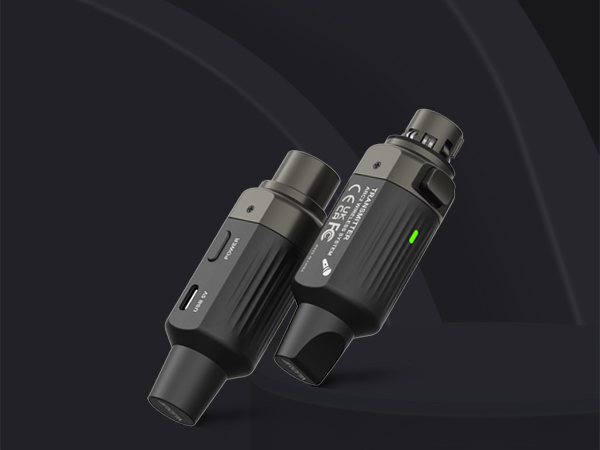
2.4GHz Wireless Mic Adapter ARC3-N2
If you’re a musician, worship leader, presenter or event host looking for an affordable way to ditch cables without sacrificing reliability—the ARC3-N2 is designed for you. It perfect for those who need solid performance without the complexity.
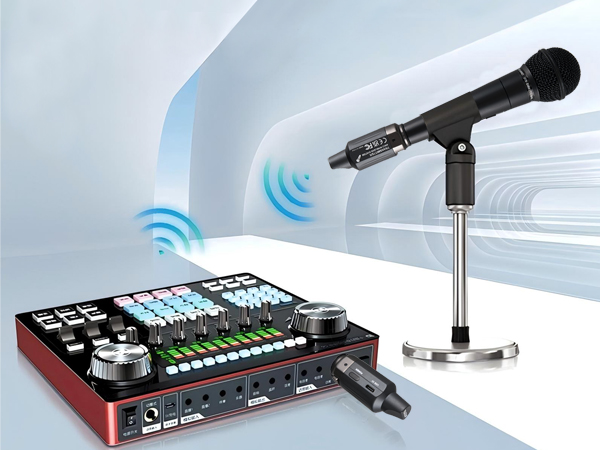
Plug and Play Wireless XLR System
The ACR3-N2 wireless XLR transmitter and receiver is user-friendly. With intuitive controls and easy setup process, even beginners can quickly get started and enjoy its great functions for various occasions.
Superior Audio Quality
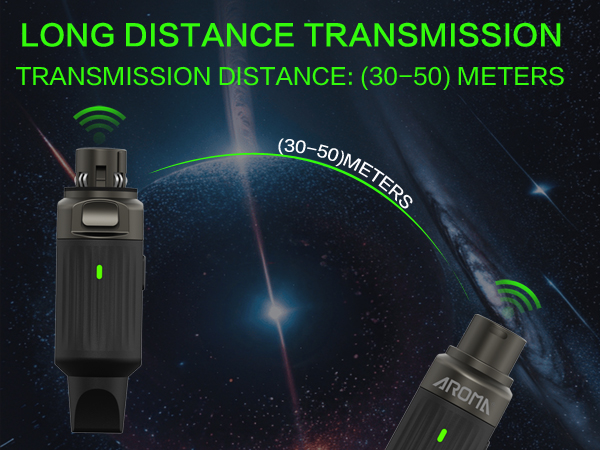
Stable Signal over Long Distances
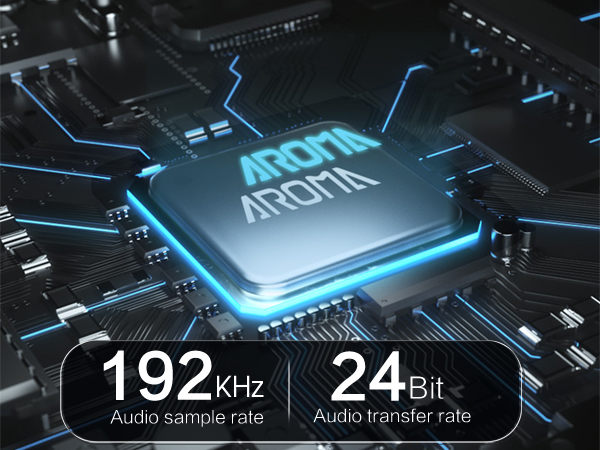
Higher audio resolution – 192kHz sampling for clearer voice reproduction
The ACR3-N2 offers stable signal transmission and supports a wireless range of 65 - 130 ft. You can use it freely in various large - scale scenarios without worrying about signal interruption.
How can I reduce background noise while using the wireless microphones and receiver?
1)Start with low gain, raise slowly until clear; stop if hiss, keep under 75%.;2)Ensure batteries are fully charged;3)Check XLR and cables for damage or loose contact;4)Keep the system away from routers, fluorescent lights, or EMI sources
How do I resolve intermittent audio drops or unstable signals?
1) Ensure devices are within range and direct line-of-sight between devices; 2) Avoiding walls/metal; 3) Stay clear of Wi-Fi, Bluetooth, microwaves. Turn off unused wireless devices during use; 4) Turn off, wait 30 seconds, then restart.
What should I do if the devices won’t connect(Blinking light)?
1) When pairing, keep the Transmitter and Receiver about 8 inches apart; 2)Hold power for 2s to restar; 3) Check LED colors match; 4) Press either button briefly to re-pair
How to avoid interference when using multiple sets?
Keep some distance between each set when using multiple mics. Ensure each set has matching LED colors (e.g., both red). Up to 7 sets can work at once, each on a different color. Avoid using the same frequency in one location to prevent feedback noise
How can one transmitter connect to multiple receivers?
Power on the transmitter and all receivers for auto-pairing. Or manually match the channel by making the LED color on the transmitter and receivers the same (e.g., all blue).
Wireless Microphone Transmitter & Receiver
| Recommended Uses For Product | Singing, Public Speaking |
|---|---|
| Special Feature | Plug and Play, 7-Channel Auto-Scanning, Real-Time Audio Monitoring (Indicator Light) |
| Operating Range | Up to 130 ft (line of sight) |
| Ultra-Low Latency | <5ms Delay Time |
| Studio-Quality Audio | 24-bit / 192KHz Sampling Rate |
| Crystal-Clear Signal | >90 dB Signal-to-Noise Ratio |
| Frequency Response Range | 20Hz – 16kHz |
| Number of Channels | 7 (Auto-Avoiding Interference) |
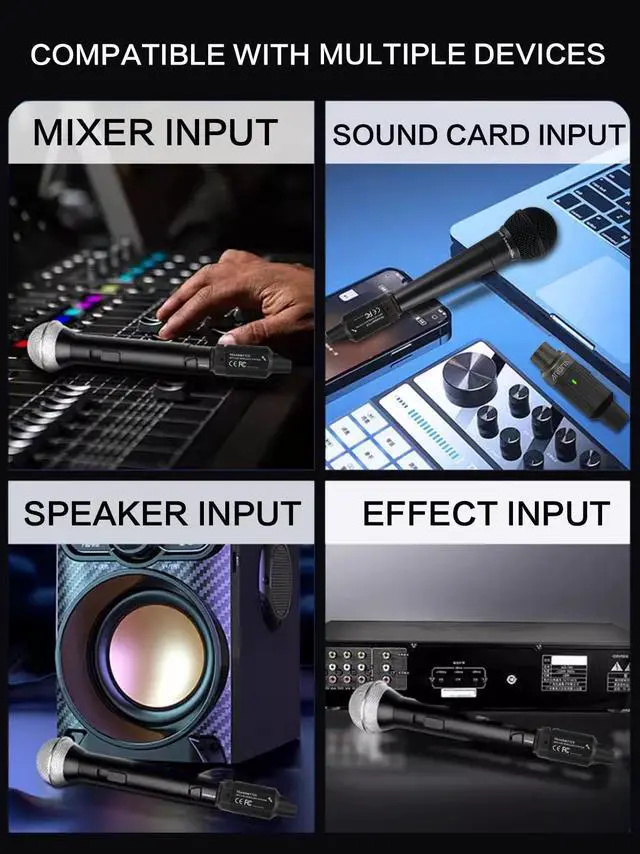
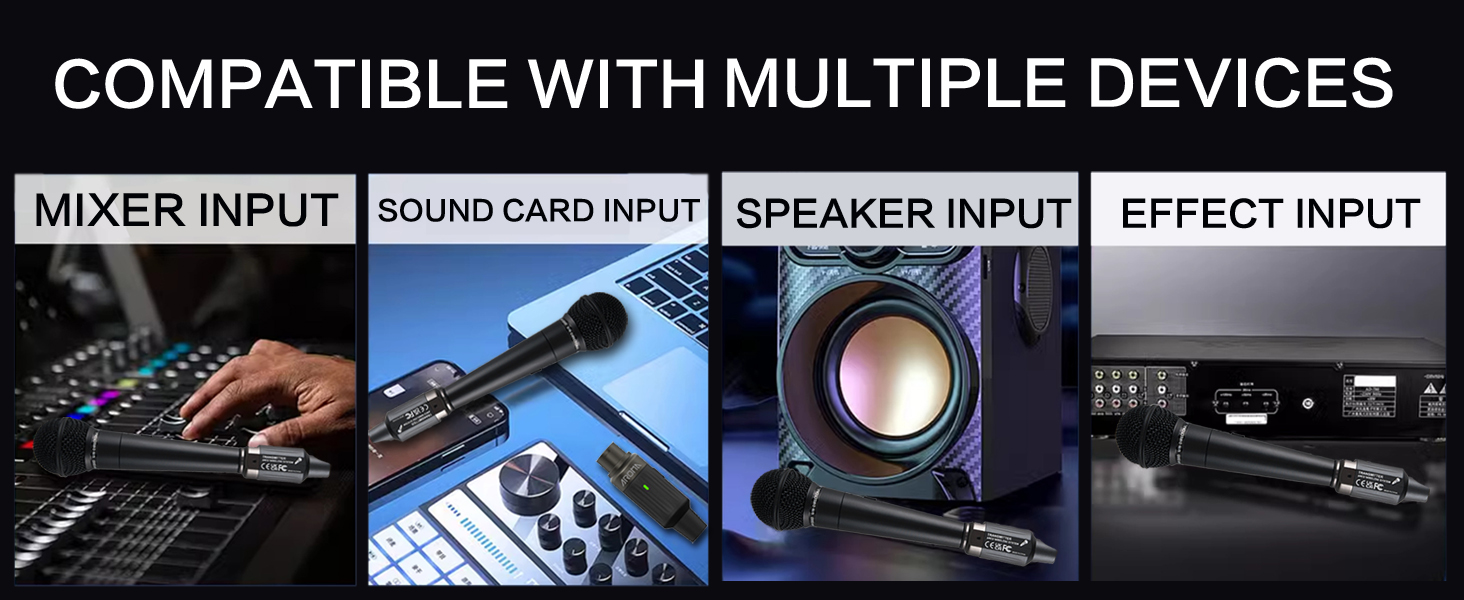
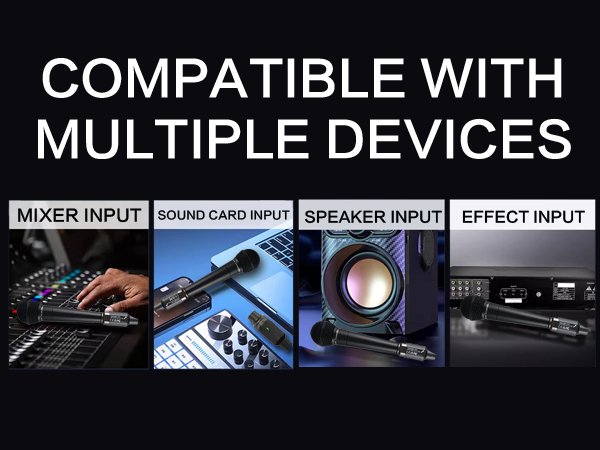
| Compatible Devices | Dynamic Microphones, Audio Mixers, PA Systems, Cameras |
| Material | Alloy Steel + Metal Reinforced Frame, ABS Housing (Robust & Lightweight) |
| Color | Matte Black (Professional Aesthetic) |
| Included Components | Wireless Transmitter ×1; Wireless Receiver ×1; Type-C USB Charging Cable; Quick-Start User Manual |
| Power Source | Rechargeable Battery (10-Hour Runtime; USB-C Charging; Use only standard 5V/1A chargers; Does not support charging while using) |
| Dimensions (Each Unit) | 27 x 27 x 88 mm (1.1 x 1.1 x 3.40 in) |
| Weight | 120g(4.2 oz) |
How to choose?
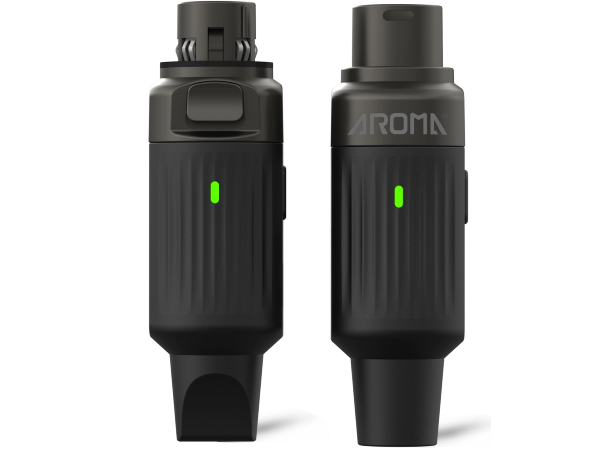
ARC3-N2 Wireless Xlr
For
Casual Use
Best For
Easy & All-Day
Frequency Band
2.4GHz
Band Type
Global Free ISM Band
Battery Life
10 Hours
Freq. Response
20Hz~16kHz
Dynamic Range
90dB
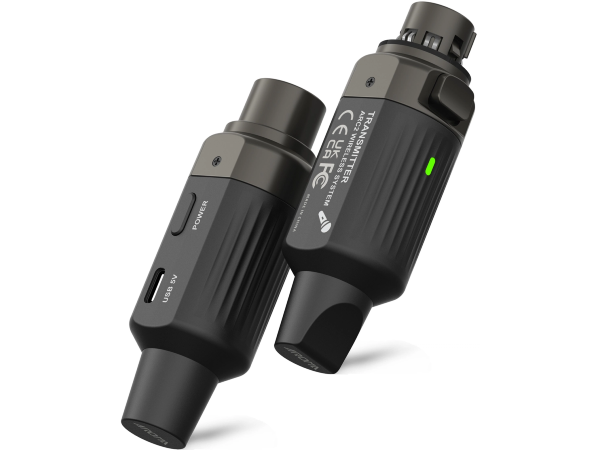
ARC2 Wireless Xlr
For
Pro Use
Best For
Pro Sound & Reliable
Frequency Band
UHF Band
Band Type
Licensed Pro Band
Battery Life
5.5 Hours
Freq. Response
20Hz~20kHz
Dynamic Range
106dB
ARC3-N2 Wireless Xlr
For
Casual Use
Best For
Easy & All-Day
Frequency Band
2.4GHz
Band Type
Global Free ISM Band
Battery Life
10 Hours
Freq. Response
20Hz~16kHz
Dynamic Range
90dB
