





Video soundbarA A
Easy to setup and secure
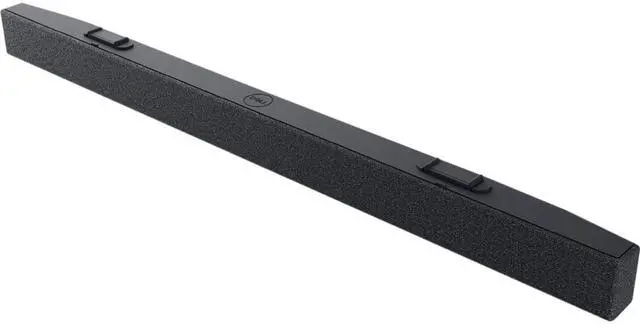
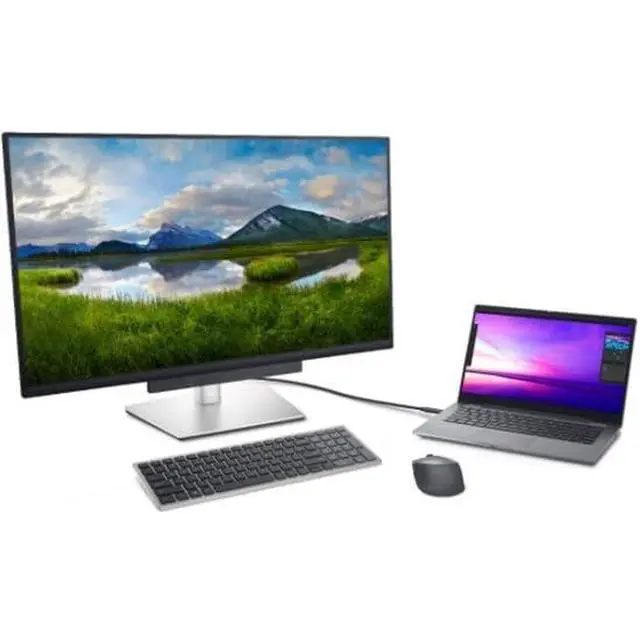
The Dell Slim Soundbar offers easy installation requiring no software, power cord, batteries and is compatible with Dell select monitors*. Simply plug in the soundbar cable to your monitor's USB-A port. Safeguard your soundbar by locking it with the included security chain and an external lock (lock not included).
The promise of superior audio clarity
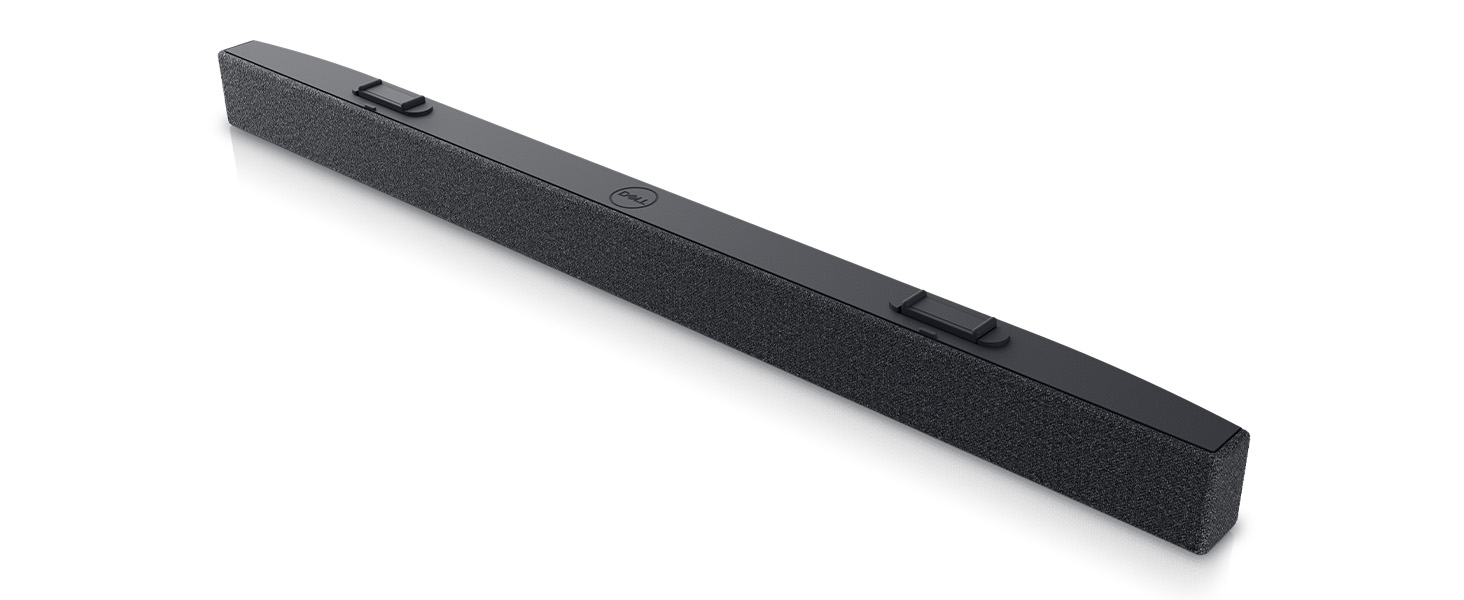
With this slim and light soundbar*, you get to enjoy rich and crystal-clear audio with powerful 3.6W RMS speakers offering a wide frequency response range of 180Hz to 20kHz. Stay productive and never miss a call or an alert again.
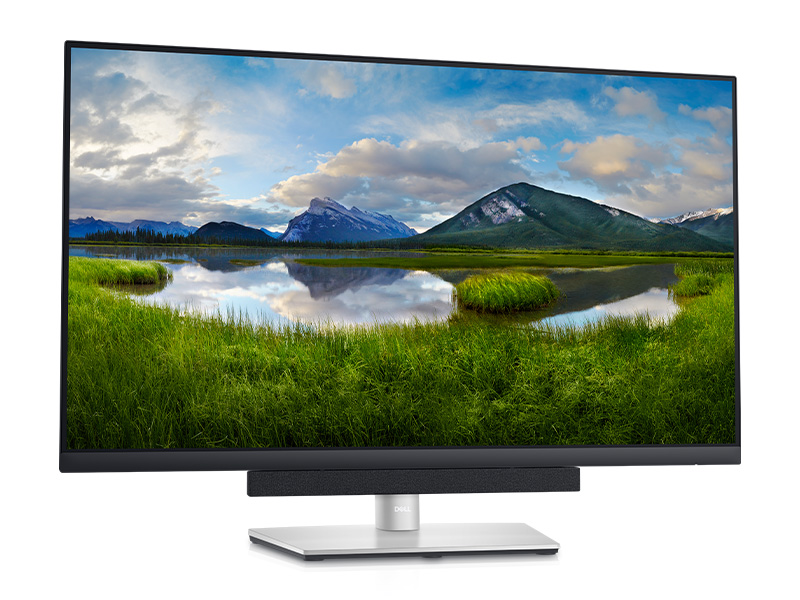
A neat audio solution for your monitor
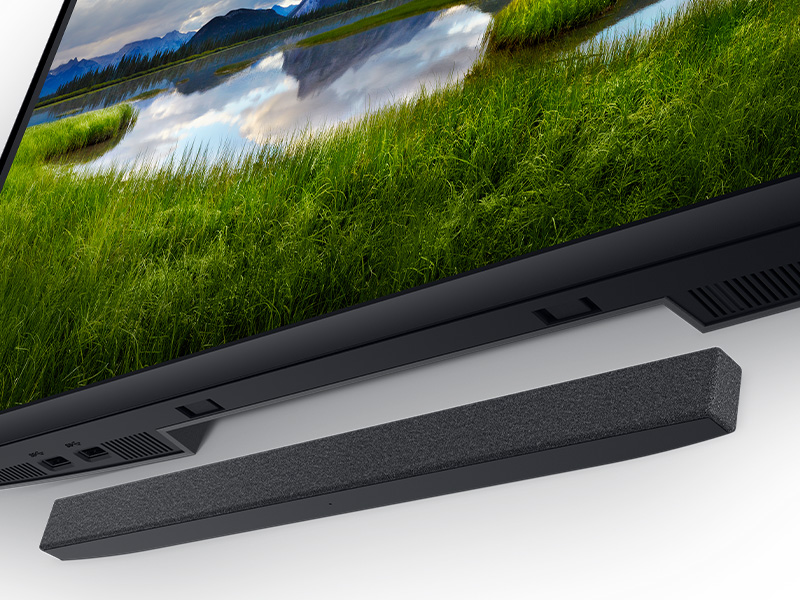
The soundbar magnetically snaps on to your Dell monitor*, allowing you to tilt, swivel and pivot your monitor in any direction, without getting in the way. The soundbar's USB cable plugs neatly to the USB-A port at the back of the monitor, so it's hidden from view.
Ensure that the USB upstream cable is connected from your computer to the Dell monitor to enable USB pass-through. This additional USB upstream cable connection is required if your computer is using an HDMI or DisplayPort cable.
Based on Dell analysis of publicly available specs of comparative attachable monitor soundbars, July 2020.
Compatible with select Dell monitors only.
Video soundbarA A
Easy to setup and secure
The Dell Slim Soundbar offers easy installation requiring no software, power cord, batteries and is compatible with Dell select monitors*. Simply plug in the soundbar cable to your monitor's USB-A port. Safeguard your soundbar by locking it with the included security chain and an external lock (lock not included).
The promise of superior audio clarity
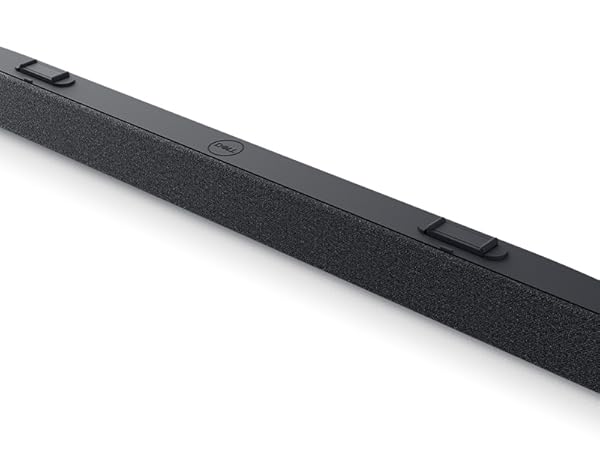
With this slim and light soundbar*, you get to enjoy rich and crystal-clear audio with powerful 3.6W RMS speakers offering a wide frequency response range of 180Hz to 20kHz. Stay productive and never miss a call or an alert again.
A neat audio solution for your monitor
The soundbar magnetically snaps on to your Dell monitor*, allowing you to tilt, swivel and pivot your monitor in any direction, without getting in the way. The soundbar's USB cable plugs neatly to the USB-A port at the back of the monitor, so it's hidden from view.
Ensure that the USB upstream cable is connected from your computer to the Dell monitor to enable USB pass-through. This additional USB upstream cable connection is required if your computer is using an HDMI or DisplayPort cable.
Based on Dell analysis of publicly available specs of comparative attachable monitor soundbars, July 2020.
Compatible with select Dell monitors only.