






At Flatsons,
We share the same passion for music as our users, we are dedicated to supporting their creative journey with the best tools possible.

Flatsons is a brand specializing in a wide range of musical instruments and gear, including multi-effects pedals, stompboxes, amplifiers, wireless systems, and professional audio equipment.
Established with a mission to innovate and inspire, Flatsons caters to musicians of all levels, from aspiring hobbyists to seasoned professionals.
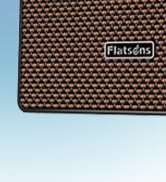
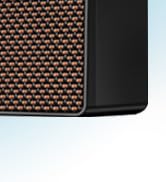
Mini Electric Guitar Amplifier
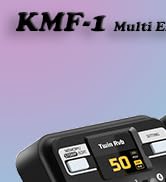
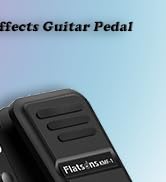
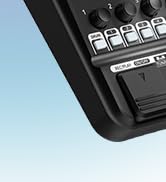
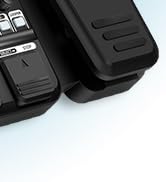
Multi Effects Guitar Pedal
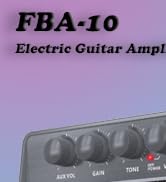
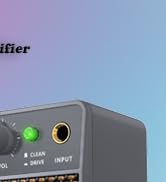
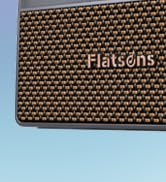
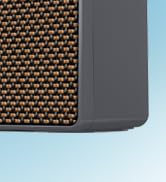
10W Mini Electric Guitar Amp
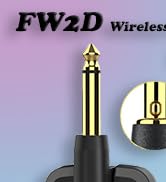
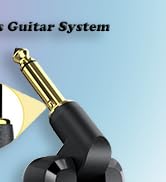
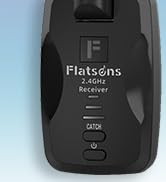
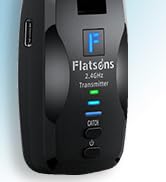
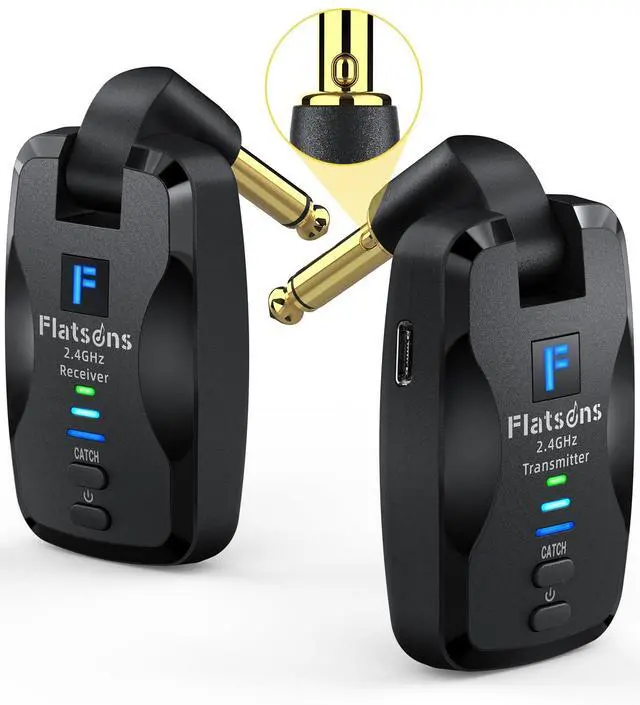
Wireless Guitar System
20W Amp Mic/Acoustic Guitars

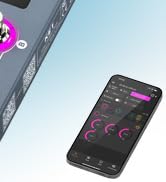
Guitar Pedal With APP

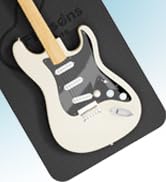
Guitar Mat Kit Tool
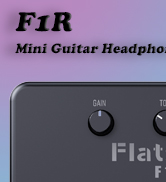
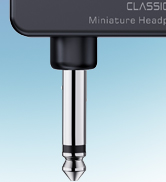
Mini Guitar Headphone Amp



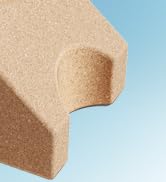
Guitar Neck Rest

What is "Flatsons"?
Flatsons stands for quality, creativity, and innovation in the world of music. Our products are designed to deliver exceptional performance and versatility, making them perfect for any musical style or genre.
About our products?
Explore our diverse product lineup, including multi-effects pedals packed with features, robust amplifiers for any gig, reliable wireless systems for seamless performance, and top-notch professional audio solutions.


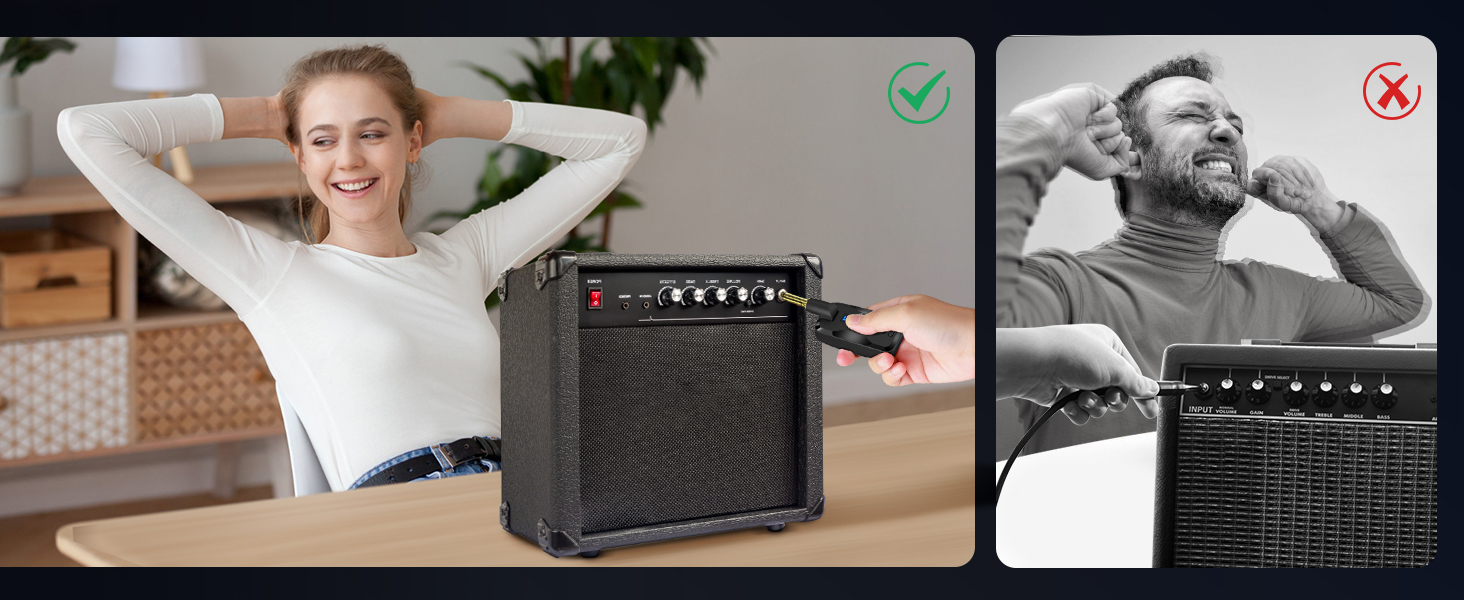
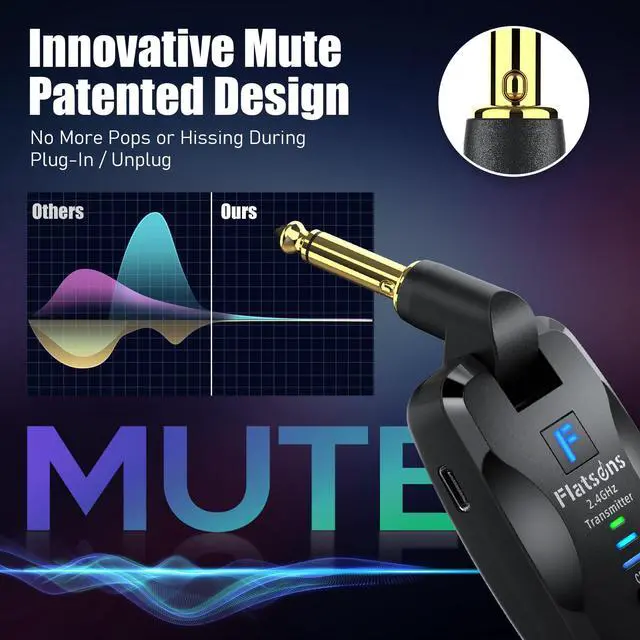
Enjoy Flawless Transition
Make Every Show Seamless and Professional!
No more loud pops or hissing when switching devices—just pure, uninterrupted sound.
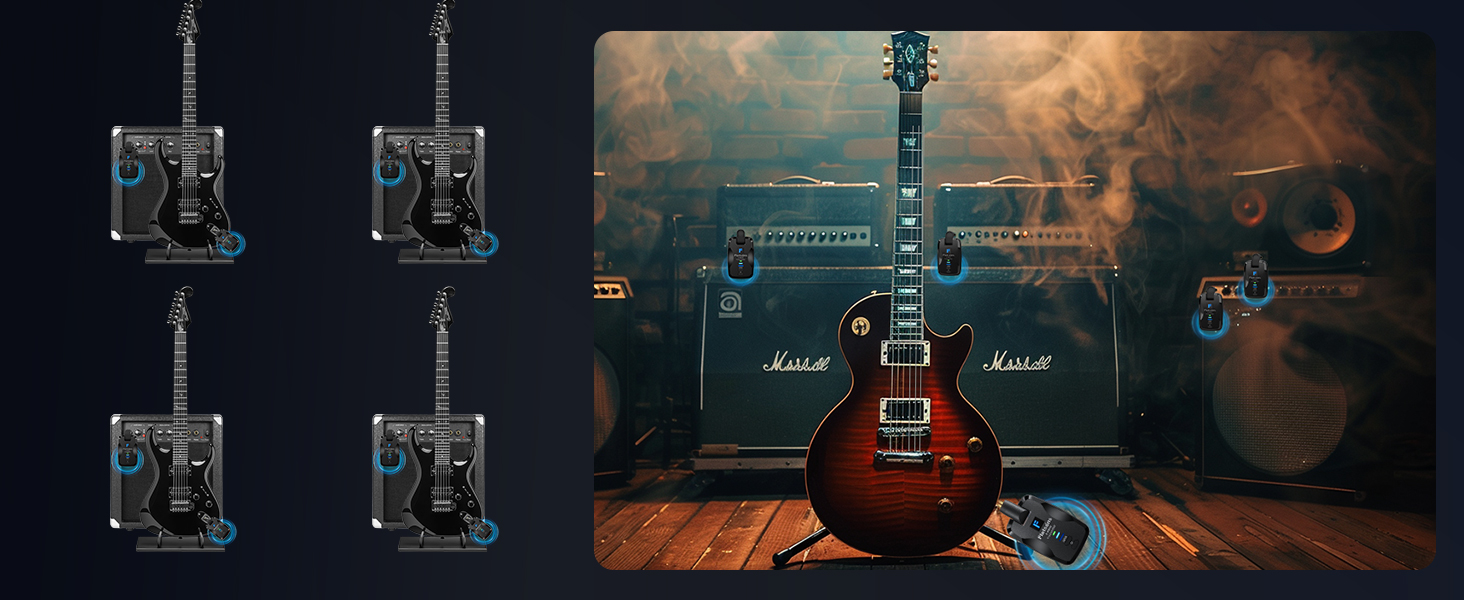
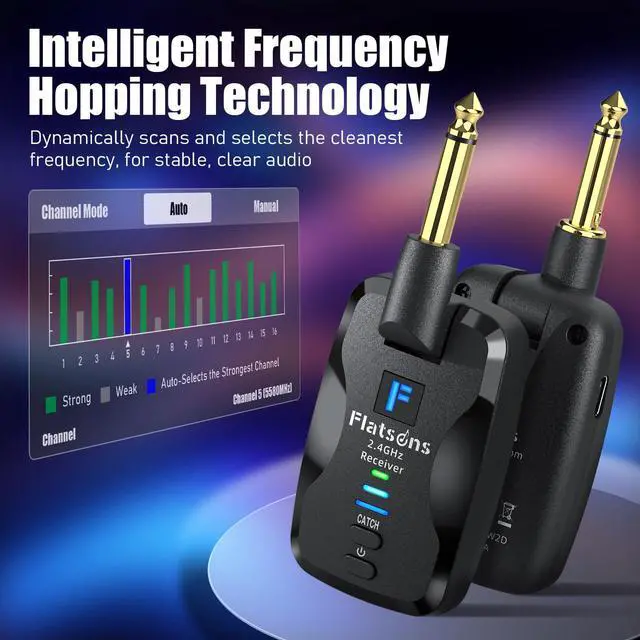
Support Multiple Devices
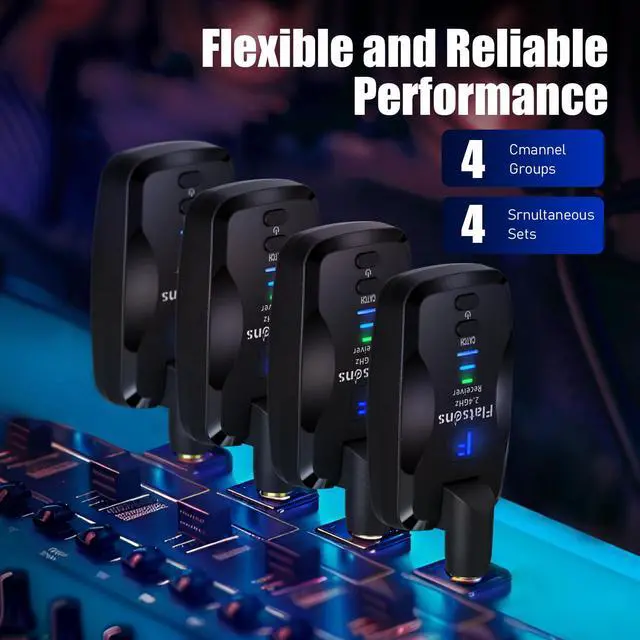
Up to 4 Devices Simultaneously Without Cross-talk!
Giving you plenty of options to avoid channel conflicts, ensuring everyone gets a clean signal.

hero-video
Merchant VideoNote: Please fully charge both the transmitter and receiver before use to ensure optimal pairing and performance. If the battery is low, charge with a 5V/500mA (max) charger. We recommend quickly reviewing the manual before getting started.
Does the FW2D wireless system have latency?
Yes, all wireless systems have some latency, FW2D about 5ms. In high-interference areas, latency may increase or signal may drop. For stable performance, use in open spaces with minimal wireless traffic.
What devices may cause signal instability or increased latency with the FW2D?
FW2D runs on the 2.4GHz band and may be affected by Wi-Fi routers, wireless mice, and other 2.4GHz devices. We now advise users to keep the device at least 1 meter away from such equipment and to turn off any unused wireless devices.
Can I use multiple wireless systems of the same model near each other?
No, we recommend avoiding using multiple sets of the same model nearby, as this may cause signal interference or dropouts. If necessary, keep at least 3 meters (about 10 feet) between devices to reduce interference.
What should I do if I experience interference during use, and how do I switch channels?
If you run into interference, just press the “catch” button on the transmitter once to switch channels. The FW2D has multiple channel groups, so this should help you find a clearer signal.
How do I pair the FW2D wireless guitar system?
Once both the transmitter and receiver are powered on, just hold down the “catch” button on the transmitter and receiver until the pairing light starts flashing. It’ll automatically search, and when the light stays solid, you're paired!
The Perfect Guitar Combo, Play Anywhere with Freedom
 2.4 GHz Wireless Guitar System |  Multi Effects Guitar Pedal |  10W Portable Guitar Amplifier |
|---|---|---|
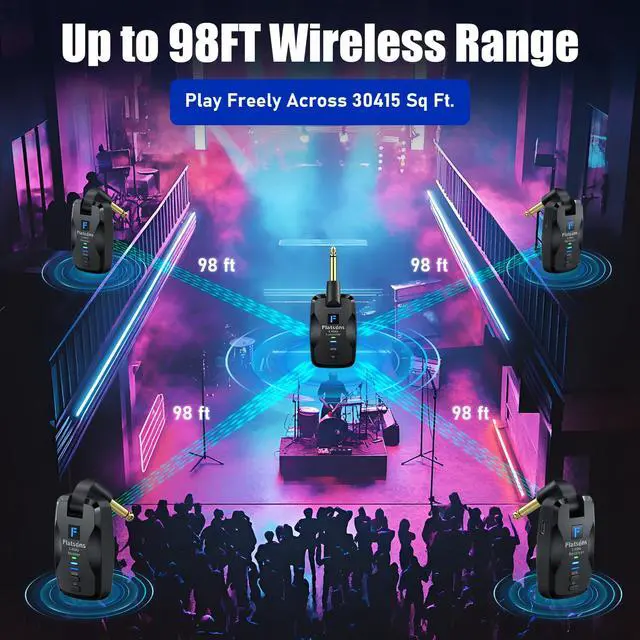
Dynamic Interference Blocking Advanced tech ensures stable, clear audio up to 98ft with <5ms latency | Advanced DSP Simulation 512-point IR sampling and 32-bit processing deliver clear, dynamic sound | Pure Analog for Crystal Sound 10W output, 100Hz-20kHz clarity ideal for home practice, small gigs, live shows |
Ultra-Low Distortion Sound 48kHz/16-bit sampling delivers crisp, detailed audio with =0.02% distortion | Wide Range of CAB & AMP Option 77 effects, 18 amp models, and 18 cabinet simulators for versatile sound shaping | Switch Between Clean and Drive Switch between CLEAN and DRIVE modes, fine-tune sound with GAIN/TONE controls |
Patented Silent Plug Design Switch instruments noise-free, avoiding pops or buzz for a pro performance | Creativity Patches & Rhythms 50 patches, 42 drum rhythms, and a 30s looper for endless creative possibilities | Headphone/AUX for Flexibility Headphone jack for quiet practice, AUX IN with volume control for external audio |
Supports Multiple Devices 4 channel group prevent cross-talk, allowing 4 devices to connect simultaneously | User-Friendly Design LCD display, intuitive controls, 6 AA battery support for up to 2.5 hours of use | Wireless & Long Battery Life USB-C rechargeable battery with up to 6H of playtime, compact, portable design |
Quick Pairing, Long Playtime Type-C rechargeable battery lasts 6H; easy pairing for 6.35mm jack instruments | Master Your Sound with 3 Modes Offering flexible live control, precise customization, and quick preset access | Exquisite vintage Gift Design Features a handcrafted two-tone woven grille for style and better sound |


Enjoy Flawless Transition
Make Every Show Seamless and Professional!
No more loud pops or hissing when switching devices—just pure, uninterrupted sound.
Support Multiple Devices
Up to 4 Devices Simultaneously Without Cross-talk!
Giving you plenty of options to avoid channel conflicts, ensuring everyone gets a clean signal.


hero-video
Merchant VideoNote: Please fully charge both the transmitter and receiver before use to ensure optimal pairing and performance. If the battery is low, charge with a 5V/500mA (max) charger. We recommend quickly reviewing the manual before getting started.
Does the FW2D wireless system have latency?
Yes, all wireless systems have some latency, FW2D about 5ms. In high-interference areas, latency may increase or signal may drop. For stable performance, use in open spaces with minimal wireless traffic.
What devices may cause signal instability or increased latency with the FW2D?
FW2D runs on the 2.4GHz band and may be affected by Wi-Fi routers, wireless mice, and other 2.4GHz devices. We now advise users to keep the device at least 1 meter away from such equipment and to turn off any unused wireless devices.
Can I use multiple wireless systems of the same model near each other?
No, we recommend avoiding using multiple sets of the same model nearby, as this may cause signal interference or dropouts. If necessary, keep at least 3 meters (about 10 feet) between devices to reduce interference.
What should I do if I experience interference during use, and how do I switch channels?
If you run into interference, just press the “catch” button on the transmitter once to switch channels. The FW2D has multiple channel groups, so this should help you find a clearer signal.
How do I pair the FW2D wireless guitar system?
Once both the transmitter and receiver are powered on, just hold down the “catch” button on the transmitter and receiver until the pairing light starts flashing. It’ll automatically search, and when the light stays solid, you're paired!
The Perfect Guitar Combo, Play Anywhere with Freedom
At Flatsons,
We share the same passion for music as our users, we are dedicated to supporting their creative journey with the best tools possible.
Flatsons is a brand specializing in a wide range of musical instruments and gear, including multi-effects pedals, stompboxes, amplifiers, wireless systems, and professional audio equipment.
Established with a mission to innovate and inspire, Flatsons caters to musicians of all levels, from aspiring hobbyists to seasoned professionals.
Mini Electric Guitar Amplifier
Multi Effects Guitar Pedal
10W Mini Electric Guitar Amp
Wireless Guitar System
20W Amp Mic/Acoustic Guitars
Guitar Pedal With APP
Guitar Mat Kit Tool
Mini Guitar Headphone Amp
Guitar Neck Rest
What is "Flatsons"?
Flatsons stands for quality, creativity, and innovation in the world of music. Our products are designed to deliver exceptional performance and versatility, making them perfect for any musical style or genre.
About our products?
Explore our diverse product lineup, including multi-effects pedals packed with features, robust amplifiers for any gig, reliable wireless systems for seamless performance, and top-notch professional audio solutions.