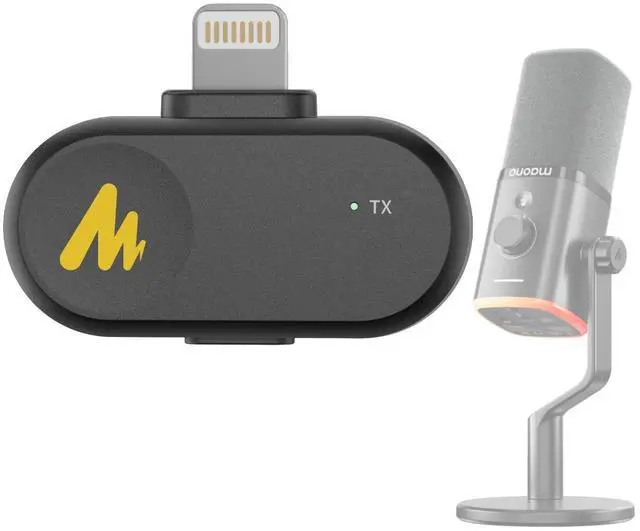
PD100W/S Wireless Microphone Lightning Receiver Accessories(Only for PD100W Microphone
Normally, after plugging the receiver into your phone/computer and turning on the microphone, they will automatically connect. If it fails to connect, please try the following steps to re-pair1. Please ensure that the microphone is turned off ( Long press the power button to power off). 2. Then press and hold the power button again for 6-8 seconds until the microphone LED flashes blue rapidly (enters pairing mode). 3. Plug the wireless receiver into your phone/computer to connect again.
+
+
Overview
Specs
Reviews
Any questions? Our AI beta will help you find out quickly.