here!
here!
I’m your shopping assistant for PC builds, upgrades, and everything tech.
Got questions? Ask away!
Start a conversation
here!
I’m your shopping assistant for PC builds, upgrades, and everything tech.
Got questions? Ask away!
Start a conversation



Any questions? Ask CelesteSM will help you find out quickly.

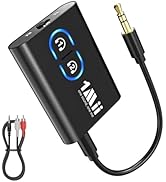
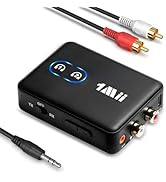
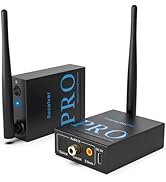
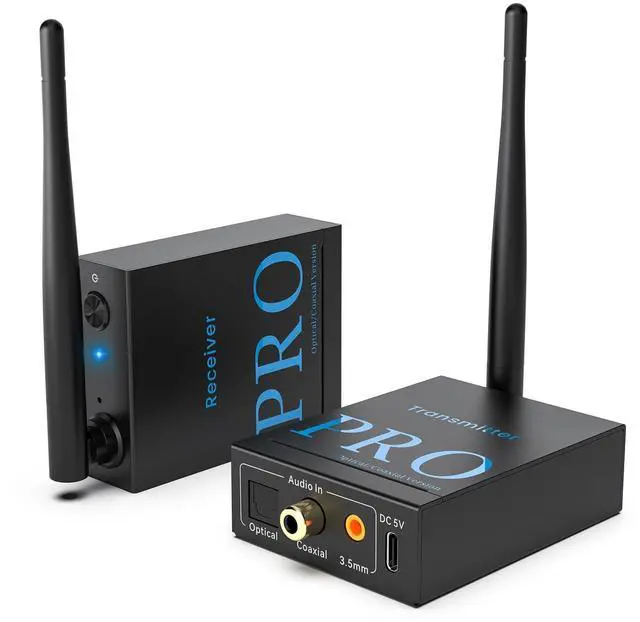
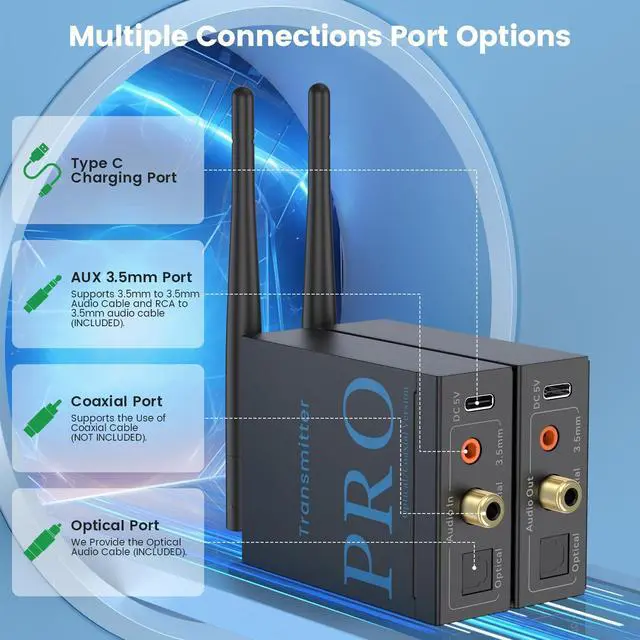
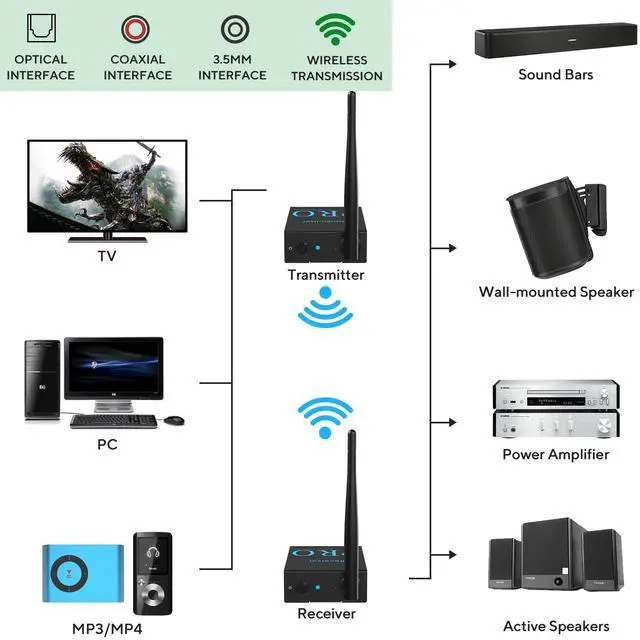
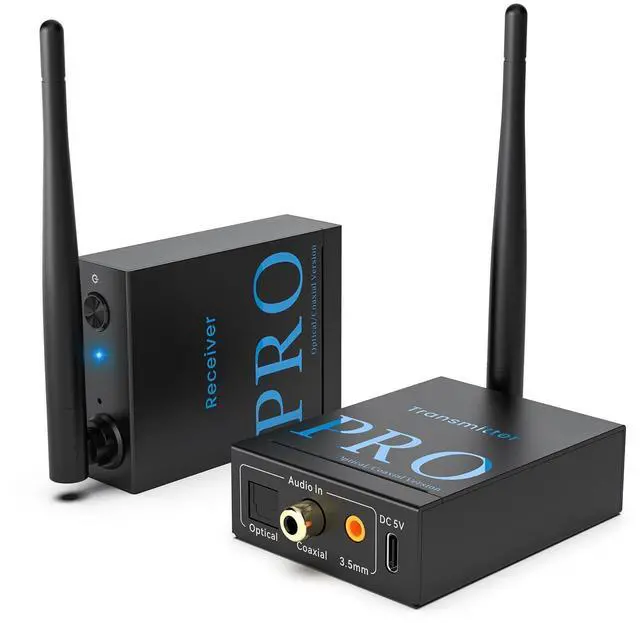
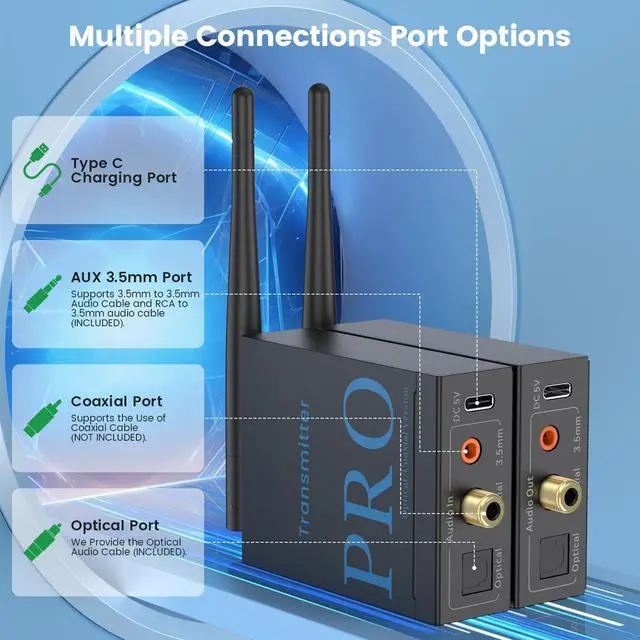
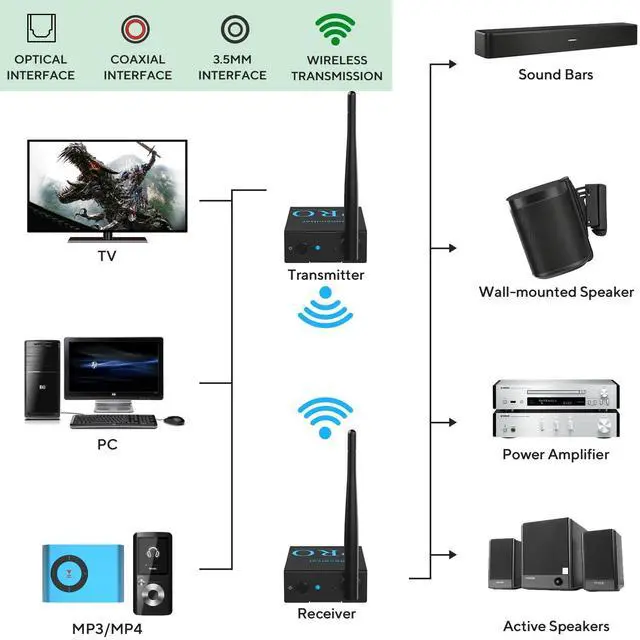
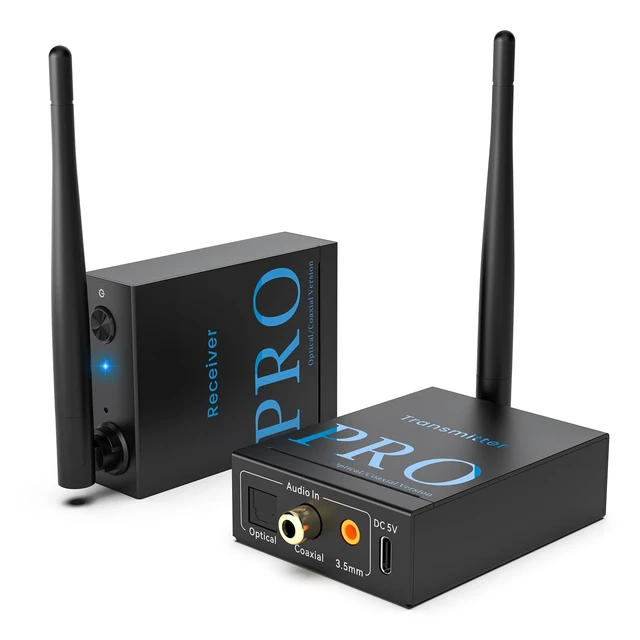
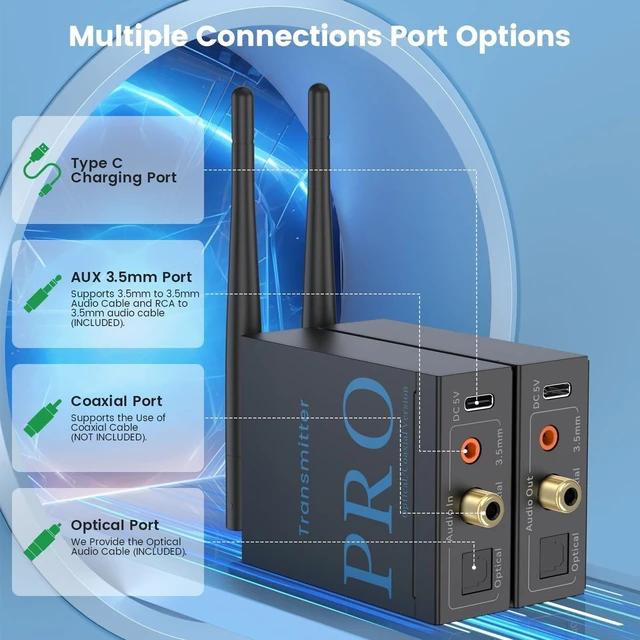
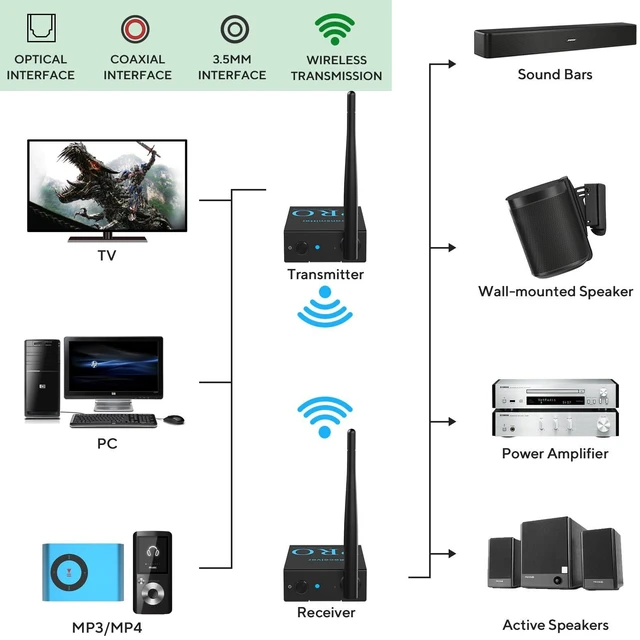
Wireless Audio Transmitter and Receiver provide optical port, coaxial port and 3.5mm jack(also product come with 2 RAC to 3.5 male audio cables) input and output. So it is very convenient to connect to your stereo equipment, active speakers, soundbar.

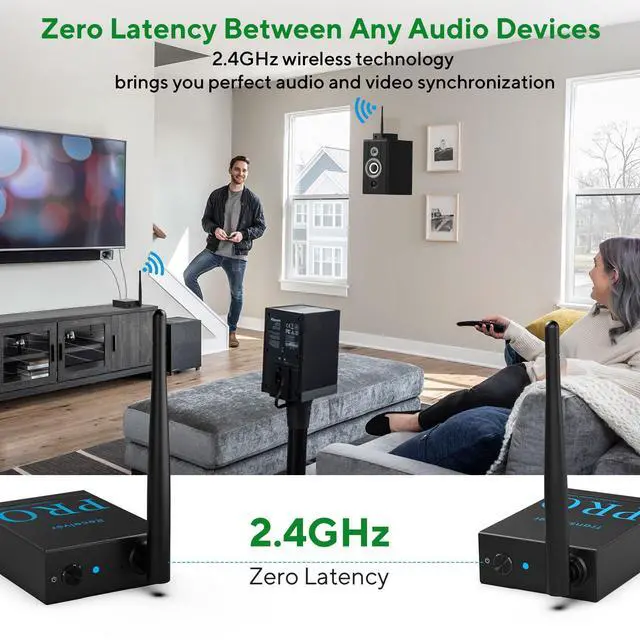
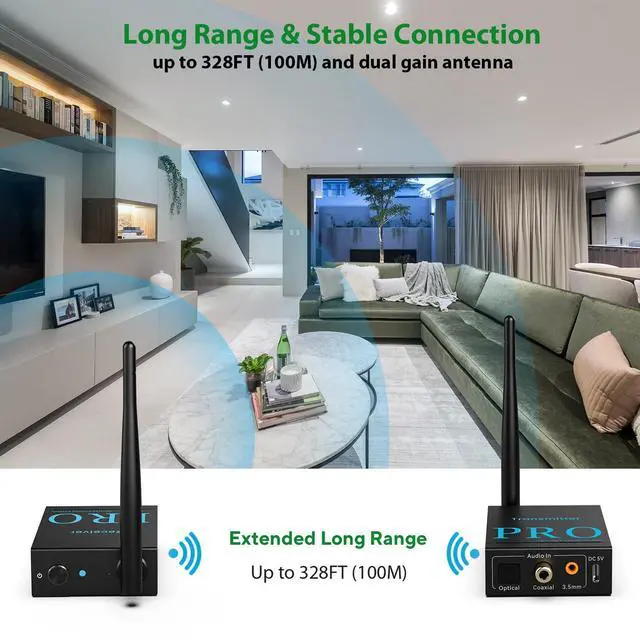
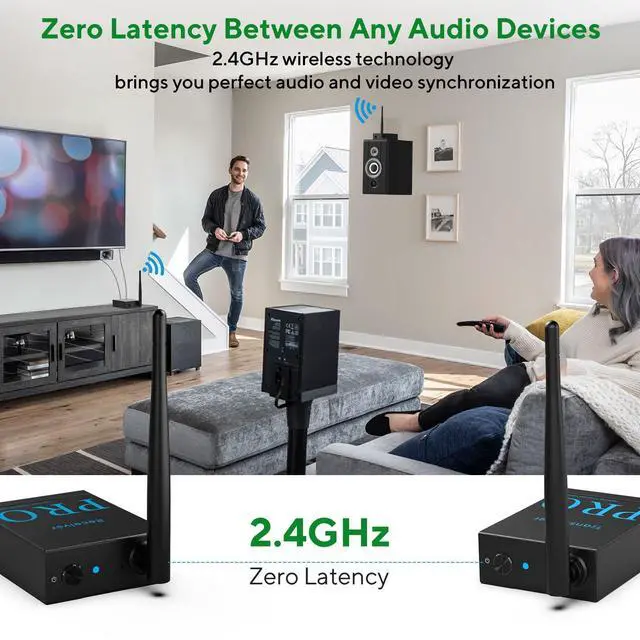
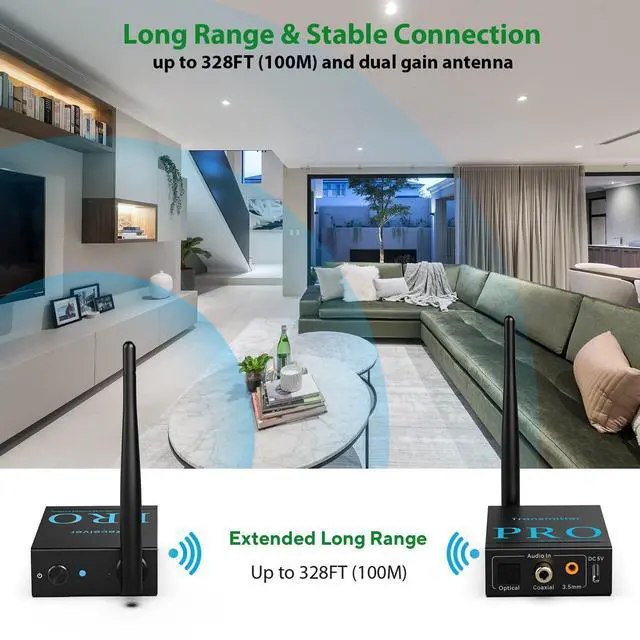
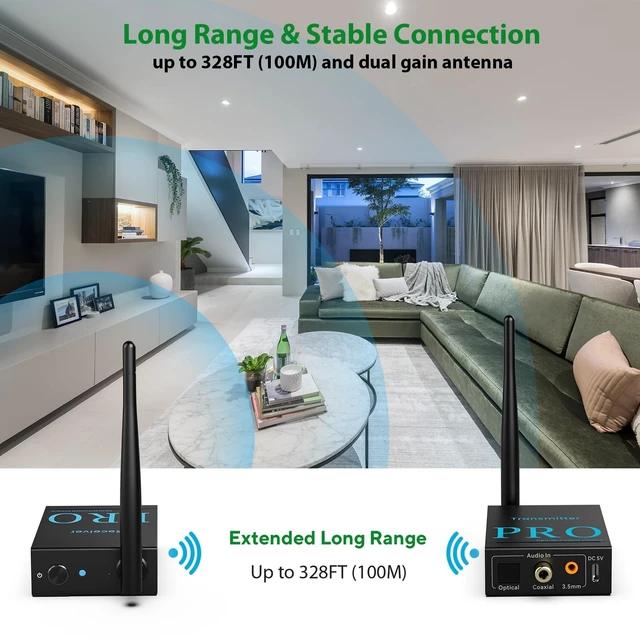
With 2.4GHz technology the wireless speaker transmitter and receiver working distance can reach 328 feet (100m) outdoors and 100-200 feet (30-50m) indoors. You can enjoy music throughout the house without worrying about audio loss or cut-out.

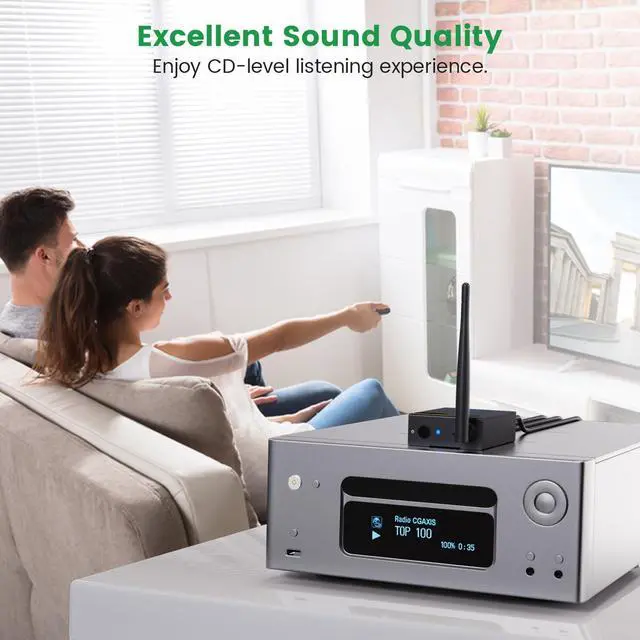
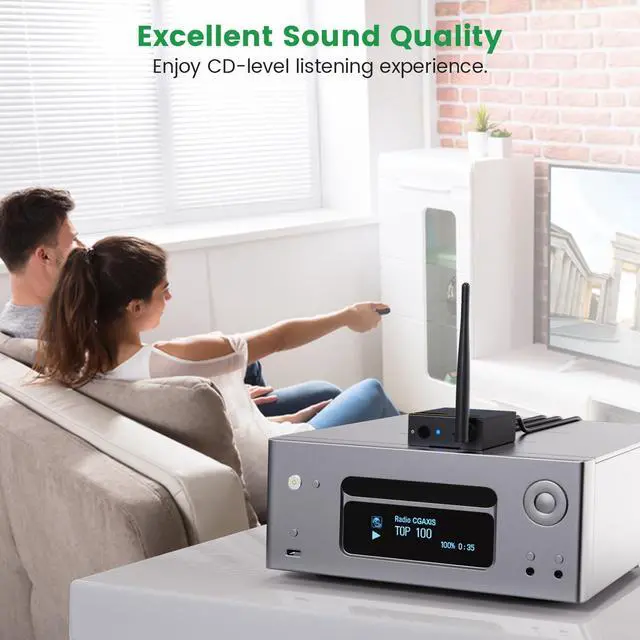
CD-level sound quality, enjoy high-quality audio up.

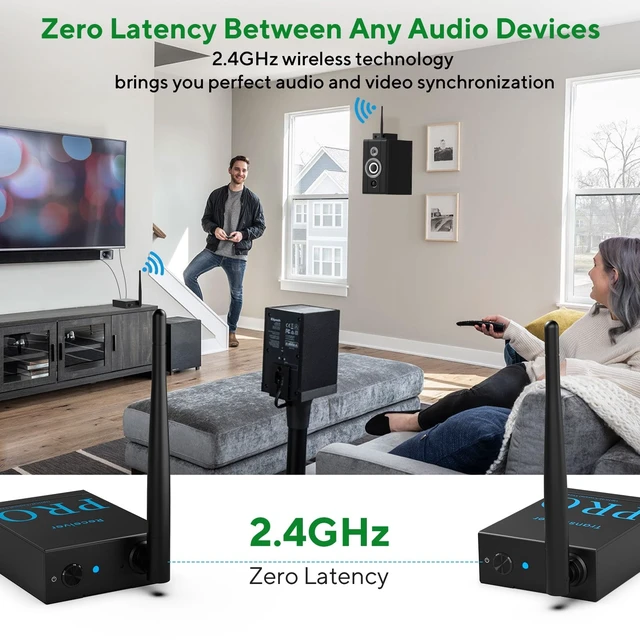
2.4 GHz wireless technology brings a delay effect of less than 20ms.

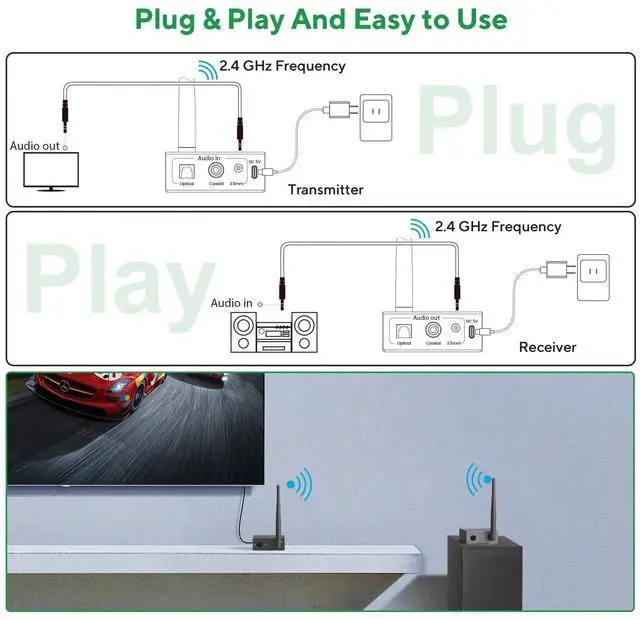
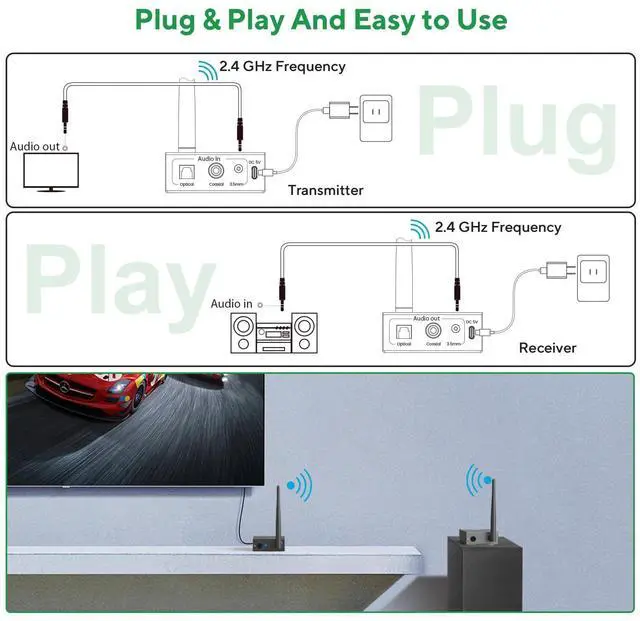
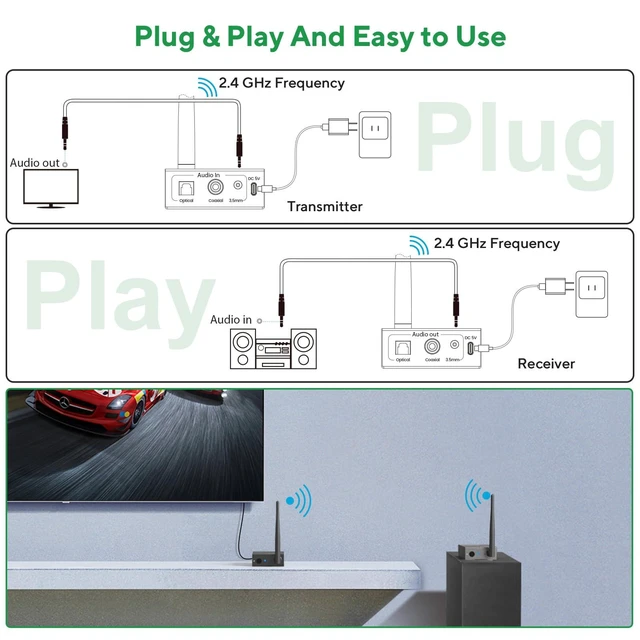
1.Use the power supply adapter and USB charging cable to power on the transmitter and receiver. Wait till the LEDs stay blue.
2.Connect the AUDIO OUT jack of the TV to the Audio In jack of RT5066Pro Transmitter.
3.Connect the AUDIO IN jack of the speaker to the Audio Out jack of RT5066Pro Receiver.


Wireless Audio Transmitter and Receiver provide optical port, coaxial port and 3.5mm jack(also product come with 2 RAC to 3.5 male audio cables) input and output. So it is very convenient to connect to your stereo equipment, active speakers, soundbar.

With 2.4GHz technology the wireless speaker transmitter and receiver working distance can reach 328 feet (100m) outdoors and 100-200 feet (30-50m) indoors. You can enjoy music throughout the house without worrying about audio loss or cut-out.
CD-level sound quality, enjoy high-quality audio up.
2.4 GHz wireless technology brings a delay effect of less than 20ms.

1.Use the power supply adapter and USB charging cable to power on the transmitter and receiver. Wait till the LEDs stay blue.
2.Connect the AUDIO OUT jack of the TV to the Audio In jack of RT5066Pro Transmitter.
3.Connect the AUDIO IN jack of the speaker to the Audio Out jack of RT5066Pro Receiver.


| Q1 | How can I be sure that the 1Mii RT5066Pro is compatible with my system? |
|---|---|
| A1 | Please confirm whether your audio source has Optical, Coaxial, RCA or 3.5mm AUX audio output interface. And please confirm whether your audio system has Optical, Coaxial, RCA or 3.5mm AUX audio input interface. |
| Q2 | If I need to use RCA or coaxial connectors, do I need to buy additional audio cables? |
| A2 | If your device has an RCA or coaxial interface, since the package does not come with coaxial audio cable, please purchase them separately.But we have provided 2RCA to 3.5mm cable for your transmitter and receiver. |
| Q3 | Can RT5066Pro 2 in 1 be used with any type of speaker? |
| A3 | If your audio source device is a powered speakers, it will work fine. If it is a passive speaker, please connect the receiver to the amplifier, and then conenct the amplifier to your passive speakers. Tips:It is not receommended to use with subwoofer. |
| Q4 | What should I do if the receiver and the transmitter cannot connect? |
| A4 | Please reset the transmitter/receiver: Press and hold the small hole of the transmitter (receiver) with a needle or sim card pin for 2s until the indicator flashes blue slowly. Wait until the indicator turns blue-pairing is successful. |
| Q5 | Why is there no sound? |
| A5 | Plug more than one audio cable at the same time may cause no sound, please ONLY use Optical/Coaxial jack or ONLY use 3.5mm jack. Make sure the audio cable are plugged into the correct audio jack and plugged fully (you can unplug and plug again) . |
| Q6 | Why is there common ground noise? |
| A6 | If you plug the power cord directly into the USB port of your device, it will cause common ground noise.Please make sure to use the included power adapter for power supply, this way will eliminate ground loop noise. |