


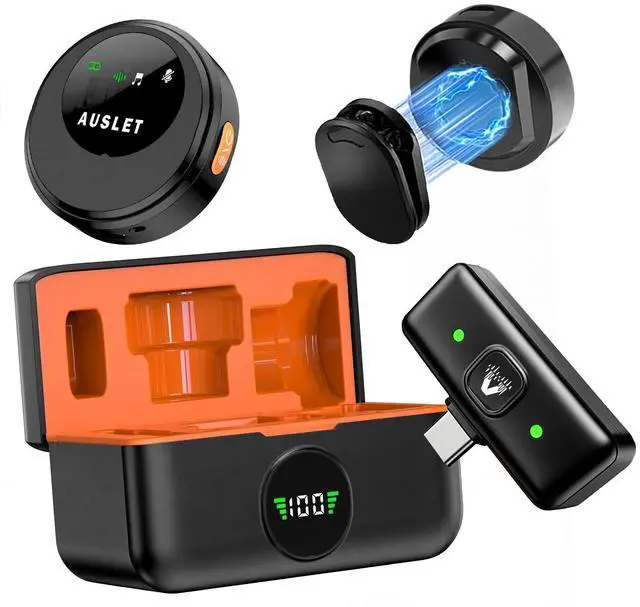


AUSLET SX29 User Guide
Merchant VideoIs it compatible with cameras like GoPro or Insta360?
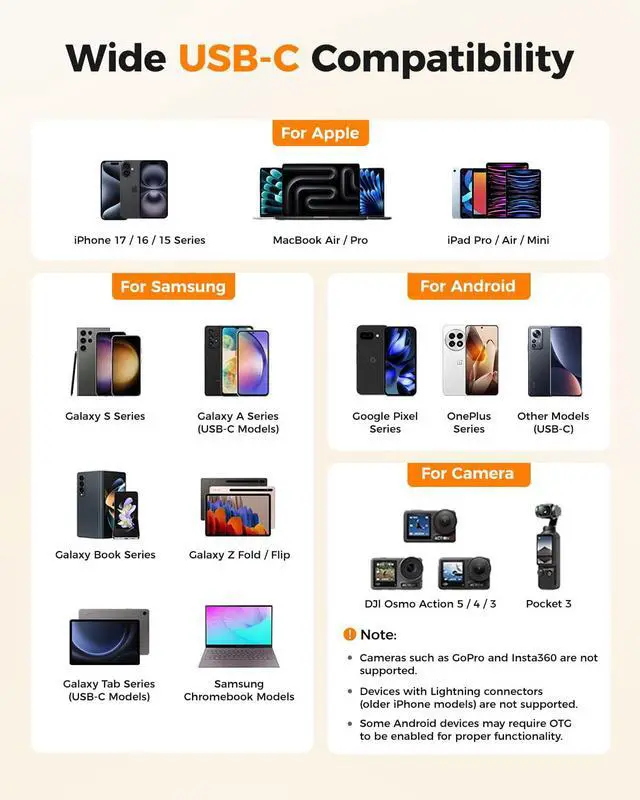
No. SX29 does not support GoPro, Insta360, Akaso, or similar cameras.
It is only compatible with DJI Osmo Action 5 / 4 / 3 and DJI Pocket 3 through USB-C.
Will the receiver work with a thick phone case?
Yes—our extended connector fits most standard phone cases.
However, very thick or rugged cases may block the port.
For best performance, remove the case if insertion feels tight.
Why does transmission range vary sometimes?
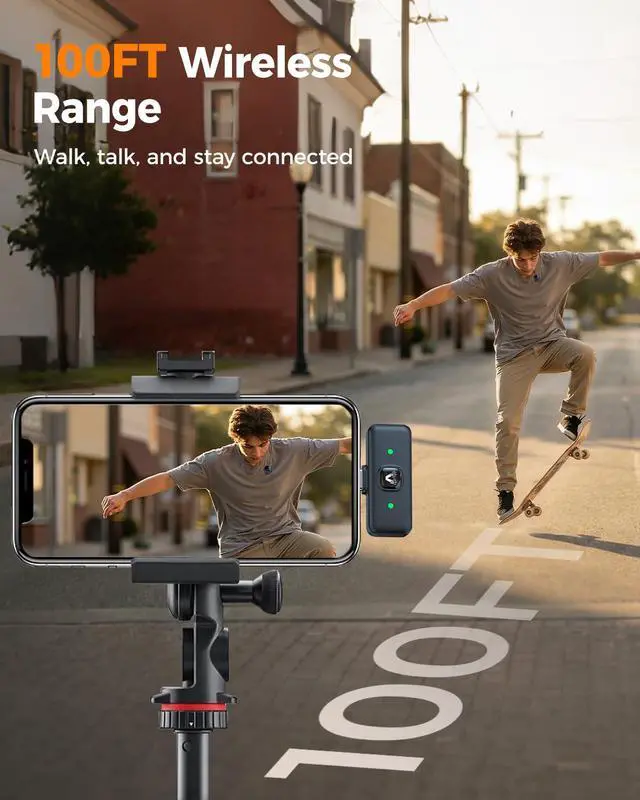
SX29 performs best in open, unobstructed areas.
Walls, people, and vehicles may weaken the wireless signal.
Our 100 ft range is accurate, and not overstated—just avoid heavy obstacles when possible.
How do I use real-time monitoring?
After connecting, plug analog USB-C earphones into the monitoring port on the Microphone.
Note: Most original phone earphones are digital USB-C, not analog.
Please check that your earphones support USB-C analog audio before use.
What should I do if I experience connection or other issues?
If any issues occur during use, they can be addressed through the platform’s support options.
The team will assist in identifying the cause and guiding you to a suitable solution.


AUSLET SX29 User Guide
Merchant VideoIs it compatible with cameras like GoPro or Insta360?
No. SX29 does not support GoPro, Insta360, Akaso, or similar cameras.
It is only compatible with DJI Osmo Action 5 / 4 / 3 and DJI Pocket 3 through USB-C.
Will the receiver work with a thick phone case?
Yes—our extended connector fits most standard phone cases.
However, very thick or rugged cases may block the port.
For best performance, remove the case if insertion feels tight.
Why does transmission range vary sometimes?
SX29 performs best in open, unobstructed areas.
Walls, people, and vehicles may weaken the wireless signal.
Our 100 ft range is accurate, and not overstated—just avoid heavy obstacles when possible.
How do I use real-time monitoring?
After connecting, plug analog USB-C earphones into the monitoring port on the Microphone.
Note: Most original phone earphones are digital USB-C, not analog.
Please check that your earphones support USB-C analog audio before use.
What should I do if I experience connection or other issues?
If any issues occur during use, they can be addressed through the platform’s support options.
The team will assist in identifying the cause and guiding you to a suitable solution.