

Your Browsing History

Meet Your Seller

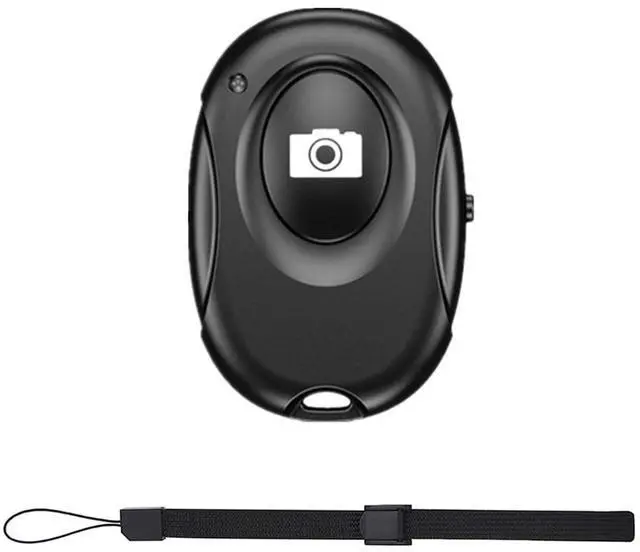
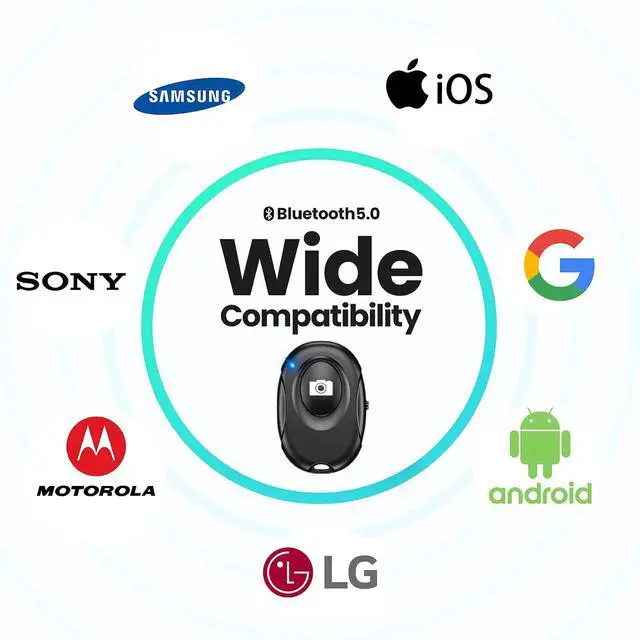



Wireless Camera Shutter Clicker | Camera Shutter Remote Control for iPhone & Android Smartphones | Wireless Remote Control Selfie Button - Includes Wrist Strap
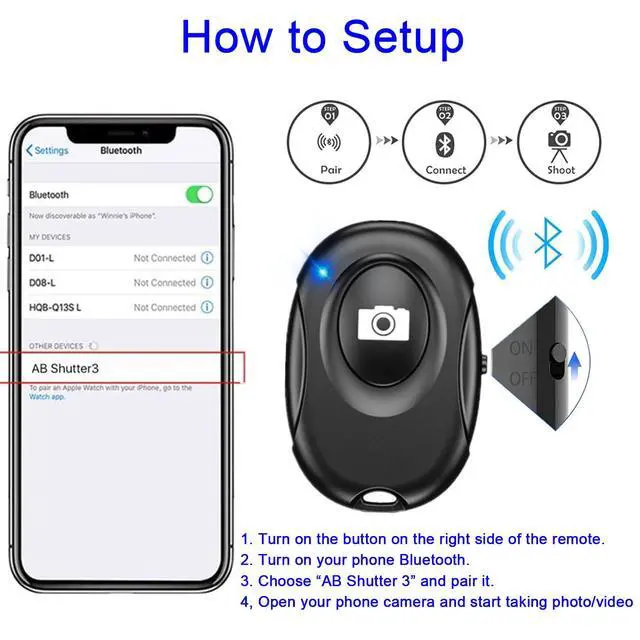
- CONVENIENT AND EASY OPERATION: Just by pushing the on/off of the remote, open your phone Bluetooth function fine the "ab shutter3" from the list, and select to connect. Perfect for taking selfies and steady tripod shots.
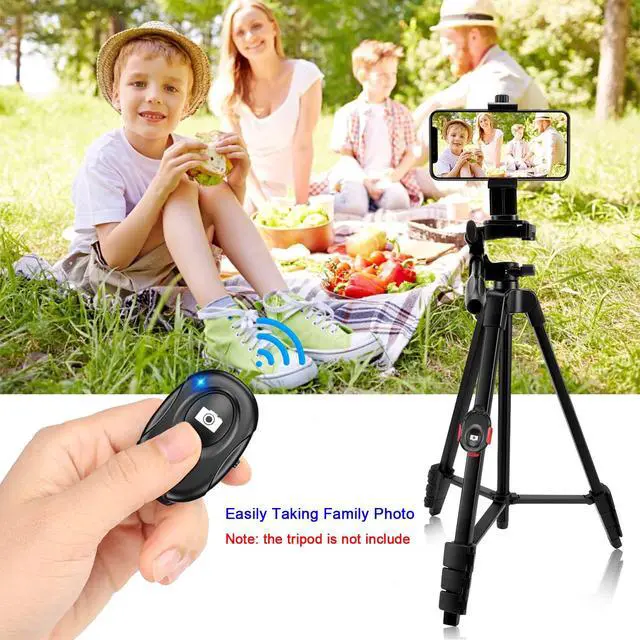
- WIRELESS BLUETOOTH CONNECTION - Requires just the click of a button without your device in-hand to control your phone's shutter
- WORKS FROM A DISTANCE - Hands-free shutter control works up to 50 feet from your device for the perfect scan or selfie.
- How to use: Turn on the on/off button on the remote, open the Bluetooth function on the device, find the "ab shutter 3" from the list, select to pair, and finish the connection. and open your device camera to start taking photos/videos.
- Notes: 1. If the remote control cannot take photos and only adjusts the volume of the phone, please change the mobile phone settings and change the shutter key to the volume key. -- 2. The remote will change to sleep mode for power saving if it is not operated for 3 minutes, click the camera button and wait for two seconds to wake up.
+
+
Overview
Specs
Reviews

Any questions? Our AI mode will help you find out quickly.
Try me now
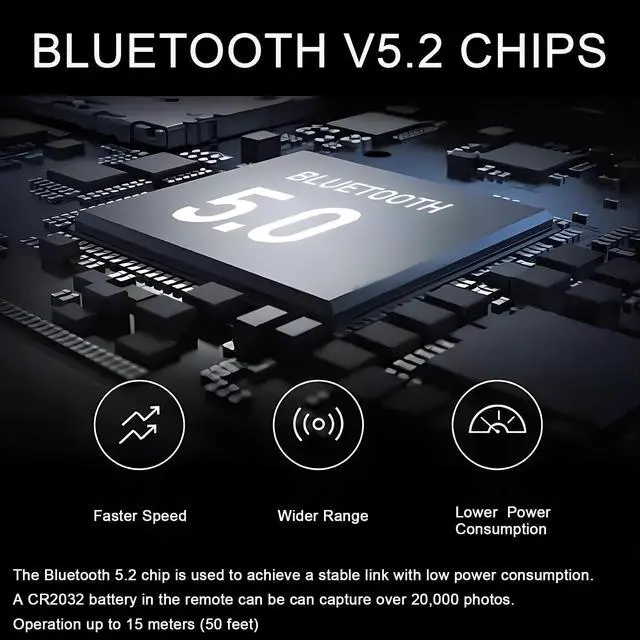
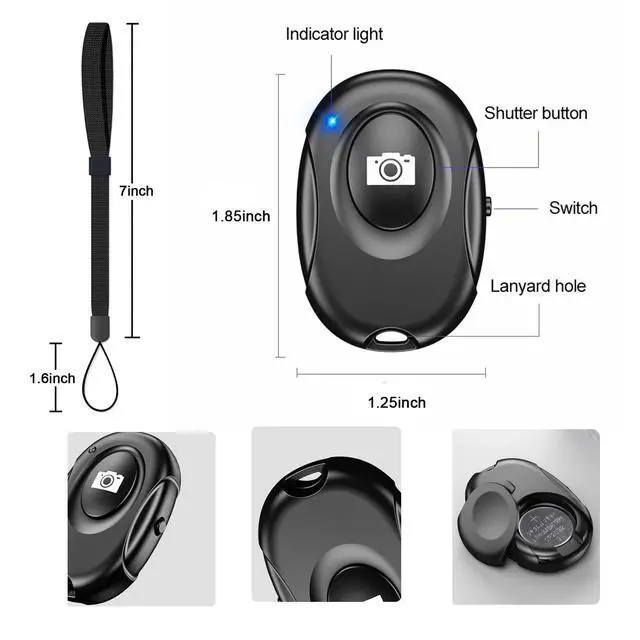
Smartphone camera Remote Shutter for iPhones and Tablets, Wireless Camera Remote Control Compatible with IOS and Android--Wrist Strap Included Specification: Connect name: AB Shutter 3 Bluetooth Version: 5.2 Transmit Frequency: 2.4 GHz 2.4835 GHz Operation Range: 50 ft (15 m) Battery Model: CR2032
Warranty & Returns
Warranty, Returns, And Additional Information
Warranty
- Please contact the Seller directly for warranty information. Warranty information may also be found on the Manufacturer's website.
- CONTACT
Return Policies
- Return for refund within: 30 days
- Return for replacement within: 30 days
- This item is covered by Cathatnik Return Policy
Manufacturer Contact Info
- For a directory of all our manufacturers, please click below.
- Manufacturers Directory
LOADING...