






Bluetooth 5.2 Transmitter
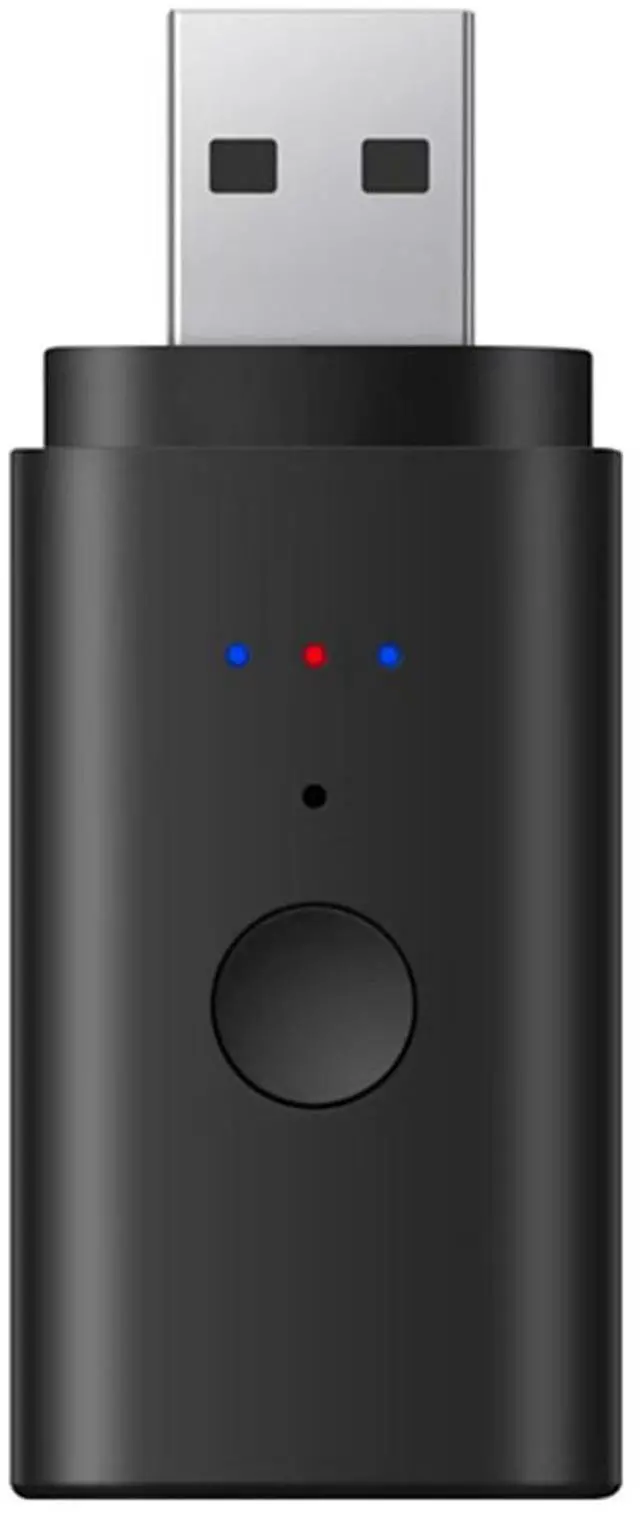
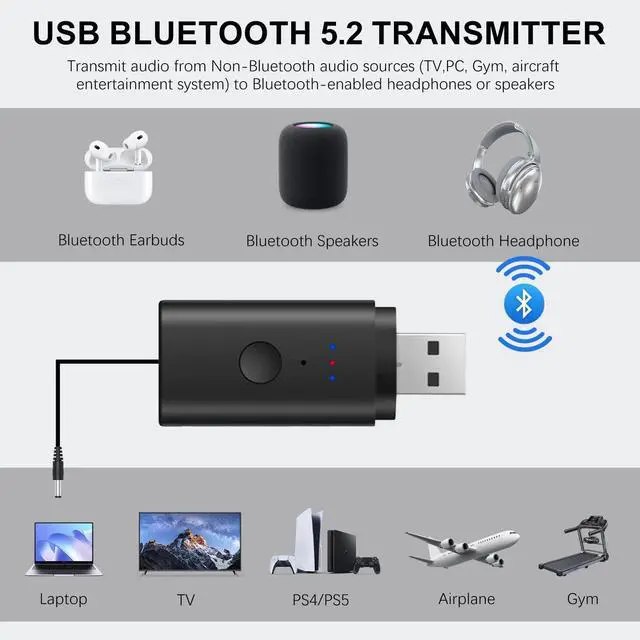
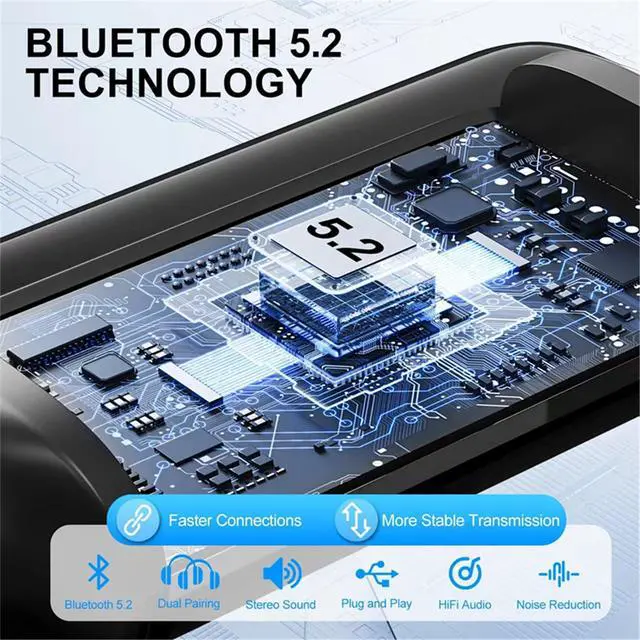
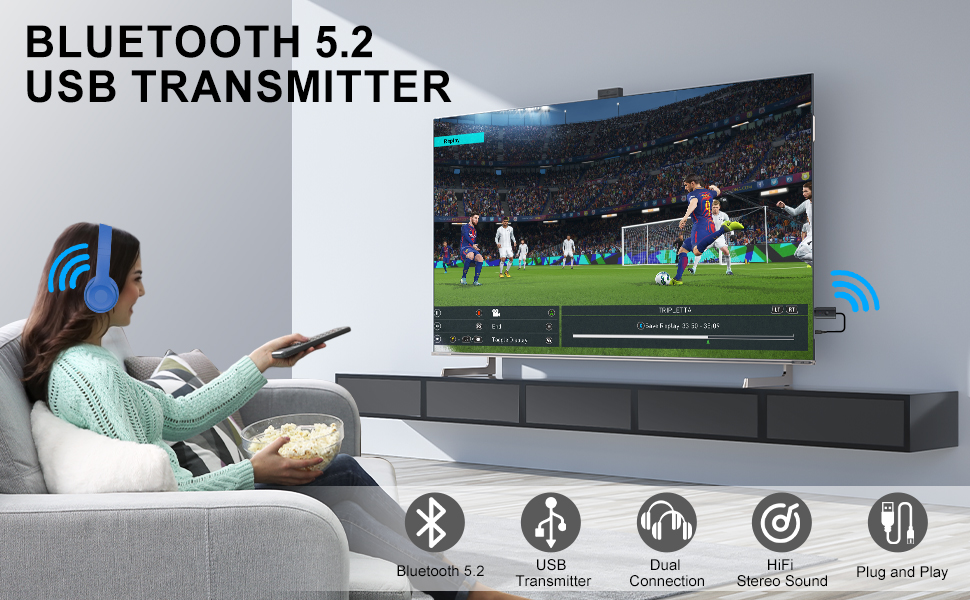
The new Bluetooth V5.2 USB transmitter connects Bluetooth adapters to non-Bluetooth TVs and other devices to stream audio to Bluetooth headphones/speakers so you can enjoy wireless music and listen to late-night programs without disturbing your loved ones' sleep.
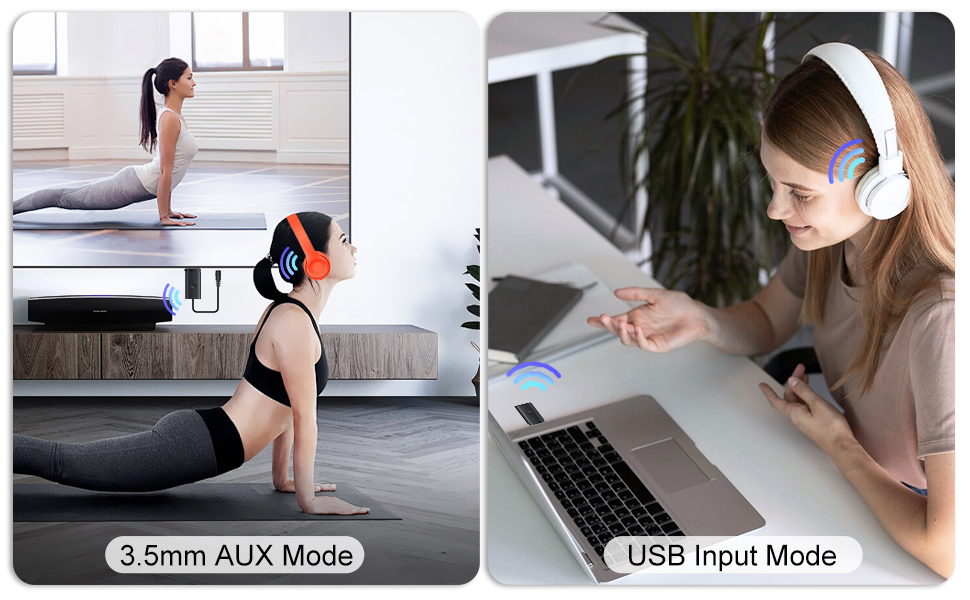
2 Working Modes
3.5mm Bluetooth Transmitter
- Plug the adapter into device with USB 5V power supply,blue light flashes, into pairing states.
- Use 3.5mm audio cable to connect the audio equipment (TV, MP3, player, etc) and the adapter's audio port.
- Turn on your Bluetooth headset or other Bluetooth device and enter pairing status, the blue light will stay on after successful pairing.
USB Transmitter Mode
- plug the adapter into PC/PS4 game console’s USB port,blue light flashes, into pairing states.
- Turn on your bluetooth headset or other bluetooth device and enter pairing status, the blue light will stay on after successful pairing.
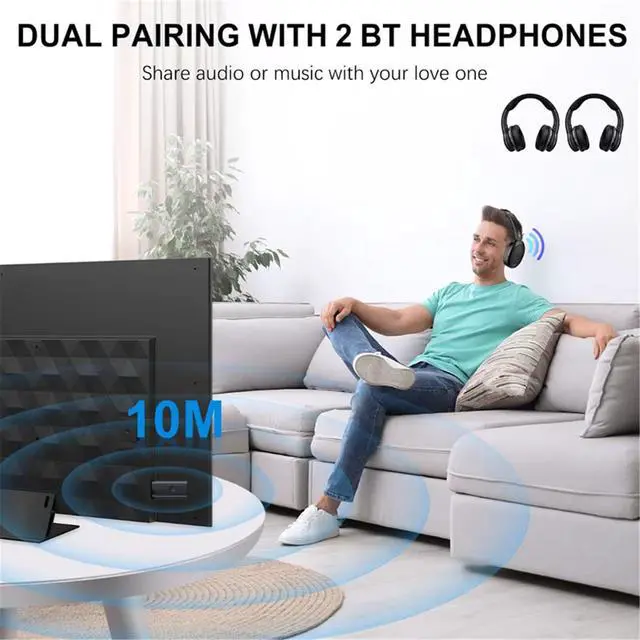
- To pair with a second Bluetooth headset, press and hold the center button for 5 seconds and enter the pairing state
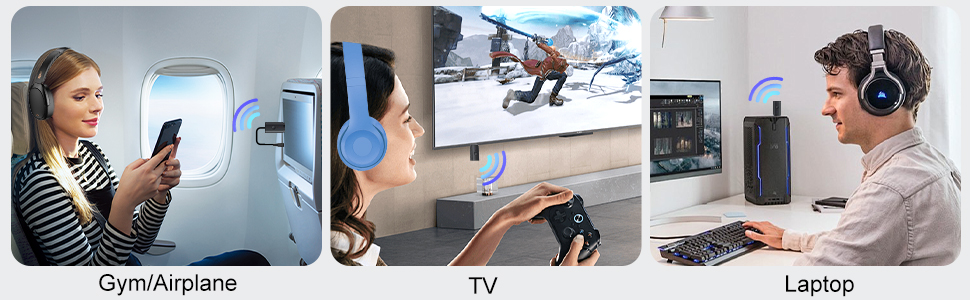
Wide Compatibility
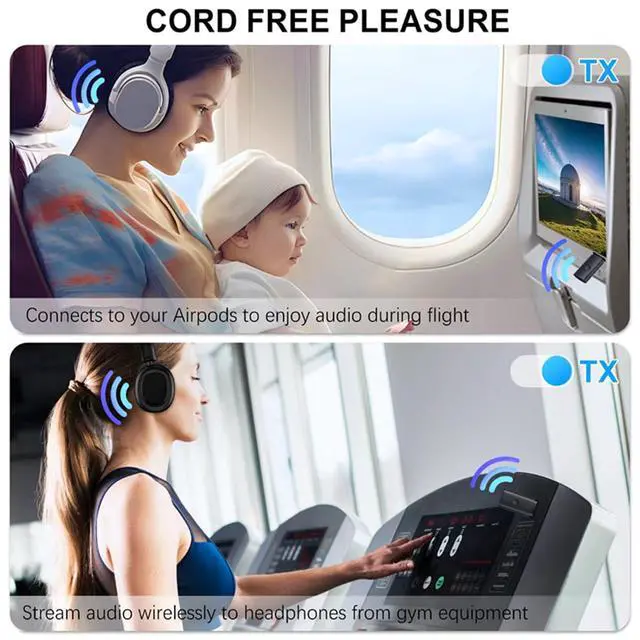
This TV Bluetooth USB Adapter is compatible with 3.5mm and USB A port devices. Can be used for TV, computer, gym, MP3, airplane and more.
Enjoy the peace and quiet
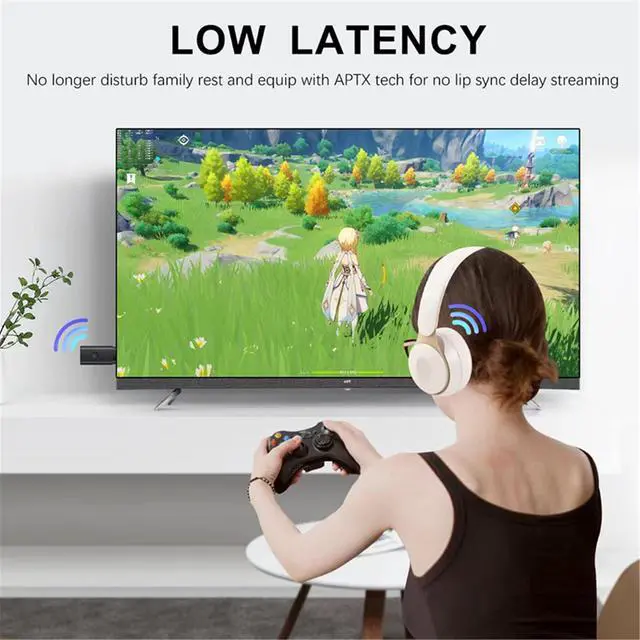
Create a distraction-free TV viewing experience and benefit from Bluetooth audio when enjoying a TV program in peace or when just wanting to entertain yourself without disturbing others
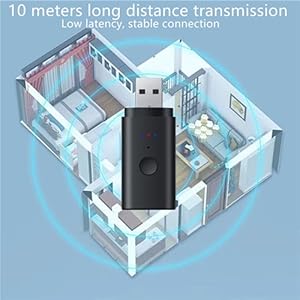
33Feet/10M Distance
The wireless 5.2 USB Bluetooth adapter provides a stable 10-meter connection, supports SBC, A2DP, and delivers clear, loud, and beautiful sound.
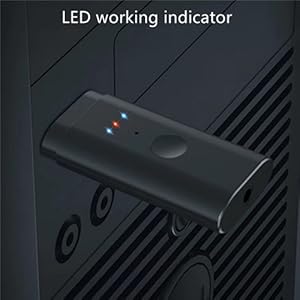
LED Indicator
- The center light is the AUX LED light, the blue light blinks when you turn on the power, and the blue light will be always on when the pairing is successful.
- Press and hold the function button for 8 seconds to clear the current pairing connection.
Answers to Frequently Asked Questions
Question 1: Why not work with my TV?
- Answer: The bluetooth transmitter supports TVs with AUX (3.5mm) audio output ports. Please check your TV's audio output option before purchase to ensure compatibility.
Question 2: What does this BT transmitter do?
- Answer: With this product, you can connect Bluetooth headphones or earbuds to the transmitter and enjoy audio from your TV wirelessly.
Question 3 : Why does it no sound on my TV?
- Answer: Please make sure you are plugging in the TV audio OUTPUT jack or Optical , Coaxial Port, and both devices are successfully paired.
- Then change the TV’s sound settings from “TV speaker” to “Audio out”.NOT the INPUT jack.
Question4: Why not pair with my bluetooth headphones or speakers
- Answer: Please Make sure your bluetooth headphone is under pairing states and Turn off Bluetooth on all mobile phones or PC in the house.
Question 5: Suddenly Stopped Working?
- Answer: Please check if there are any other Bluetooth devices nearby, such as phones or iPads. Sometimes, the headphones may be occupied by a phone or iPad's Bluetooth, causing the Bluetooth connection to unexpectedly disconnect. To prevent this, turn off any nearby Bluetooth devices and remove the headphones from the Bluetooth lists on those devices.
Bluetooth 5.2 Transmitter
The new Bluetooth V5.2 USB transmitter connects Bluetooth adapters to non-Bluetooth TVs and other devices to stream audio to Bluetooth headphones/speakers so you can enjoy wireless music and listen to late-night programs without disturbing your loved ones' sleep.
2 Working Modes
3.5mm Bluetooth Transmitter
- Plug the adapter into device with USB 5V power supply,blue light flashes, into pairing states.
- Use 3.5mm audio cable to connect the audio equipment (TV, MP3, player, etc) and the adapter's audio port.
- Turn on your Bluetooth headset or other Bluetooth device and enter pairing status, the blue light will stay on after successful pairing.
USB Transmitter Mode
- plug the adapter into PC/PS4 game console’s USB port,blue light flashes, into pairing states.
- Turn on your bluetooth headset or other bluetooth device and enter pairing status, the blue light will stay on after successful pairing.
- To pair with a second Bluetooth headset, press and hold the center button for 5 seconds and enter the pairing state
Wide Compatibility
This TV Bluetooth USB Adapter is compatible with 3.5mm and USB A port devices. Can be used for TV, computer, gym, MP3, airplane and more.
Enjoy the peace and quiet
Create a distraction-free TV viewing experience and benefit from Bluetooth audio when enjoying a TV program in peace or when just wanting to entertain yourself without disturbing others
33Feet/10M Distance
The wireless 5.2 USB Bluetooth adapter provides a stable 10-meter connection, supports SBC, A2DP, and delivers clear, loud, and beautiful sound.
LED Indicator
- The center light is the AUX LED light, the blue light blinks when you turn on the power, and the blue light will be always on when the pairing is successful.
- Press and hold the function button for 8 seconds to clear the current pairing connection.
Answers to Frequently Asked Questions
Question 1: Why not work with my TV?
- Answer: The bluetooth transmitter supports TVs with AUX (3.5mm) audio output ports. Please check your TV's audio output option before purchase to ensure compatibility.
Question 2: What does this BT transmitter do?
- Answer: With this product, you can connect Bluetooth headphones or earbuds to the transmitter and enjoy audio from your TV wirelessly.
Question 3 : Why does it no sound on my TV?
- Answer: Please make sure you are plugging in the TV audio OUTPUT jack or Optical , Coaxial Port, and both devices are successfully paired.
- Then change the TV’s sound settings from “TV speaker” to “Audio out”.NOT the INPUT jack.
Question4: Why not pair with my bluetooth headphones or speakers
- Answer: Please Make sure your bluetooth headphone is under pairing states and Turn off Bluetooth on all mobile phones or PC in the house.
Question 5: Suddenly Stopped Working?
- Answer: Please check if there are any other Bluetooth devices nearby, such as phones or iPads. Sometimes, the headphones may be occupied by a phone or iPad's Bluetooth, causing the Bluetooth connection to unexpectedly disconnect. To prevent this, turn off any nearby Bluetooth devices and remove the headphones from the Bluetooth lists on those devices.