






Aluminum KVM Switch Dual Monitor, Enjoy a Simpler and More Efficient Life!
Overview:
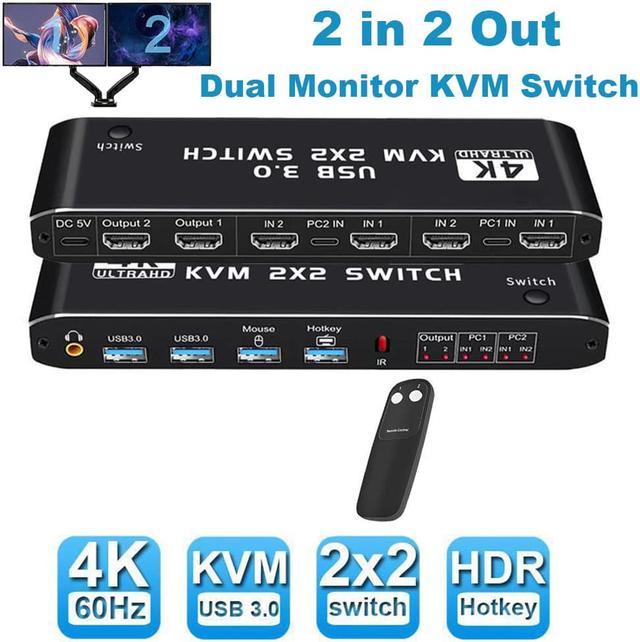
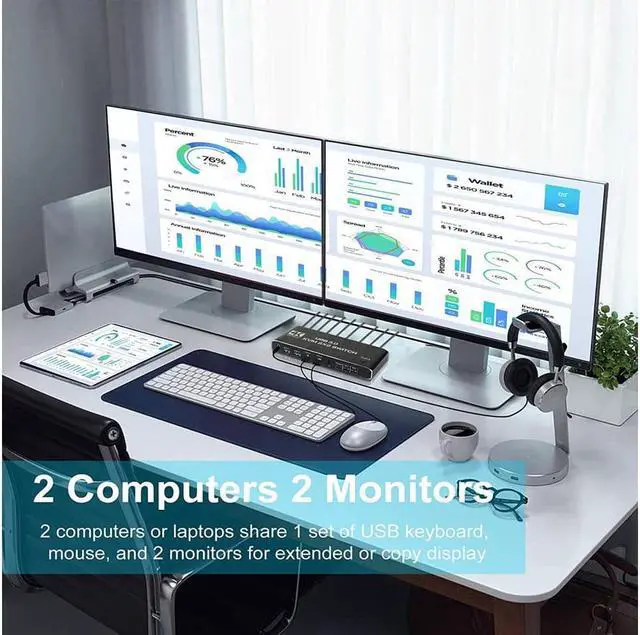
- The KVM switches allow you to share 2 monitors and 4 USB peripherals between 2 computers, such as a Mouse, Keyboard, Printer, Scanner, USB stick, etc. No need to constantly swap cables or set up complicated tethering software, making your life simpler and more efficient.
- Two display modes:
- Copy Mode: Two monitors show the screen of the same host computer;
- Extended Mode: Two monitors display the main screen and extended screen of the same
Notice:
- Computer needs to support 2 screens or more;
- If your computer lacks the required connectors, you can use an adapter or conversion cable;
- Need to be connected to a power source, which ensures that the devices can work together;
- Make sure both computers support HDMI 2.0! You can't connect two computers and set one to 4K@60Hz and the other to 4K@30Hz because it won't work and your screen will stay blank, they both have to be able to display 4K@60Hz or both are 4K @30Hz.

Introduction of ports:
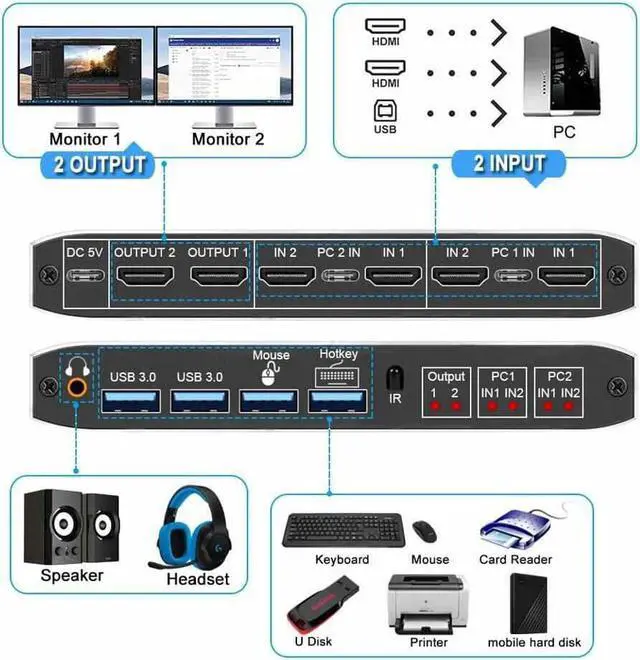
- PC1: USB C + HDMI IN 1 + HDMI IN 2
- PC1: USB C + HDMI IN 1 + HDMI IN 2
- Monitor: HDMI Output 1 + HDMI Output 2
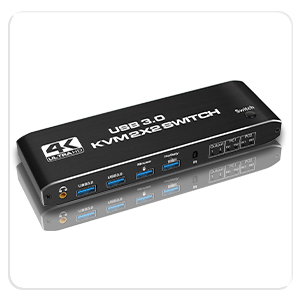
- Devices: 2 x USB-A 3.0, Mouse, Keyboard (Hotkey)
- Audio: 3.5mm Jack
- Power: USB C 5V1A
How to quickly master this KVM switch?
- Connect the USB-C cable to power it;
- Connect PC1 and KVM with 1 USB C cable and 2 HD MI cables;
- Connect PC2 and KVM with 1 USB C cable and 2 HD MI cables;
- Connect the keyboard and mouse to KVM;
- Connect 2 monitors and KVM with 2 HD MI cables.
IMPORTANT NOTE:
Your device must have 2 HDMI interfaces and 1 USB interface.
- This kvm can not work with dock. If your device has one HDMI interfaces, you can use a converter to add HDMI interfaces.
- If your computer has just one HDMI interface, you can use a converter cable, such as VGA/DVI/DP to HDMI converter or conversion cable.
- If you have any question, please do contact us.Thank you.


2PC share 4 USB Port
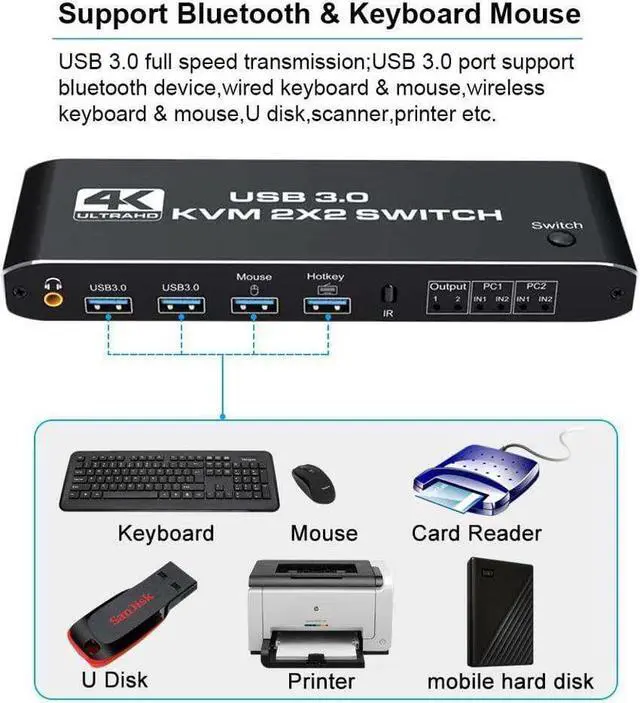
- This dual monitor KVM has dedicated mouse and keyboard ports and 2 extra USB 3.0 hubs, supporting a variety of USB devices such as printers, hard disks, cameras, etc. Plug and play, no driver required.
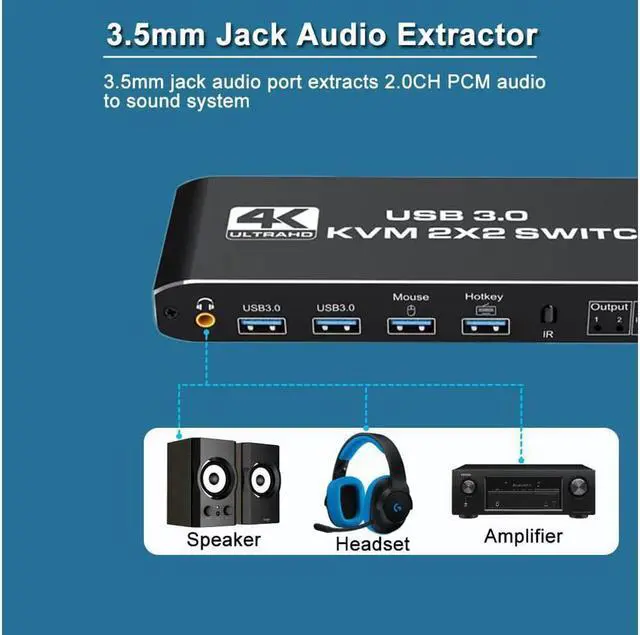
With Audio Output
- KVM Switch comes with a 3.5mm Audio Jack port , which can be inserted into a 3.5mm device.

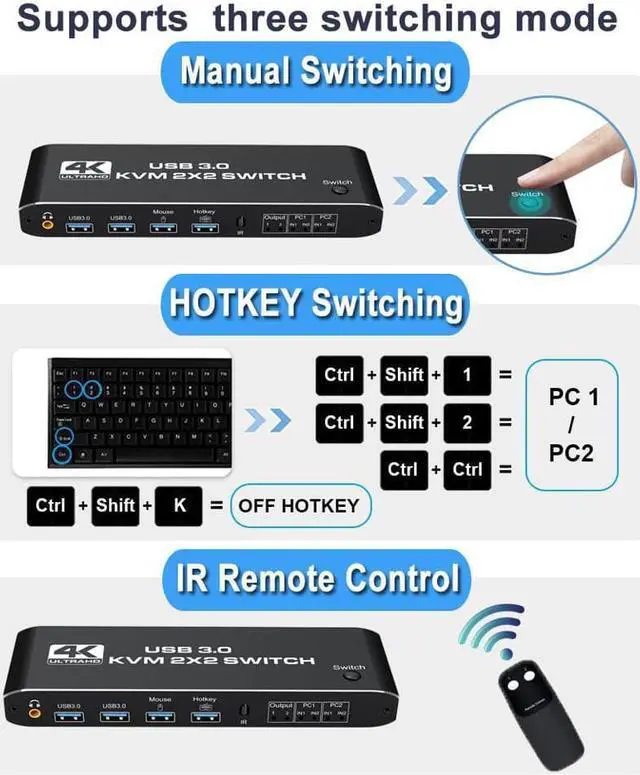
3 Quick Switching Methods
- Hotkey switch: Ctrl+shift+1/2=PC1 /2,Ctrl+Ctrl=PC1/2; Ctrl+Shift+K= enable/disable hotkey function.
- Remote Control (battery not included)
- Button Switch

Metal Housing & Various Systems
- Using metal aluminum as the shell is not only strong and light, but also has better anti-interference and heat dissipation performance.
- Compatible with Windows 10 / 8 / 8.1 / 7 / Vista /XP, Mac OS X, Linux, Chrome OS and other operating systems.


