• 304.11Dh
  • VAT-Inclusive Price
Ships from Hong Kong.
Most customers receive within 10-17 days.
Shop it at NeweggBusiness.

Meet Your Seller

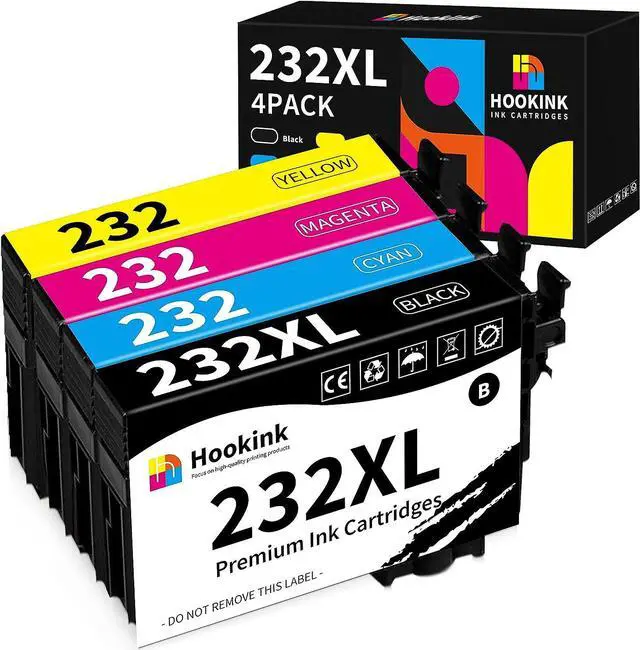
232XL Ink Cartridges Remanufactured Replacement 232 Ink Cartridges T232XL T232 for Expression Home XP-4200 XP-4205 Workforce WF-2930 WF-2950 Printer (232XL Black Cyan Magenta Yellow, 4 Pack)

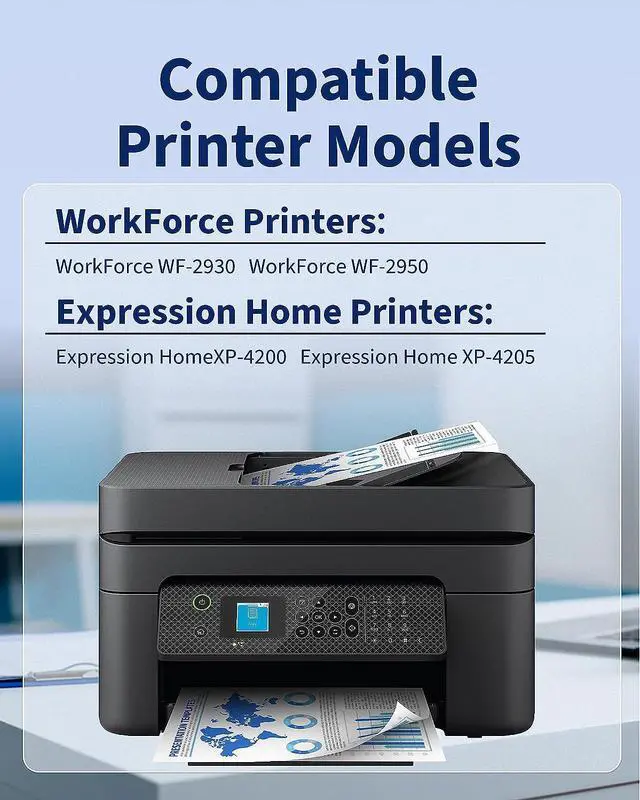
  • COMPATIBLE PRINTER MODELS: WorkForce WF-2930 WorkForce WF-2950 Expression Home XP-4200 Expression Home XP-4205 Printers
  • PRINT FRIENDLY: The latest ink formulas are odorless, fast drying, and won't damage the printer, minimizing ink leaks and reducing the risk of clogged print nozzles.
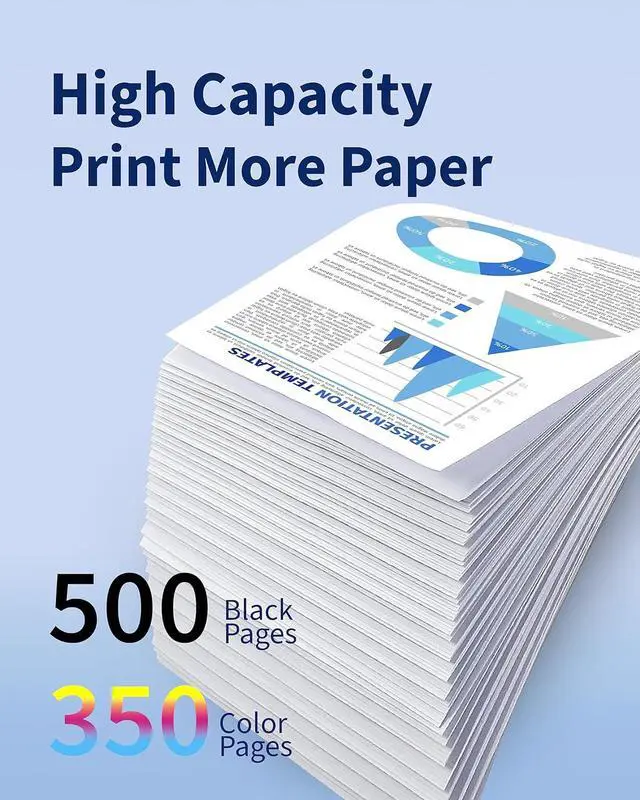
  • HIGH PRINT THROUGHPUT: Hookink 232XL cartridges have double the ink of standard cartridges for higher page yields. Up to 500 pages per black cartridge, 350 pages per color cartridge at 5% coverage of A4 paper.
  • Secure Packaging: Hookink 232XL ink cartridge combo pack include 1 x 232XL black, 1 x 232 cyan, 1 x 232 magenta, 1 x 232 yellow and 1 instruction sheet (each cartridge is individually vacuum-packed). It also comes with a 24-month warranty and 24-hour Express Customer Service.
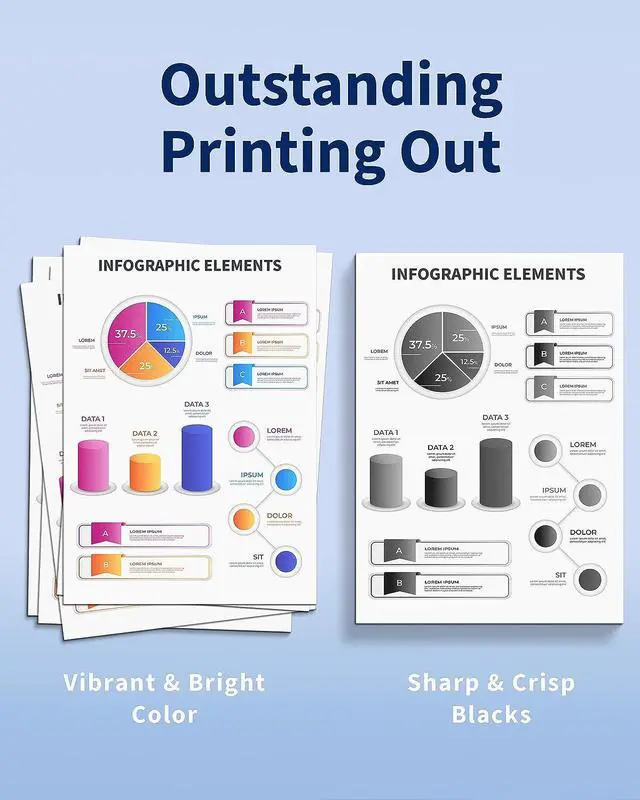
  • WHY CHOOSE US: Hookink compatible for 232 ink cartridges can be used in your home or office printer. You can print brilliant colors and crisp blacks with consistent, high-quality prints every time for all your ever
+
+
Overview
Specs
Reviews
Previous page
Good service: All products are individually packed and undergo strict quality inspection before leaving the factory. You can buy them with confidence
Next page Printer Compatibility Work with WorkForce WF-2930, WorkForce WF-2950, Expression Home XP-4200, Expression Home XP-4205 printer.Cartridge Pages Yield (approx.) 500 pages per 232XL black ink cartridge, 300 pages per 232XL color ink cartridge at 5% coverage of A4 paper.Package Contents 1 Black 1 Cyan 1 Magenta 1 Yellow, 232 ink cartridges for epson printerCompatible Devices Epson 232 / 232 XL / 232XL Previous pageNext page1High Definition Printing2Premium Quality3Strict Quality ControlPrevious pageNext page


How do I clear the "Non Genuine" or similar error message?
This is a common error with compatible cartridges. You can press the "Continue", "Proceed "or "OK "button for normal use.
How to clear "Low Ink" error when installing a new cartridge?
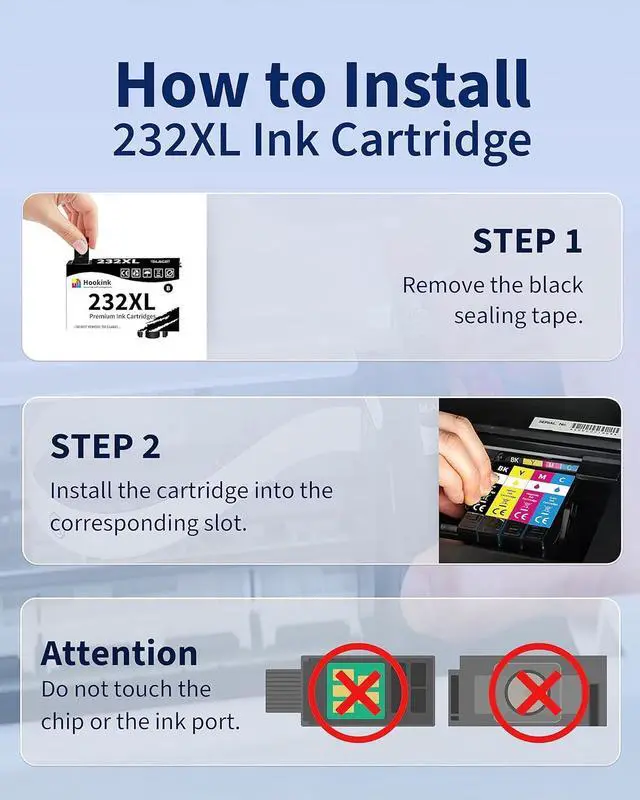
(1) Turn off the printer and restart it(2) Remove and reinsert the new ink cartridge. Remove and re-insert the cartridge correctly. (3) Be sure to remove the yellow sealing tape to allow the ink to flow properly.
How to solve the print quality problem?
If the printer has not been used for some time, the print nozzles may be clogged. You can try the Clean Print Head program or the Clean Cartridge function.
Next page of related Sponsored Products High Quality Ink Cartridges Warranty & Support Feedback Website (Online) Store (Offline)

Warranty & Returns

Warranty, Returns, And Additional Information

Return Policies*

  • Return for refund within: 30 days
  • Return for replacement within: non-replaceable
  • This item is covered by ZhangMiaoLing Return Policy
  • *Subject to applicable law
  • Warranty Notice:

    This product does not include manufacturer warranty when purchased or used outside of its designated sales region. By purchasing internationally, you acknowledge that warranty support from the manufacturer will not be available.

Manufacturer Contact Info

LOADING...