

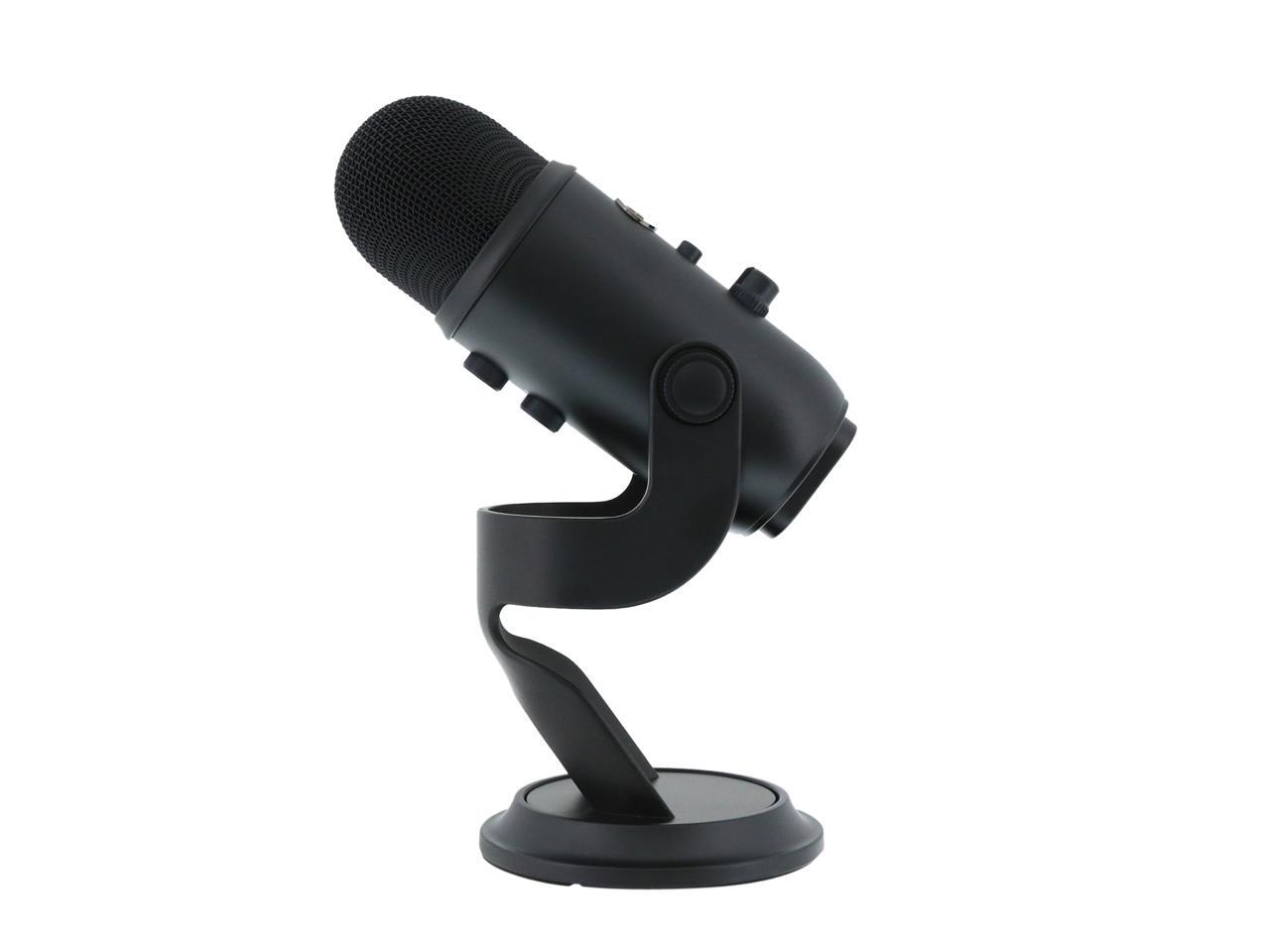
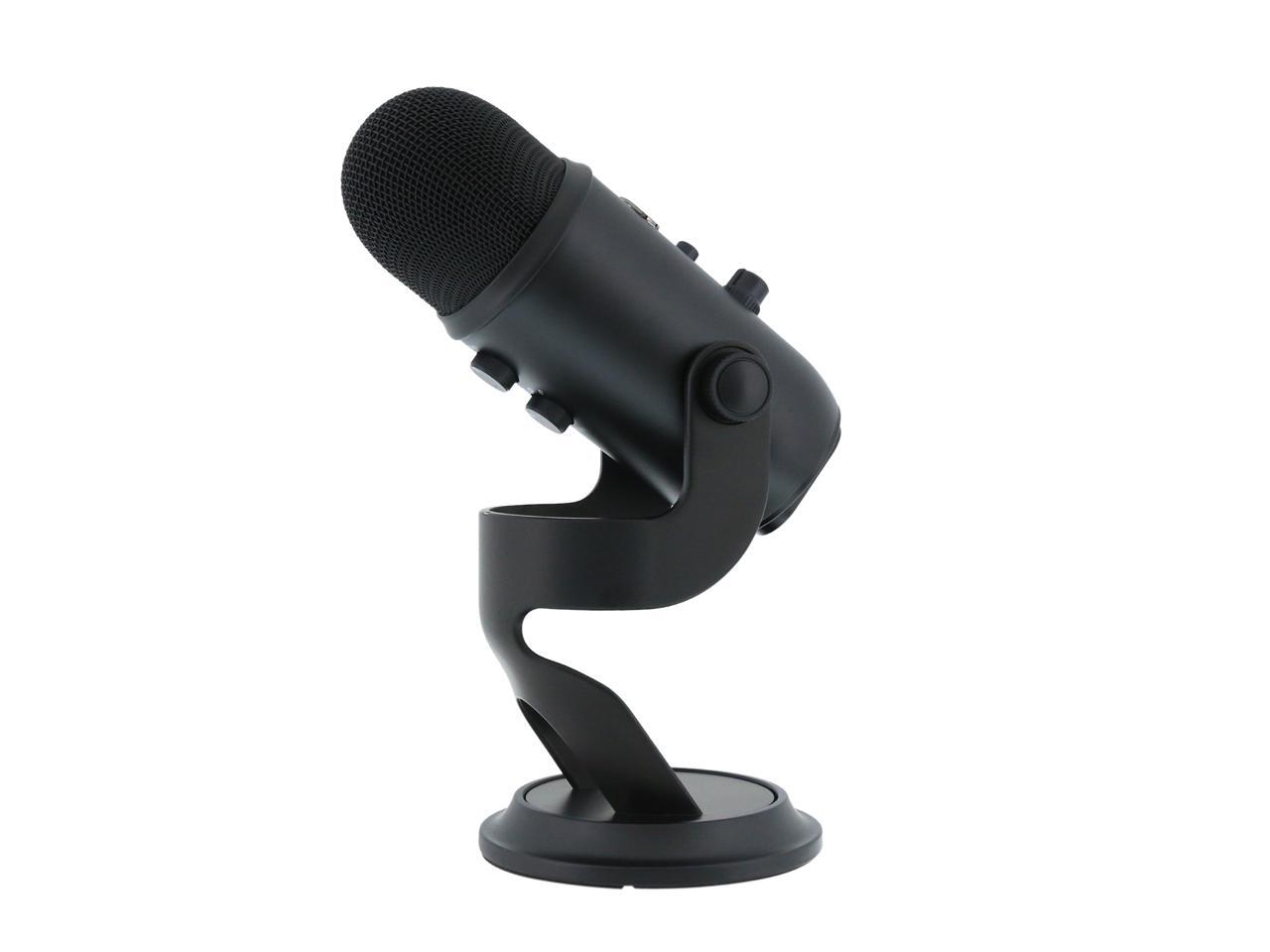
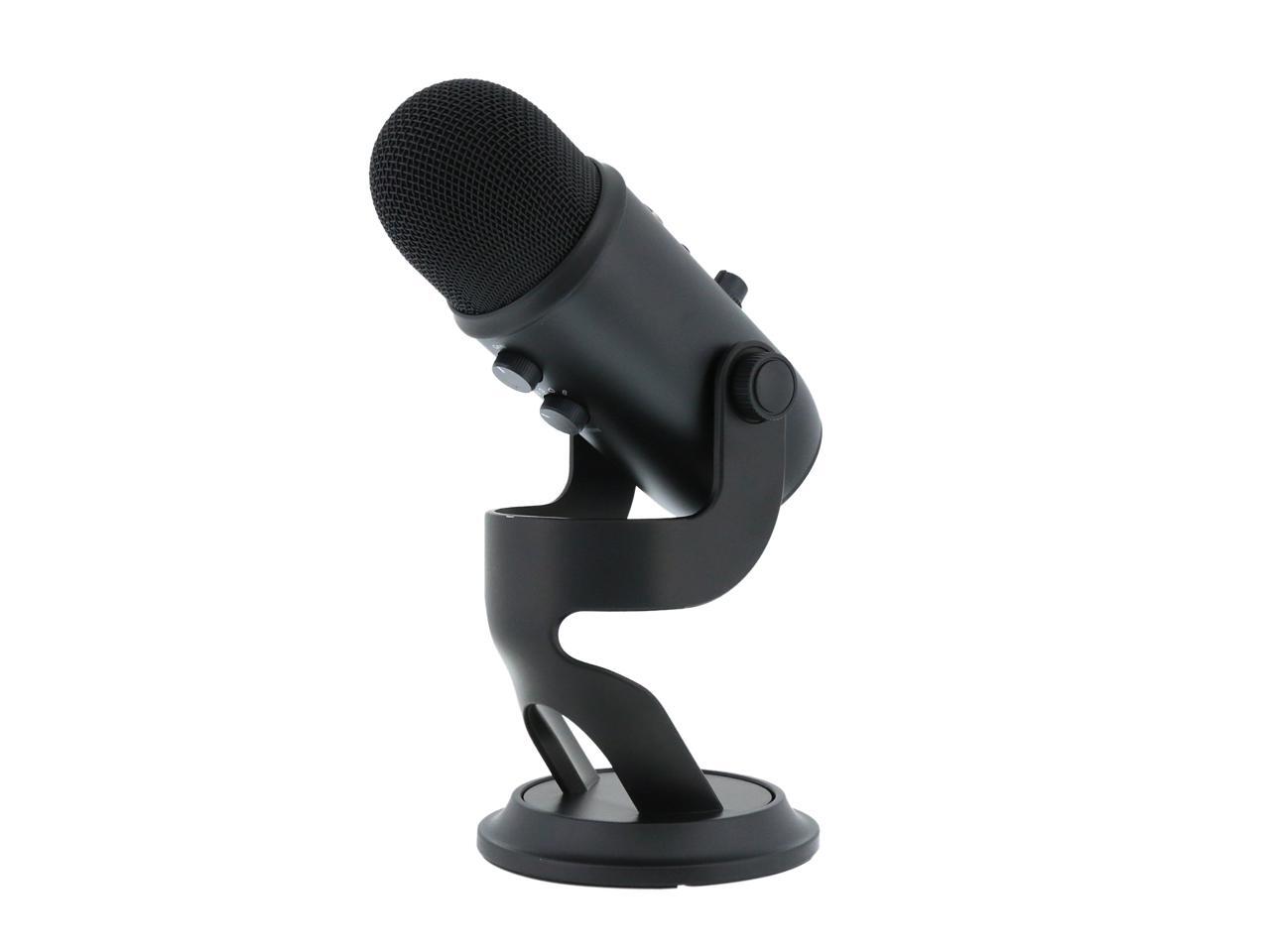
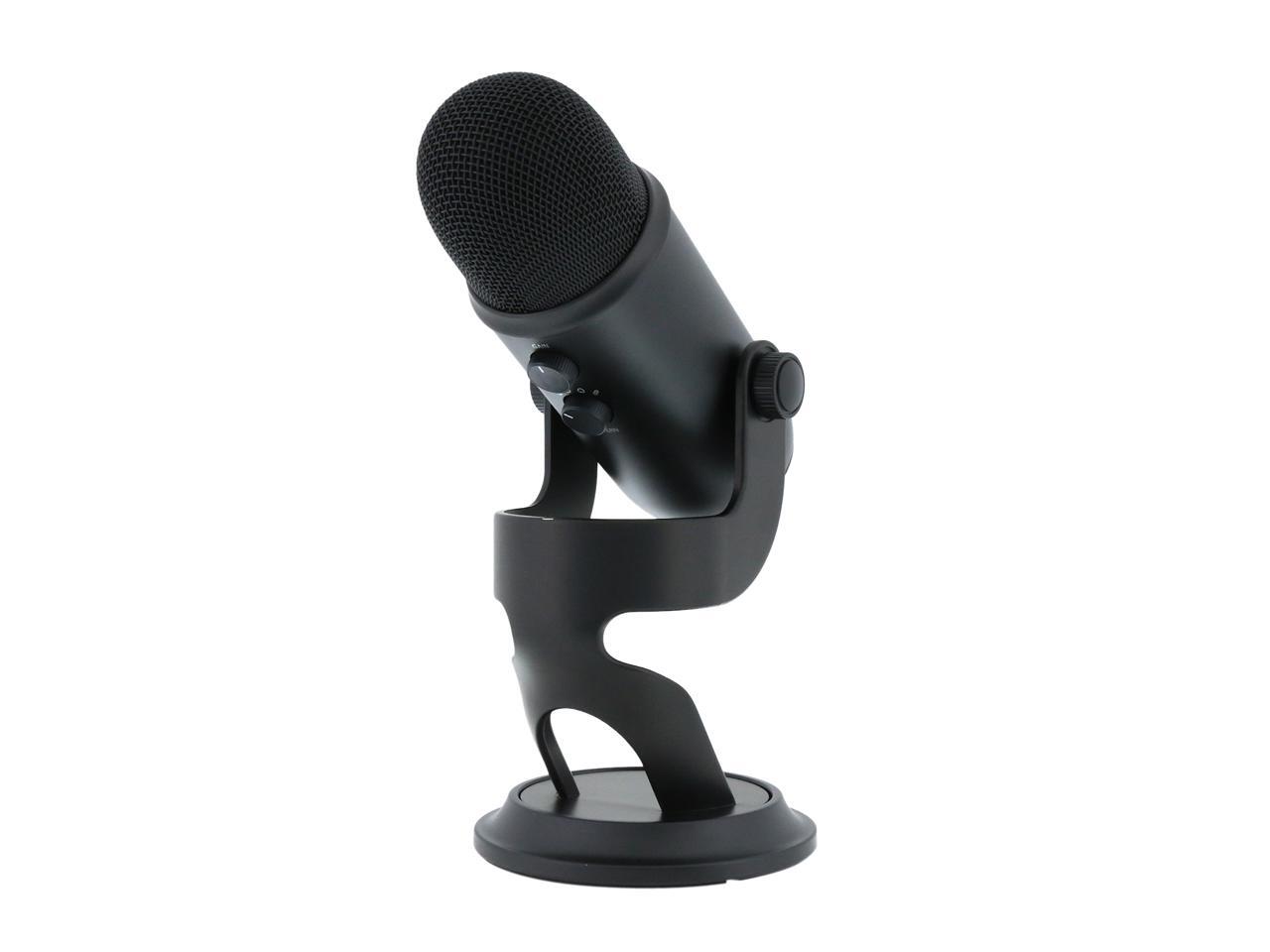
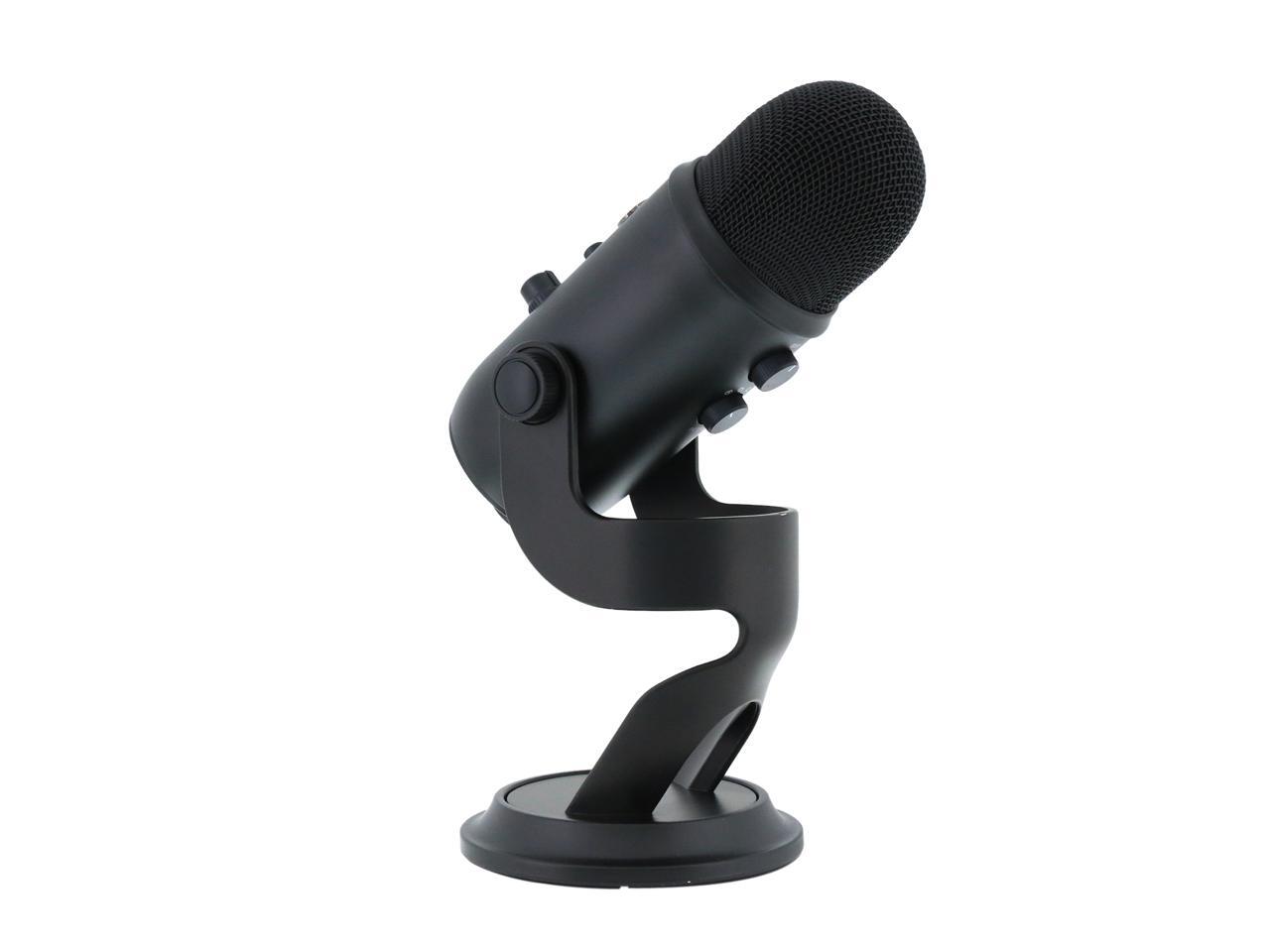
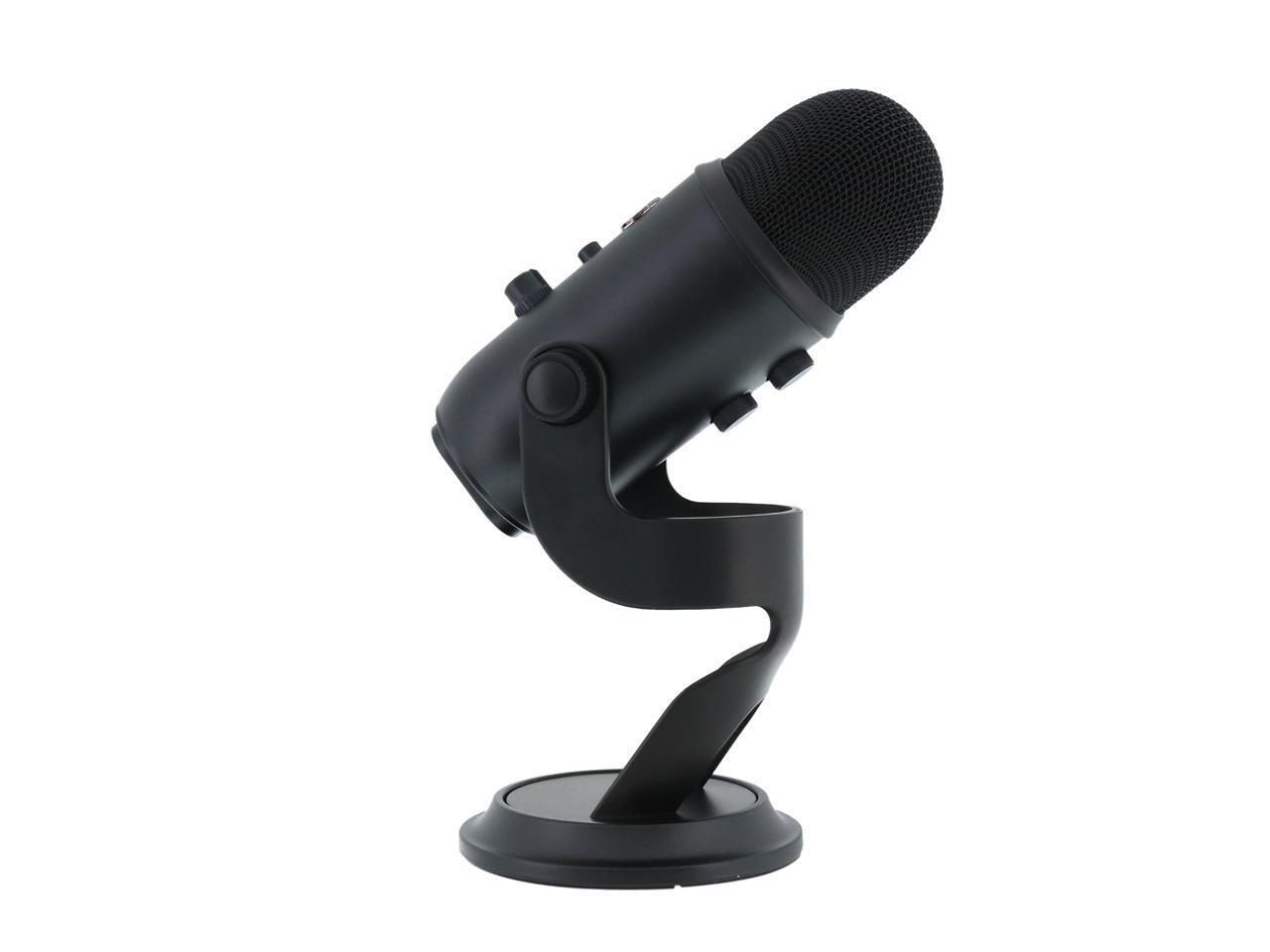
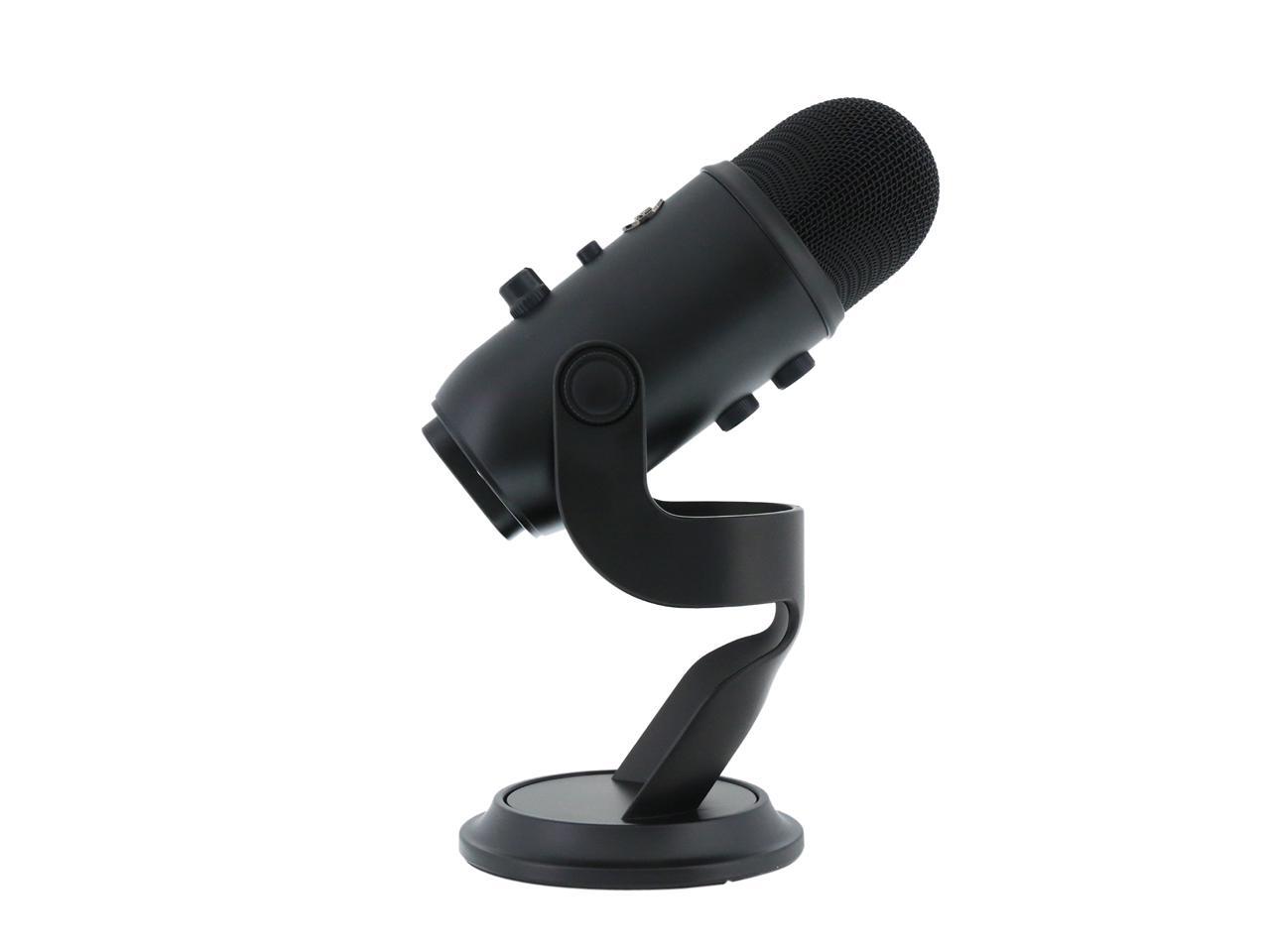
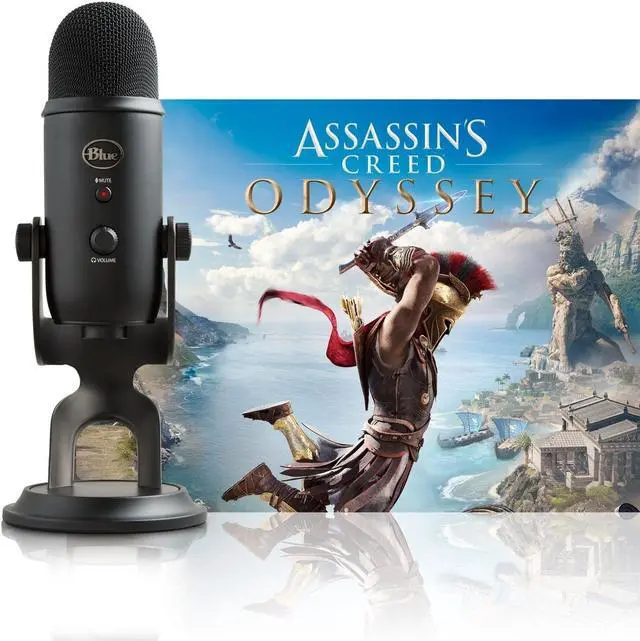
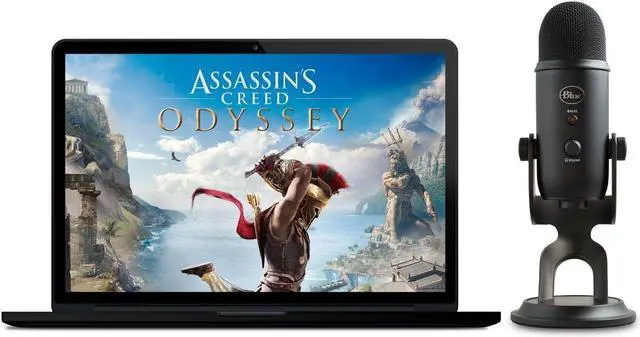
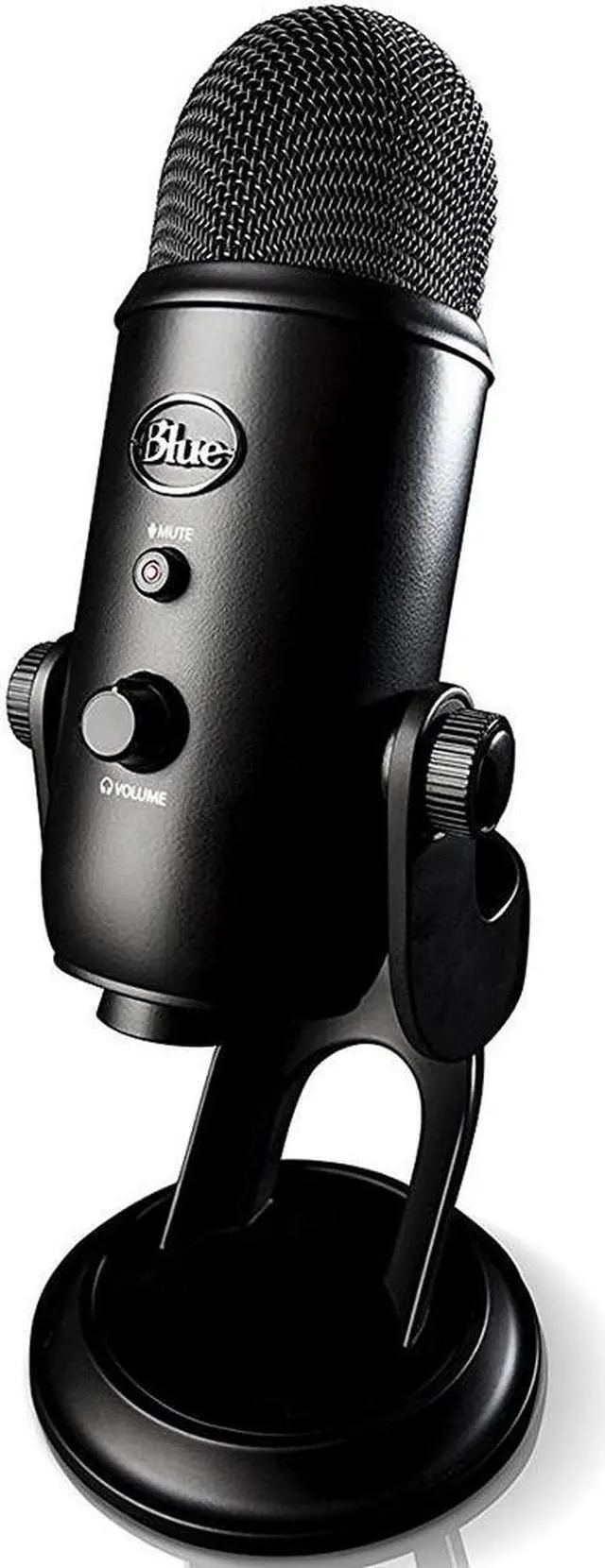



YETI + ASSASSIN'S CREED ODYSSEY BUNDLE
SOUND & STREAM LIKE A PRO
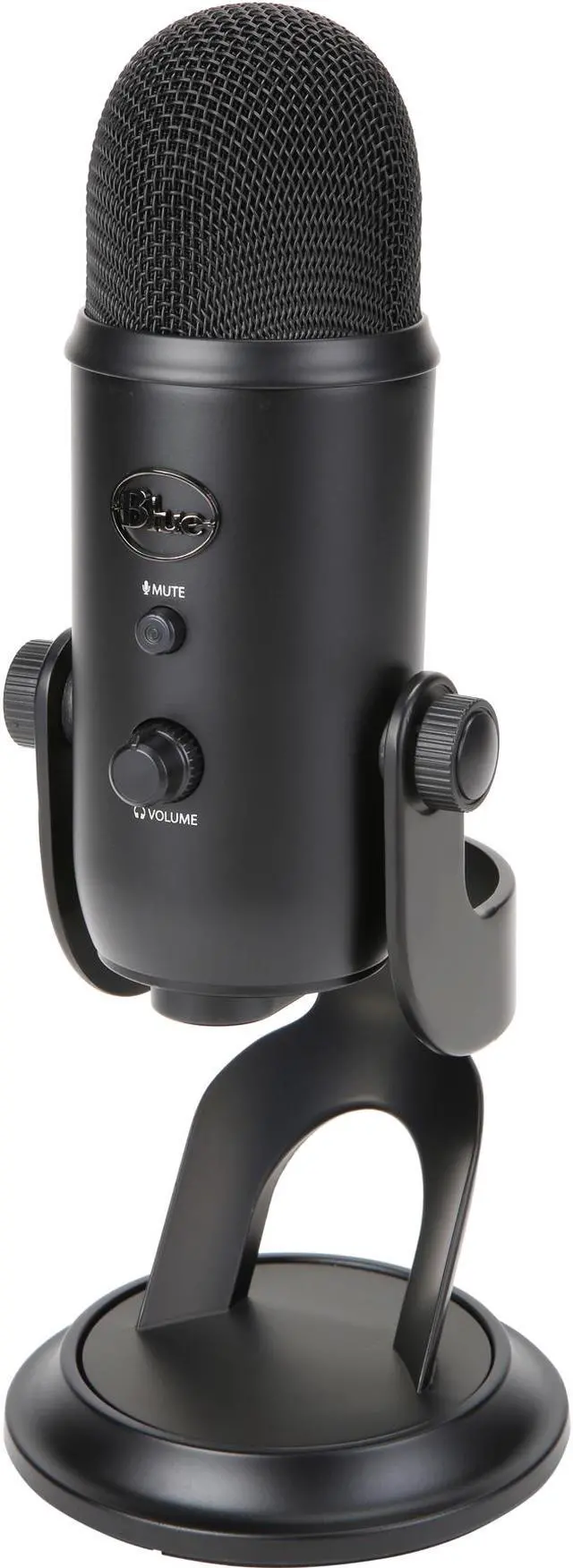
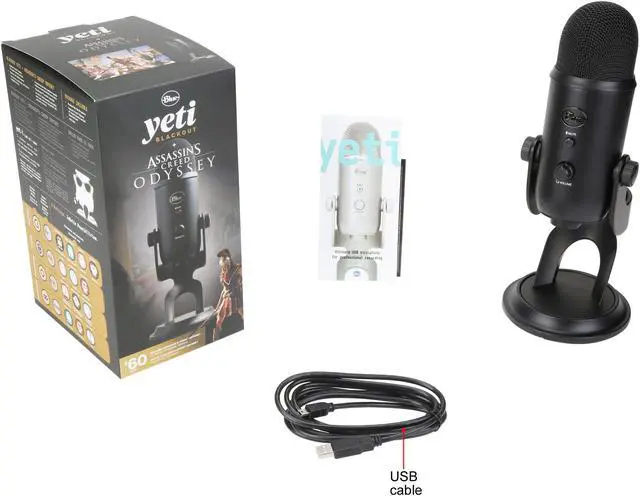
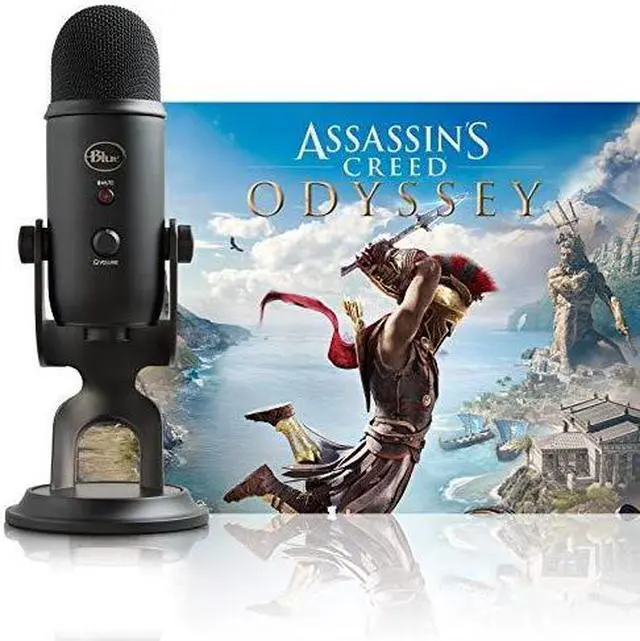
Your sound will now be loud and clear in games. So will your Twitch streams. The Yeti USB microphone offers studio-class recording in four different modes. With plug-and-play setup, you'll get impressive in-game communication and streaming in seconds. The highly-anticipated action-adventure game Assassin’s Creed Odyssey (PC Digital Standard Edition, $60 value) is also included for an unbeatable value.

Yeti
PROFESSIONAL MULTI-PATTERN USB MIC FOR RECORDING & STREAMING
The Yeti USB microphone is constructed of three condenser capsules to pick up any sound with unrivaled depth and clarity. You can record in cardioid mode, stereo mode, omnidirectional mode and bidirectional mode. So it goes far beyond gaming and streaming. You can use it for professional podcasting, music recording and audio for video.
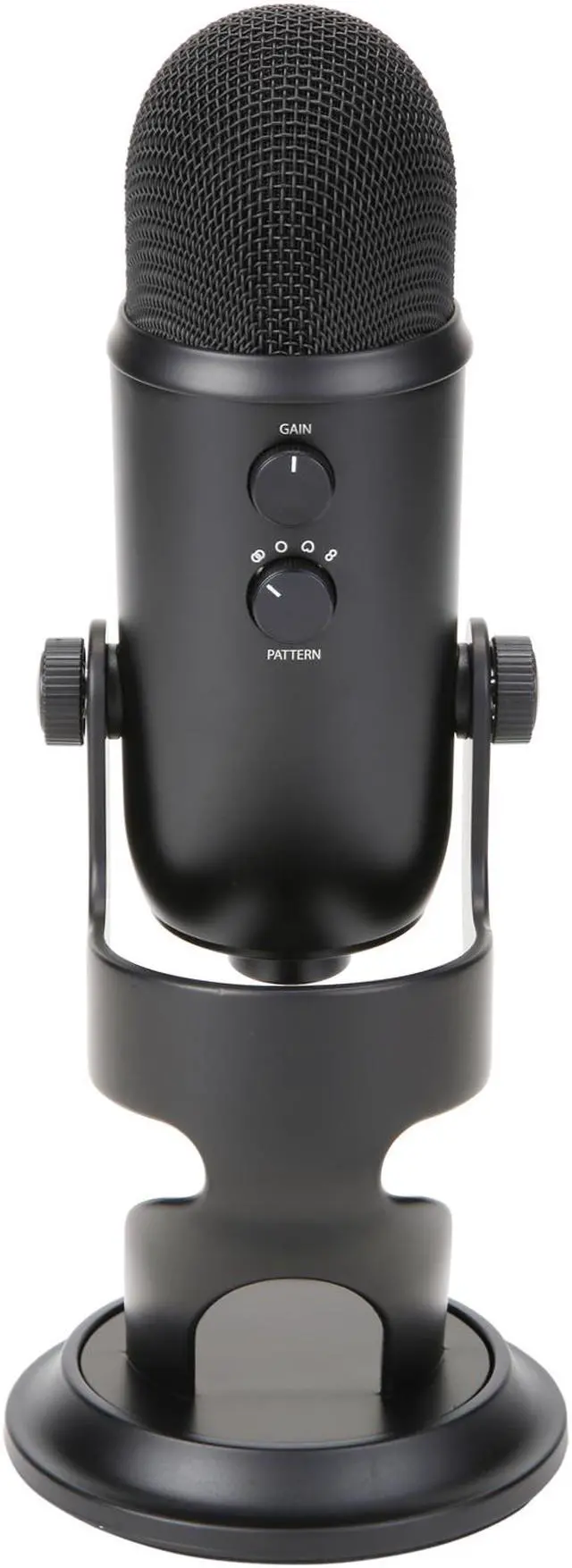
FOUR PATTERNS FOR VERSATILE RECORDING

CARDIOID MODE
Perfect for podcasts, game streaming, vocal performances, voice-overs and instruments. Cardioid mode records sound sources that are directly in front of the microphone, delivering rich, full-bodied sound.

STEREO MODE
Uses both the left and right channels to capture a wide, realistic sound image—ideal for recording acoustic guitar or choir.

OMNIDIRECTIONAL MODE
Picks up sound equally from all around the mic. It’s best used in situations when you want to capture the ambience of "being there"—like recording a band's live performance, a multi-person podcast or a conference call.

BIDIRECTIONAL
Records from both the front and rear of the microphone—good for recording a duet or a two-person interview.
TOTAL RECORDING CONTROL WITH YETI
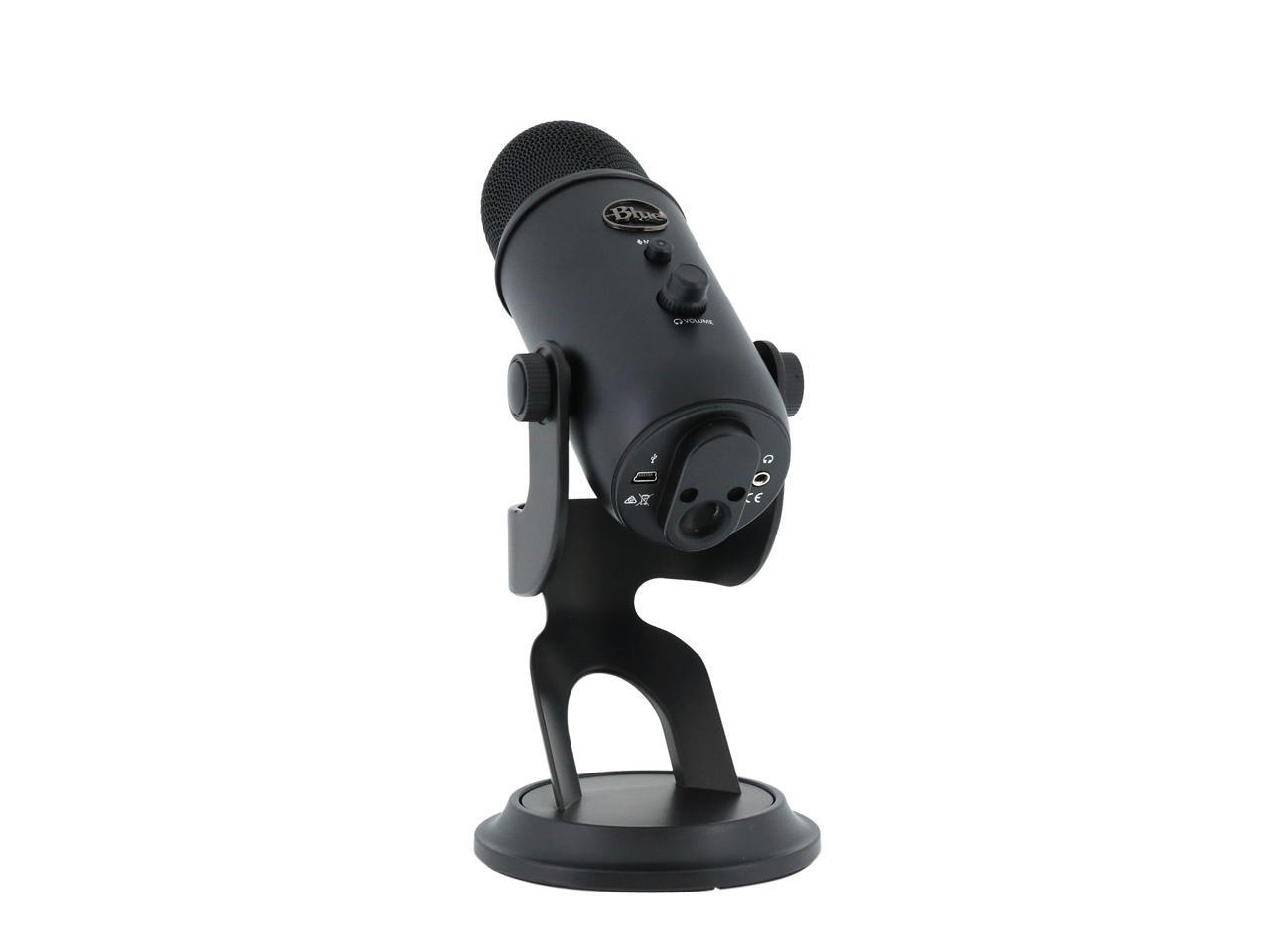
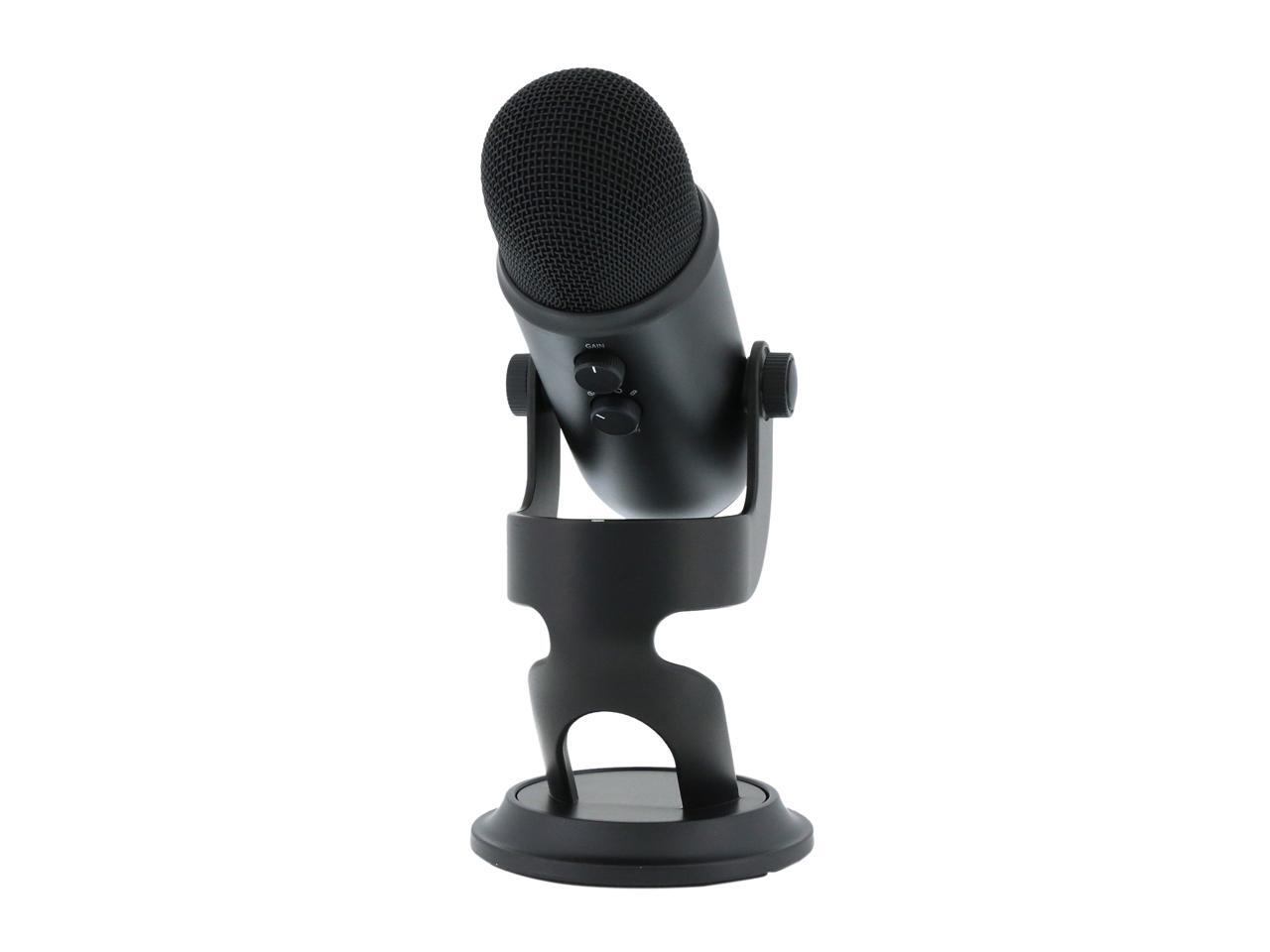
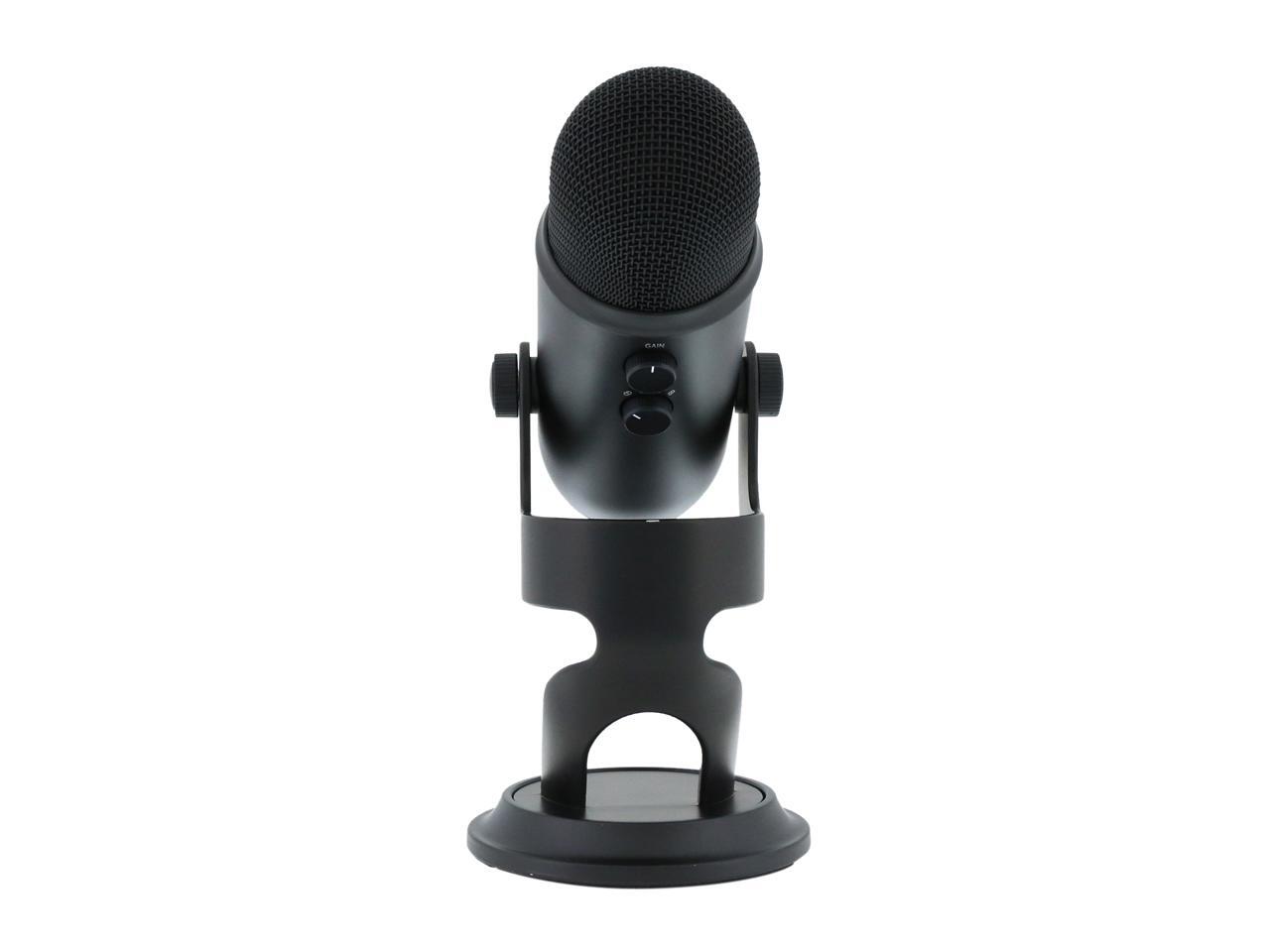
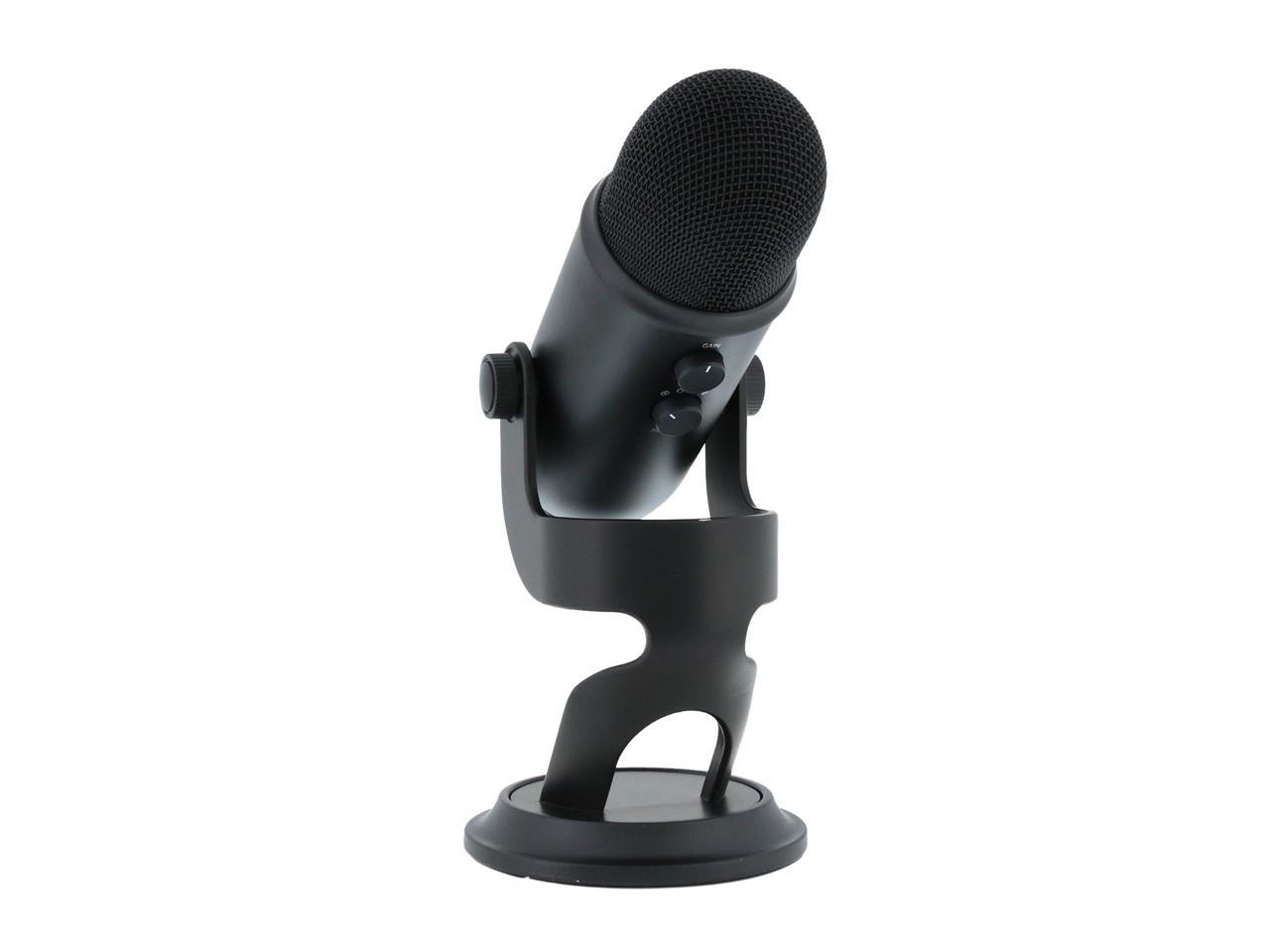
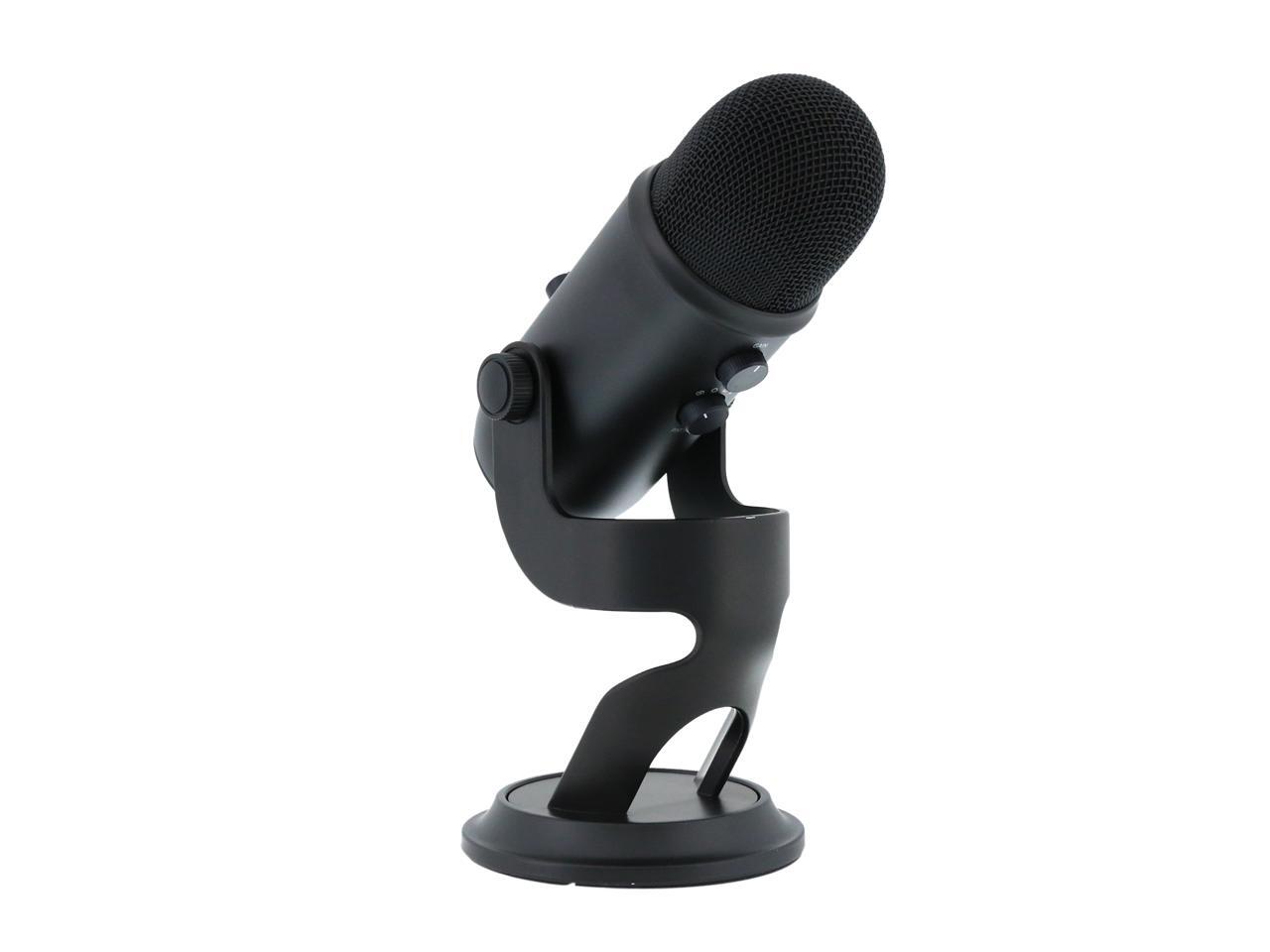
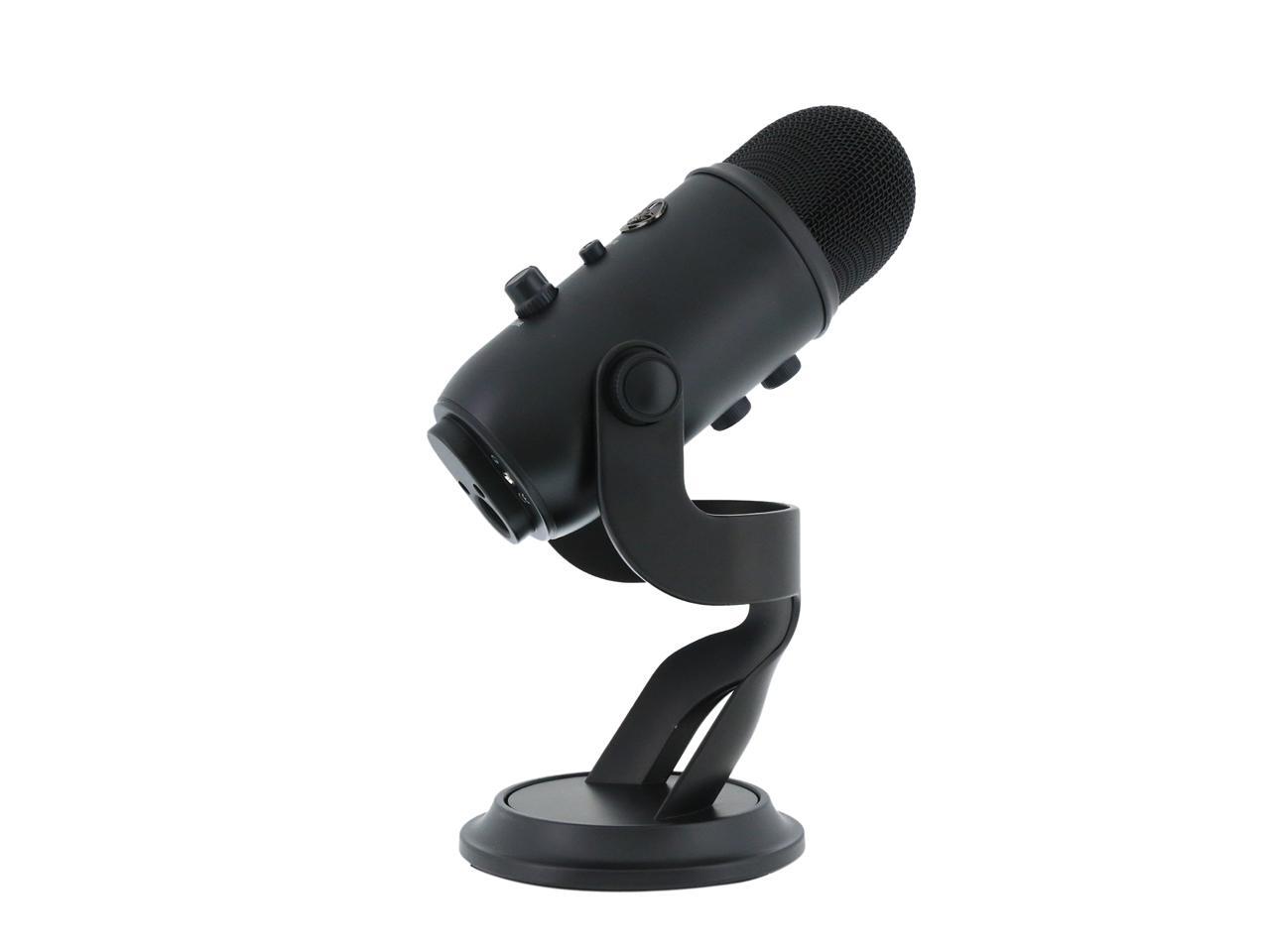
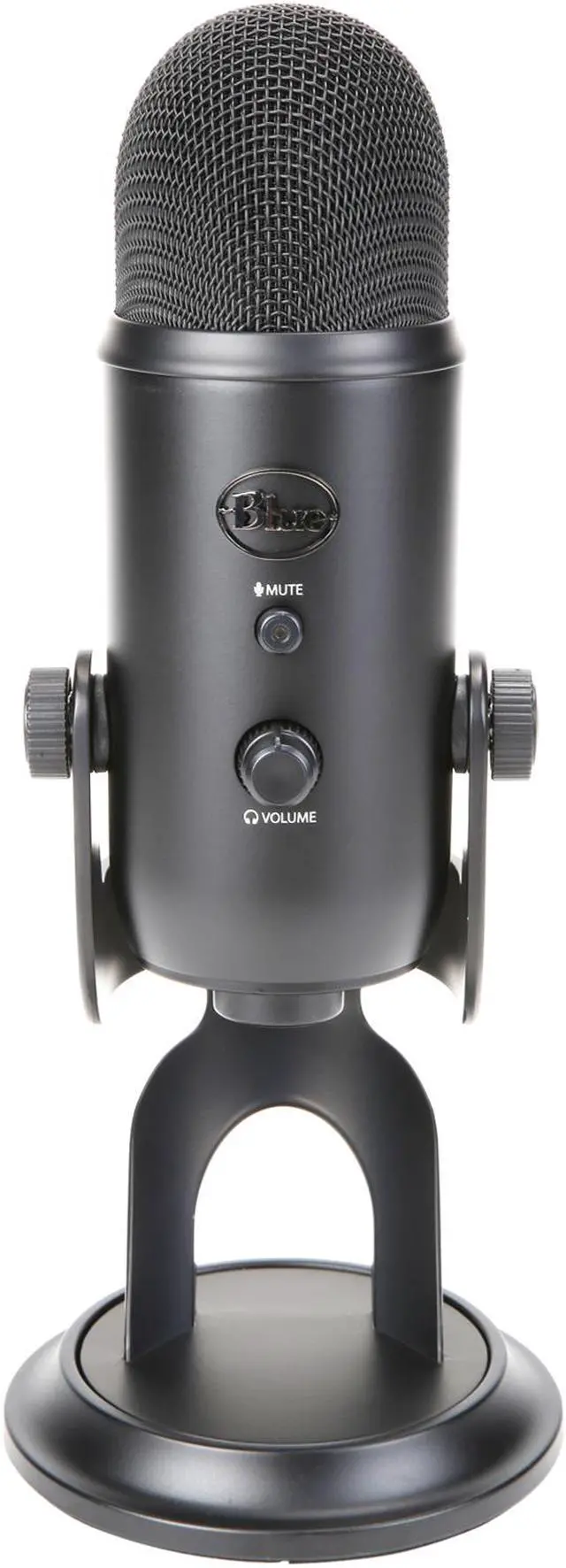
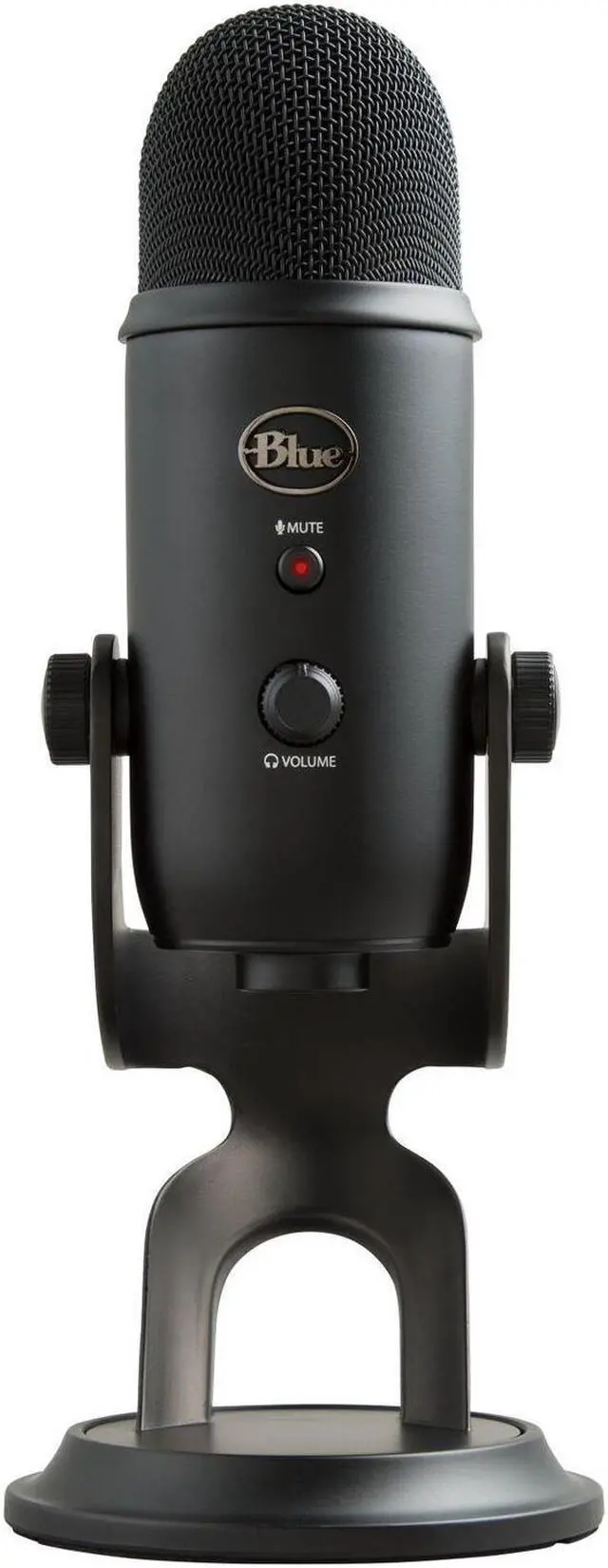
Yeti mics feature studio controls for headphone volume, pattern selection, instant mute and microphone gain—putting you in charge of every level of the recording process. If you’re experiencing distortion or feedback while recording an especially loud source—like the deafening sound of an avalanche—simply adjust the microphone's sensitivity with the gain control. Or if you want to take a break in the middle of a podcast, use the instant mute button.
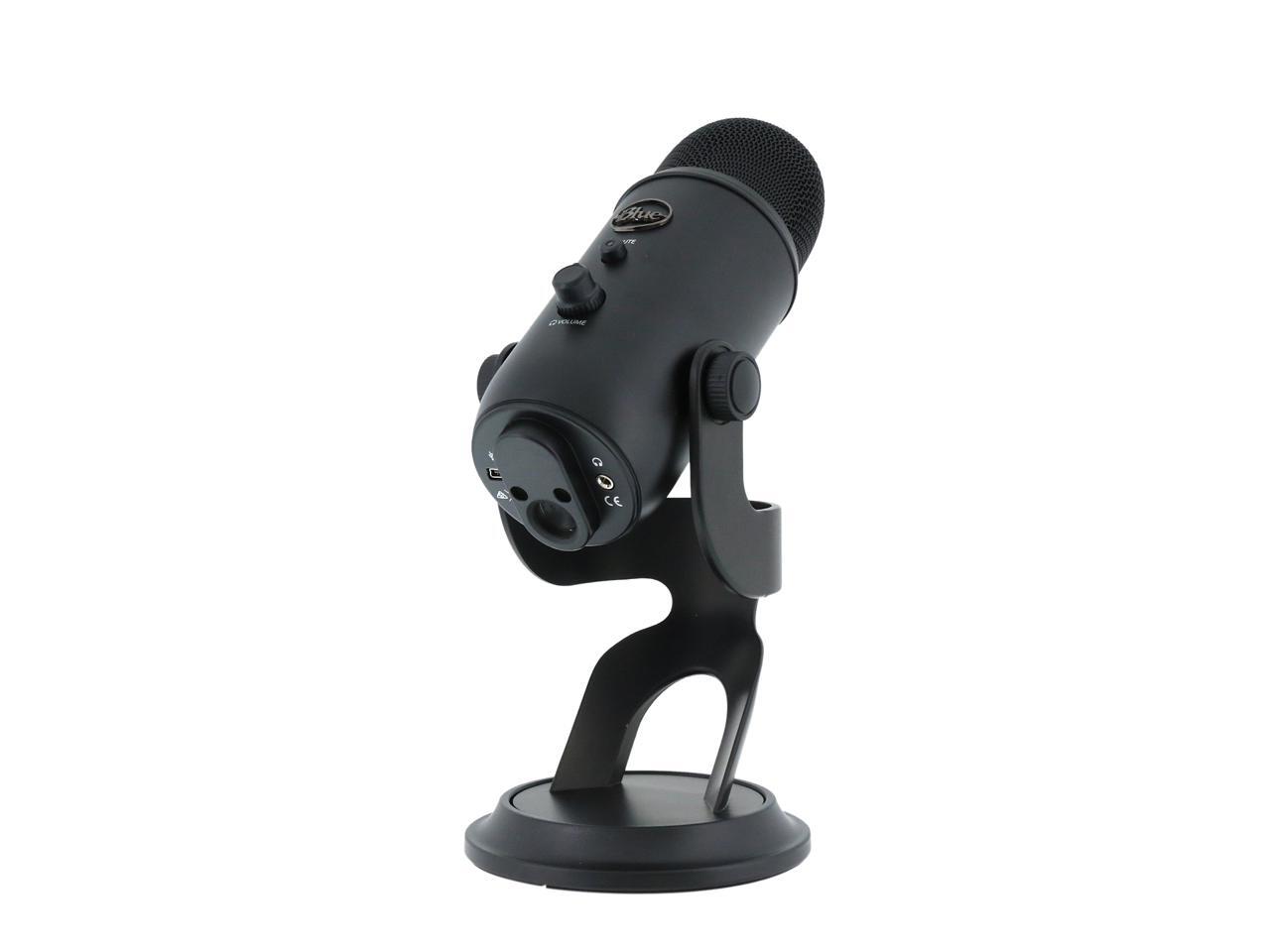
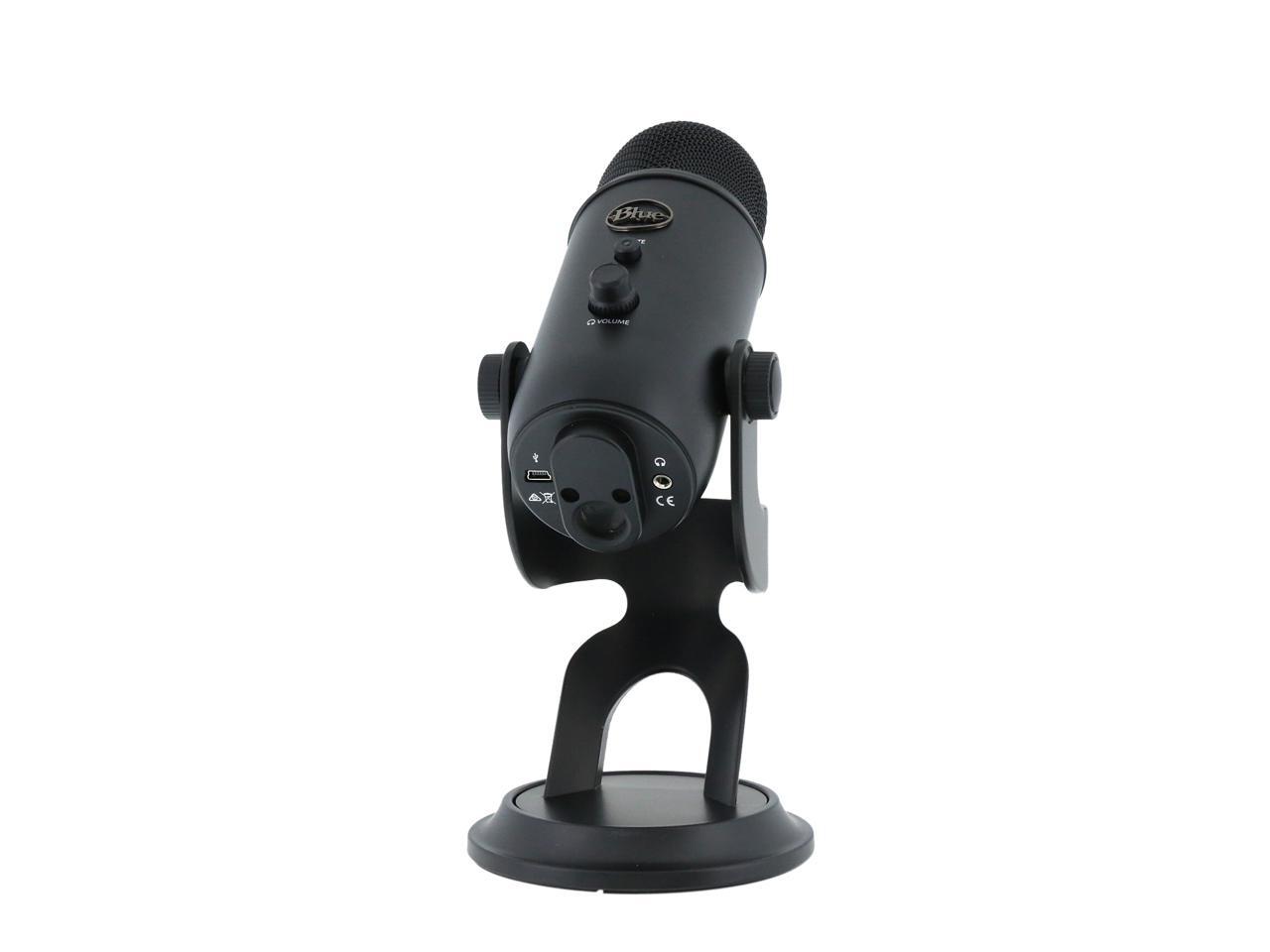
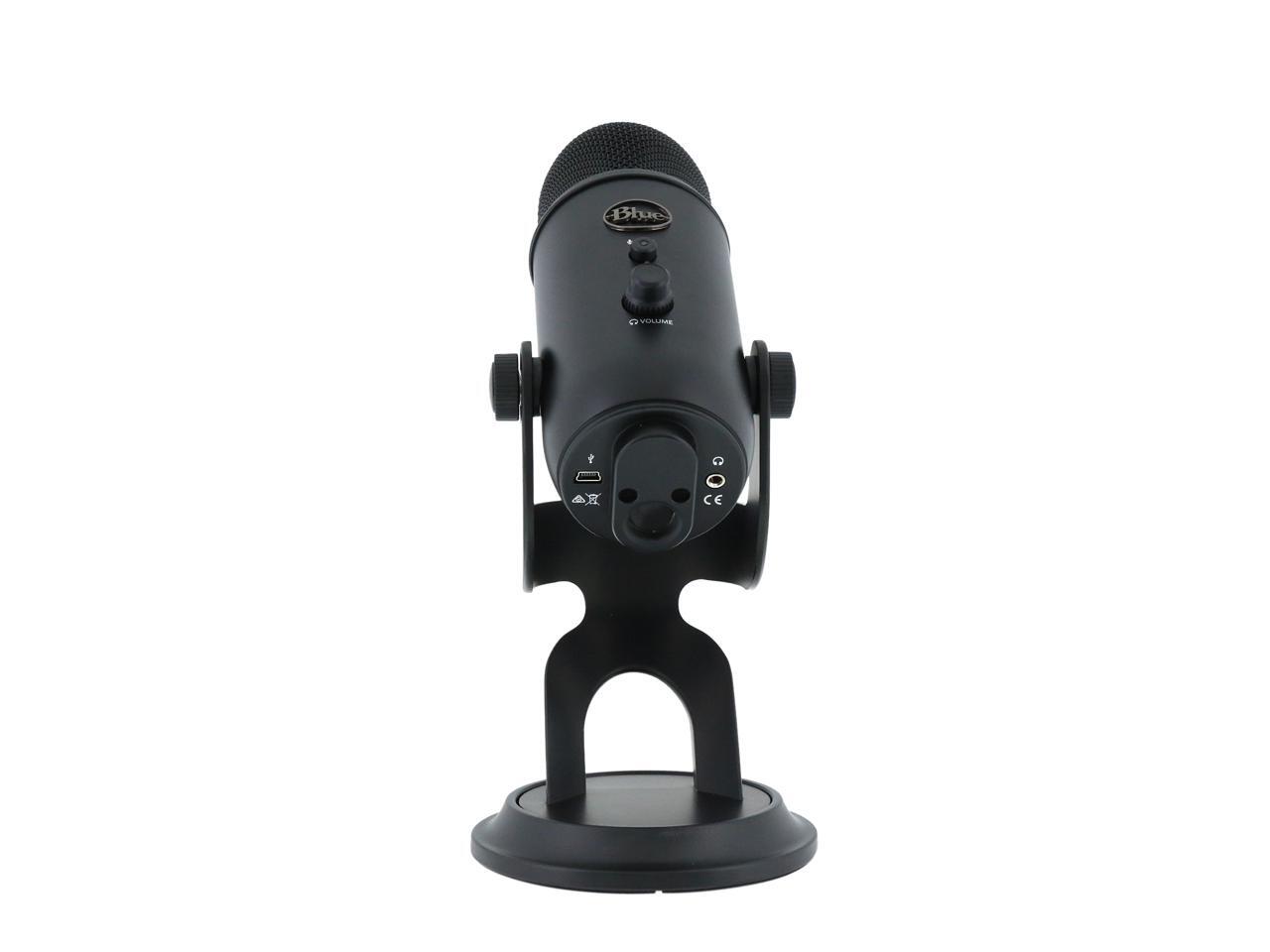
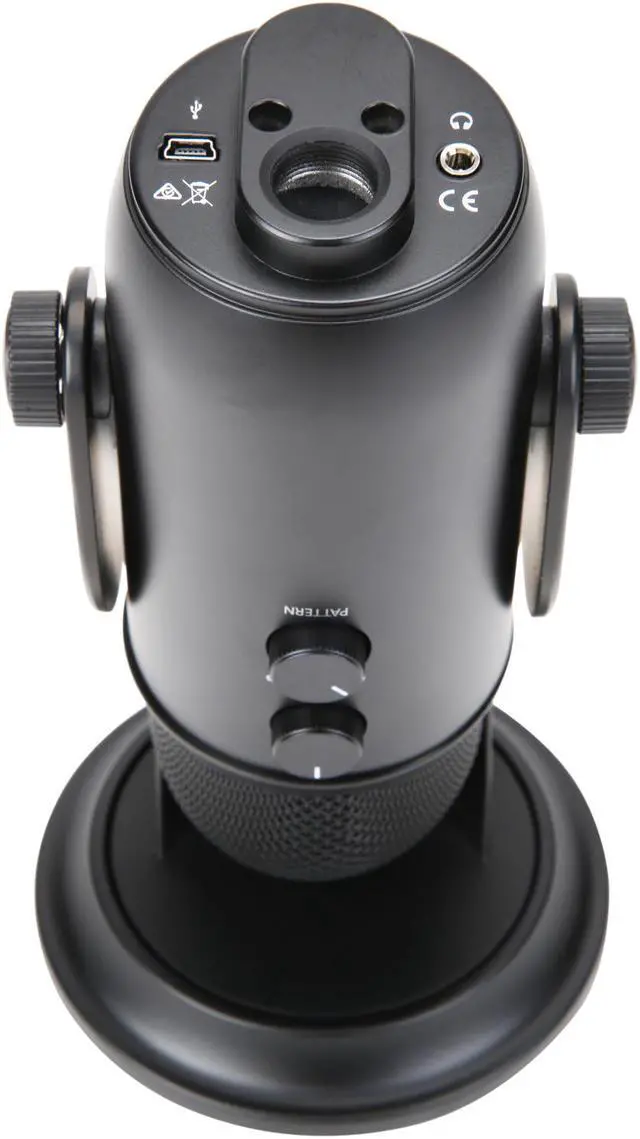
The microphone comes equipped with a 3.5-millimeter headphone jack that allows you to listen to what you're recording in real-time, without latency delays—that means no more hearing a note 3 seconds after you played it. You can adjust the volume of your headphones using the control on the front of the microphone.


INNOVATIVE DESIGN MAKES RECORDING EASY
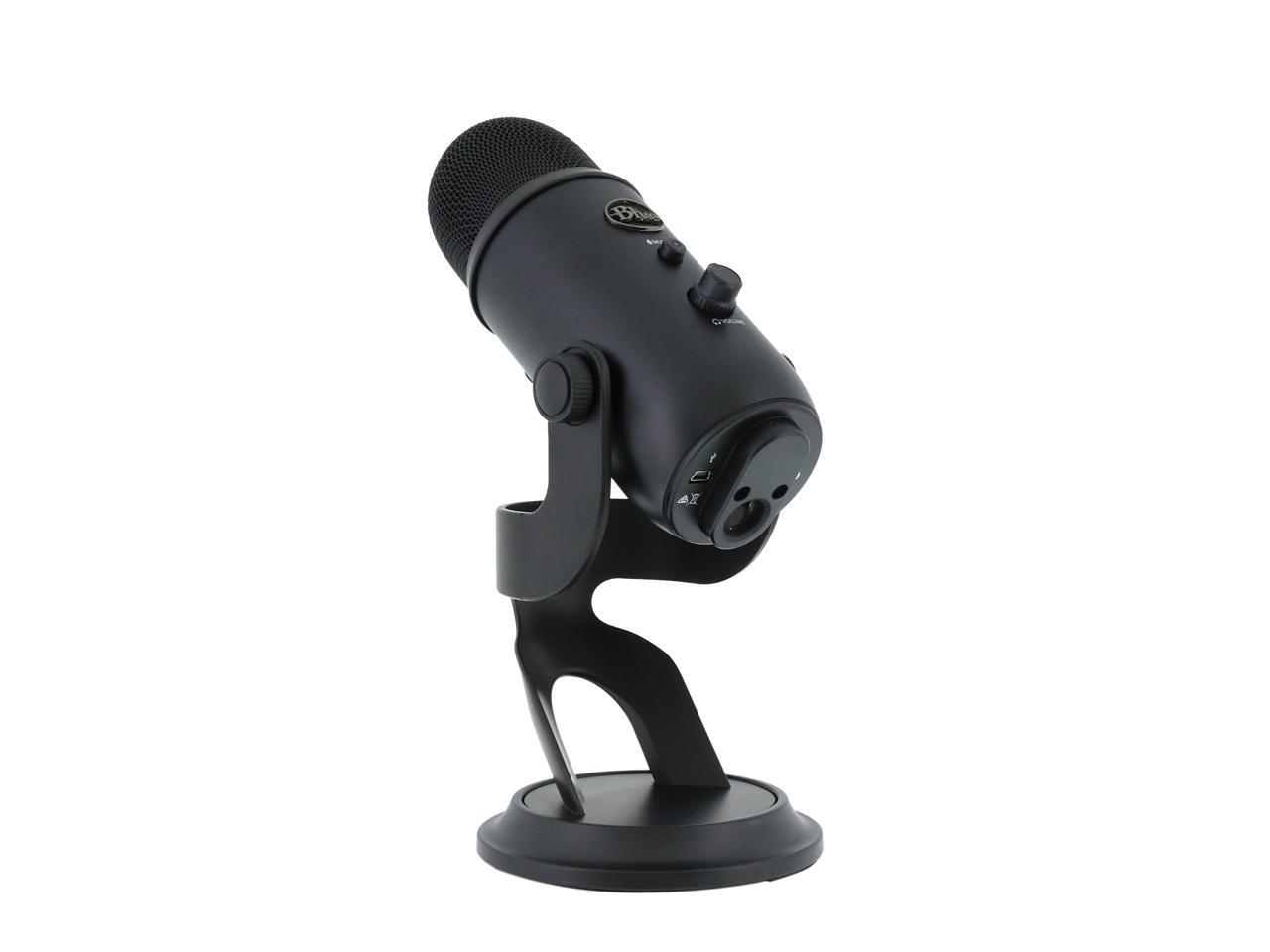
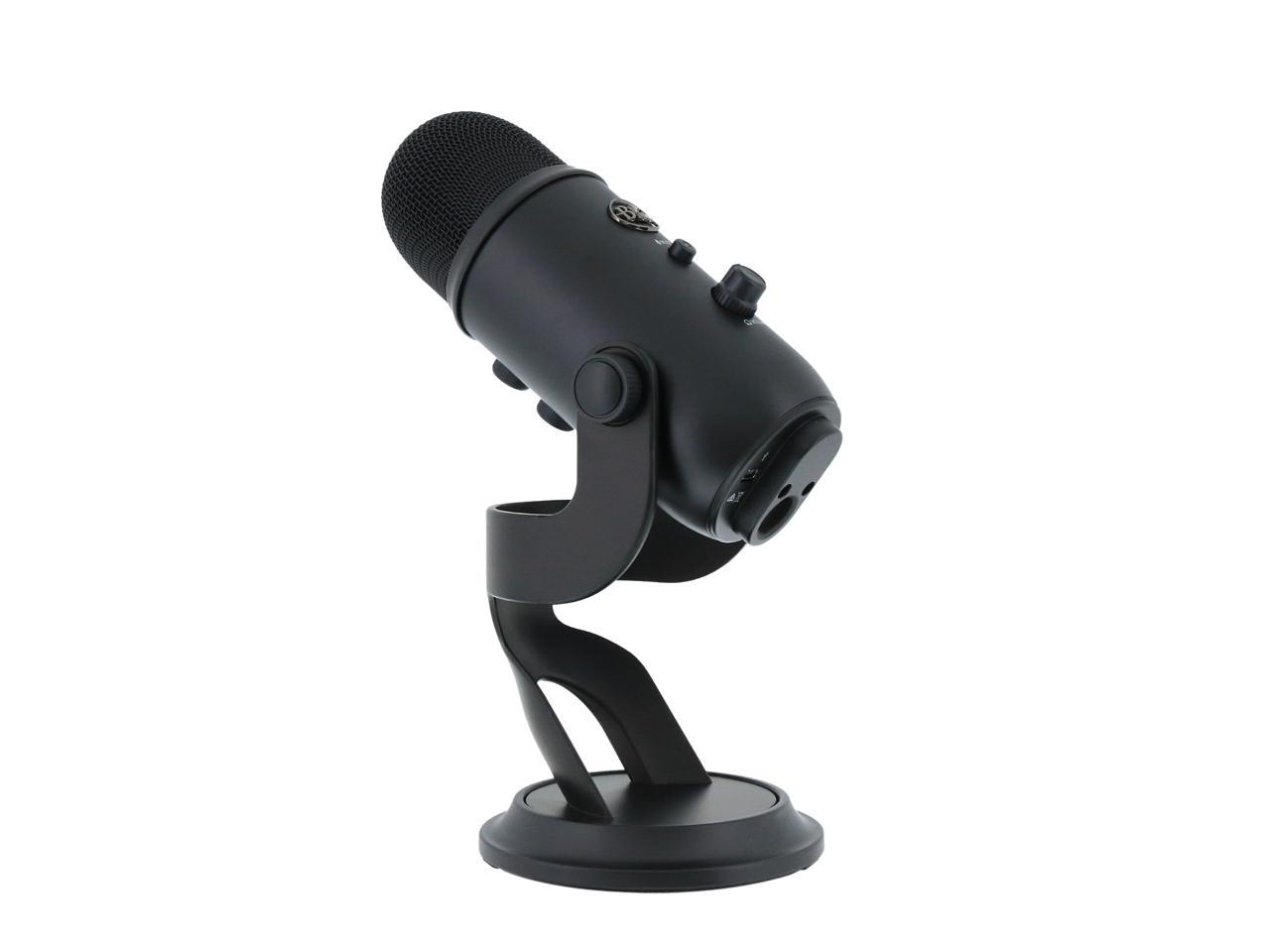
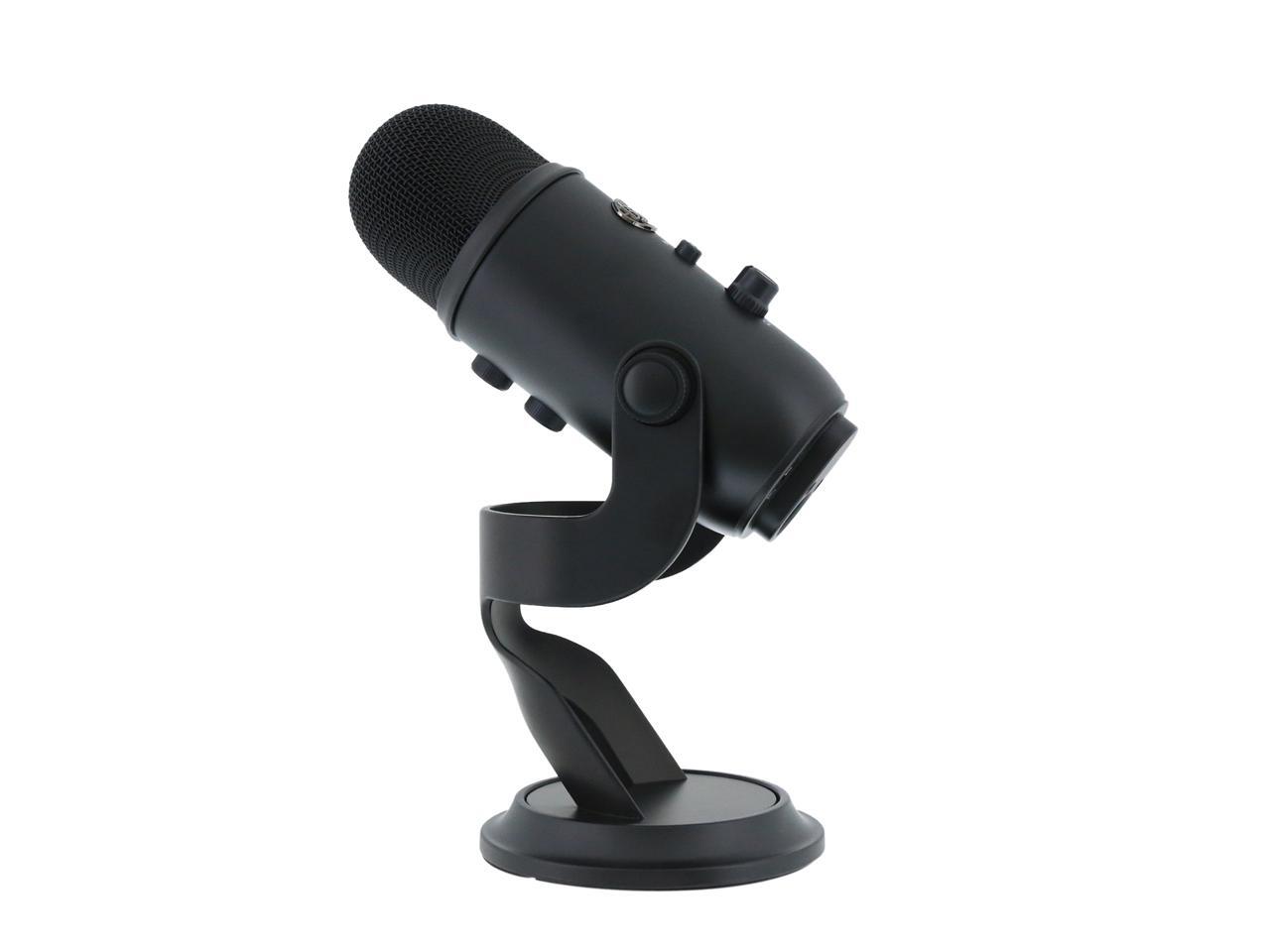
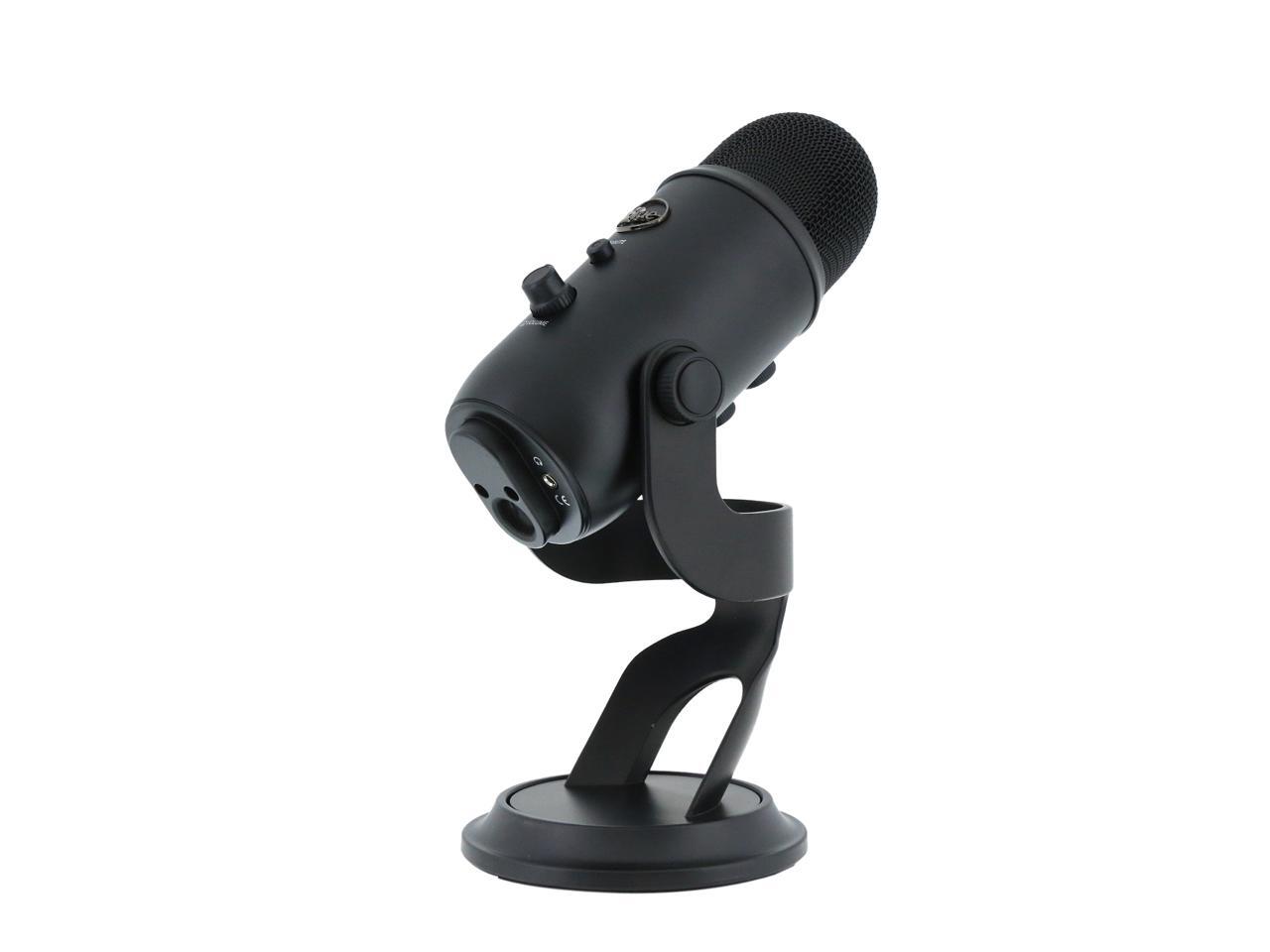
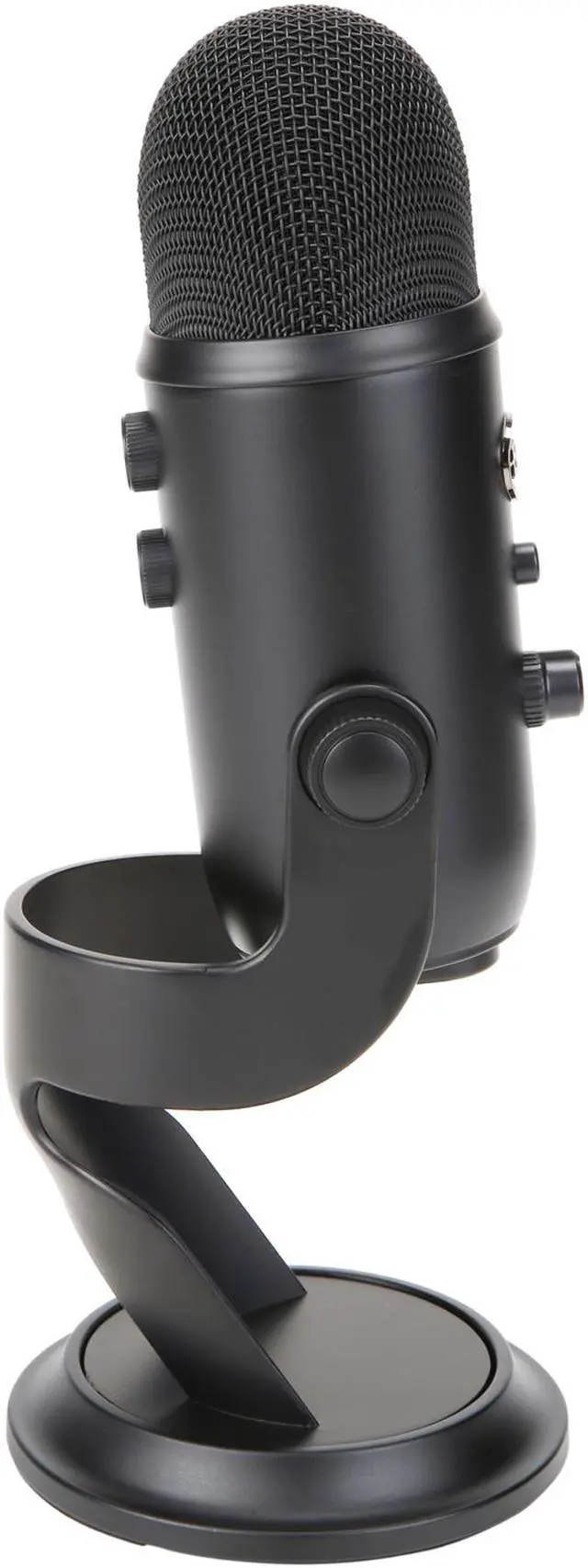
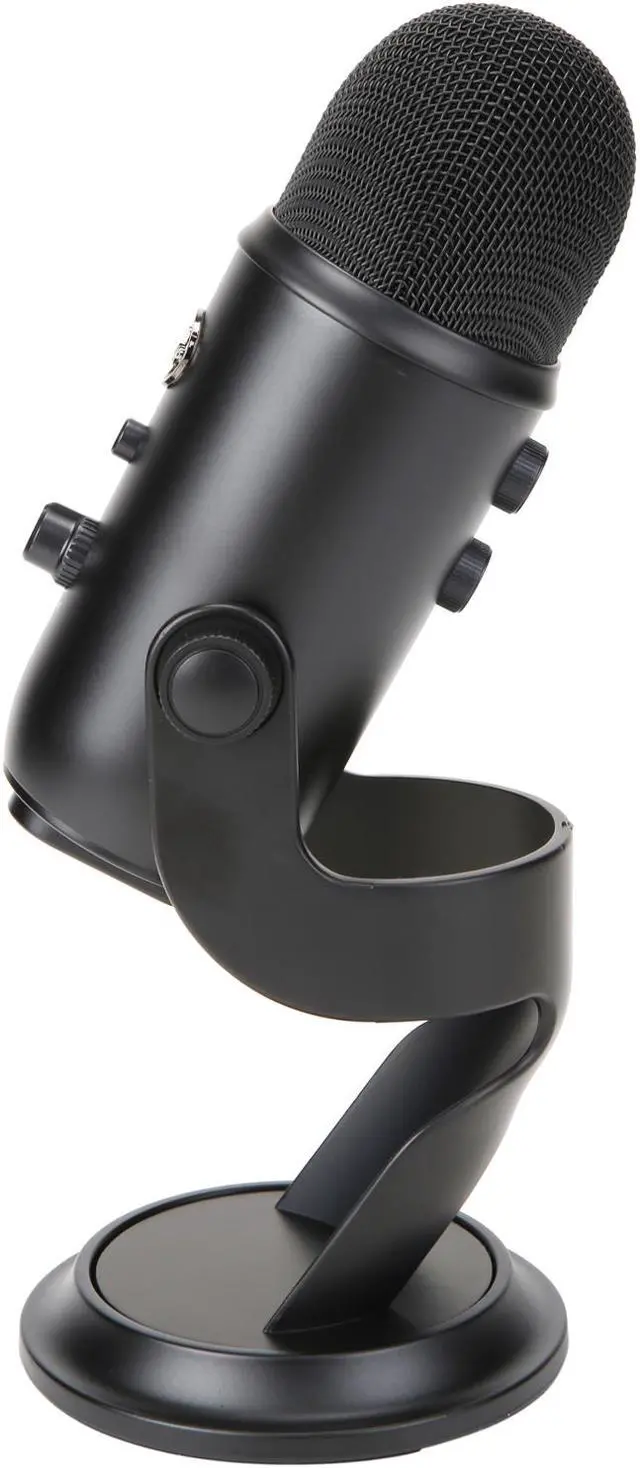
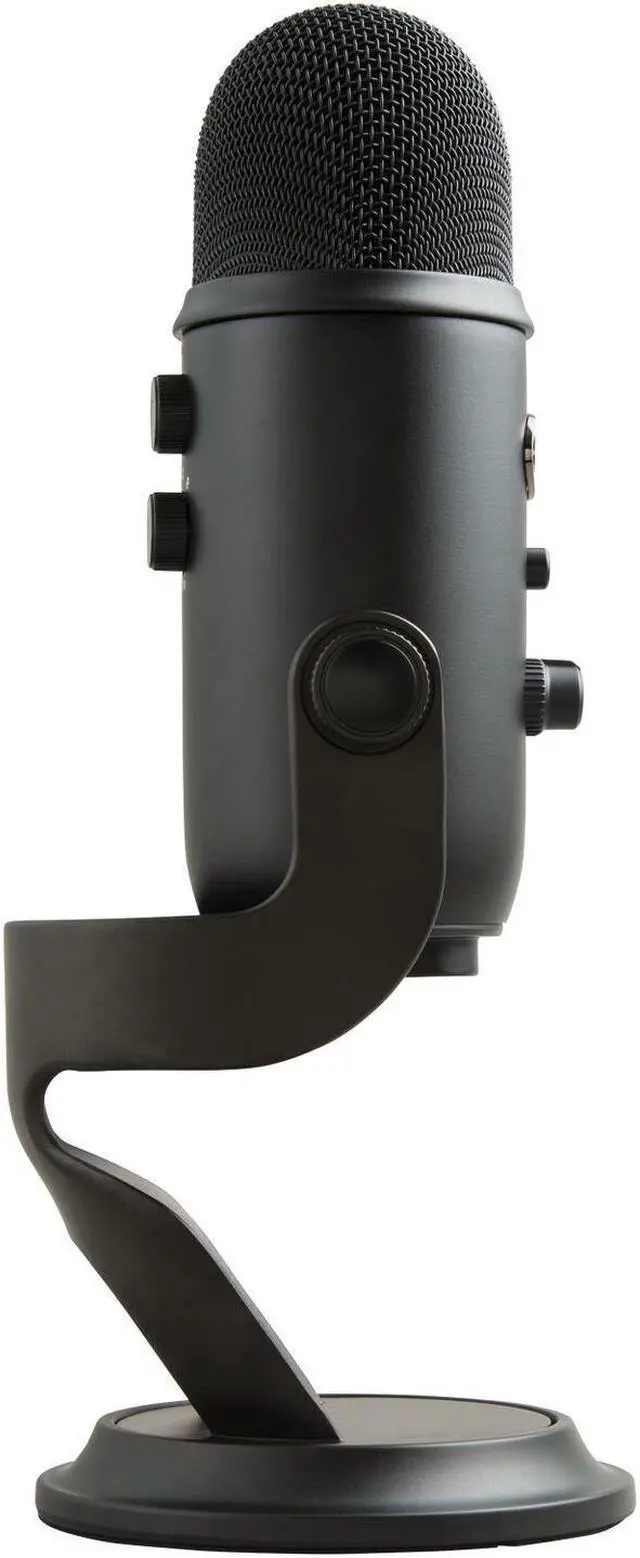
Yeti doesn’t mind getting pushed around—it lets you adjust and pivot the microphone in relation to the sound source, which optimizes your sound quality. Once you’ve achieved the desired angle, simply hand-tighten the set knobs to secure it in place. Yeti is a side-address microphone, so you can capture the best sound by going face-to-face with it. The microphone can also be folded down for easy portability, or removed completely from its base for mounting directly on a mic stand or Radius II shockmount.
HASSLE-FREE SETUP
Simply plug the Yeti mic into your computer's USB port with the included USB cable, calibrate it with your operating system and you're ready to record—rain, shine or snow. Yeti offers driver-free operation.
Yeti is compatible with Windows 10, Windows 8 (including 8.1), Windows 7, Windows Vista, Windows XP (Home and Professional) and Mac OS X (10.4.11 or higher), and requires a minimum of 64MB of RAM.

START RECORDING QUICKLY
Who needs a learning curve? Yeti was designed with a convenient, no-hassle workflow in mind. Set up in seconds with the included desktop stand or connect directly to a mic stand. Adjust microphone gain, pickup pattern, headphone volume, or mute/unmute with easy-to-reach controls. And record in comfort with Yeti’s side-address operation—just speak, sing or play into the Yeti on the same side as the Blue logo to capture pro sound.

